8 Best AI Clothes Changers for Apparel Sellers (2026)
Try the best AI clothes changer in this guide. You can easily visualize and customize clothing in photos, for your brands.


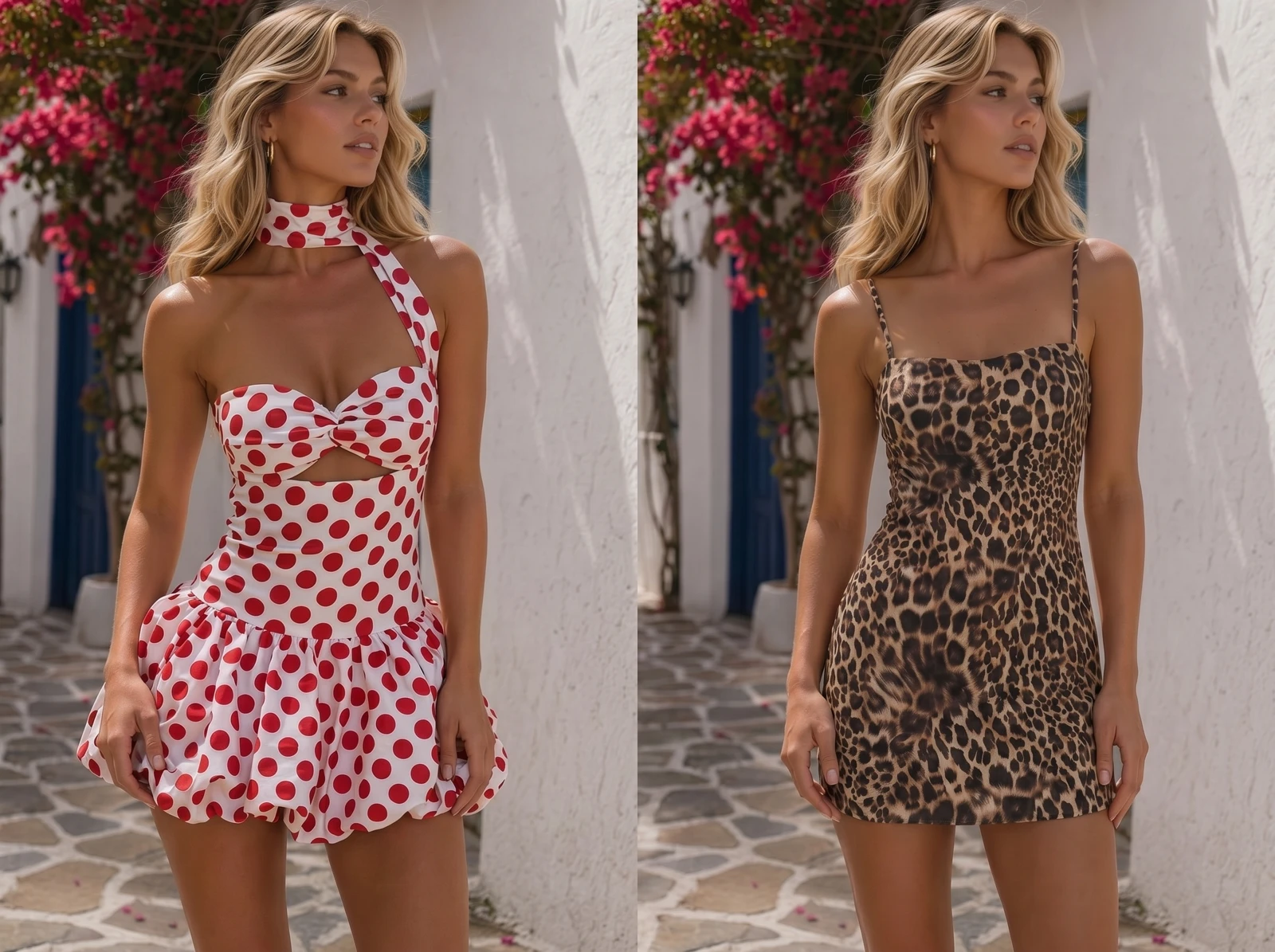
An AI clothes changer makes it possible to visualize clothing and customize model outfits. It is useful and efficient for apparel sellers to create product pages. But the requirements are strict: the garment has to stay accurate, the model has to look consistent across a whole drop, and you need the right to publish the result commercially.
Here are 8 top AI clothes changers. You can use them to change clothes in a photo, swap model outfits, create catalog images, and more.
What is an AI Clothes Changer for Apparel Sellers?
Search for “AI clothes changer” and you'll find two different types of tools.
Consumer tools are mainly designed to change the outfit in a personal photo. You start with a person and ask AI to create a different look. Seller-focused tools start with the garment. You upload a product photo and generate an on-model image while trying to preserve the actual product's color, shape, print, and construction.
This guide focuses on clothes changers for apparel stores.
How to Choose a Top AI Clothes Changer
If you're selling clothes online, check three things first to choose a tool:
Garment fidelity: Does the actual product remain recognizable and structurally accurate?
Model consistency: Can you create multiple images without the model changing noticeably?
Commercial terms: Does your plan allow the output to be used in your store, ads, and other commercial channels?
Cost per image: how much the workflow costs when you're producing dozens of images, not just testing one?
This is a practical comparison rather than a controlled benchmark. Output quality can vary depending on the garment, model image, and generation settings, so test your own hardest SKU before committing to a tool.
What Are the 8 Best AI Clothes Changers?
1. Koozee
Koozee is built specifically around apparel e-commerce workflows rather than general-purpose photo editing, which is why it takes the top spot for a clothing store. Upload a garment photo to its clothes changer and it puts the item on an AI model. You can then swap the model, the scene, the view, or the posture, without the garment being redrawn or reshoot.
That makes it particularly relevant when the goal is not just to swap an outfit in a photo, but to turn existing clothing product images into a broader set of ecommerce visuals.
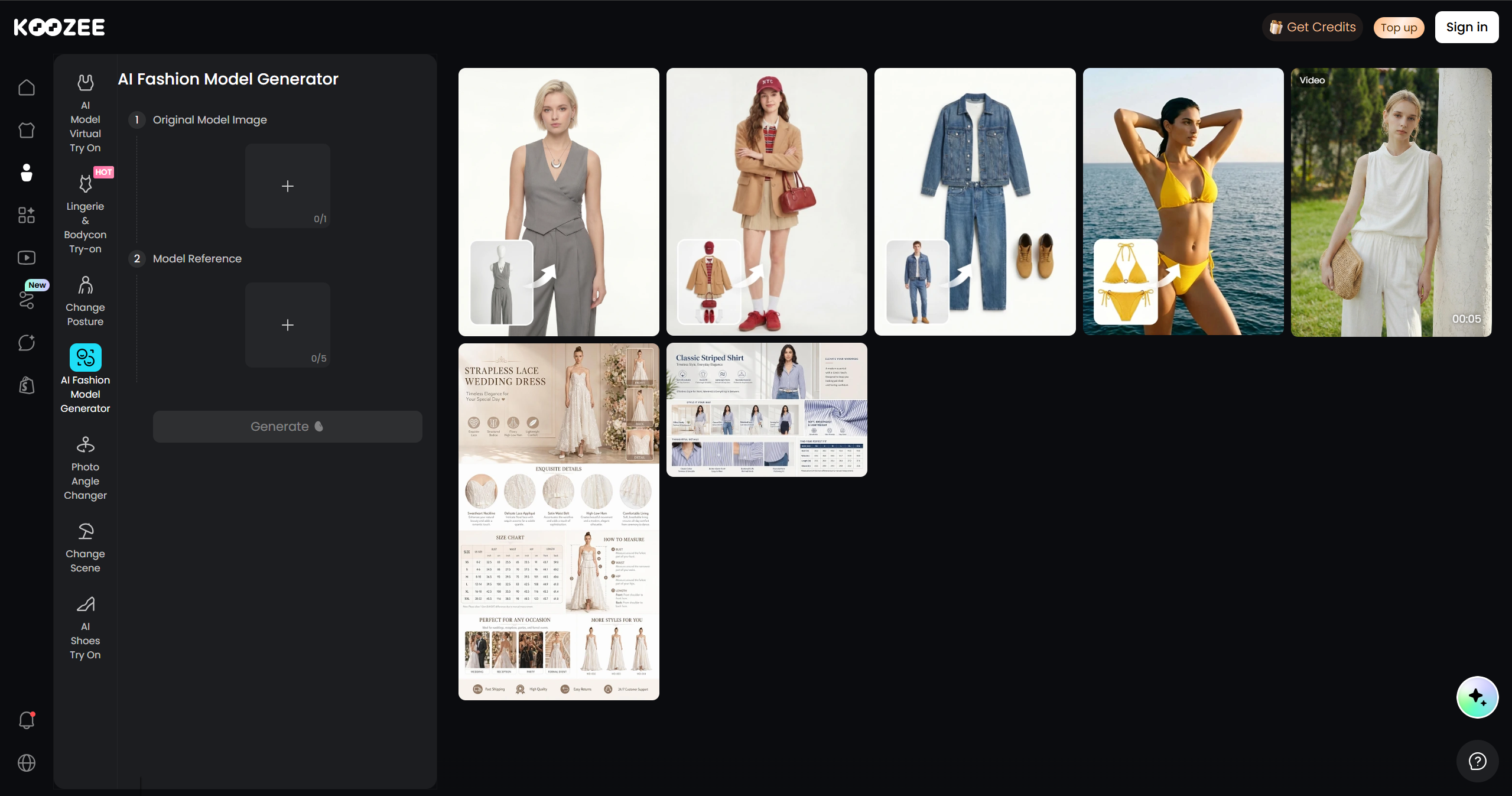
Free tier: 30 credits to start; paid plans are credit-based, so check the site.
Highlights: It also supports apparel workflows across categories such as lingerie, swimwear, and bodycon styles for legitimate e-commerce use. A Shopify connection lets you review approved visuals and send them back to the product page.
2. Botika
Botika turns flat-lay or mannequin shots into on-model photos and short video. You control body type, skin tone, pose, and background, which is useful when you want one garment shown on several different models.
It's built with Shopify teams in mind, so catalog production is the point rather than photo editing.
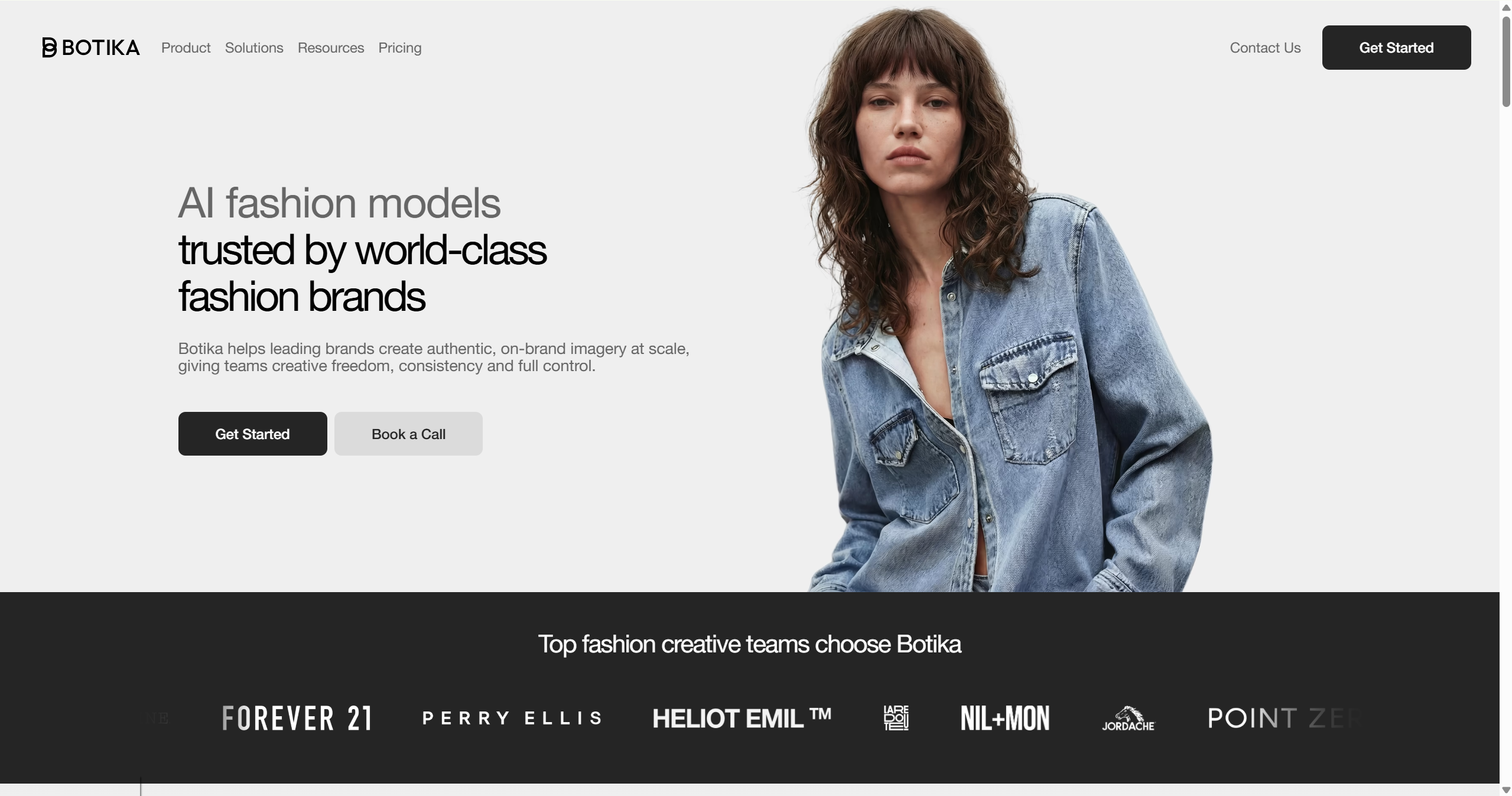
Pricing: a short free trial with 8–10 credits. The Pro version is $46/month, billed annually.
Where it slips: output realism drops on complex patterns and accessories, and generation can take 10–15 minutes per image.
3. FASHN.ai
FASHN.ai is the value pick. It covers virtual try-on, model swap, and clean packshots, works across tops, bottoms, and dresses, and — unusually — offers API access so you can automate a whole catalog instead of clicking through images one at a time.
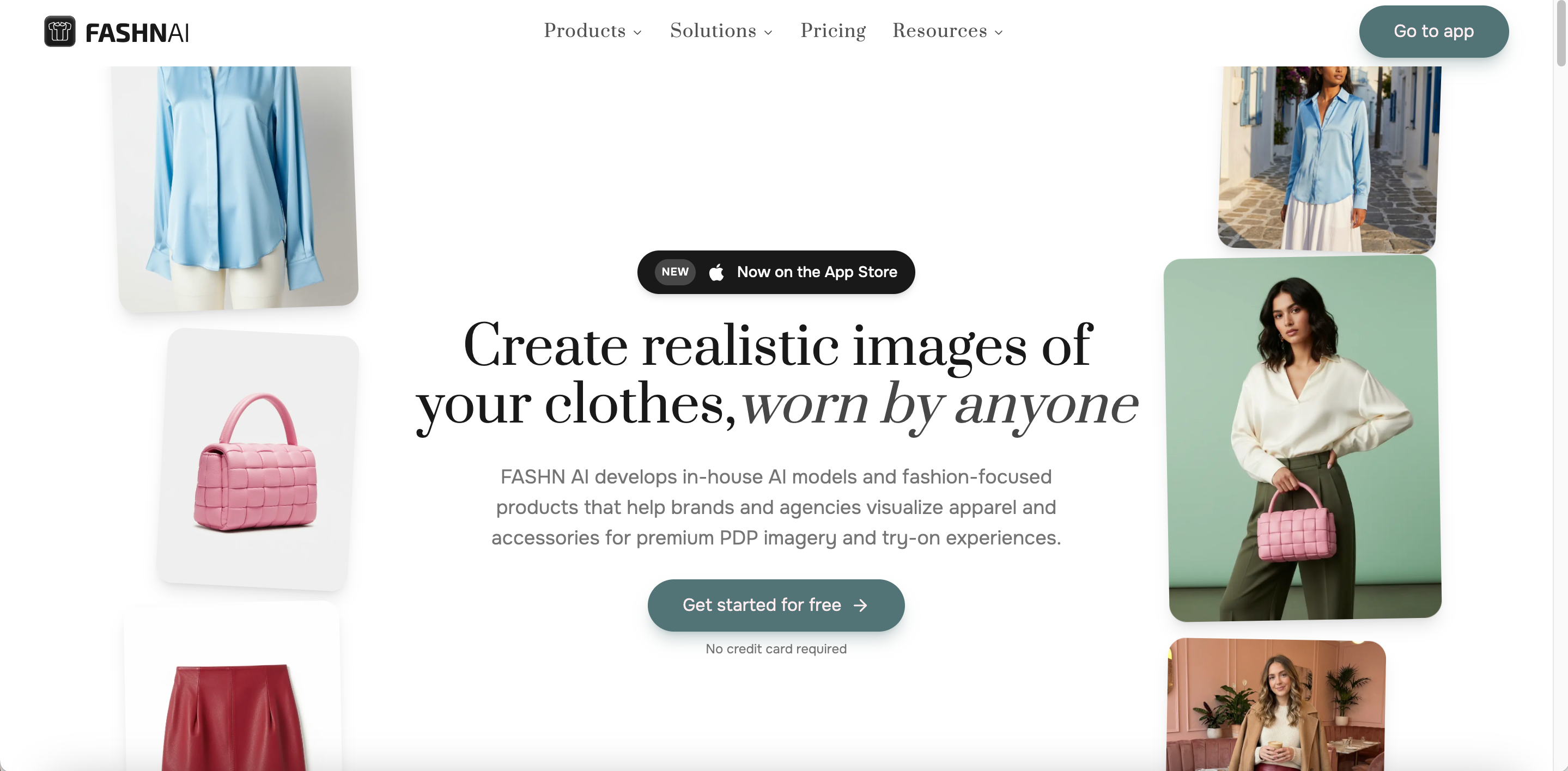
Pricing: free trial with 10 credits. Then start from $19/month ($16/month, billed annually) for 200 credits, or roughly $0.075 per image via the API.
If you're testing whether AI try-on belongs in your workflow, start here. The per-image cost makes it the cheapest way to run a real comparison.
4. WeShop AI
WeShop AI bundles more than try-on: virtual try-on, AI product photography, outfit generation, background removal, relighting, and video, all in one place. For a smaller store wanting one subscription rather than four, that consolidation is the appeal.
Free tier: 200 points, enough for roughly 20 images. Listed pricing: from about $7.99/month billed annually.
The catch is tiering. Virtual try-on and some premium features sit on higher plans, and complex textures still challenge the renderer.
5. The New Black AI
The New Black AI covers product-to-model conversion, clothes changing, and try-on video generated from two photos. It also extends beyond garments to shoes, bags, jewellery, and eyewear, which helps if your store sells accessories alongside clothing.
Free tier: 3 credits at signup. Listed pricing: around $15/month for 200 credits.
At that ratio it's competitive on price, though the free allowance is small for a proper test.
6. PhotoRoom
PhotoRoom is a broader ecommerce image-production platform rather than a dedicated clothes changer. Its AI Fashion Models feature can create model-based apparel visuals, while the wider product includes background removal, product staging, batch editing, and other listing tools. That makes it useful if clothes changing is only one part of your workflow.
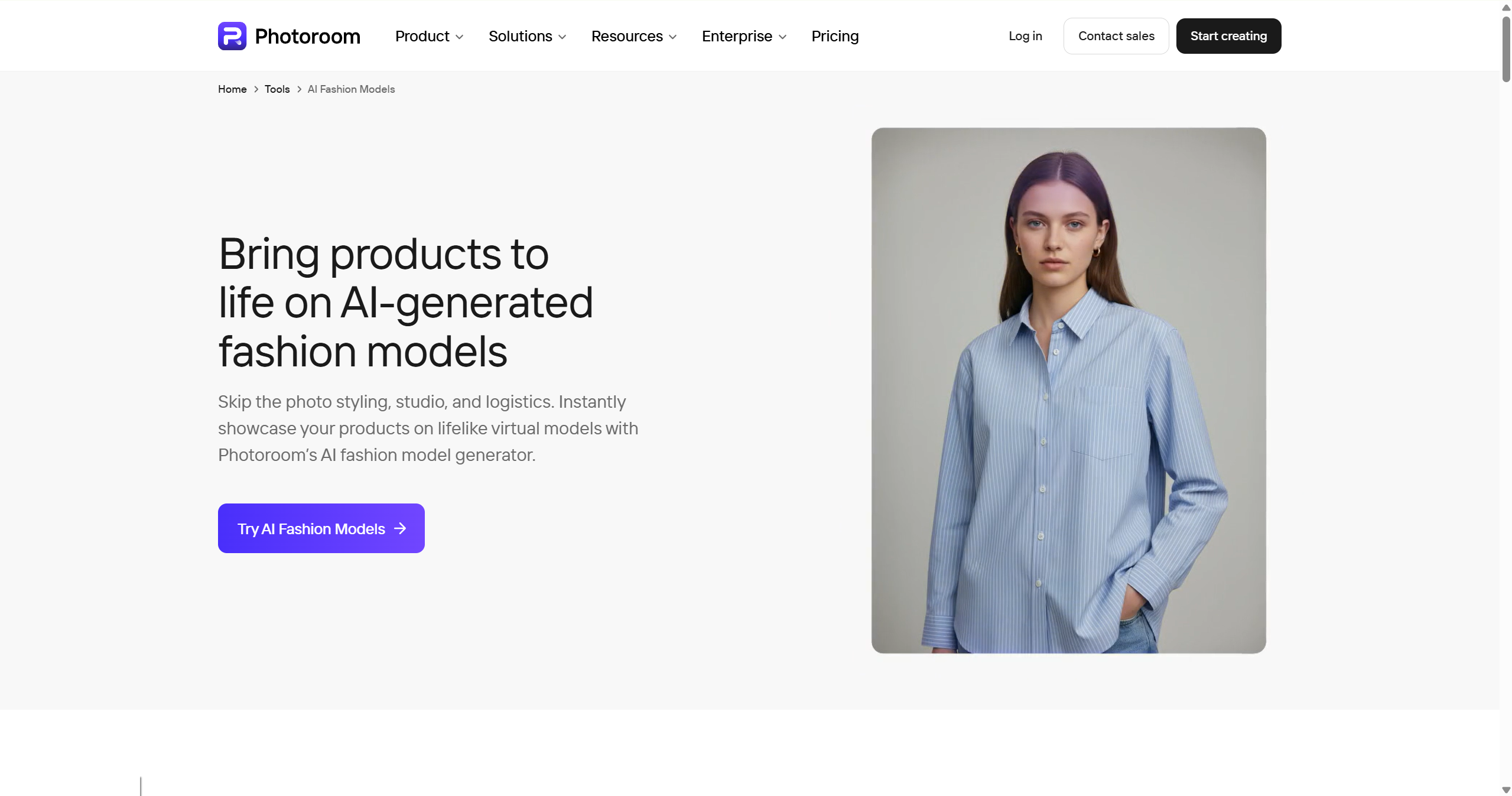
Pricing: Free tier is available. Pro from roughly $7.50/month billed annually.
Batch-export caps make high-volume pricing harder to predict than it first looks.
7. Fotor
Fotor is a useful general-purpose option for quick outfit changes and fashion mockups. It also provides an AI clothing generator that allows you to change clothes, visualize clothing design, and more.
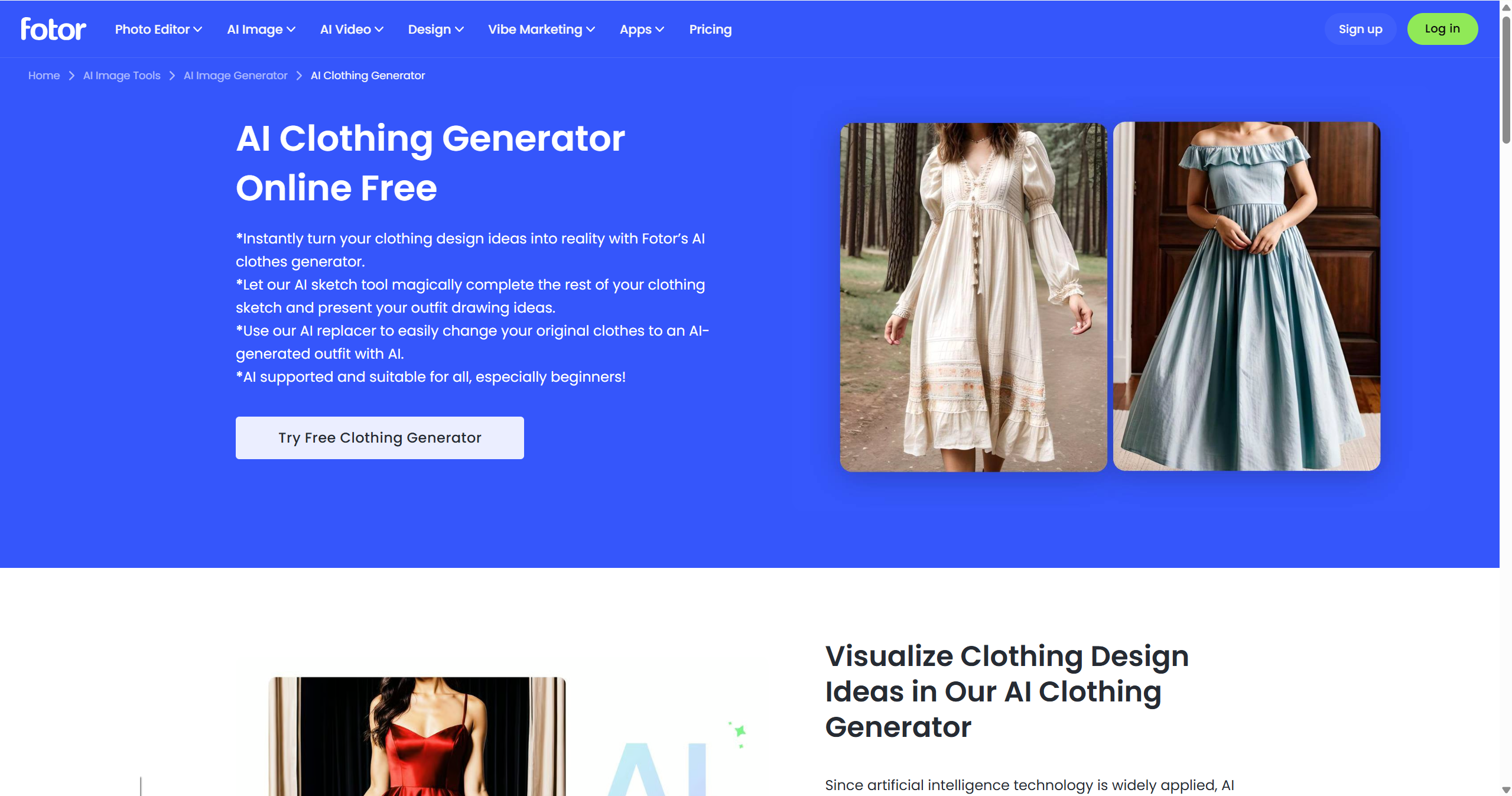
Pricing: Free tier is available. Pro is $3.99/month billed annually.
It is a production tool for image editing, and also generates AI images and videos for different uses.
8. Kling AI
Kling AI is a known AI image and video generator, which approaches this from the model side: instead of a fixed try-on form, you supply reference images and a prompt, and it renders the change to 2K or 4K. That flexibility is useful when you need something unusual — a garment in motion, or a look that doesn't match a preset.
Pricing: Free access is limited to credits. Paid plan varies by plan and promotions; check current pricing before comparing per-image cost.
The trade-off is control. Prompt-led tools are less predictable than a dedicated try-on workflow.
What to Check Before You Trust Any Tool
Run these three checks on the first image a tool returns. They catch almost every failure worth caring about.
Does the garment survive?
Zoom in on seams, prints, zips, and logos. This is where AI images most often go wrong, and it's the one error a shopper will notice immediately on a product page.
Did the body stay the same?
Check whether the body shape changes between the original and generated image. Some generative tools may alter body proportions as they reconstruct clothing.
Can you use it commercially?
Most free tiers exclude commercial use or stamp a watermark. Check before you plan a launch around one.
FAQs about Swapping Clothes for Apparel Stores
Which AI can change clothes in a photo for free? Almost all offer free credits or a free tier. For testing, free credits are enough. For a live store, you'll need a paid tier.
Why does the face or the garment change in AI try-on images? Most generative clothes-changing workflows reconstruct part or all of the image rather than simply pasting a garment over the original photo. That reconstruction can cause changes to the face, body, pose, or fabric details.
Can AI clothes changers be used for e-commerce product photos? Yes, with review. They're strong for lifestyle and campaign imagery, and weaker where absolute accuracy matters. Many sellers keep real photography for the primary listing image and use AI for the supporting shots.
Does AI outfit try-on change the body shape? Sometimes, and it's a known issue. Tools can nudge the figure toward a slimmer or more hourglass shape, which misstates how the garment actually fits. Compare the output against the original photo before publishing.
What's the fastest way to put clothing on models without booking a shoot? Start with the product photos you already have and use an apparel-focused tool to generate on-model visuals.
You May Be Interested

9 Best AI Fashion Model Generators for E-commerce (2026)

How to Photograph Clothing Without Models: 6 Methods

14 Best Model Poses for Clothing Product Photography (2026)