Create Lookbook, Try-On & Social Videos from Clothing Photos
No image? Try one of these:
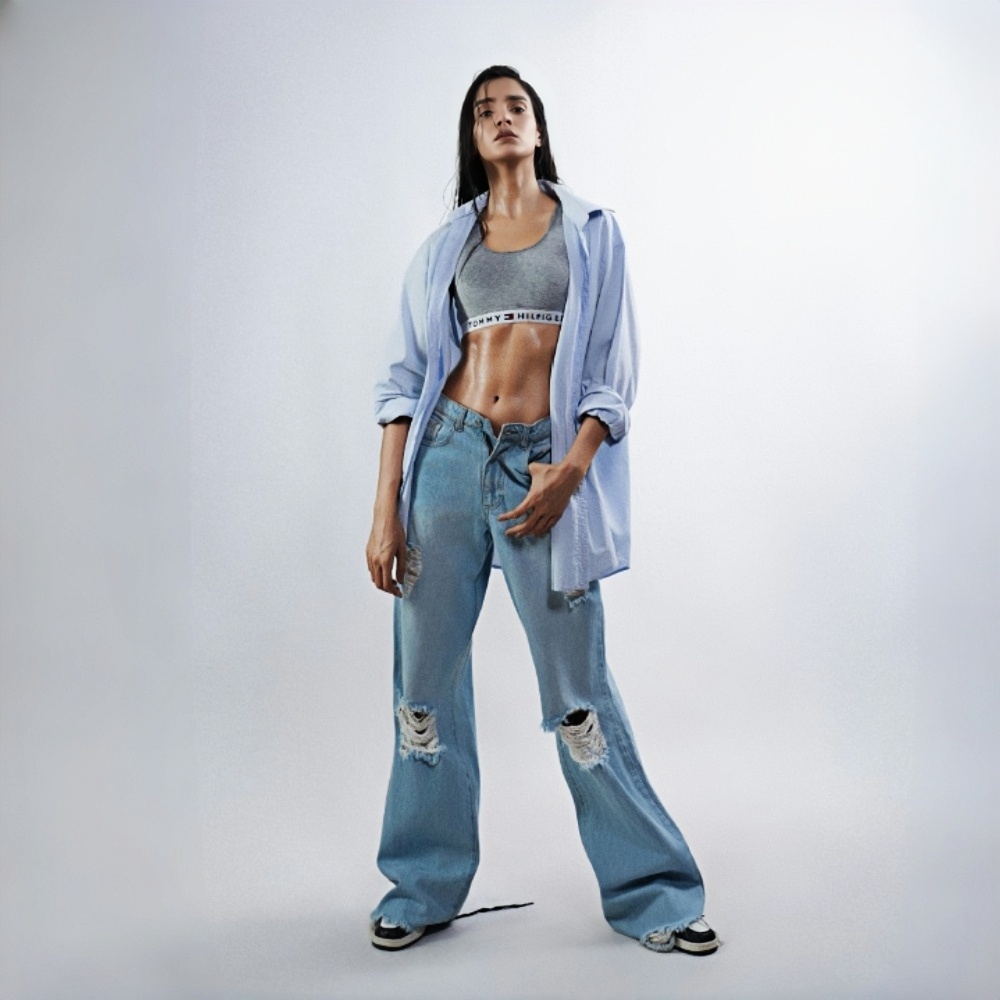
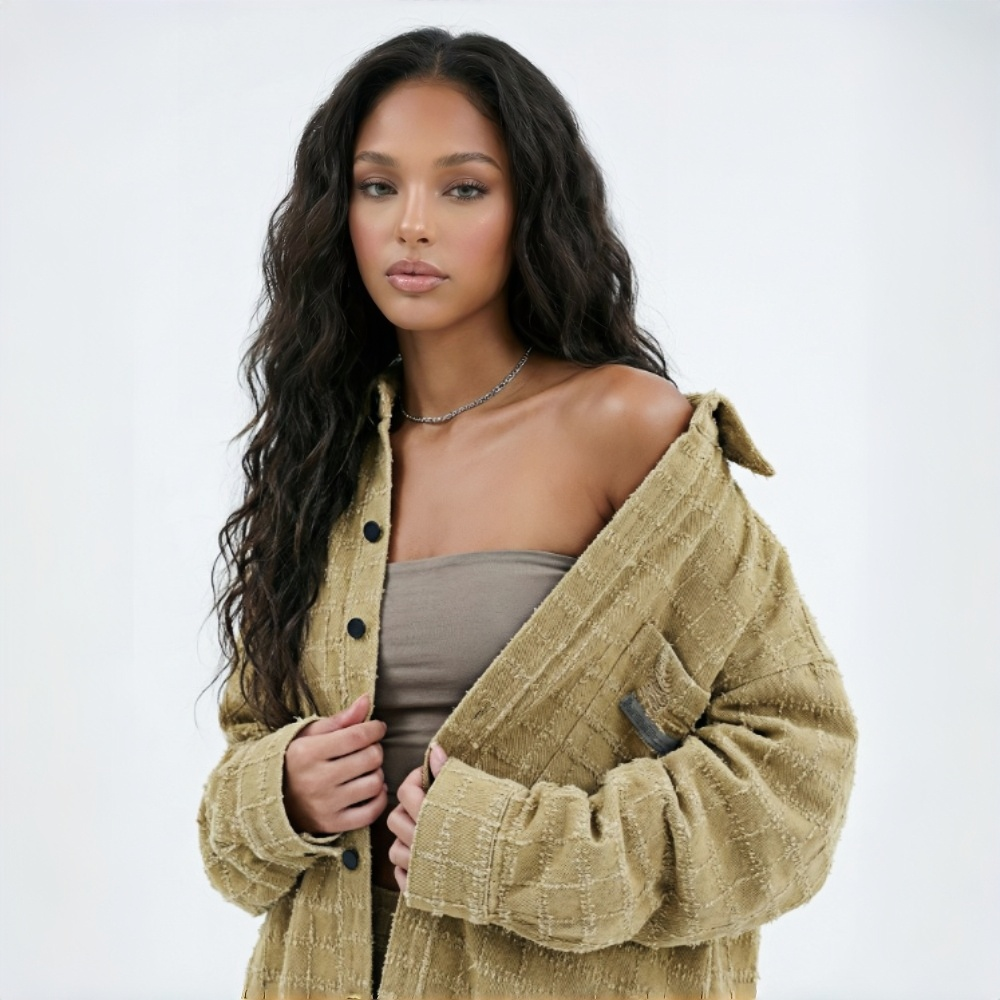
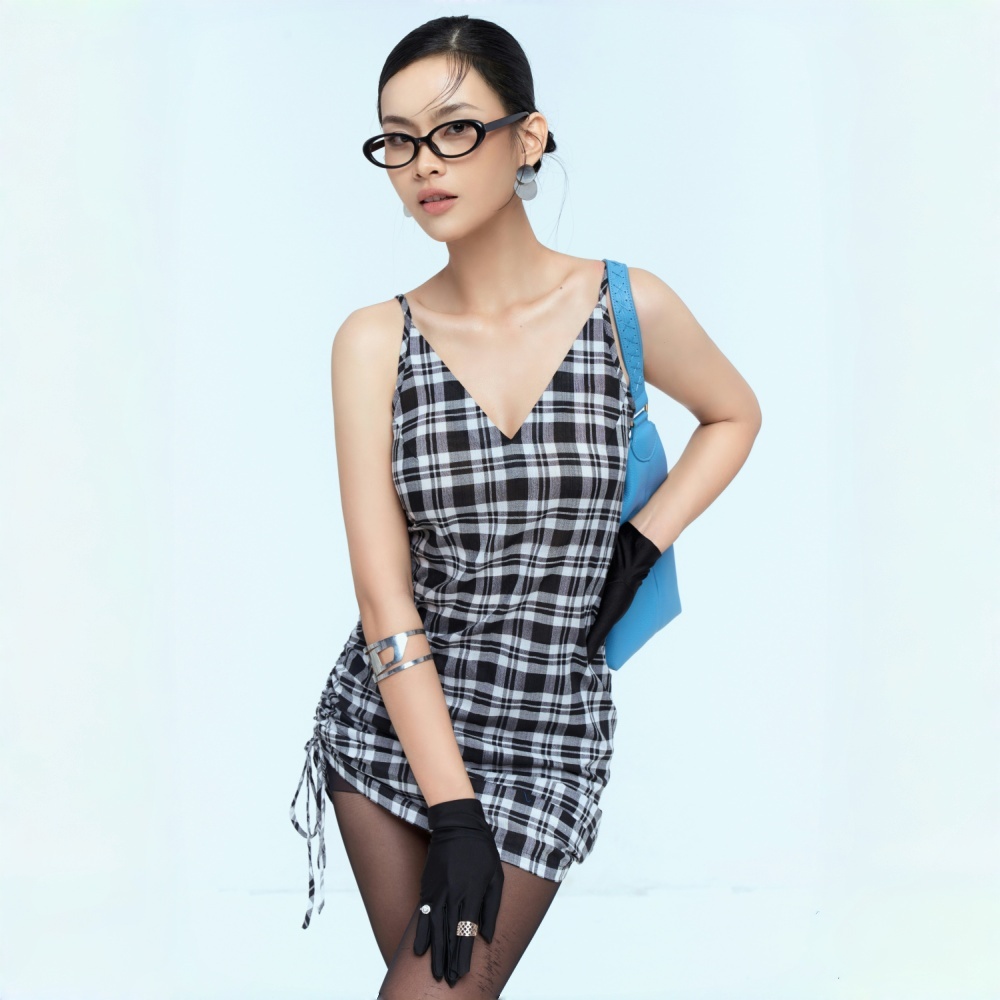
AI Fashion Videos for Every Stage of Your Apparel Business
Create Product Videos Across Your Catalog
Generate product detail and listing videos from clothing photos across your catalog. KOOZEE supports lingerie, swimwear, and bikinis, helping teams create video content for more apparel categories.
Choose the Fashion Video Style for Your Campaign
Dynamic Lookbook — Editorial-Style Fashion Videos
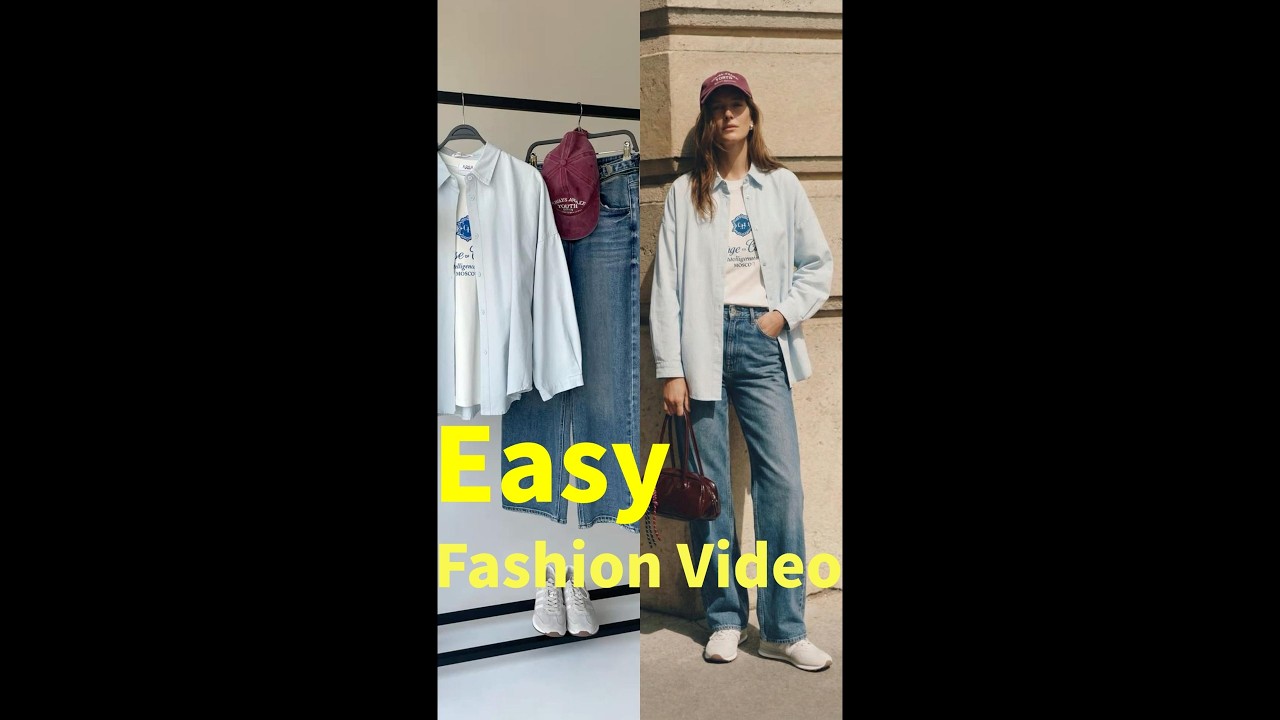
Create an editorial-style fashion video with moving camera shots that bring an outfit to life. Choose the look or garment details to emphasize; KOOZEE adds matching music and preserves fabric texture, prints, and silhouette throughout the clip. Use it for brand lookbooks, storefronts, social feeds, or ads.
Fitlog — A Clear, Fixed-Camera Outfit Showcase
Generate a steady outfit showcase for product pages and social posts. Fitlog keeps the camera fixed so viewers can focus on the garment’s shape and details. It supports all clothing types, including lingerie and swimwear, and creates a finished clip ready to publish.
Outfits — Batch-Create Short Clips for CapCut
Upload up to six clothing photos and generate a separate five-second clip for each item. Combine the clips with a CapCut template to build a short-form fashion video for TikTok, Reels, or a campaign.
Why Choose KOOZEE’s AI Fashion Video Generator?
Upload a clothing photo or AI try-on image to create a finished video or an editable clip. Use the result on product pages, social media, or in ads.

KOOZEE is designed to keep garment details visible in motion, including fabric texture, prints, and silhouette, so the video stays focused on the item you’re selling.

Choose a video style and duration, then generate. No prompt writing or editing workflow is required. Download the MP4 for your store, social channels, or ad campaigns.
How to Generate Fashion Videos with AI Fashion Video Generator
Upload Your Fashion Images
A drag-and-drop interface accepts JPEG, PNG, or WebP files up to 50MB. Once uploaded, you can preview thumbnails and ensure all angles are included before moving on.
Select Video Settings
The prompt field lets you describe the desired output, such as "full-body outfit," "plaid shirt," or "skirt." The AI interprets your input to generate motion and style tailored to the product. Choose between 5s, 10s, or 15s video lengths.
Generate Fashion Video Instantly
Once settings are confirmed, the AI automatically generates your fashion video — producing finished videos or ready-to-edit clips suitable for product detail pages, social media, and ad campaigns. Download the MP4 file and publish directly to TikTok, Shopify, Amazon, or import into CapCut for further editing.
Frequently Asked Questions
Do I need video editing experience to use KOOZEE AI fashion video generator?
Can I use regular product photos? What about AI try-on images?
Both work directly. For best results, use images where the clothing is clearly visible against a clean background. Higher image quality produces better video output.
Do I need to provide my own music?
No. Dynamic Lookbook and Fitlog both get AI-matched BGM added automatically. If you're running paid ads, check the music licensing rules for the platform you're posting on.
Can the generated videos be used commercially?
Yes. With a paid KOOZEE subscription, you can use eligible AI fashion videos for digital commercial purposes, including ecommerce product listings, social media content, and paid advertising campaigns. Make sure you have the rights to any source materials and follow KOOZEE's Terms of Service.
Can I publish the videos directly to TikTok, Amazon, or Shopify?
Yes. Videos come out as MP4 files that work on all major platforms. Check each platform's video specs before uploading.
No Shoot. Just Fashion Video.
One clothing photo. Straight to brand-quality lookbooks, detail page videos, and short-form clip materials. No models, no shooting, no editing.