AI Image to Video for Fashion: Turn Photos into Videos
No image? Try one of these:
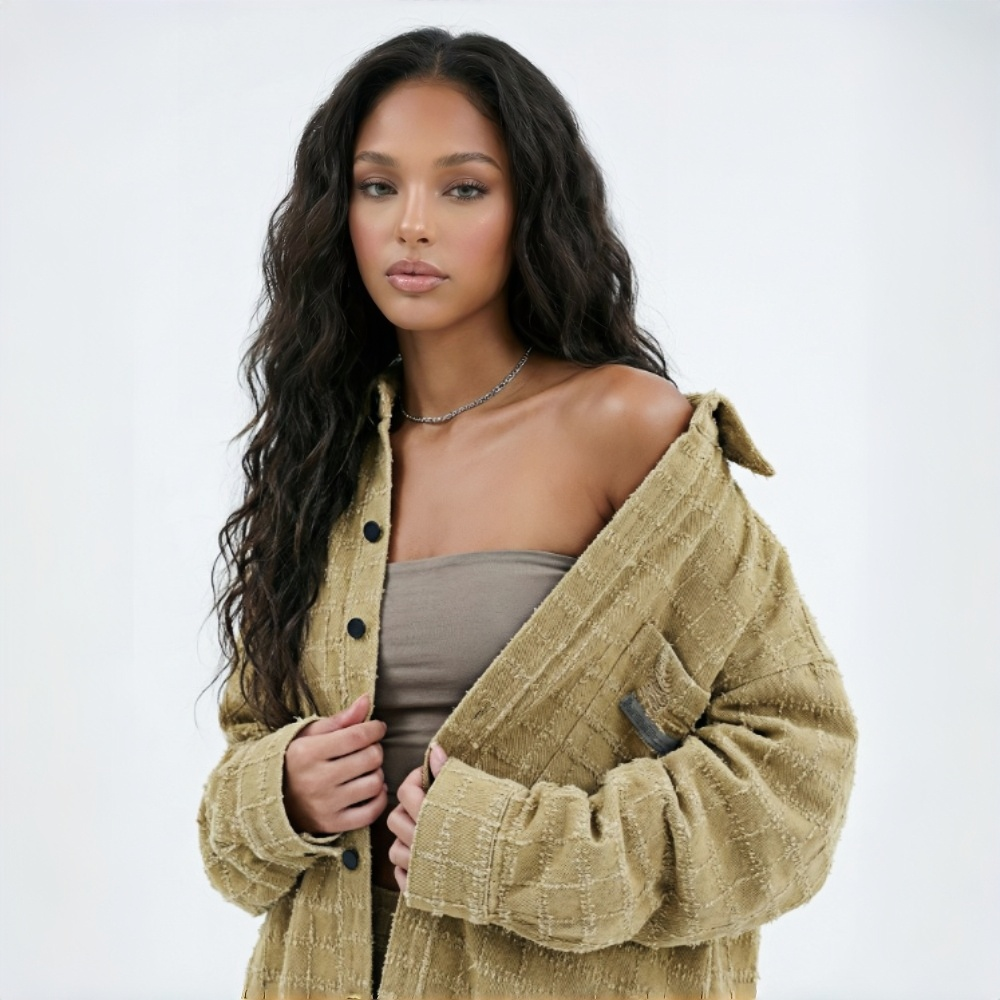
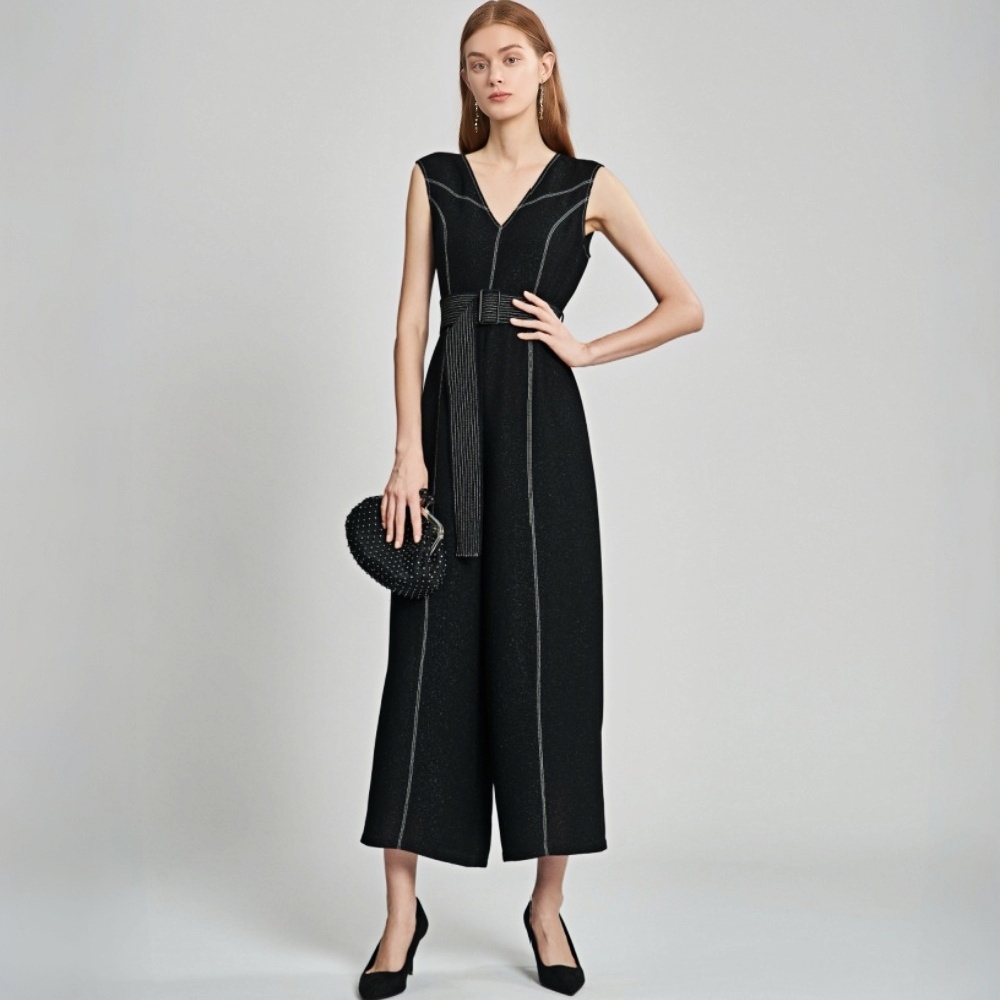
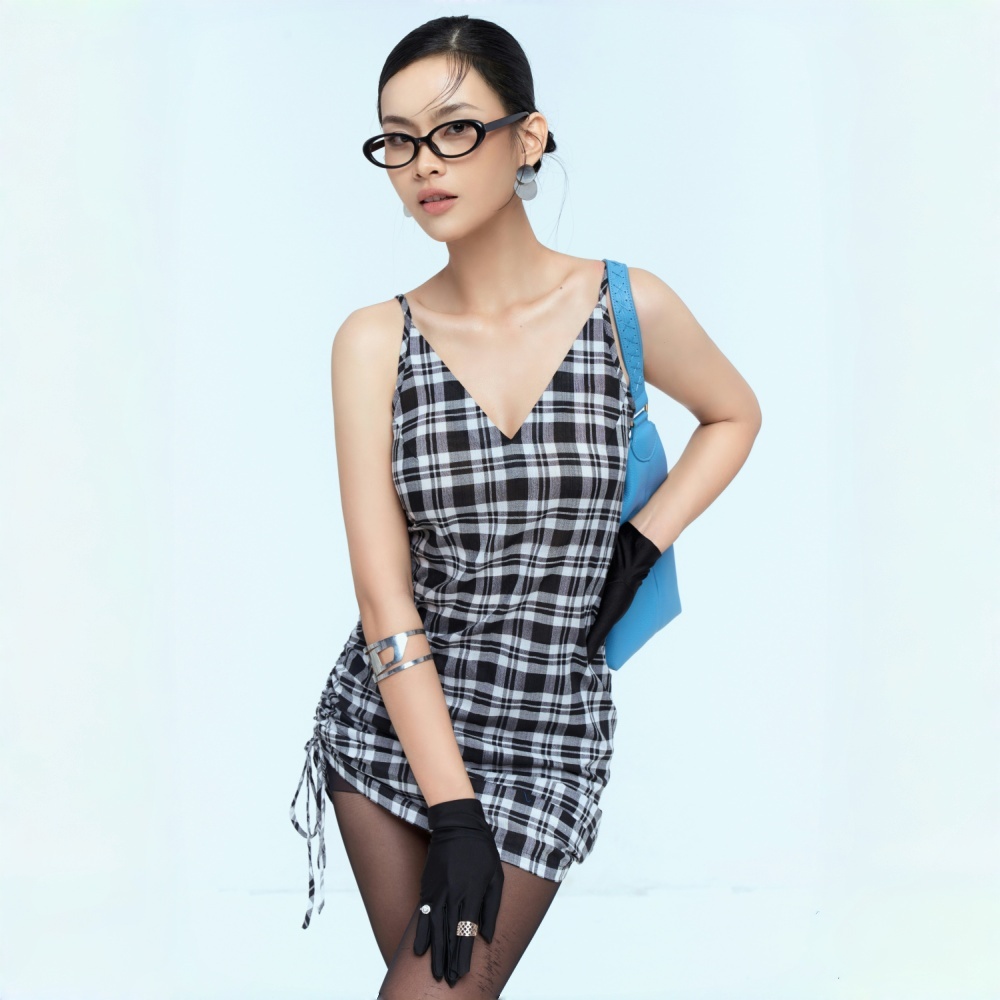
AI Image to Video Generator for Fashion Businesses
Turn Fashion Photos into Videos Your Way
Start with a single fashion photo, or add first and last frames to guide the video. Use prompts to shape the composition, lighting, camera movement, and mood.
Image-to-Video Controls for Fashion Videos
First and Last Frames — Guide How Your Video Starts and Ends
Show the details that help buyers decide. With KOOZEE, you can set a first and last frame to control the starting angle and end on the product feature that matters most, from fabric texture to garment shape. Create focused product videos that make your detail pages clearer and more convincing.
Prompt Control — Tell the AI Exactly What to Shoot
Describe what you want in plain language — camera movement, composition, lighting, mood. KOOZEE's AI image to video generator reads your prompt and follows it. The more specific you are, the closer the output matches your vision. Control every layer of the image to video AI process, from overall direction to lighting details. Convert image to video with a polished, branded look every time.
Pick Your Video Length
Pick from five durations — 5, 7, 10, 13, or 15 seconds. Use longer cuts for detail pages to show fabric, fit, and styling. Use shorter cuts for social and ads to keep the pace tight. One generation, ready for the platform you need. No trimming required.
Why KOOZEE Makes Better Fashion Videos?
KOOZEE runs on Kling V3.0 and gives you full two-layer control. Upload first and last frames to lock the video direction, then use prompts to control composition, lighting, and camera movement. From the overall style to every visual detail, you stay in control.
KOOZEE brings out the full potential of Kling V3.0's consistency system. Kling V3.0 helps maintain the look of fabric, prints, and garment structure throughout the video. Results can vary depending on the input image. The final video looks close to the real product from start to finish.

No shooting, no lighting, no editing. KOOZEE generates ready-to-use fashion videos at a fraction of the time and cost. Pick the duration you need and the video is platform-ready straight away. You can move with your launch schedule and ad campaigns without delays.
Frequently Asked Questions
Can I turn one fashion photo into a video?
Will the garment details stay accurate in the generated video?
KOOZEE runs on Kling V3.0, which keeps fabric texture, print detail, and garment structure consistent through the transition. The cleaner and higher-resolution your input images are, the more accurate the garment detail stays in the output.
What's the difference between KOOZEE and standard image to video AI?
KOOZEE lets you create a video from one image, or add a first and last frame to guide the start and end. You can also use prompts to shape the transition and camera movement.
How do I write a prompt? Do I need any video production knowledge?
No background needed. Write what you want to see in plain language — "slow push toward the fabric detail," "model turns from front to side." The more specific the description, the closer the output will be to what you planned. No video production knowledge required.
Can I post the videos directly to TikTok, Amazon, or Shopify?
Yes. Videos export as MP4 files that work on all major platforms. Check each platform's video specs before uploading.
What does KOOZEE's image-to-video AI model do with my photo?
KOOZEE uses Kling V3.0 to generate motion from your image. You can guide the result with a prompt and optionally add a first and last frame to direct how the video begins and ends.
Fashion Videos, Fully Controlled
Every Video Follows a Clear Direction — No Luck, No Filming Needed