AI Fabric Pattern Changer – Get Real Garment Mockups in Seconds
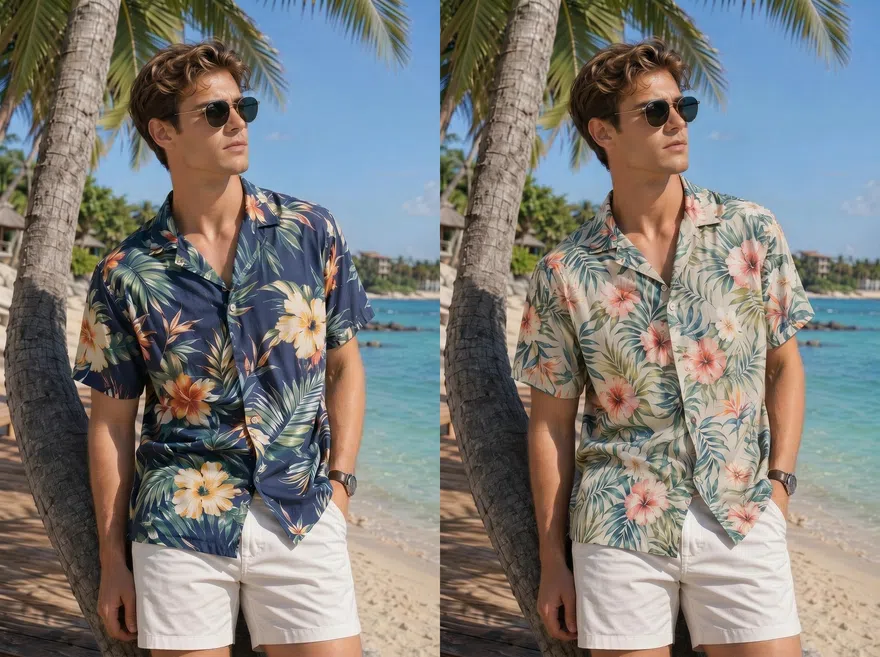
No Pattern? Try one of these:
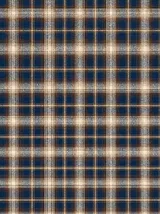
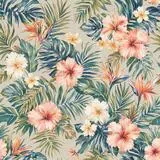
Check Pattern Results for Any Clothing Business
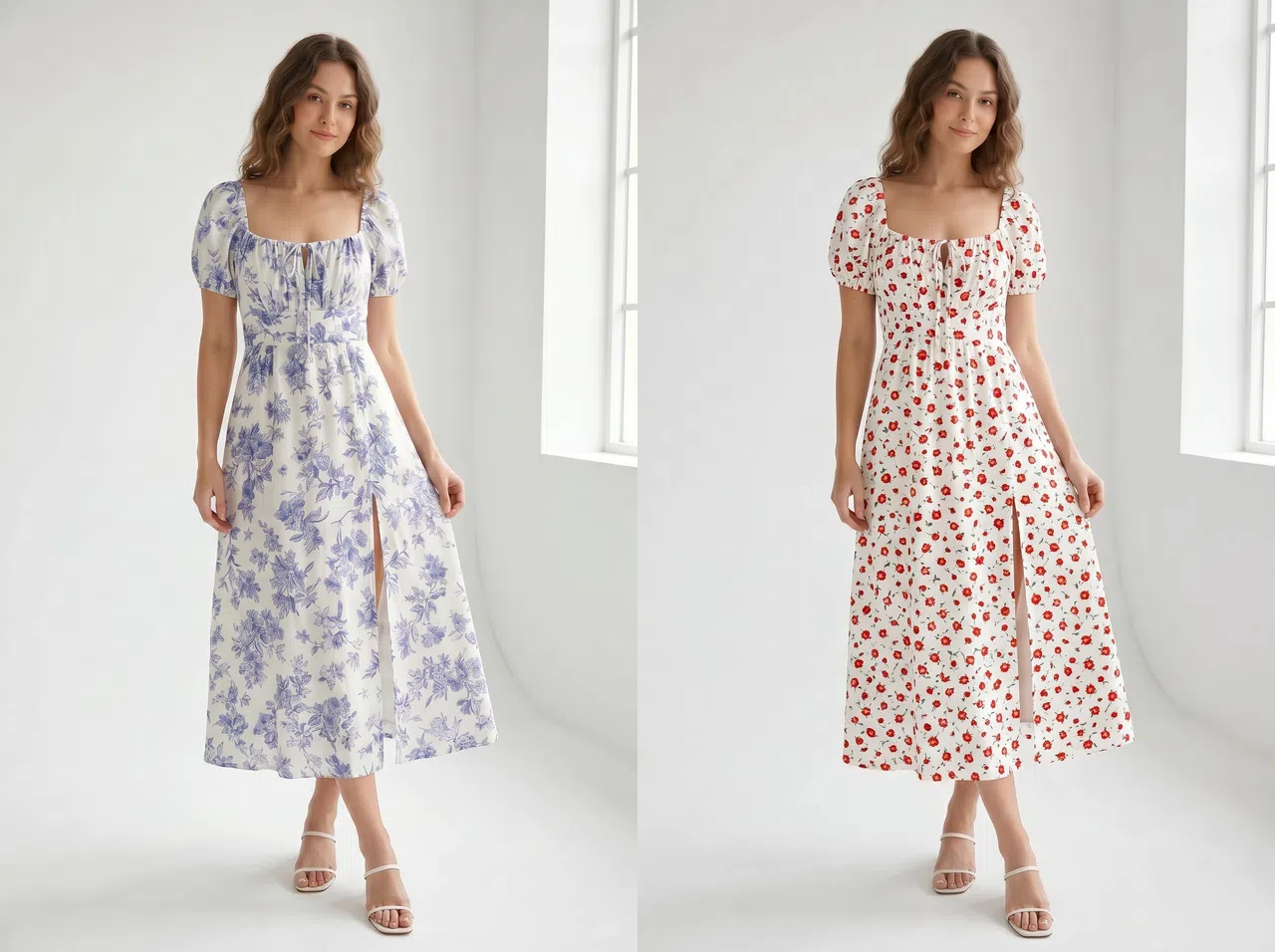
Decide faster which new print is worth stocking
Apply different patterns to your existing garment photos and compare the look side by side. It works for choosing new styles, testing campaign designs, and setting the direction for product shots. You skip the cost of shooting or sampling first, only to find out the print does not work.
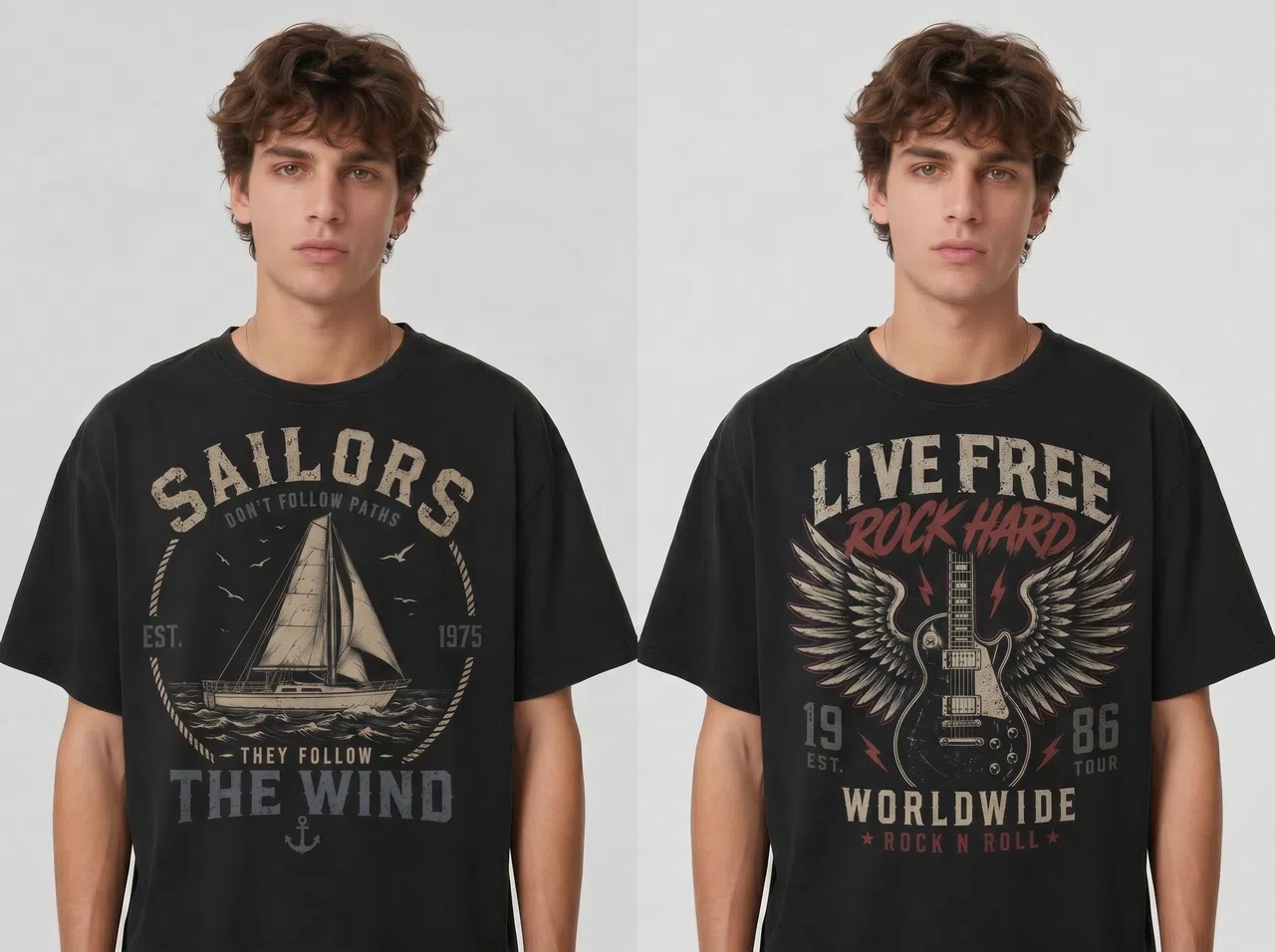
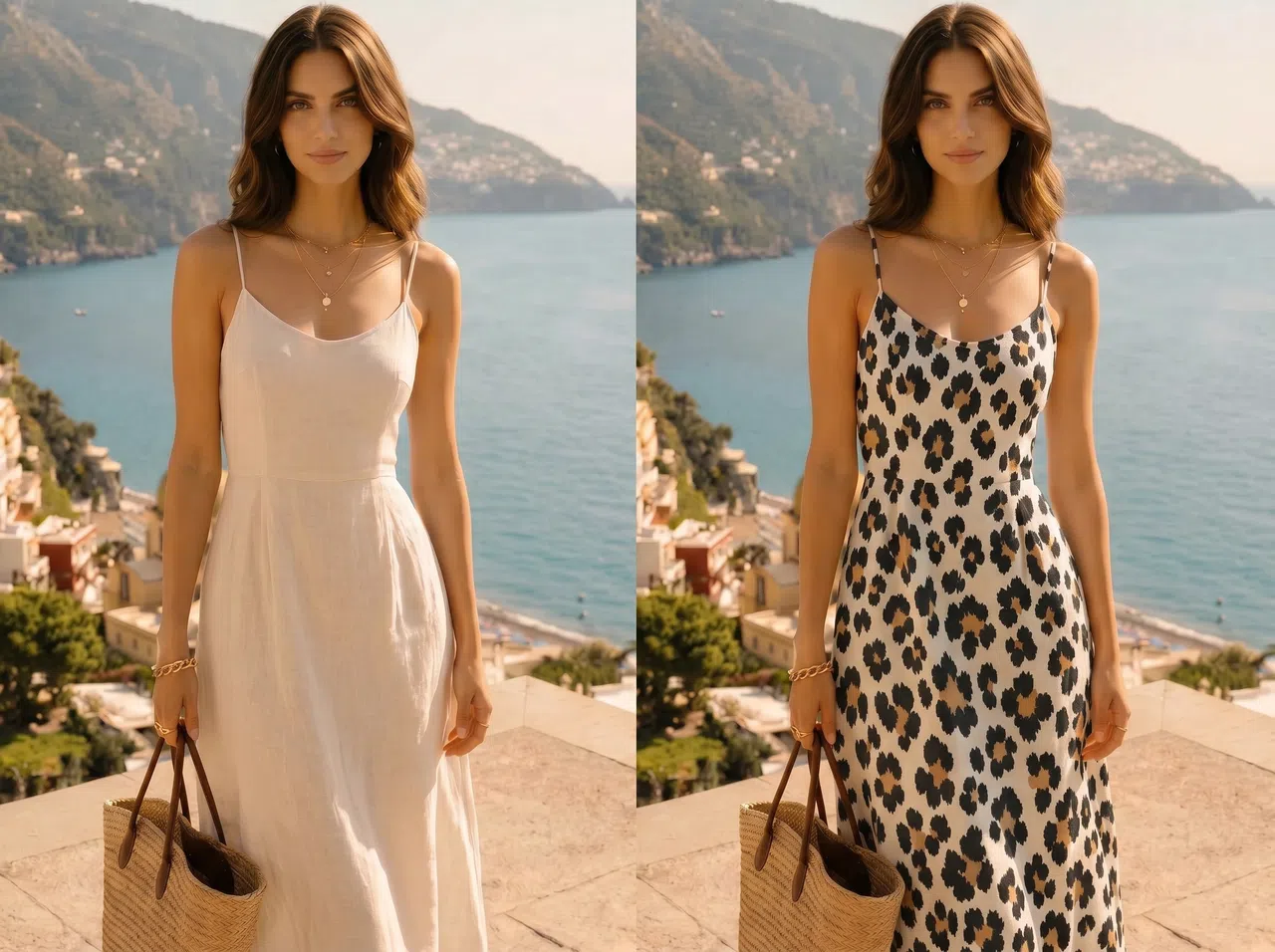
Get a Fabric Pattern Mockup the Easy Way
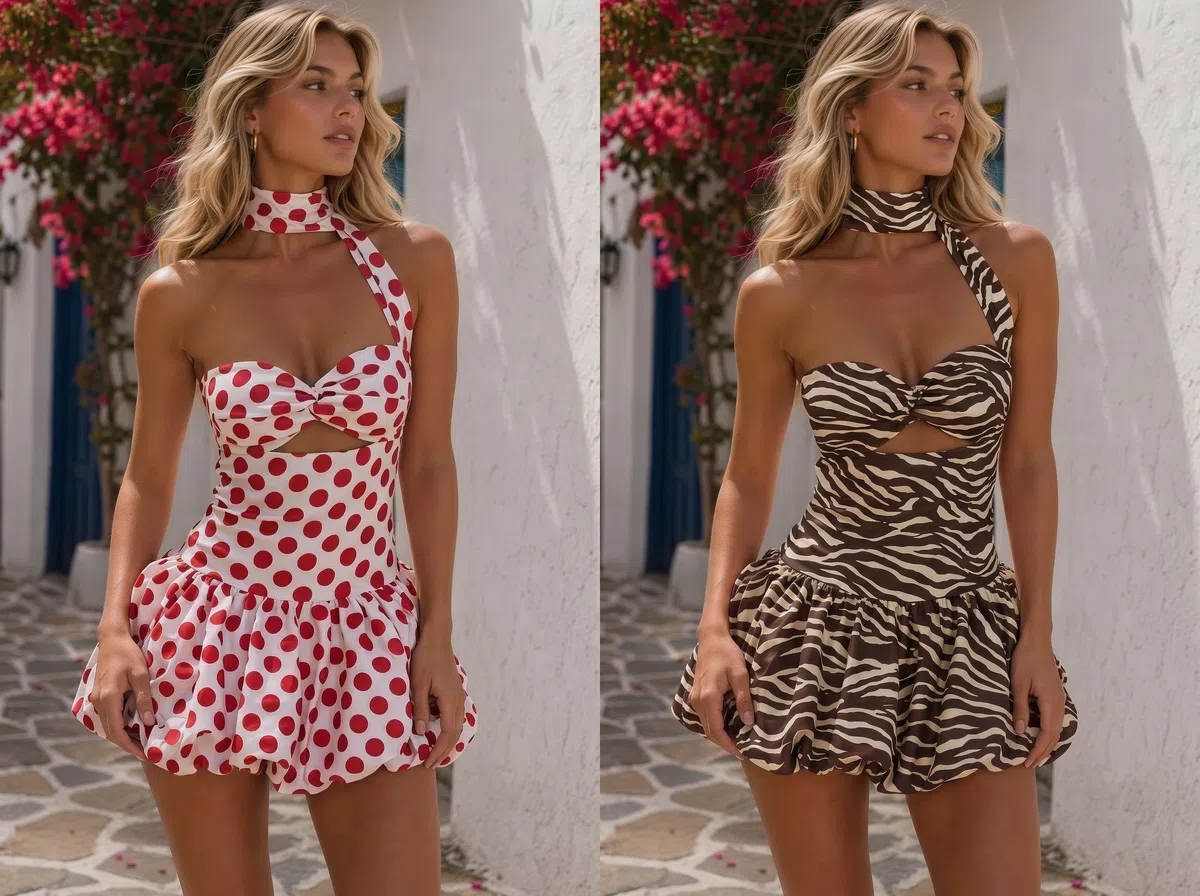
Patterns blend into the garment, not just pasted on top
KOOZEE reads the folds, shadows, and shape of the garment, then blends the pattern to match. The print sits on the clothes in a natural way, not flat on the surface. Use it for client sign-off, design calls, launch previews, and clothing print mockups.
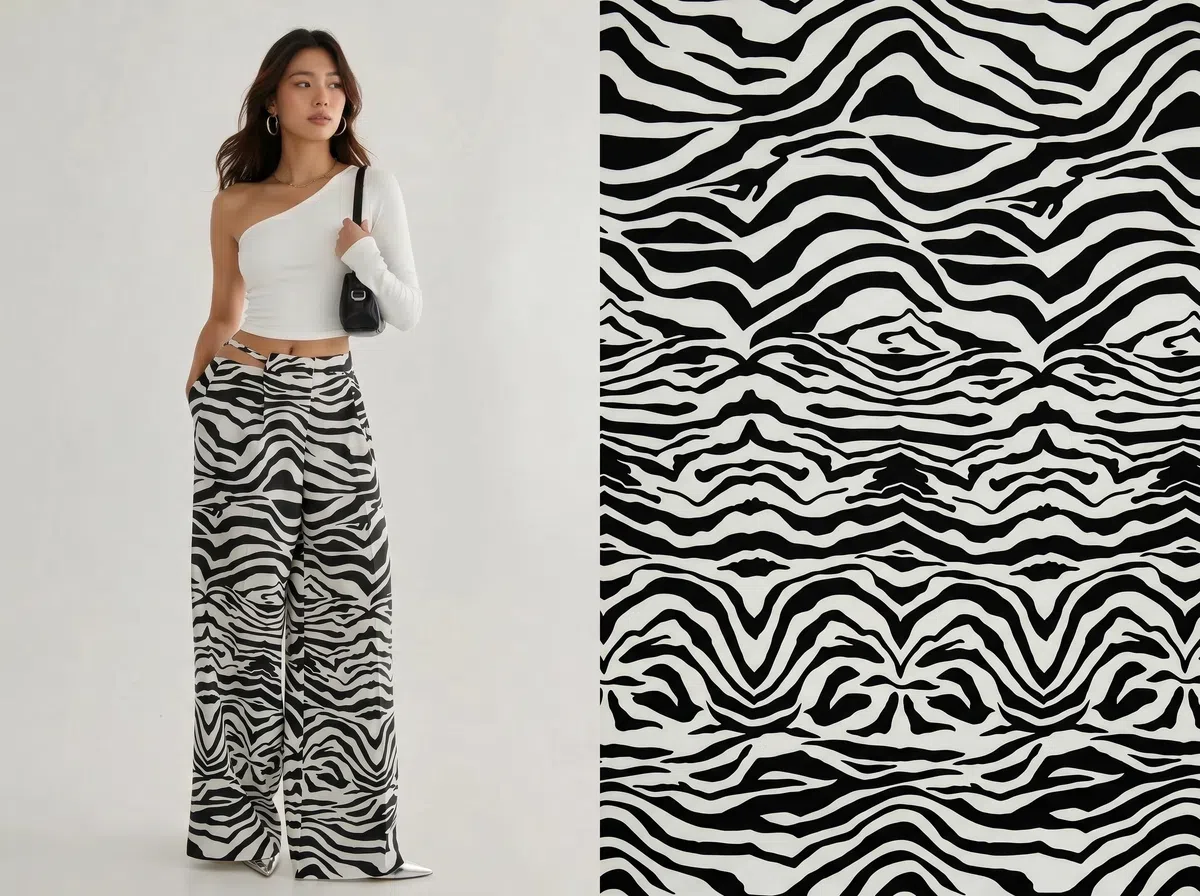
Pattern extractor: pull a pattern, then swap
No pattern file on hand? Use the pattern extractor to pull a design from a reference image, then bring it back into the changer. Every pattern you extract or upload is saved to your cloud history, so you can reuse it later.
Why Choose the KOOZEE AI Fabric Pattern Changer?
Apply prints directly to garment images and see how each pattern looks in real context, including scale, style, and overall visual impact.

Simple to use with no design experience required. Ideal for fashion sellers, factories, and design teams that need fast apparel mockup previews.
Extract patterns, save them to your cloud, and reuse them anytime. Testing different prints and garments stays quick.
Change a Fabric Pattern in 3 Steps
Upload the garment photo
Pick the garment photo you want to change. For steadier results, use a clear, well-lit photo where the garment is fully visible and not blocked.
Upload the pattern
Upload the pattern you want on the garment. If you don't have one ready, use the pattern extractor to pull it from a reference image first.
Generate the image
Click generate. You get an HD, watermark-free mockup with the pattern blended into the folds and lighting.

FAQ
Are the results from the KOOZEE AI fabric pattern changer realistic?
What if I don't have a separate pattern image?
Use the KOOZEE pattern extractor to pull a design from a reference image first. The extracted file is saved to your cloud history, so you can use it for pattern swapping later.
Do the images have a watermark?
No. The results have no watermark, so you can use them for proposals, client sign-off, internal reviews, and reference.
Can I try it for free?
Yes. New users get free trial credits to test their own garment and pattern photos, then decide whether to keep using it.
Which image formats are supported?
KOOZEE supports common formats such as JPG, PNG, and WEBP.
Can I change patterns in bulk?
Not yet — bulk processing isn't supported. You can reuse saved files from your cloud history to cut down on re-uploading, but each run handles one image at a time.
Try the KOOZEE AI Fabric Pattern Changer Free
Upload a garment photo and a pattern to see the real result on the clothes fast. Test the quality with your free credits first, then decide whether to keep going.