"Our store has many clothing variants. Before Koozee, we had to make main images, model photos, and A+ images separately. Now we set one product page image standard and apply it to many SKUs. The workflow is much faster."
Create Amazon Fashion Main Images, Model Photos, and A+ Content with Koozee
Amazon fashion listings need clear main images, model photos, and A+ content images. Koozee helps you turn one clothing photo into Amazon product images, AI try-on photos, A+ banners, fabric detail shots, and size charts.
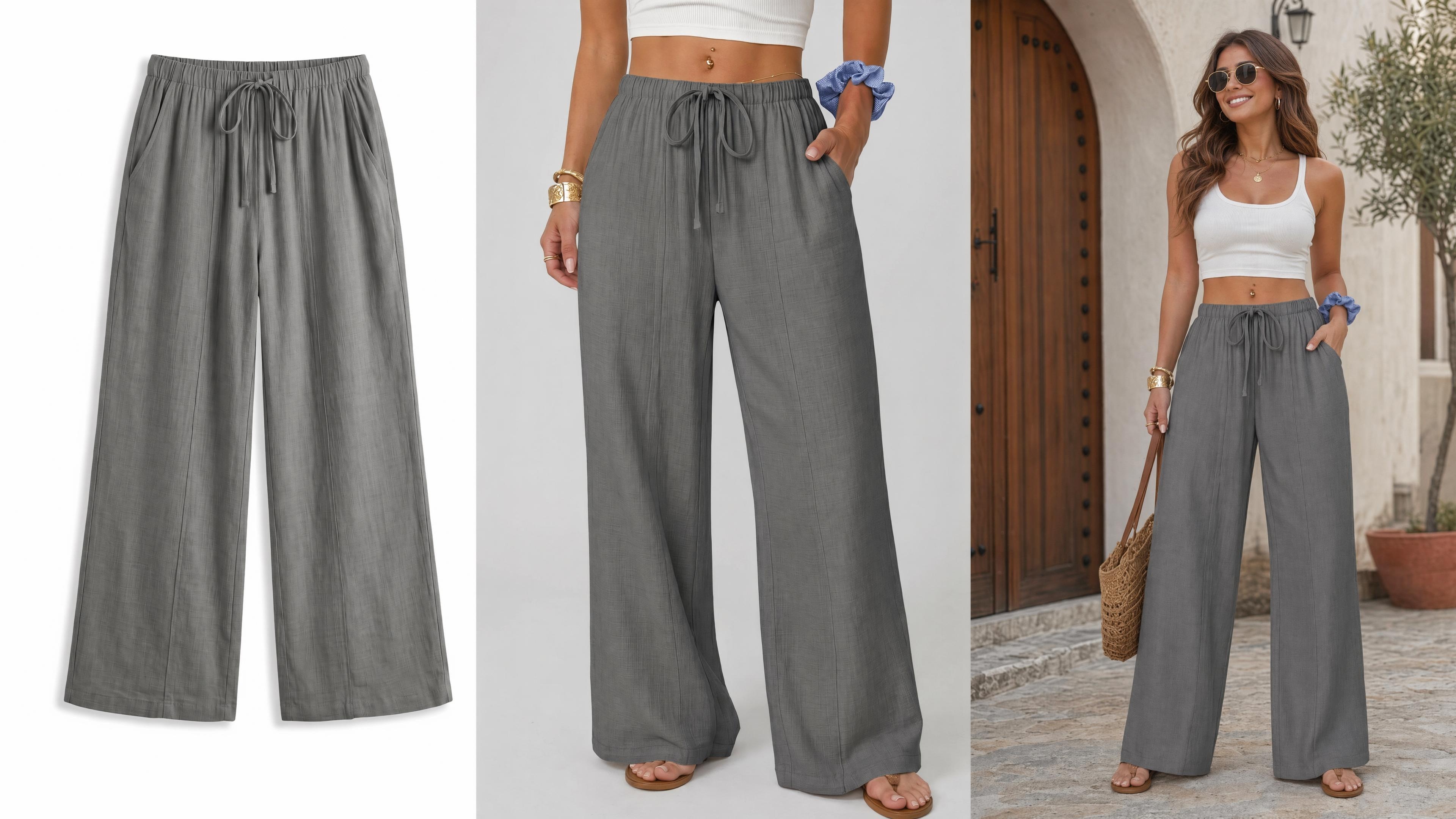
From Clothing Photo to Amazon Product Page Images
Create Amazon Clothing Main Images
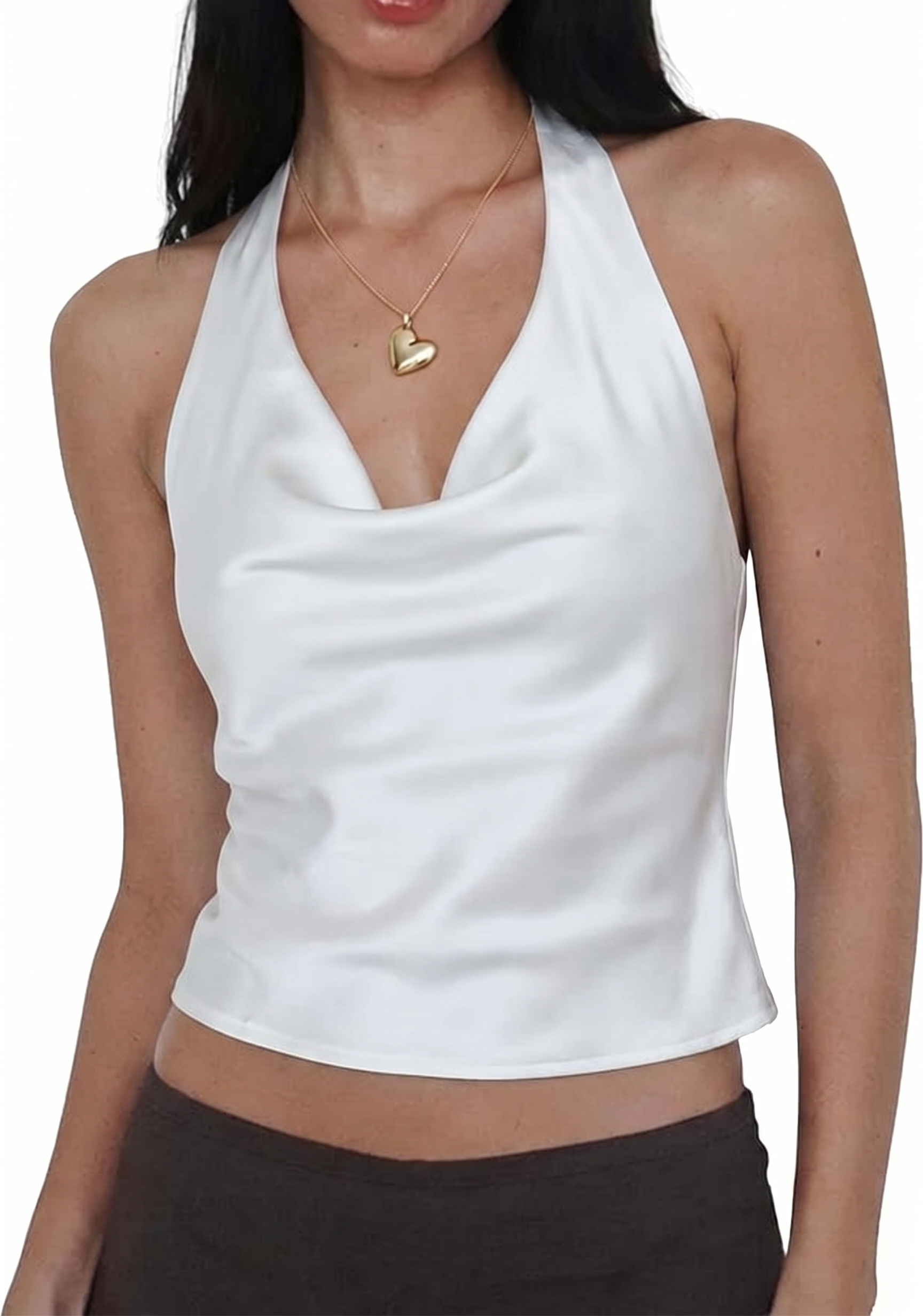
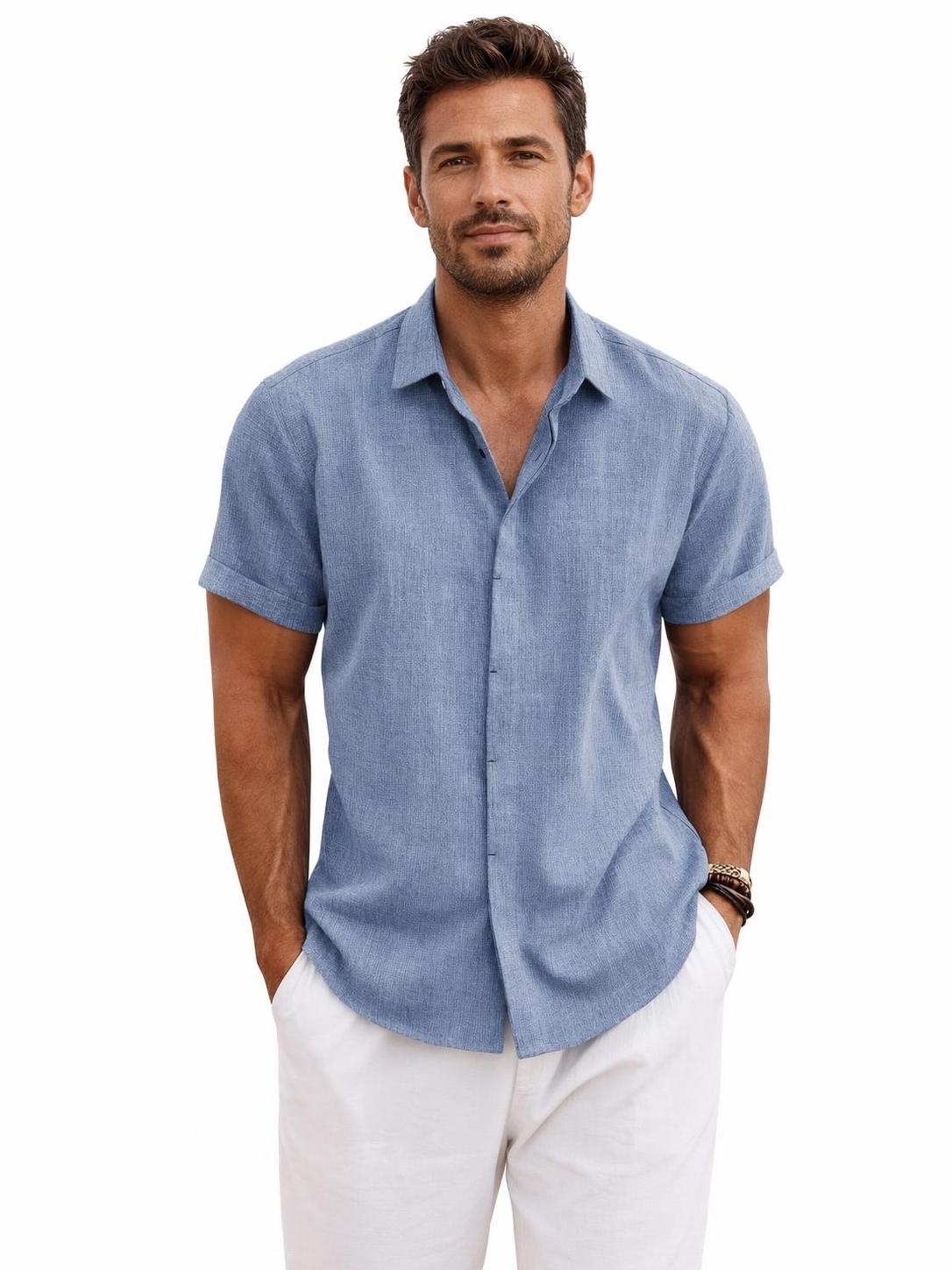
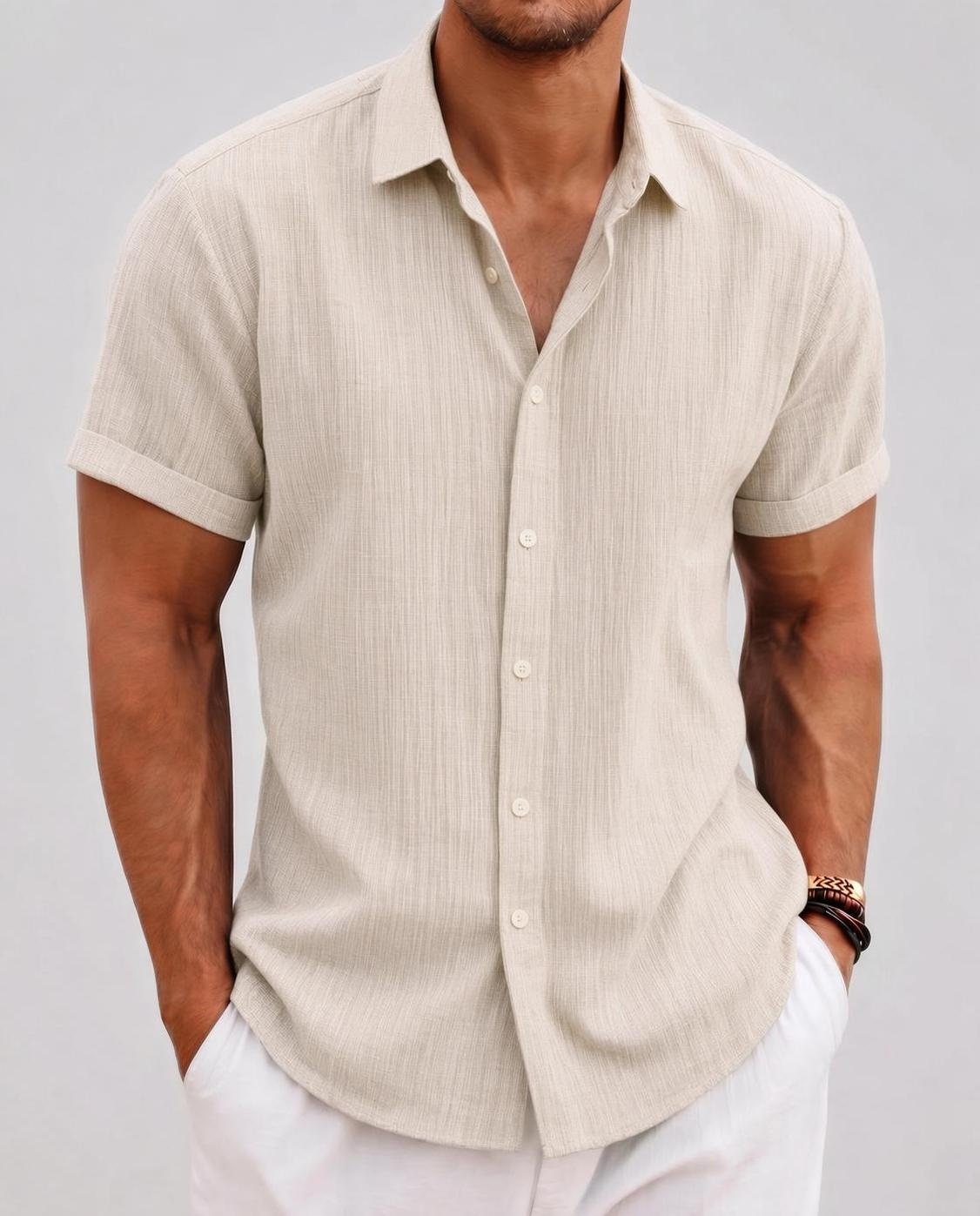
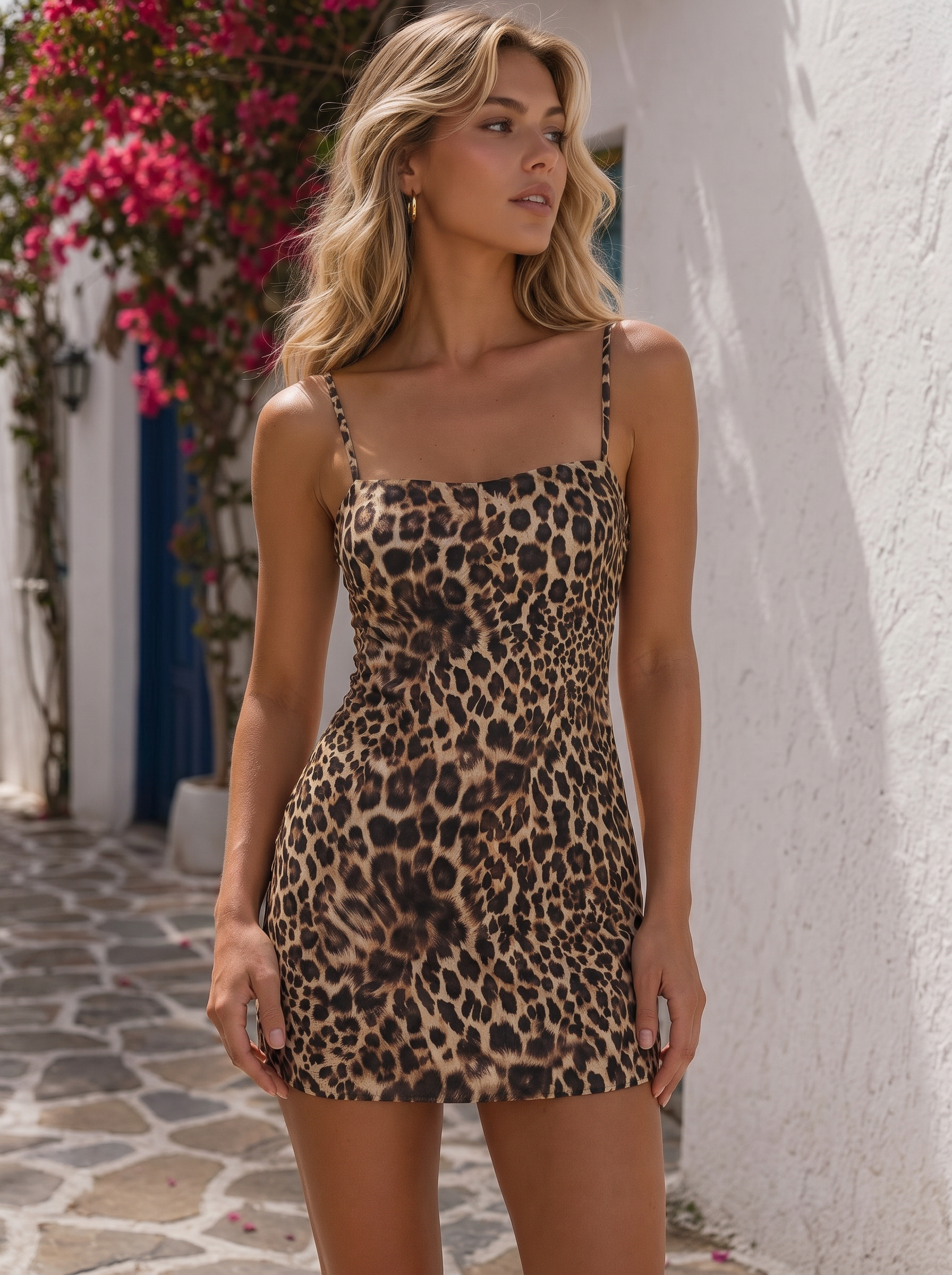
Use Koozee to create clean main images for Amazon fashion listings. Show the clothing shape, neckline, shoulders, sleeve length, and overall fit, so shoppers understand the product faster.
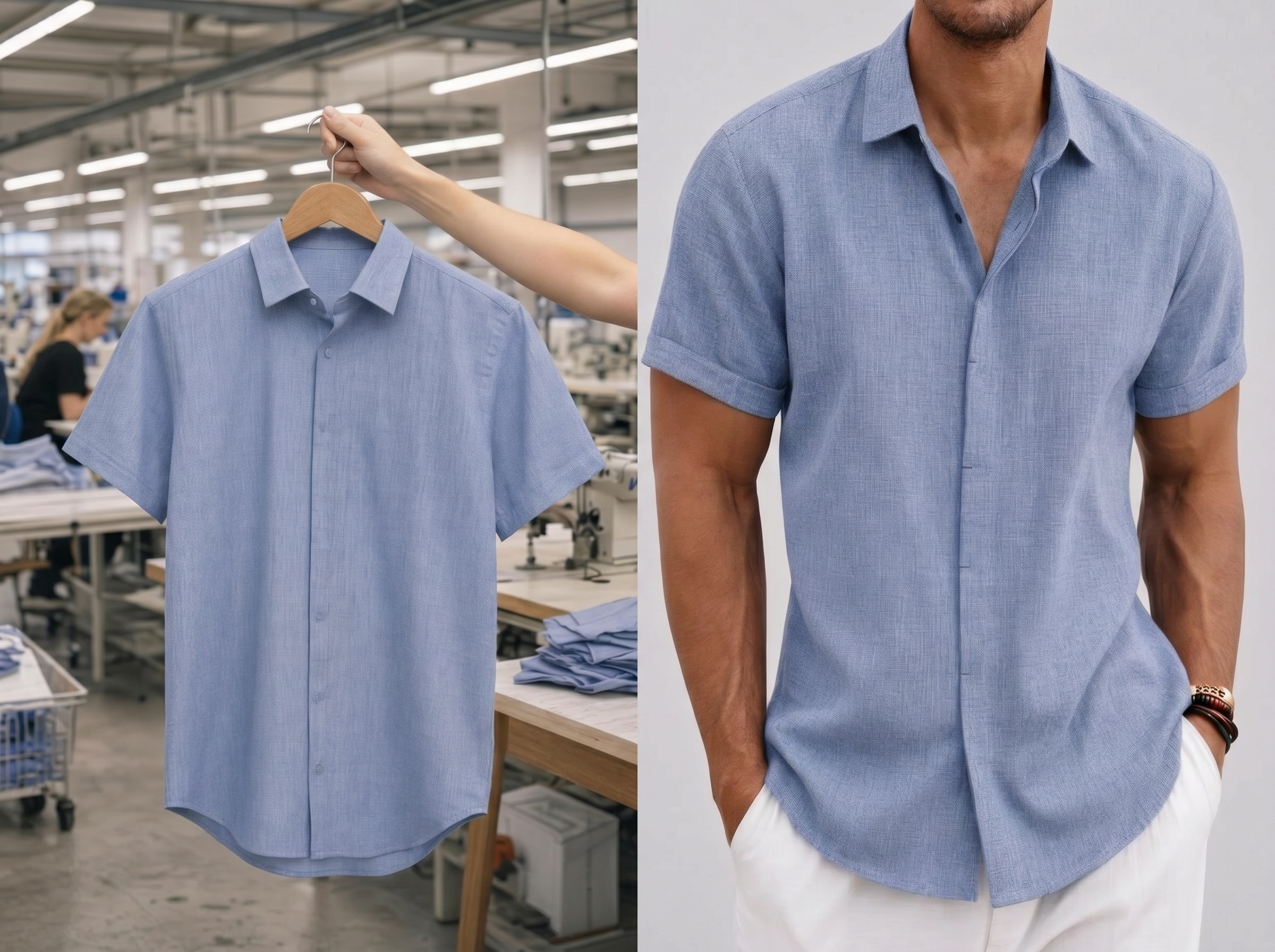
Generate AI Model Try-On Photos
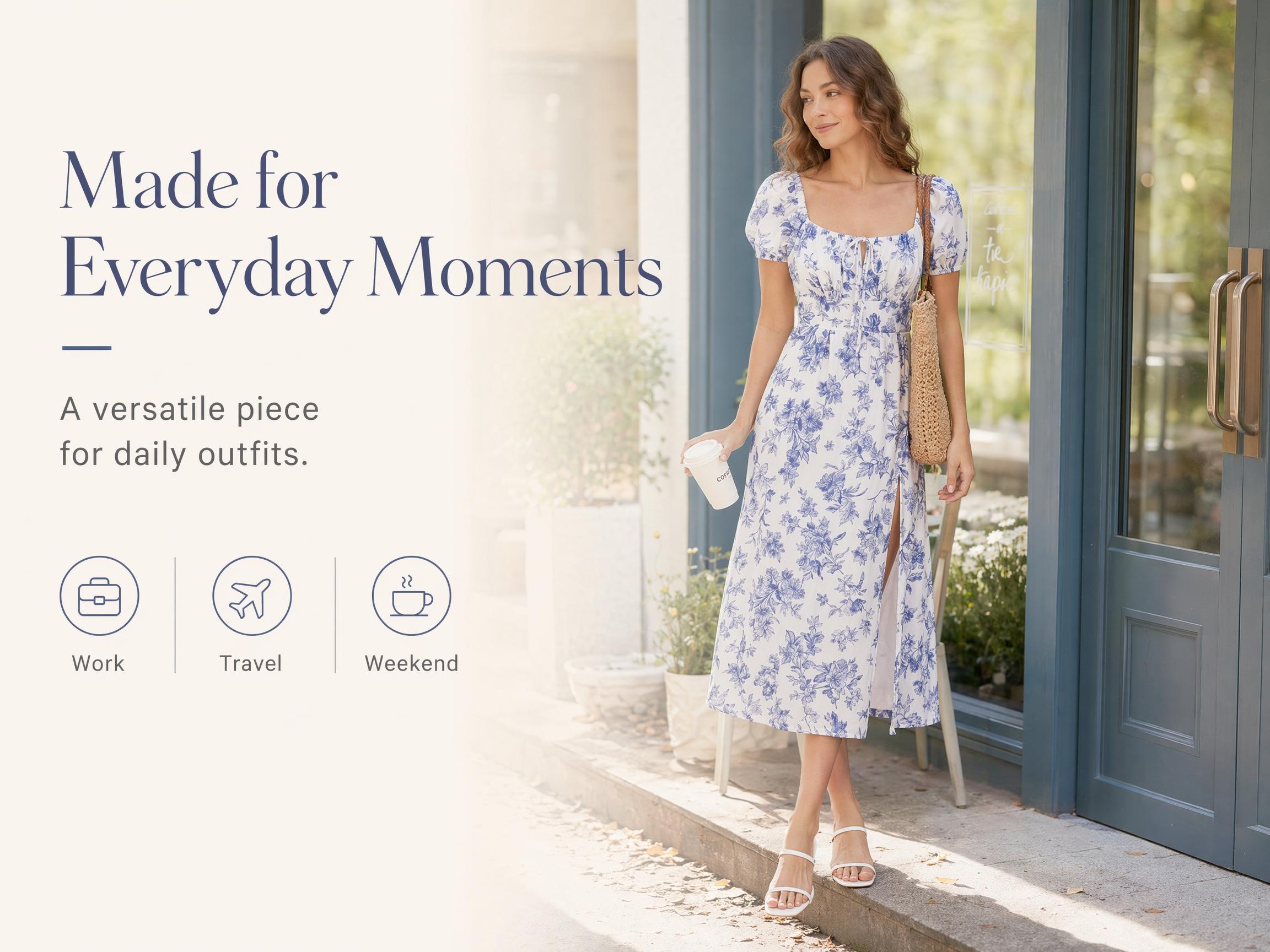
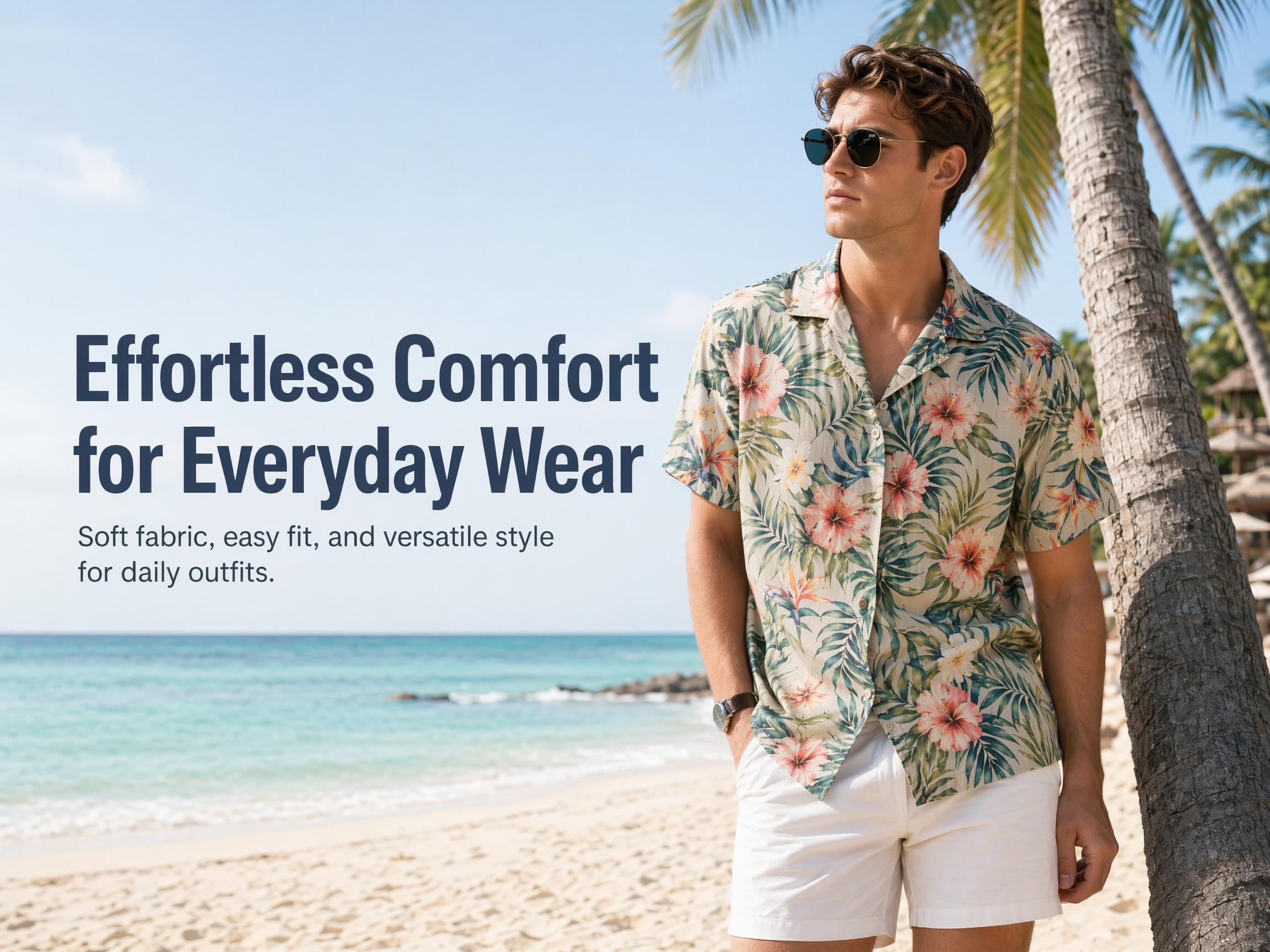
Use Koozee AI try-on to show how the clothing looks on a model. Display length, looseness, drape, waistline, shoulder shape, and styling in a more natural way.
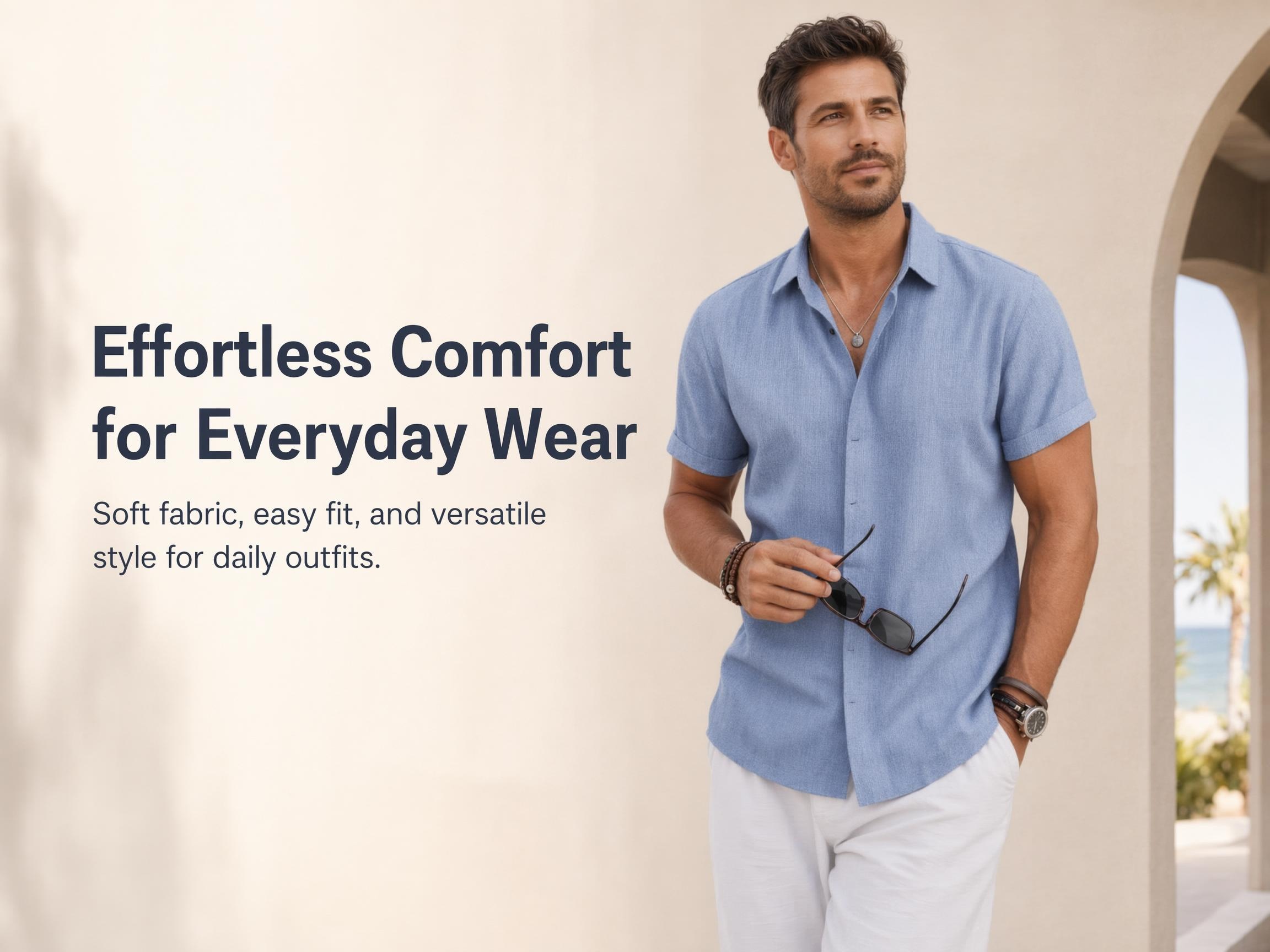
Create Amazon A+ Content Banners
Use the A+ image generator to create banner images for Amazon A+ content. Combine your brand style, product visual, and key selling points in one clear section.
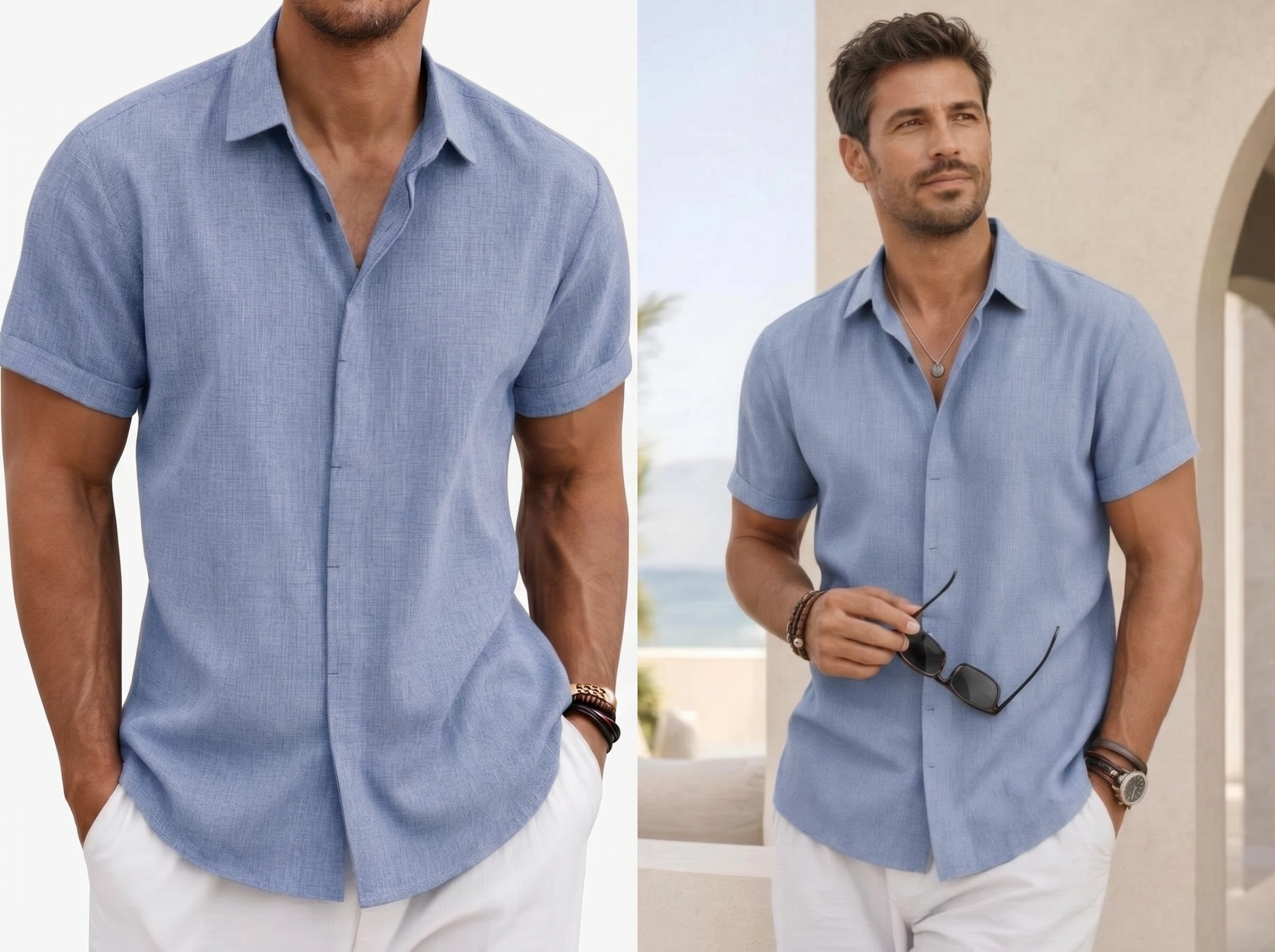
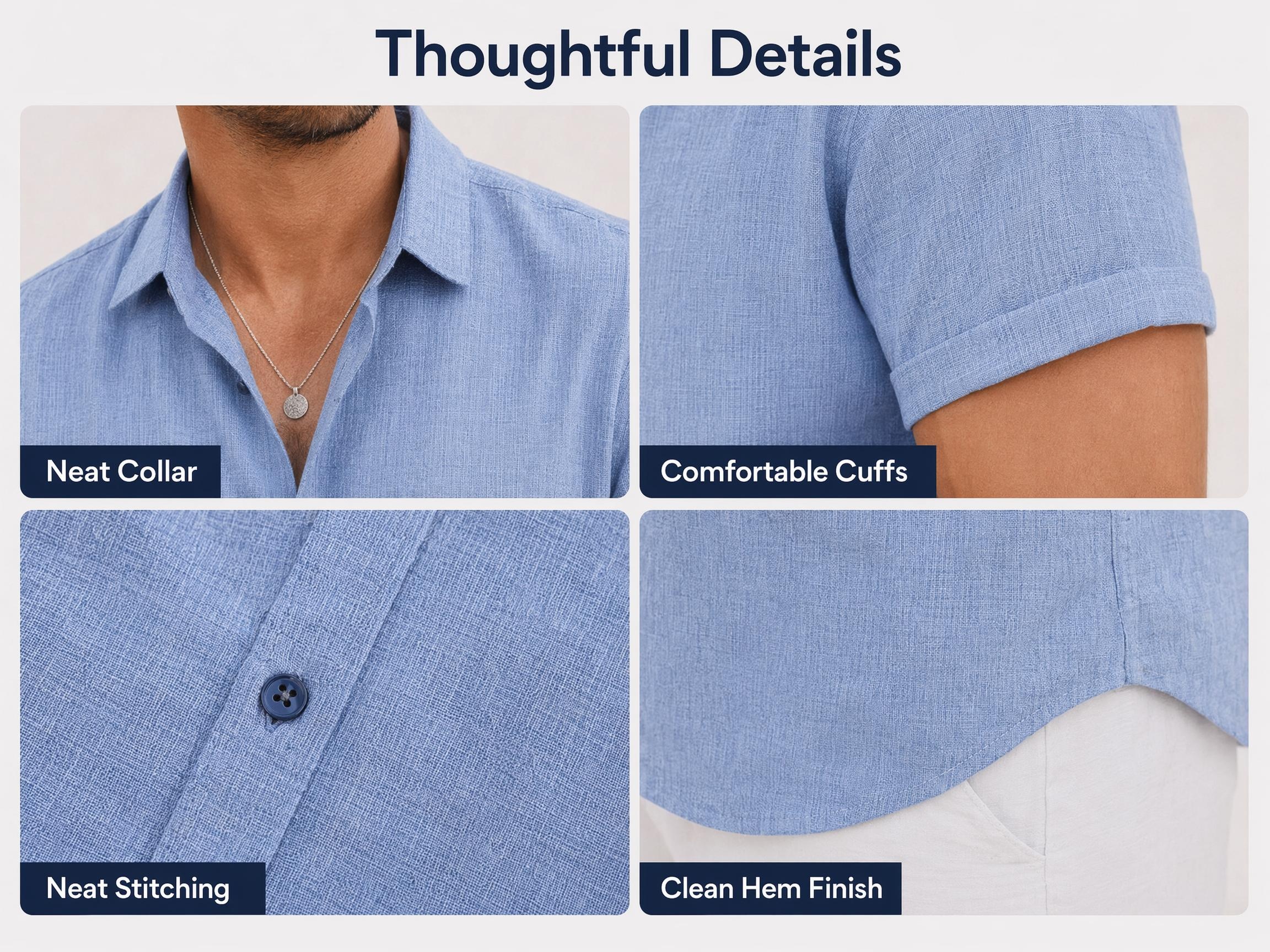
Create Fabric Detail Images
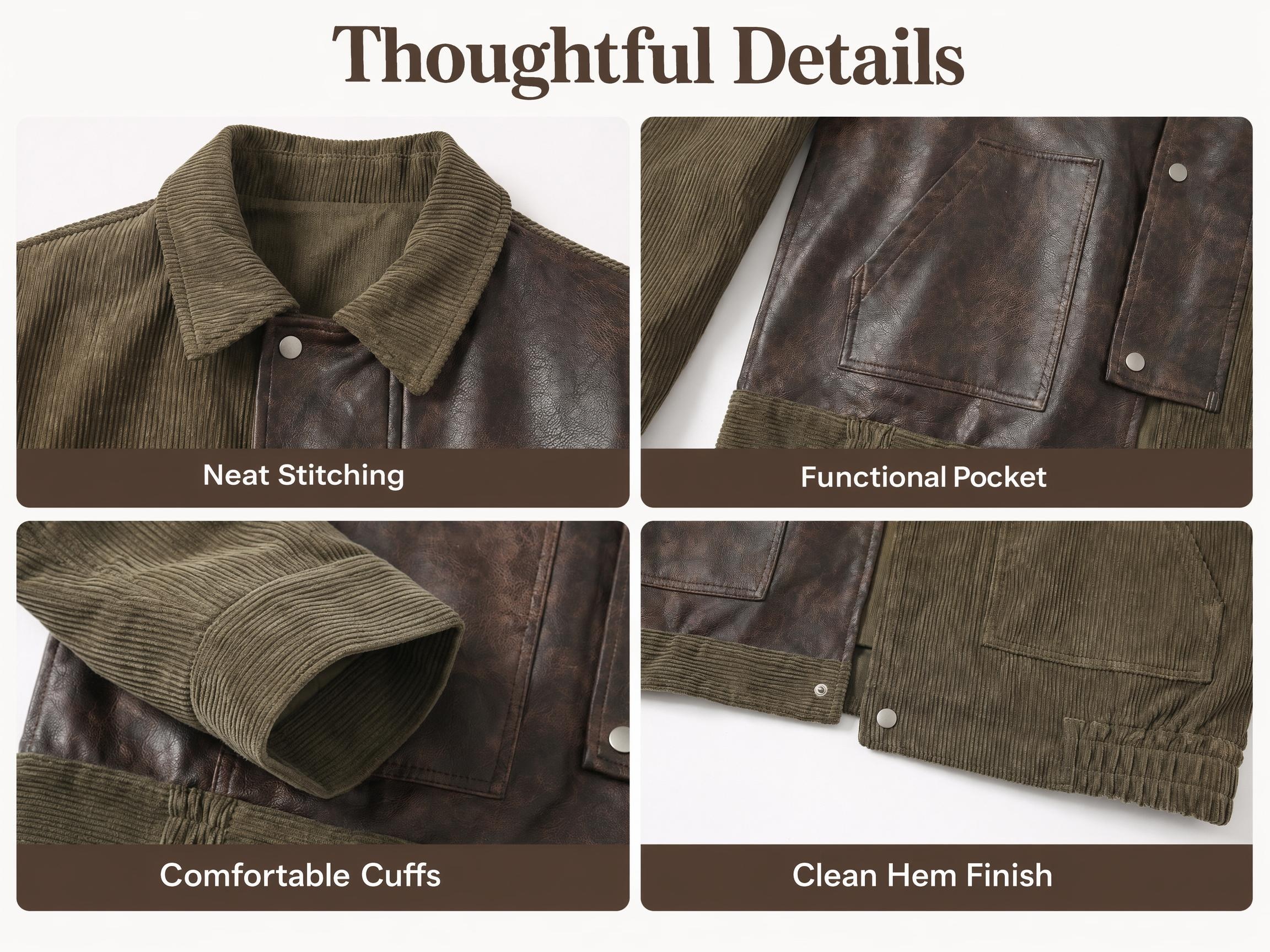
Create fabric and detail images for your A+ page. Show texture, stretch, thickness, breathability, stitching, buttons, zippers, cuffs, collars, and waist details.
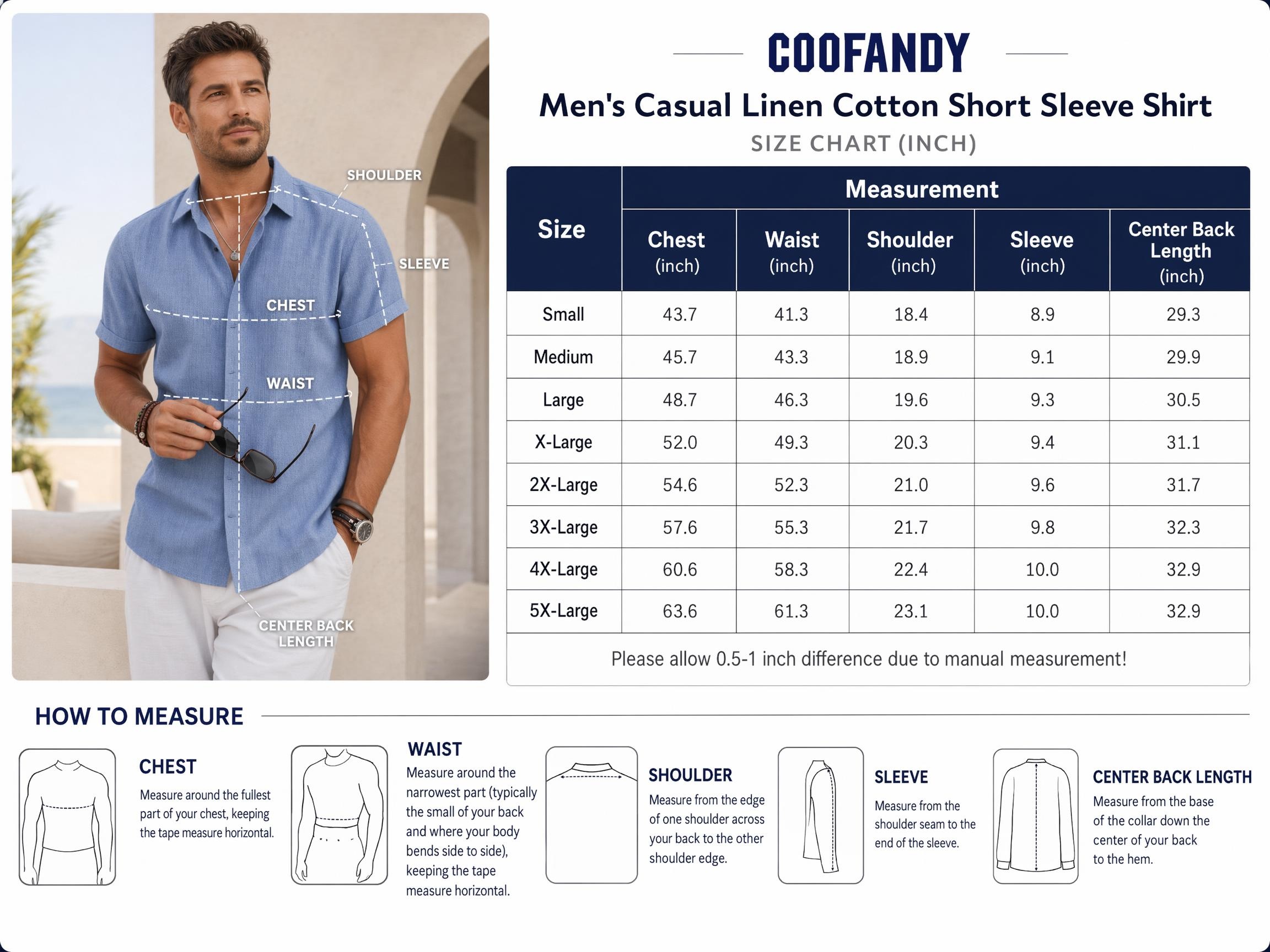
Create Size Chart Images
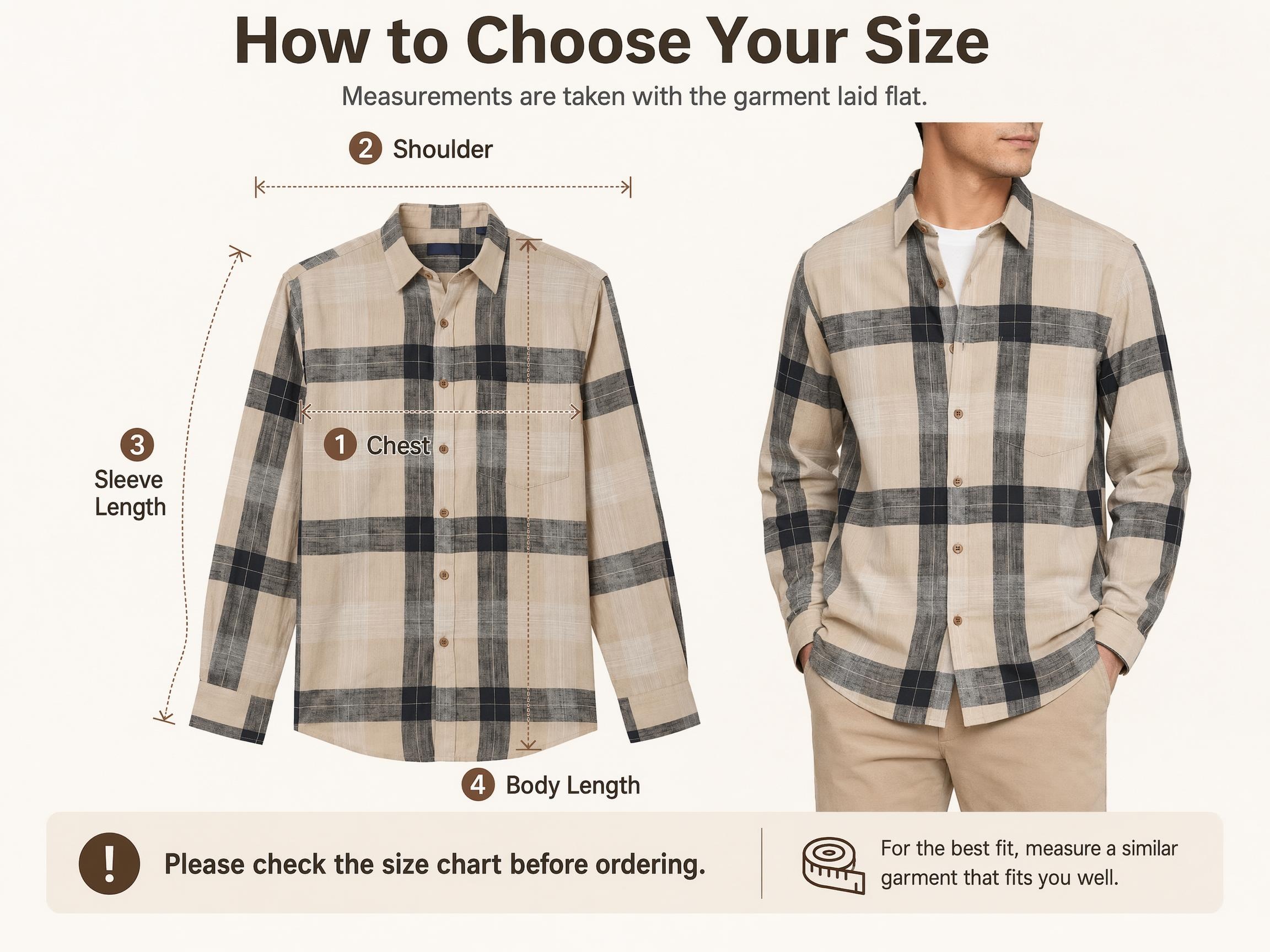
Create size charts and size guide images for Amazon product pages. Show length, chest, shoulder, sleeve, waist, and hip measurements in a clear visual format.
One Image Set for Main Photos, Try-On Photos, and Amazon A+ Content
Start with one clothing image. See how Koozee creates the main images, model photos, and A+ content images your Amazon fashion listing needs.
Make Amazon Fashion Product Pages More Complete and Consistent
Koozee works well for Amazon fashion sellers with frequent launches, many SKUs, and steady image needs. You can create main images, model try-on photos, A+ banners, fabric detail images, and size charts with one visual style.
99%Lower editing cost
+56%Sell-through rate
+77%Average basket value
12xFaster time to market


"The hardest part of A+ content was getting professional images we could use right away. Koozee creates banners, fabric detail images, and size charts, so the page is easier to build and better for fashion shoppers."

"For Amazon fashion listings, model try-on photos and size charts matter a lot. Now we can create these assets from product images without planning a new shoot every time."
FAQ
Can Koozee generate Amazon apparel main images?
Which apparel categories are suitable for model half-body main images?
Model half-body images are suitable for tops, shirts, knitwear, jackets, sports tops, yoga wear, and upper-body displays for dresses. For pants, long dresses, sets, or products that require full-body proportion display, you can also add full-body try-on images.
Can I generate model try-on images with only one product photo?
Yes. We recommend uploading a clear, unobstructed product image with the garment structure fully visible. The clearer the original image is, the more stable the try-on result will be in terms of garment shape, color, and details.
What can model try-on images show?
Model try-on images can show the fit, length, looseness, drape, shoulder line, waistline, sleeve length, and overall styling effect. You can also generate half-body, full-body, front view, side view, or different pose images as needed.
What Amazon detail page assets can Koozee generate?
Koozee can generate A+ banners, key selling point images, fabric detail images, craftsmanship images, size charts, measurement guide images, and product series display images. You can download the generated assets and upload them to the A+ Content modules in Amazon Seller Central or Vendor Central.
What selling points can fabric detail images show?
Fabric detail images can show texture, thickness, stretch, breathability, skin-friendly feel, water resistance, wrinkle resistance, stitching, neckline, cuffs, buttons, zippers, pockets, and waistband design. The specific content can be selected based on the actual selling points of your product.
Can size charts be used directly on Amazon pages?
Yes. Size charts can be used in Amazon image galleries or A+ pages. We recommend checking all size data after generation to ensure that length, bust, shoulder width, sleeve length, waist, hip, and other measurements are consistent with the actual product.
Can I generate images in batches for multiple colors and sizes?
Yes. For the same apparel series, you can use a consistent main image style, model display style, A+ banner structure, and size chart template, then apply them to different colors, sizes, or styles. This is suitable for batch product launches on Amazon.
Can these assets be used for ads or Brand Stores?
Yes. Main images, model try-on images, A+ banners, fabric detail images, and size charts can also be used for Brand Stores, Sponsored Brands, off-site promotion pages, and social media content. For advertising placements, we recommend cropping and adjusting the layout based on the required format.
Create Your First Amazon Fashion Product Image Set for Free
Use Koozee to create Amazon main images, AI model try-on photos, A+ banners, fabric detail images, and size charts. New users can try free credits first, then apply the workflow to more SKUs.