Free AI Clothes Changer: Turn Any Garment Into an On-Model Photo
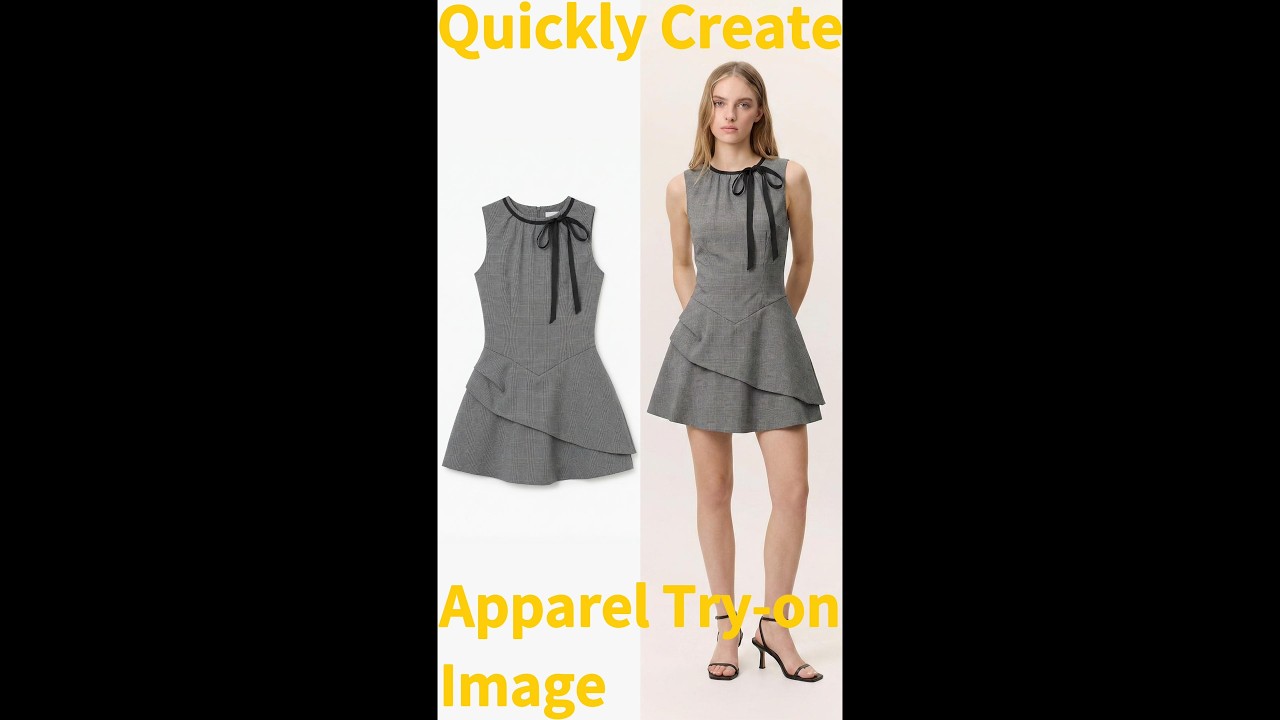
Upload a garment photo and a model image. Koozee AI clothes changer puts the outfit on the model instantly. Free credits for new users. No credit card needed.
Clothes
Select clothing area
Model
No sign up required, totally free

Who Uses Koozee's AI Clothes Changer?
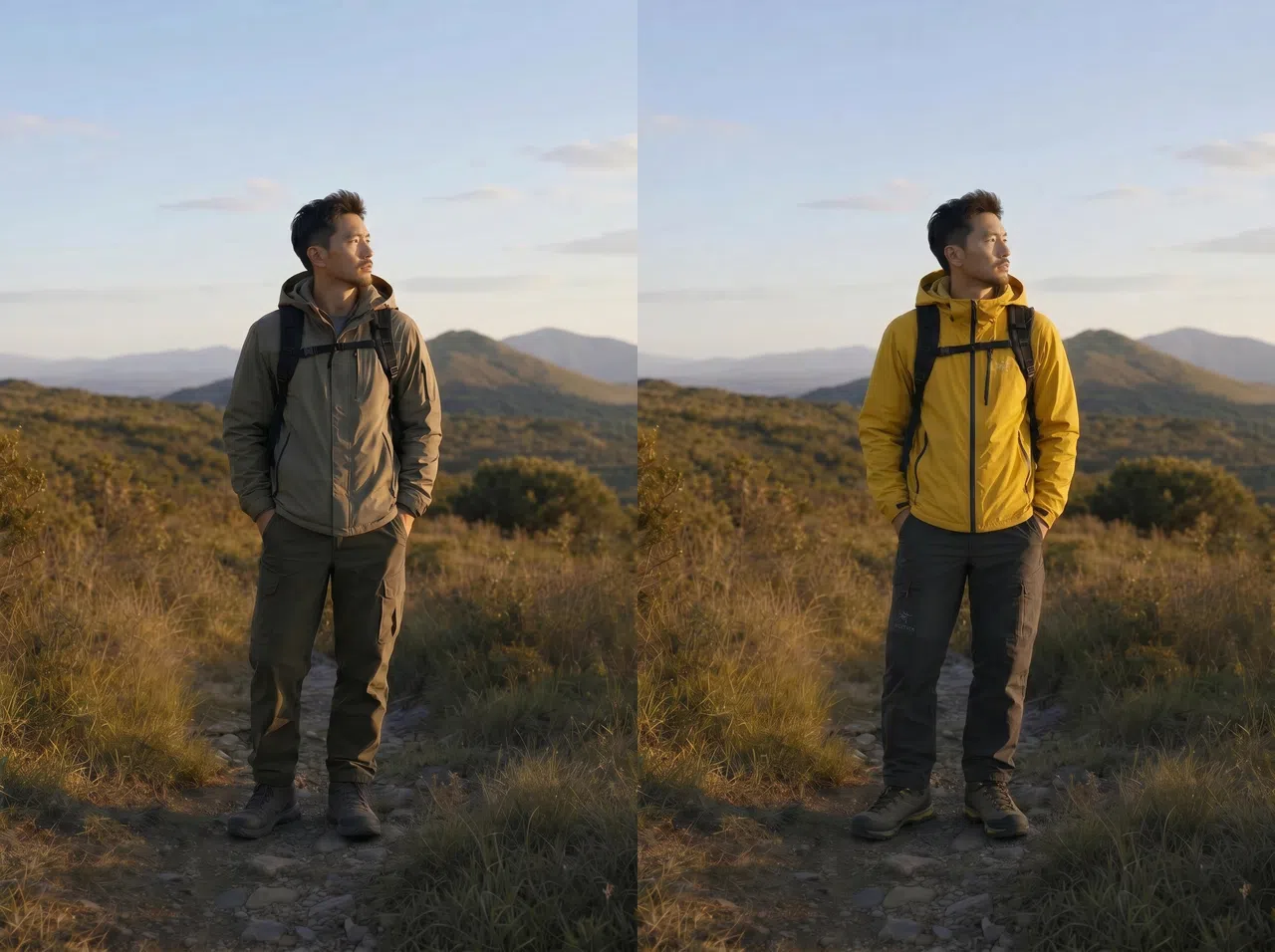
Generate On-Model Product Photos Without a Shoot
Upload your product image and a model photo — get an on-model shot ready for your product page, social media, or new arrival test.
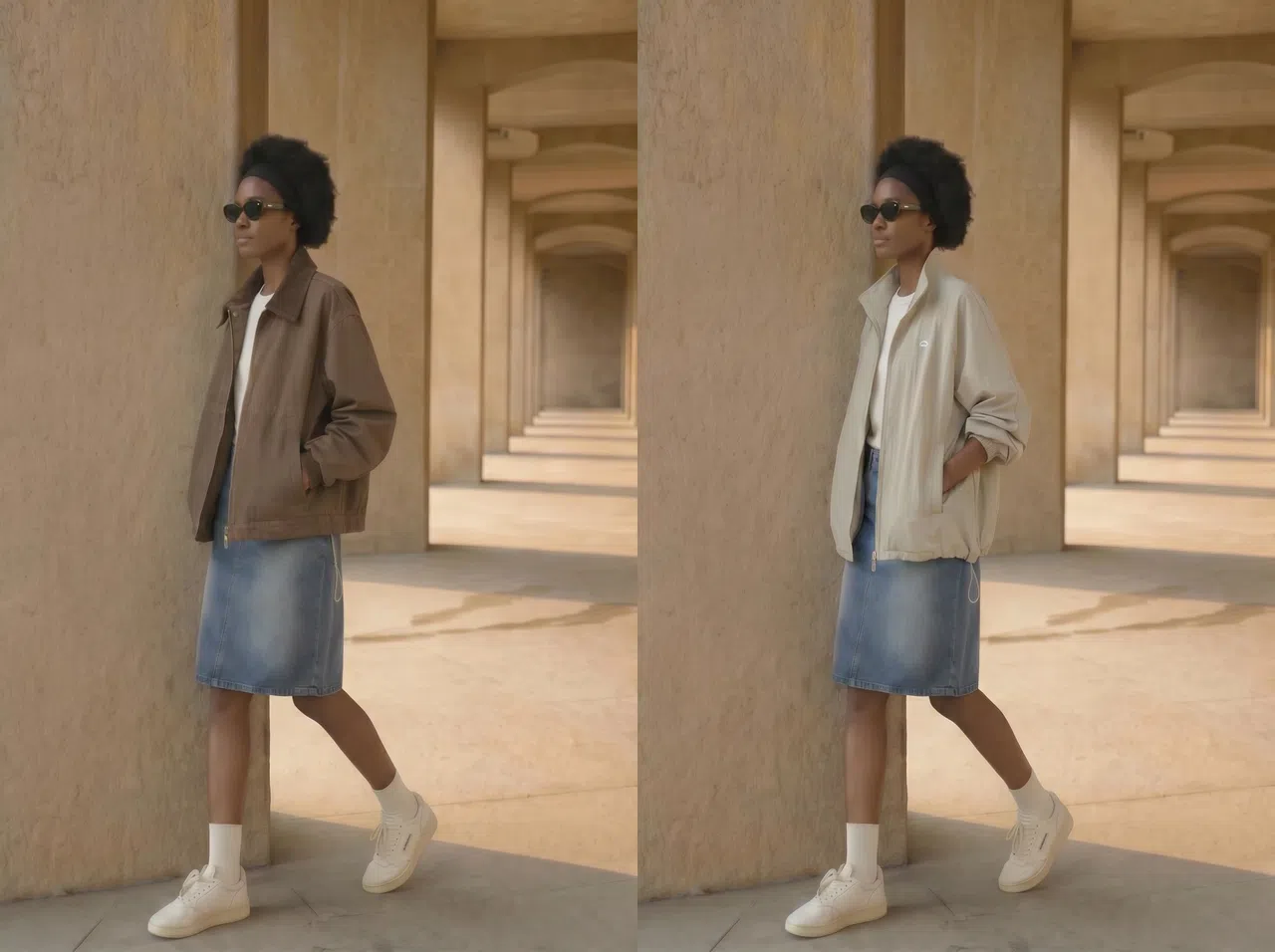

What Koozee AI Clothes Changer Can Do
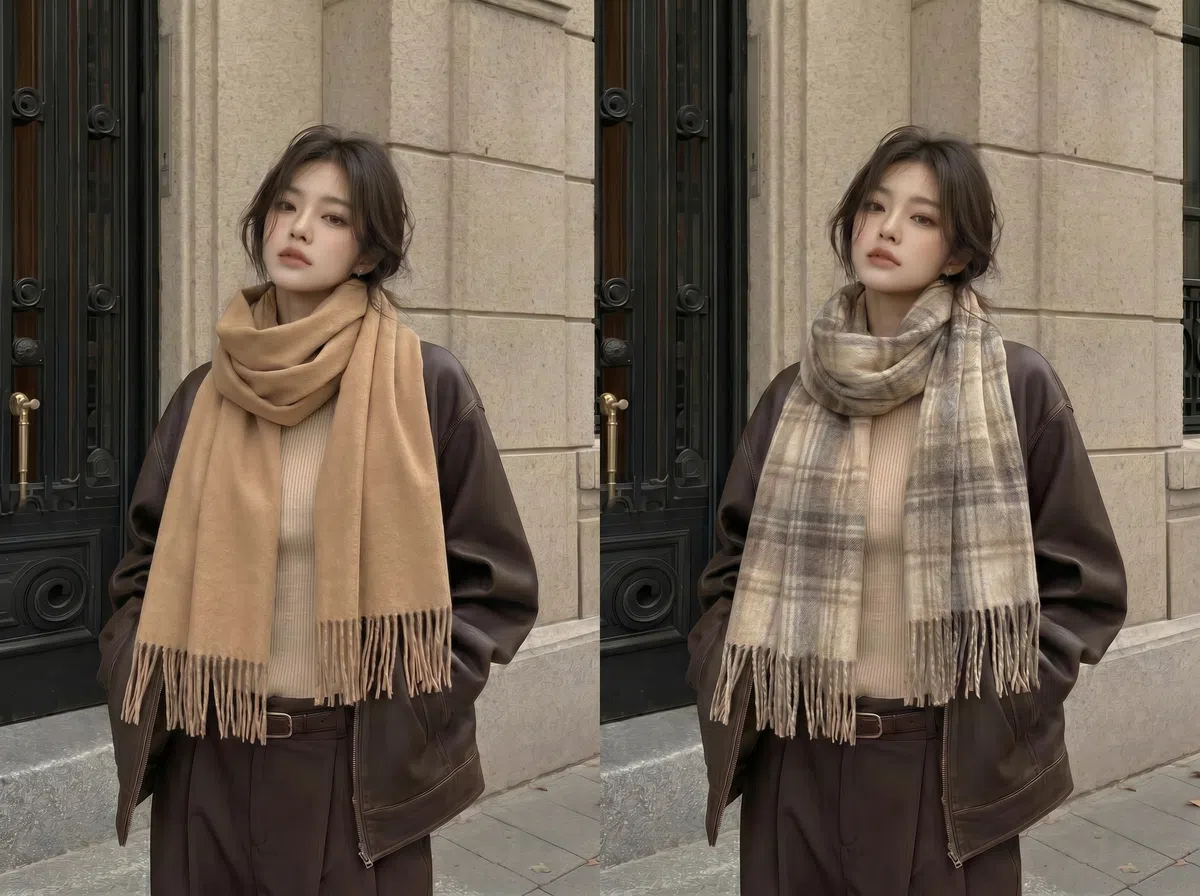
Realistic On-Body Fit
Koozee reads the model's body shape, pose, and lighting to place your garment naturally. Necklines, sleeves, waist, and hemlines follow the model's actual contours — so the result looks like a real product photo, not a digital cutout.
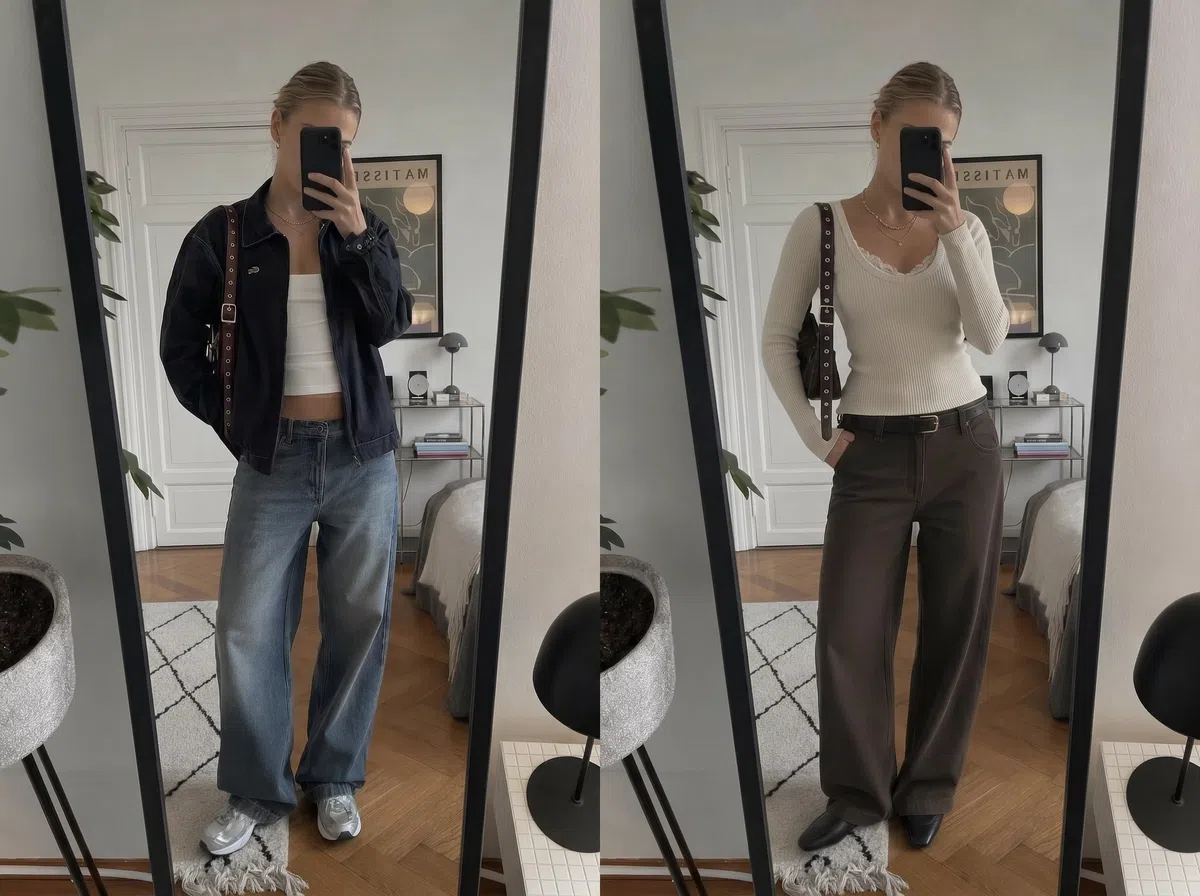
Bring Your Own Garment Image
Upload your actual product photo, sample, or design reference. Koozee puts that specific garment on the model — not a similar style, not a template. What you upload is what appears.
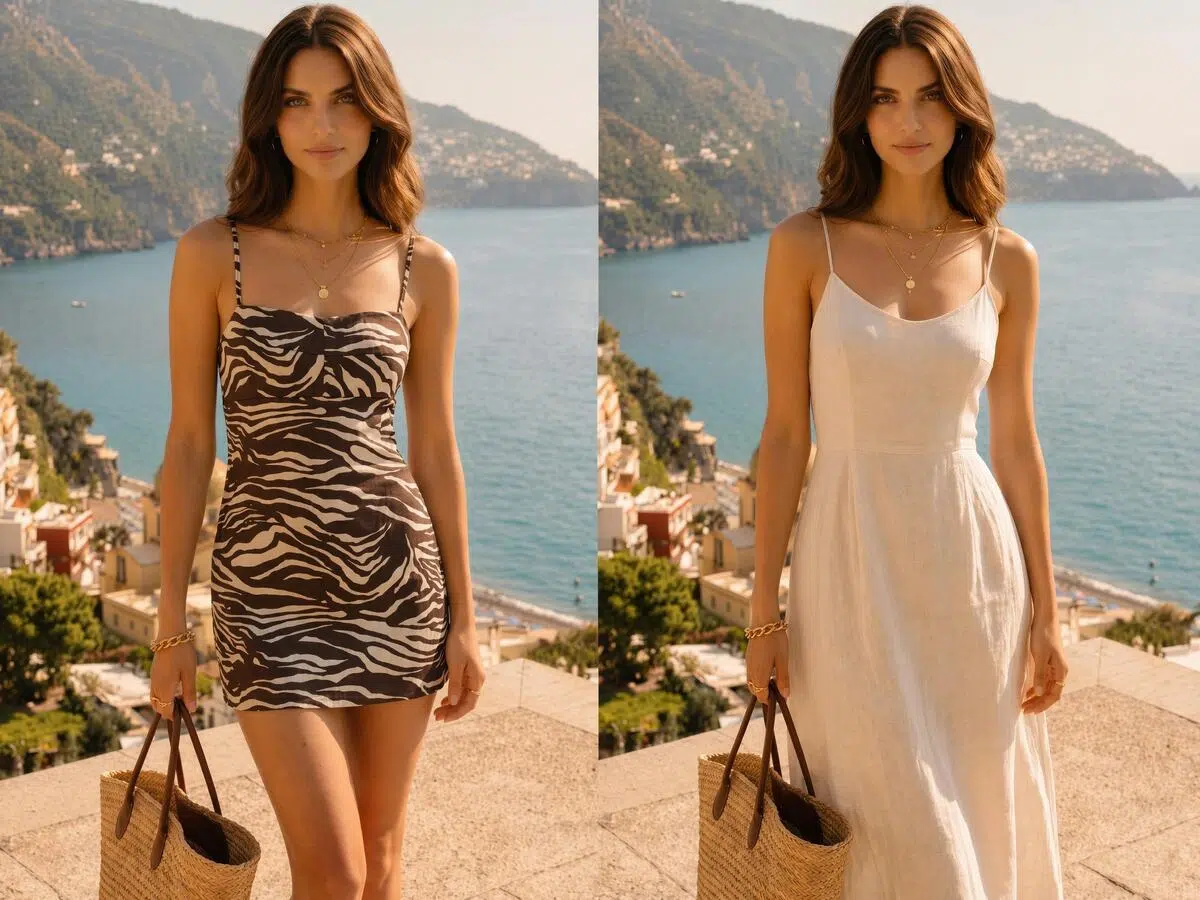
Bring Your Own Model Photo
Use your brand model, a past shoot photo, or any reference image. Test different body types, ages, and styles to match your target audience. Keep visuals consistent or create variations for different markets.
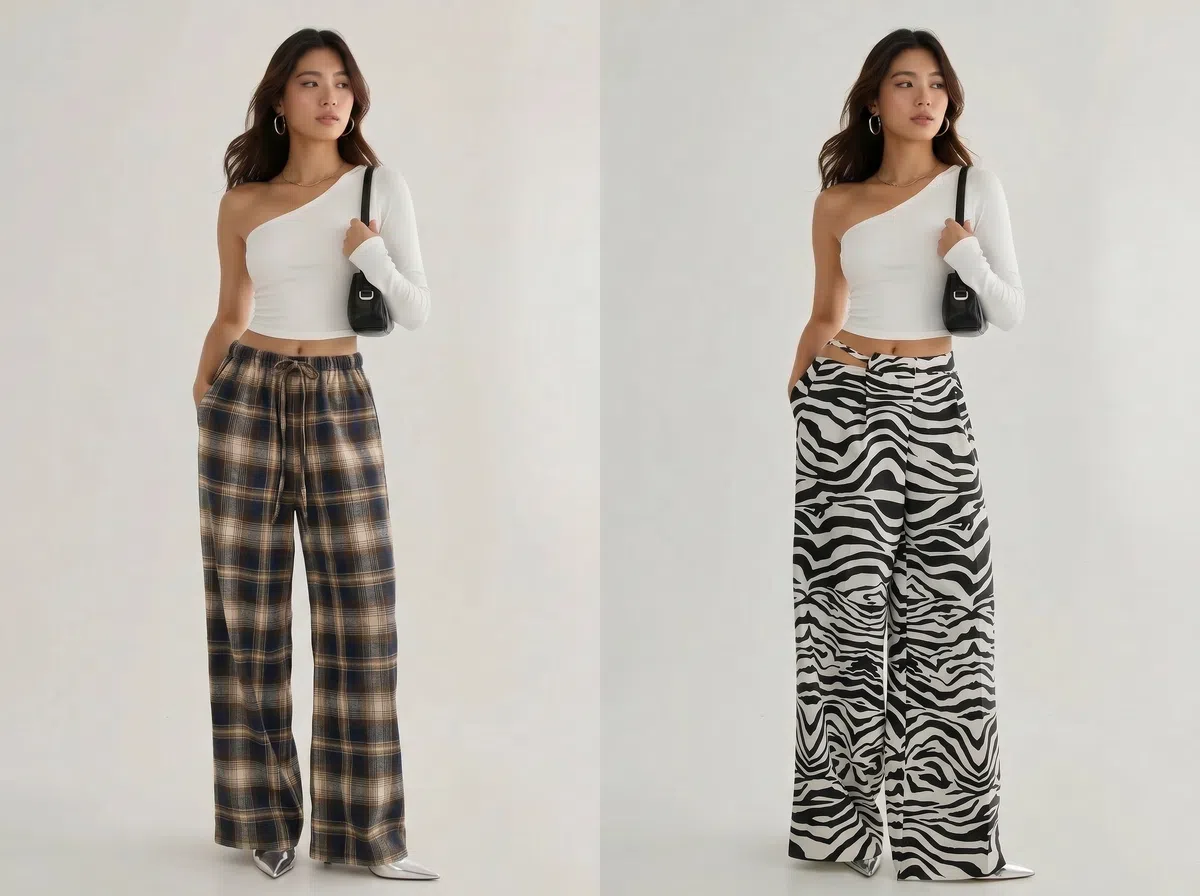
Target Specific Areas
Swap the full outfit or choose a specific zone — top, bottom, dress, or outerwear. Targeting the right area means fewer unwanted changes and more usable results on the first try.
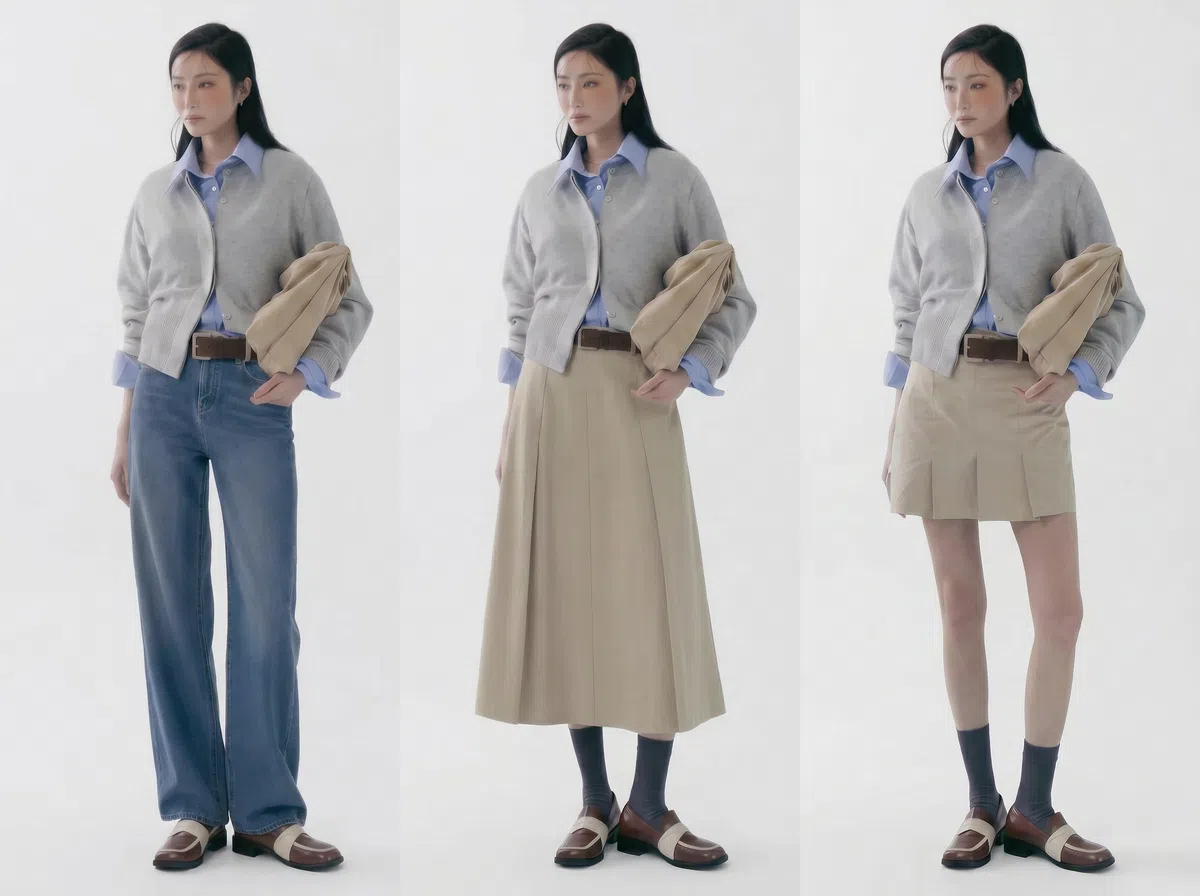
Generate Multiple Versions Fast
Put the same garment on different models, or try multiple outfits on one model. Quickly compare colors, styles, and looks to find the best version for your product page or ad.
Why Sellers Choose Koozee Over Traditional Product Shoots
Koozee gets you an on-model image from two uploads — ready for launch previews, client proposals, or ad tests.

With Koozee, you generate on-model visuals at a fixed cost that does not grow with your catalog size. More styles, same budget.

Test the same garment on different models and styles before committing to a full shoot. Find the visual that performs, then invest in what works.
3 Steps to Change Clothes With AI
Upload Your Garment Image
Choose the clothing item you want to put on the model. A clean product photo or flat lay works best.
Upload Your Model Photo and Select the Area
Add your model reference image. Choose to swap the full outfit or just a specific area — top, bottom, dress, or outerwear.
Generate and Download
Koozee generates your on-model result automatically. Download and use it directly for your product page, ads, or client preview.
FAQ
Can I change only the top or only the pants?
How realistic does the result look?
Koozee fits the garment to the model's body shape, pose, and lighting. For best results, use a clear front-facing garment photo and a model image with even lighting.
Can I use the output image for my product listings?
Yes — works for product pages, ad creatives, social media, and client proposals. Make sure you have the rights to the garment and model photos you upload.
Is the AI clothes changer free?
New users get free credits — no credit card required. Try it first and decide whether to continue.
See Your Garments on a Model — No Shoot Required
New users get free credits to try the full feature. Upload your garment image and model photo and get your first on-model product photo in seconds. No credit card. No commitment.