AI Outfit Video Generator: Skip the Shoot, Post on Trend Day
No image? Try one of these:
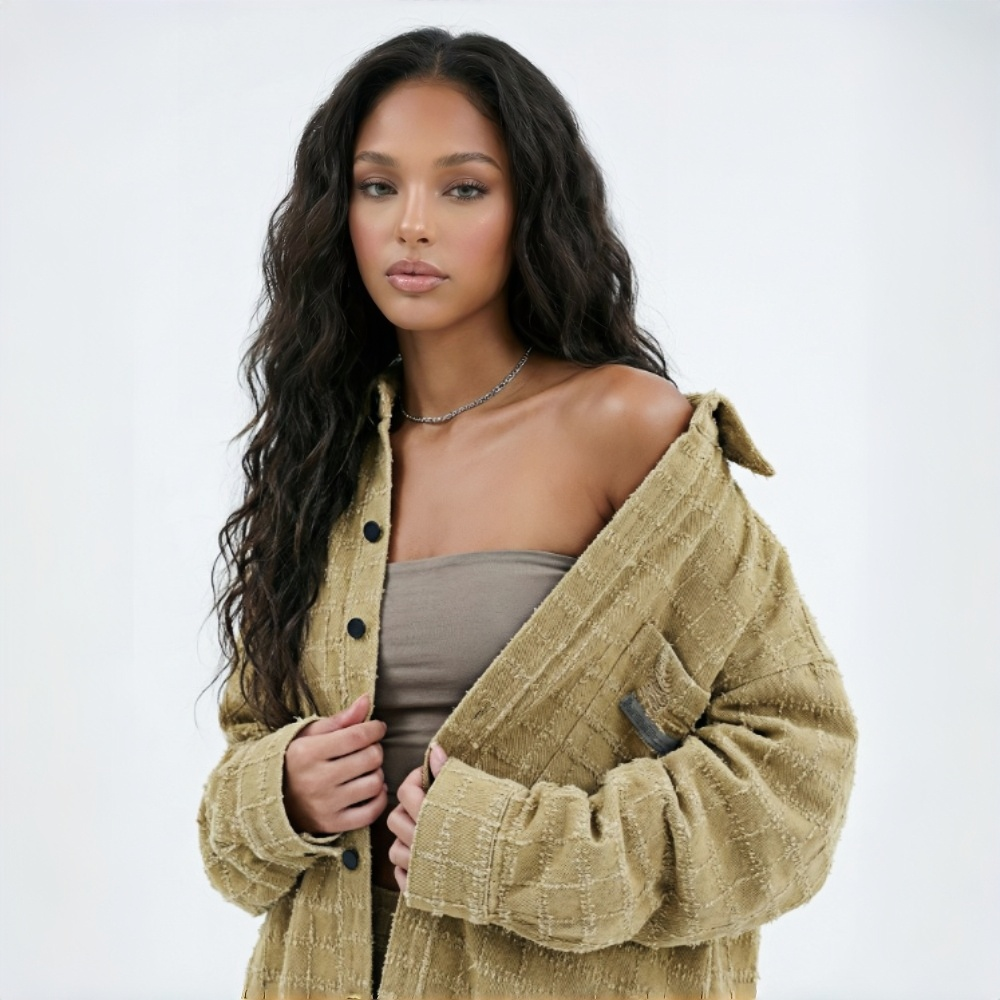
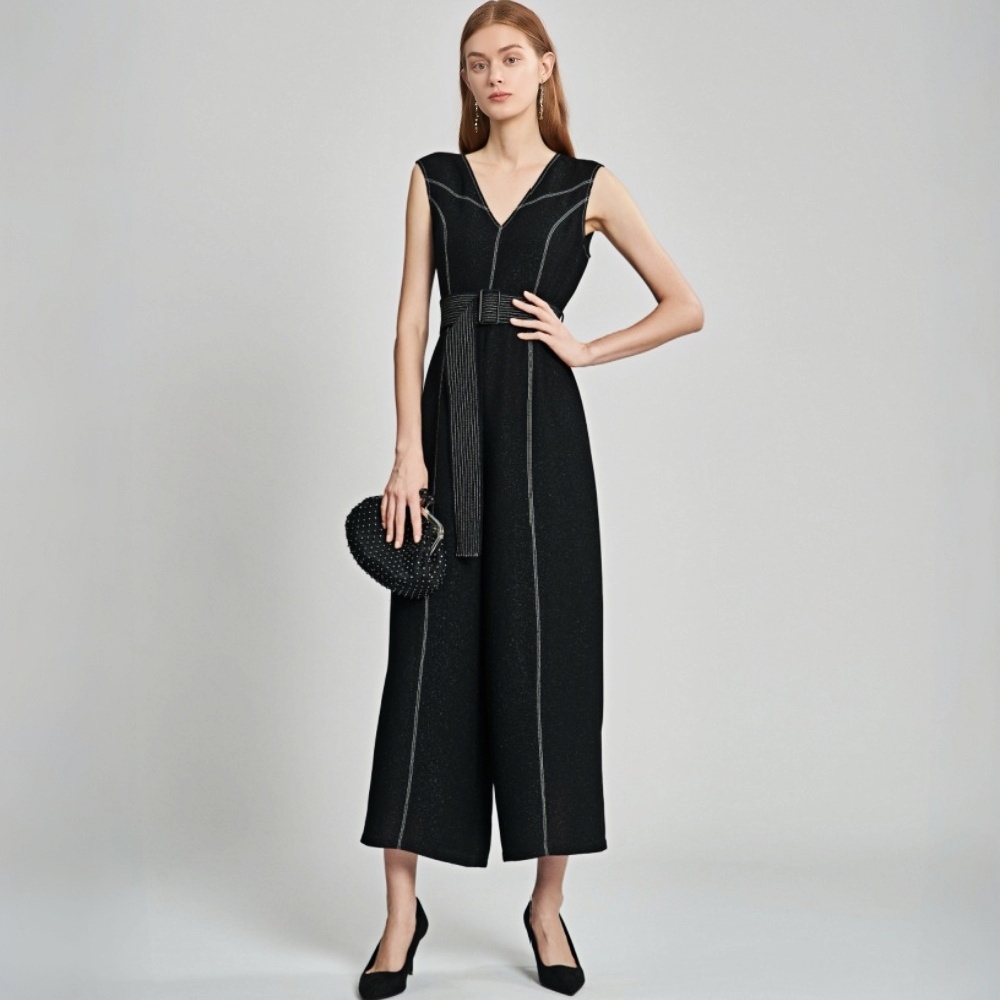
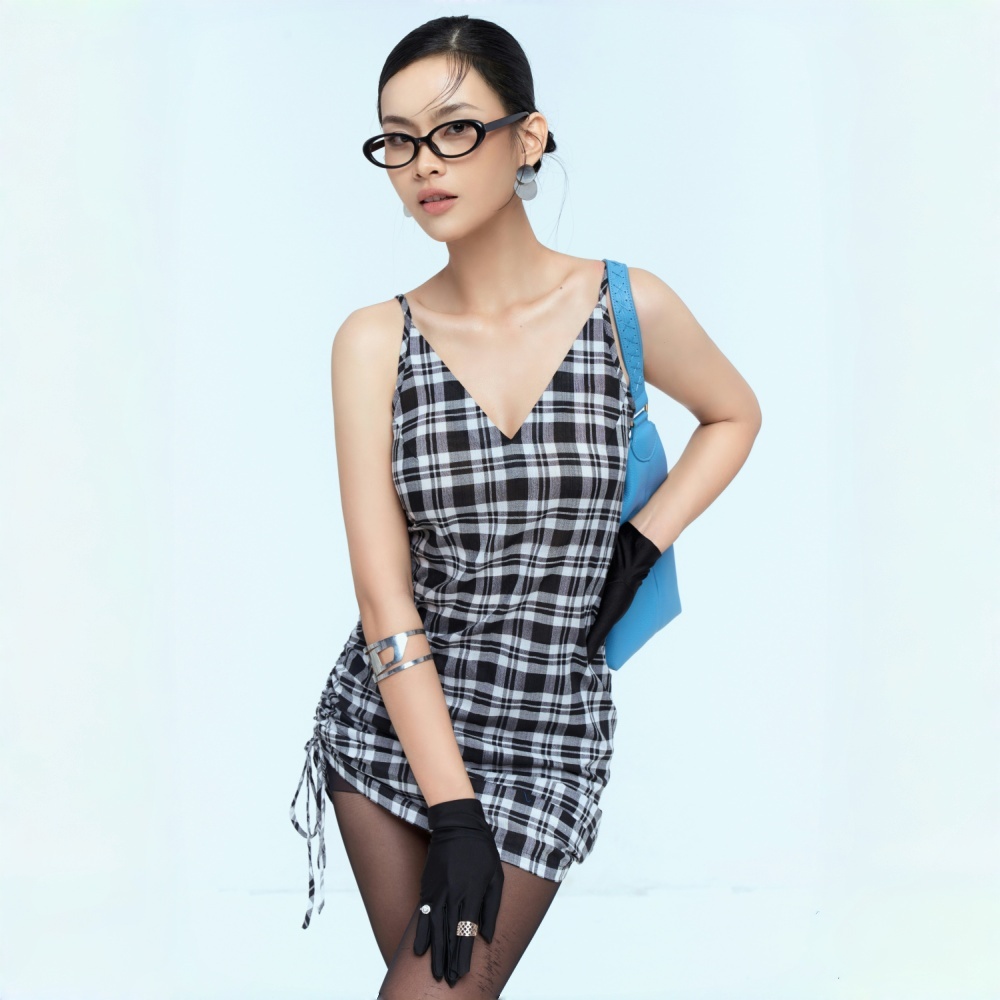
Fix the Video Content Gap in Your Fashion Business
Launch-Day Video, Ready When Your Products Are
Upload your existing model photos and Koozee generates outfit video clips for every new style — one per SKU, all at once, pre-timed to fit CapCut's trending outfit templates.
Outfit Videos for Trending Templates
Built for outfit transition timing
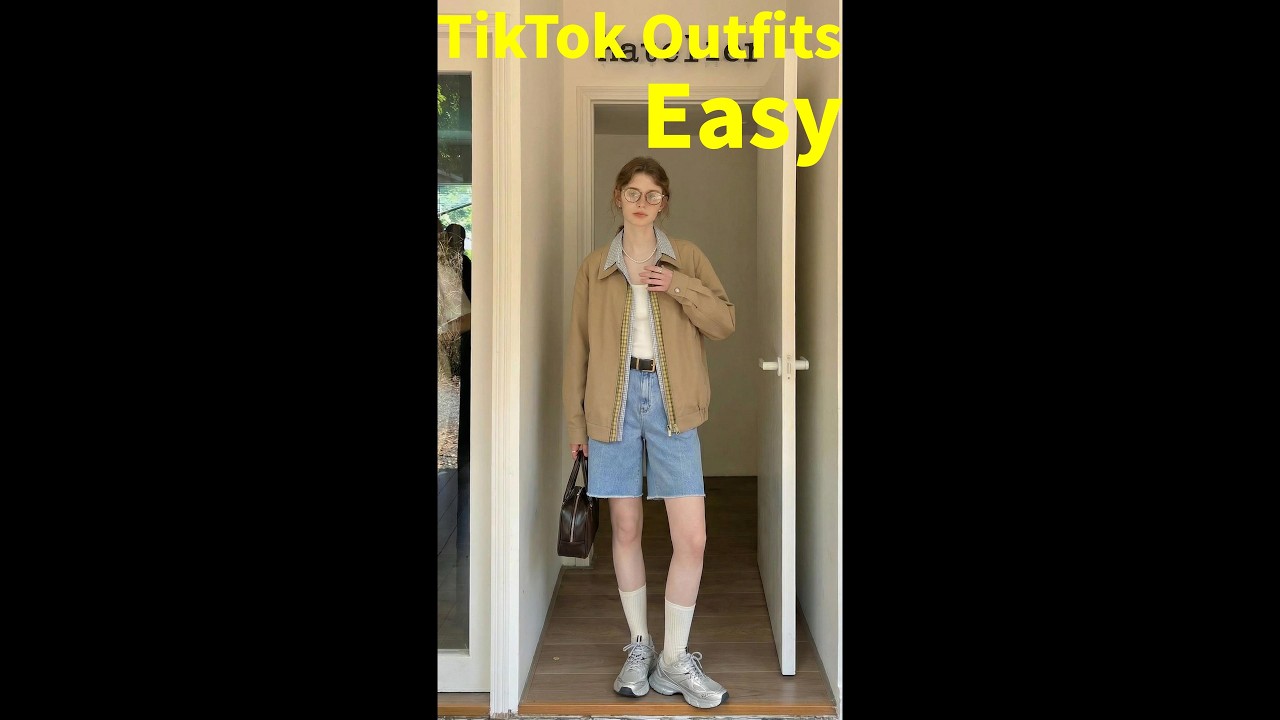
Built for trending outfit templates. Every clip Koozee generates is pre-timed to fit mainstream CapCut outfit templates — import and apply straight away. Grab your clips and post. Done in a few steps.
Batch AI Outfit Swap at Scale
Upload up to 6 model photos — each wearing a different outfit — and Koozee generates all 6 clips at the same time. One session, every version ready to drop across templates and platforms.
One model photo, three ways it pays off
Your model photos already exist. Koozee turns them into outfit transition clips without a single additional shoot. Every photo in your library becomes a deployable video asset — no booking fees, no logistics, no waiting.

Every model photo you already own can keep producing. Use Koozee as an AI outfit swap tool to convert them into outfit transition videos, giving the same clothing a fresh content format across every platform — extending the value of assets you've already paid for.

The moment a trending outfit template surfaces, upload your model photos and Koozee generates multiple matching clips in minutes. Apply the template and post the same day — every time, without missing a window.
Four steps from model photo to finished video
Head over to the "Outfits" feature.
Open KOOZEE and select the Outfits feature from the tool menu.
Upload outfit photos and click "Generate."
Upload up to 6 fashion model photos at once — one per outfit. Hit generate and all clips process at the same time.
Choose a trending outfit template in CapCut
Open CapCut, go to the "Templates" tab, and pick your favorite vibe.
Import your generated assets and hit "Export."
Drop the KOOZEE clips into the template slots. Just export and post.
Frequently Asked Questions
Can I use these clips directly in CapCut outfit templates?
How many photos can I upload at once?
Up to 6 model photos in one session. Koozee generates all 6 outfit clips at the same time — no waiting between uploads. You get the full batch together.
What kind of photos work best?
Use photos where the model is clearly visible, the outfit is fully in frame, and the lighting is even. Higher resolution photos produce sharper clothing details in the final clip.
Can I use the videos commercially?
Yes. KOOZEE paid subscribers can use eligible AI outfit videos for permitted digital commercial purposes, including TikTok Shop, Shopify product pages, paid ads, and social media posts. Check each platform's AI content guidelines before publishing and follow KOOZEE's Terms of Service.
Do I need to write prompts or descriptions?
No. Upload your model photo and KOOZEE generates the outfit clip. No text input, no prompts, no setup.
Your outfits are ready. The trend won't wait.
Claim free credits and try the AI outfit video generator at no cost. Upload a photo and see your first clip in minutes.