Create White Background Product Images for Amazon Listings in Seconds
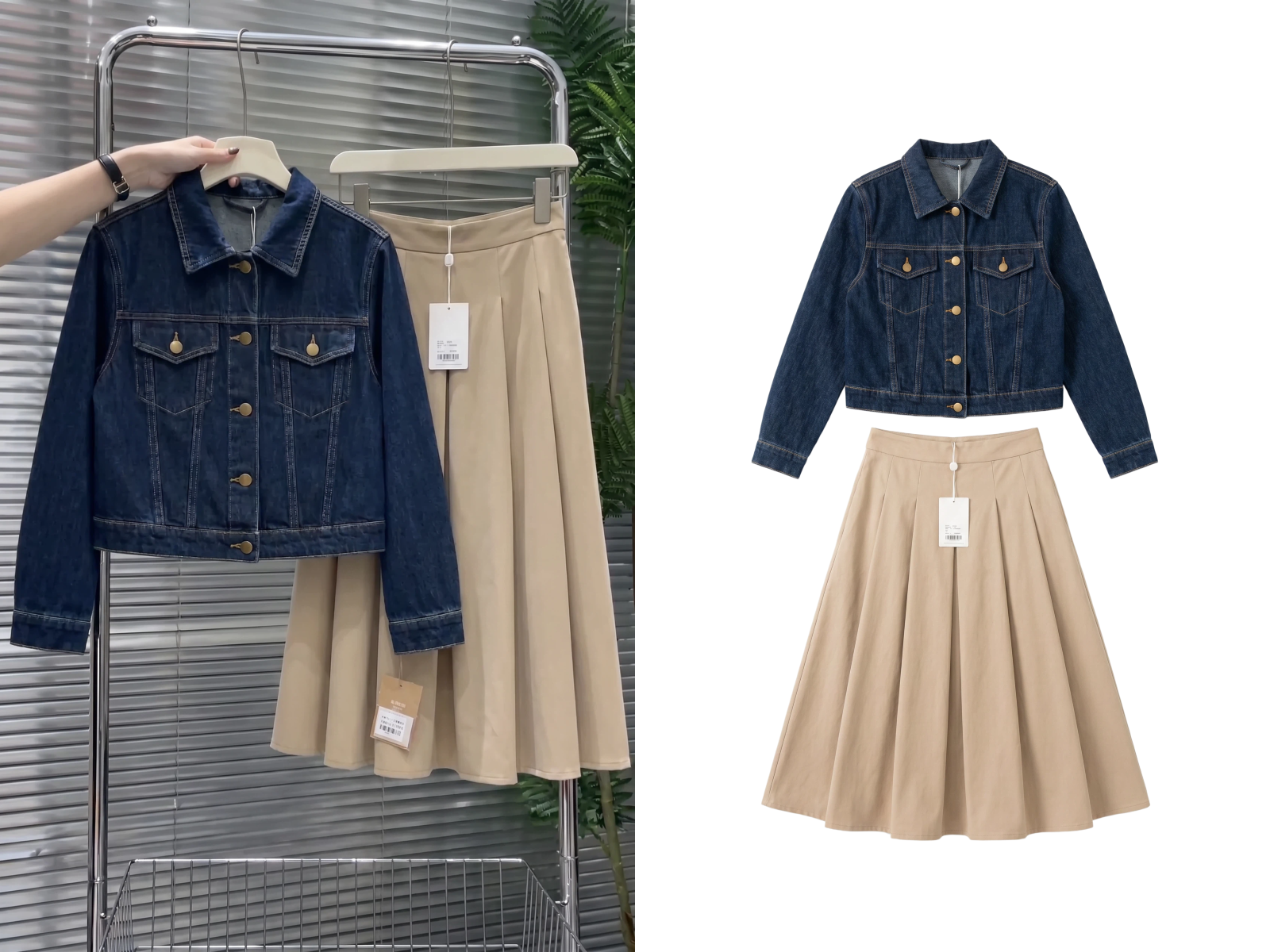
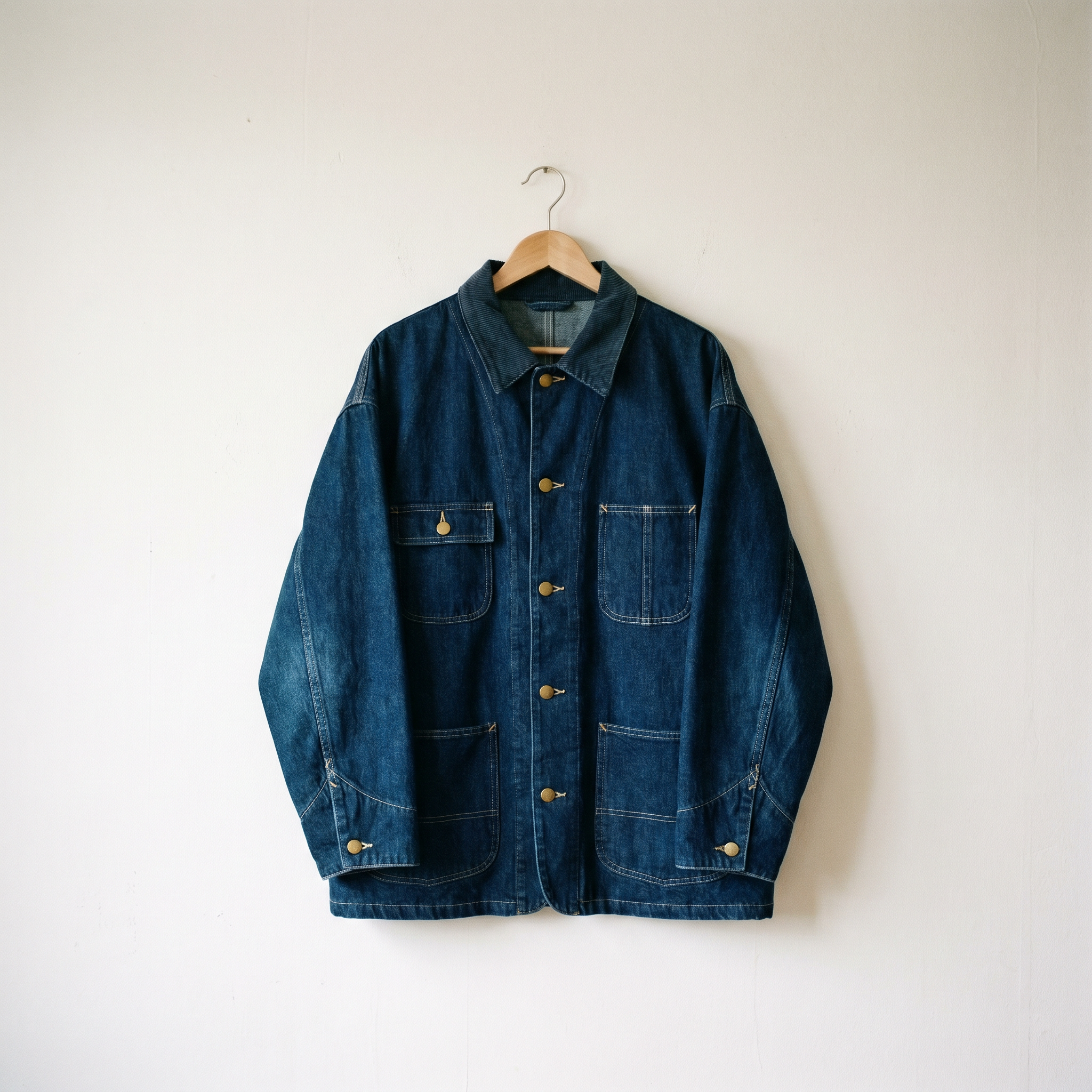
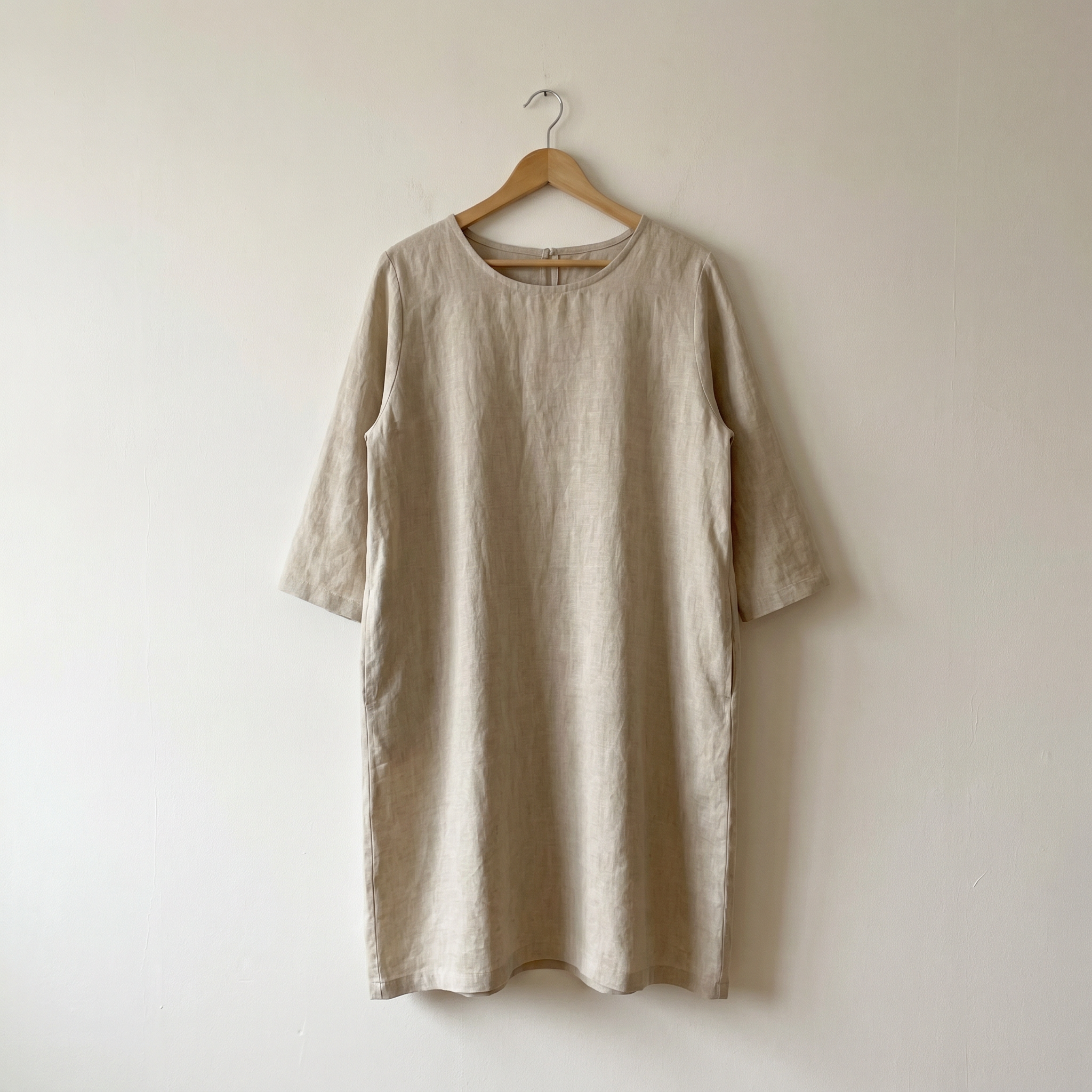
Built for Clothing Sellers and Teams Who Need Clean Product Images Fast
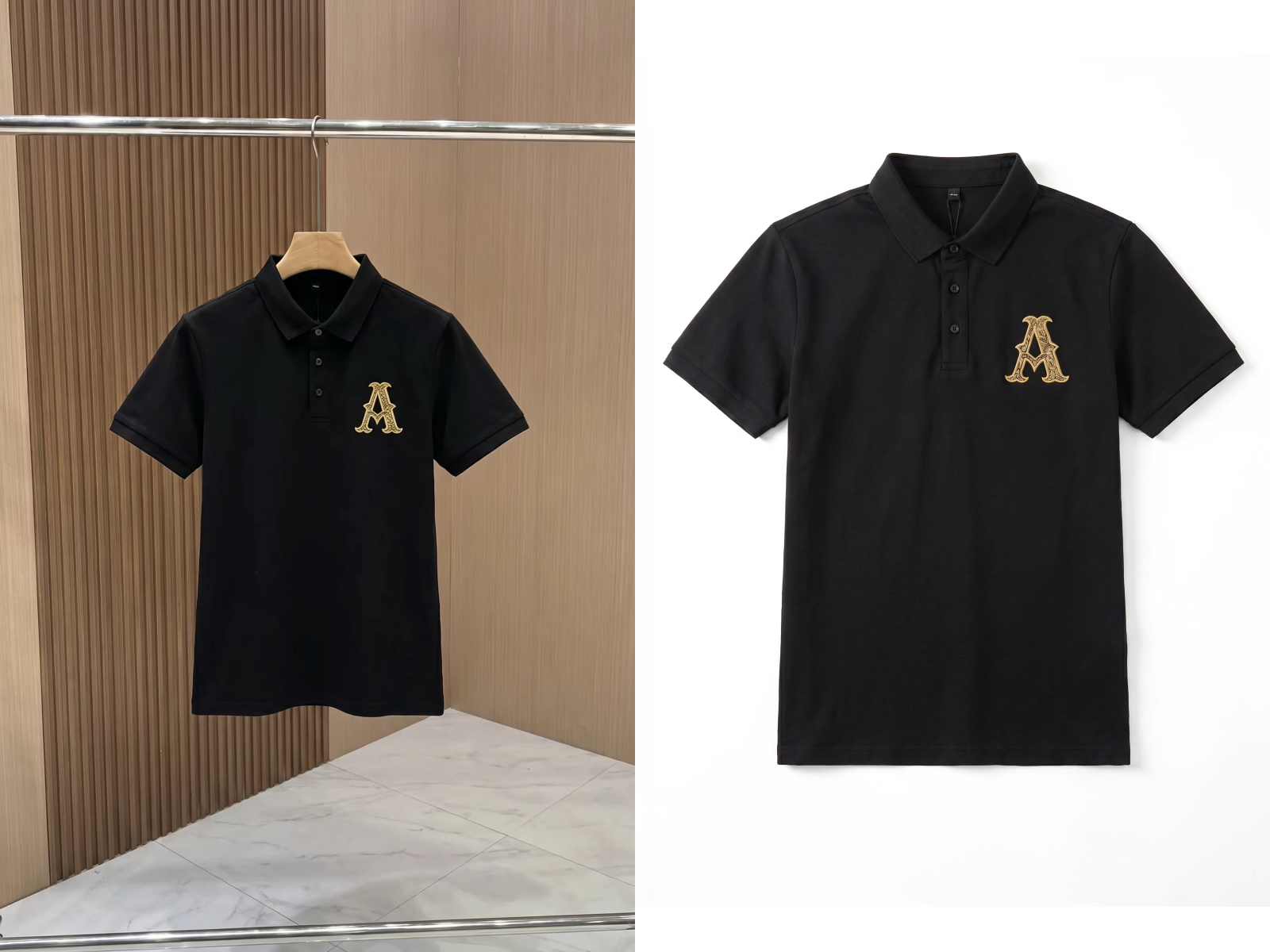
Get Amazon-compliant white background images from any supplier photo
Supplier photos often have messy or off-white backgrounds that fail Amazon's main image rules. KOOZEE removes the background and outputs a pure white product image — ready to upload without any extra editing.
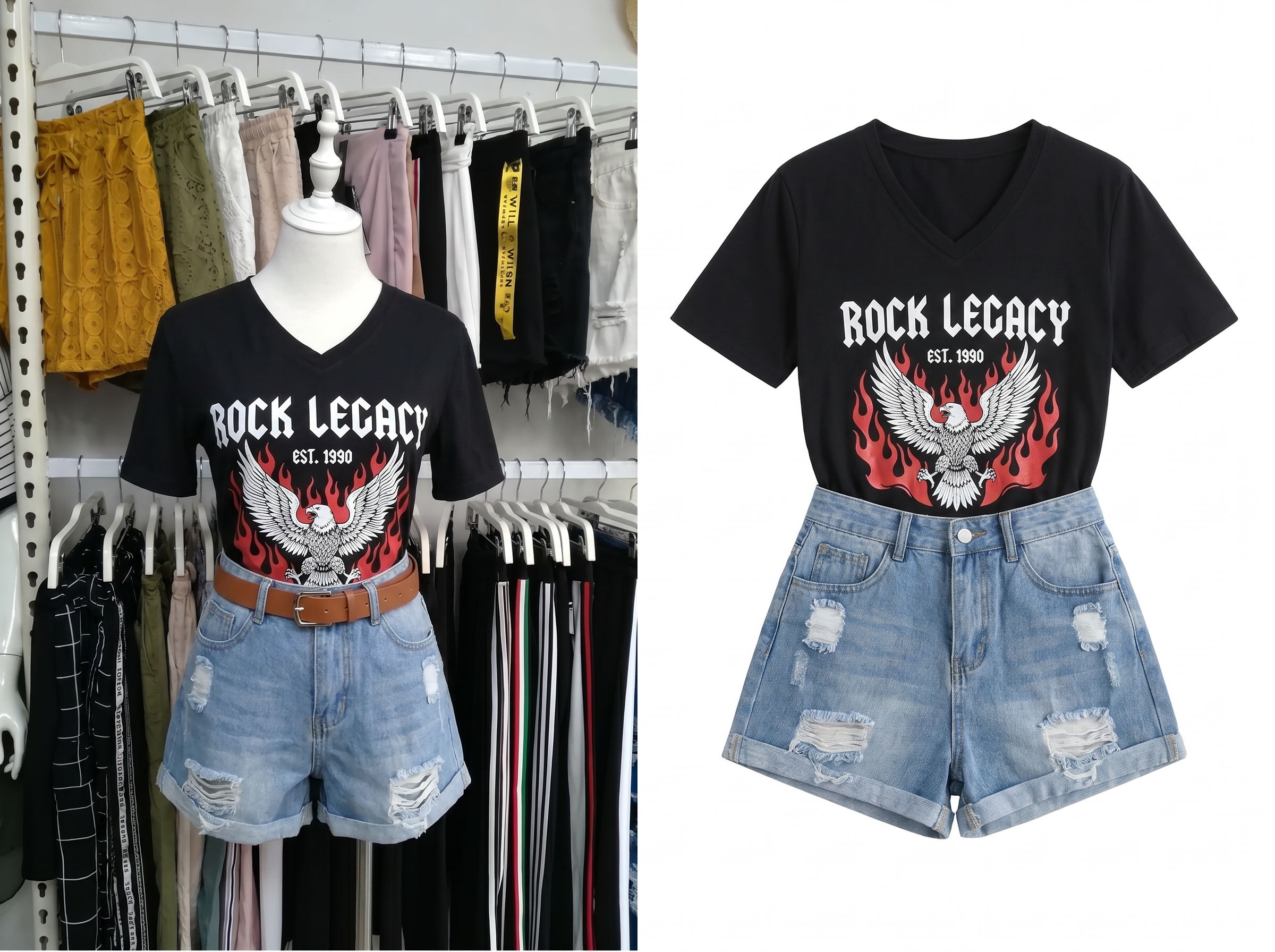
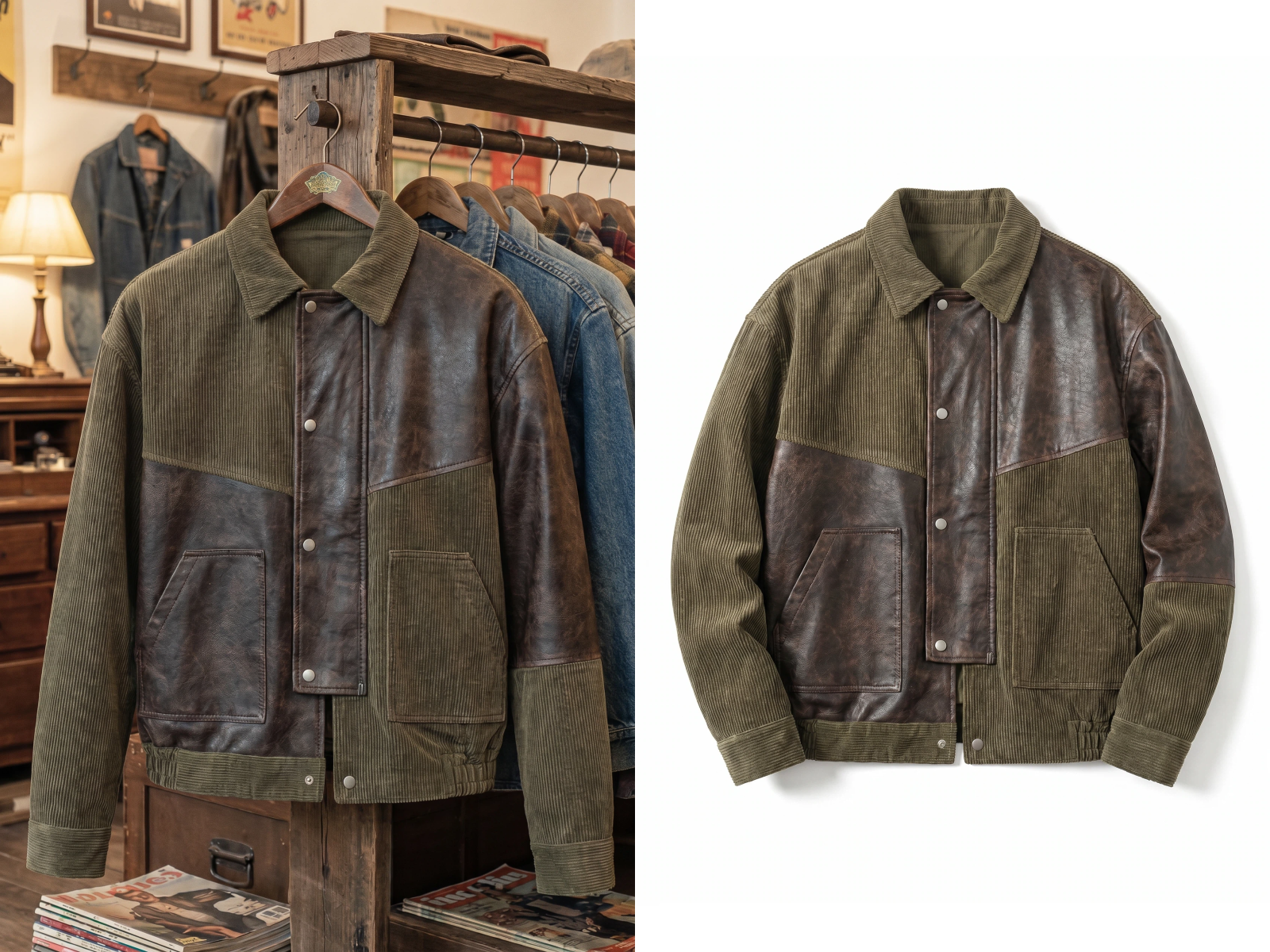
Accurate Clothing Detection and Clean White Background Output
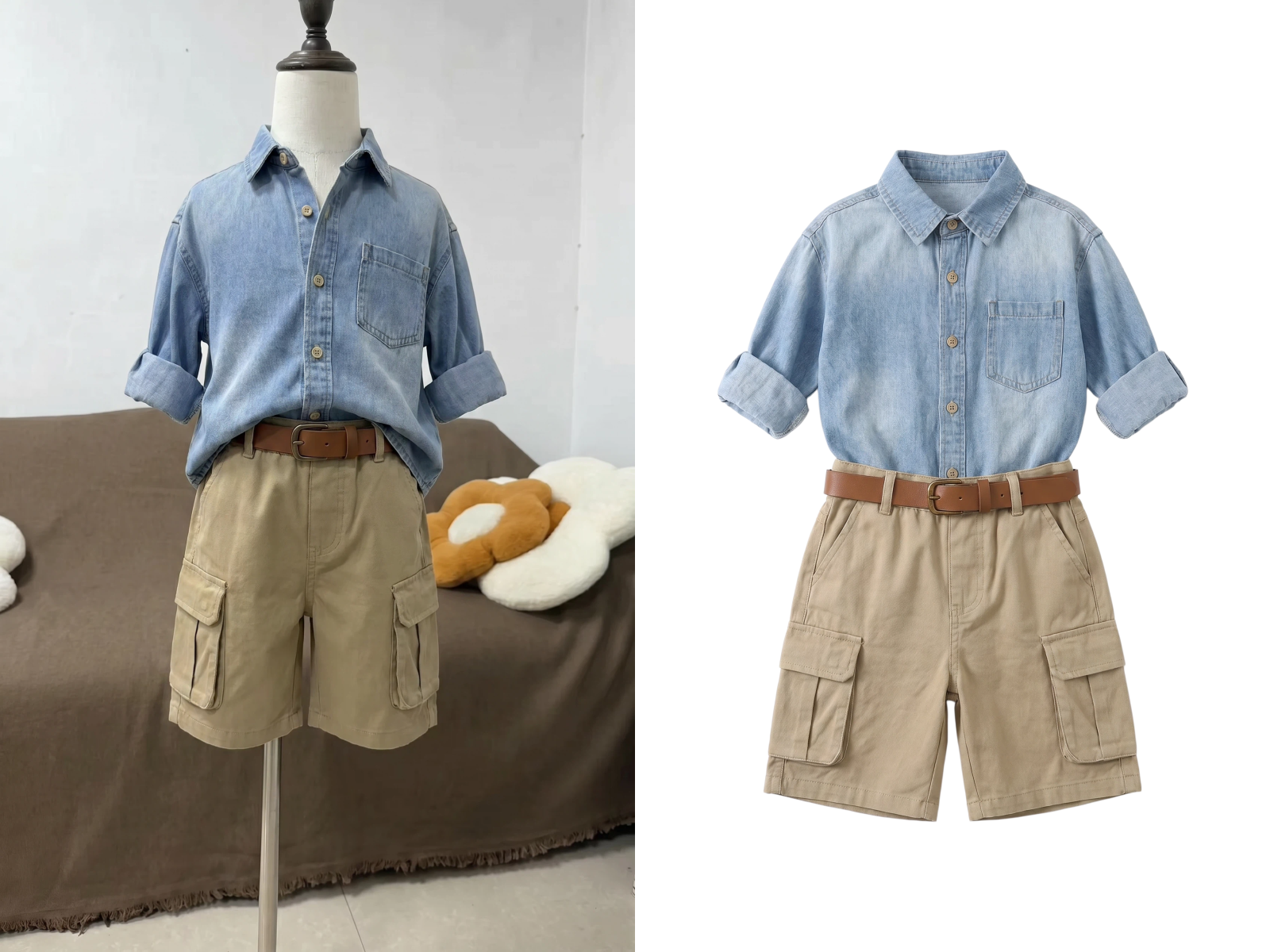
Detect Clothing and Preserve Complex Edges
Upload your photo and KOOZEE automatically detects the clothing, shoes, or bag and removes the background. Choose from preset categories — tops, pants, dresses, outerwear, shoes, bags — so the AI focuses on the right product shape. Fine details like collar edges, sleeve hems, and bag straps are preserved accurately.
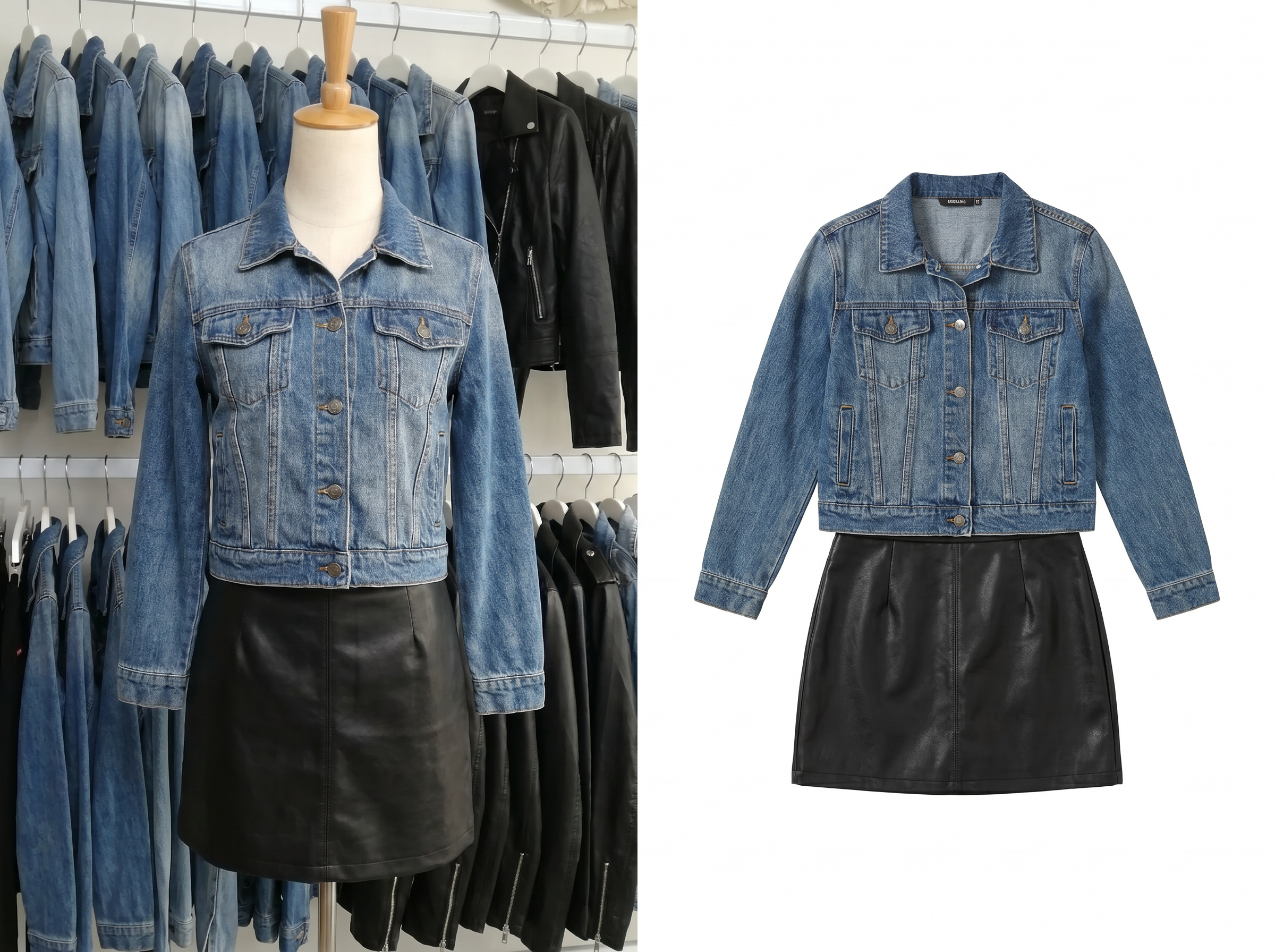
Output a Pure White Background Image - Clean & Consistent
KOOZEE outputs a finished product image with a pure white background. No watermarks, no extra elements. The result is ready for your Amazon listing, catalog, or ad creative — no extra editing needed.
Why Sellers Choose KOOZEE for Clothing Product

Upload a photo and get a finished white background image right away. No background fill, no edge clean-up, no format adjustment — just download and move to the next one.

General background removal tools don't handle clothing shapes well. KOOZEE is trained specifically on apparel and accessories, so the results are more accurate on the product types you actually sell.

Traditional editing tools require skills most sellers don't have. KOOZEE works in three steps: upload, select category, download. No training needed.
3 Steps to a White Background Product Image Ready for Your Listing
Upload Your Product Photo
Any background works: warehouse, showroom, workshop, or bedroom.
Select a Product Category
Choose from tops, pants, dresses, shoes, bags, and more. KOOZEE uses the category to detect the product more accurately.
Download
Download your white background image — Use it for listings, catalogs, or ad creatives. Then upload the next photo.
Frequently Asked Questions
What clothing categories does KOOZEE support?
Can KOOZEE handle photos taken in a warehouse, showroom, or bedroom?
Yes. As long as the product is clearly visible, KOOZEE can detect and extract clothing, shoes, or bags from warehouse racks, showroom tables, workshop floors, and other complex backgrounds.
Will the output image have a watermark?
KOOZEE supports watermark-free exports for eligible subscription plans, giving you clean product images without added watermarks or text overlays. Check your plan's export options for details.
Do I need design experience to use KOOZEE?
No. KOOZEE is designed for sellers and marketing teams, not designers. The process is three steps — upload, select category, download — and anyone can do it without any image editing background.
What file formats does KOOZEE accept and output?
KOOZEE accepts JPG and PNG uploads. The output is a high-resolution JPG or PNG image with a pure white background, ready for Amazon listings and other commercial uses.
Get Clean, Consistent White Background Product Images
KOOZEE helps clothing sellers, factories, and marketing teams create professional product images at a fraction of the usual time and effort. New users get free credits to try the full experience.