"When we launch intimate apparel, the slowest part is preparing different product images. Now we start from flat lay photos, then create ghost mannequin images and try-on photos. Product pages are ready much faster."
Create Listing Images for Intimate Apparel Faster
Lingerie, shapewear, and swimwear listings need clear product images. Koozee starts from a standard flat lay photo and helps create white background images, ghost mannequin images, AI model try-on photos, and light motion assets for product pages.
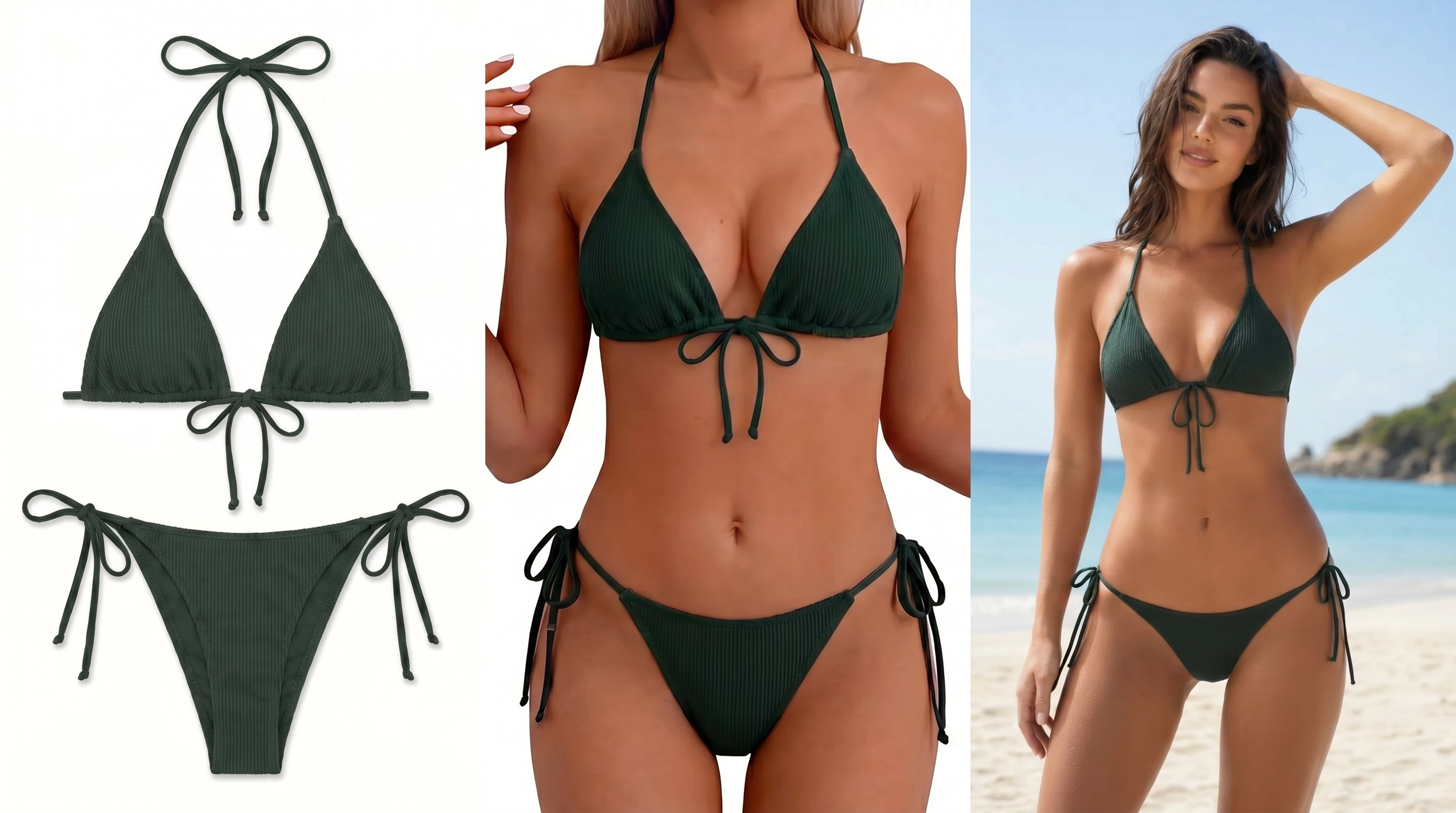
Build Intimate Apparel Product Page Assets Faster
Create Standard White Background Flat Lay Images
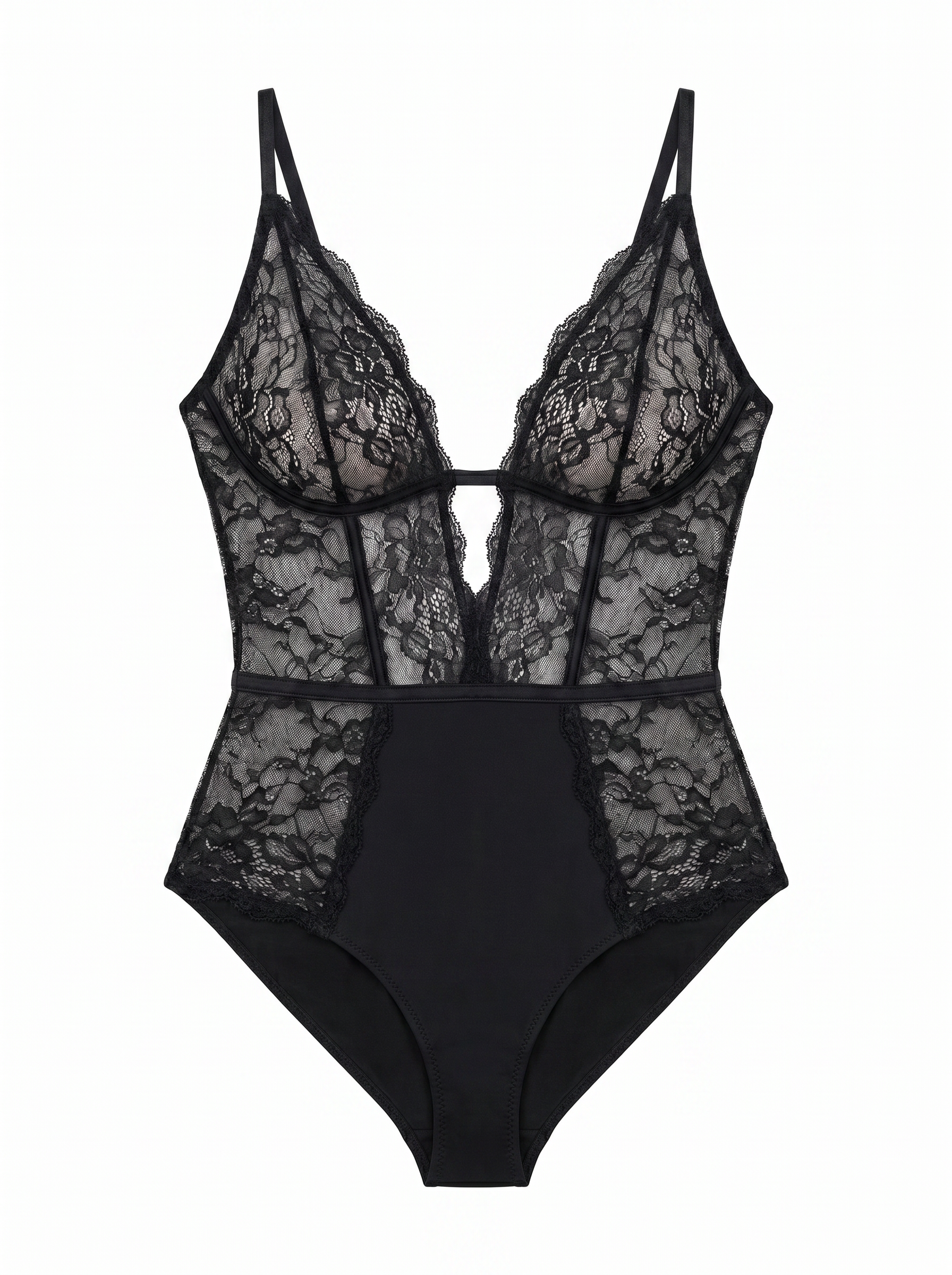
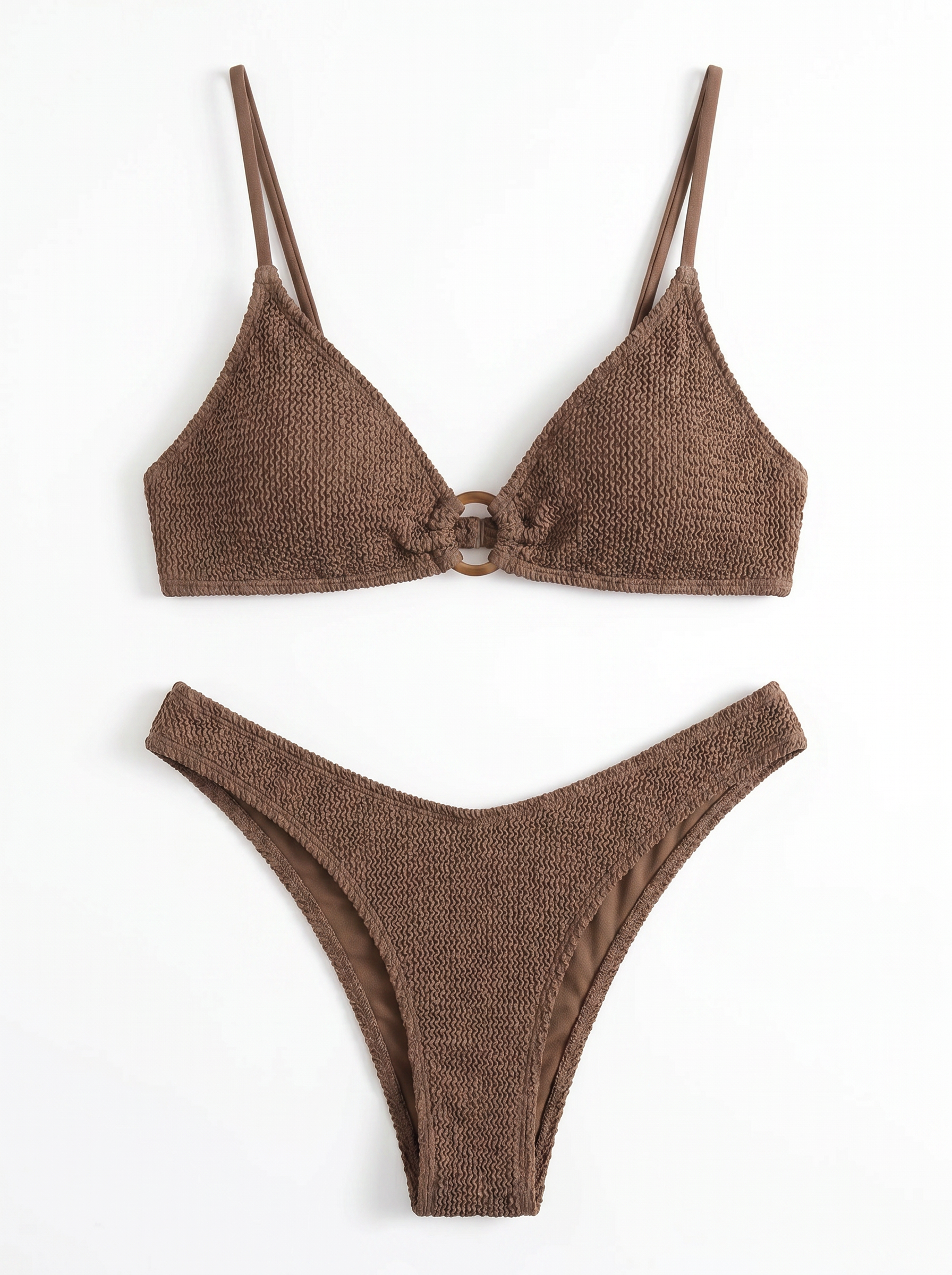
Start with clean flat lay images for product listings. Front and back views are recommended. These images show the product shape, straps, waistband, cups, leg openings, back clasps, ties, and other key structures.
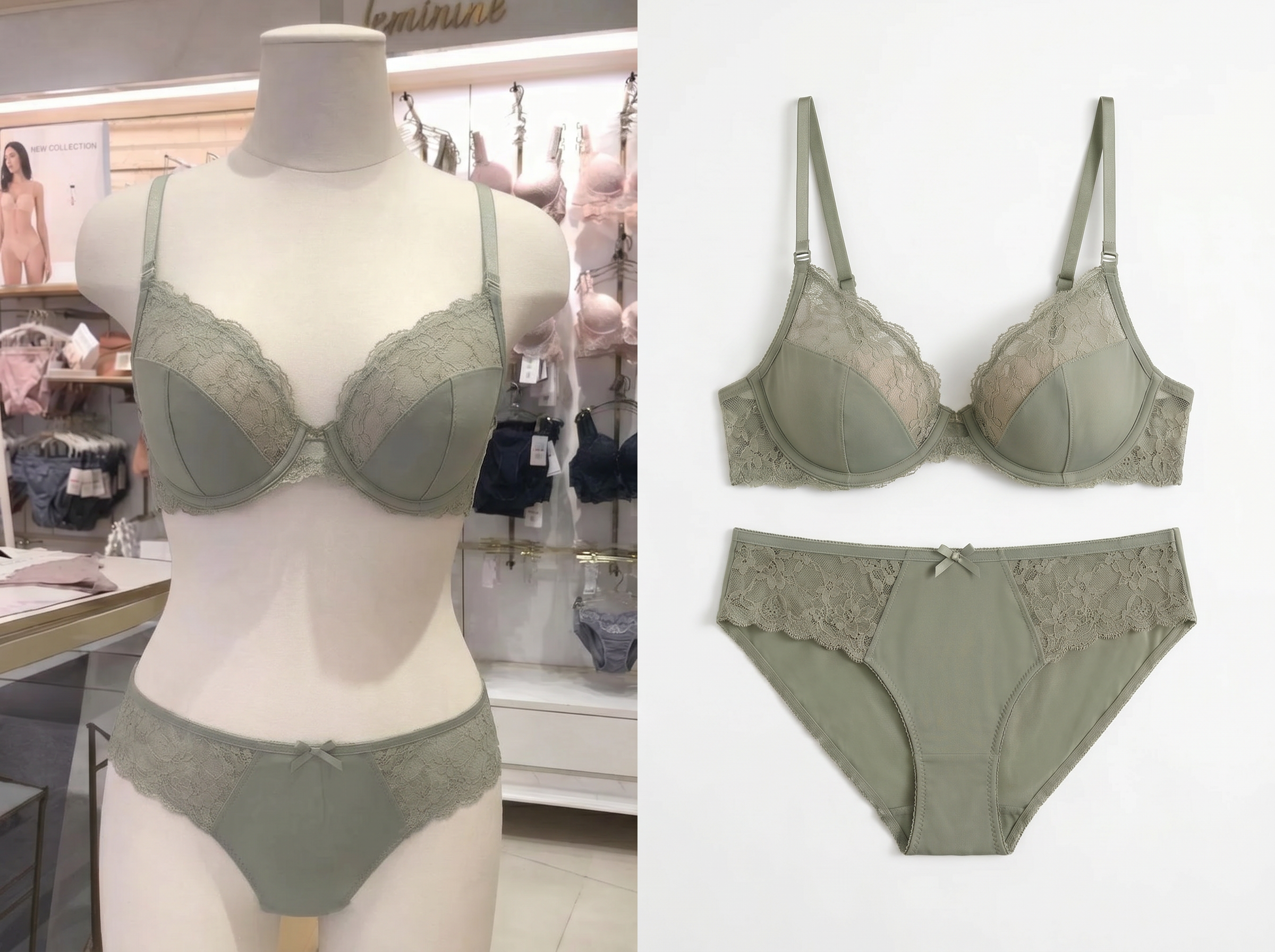
Create Ghost Mannequin Images
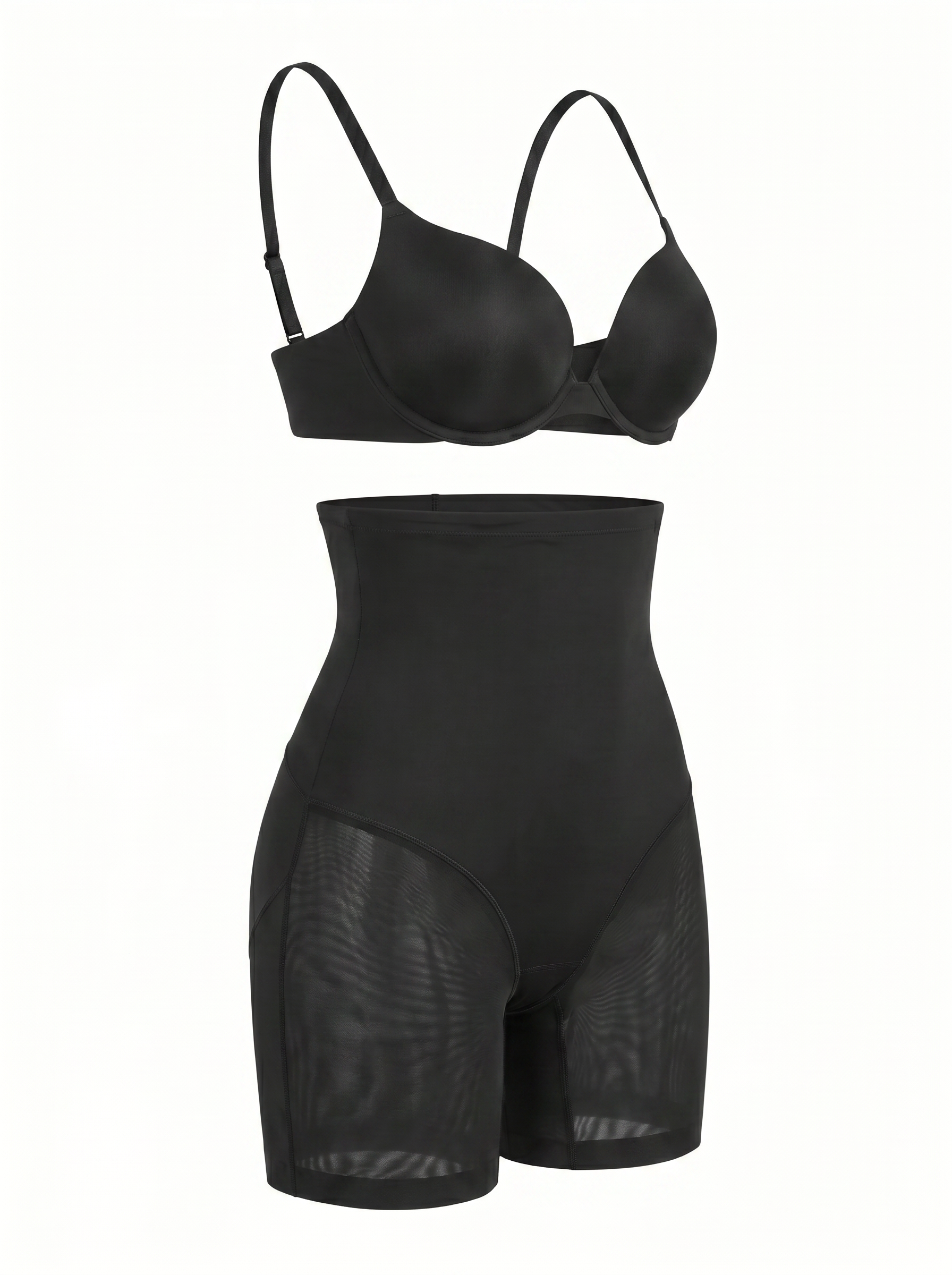
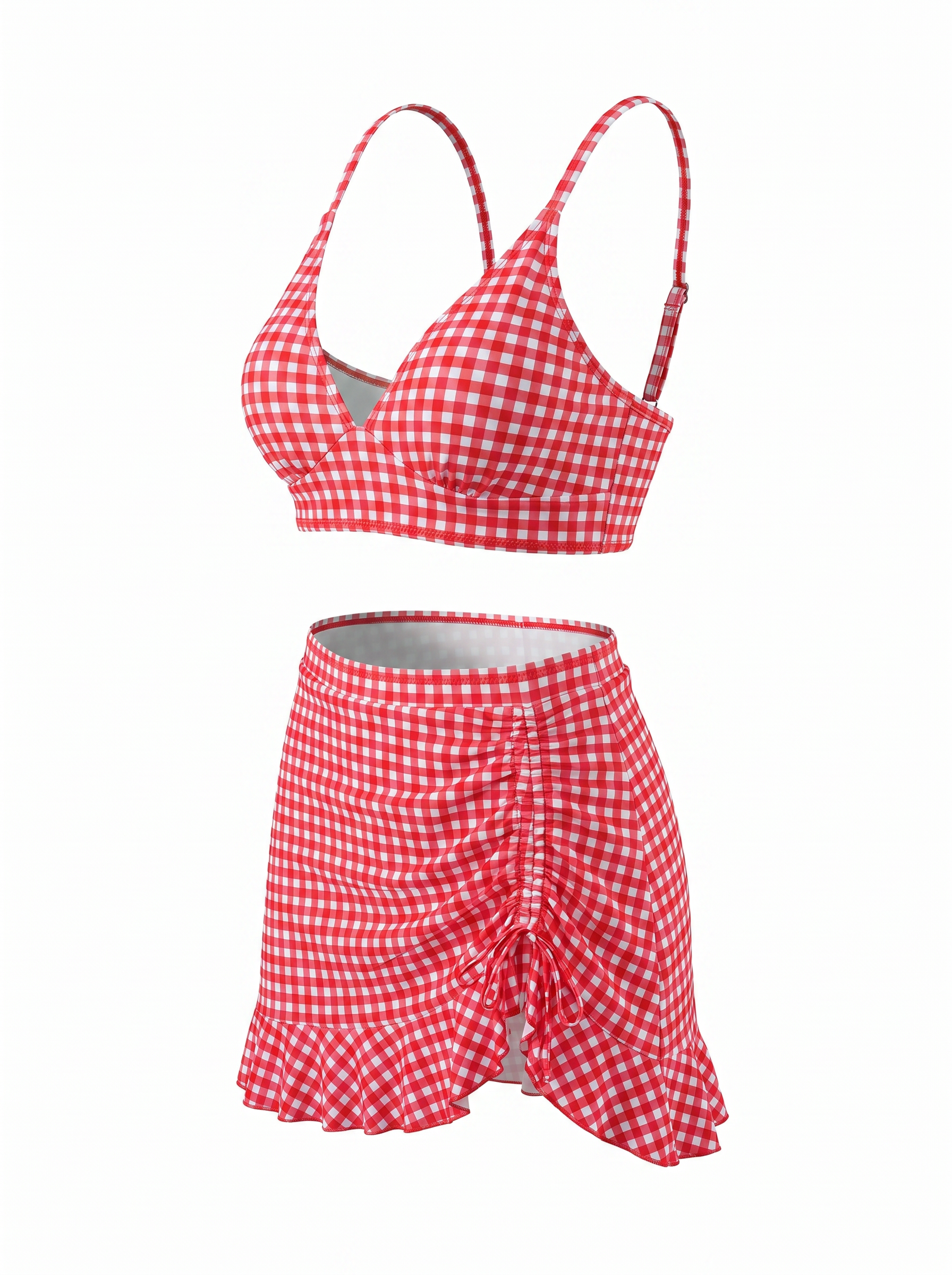
Turn flat lay photos into ghost mannequin images. Buyers can see the 3D shape and wearing outline without using a real model. This works well for lingerie, shapewear, and swimwear because it shows support areas and coverage in a clear way.
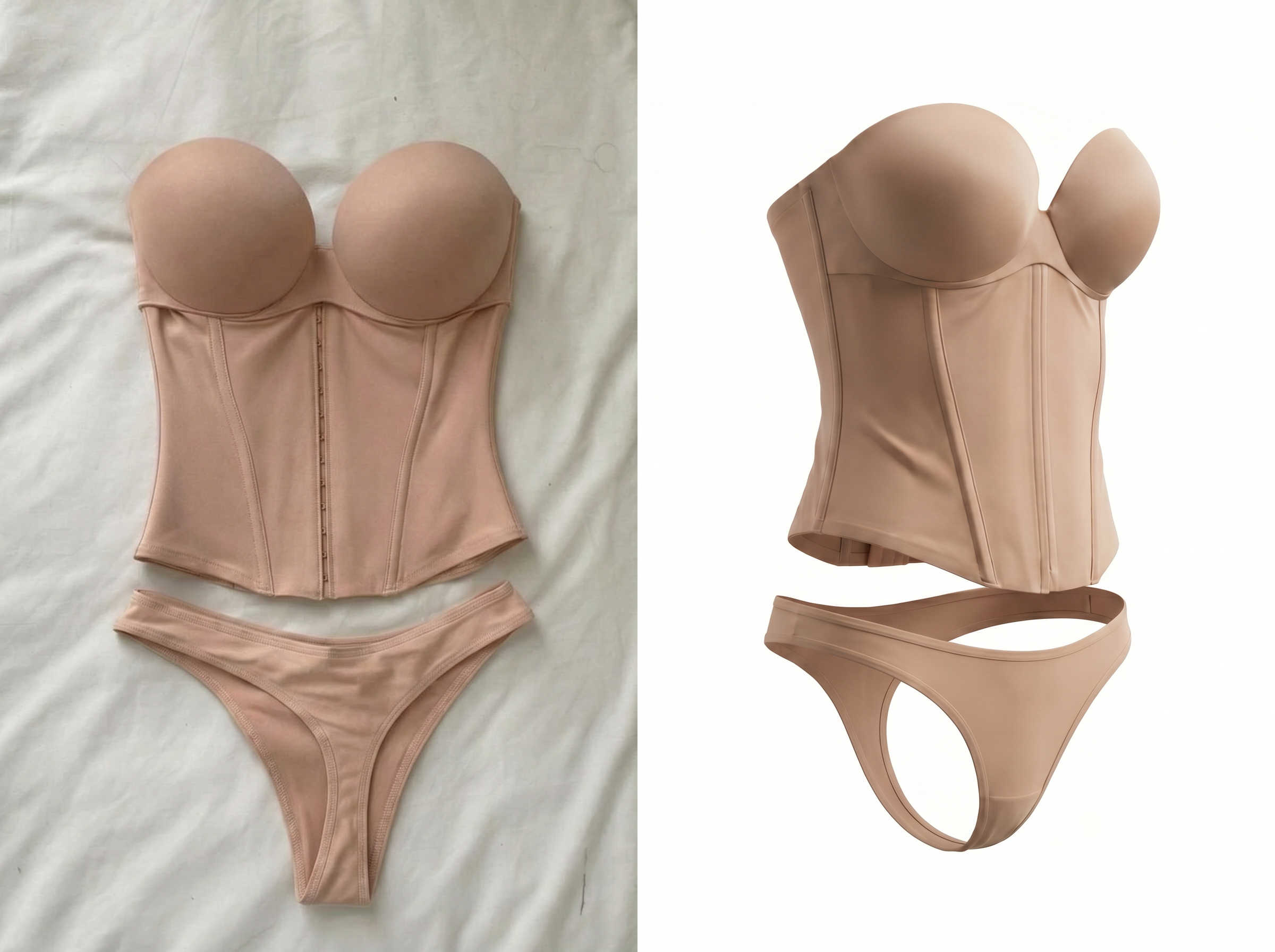
Generate AI Model Try-On Photos
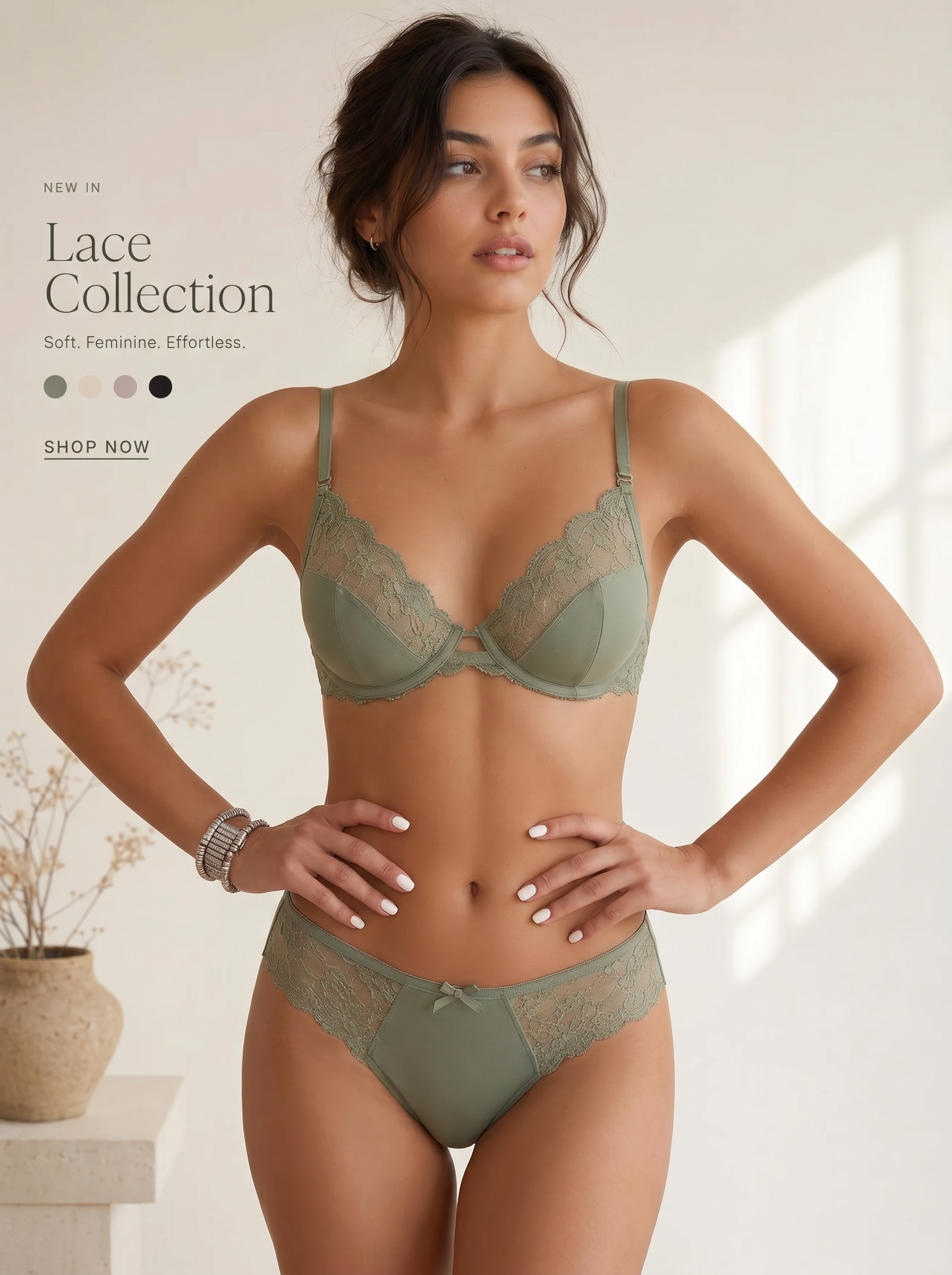
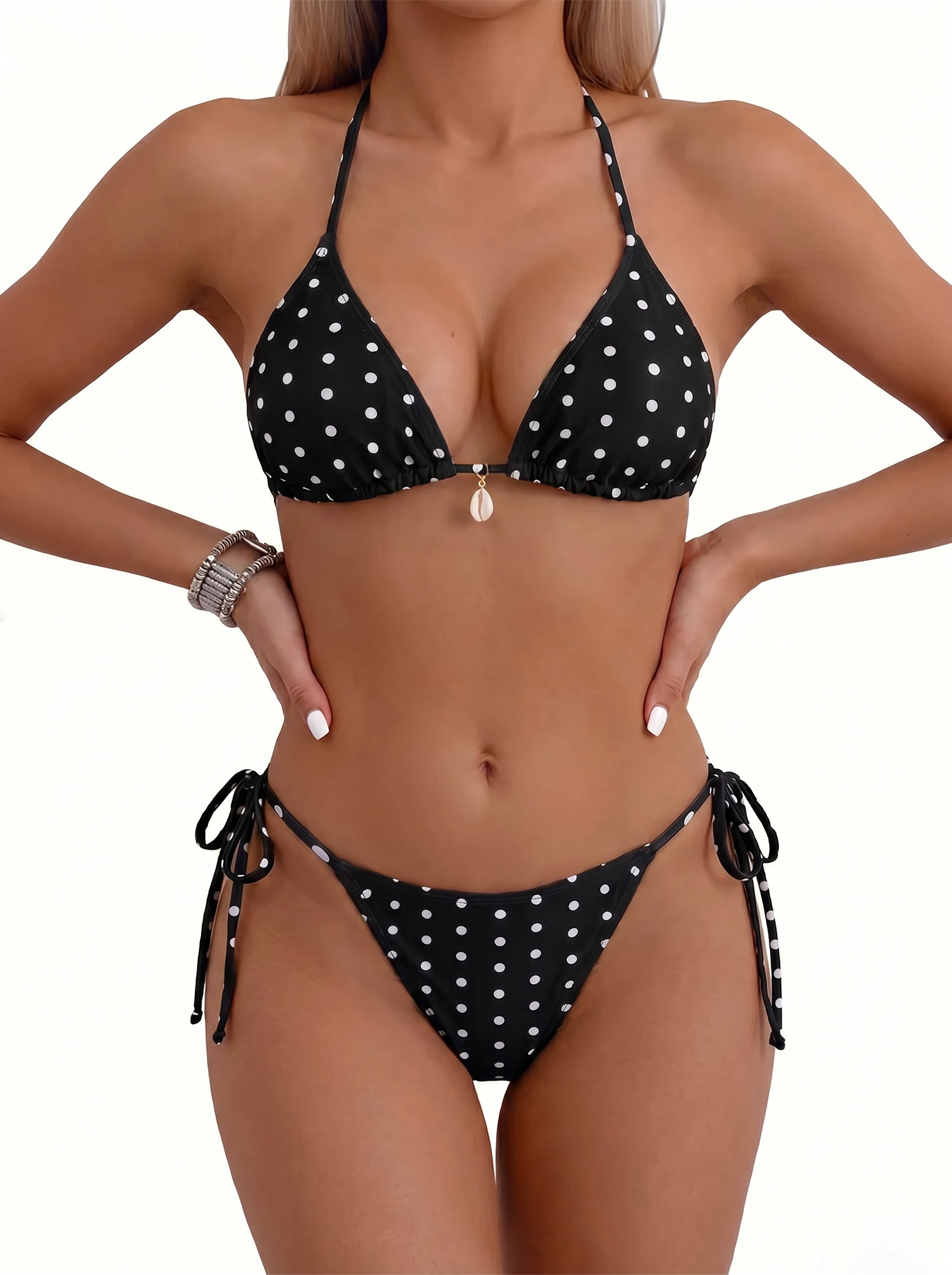
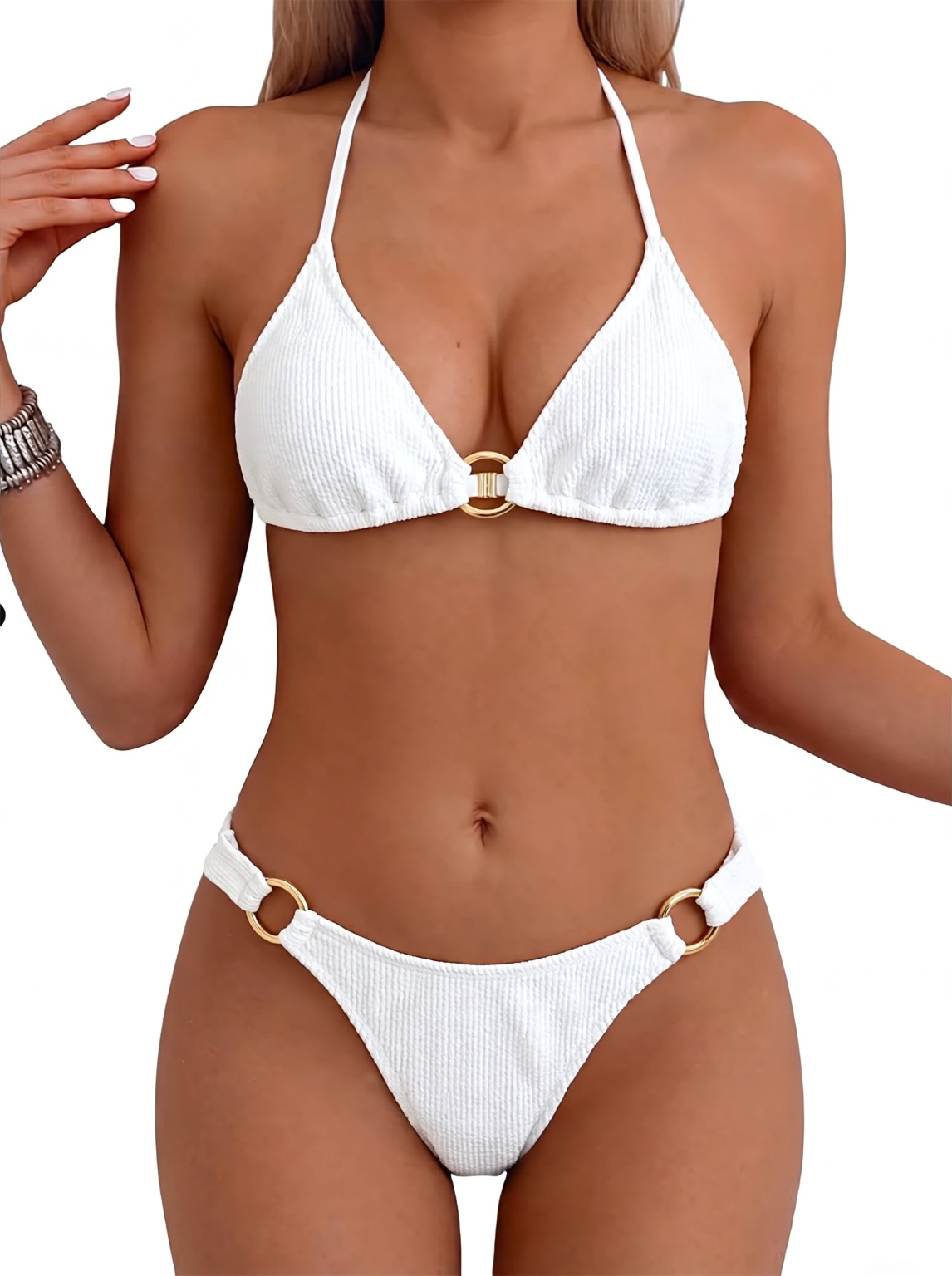
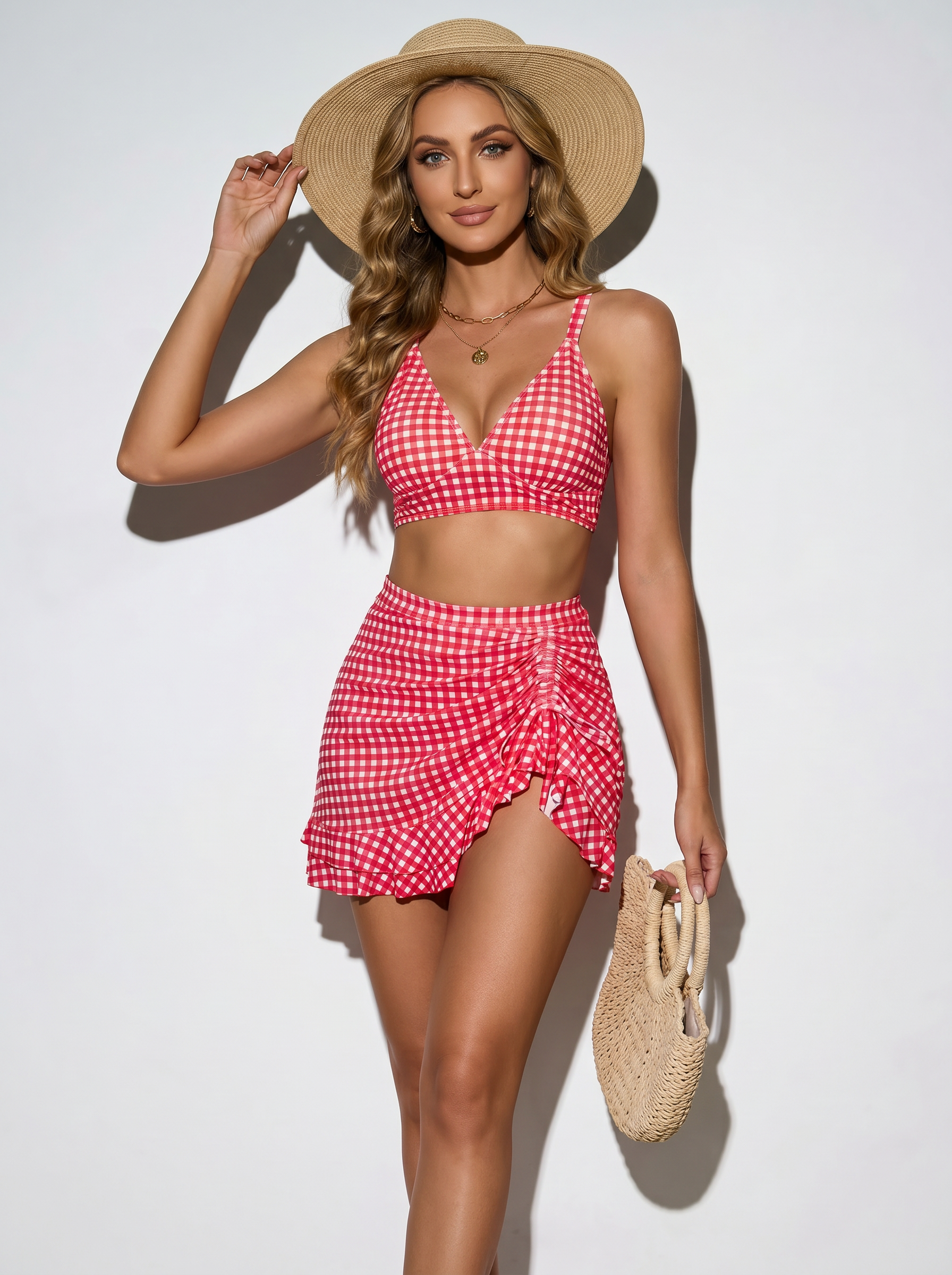
Create AI model try-on photos from clothing images. Show the fit, length, coverage, and overall wearing effect. Try-on images help buyers judge whether the product fits their body and use case.
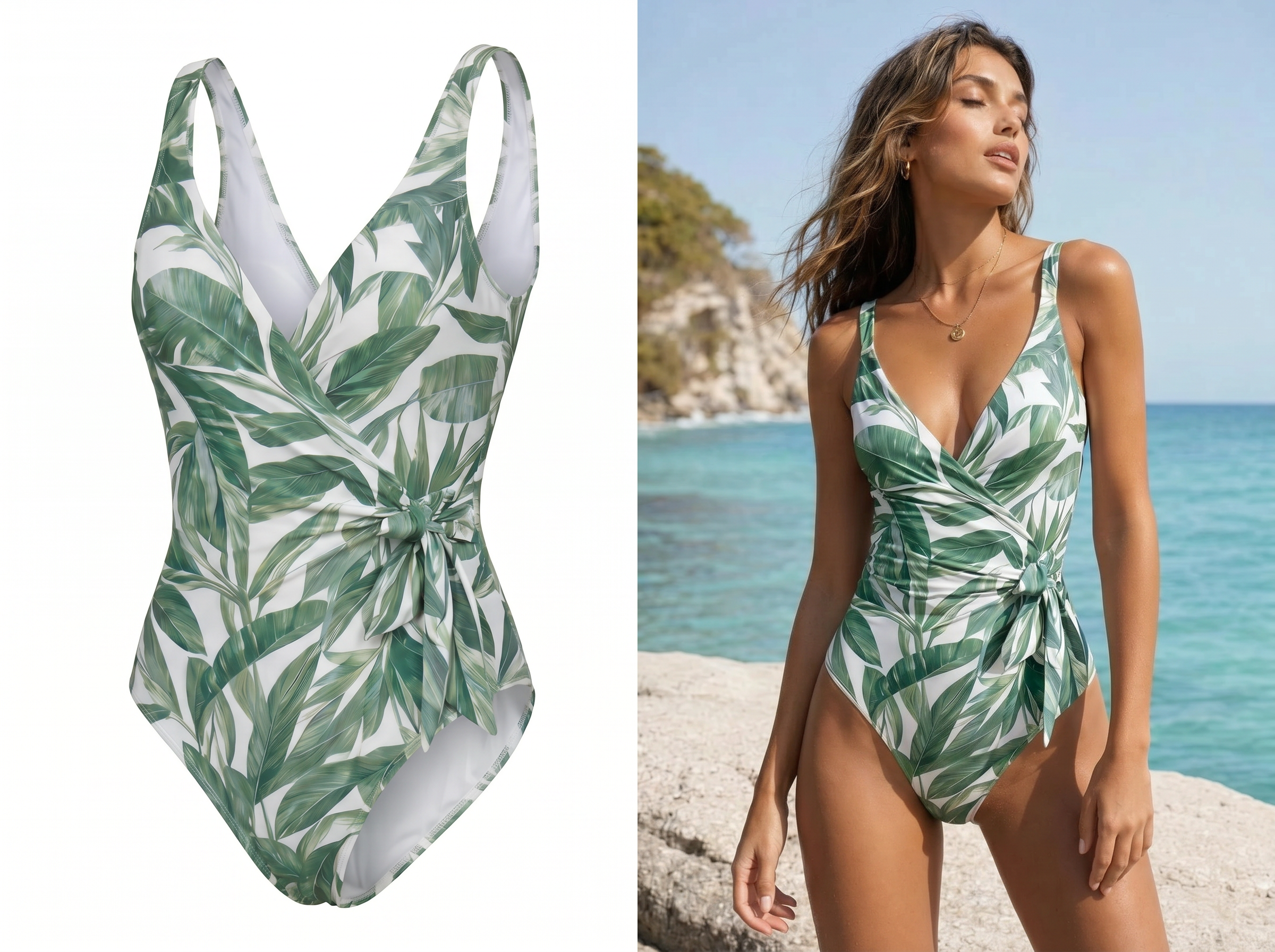
Create Selfie-Style Try-On Videos
Turn product images or try-on photos into short selfie-style try-on videos for product pages, homepage sections, and social content. For intimate apparel, keep the movement natural and controlled, such as a slight turn, simple pose change, or close but appropriate fabric detail display.
One Asset Set for Core Intimate Apparel Listing Needs
After generation, you can get several asset types for product detail pages. Use flat lay images, ghost mannequin images, try-on photos, and light motion videos to show structure, fit, and key selling points.
Make Intimate Apparel Image Production Faster and More Consistent
Teams need clear images, suitable angles, and complete product structure. Koozee helps with daily launches, bulk SKU image creation, and product page asset expansion. It also helps keep one visual style across the same product batch.
99%Lower editing cost
+56%Sell-through rate
+77%Average basket value
12xFaster time to market


"Image angles matter a lot for intimate apparel. Koozee lets us create several versions first. Then our operations team can choose the images that fit the platform best."

"Before, we had to plan a new shoot for every SKU. Now we can expand assets from existing product images. This helps a lot with products that have many colors and sizes."
FAQ
Do I need both front and back flat lay images?
What intimate apparel works for ghost mannequin images?
Ghost mannequin images work for lingerie, shapewear, swimwear, fitted activewear, basic tank tops, and bodysuits. They show 3D shape and wearing outline, so they are useful for explaining fit and structure on product pages.
Can I use AI model try-on photos on product pages?
Yes. You can use generated try-on photos in product galleries, detail pages, fit sections, and brand pages. Sellers should check image angle, exposure level, model pose, and page display based on each sales platform.
Can I create video assets?
Yes. You can use Koozee's clothing video tool to turn product images or try-on photos into light motion videos. For intimate apparel, natural and controlled movement usually works better for product pages and light social content.
Does Koozee check if images meet platform review rules?
No. Koozee helps create image and video assets. It does not provide platform compliance checks. It also does not guarantee approval by Amazon, Shopify, Meta, TikTok, Google, or other platforms. Sellers need to check the rules for each target platform.
Can I use the generated images on Shopify or WooCommerce?
Yes. You can use the generated images on Shopify, WooCommerce, and DTC product pages, collection pages, homepage sections, and campaign pages. If your platform has size rules, crop and arrange the images after download.
Can I keep one style across the same product series?
Yes. Use similar white background styles, model settings, camera angles, and image ratios. This helps the same lingerie, shapewear, or swimwear series look more consistent.
Can Koozee fully replace photoshoots?
Koozee is best for daily launches, bulk image creation, product page asset expansion, and light motion content. For brand campaigns, complex poses, special model shoots, or strict creative projects, you can still use it together with traditional photoshoots.
Create Your First Intimate Apparel Listing Asset Set for Free
Start with one clear flat lay photo. Create white background images, ghost mannequin images, AI try-on photos, and light motion assets. New users can use free trial credits to test one full asset set before using Koozee for bulk launches.