Upload a Shoe Photo and Extract a Clean Shoe Image
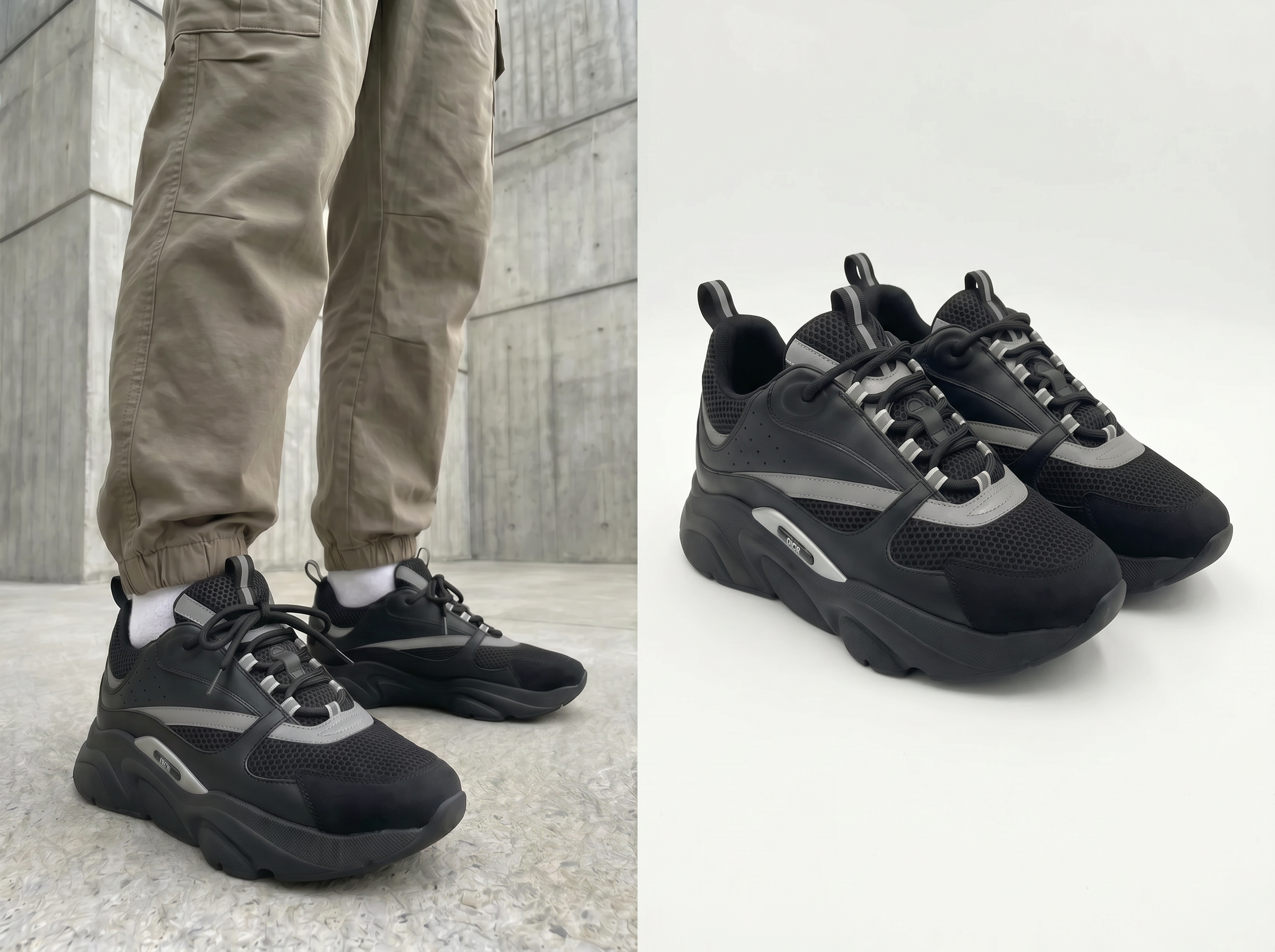
Built for Teams That Work with Shoe Images Every Day
Get Product Images Ready Faster
Koozee extracts the shoe from your original photo so you can use it for main listing images, detail pages, promo banners, and multi-SKU layouts. It works for new launches, colorway updates, seasonal campaigns, and page refreshes — so your team spends less time waiting on edited images.
Extract Shoe Images, Keep Details, and Support Multiple Angles
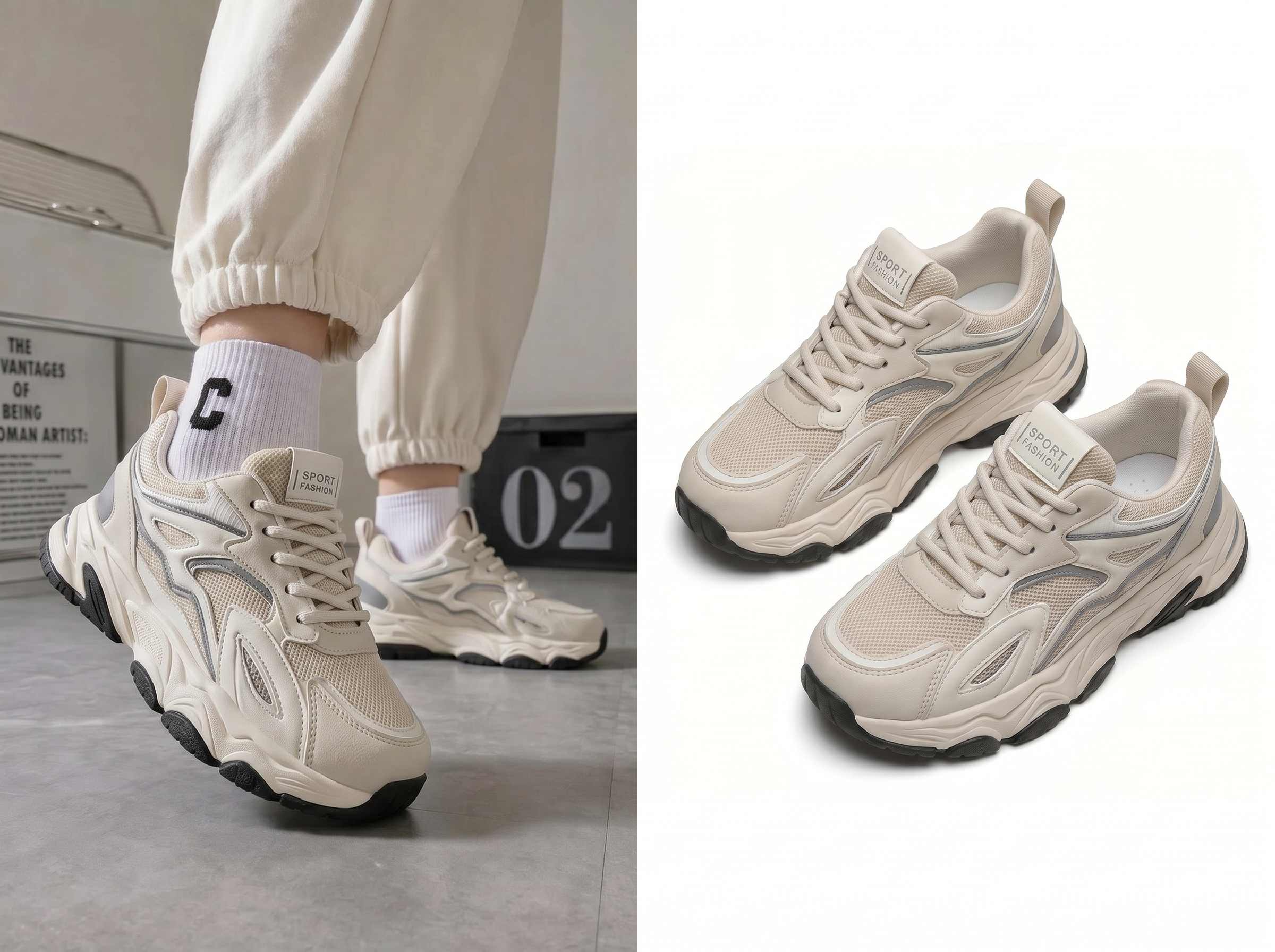
Auto-Extract the Shoe from Any Photo
Upload a shoe photo and the AI finds the shoe automatically and removes the background. Works with product shoot photos, sample images, stock photos, and marketing visuals. Much faster than cutting out shoes by hand.
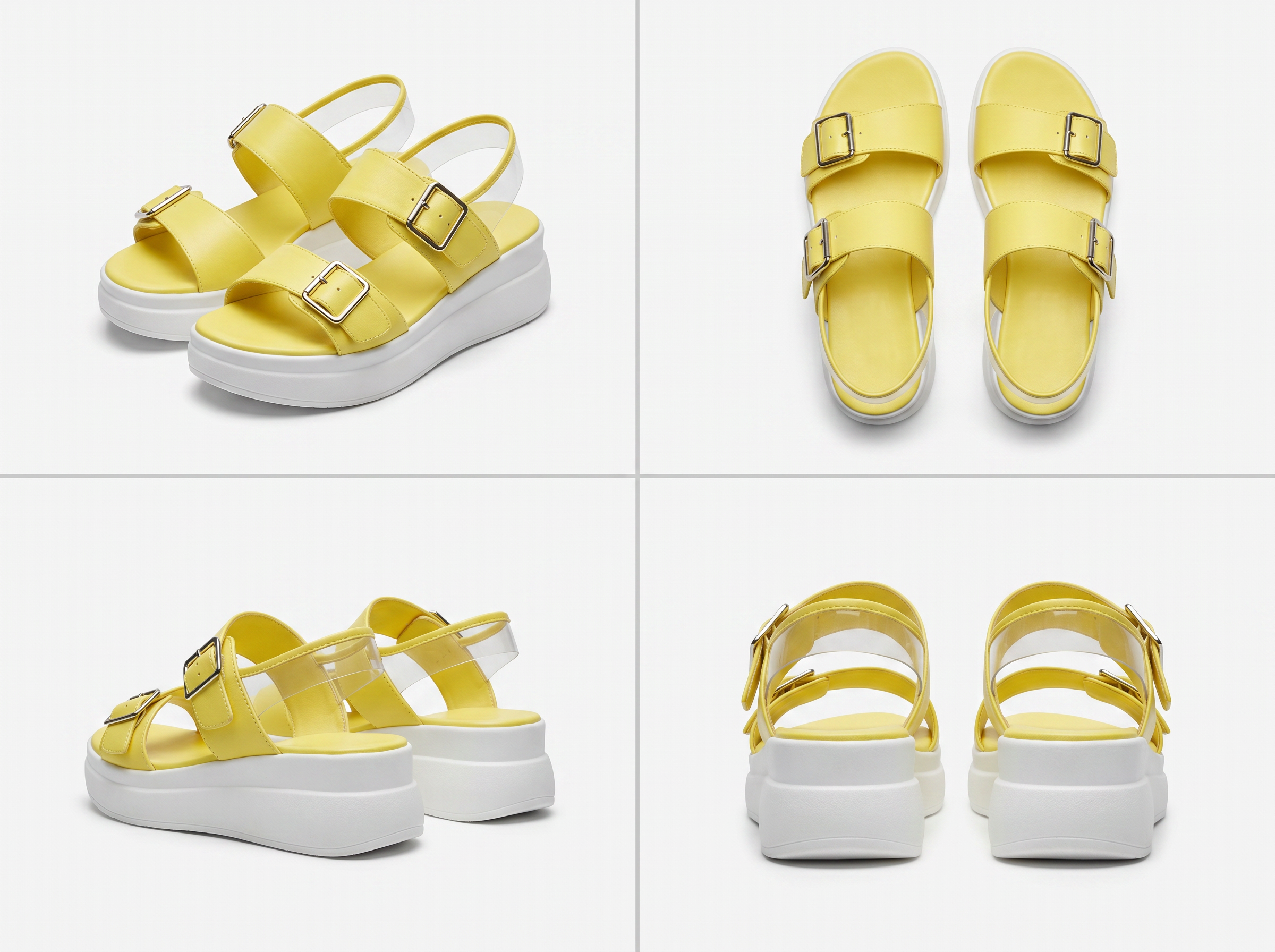
Choose the Angle That Fits Your Use
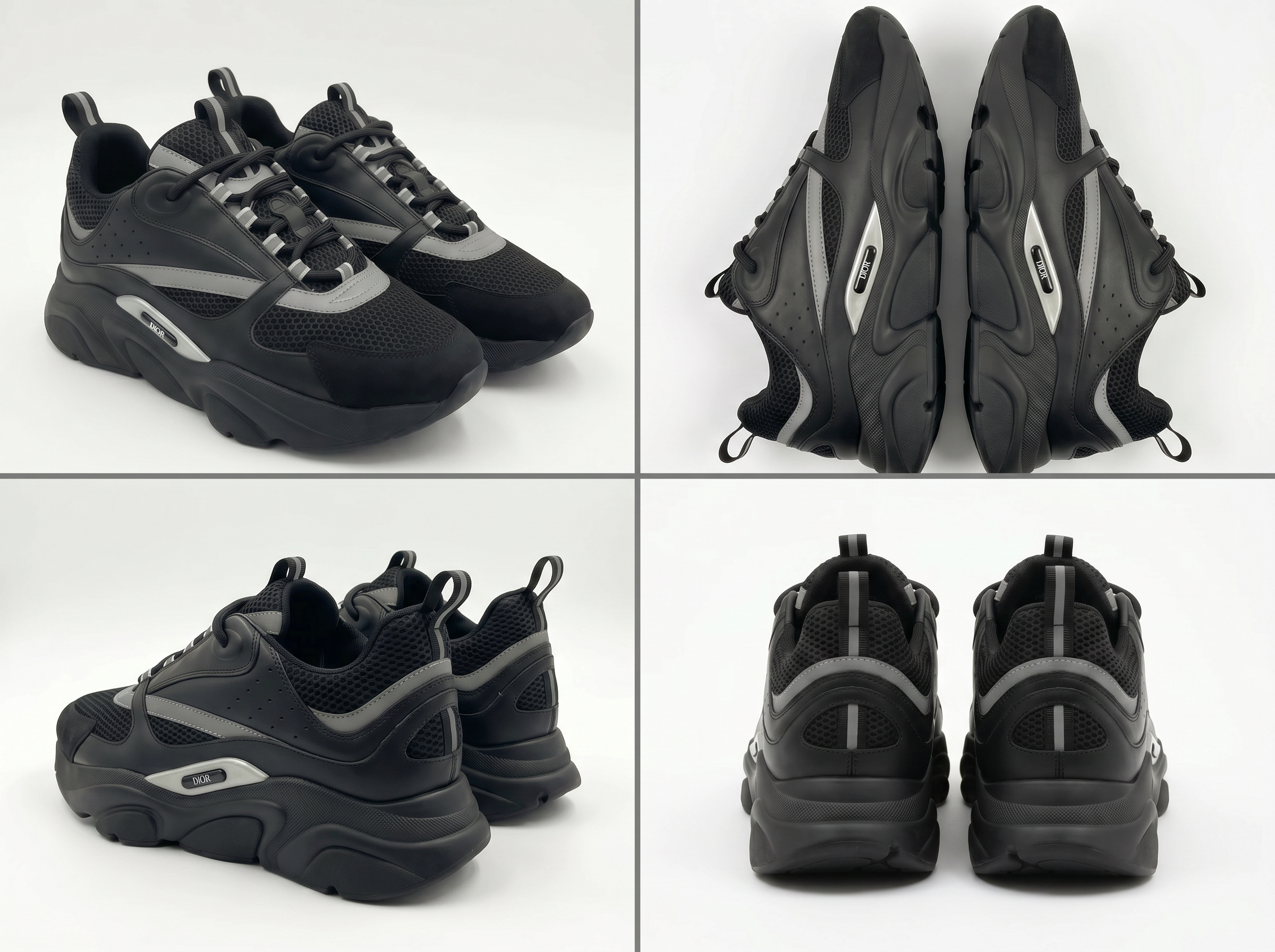
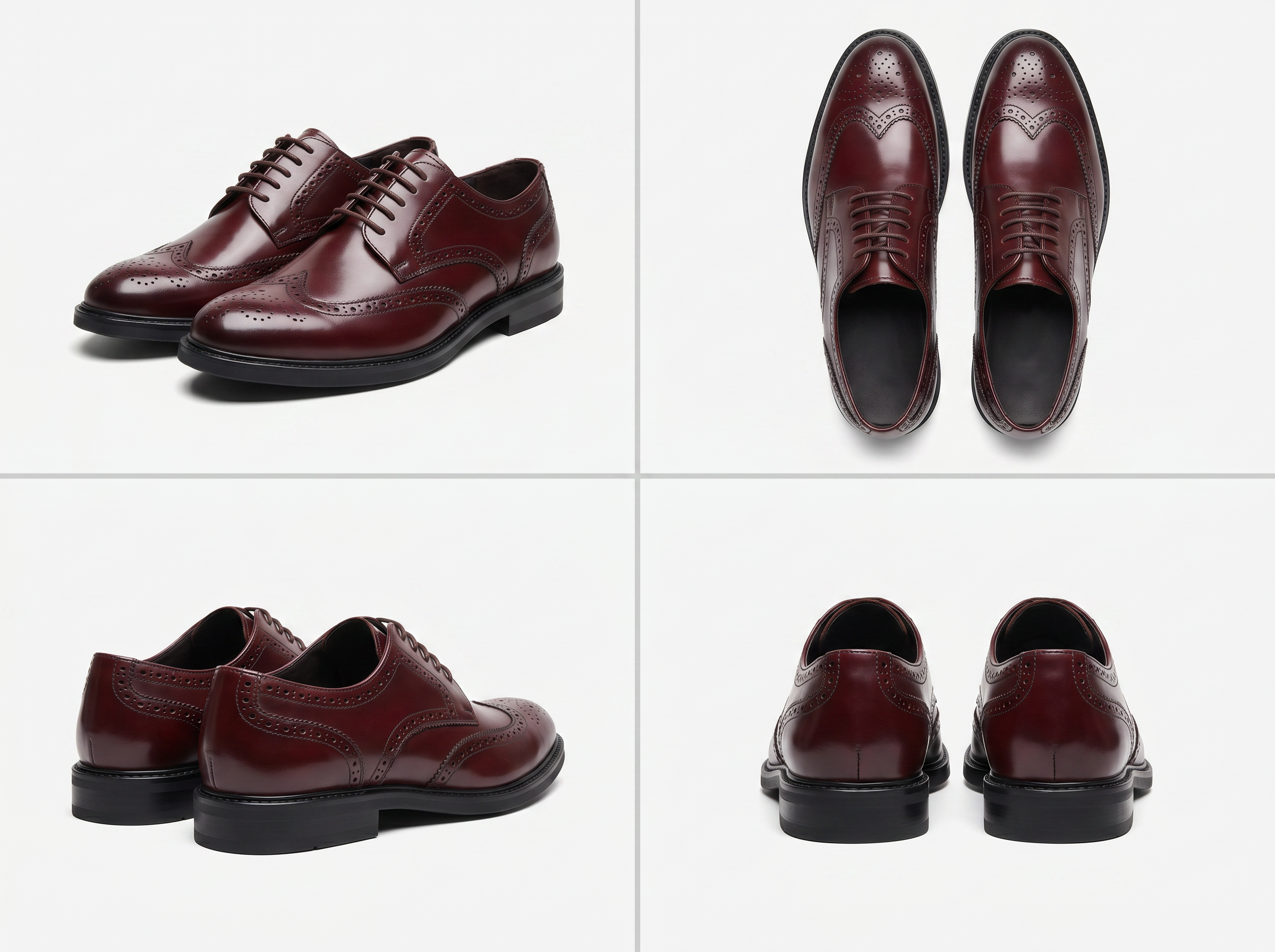
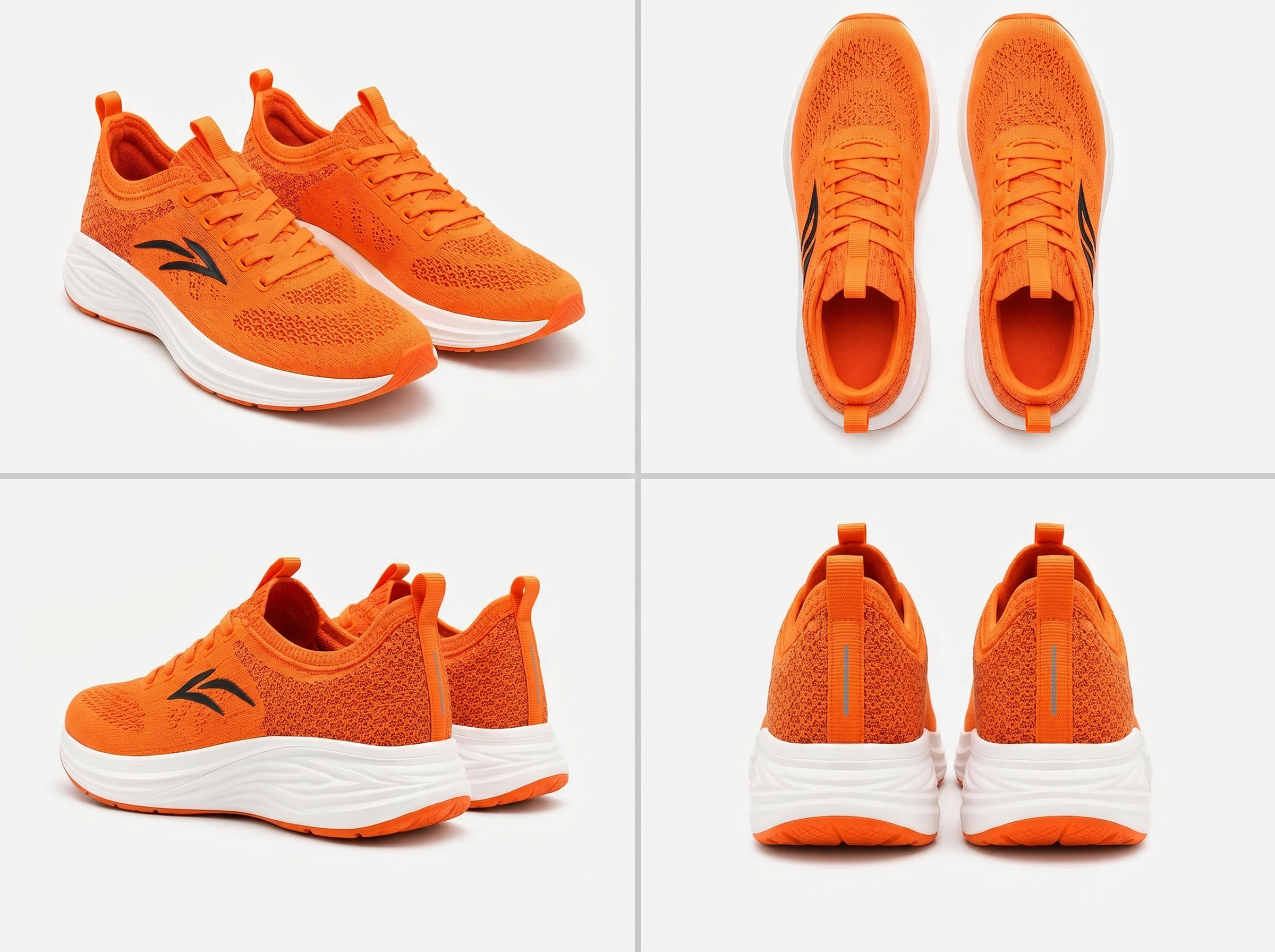
Pick from front, back, front 45°, or back 45° before extracting. Select the angle that matches your photo or the format you need. The result fits better for product listings, detail pages, and catalog layouts.
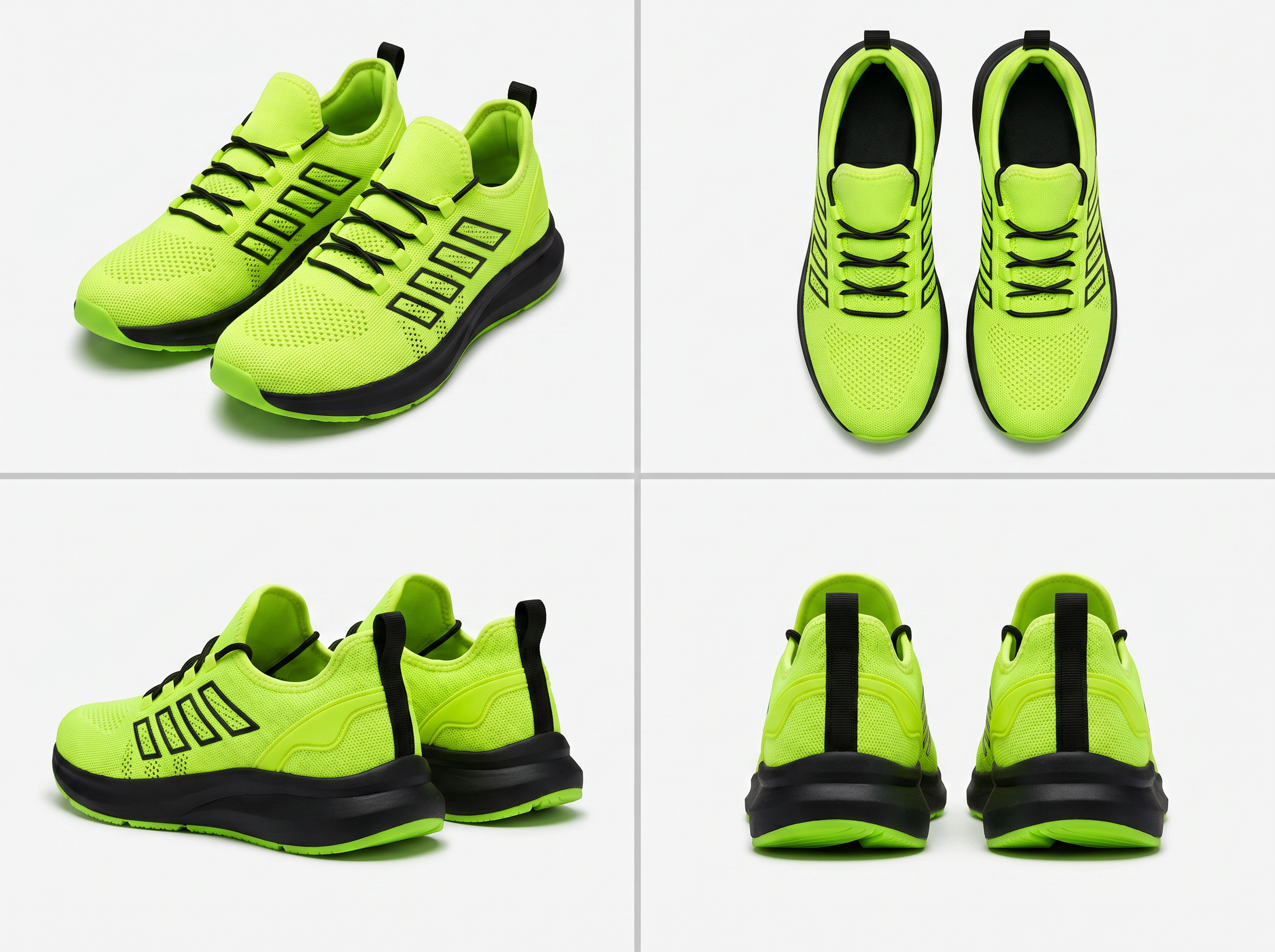
Keep the Details That Matter
Laces, collar edges, sole texture, cutout areas, and brand logos are the hardest parts to keep clean. Koozee works to preserve shoe shape, color, logo, material texture, sole lines, and overall silhouette — reducing edge loss and shape distortion.
Why Use Koozee to Extract Shoe Images?

Faster than manual Photoshop work. More accurate than general tools for shoe photos. You get clean cutouts sooner, with less touch-up needed before they go to listings, design, or catalog layouts.

Extracting a shoe is not just about removing the background. It means keeping the shape, color, logo, materials, and sole outline intact — without distortion or missing edges.

Generic background removers often delete laces, collar edges, cutouts, and sole details by mistake. Koozee is optimized for footwear photos and handles complex shoe structures better.
Extract a Shoe in 3 Steps
Upload Your Shoe Photo
Use a clear photo with good lighting and the full shoe visible. Strong side lighting, heavy shadows, or partial coverage may affect extraction quality.
Select the Angle
Choose front, back, front 45°, or back 45° so the AI extracts based on the right shoe structure for that view.
Generate and Download
Koozee extracts the shoe automatically. Download and use it for product listings, ad creatives, catalogs, or social content.
FAQ
What Is the Difference Between Koozee Shoe Extraction and a Regular Background Remover?
How Accurate Is Koozee at Preserving Shoe Details?
Koozee works to keep the original shoe shape, color, logo, laces, sole outline, and material details. Results depend on the quality of your original photo — clear lighting, no heavy shadow, and a fully visible shoe will give you the best output.
Which Shoe Angles Does Koozee Support?
Koozee supports front, back, front 45°, and back 45° views. Pick the angle that matches your photo so the AI can extract based on the right shoe structure. This helps the result fit better for listings, detail pages, and catalog layouts.
Can New Users Try Koozee for Free?
Yes. New users get free credits to test the extraction quality. Upload a shoe photo and see the result before using it for bulk product images or marketing assets.
Extract Clean Shoe Images Faster. Spend Less Time on Touch-Ups.
Koozee helps you get clean, detail-accurate shoe cutouts ready for product listings, ad design, catalogs, and buyer sheets. New users get free credits — upload a photo and test it out.