AI Scene Generator for Fashion Photos Scene Generator: Change Backgrounds
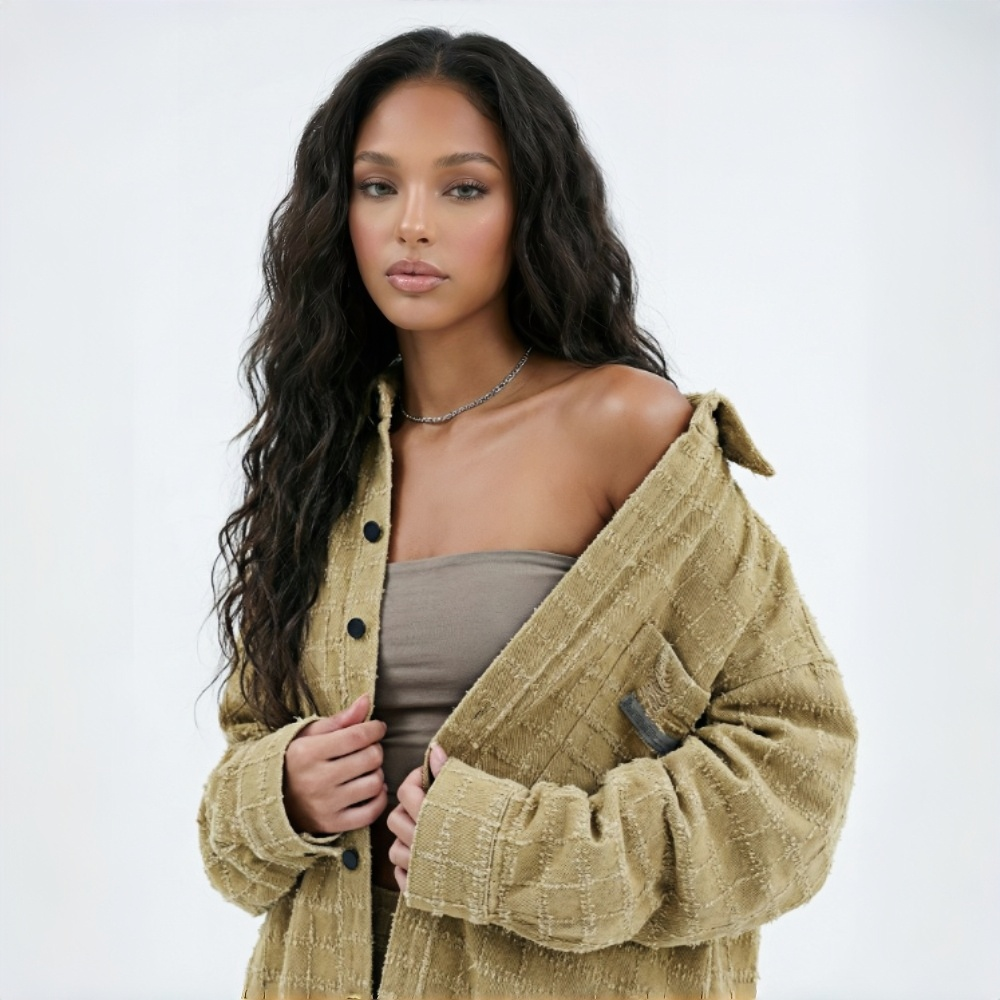
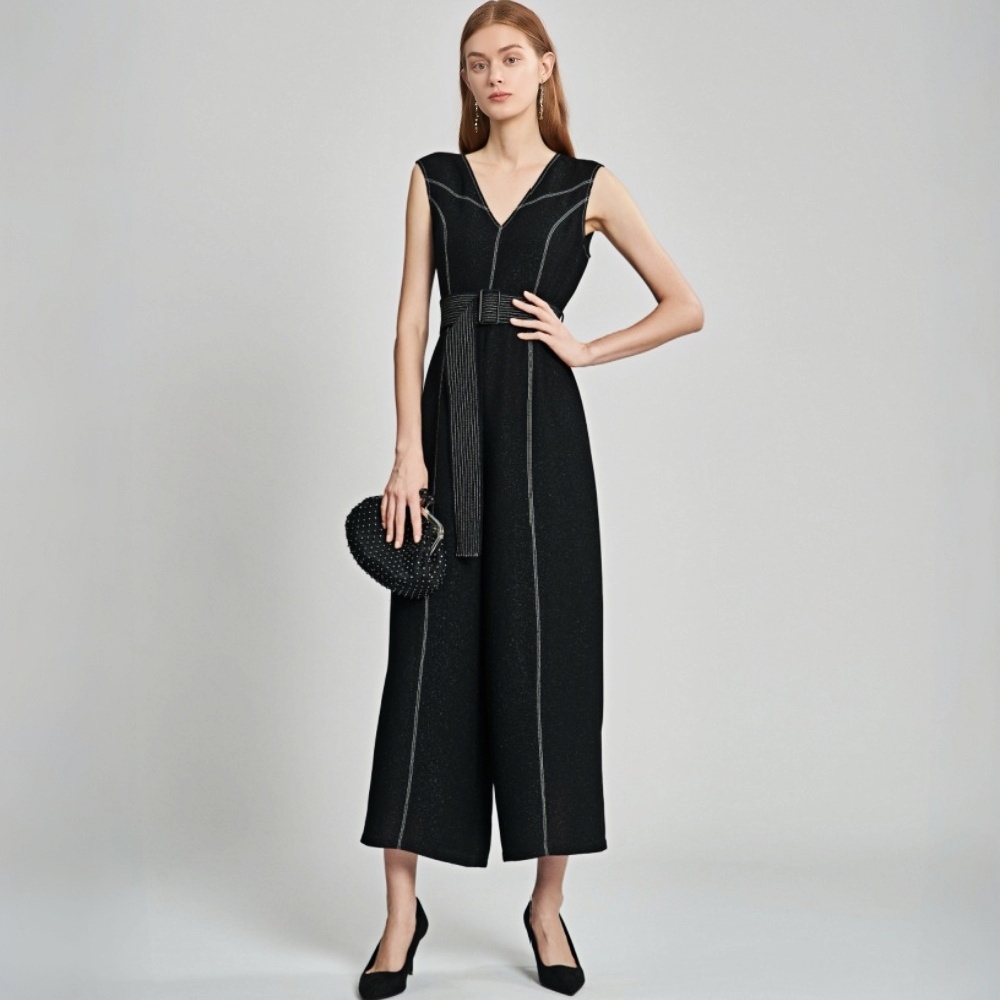
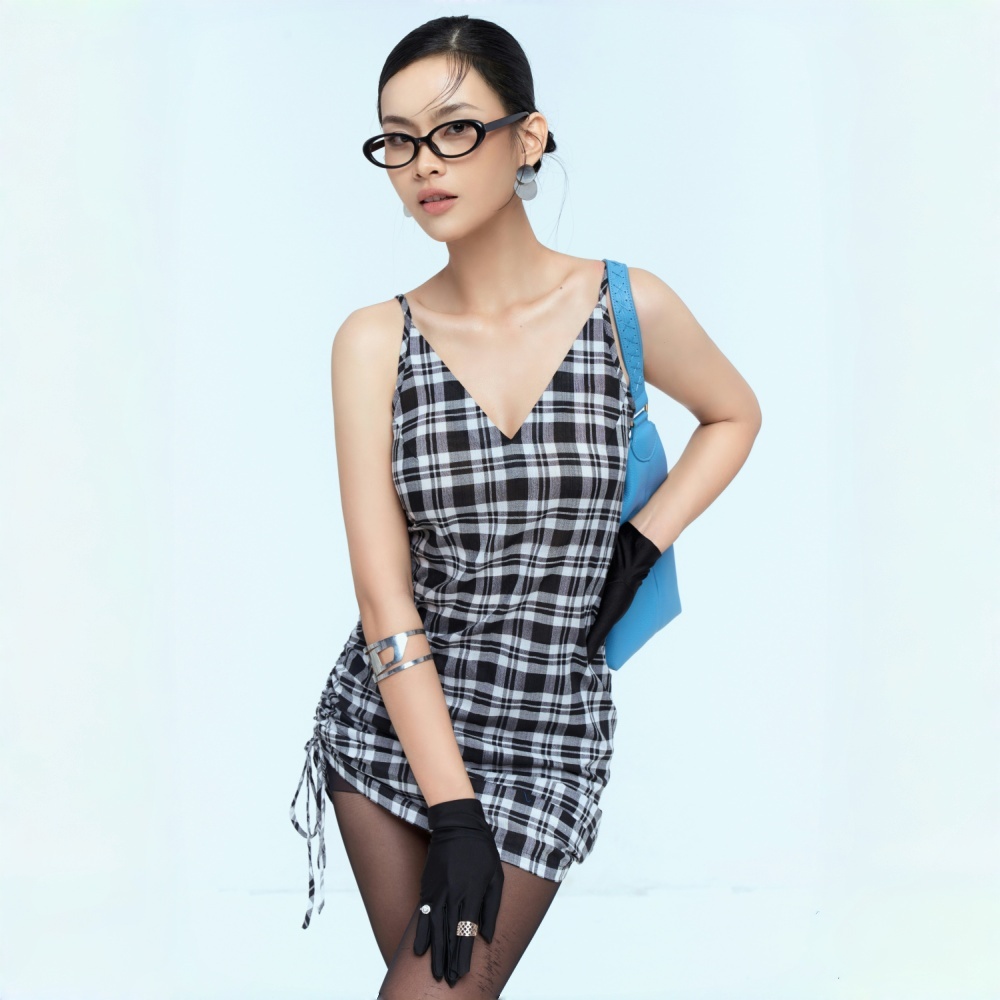
No image? Try one of these:
Solve Every Fashion Scene Challenge with KOOZEE
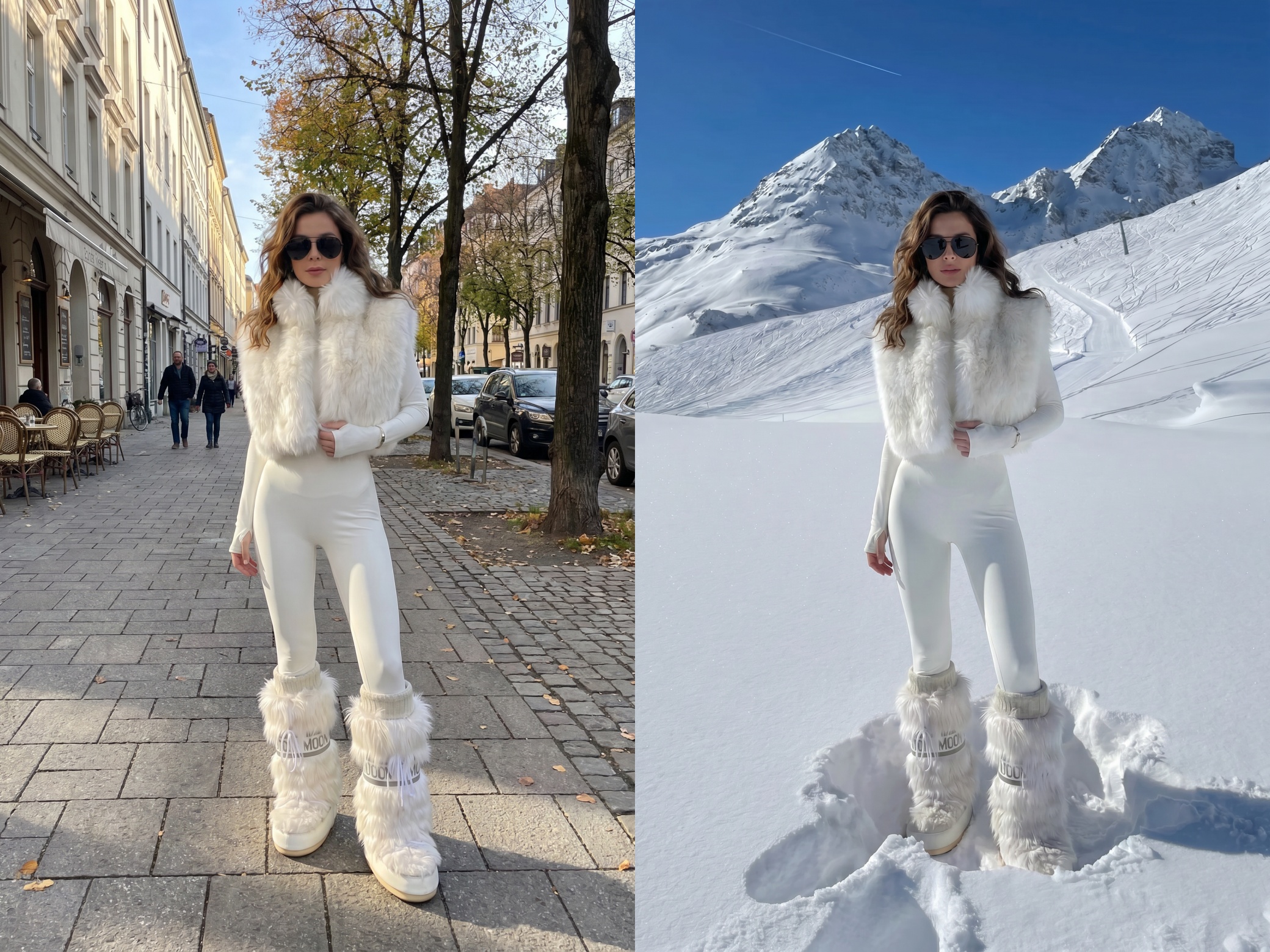
Create Real Lifestyle Scenes
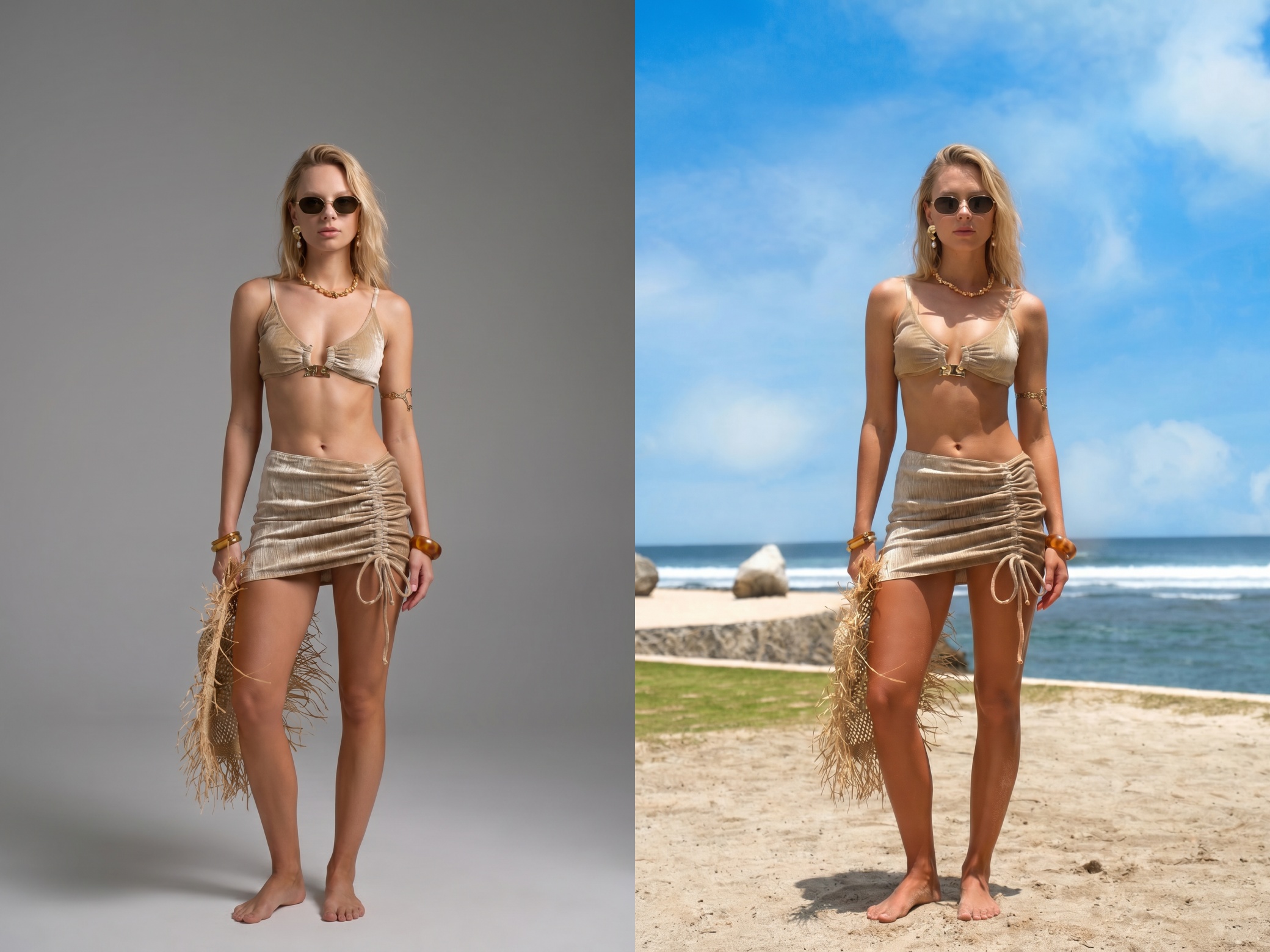
Limited budget often means using plain studio photos. Manual editing takes time and rarely looks natural. Upload your model image and a target scene reference. KOOZEE uses its AI scene creator to build realistic backgrounds that blend naturally with the model. Create multiple scene versions and show how the same outfit fits different lifestyles and occasions.
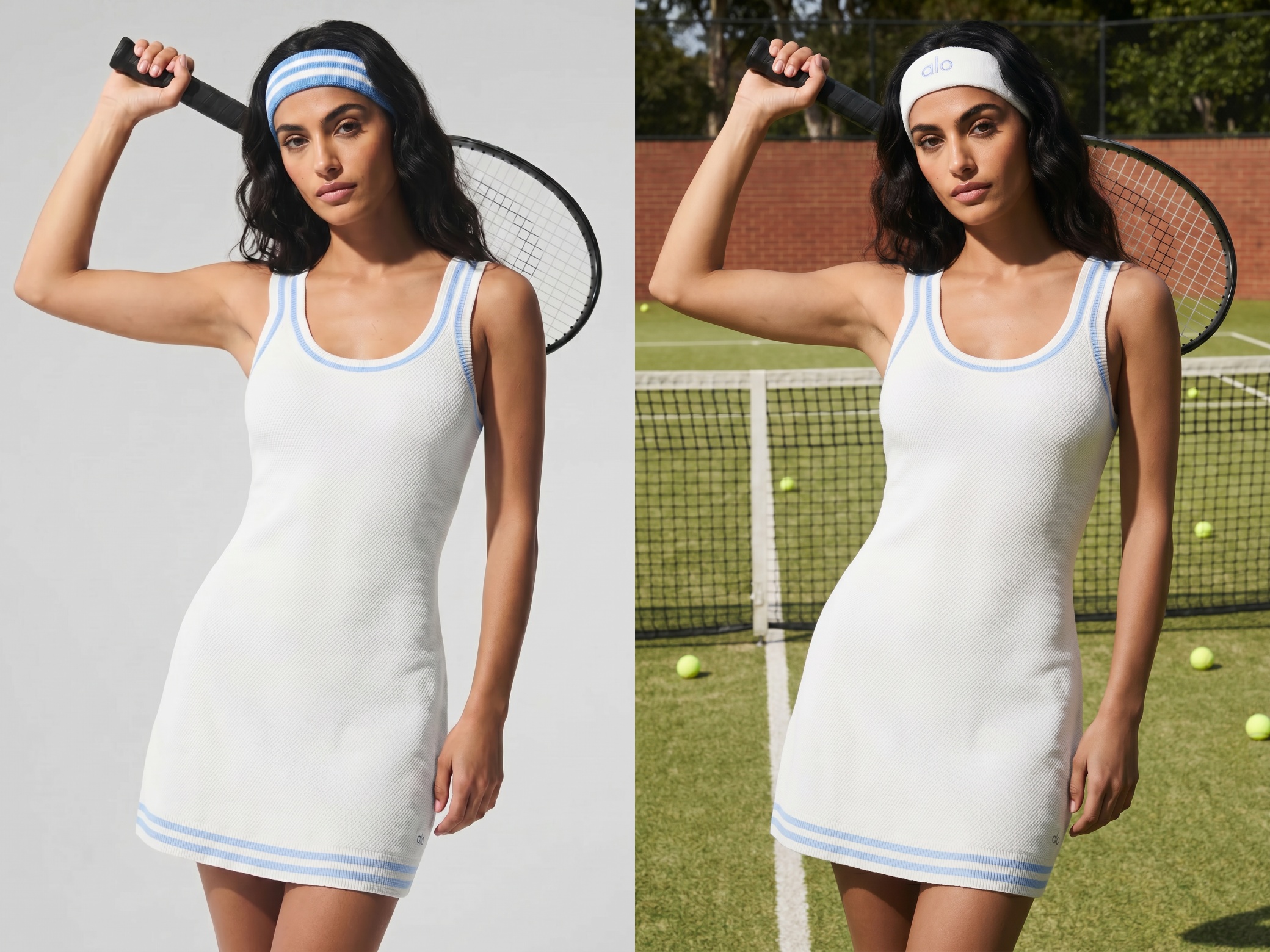
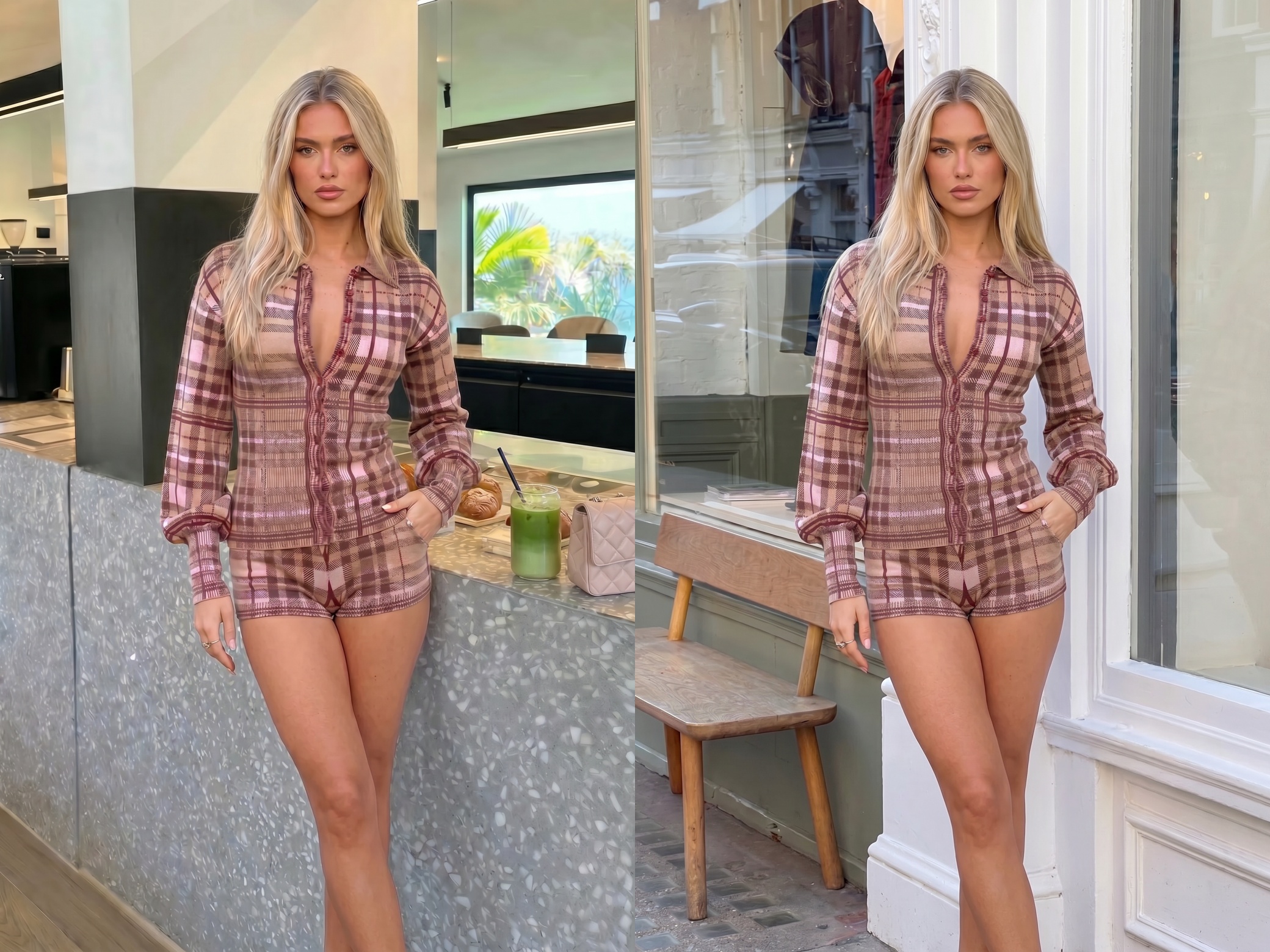
Get the Exact Scene You Want
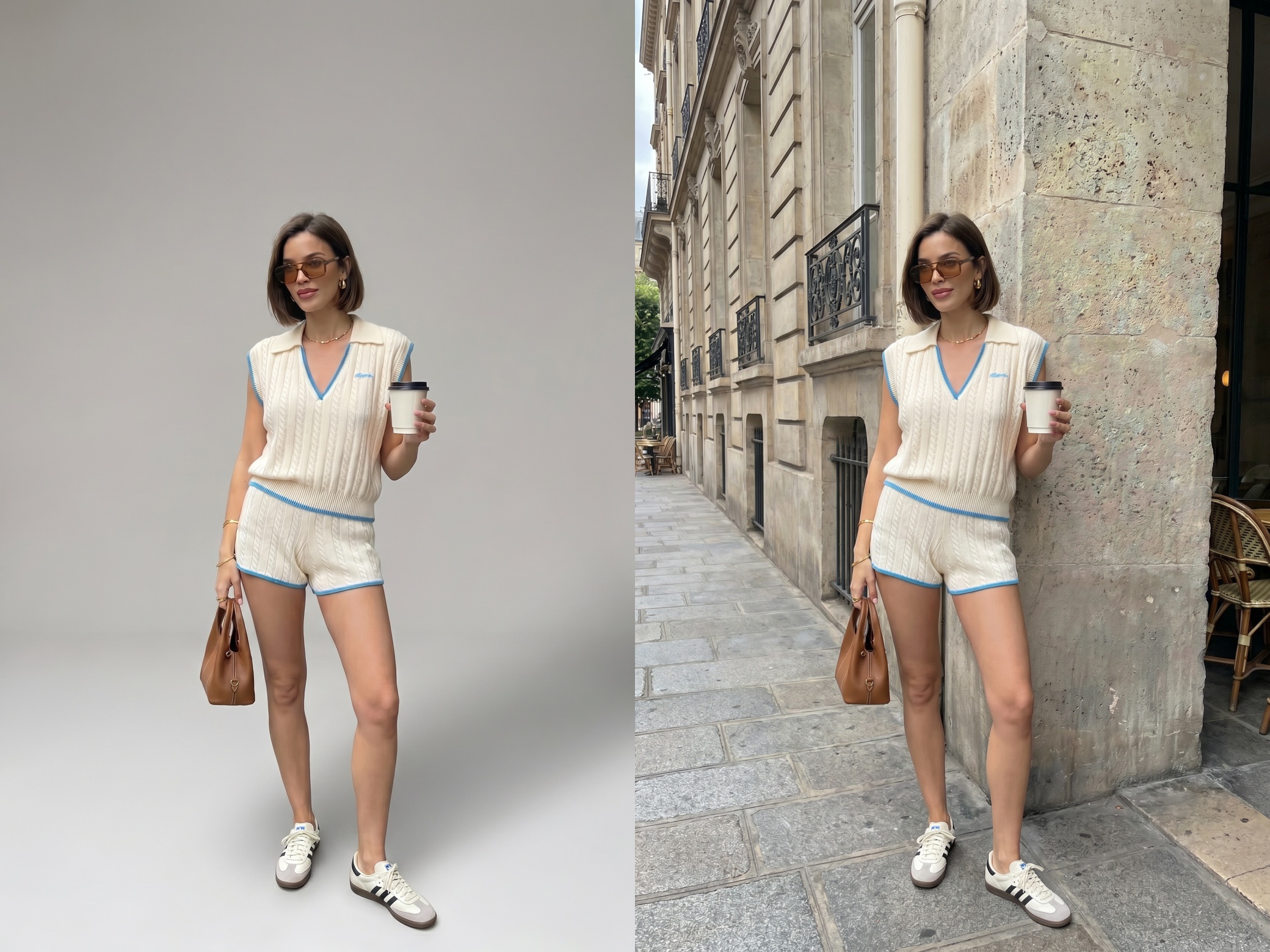
Match Your Reference Scene Closely
Many AI tools rely on prompts and produce different results every time. KOOZEE works directly from your uploaded reference image. The AI scene generator analyzes the scene style and visual details to create backgrounds that closely match your reference, making results more predictable and easier to control.
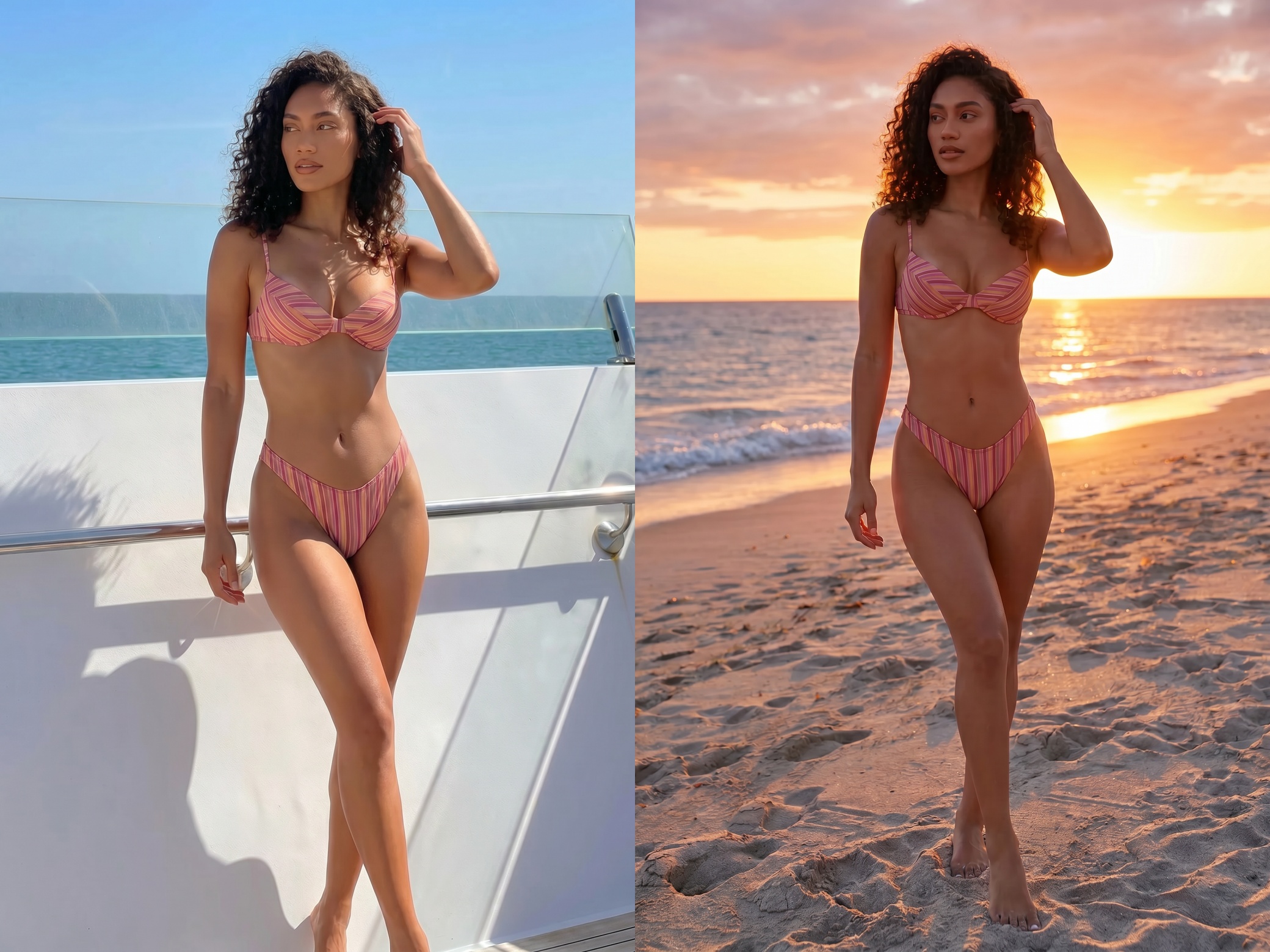
Natural Lighting and Color Matching
Background replacements often fail because the model and background do not share the same lighting. KOOZEE analyzes light direction, shadows, and color temperature from the reference image. The result looks more like a real photo and less like a simple edit.
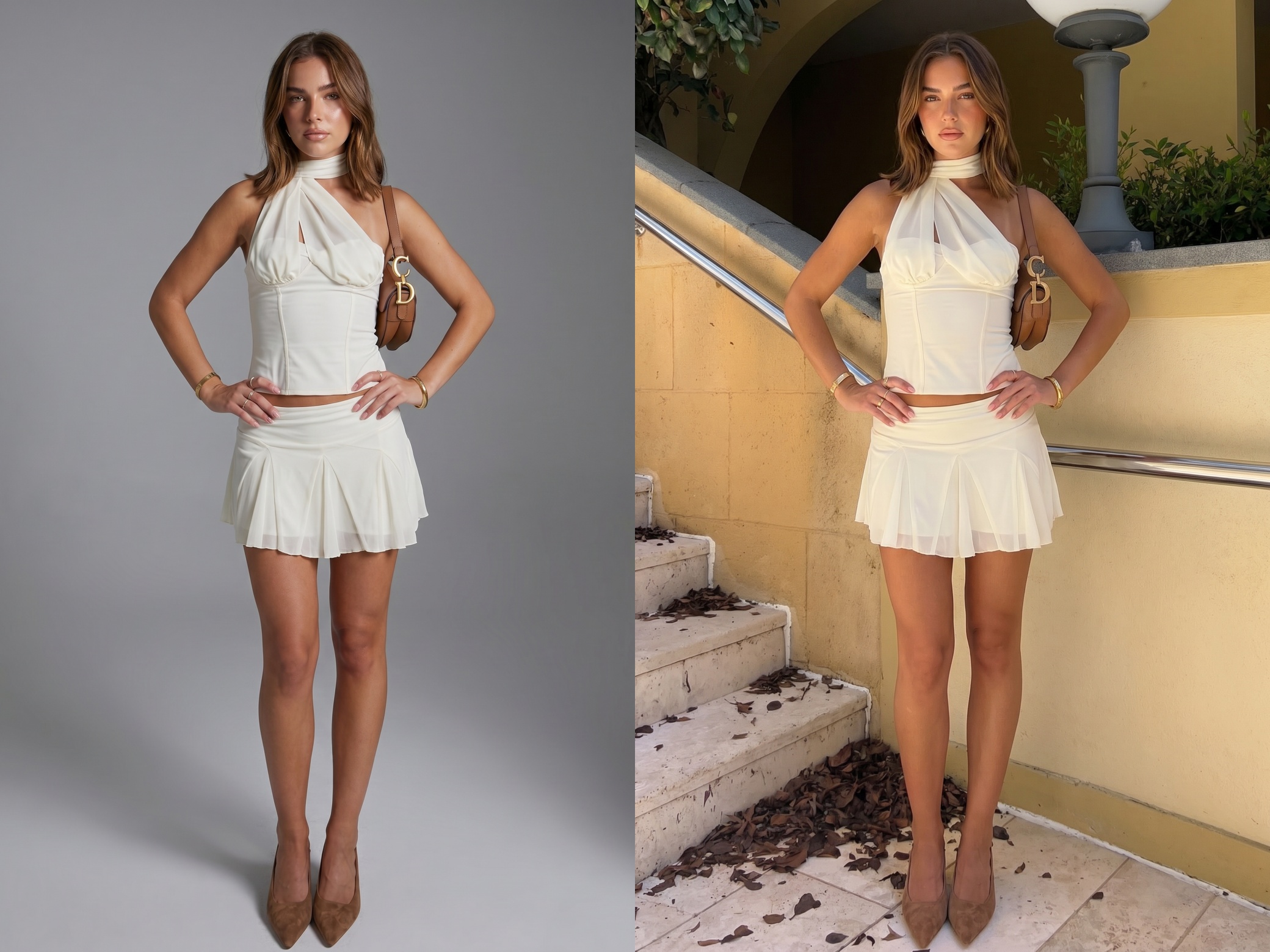
Keep Clothing Details Sharp
KOOZEE is built for fashion. Fabric texture, garment shape, colors, and patterns stay clear after scene replacement. Buyers see clothing details that remain close to the original product, helping build trust and reduce returns.
One Model Photo, Unlimited Scene Options
The process is simple. Upload a model photo and a reference scene. KOOZEE automatically generates the background and adjusts the lighting. Your team can produce more product images without waiting for new shoots.

Fashion brands need content for different seasons, campaigns, and sales channels. Normally, every new location means another shoot. With KOOZEE's scene builder AI, one model photo can become office, street, vacation, or lifestyle content in minutes.
Different locations and random AI outputs can make a store look inconsistent. KOOZEE uses reference images to keep scene style, lighting, and color tones aligned across an entire collection.
AI Scene Generator in 3 Simple Steps
Open the AI Scene Generator
Go to KOOZEE and select the AI Scene Generator tool.
Upload Your Model Photo
Upload the fashion image you want to place into a new scene.
Upload Scene Reference Images
Upload up to five reference photos. KOOZEE analyzes the style, lighting, and mood automatically. No prompts are needed.

Frequently Asked Questions
How does the AI Scene Generator work?
Do I need to write prompts?
No. KOOZEE uses reference images instead of text prompts. This reduces randomness and gives you more accurate results.
Will studio photos look natural in outdoor scenes?
Yes. KOOZEE adjusts lighting direction, shadows, and color temperature based on the reference image to make the model fit naturally into the new environment.
Will clothing details change after scene replacement?
No. KOOZEE is optimized for fashion images and preserves fabric texture, garment shape, color, and design details.
What kind of model photo works best?
Use clear images with good lighting and a visible model outline. Higher-resolution images generally produce better results.
Can I use the generated images commercially?
Yes. With a paid KOOZEE subscription, you can use eligible AI-generated scene images for ecommerce product pages, online stores, social media content, and digital advertising. Make sure you have the necessary rights to any uploaded images and follow KOOZEE's Terms of Service.
Turn One Fashion Photo Into Multiple Scenes
Get free credits today. Upload your model photo and create realistic AI generated scenes in minutes.