AI Removal Tool - Clean Watermarks, Text & Unwanted Objects from Photos
Supplier photos often come with watermarks, text, price tags, or messy backgrounds. Cleaning them by hand takes too long. KOOZEE AI removal lets you erase unwanted objects using brush, prompt, or auto detection — so you get clean, publish-ready photos faster.


AI Removal for Fashion Cleanup, Single-Image Editing, and Batch Processing
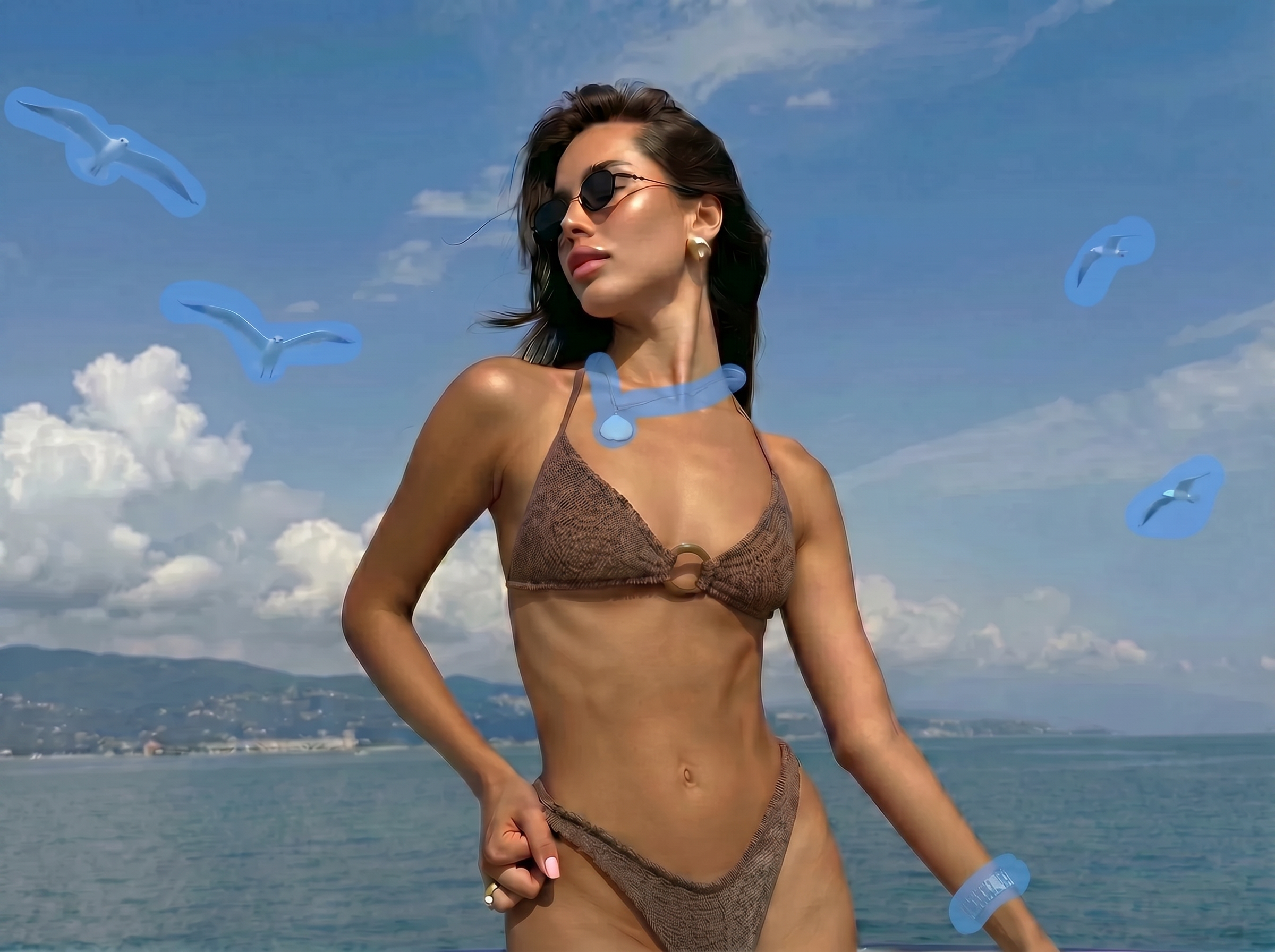
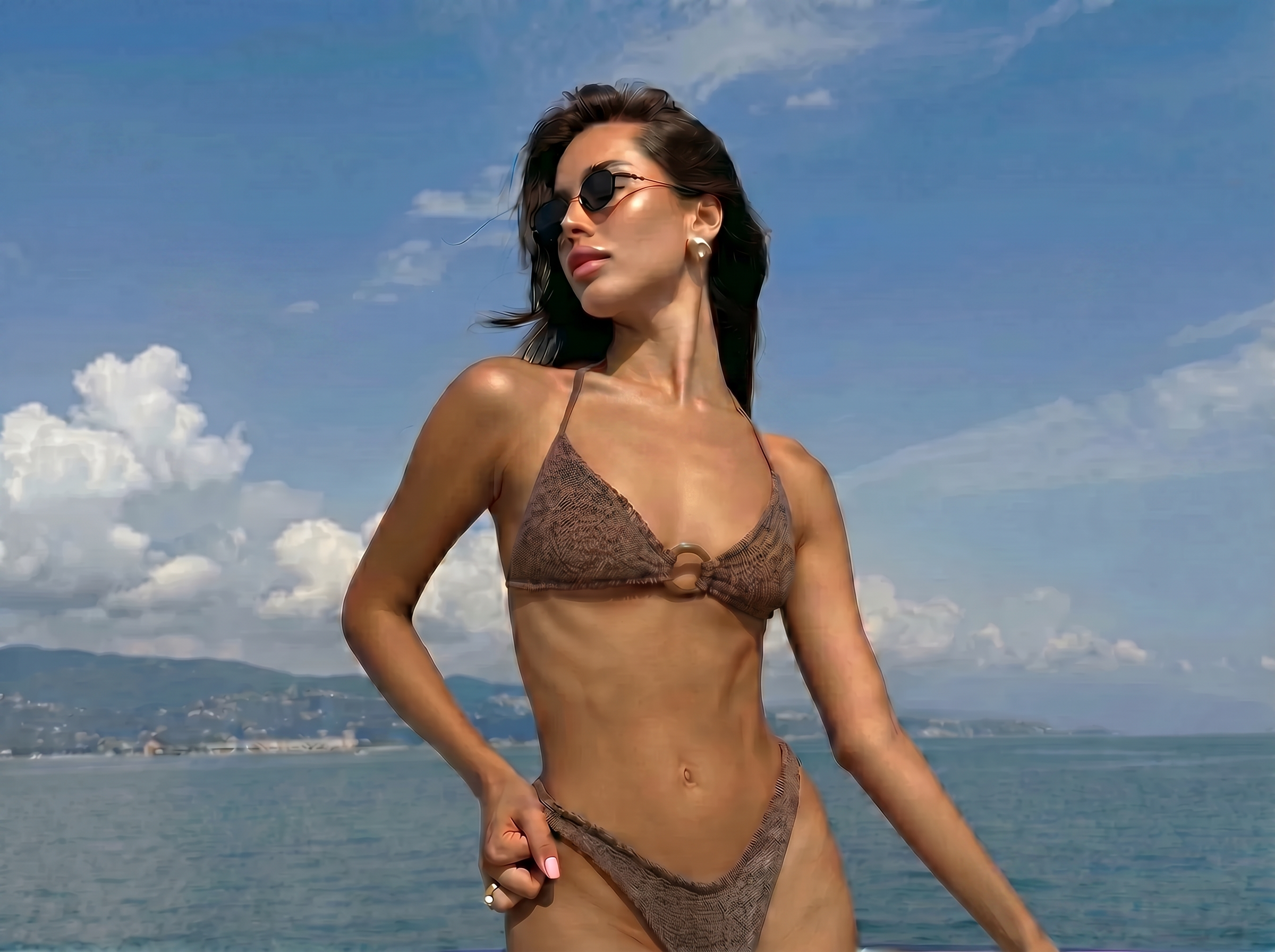
Clean Up Product Photos and Get Listings Faster
Fashion sellers often receive style photos with watermarks, text overlays, messy backgrounds, or extra props. KOOZEE AI removal can automatically clear watermarks and text, or let you use brush erasing and text prompts to remove tags, hangers, clips, accessories, and other details — one photo at a time.
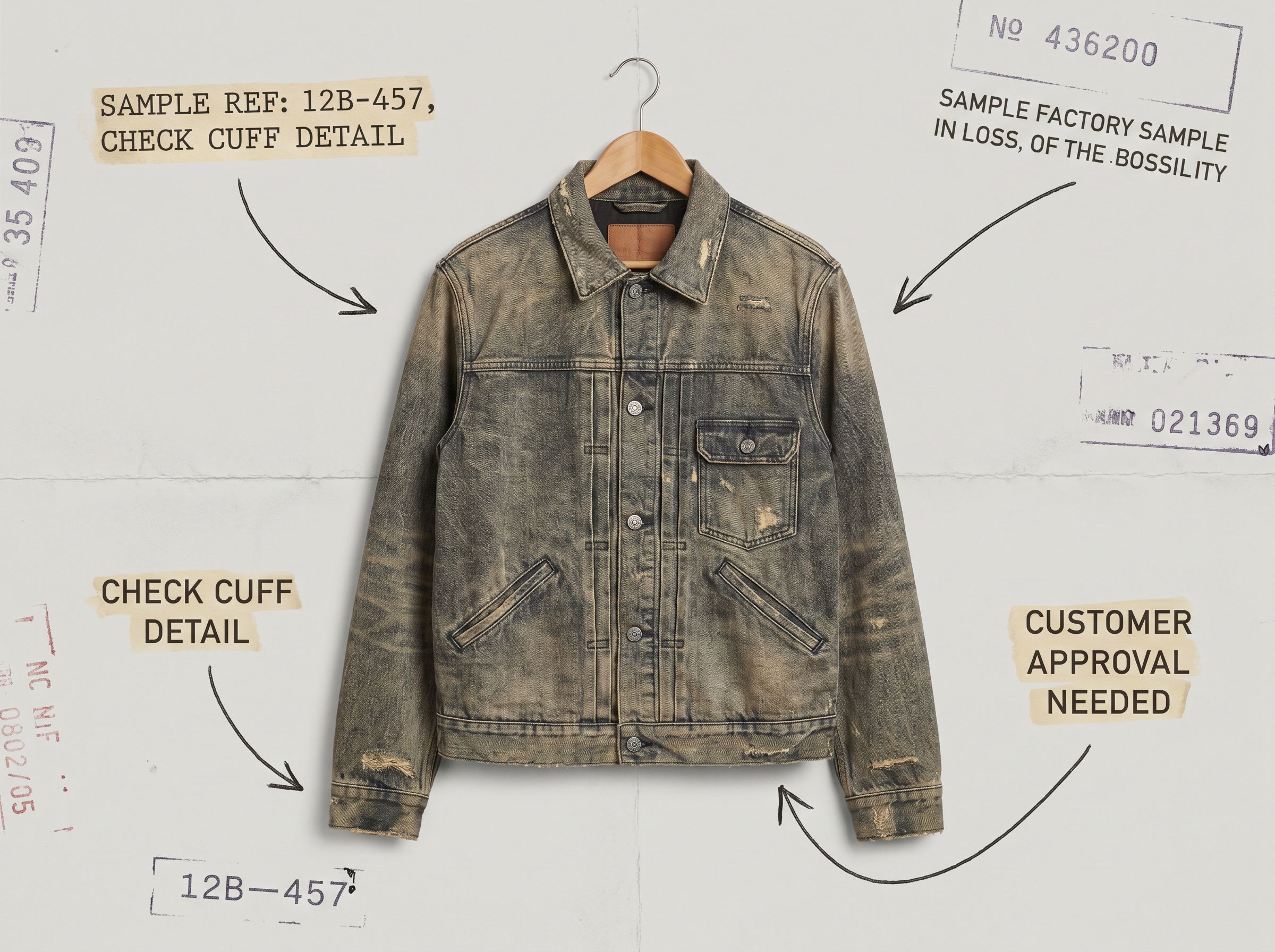
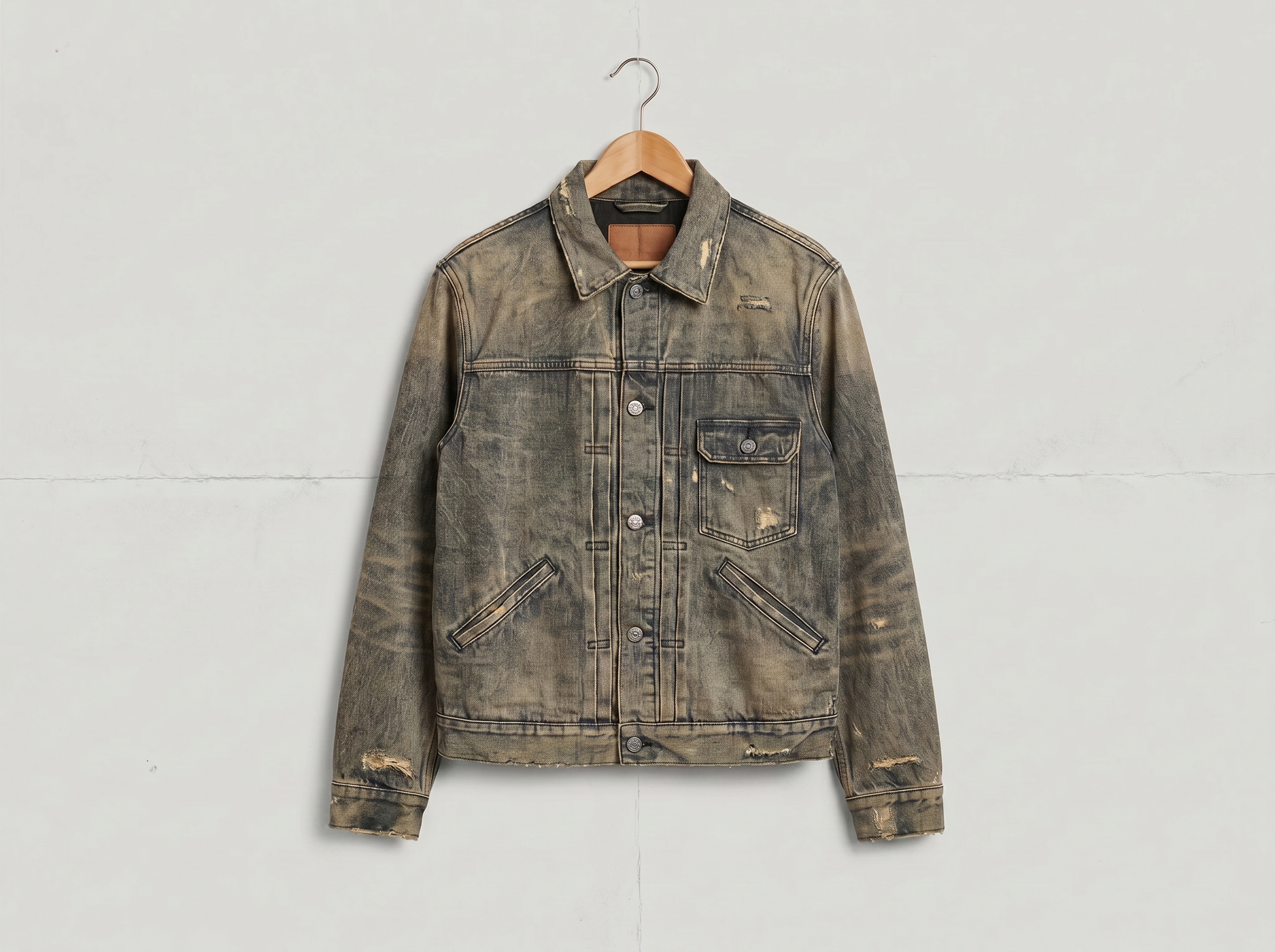

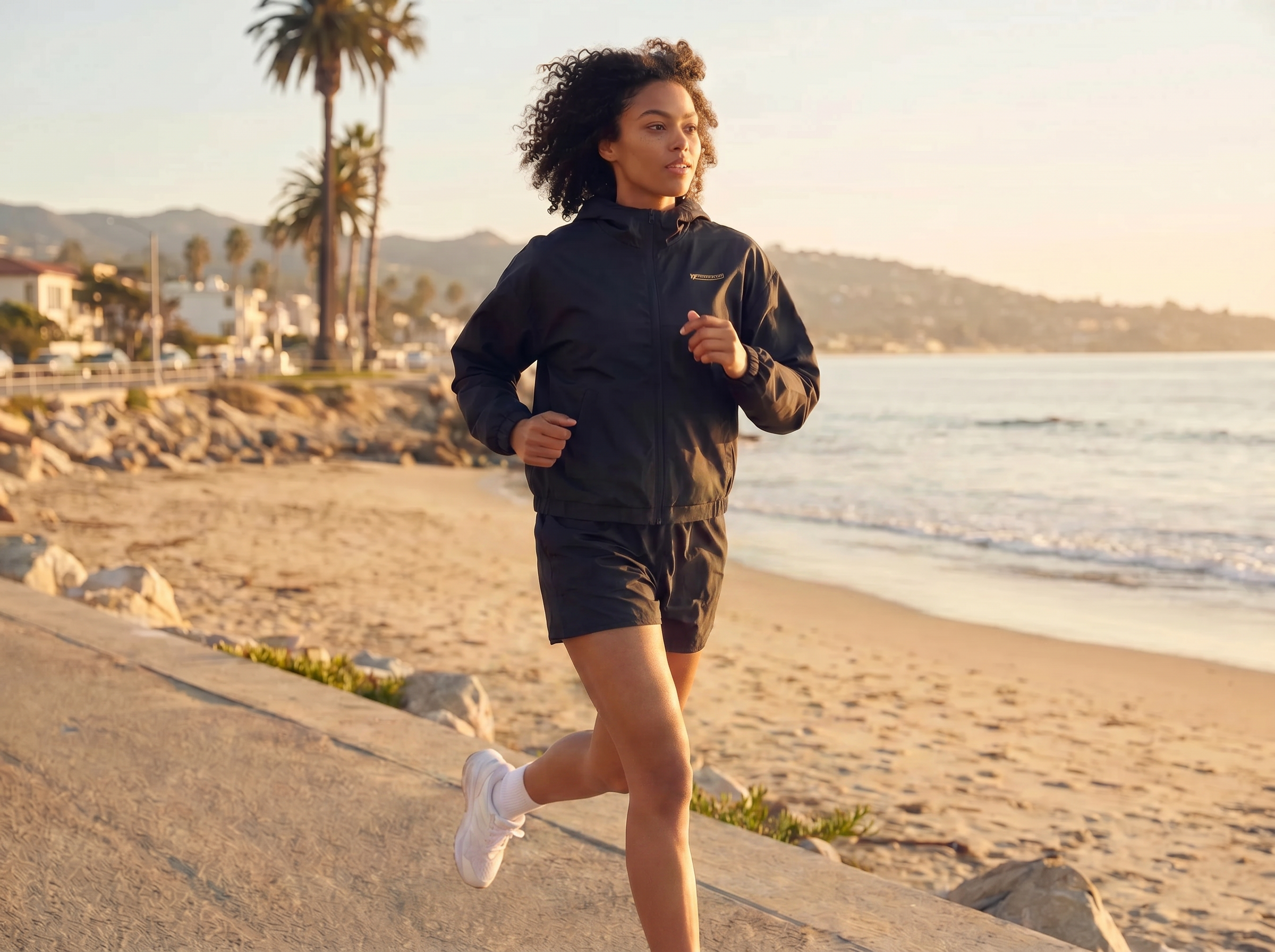
Four KOOZEE AI Removal Modes to Clean Your Photos
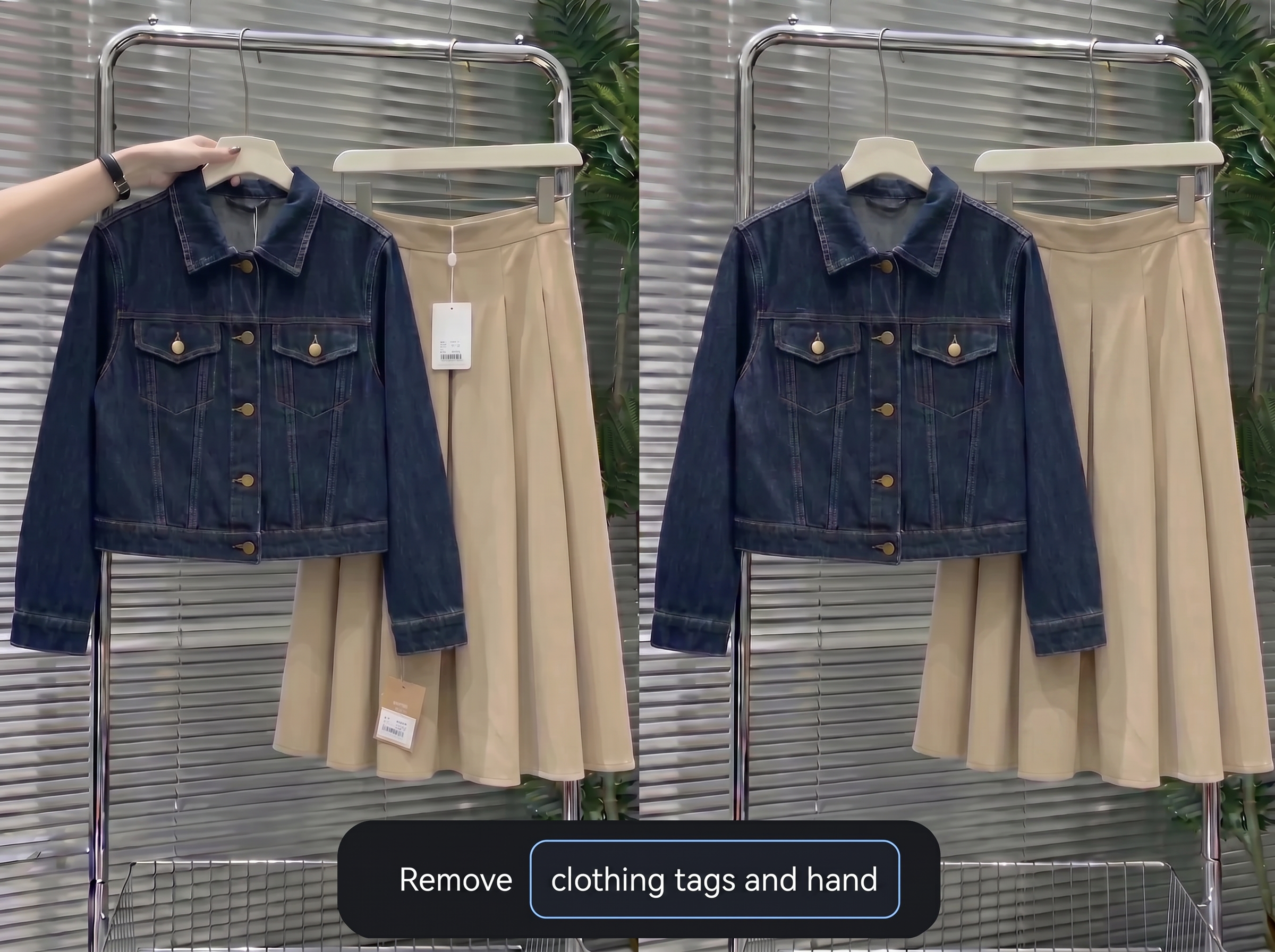
Prompt-Based Removal — Type What to Remove, Done
When you know exactly what to remove, just type it. For example: "remove the price tag," "erase the hanger," or "delete the background clutter." KOOZEE AI removal finds the target and clears it out. Great for quick single-image cleanup.
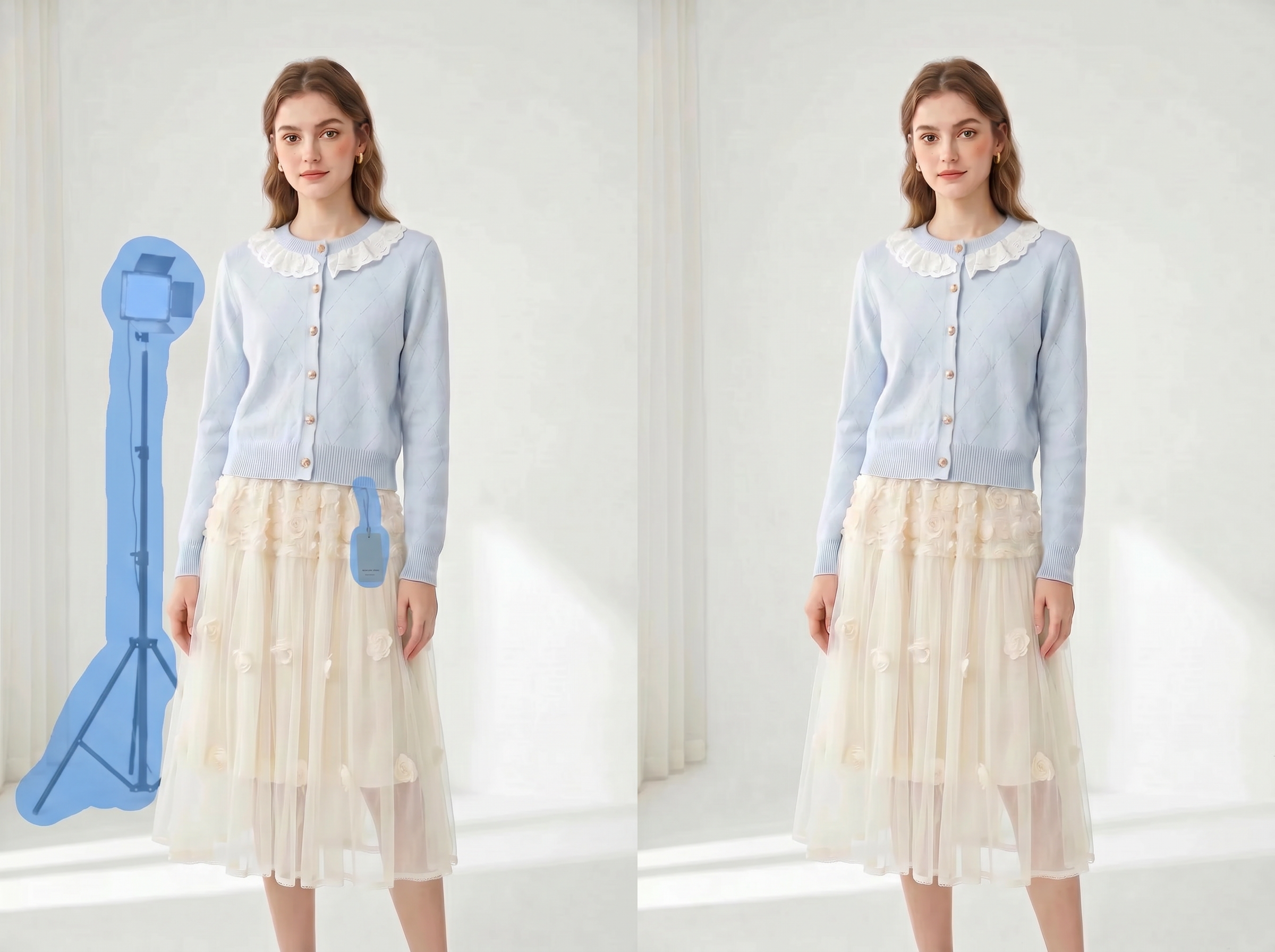
Brush Erasing — Control the Exact Area You Unwant
For small marks near a collar, background clutter in corners, fine lines, or local distractions, use the brush to paint over the area. You can adjust the brush size and use the grab tool to move around the canvas while editing details.

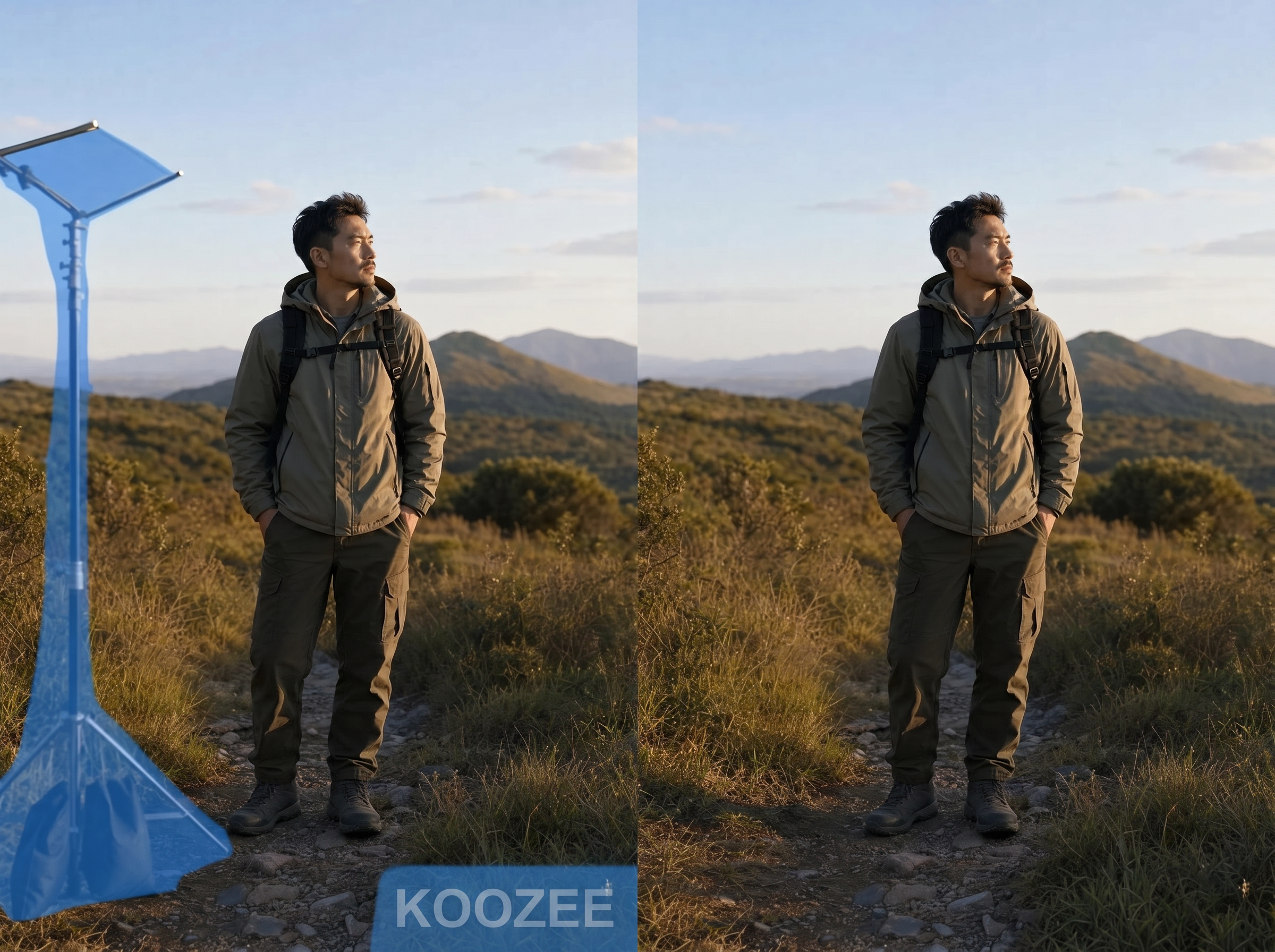
Auto Removal — Fast For Watermarks, Text, and People
Auto removal works best for common, clearly visible distractions. It detects and removes watermarks, text, and people from photos — making it ideal for quick AI removal on product images, promotional graphics, and social media assets.
Batch Processing — AI Removal for Multiple Photos at Once
In batch mode, upload multiple images at once and run AI removal across all of them. It handles watermarks, text, and people in your entire photo set. Download all cleaned images as a zip file when you're done.
Why Fashion and E-Commerce Teams Choose KOOZEE AI Removal

No need to learn layers, selections, or clone stamp tools. Upload your photo, pick your AI removal method — brush, prompt, or auto — and get clean results. No design skills required.

Edit single photos in detail to remove tags, hangers, accessories, and props. Or run auto removal on a full batch to clear watermarks, text, and people at once. Either way, you save time on repetitive editing.

Results Even in complex scenes, KOOZEE AI remover keeps the original image size and produces clean, natural-looking results. Your photos stay ready for product listings, client delivery, and content publishing.
3 Steps to Get Started with KOOZEE AI Removal
Upload Your Photo
Upload a single product photo, or upload multiple photos at once for batch AI removal.
Choose a Removal Method
For a single photo, choose brush erasing, prompt removal, or auto removal. For batch photos, AI removal runs automatically.
Download the Result
For a single photo, download it directly. For batch results, download all cleaned images as a zip file.
FAQ
Does KOOZEE support batch processing?
Can I remove tags, hangers, or accessories from fashion photos?
Yes. For these types of objects, we recommend using prompt removal or brush erasing on a single photo. They give you more precise control over specific details.
Does the image size change after KOOZEE AI removal?
No. KOOZEE keeps the original image dimensions after processing, so your photos stay ready for product listings, client delivery, and content publishing.
Try KOOZEE AI Removal for Free
New users get free credits to try AI removal. Upload a photo, see the results, and decide if it fits your workflow — no commitment needed.