"We launch new products every week. The slowest part used to be creating try-on images, scene images, and detail photos for every SKU. Now we use Koozee to start from the main product image, then create try-on photos and new scenes. The image production speed is much faster, and it is easier to keep one visual style across the full launch."
Create Complete Fashion Product Images for New Arrivals with Koozee
Launching new fashion products takes more than one product photo. Koozee helps Shopify, DTC, and WooCommerce sellers turn one image into main product photos, AI model try-on images, lifestyle scenes, detail shots, and dynamic assets, so new arrivals are ready to upload faster.
Prepare Full Product Page Images from One Main Product Photo
Create Clean Main Product Images
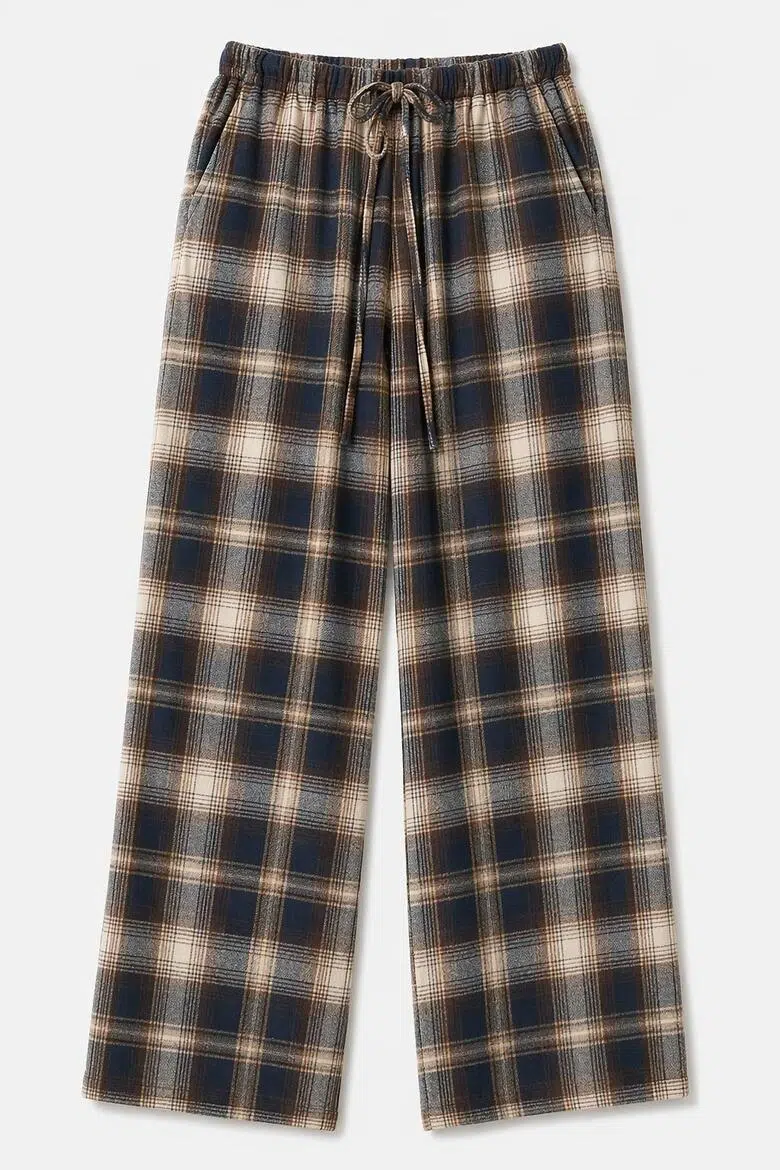
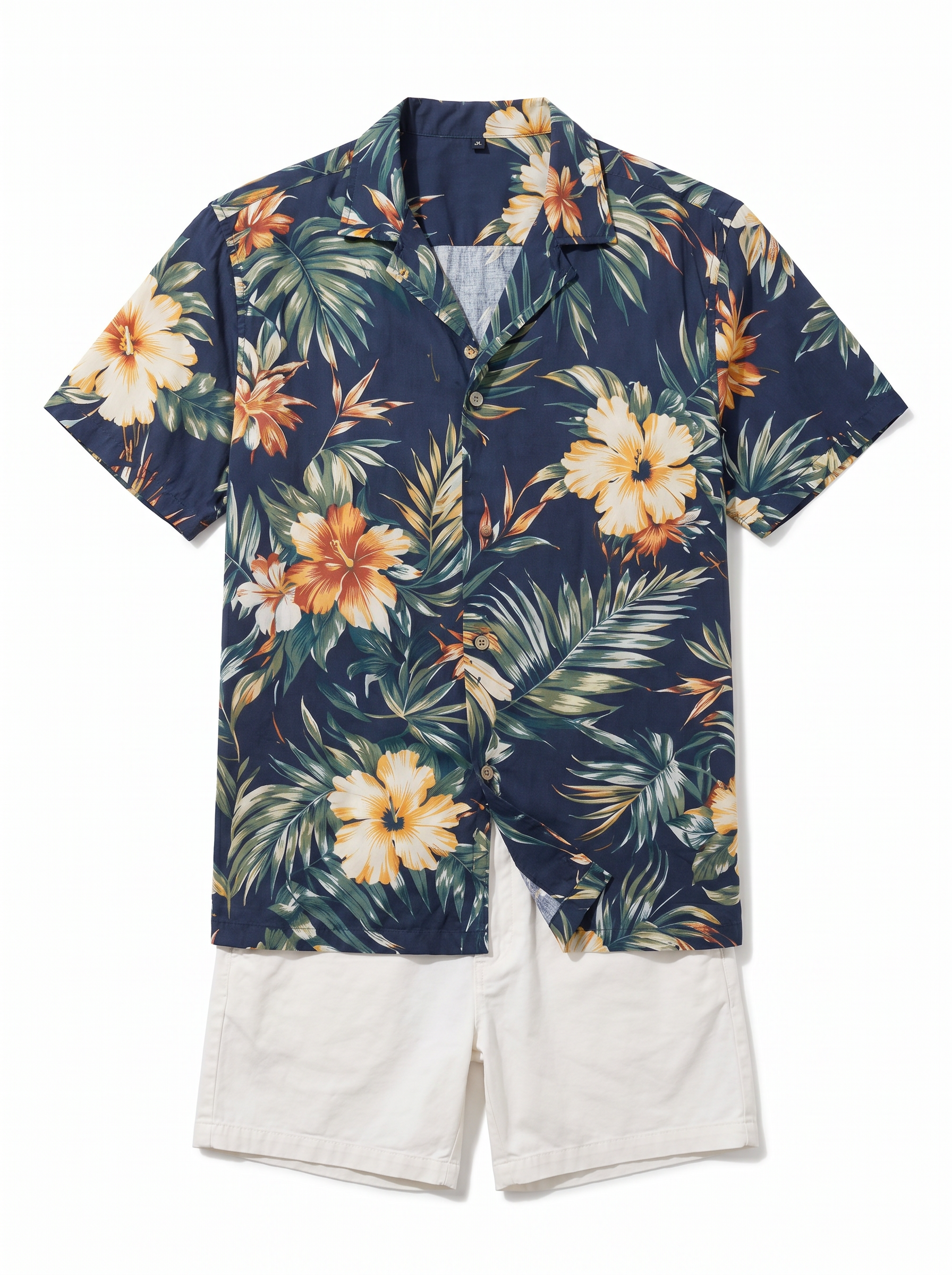
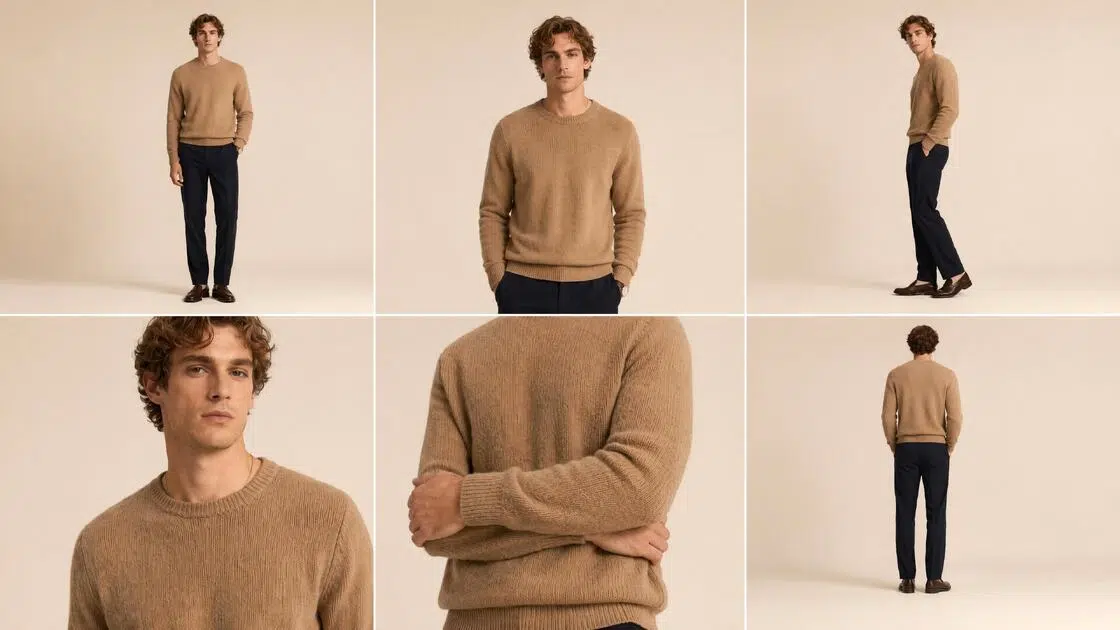
First, create a clear and clean main product image for your new item. This gives your product page a strong visual base. Shoppers can quickly see the style, color, outline, and overall fit of the garment.
Generate AI Model Try-On Images
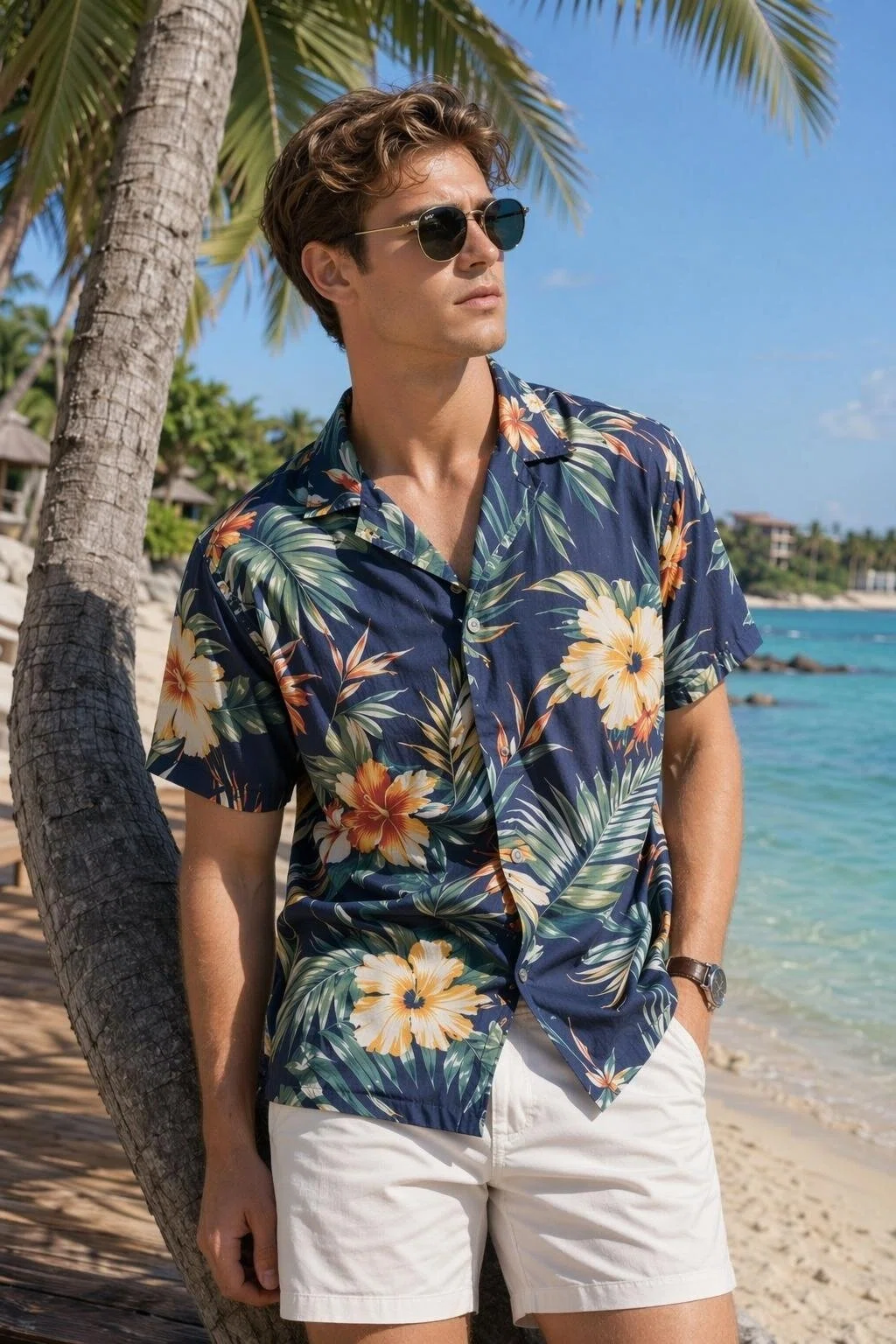
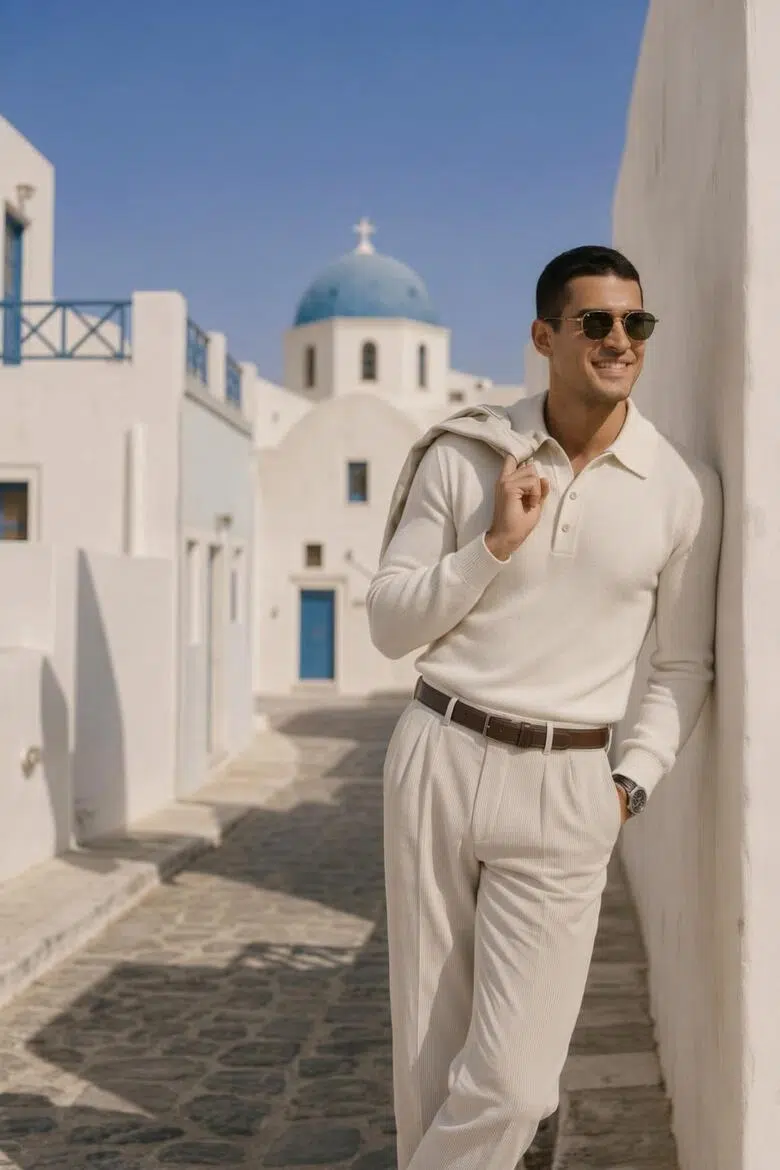
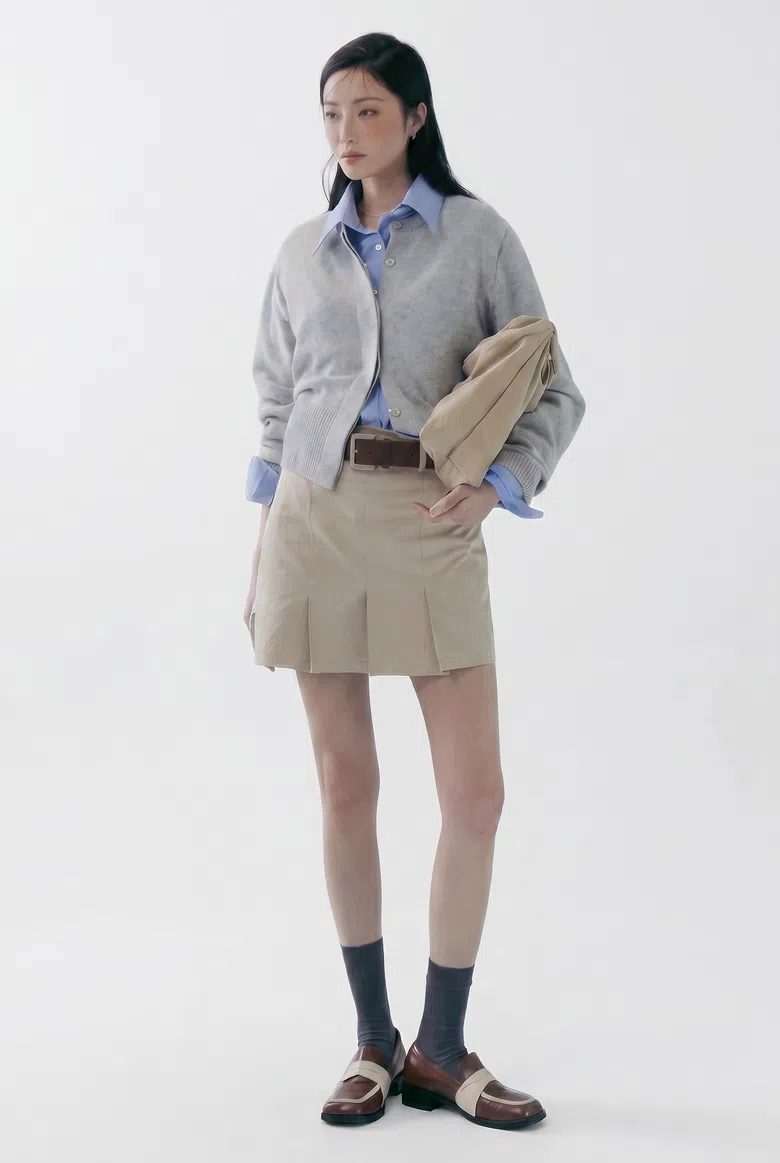
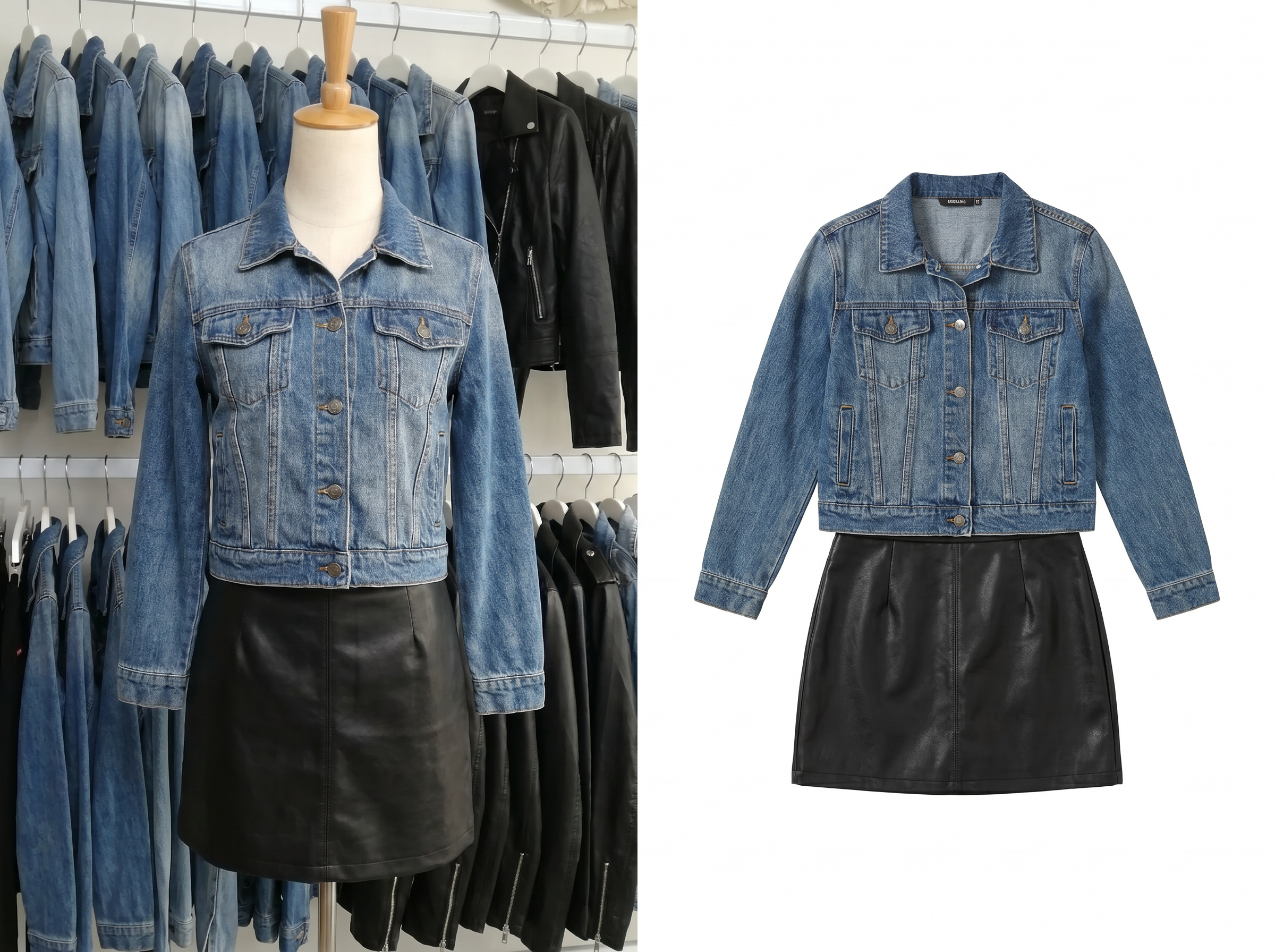
Turn your product image into model try-on photos. Show how the clothing looks on a body, including the fit, length, drape, and overall wearing effect. This adds information that a flat product image cannot show, so shoppers can understand the item more easily.
Change Product Scenes or Views
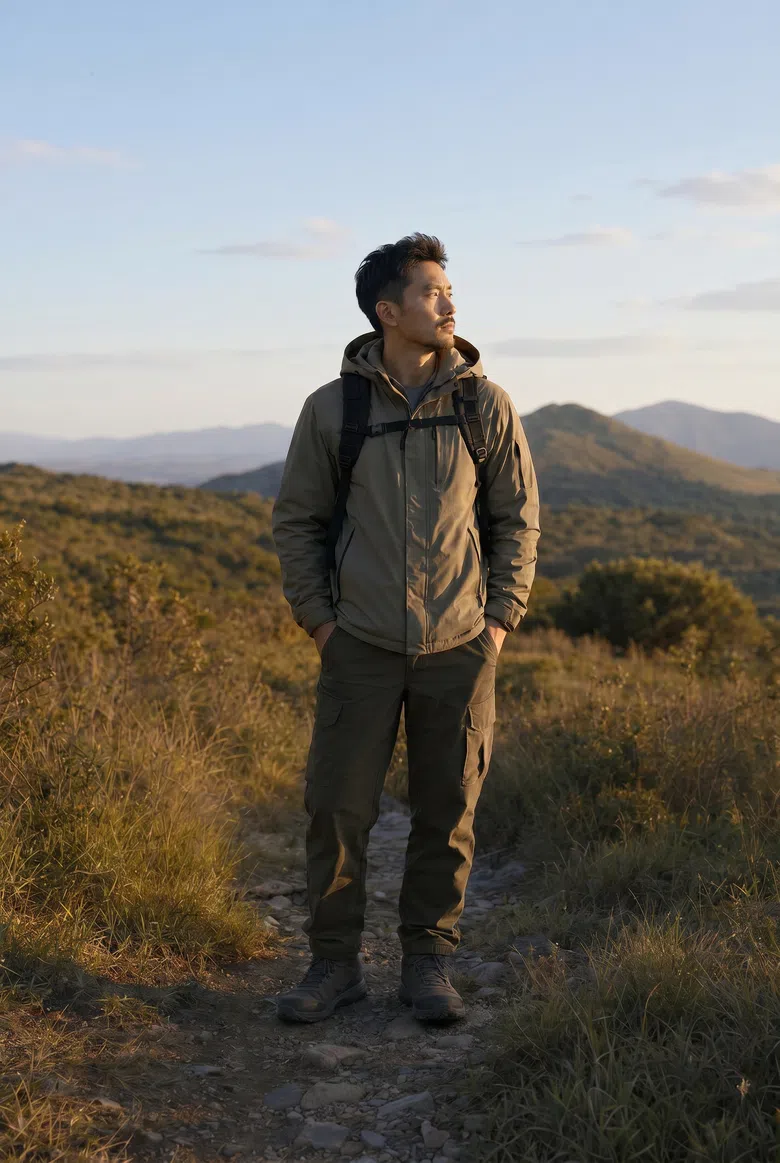
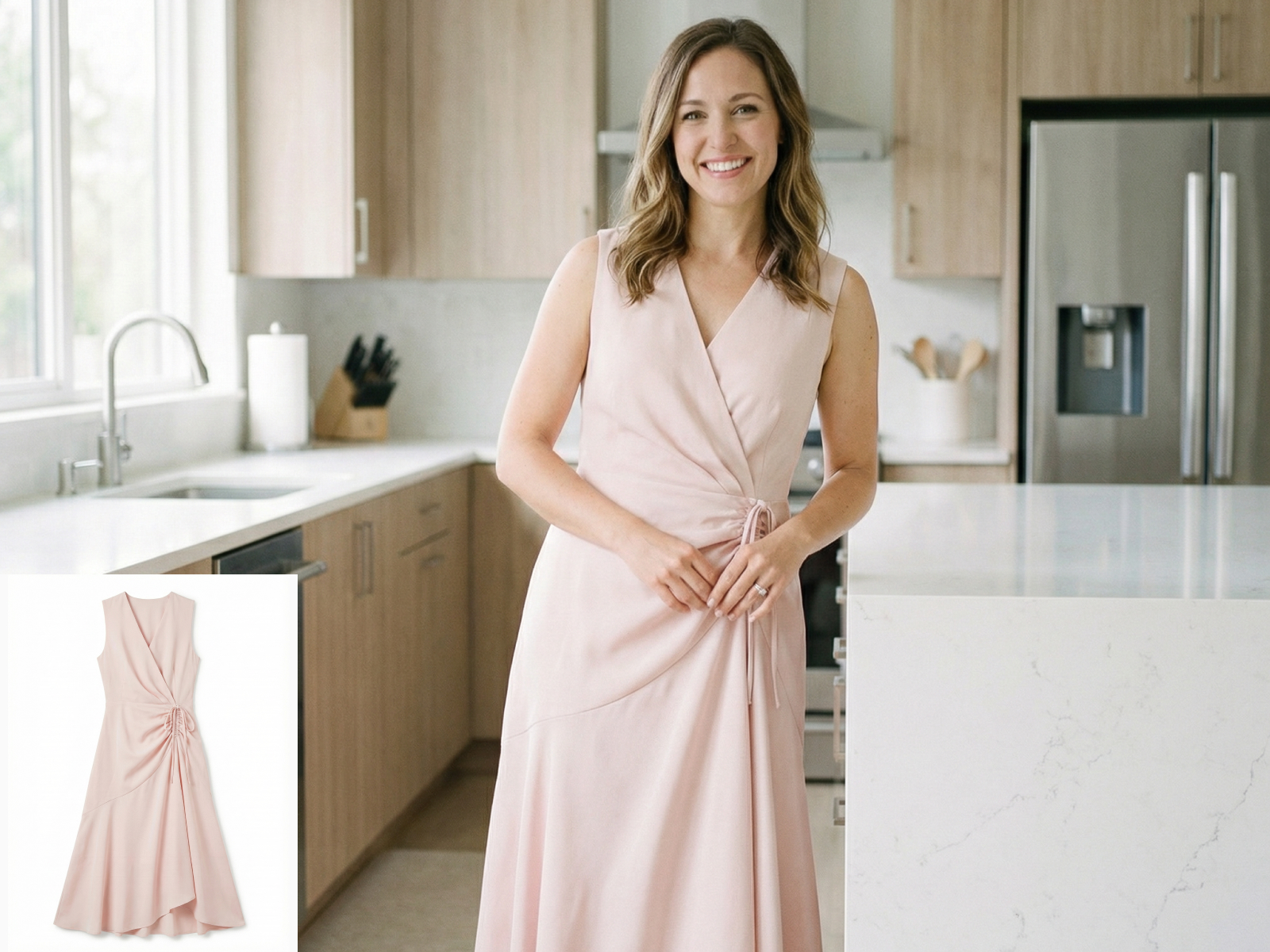
Use your product image or try-on image to create new backgrounds, moods, and display angles. You can create studio shots, indoor scenes, street-style photos, workwear scenes, vacation looks, and more. You can also add more views to make your product page feel richer and more complete.
Create Fashion Detail Images
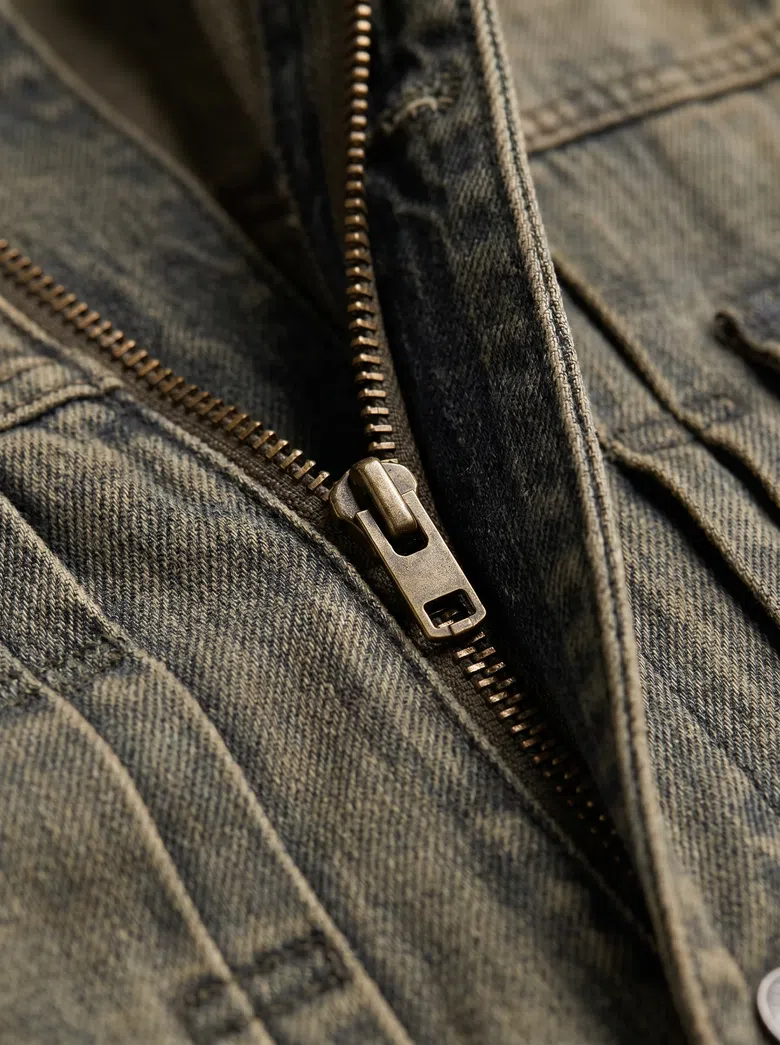
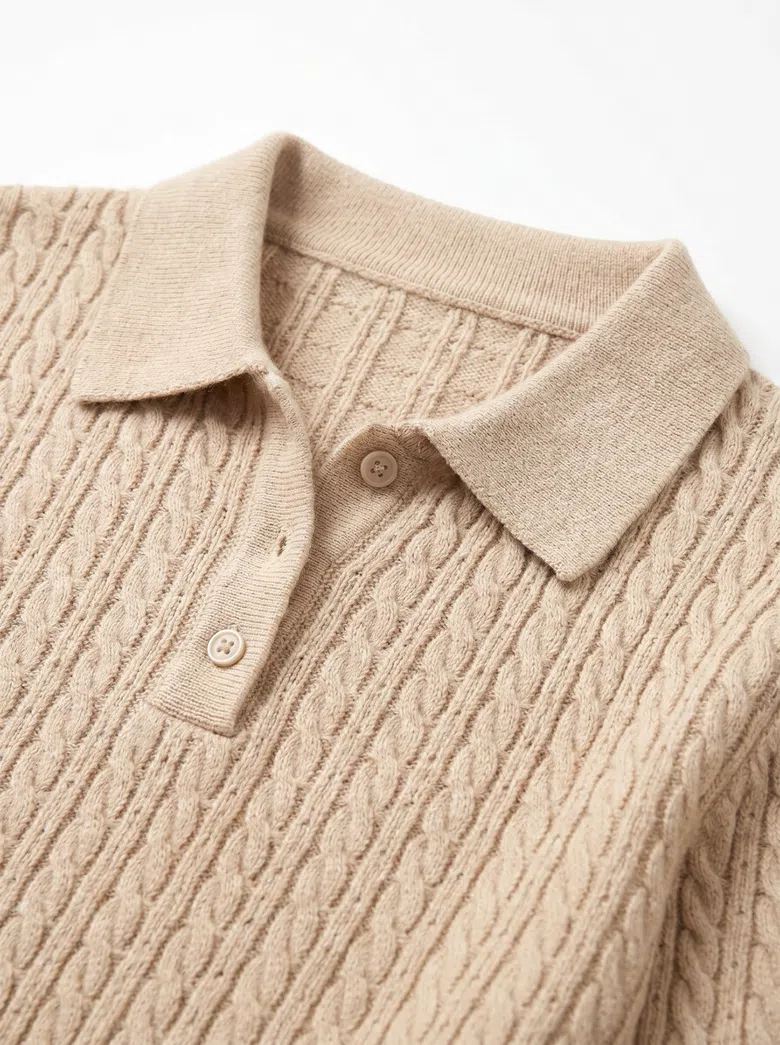
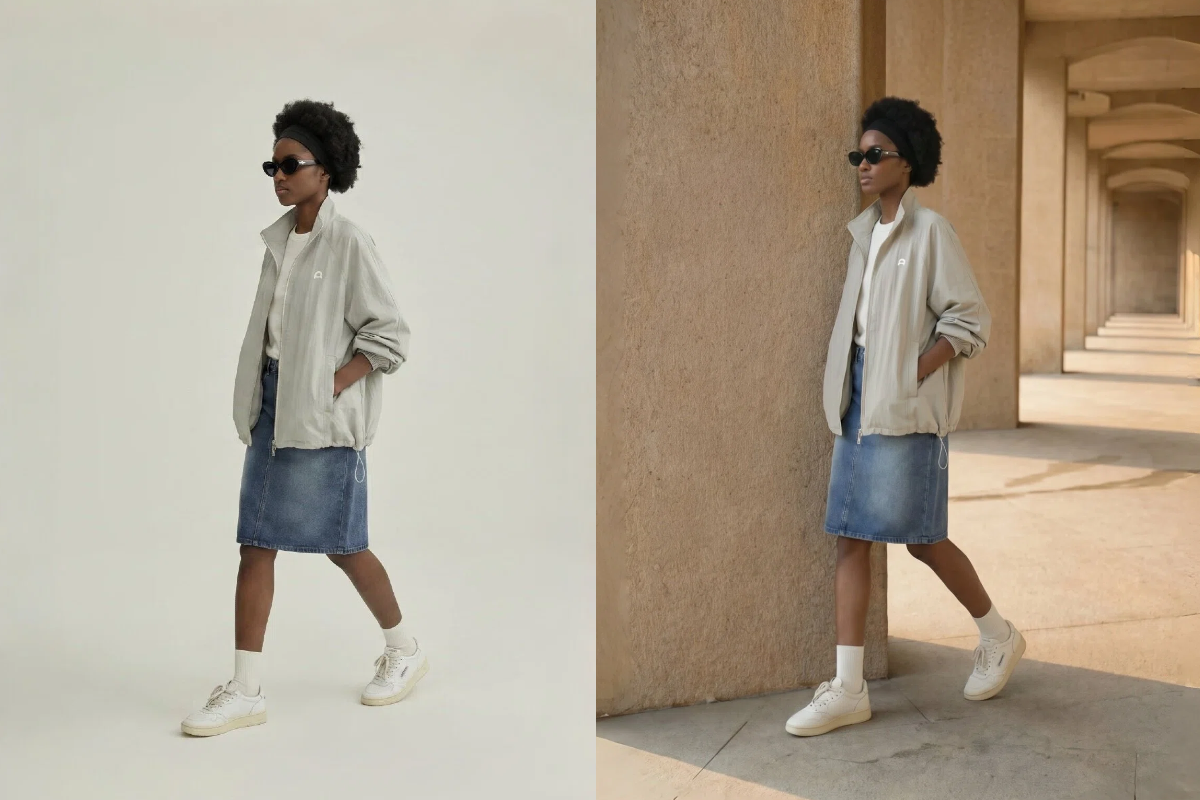
Create close-up images around your key selling points. Show fabric texture, cut, collar, cuffs, buttons, zippers, stitching, waist design, and other details. These images help shoppers judge the material, design, and quality of the product.
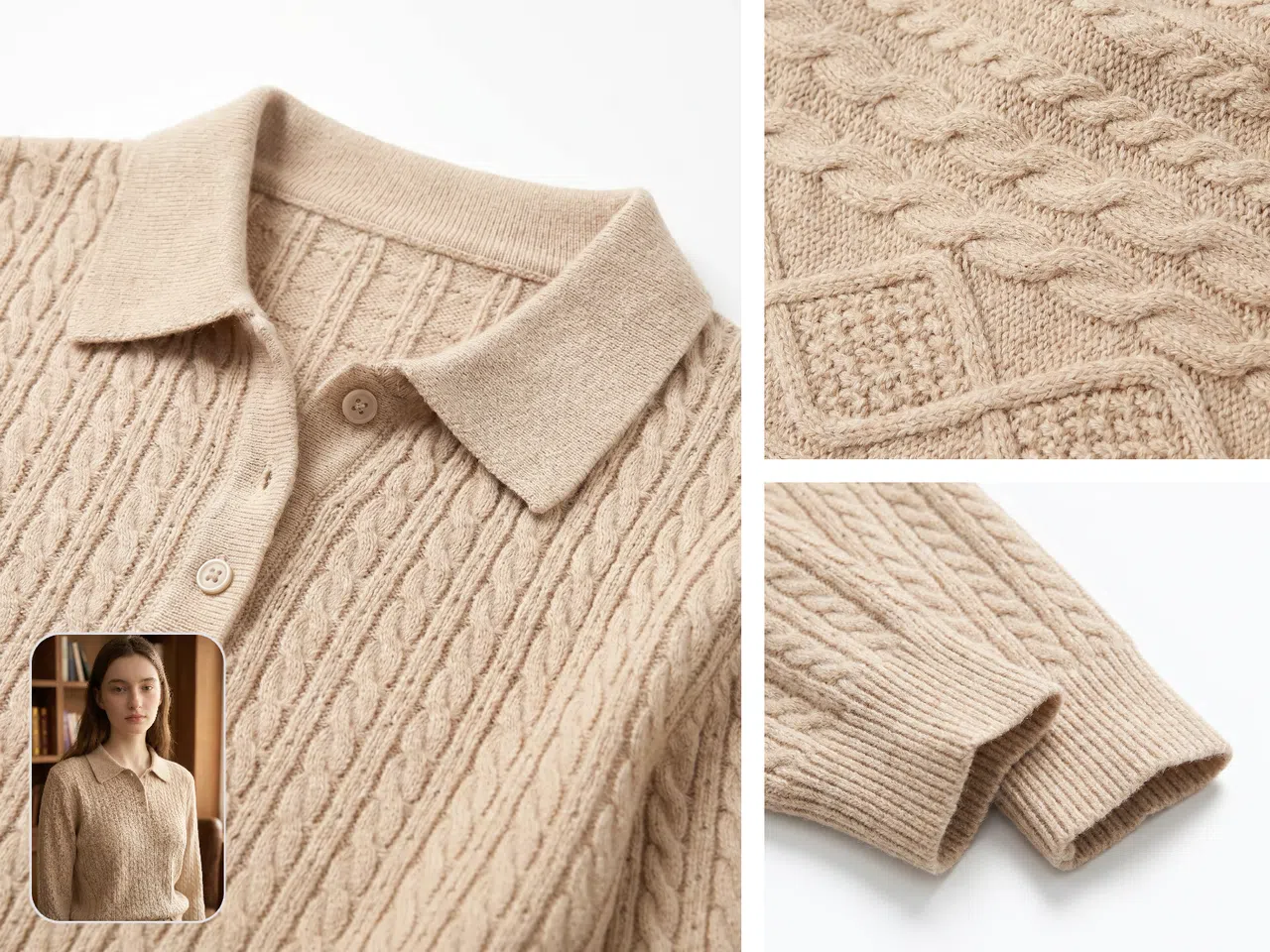
Create Dynamic Product Display Assets
If you need PDP videos, homepage motion sections, or short videos for social media, use Dynamic Lookbook to turn static product images into moving fashion display assets.
Turn One Product Image into a Complete Set of Fashion Product Assets
Start with one main image, then expand it into try-on photos, lifestyle scenes, new views, and detail shots. Follow the new arrival workflow and see how each image type can support your product page.
Create Fashion New Arrival Images Faster with a Consistent Style
99%Lower editing cost
+56%Sell-through rate
+77%Average basket value
12xFaster time to market

"Before Koozee, we had to move between different tools to make new product assets. Main images, model photos, and scene images were made separately, and we still had to spend time matching the style. Koozee fits our DTC workflow better. We can complete the product image set first, then create extra assets for pages and ads."

"Our WooCommerce store has many SKUs. Reshooting every item would take too much time and budget. Koozee helps us extend existing product images into try-on photos, view images, and detail shots. We update product pages faster and reduce a lot of repeated editing work."
FAQ
Can I create full new arrival product assets from only one product image?
What fashion categories work well for AI model try-on images?
Koozee works for most clothing products, such as tops, dresses, jackets, pants, activewear, swimwear, and more. The final result can depend on the clarity of the original product image, the clothing structure, and the quality of your input.
What is the difference between Change Scene and Change View?
Change Scene changes the background and mood, such as studio, street, indoor, or vacation scenes. Change View helps you add more display angles, so your product page looks more complete.
Can I keep one style for the same batch of new arrivals?
Yes. You can use similar main image styles, model settings, scene directions, and image ratios to keep a consistent look across the same collection.
Can I use the generated images on Shopify or WooCommerce?
Yes. You can use the generated images on collection pages, product detail pages, homepage sections, and marketing pages. If your platform has size or ratio rules, you can download the images and crop or arrange them to match those rules.
What can fashion detail images show?
Detail images can show fabric texture, collars, cuffs, buttons, zippers, and other product details. You can check our examples to see the visual effect. These images work well on product detail pages because they explain key selling points.
Can I create social media or ad assets?
Yes. If you need motion content, you can use Dynamic Lookbook to create short video assets for PDPs, homepage sections, or social media posts.
Can Koozee fully replace photoshoots?
Koozee is best for regular new arrivals, bulk product image creation, and extra marketing assets. For high-end brand campaigns, complex motion shoots, or special creative work, you can still use it together with traditional photoshoots.
Create Your First Set of New Arrival Product Images for Free
New users can start with free trial credits. Test the image quality first, then decide if you want to use Koozee for bulk new product launches.