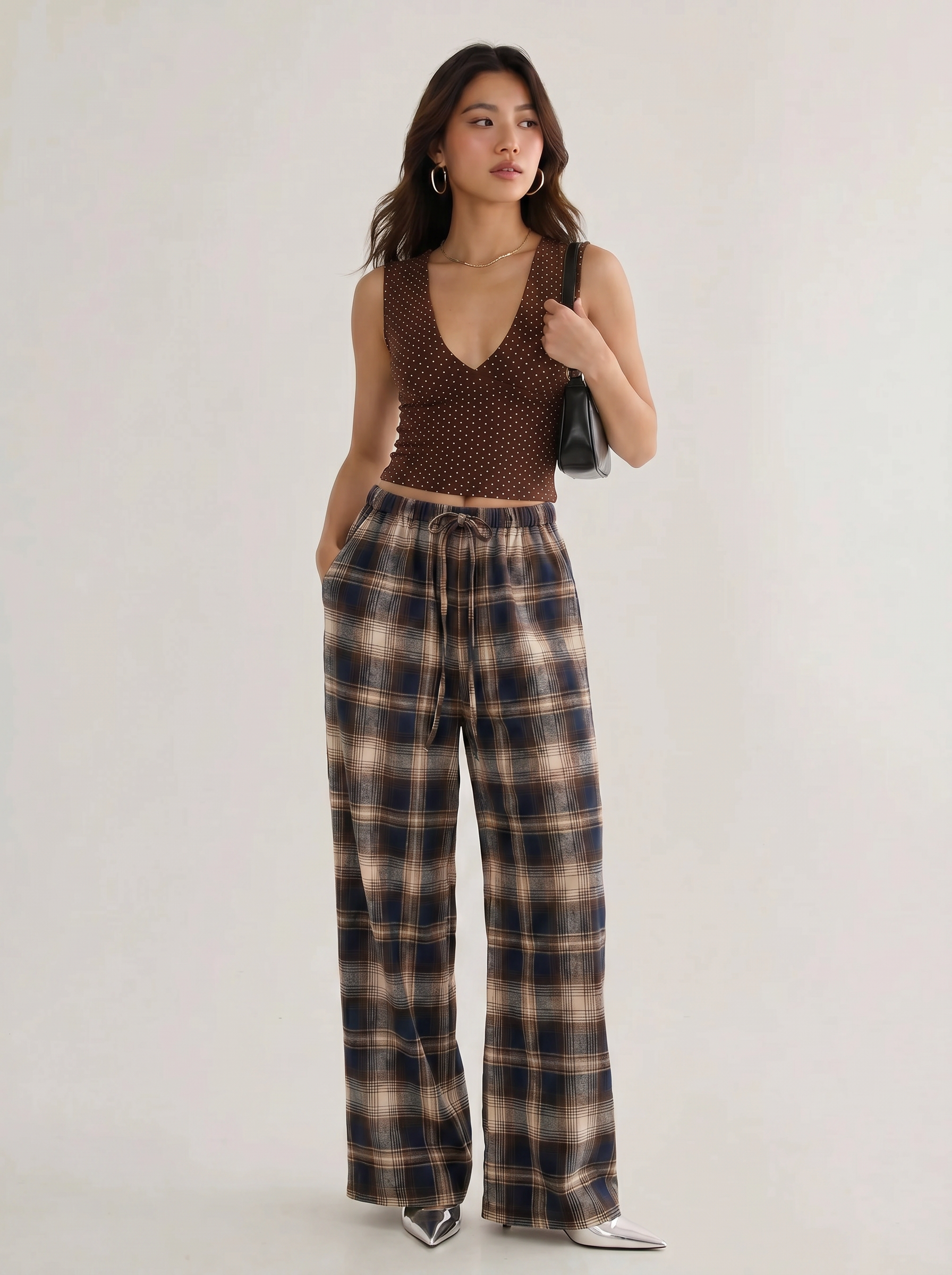
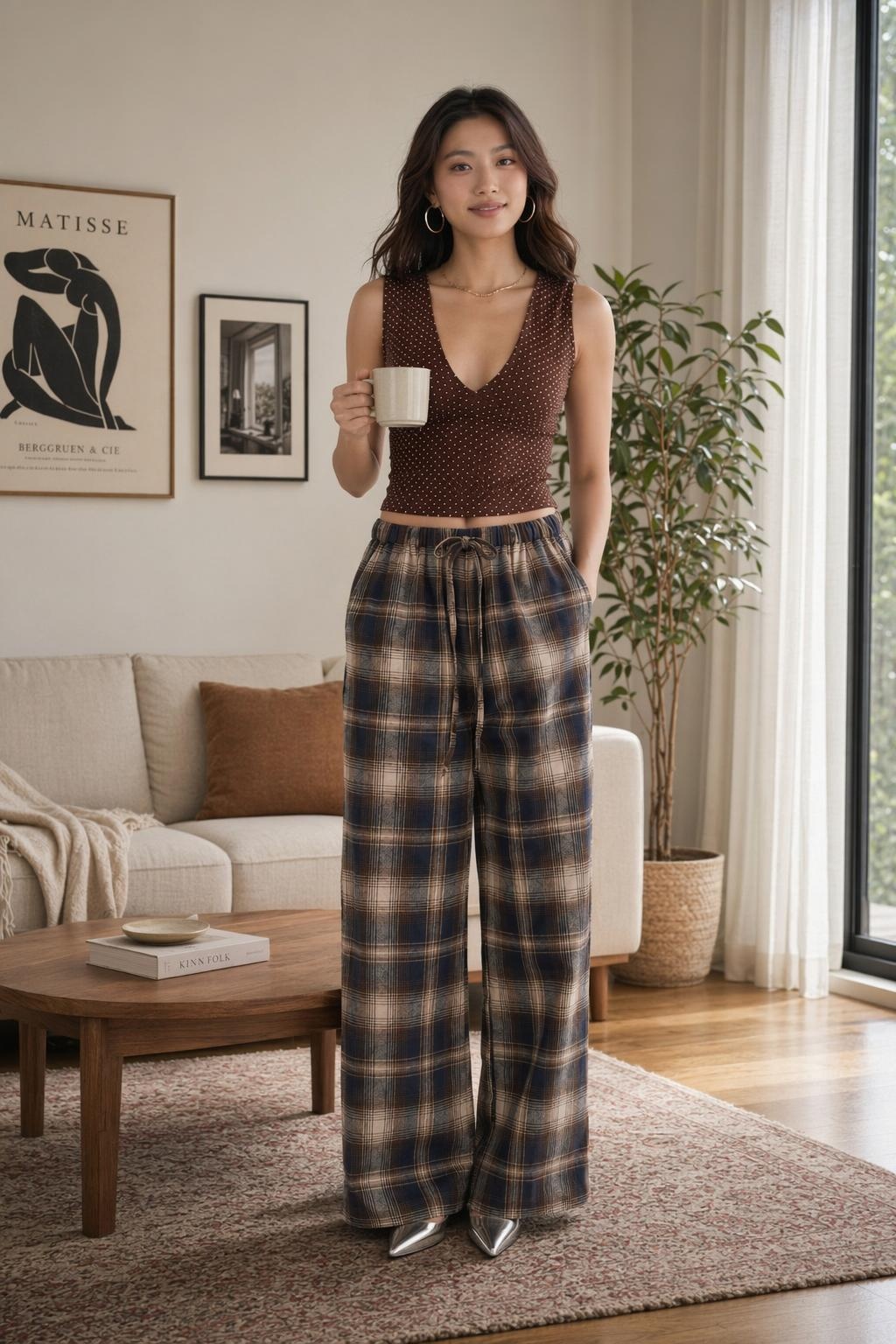
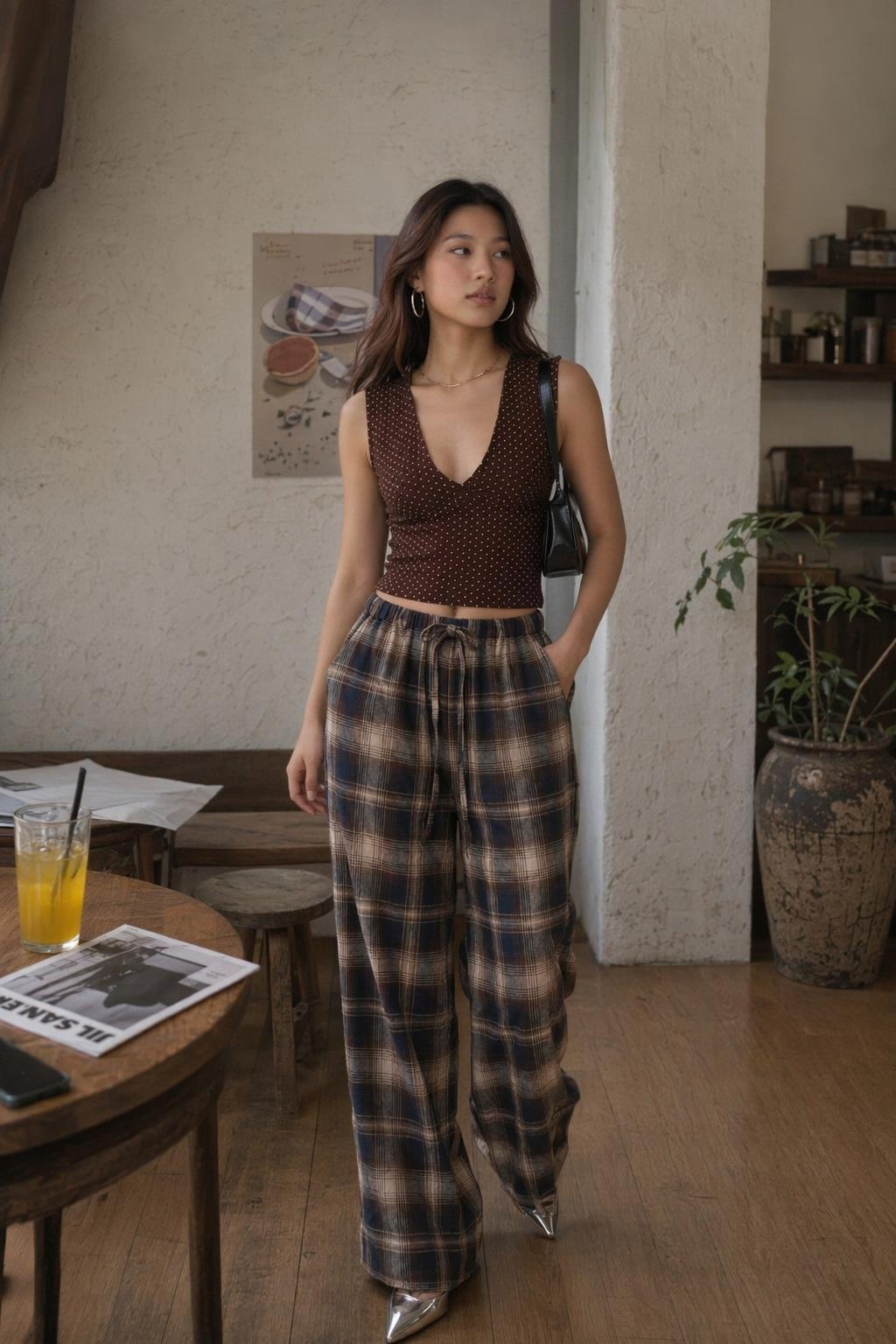
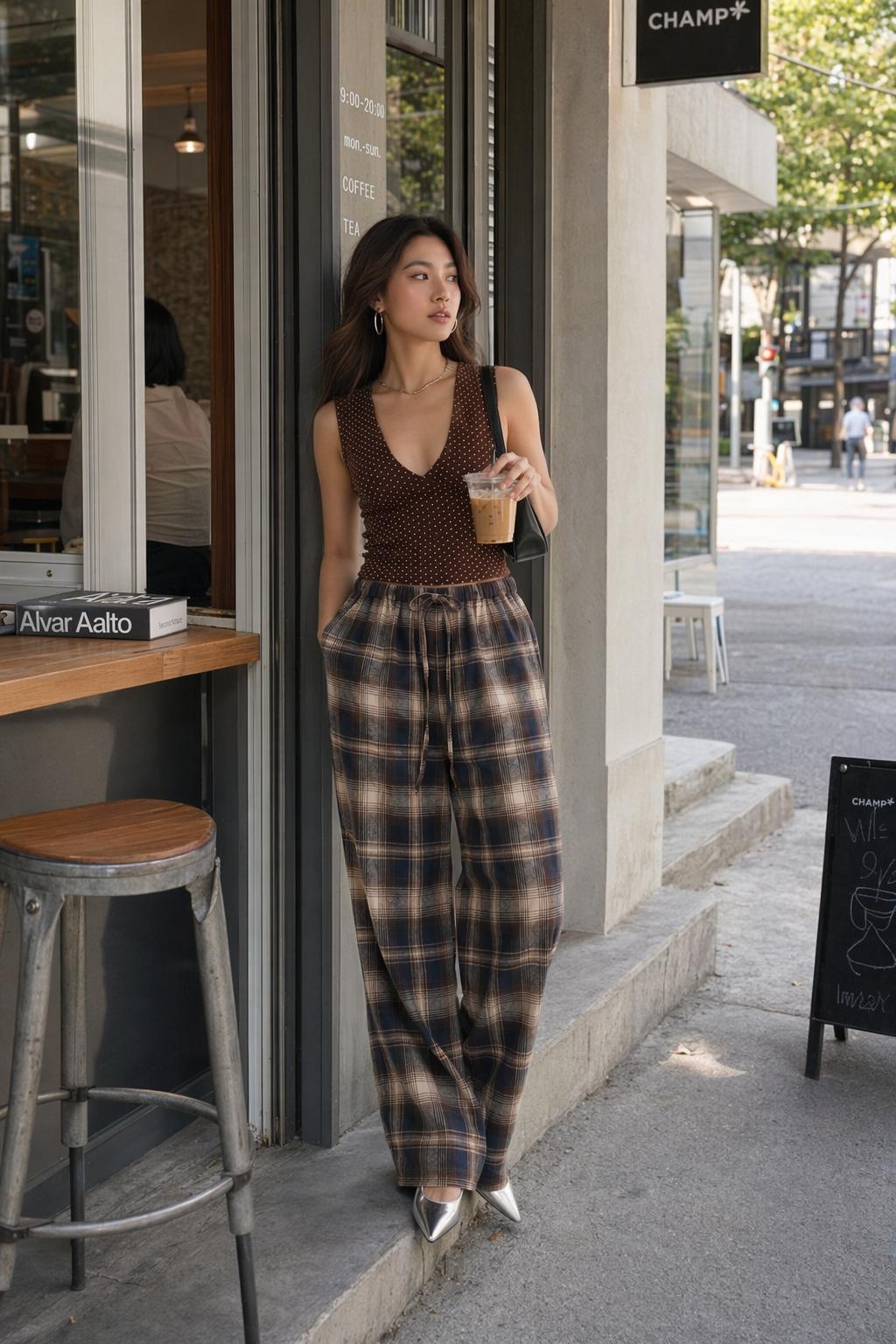
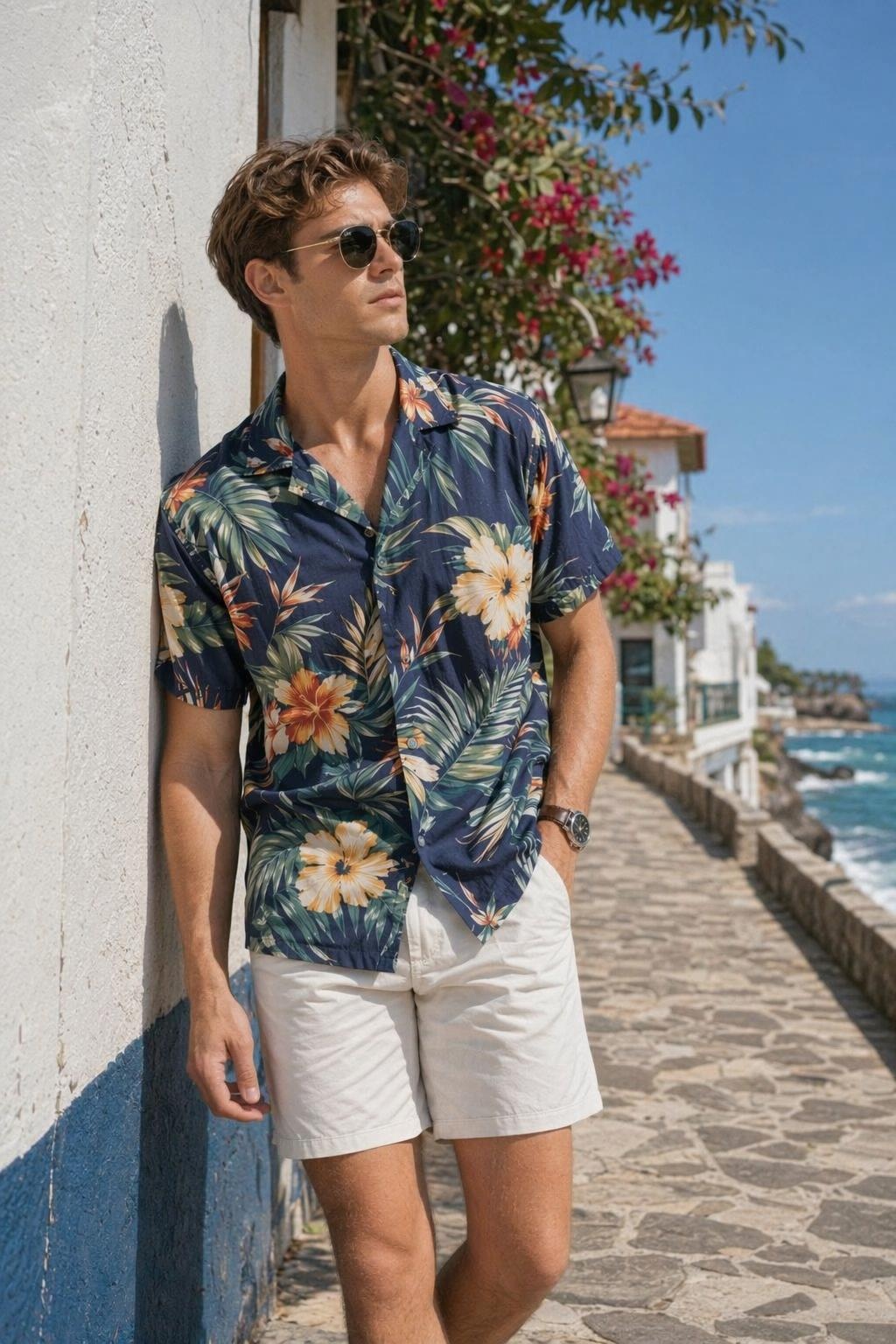
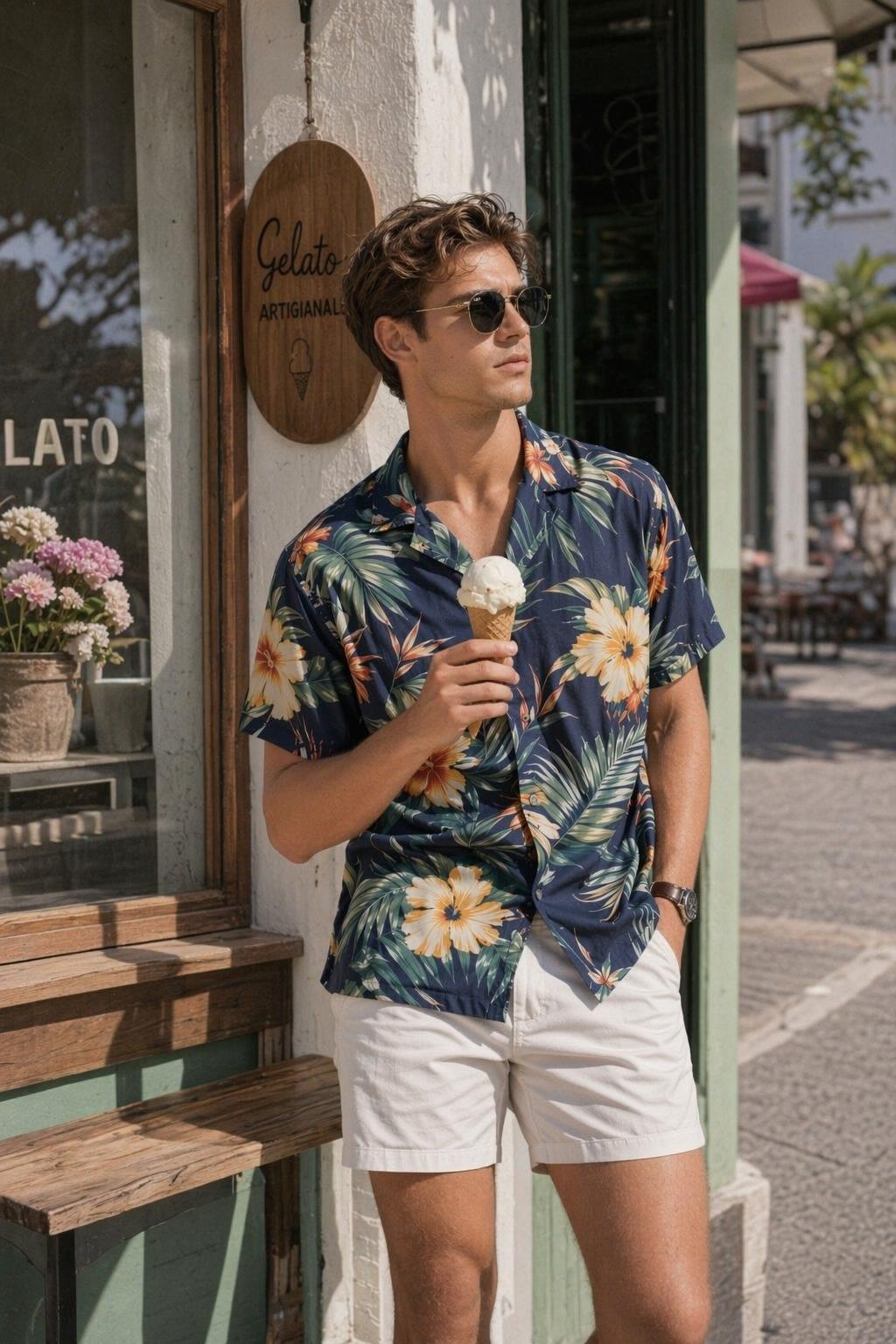
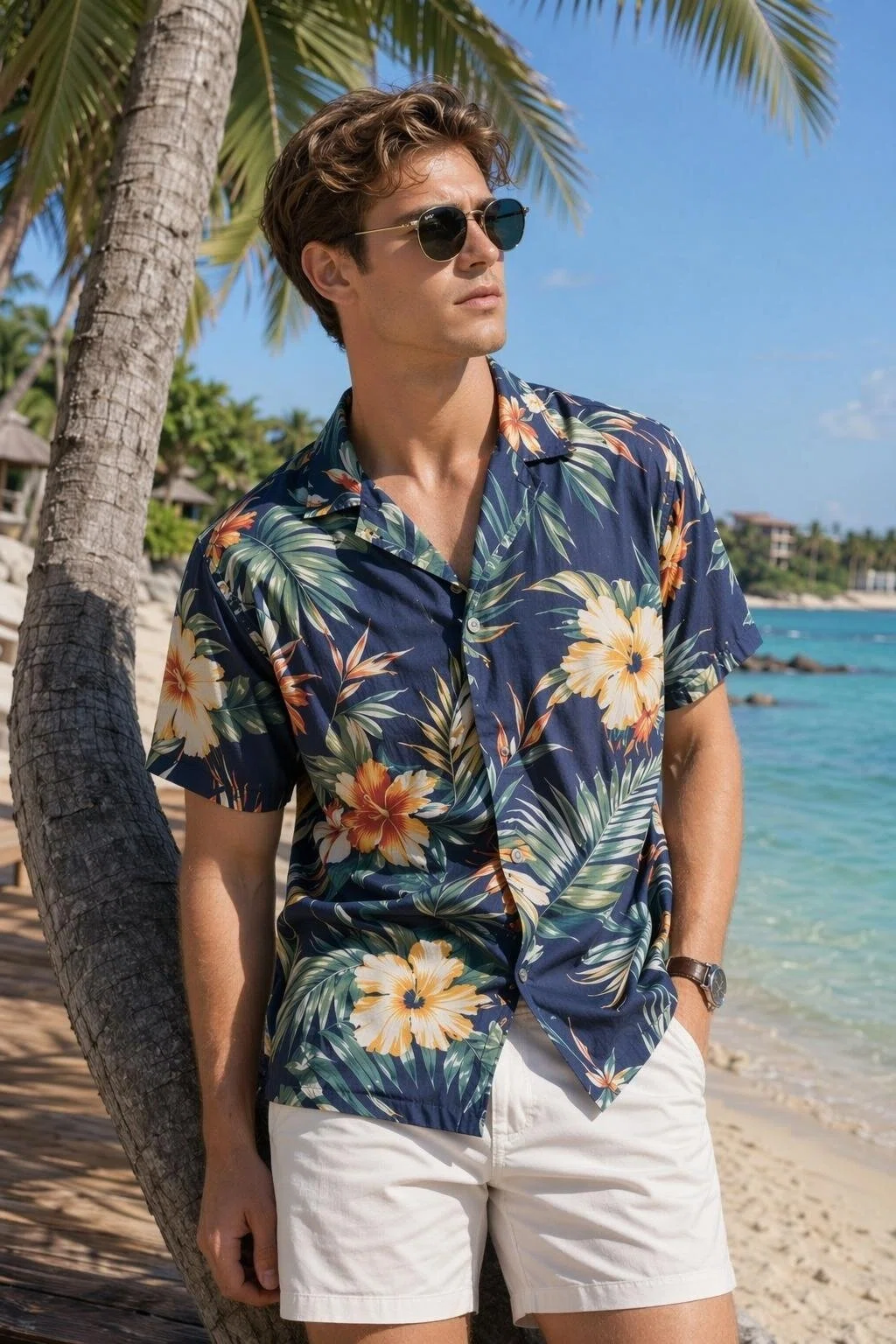
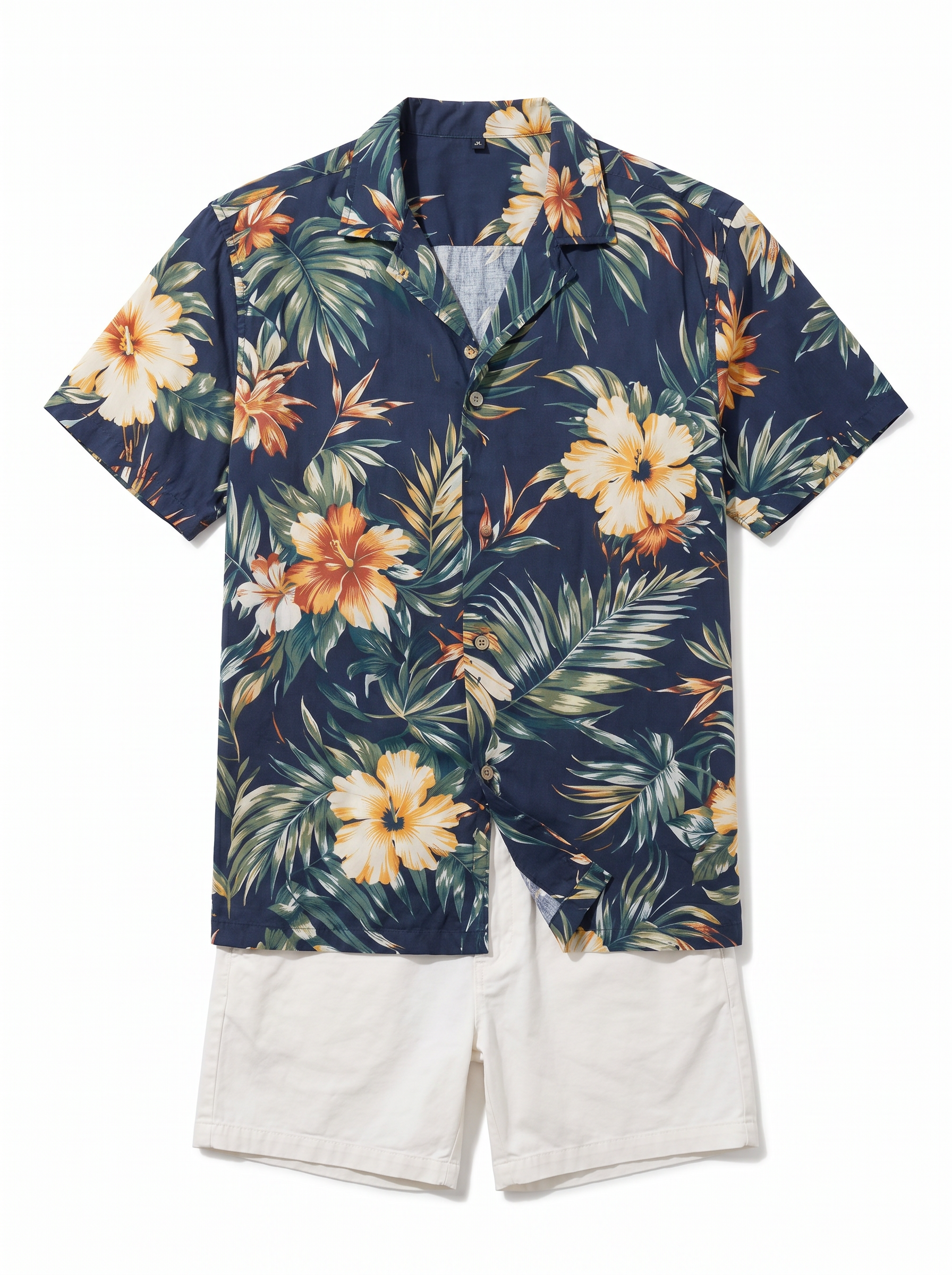
"When we test TikTok creatives, one clothing item needs many versions. Now we create different models and scenes first, then choose the best direction for video."
Create More Social Media Clothing Assets
TikTok, Instagram Reels, and YouTube Shorts need fresh content all the time. One clothing item often needs many models, scenes, and short videos for testing. Koozee starts from a clothing image, creates a clean flat lay image, then generates AI try-on photos, model variations, scene images, and dynamic product videos for TikTok, Reels, and Shorts.
Turn One Clothing Photo into Social Media Images and Videos
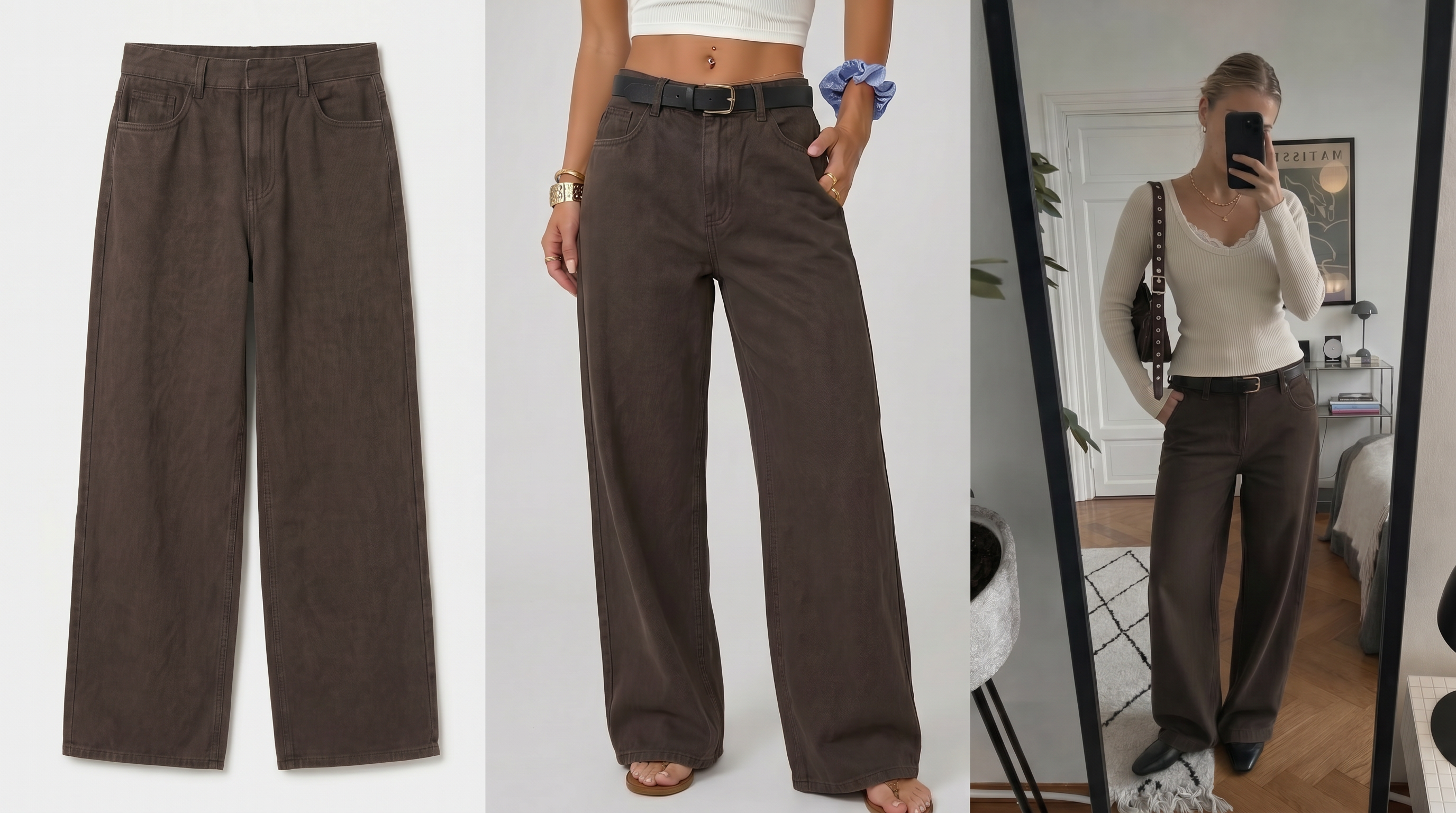
Create White Background Clothing Flat Lay Images
Upload a casual photo, supplier image, hanger photo, model photo, or existing product image. Koozee extracts the clothing and creates a clean white background flat lay image. This gives you a clear base for try-on images, scene images, and video assets.
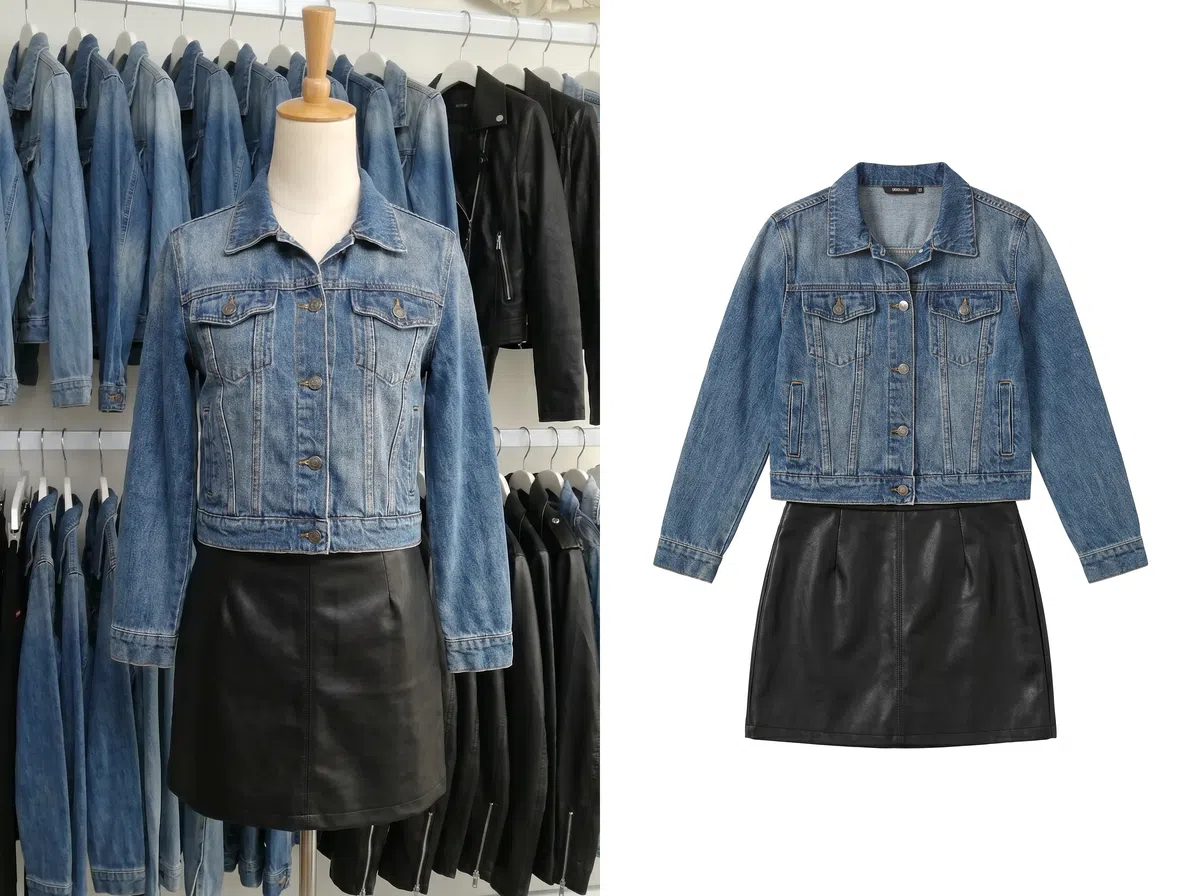
Generate AI Clothing Try-On Images
Upload a model photo that fits the clothing style. Koozee creates model try-on images that show the outline, length, fit, and overall style. Use them for product pages, social media covers, short video covers, and ad creatives.
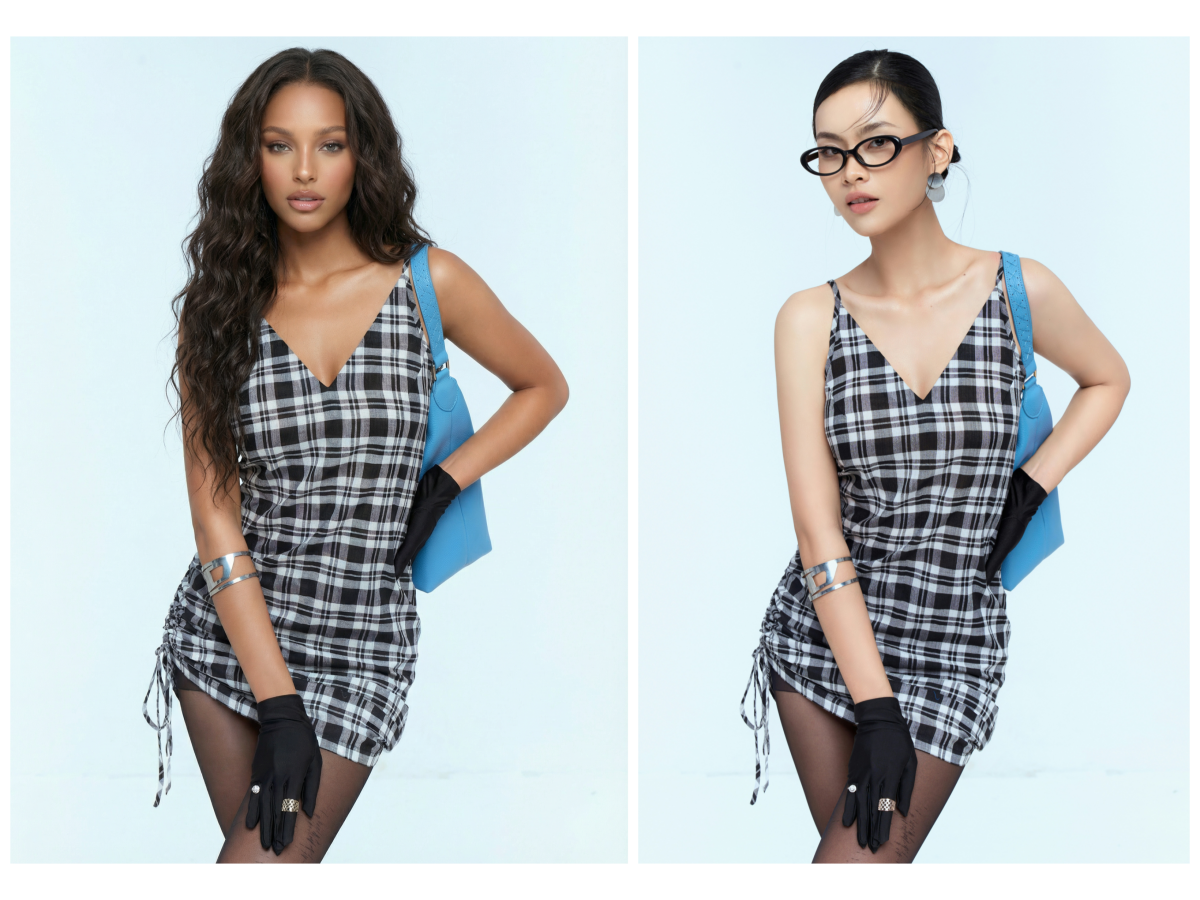
Change Models for More Audience Versions
Create different model versions for the same clothing item. Test different hairstyles, body types, age looks, and styles. This works for womenswear, activewear, plus-size clothing, streetwear, and vacation outfits.
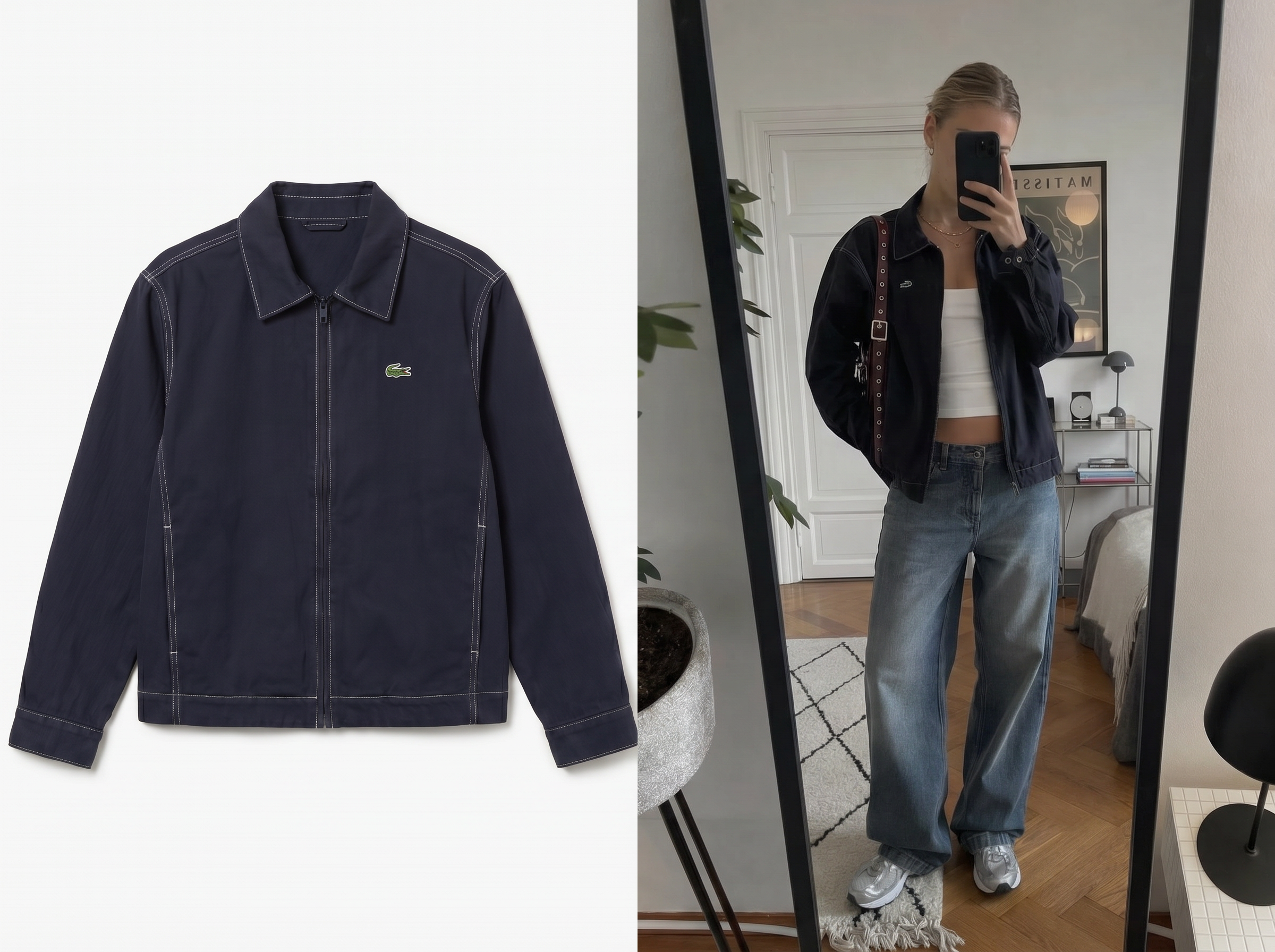
Change Scenes for Multi-Platform Content
Place the same clothing item in different scenes, such as street photos, cafes, offices, beaches, gyms, parties, travel settings, and home scenes. This helps you create more content angles for social posts and ads.
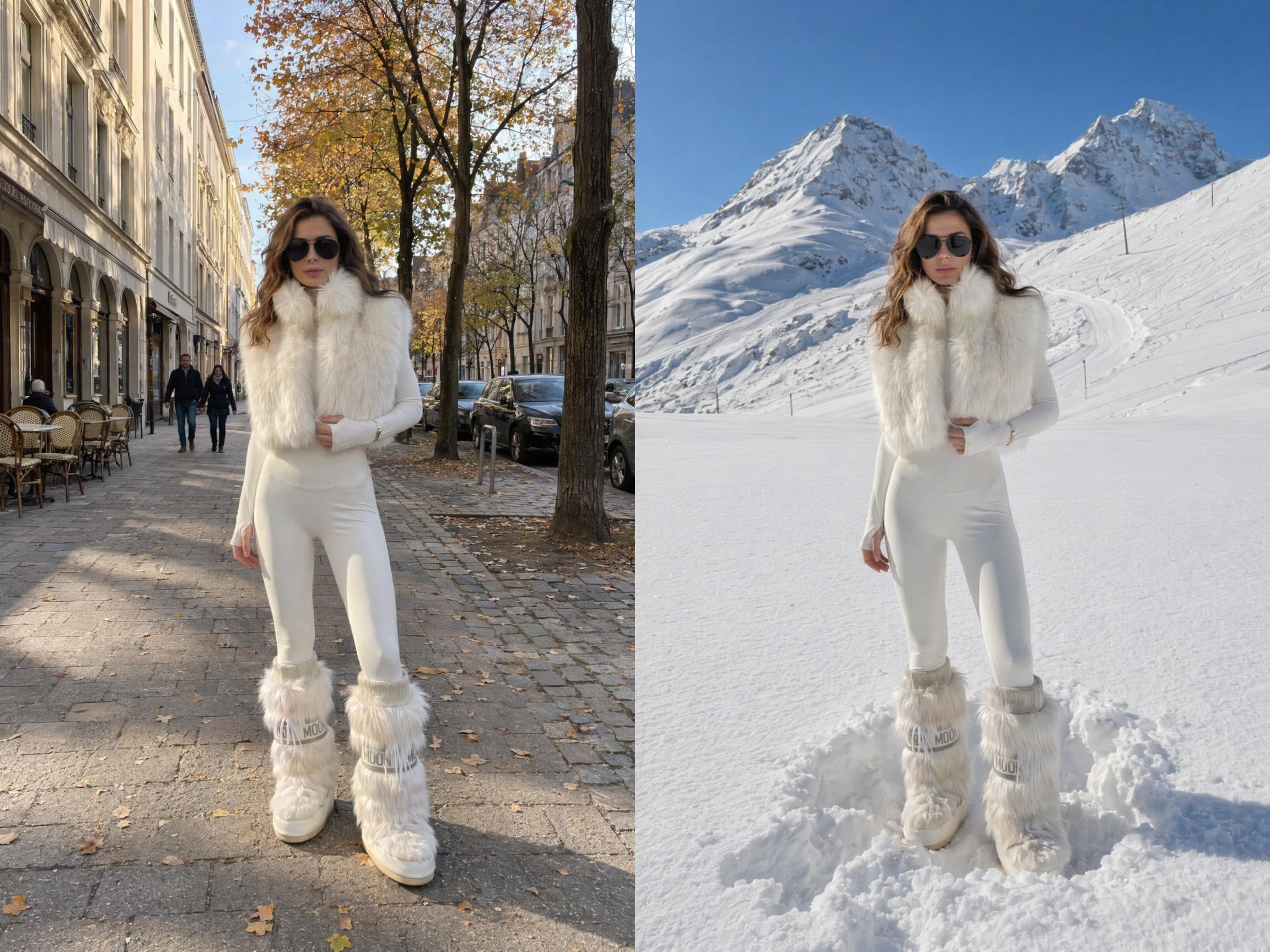
Create TikTok-Style Selfie Video Assets
Use generated model and scene images to create selfie-style video shots for TikTok and Reels. Show mirror try-ons, turns, outfit changes, close-up selling points, or a strong opening shot for ad testing.
Create Dynamic Clothing Product Videos
Turn try-on images, model variations, and scene images into dynamic videos. Show walking effects, slight turns, camera changes, fabric movement, and full outfit looks for TikTok, Reels, Shorts, and ad tests.
Generate Many Testable Assets from Clothing Item
Use Koozee to create assets for social posting, ad testing, and product display. You do not need to shoot every version again. One product can become different model images, different scene images, and different video versions.
Prepare Clothing Content Test Assets Faster
Social media fashion sellers often need product images, try-on images, scene images, and video assets at the same time. Koozee helps teams create many visual versions from one product for daily launches, viral product tests, ad creative expansion, and multi-platform posting.
99%Lower editing cost
+56%Sell-through rate
+77%Average basket value
12xFaster time to market

"Before, a new model or a new scene meant another shoot. With Koozee, we can test the content direction first and then decide which items deserve more ad spend."

"Many supplier images are not ready for social media. Now we can extract the clothing, create a clean flat lay image, and then make try-on images and short videos. The workflow is much smoother."
FAQ
Can I create social media assets from only one clothing photo?
Can Koozee create different models for the same clothing item?
Yes. You can create different model versions for the same item and test different audiences. This works for womenswear, plus-size clothing, activewear, streetwear, vacation outfits, and more.
Can Koozee change scenes for different markets?
Yes. You can create scenes for target markets and content themes, such as street style, beach vacations, office looks, gyms, parties, campus scenes, and home settings.
Are Koozee videos suitable for TikTok and Instagram Reels?
Yes. You can create vertical clothing videos for TikTok, Instagram Reels, YouTube Shorts, Facebook Reels, and Snapchat. Common formats include try-on clips, slight turns, walking effects, mirror shots, and cut transitions.
Why create images before creating videos?
Clothing videos need the right model, scene, angle, and product display. Images help you choose the visual direction first. Then you can turn the best try-on or scene image into a dynamic video.
Can I create many ad creatives for A/B testing?
Yes. Create different models, scenes, opening shots, and video rhythms for the same clothing item. Use them to test click rate, watch time, add-to-cart rate, and conversions.
What clothing categories work with Koozee?
Koozee works for womenswear, menswear, activewear, swimwear, vacation outfits, streetwear, kidswear, plus-size clothing, workwear, party outfits, and other clothing categories that need social content.
Can Koozee keep one visual style across a product batch?
Yes. Use similar model settings, scene directions, image ratios, and video styles. This helps the same product series look consistent across your store, social accounts, and ads.
Can Koozee fully replace photoshoots?
Koozee is best for daily launches, bulk image creation, asset expansion, and ad testing. For brand campaigns, complex actions, special creative shoots, or strict commercial projects, you can still use it together with traditional photoshoots.
Create Your First Social Media Clothing Asset Set for Free
Start with one clothing image. Extract the clothing, create a white background flat lay image, then generate AI try-on images, model variations, scene images, and TikTok/Reels/Shorts videos. New users can use free trial credits to test one product first.