Clothing Close-Up Image Generator: Turn Product Photo Into Detail Shots
No image? Try one of these:
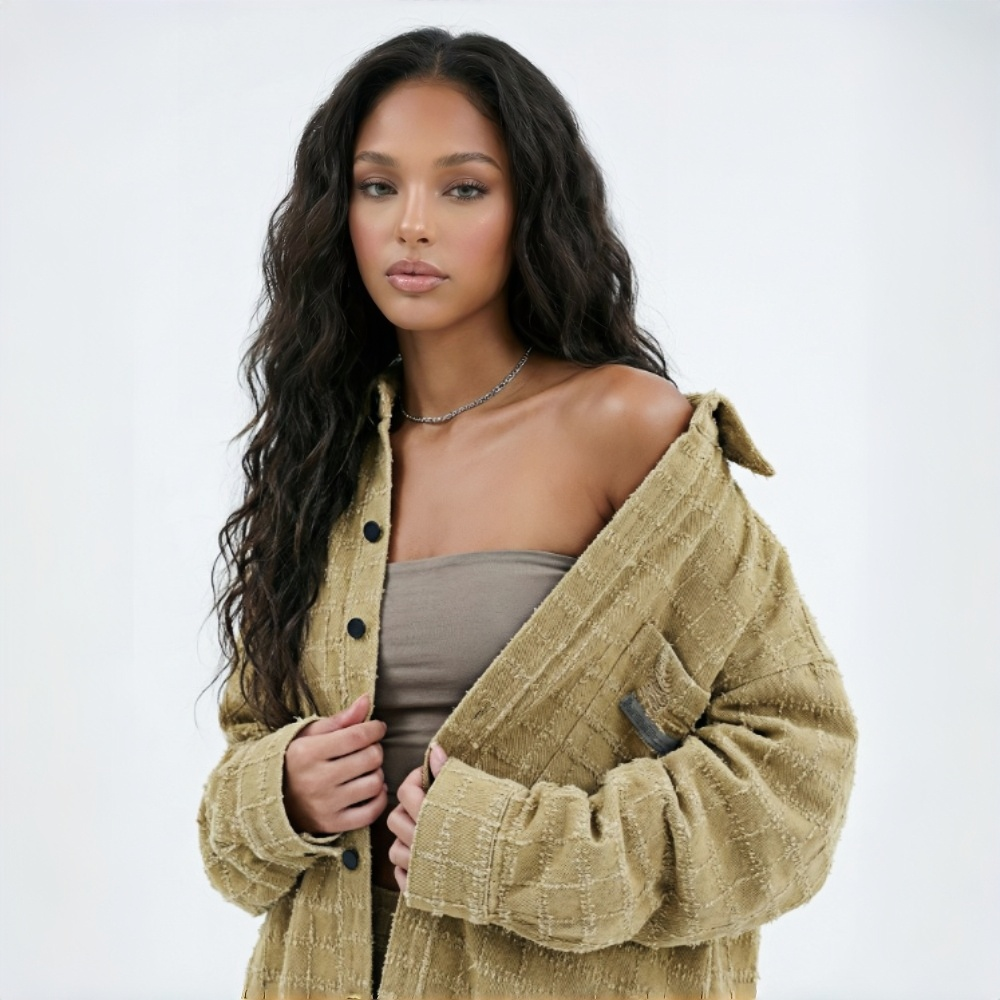
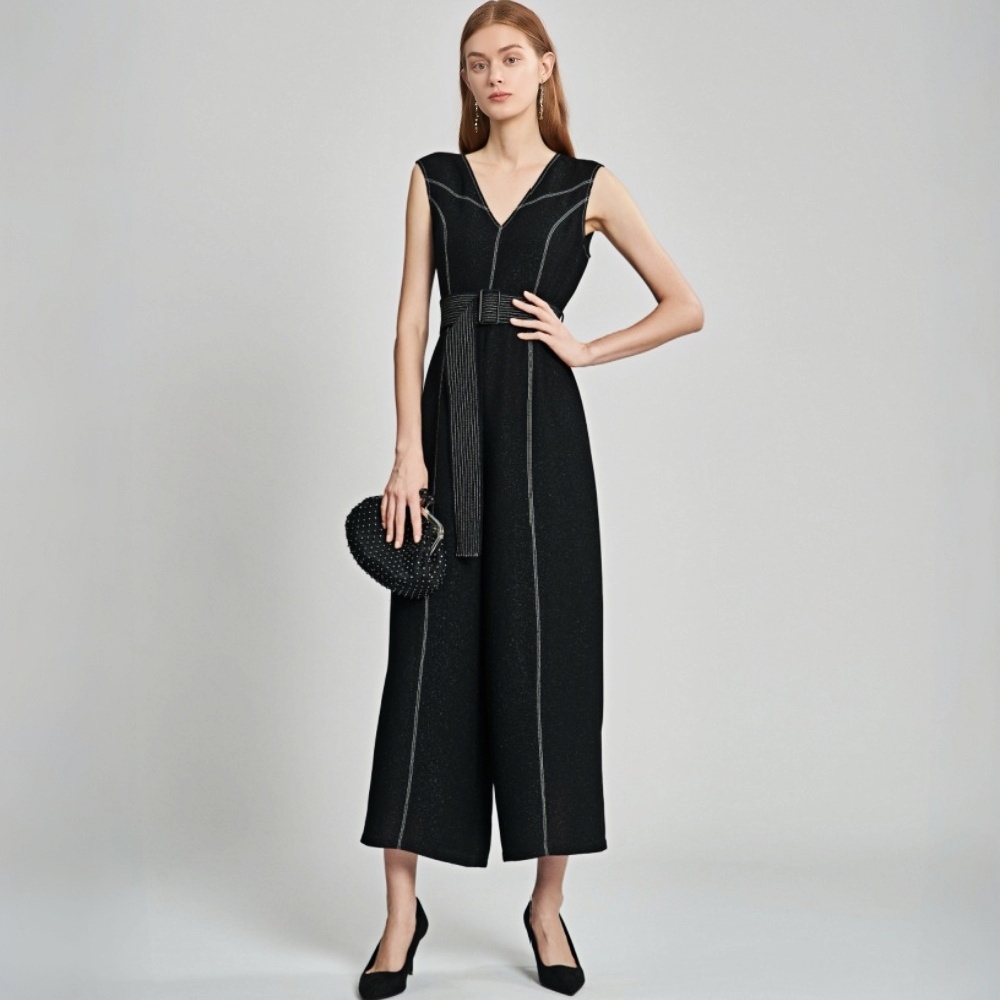
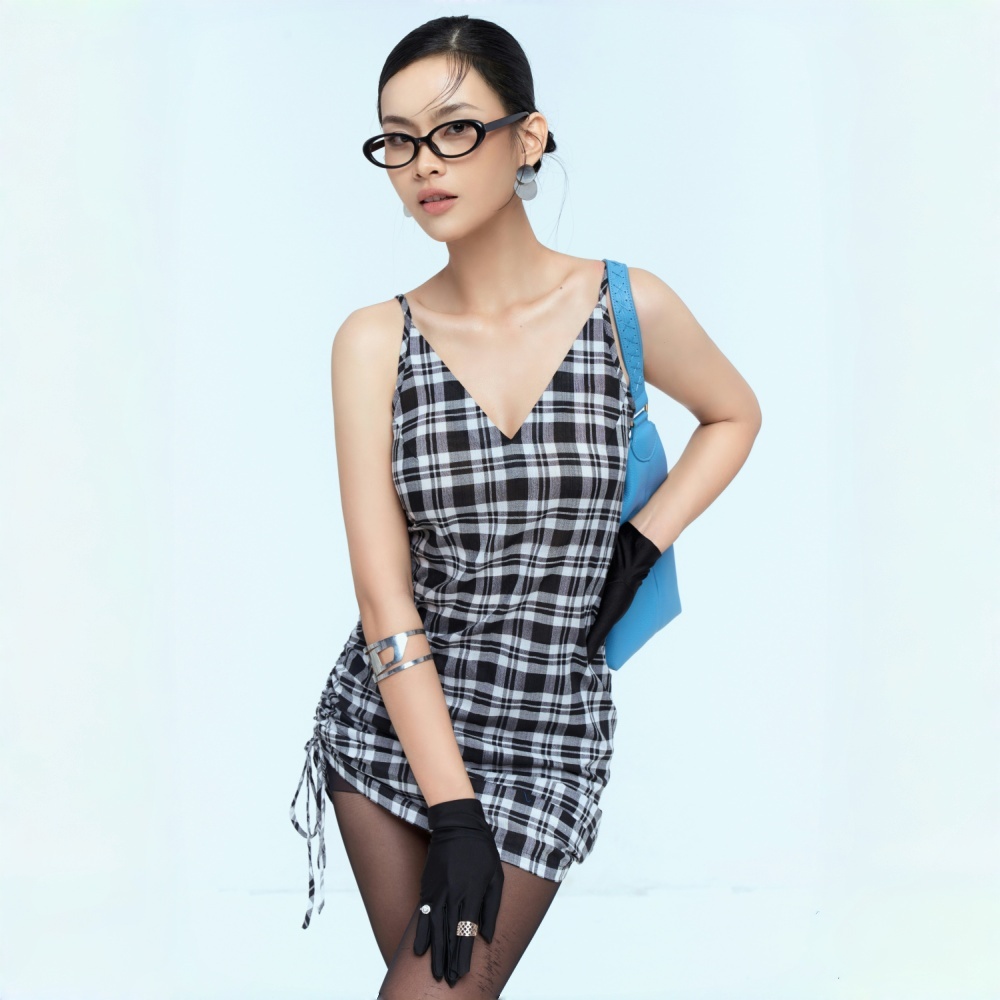
Built for fashion, ecommerce, and supply chain teams that need detail shots fast
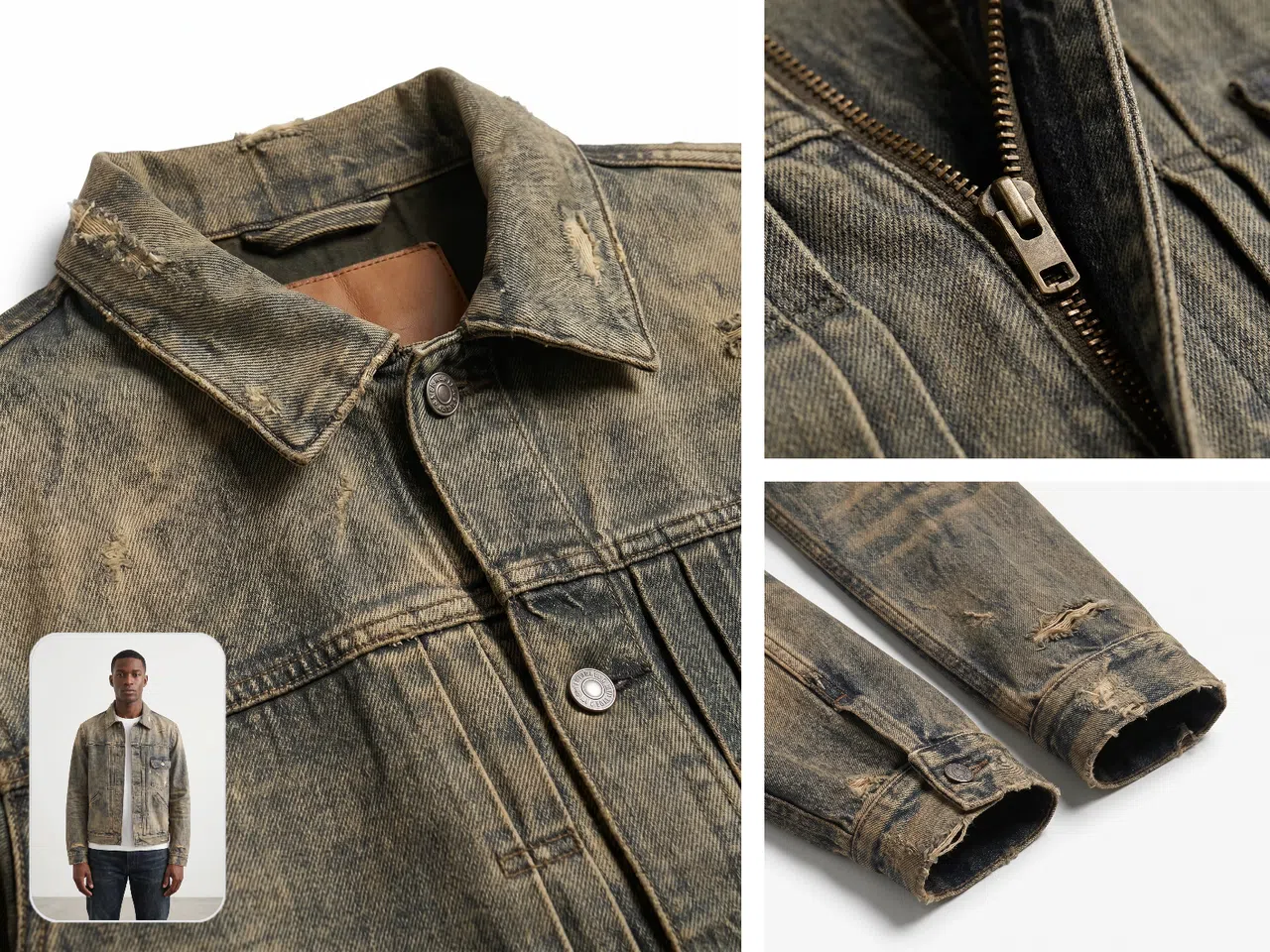
Show the full look and the small details on every product page
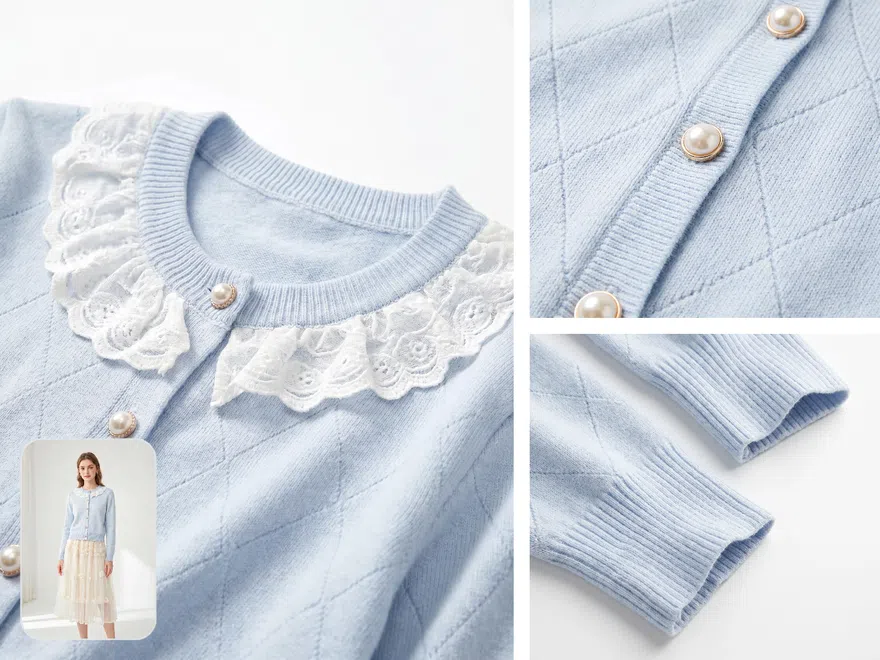
Many clothing listings only have a main photo, a flat lay, or a model shot, with no close-up of the cuffs, zippers, or fabric. KOOZEE uses your existing product photo to create 5 detail shots. This helps sellers fill out detail pages faster and give buyers more complete product info.
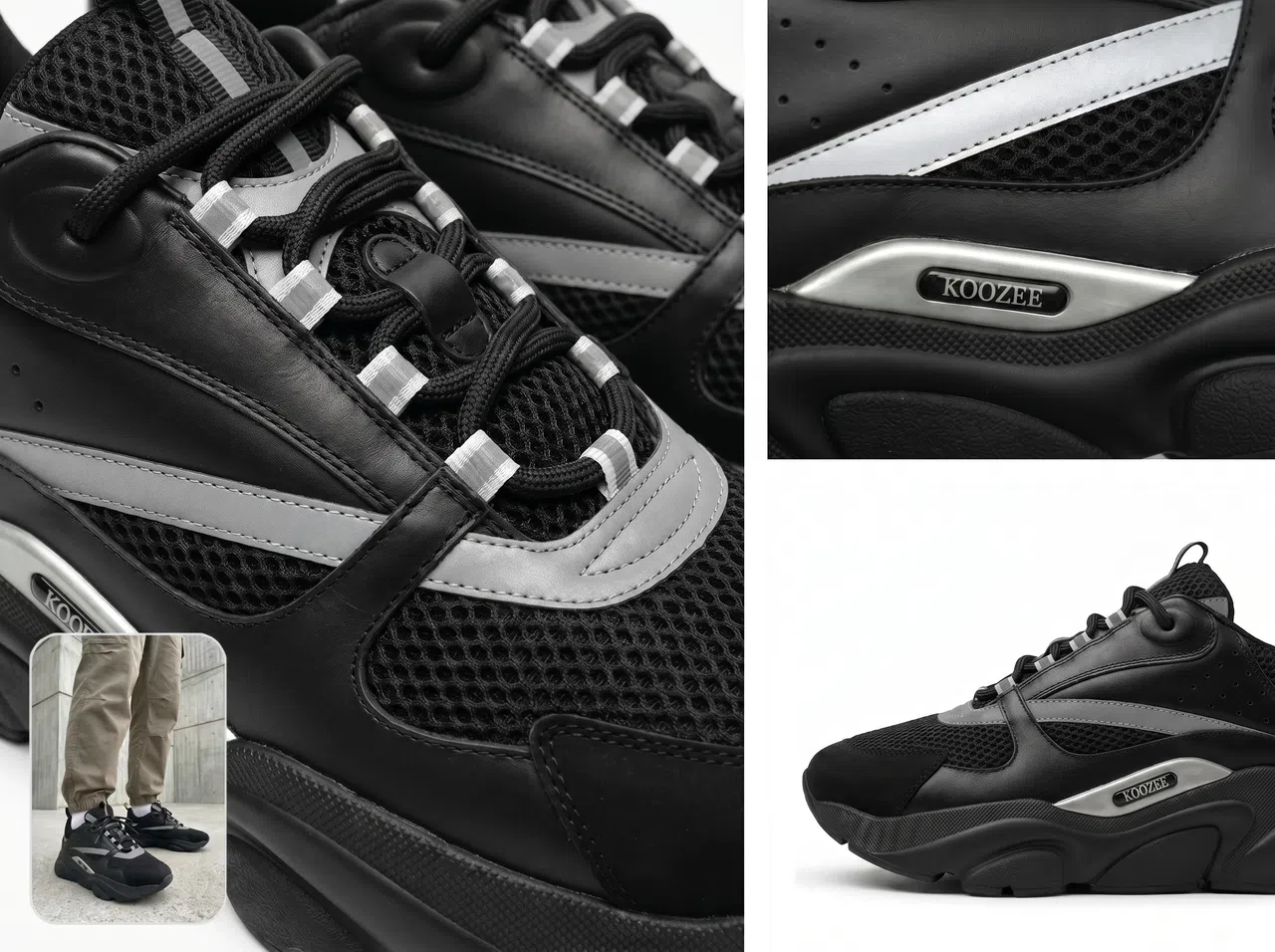
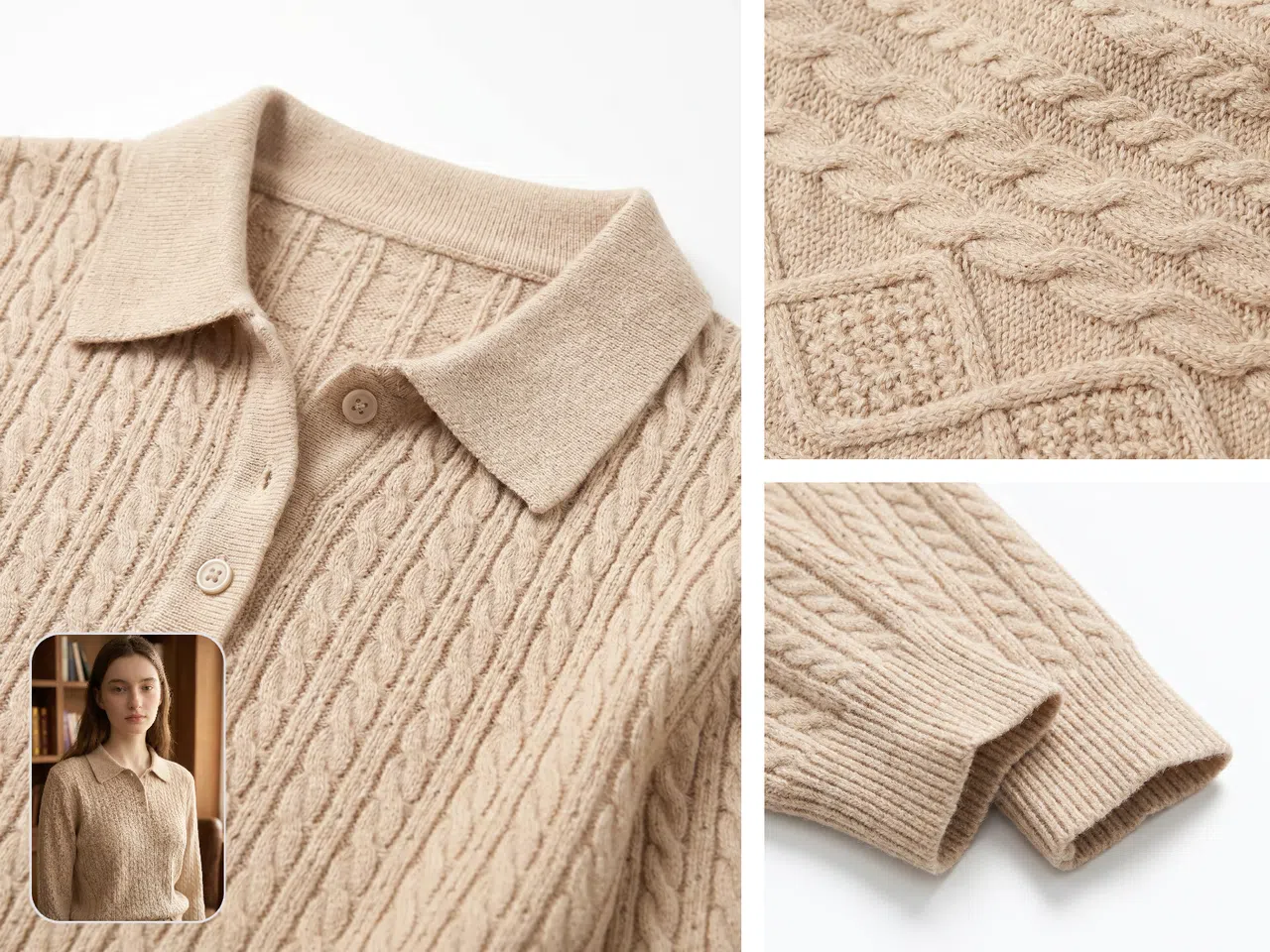
Detail shots made for clothing, shoes, bags...
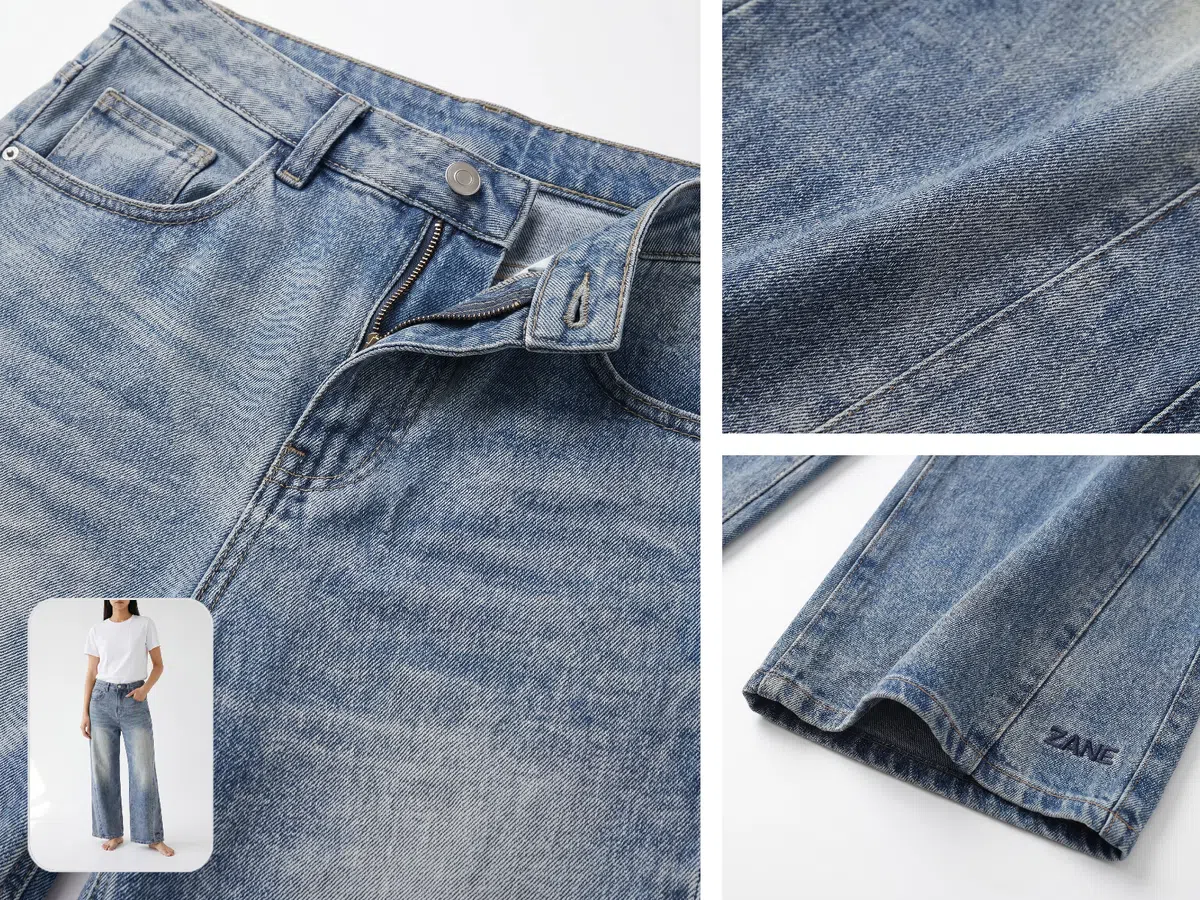
Create close-up shots from your existing product photos
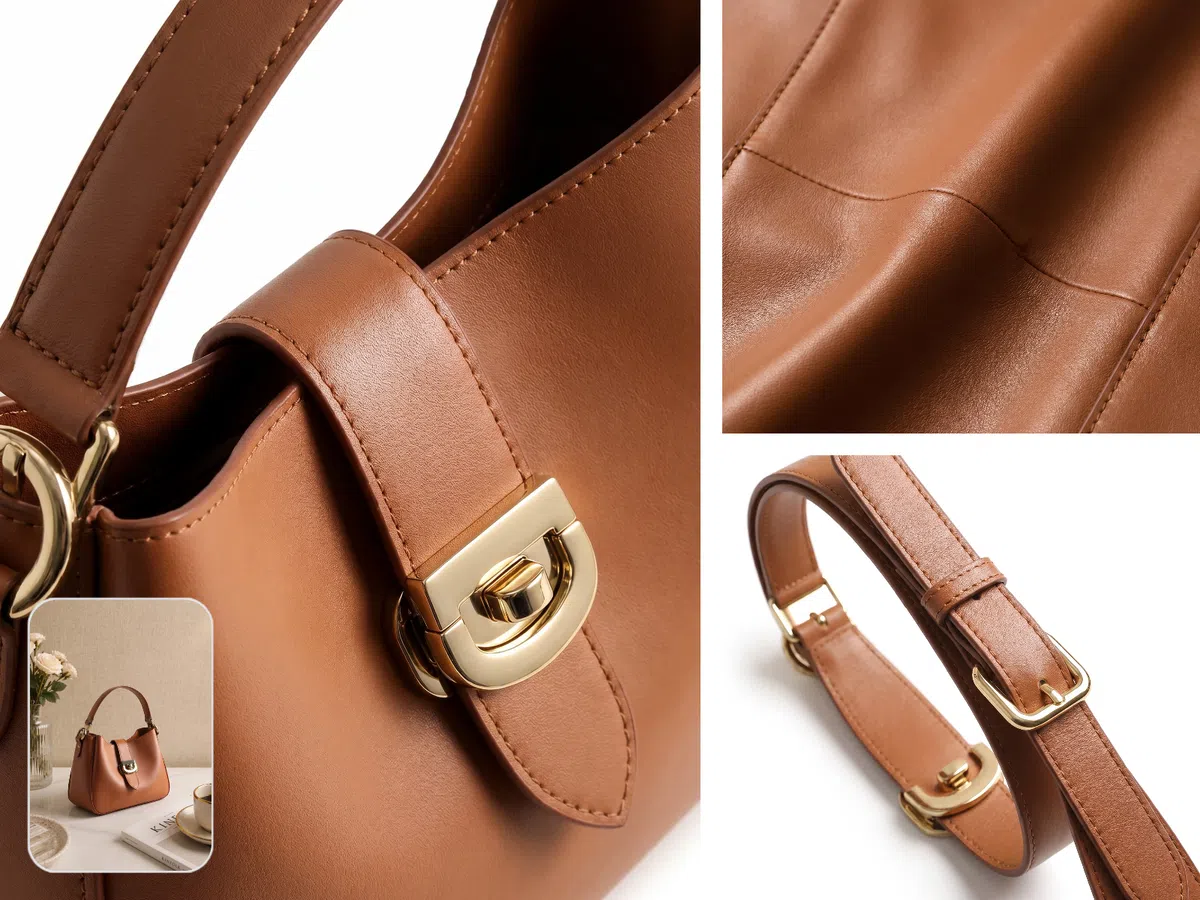
KOOZEE takes the clothing, shoe, bag, or accessory photo you upload and creates close-up detail shots on its own. It's a good fit for sellers who already have a main photo, flat lay, model shot, or product image but still need the close-up details.
Get detail shots that match each product category
Clothing, shoes, bags, and accessories each have different parts worth showing up close. KOOZEE looks at the category you choose and creates detail shots that fit the product — cuffs, collars, and zippers for clothing, laces and soles for shoes, hardware and straps for bags. The results work better on a product page.
Why choose KOOZEE clothing close-up shot creator
Skip the multi-step photo shoot. KOOZEE makes close-up shots straight from photos you already have, so you fill out detail pages and style files in less time.

Shooting detail photos for every SKU adds up. Use the photos you've got instead. Great for tight budgets, frequent launches, and quick style tests.
KOOZEE makes detail shots by category, so you get close-ups that fit clothing, shoes, bags, and accessories — no prompt tweaking needed.
Make clothing detail shots in 3 steps
Upload your product photo
Upload one clothing, shoe, bag, or accessory photo in any common format. Pick an image where the product is clear, the lighting is steady, and the full item is in frame.
Choose the product type
Choose a type like tops, outerwear, skirts, pants, shoes, bags, or accessories. KOOZEE creates the common detail shots that fit the category you pick.
Generate the detail shots
KOOZEE creates 5 close-up detail shots on its own. Use them on product pages, detail pages, style files, and marketing content.

FAQ
What kind of photo works best?
Can I upload several photos at once?
Not right now. KOOZEE creates one set of detail shots from one product photo each time.
Will the detail shots keep my logos, patterns, and prints?
KOOZEE does its best to keep the logos, patterns, prints, and small visual details from your original photo. Before you publish, check that the text, logos, and complex patterns look the way you want.
Can I use the detail shots for business?
If you hold the legal rights to the product photos, clothing styles, brand elements, and related assets you upload, you can use the generated images for commercial purposes.
Can I pick different shooting styles?
Not right now. The results use one consistent close-up detail style.
Add close-up detail shots to your product pages
New users get free credits to try the clothing close-up image generator. Upload a photo first to see how it works, then decide if you want to keep using it based on your needs.