AI Pose Changer: Generate More Model Poses for Fashion Photos
Change model poses with AI, from everyday product shots to more dynamic movements. Generate multiple poses at once, including fitted apparel, while keeping the model and outfit visually consistent.
Model
Reference posture(s)
No sign up required, totally free
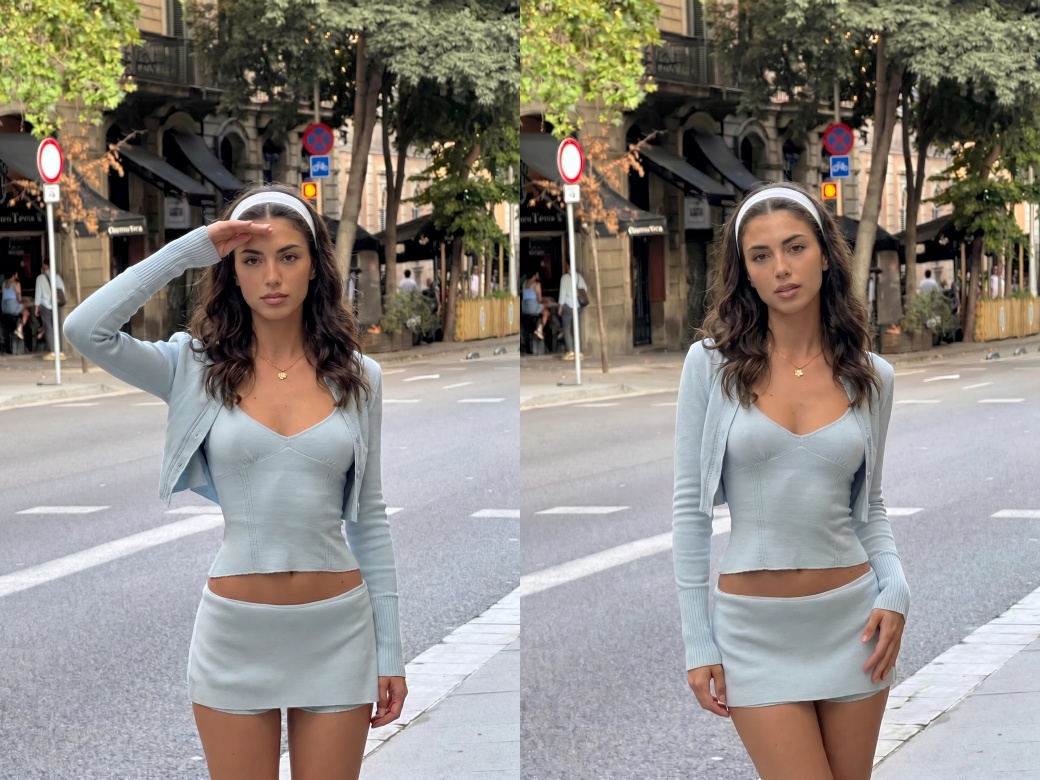
AI Pose Changer for Fast Multi-Pose Fashion Photos
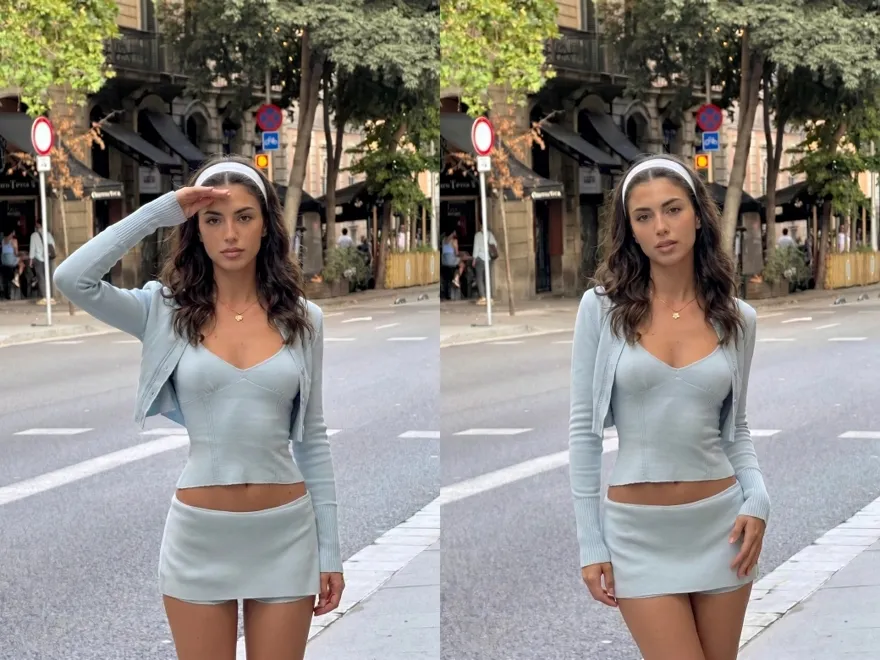
No image? Try one of these:
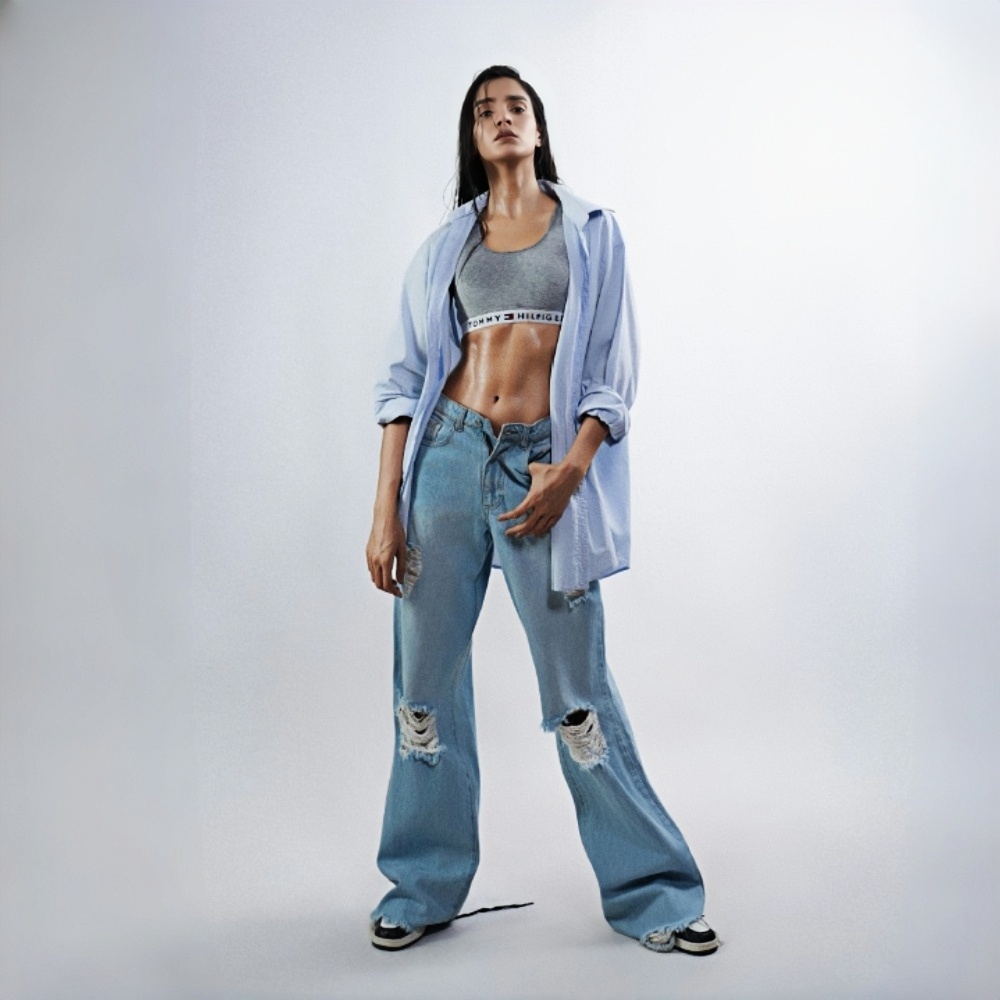
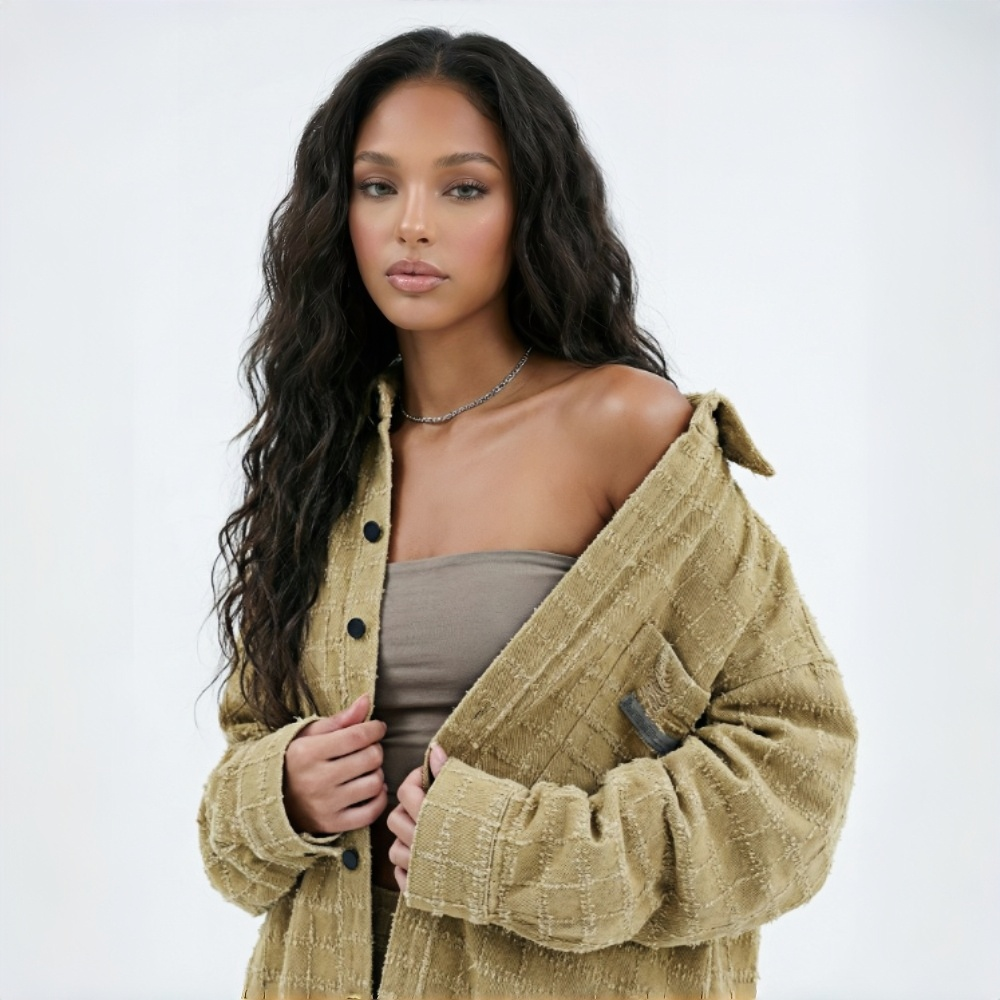
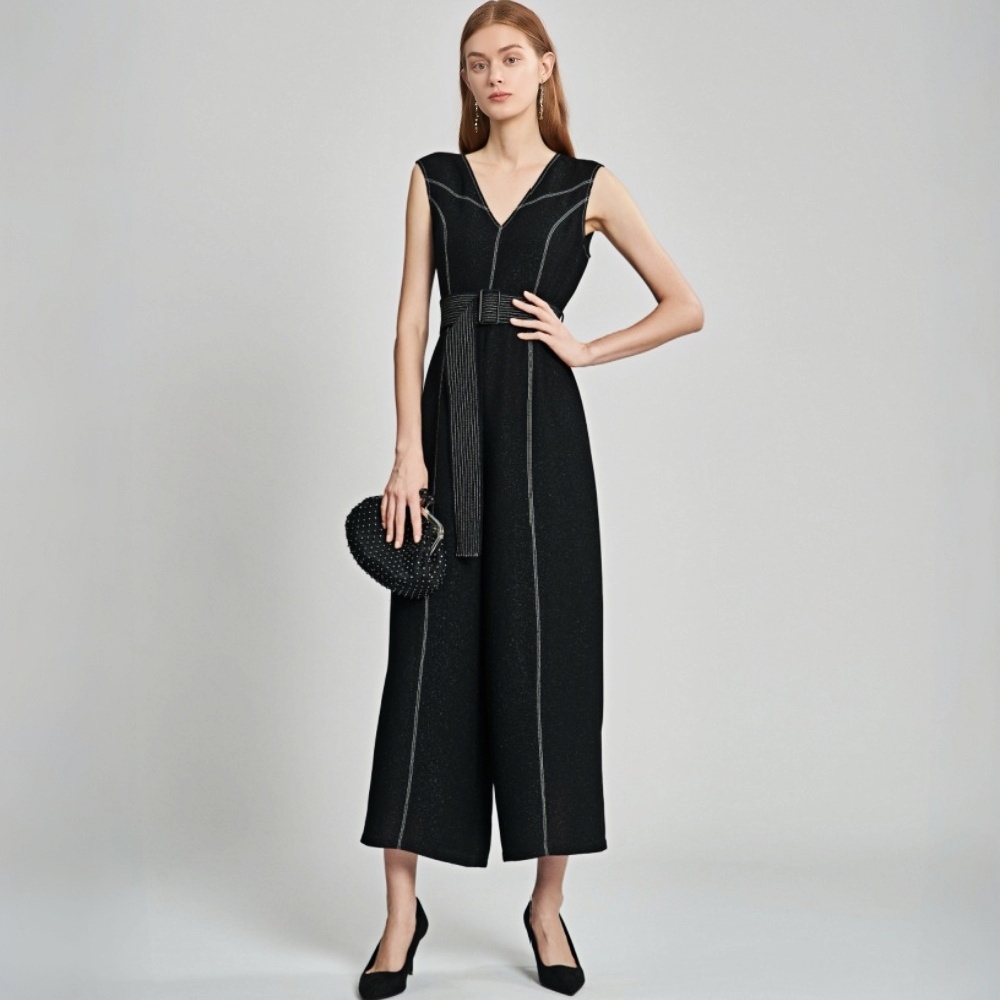
Built for Fashion Teams That Need More Model Poses Fast
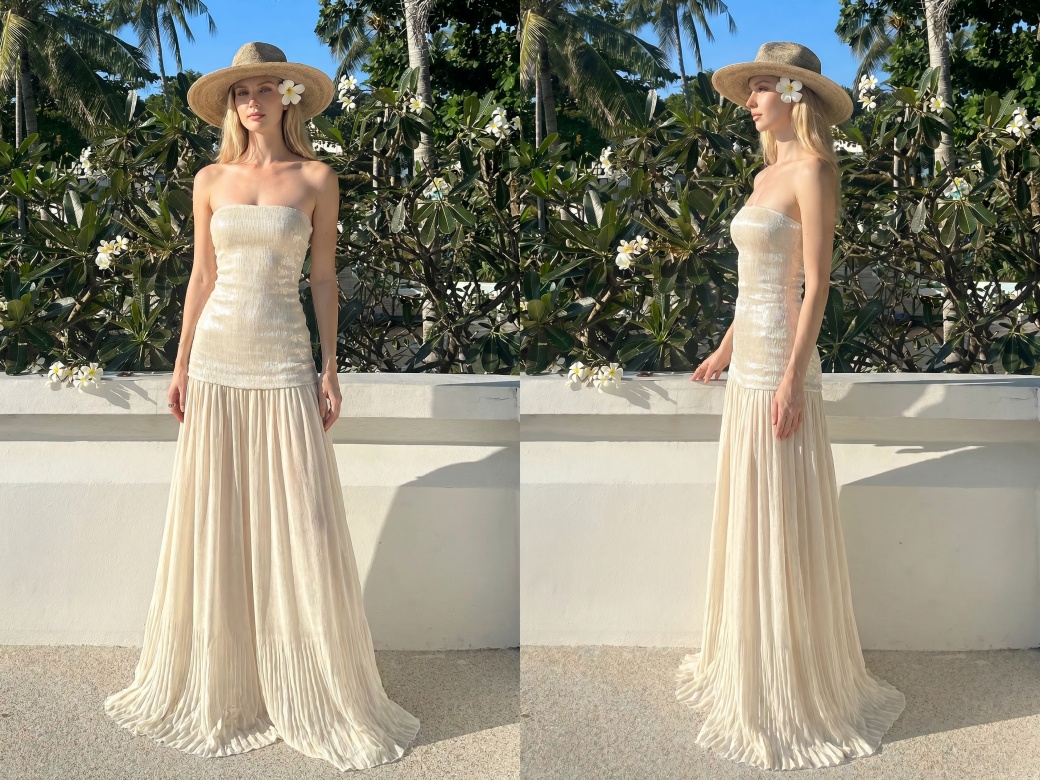
Match Every Garment with the Right Pose
Match each garment with the poses that show it best. Add more viewing angles for everyday fashion, movement-focused visuals for activewear, and varied on-model views for lingerie, swimwear, and fitted styles. Build a fuller product image set around the same garment without changing the original item.
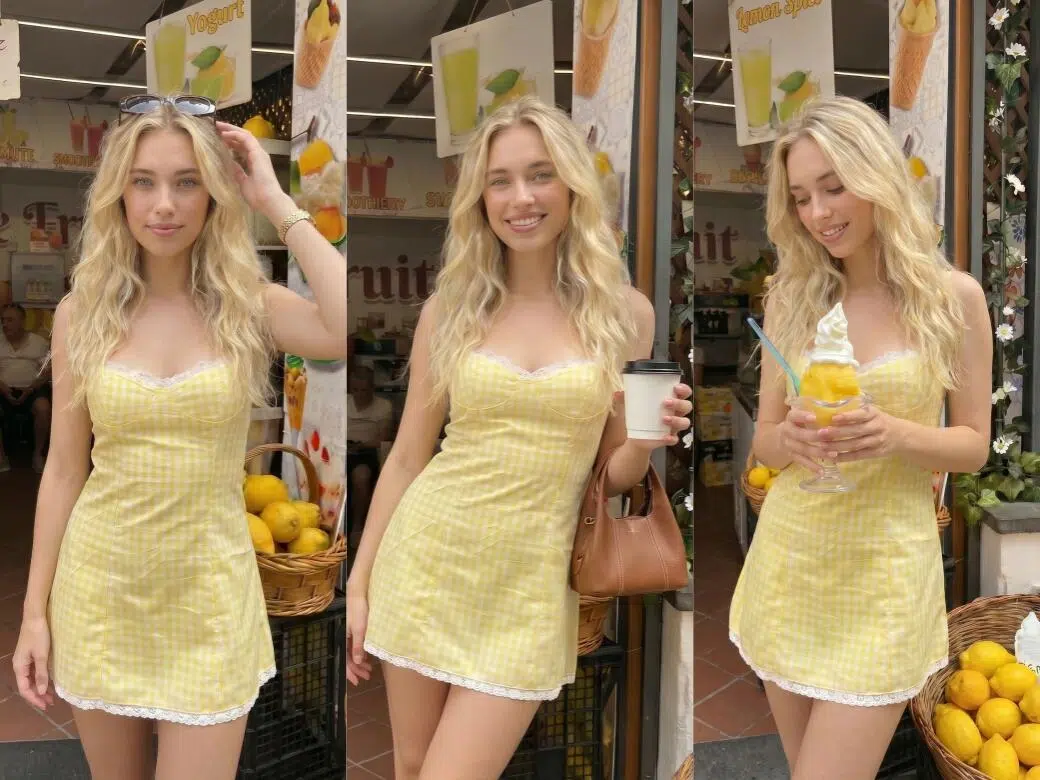
One Model Photo. More Angles, More Content.
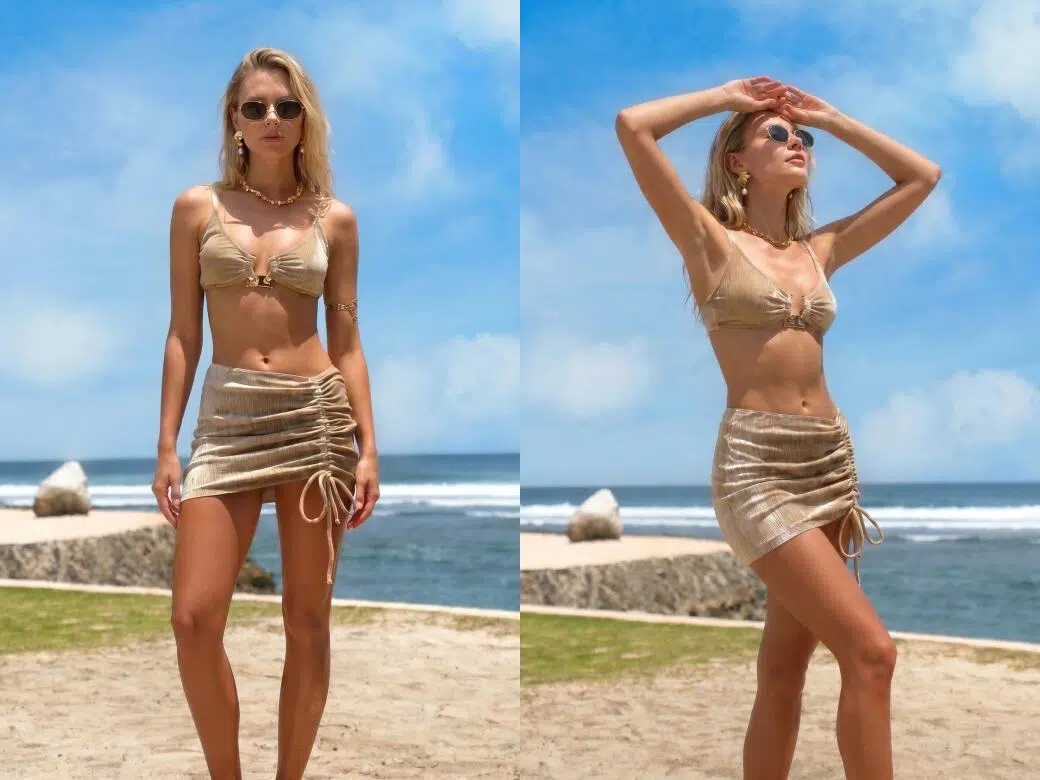
Real Fabric Details in Every Pose
KOOZEE AI pose changer keeps fabric texture, colors, and garment structure consistent across different model poses. It also adjusts how clothing fits and falls on the body based on natural proportions. Buyers can better understand the real wearing effect, which helps reduce fit concerns and lower return rates.
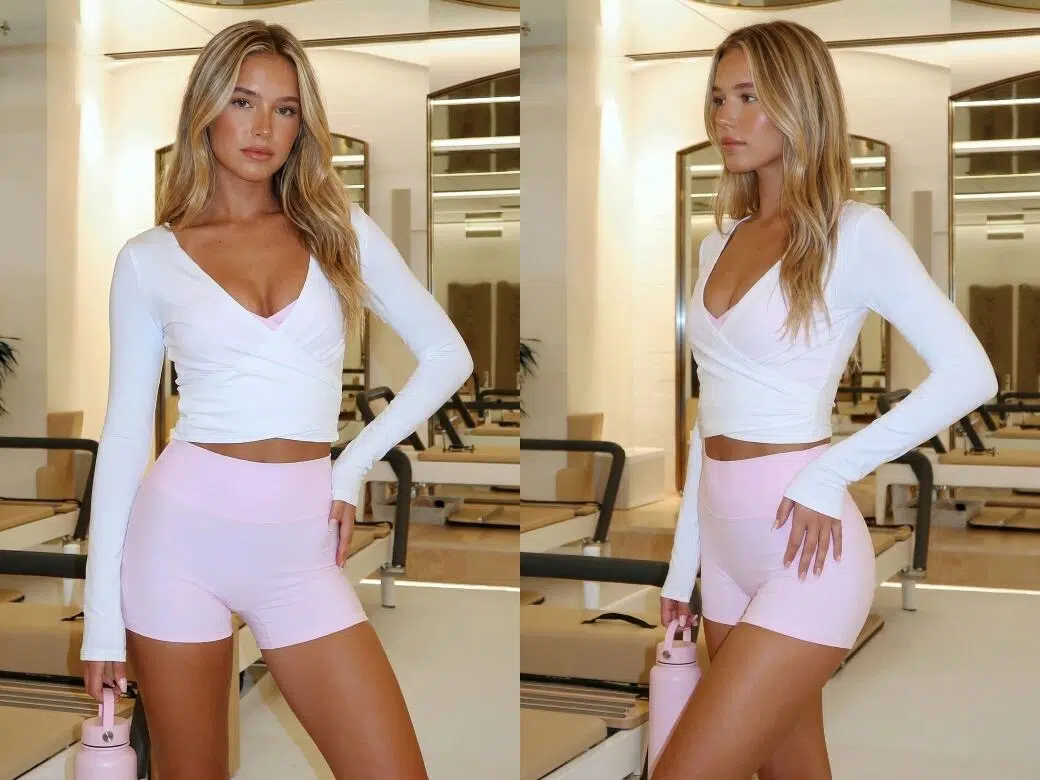
AI Pose Changer for Batch Model Poses
Upload one model photo and up to five pose images to generate five different model poses at once. With AI pose swap, each reference pose can be transferred to the same model while keeping clothing details sharp, natural, and visually consistent. Batch generation makes it easy to create more content for product launches, product pages, and ad testing.
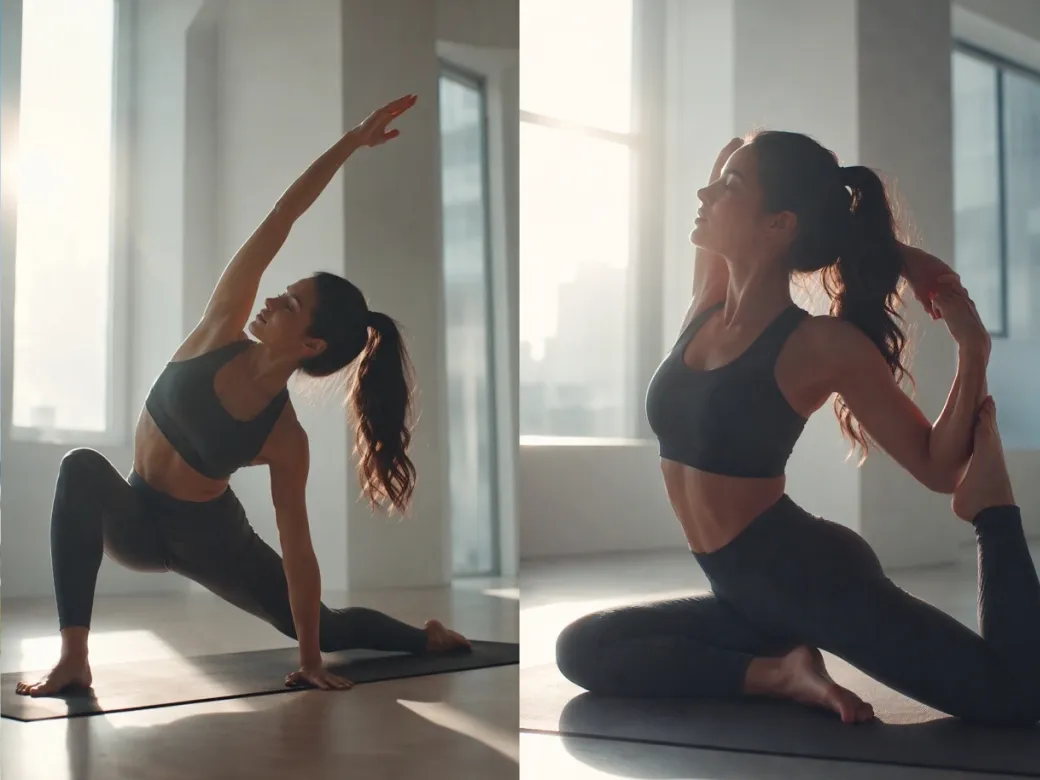
Create a Wider Range of Model Poses
Go beyond standard product poses and swap a simple standing pose for yoga stretches, squats, lunges, deeper turns, and other more dynamic movements. Give activewear, yoga sets, bodycon dresses, and other movement-driven styles a more natural way to show how the garment looks when the body is actually in motion.
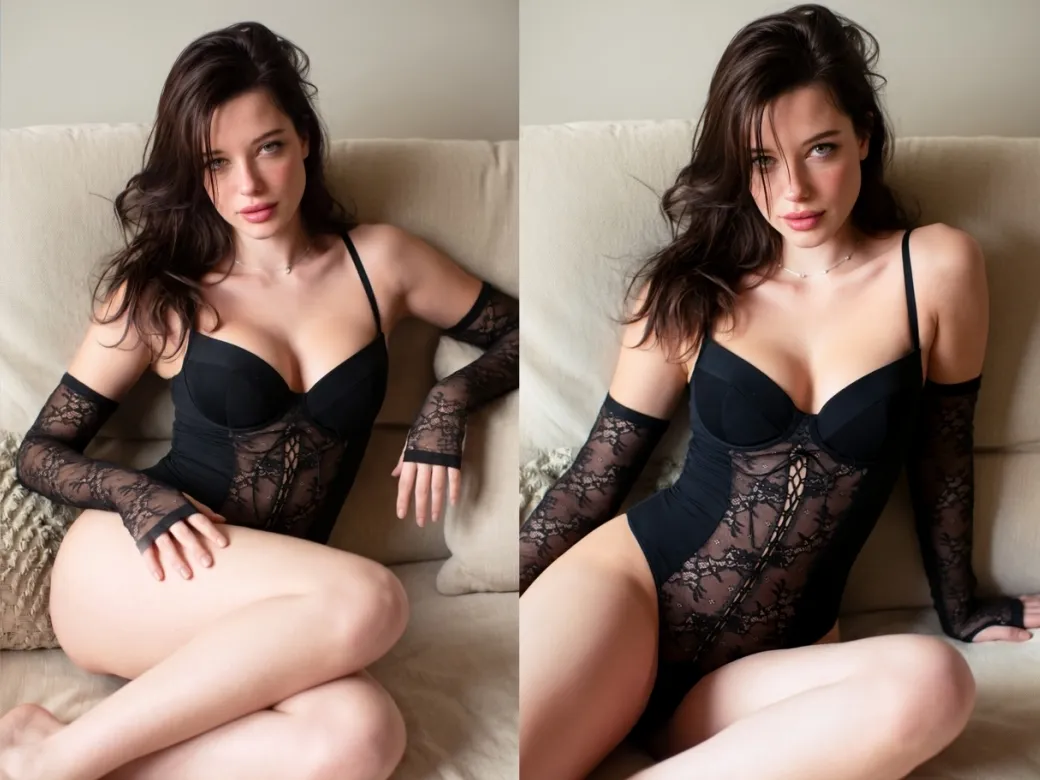
Change Poses for Close-Fitting Apparel
Pose changes now work with lingerie, bikini,swimsuit, bodysuits, and other close-fitting styles—not just everyday outerwear. Create front, side, and more expressive poses based on how each garment needs to be shown, so fitted pieces can be presented across a fuller range of on-model views.
Turn One Model Photo Into Ready-to-Use Fashion Content

Shooting every pose separately means paying again for studios, models, styling, and editing. With pose transfer AI, fashion teams can create more model poses at a much lower cost and use the same budget for more products and campaigns.

Traditional reshoots slow down product launches because scheduling and editing take too long. KOOZEE lets teams change pose in photo within minutes, helping brands keep up with new arrivals and ad campaigns faster.

Different photo shoots often create inconsistent styles because of lighting, photographers, and styling changes. KOOZEE keeps image quality and visual style stable when generating multiple model poses, helping product pages look cleaner and more professional.
Change Poses in Photos in 3 Simple Steps
Open the AI Pose Changer
Go to KOOZEE and open the AI Pose Changer tool to start creating new model poses for your photos.
Upload Your Model Photo
Upload the model image you want to edit. The AI keeps the face, outfit, and clothing details consistent while changing the pose image.
Upload Pose Reference Images
Upload up to five reference images with different model poses. KOOZEE uses pose transfer AI to swap the original pose with each reference pose, creating new fashion model photos in seconds.
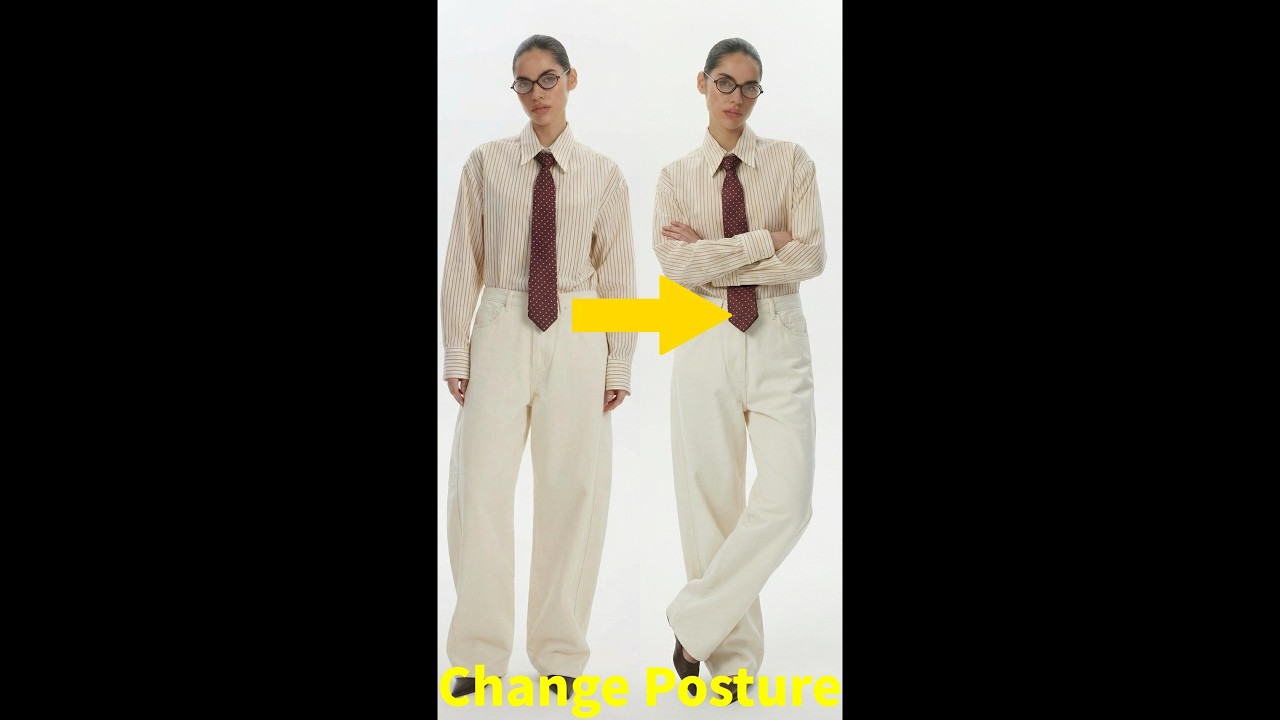
Frequently Asked Questions
How does the AI Pose Changer work?
Do the generated poses look realistic?
KOOZEE uses advanced AI models optimized for fashion photos. It keeps fabric texture, colors, and garment shape consistent while reducing blur and distortion after pose changes.
What kind of reference image works best for AI pose swap?
Use a clear full-body or half-body pose image with visible body movement and minimal blocking. The AI only extracts the pose information, not the clothing or body type.
How many poses can I generate at once?
You can upload up to five pose images and generate five different model poses at the same time.
Can AI Pose Changer handle more complex poses?
Yes. AI Pose Changer works with both standard product poses and references with larger, more complex body movements. For more stable results, use reference images with a clear body outline, visible body structure, and minimal occlusion.
Can I change poses for lingerie, swimwear, and fitted clothing?
Yes. KOOZEE works with lingerie, swimwear, bodysuits, and other close-fitting styles, not just everyday outerwear.
Can I use the generated photos commercially?
Yes. KOOZEE paid subscribers can use eligible AI-generated pose images for ecommerce product pages, brand websites, social media, and online ads. Make sure you have permission to use any uploaded model photos and follow the relevant platform guidelines and KOOZEE's Terms of Service.
Can I use the AI Pose Changer without logging in?
Yes. You can try KOOZEE's AI Pose Changer directly on this page for free without logging in or creating an account. If you need more generations, you can sign up to access additional credits.
Skip Reshoots and Create More Model Poses Today
New users can claim free credits now. Upload your fashion photo and start creating awesome photo poses instantly.