AI Face Swap for Fashion: Change the Model, Not the Clothing
No image? Try one of these:
AI Model Swap Built for Fashion Sellers
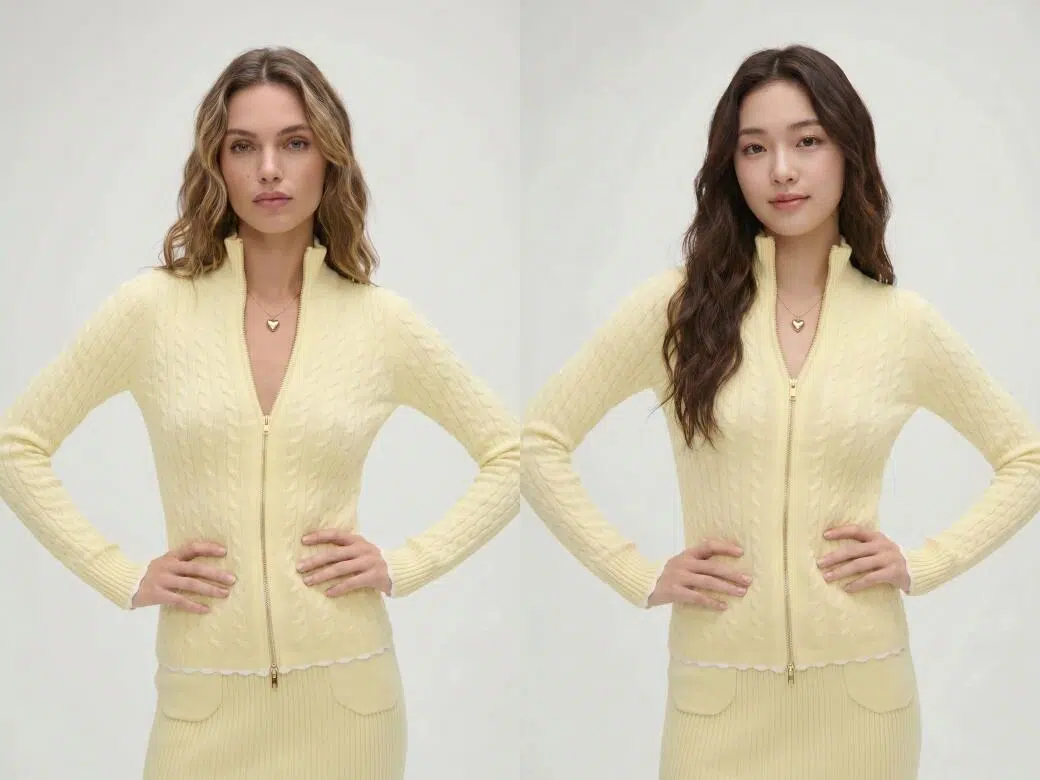
Localize Model Images for Every Market Without Extra Shoots
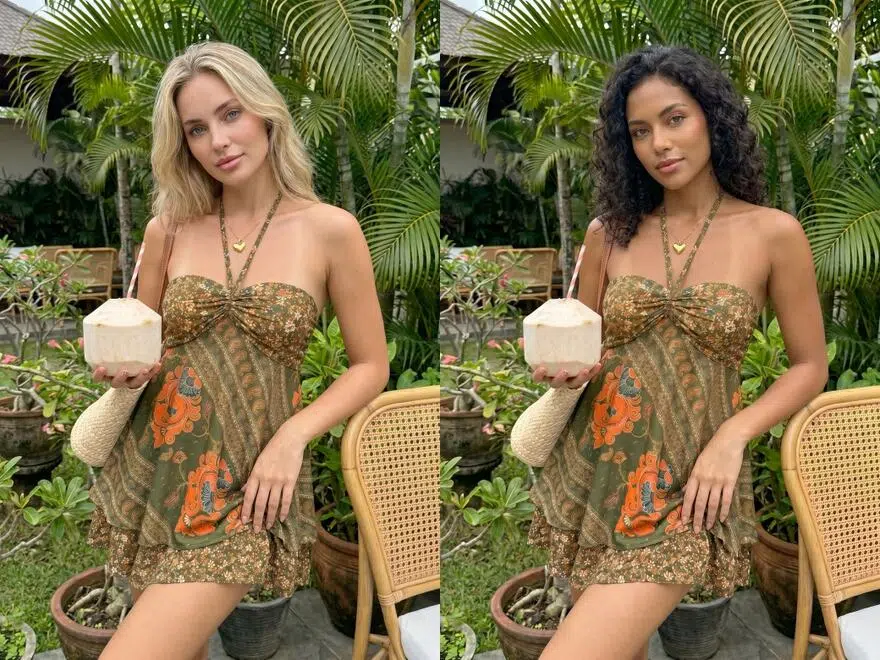
Buyers in different regions respond to different model looks. Running one model image across all markets leaves conversions on the table, but booking separate shoots for each region is too expensive. Upload a reference photo that fits your target market, and KOOZEE generates a fully matched model version fast. Roll it out across multiple market listings without spending more on production.
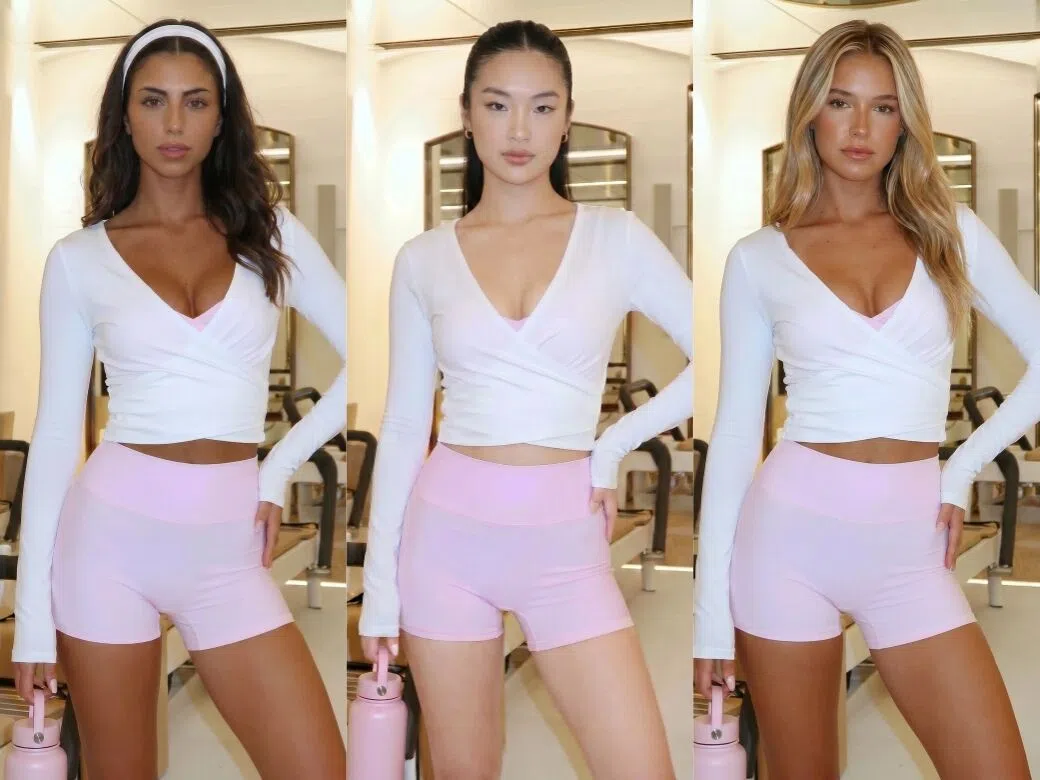
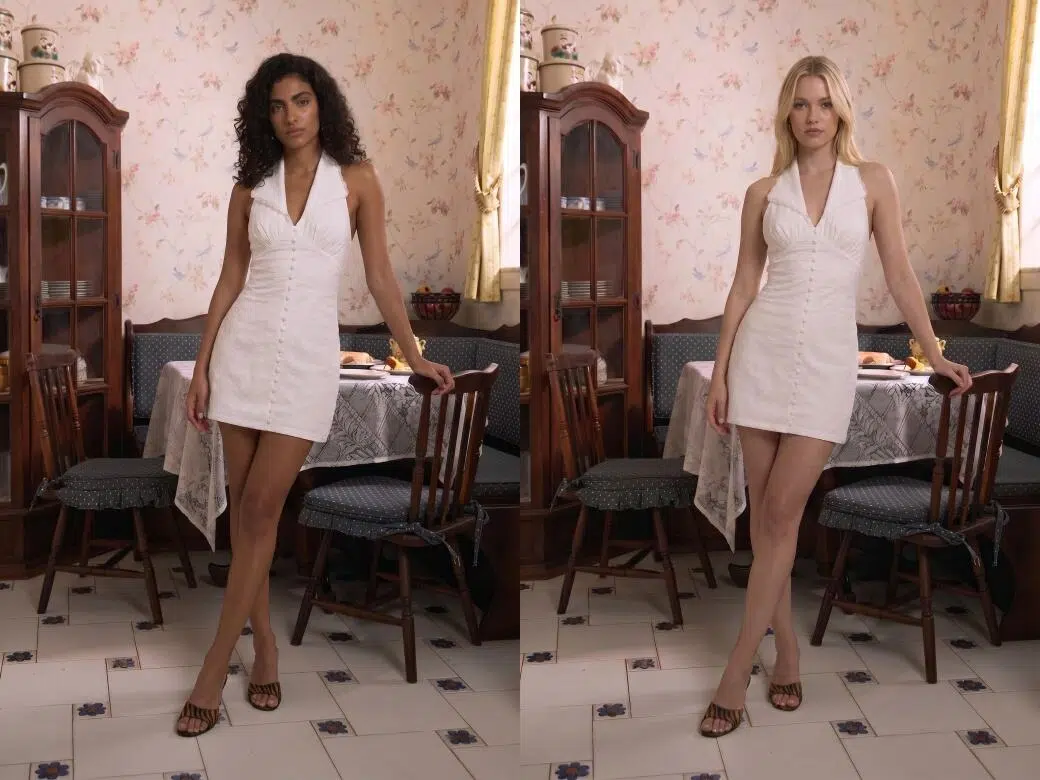
Get More Model Looks Without Extra Shoots
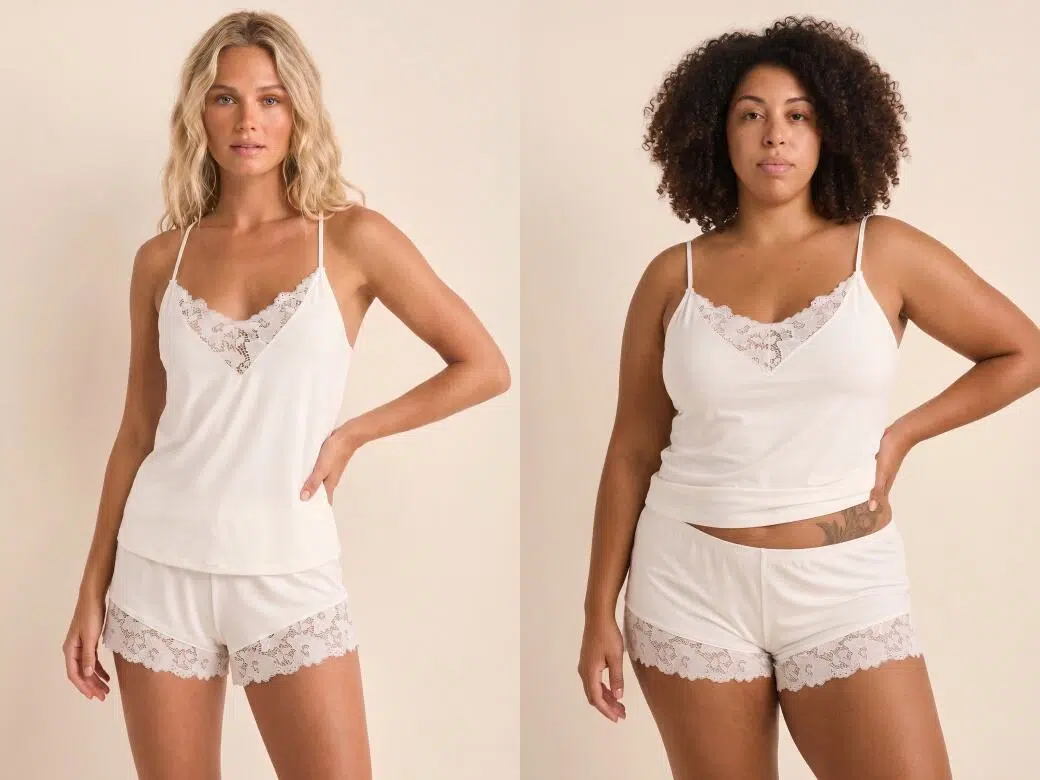
Full Model Swap: Face and Body Type Together
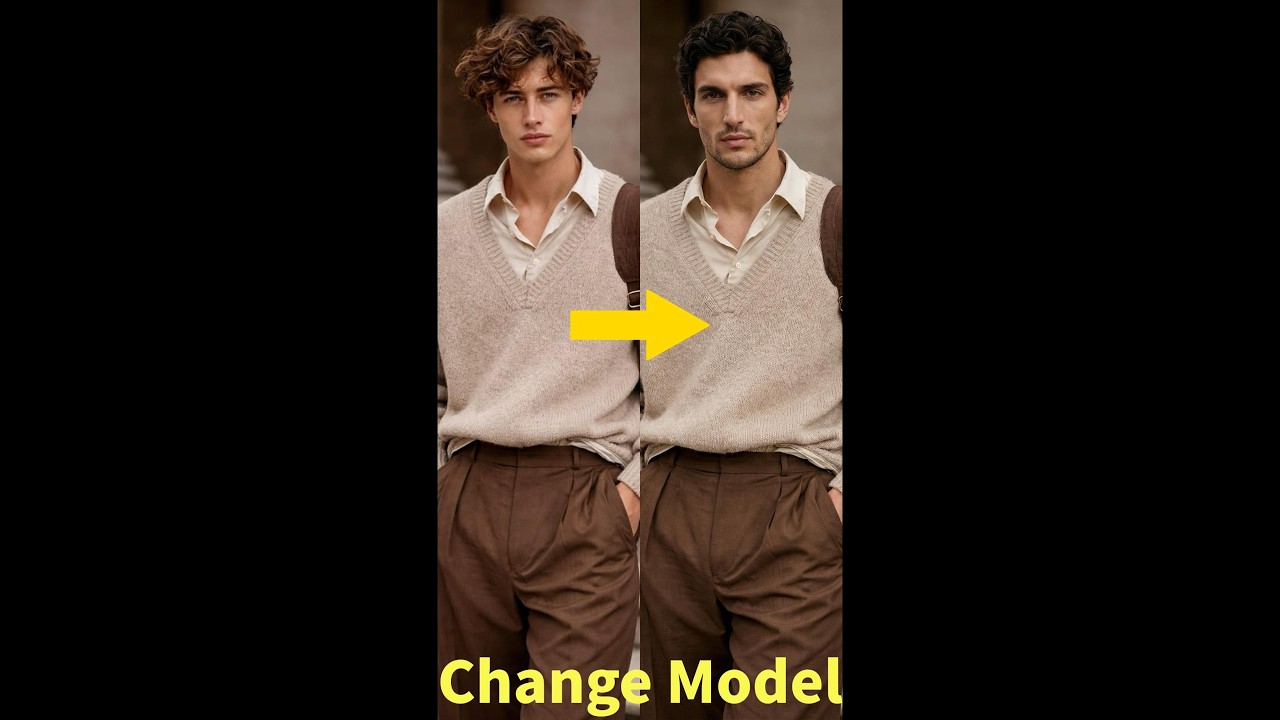
Most face swap tools only replace the face and leave the original body behind. KOOZEE replaces the full model identity—face and body type together. The result matches the reference photo completely, and clothing drape and fit adjust naturally to the new body. No pasted-on faces. No awkward mismatches between the model and the outfit.
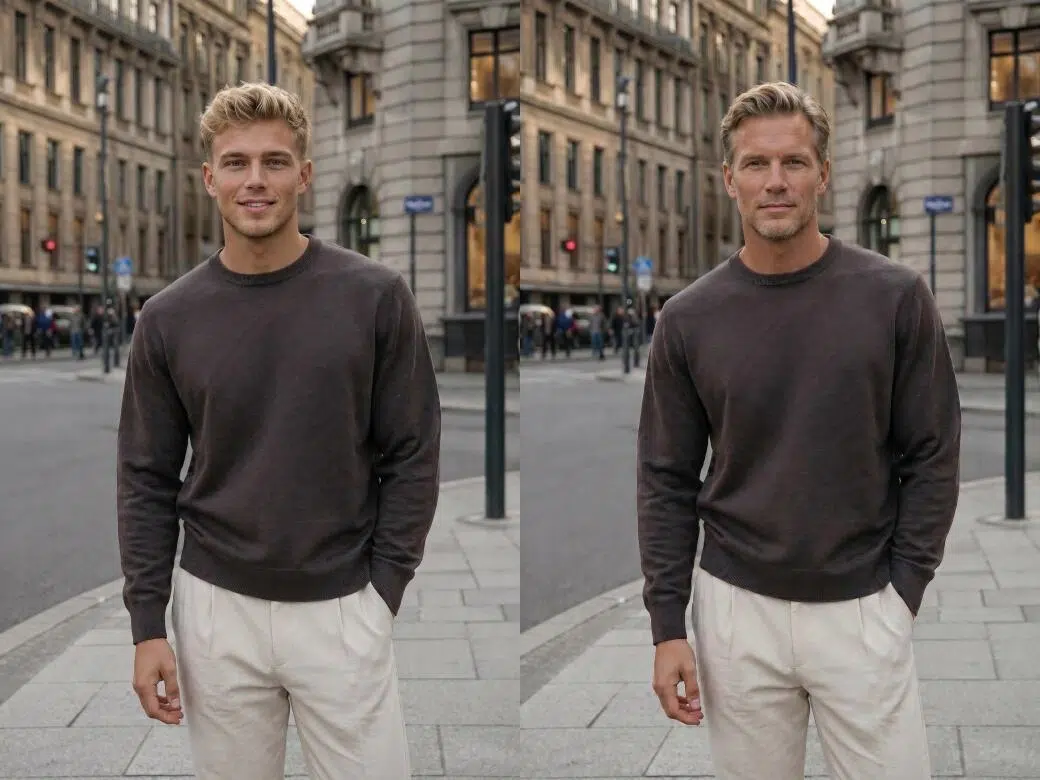
Use Any Photo as Your Model Reference
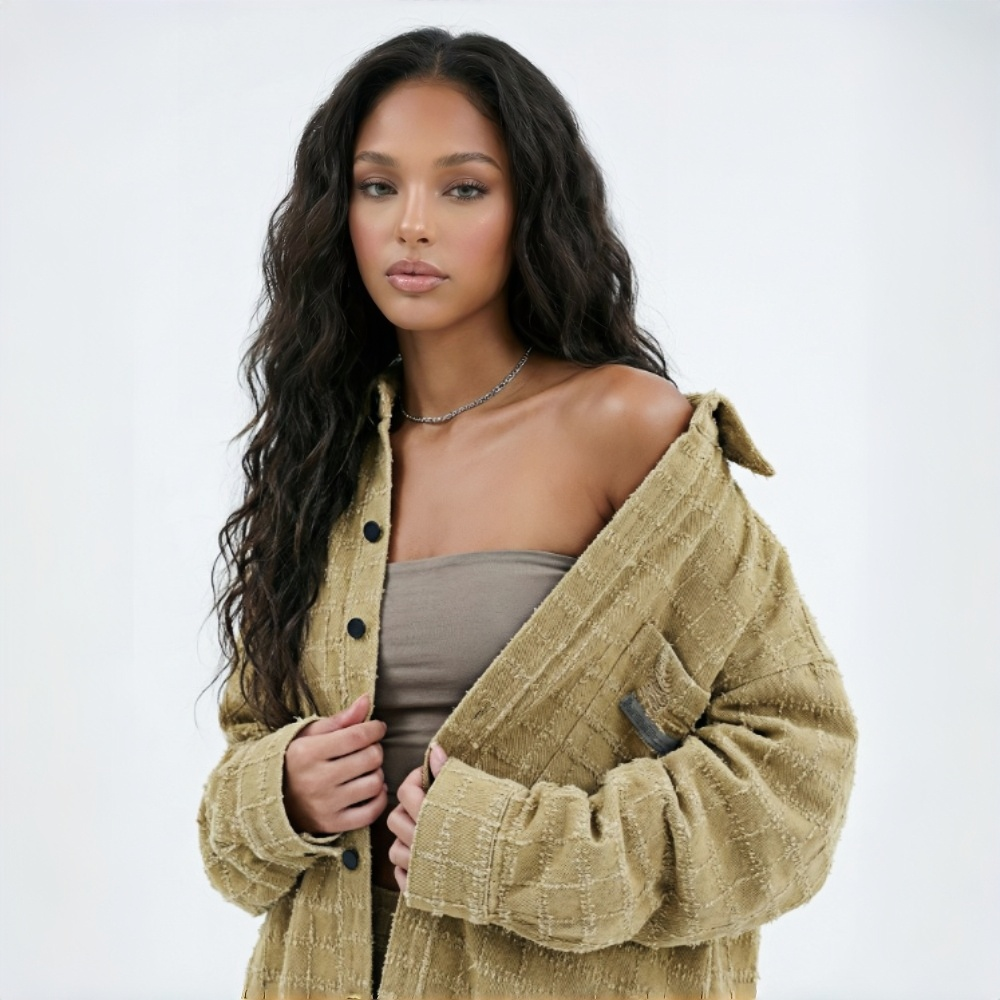
KOOZEE lets you upload any photo as your target model. No model library to browse, no training required. The model you use is completely your call, so you can match any market or brand style you need.
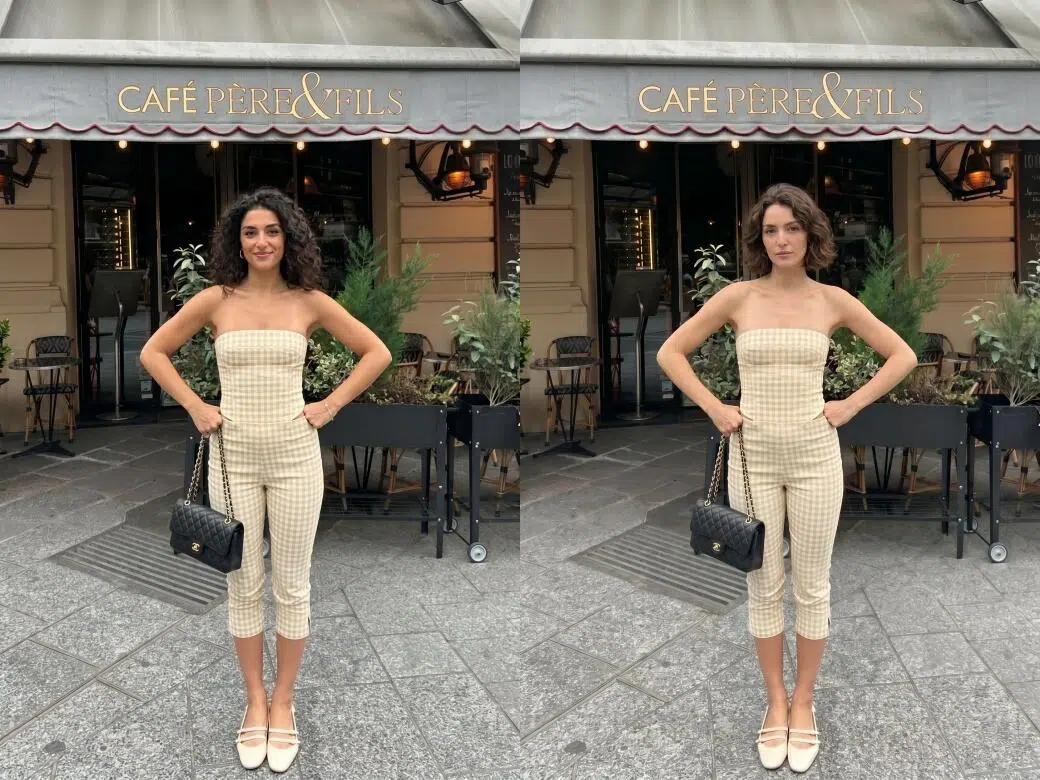
Clothing Details Stay True
KOOZEE preserves fabric texture, color, and garment structure through every model swap. Clothing drape and fit adjust naturally to the new body type based on the original image. Buyers see accurate clothing details on your product page, which builds purchase confidence and helps bring return rates down.
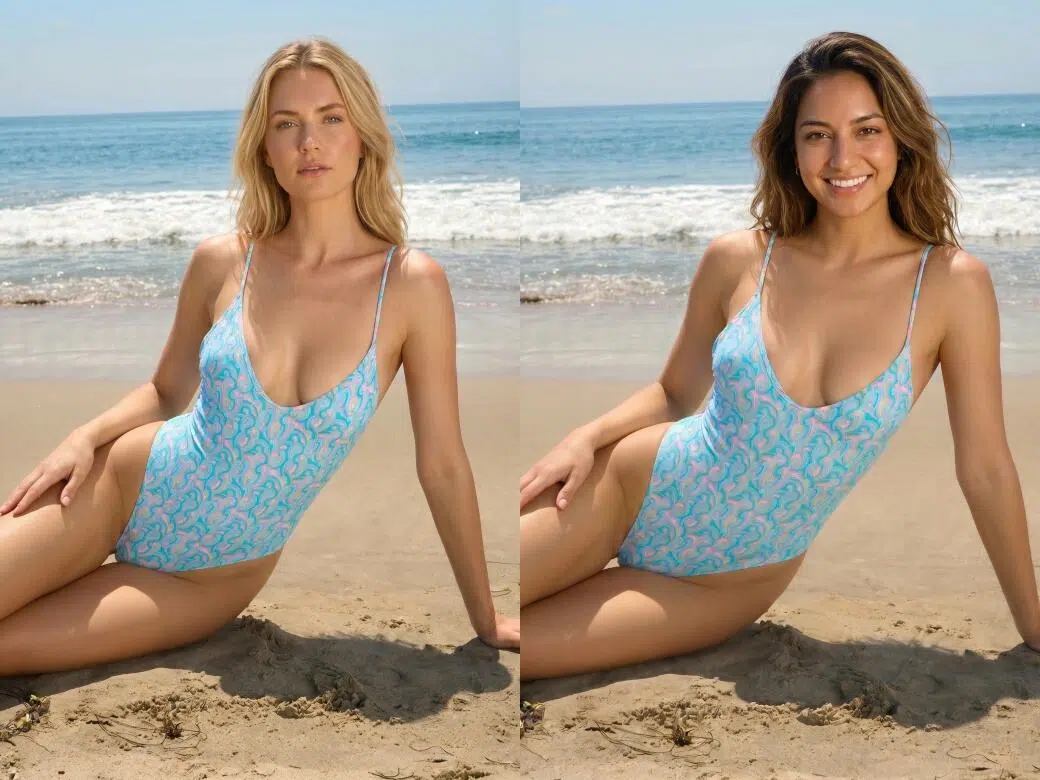
Works on Swimwear and Lingerie Too
Swimwear and lingerie are harder to get right because there is less fabric and more detail to preserve. Most tools struggle with these categories or block them entirely. KOOZEE handles swimwear and lingerie model swaps with the same level of detail—garment shape, color, and cut stay intact after the swap. No need to find a separate tool for different product types.
One Model Photo. Multiple Market-Ready Versions.

Booking different models for different markets means paying again for studios, talent, styling, and editing every single time. With AI model swap, your team generates multiple model versions from one base image. The same budget covers more markets and more products.

Shooting different models at different times creates visual inconsistency—different lighting, different photographers, different results. KOOZEE generates every model version from the same base image, so image quality and lighting tone stay consistent. Product pages and catalogs look cleaner and more professional across every version.

Traditional model changes mean new shoots, and new shoots mean weeks of scheduling and editing. KOOZEE compresses that to minutes. Teams produce model images for more SKUs in the same time, keeping up with launch schedules and ad campaigns without gaps in content.
Swap Your Fashion Model in 3 Simple Steps
Open the AI Model Swap Tool
Go to KOOZEE and open the AI model swap tool to get started.
Upload Your Original Model Photo
Upload the original model photo you want to edit.
Upload a Model Reference Photo
Upload one to five reference photos of your target model. The KOOZEE swaps the full model identity—face and body type—while keeping every clothing detail intact. Your new model image is ready to use.
Frequently Asked Questions
How does the AI model swap tool work?
Does it only swap the face, or does the body type change too?
Both change. KOOZEE replaces the face and body type together as one. The result matches the reference photo as a whole, and clothing drape and fit adjust naturally to the new body.
Will the clothing look distorted after the swap?
No. KOOZEE is built specifically for fashion images. It keeps fabric texture, color, and garment structure intact through the swap and adjusts clothing fit naturally to the new body type. Buyers see accurate clothing details, which helps reduce returns.
Do I have to choose from a model library, or can I upload my own photo?
You can upload any photo you want. No model library, no model training required. One reference photo is enough to complete the swap, and the target model is entirely your choice.
What kind of reference photo works best?
Use a clear photo with good lighting—full face or three-quarter angle with no large obstructions. The clothing and background in the reference photo do not affect the result. The AI only reads the model's appearance. Clearer photos produce more natural results.
Does it work for swimwear and lingerie?
Yes. KOOZEE handles swimwear and lingerie model swaps without restricting these categories. Garment shape, color, and cut stay intact after the swap so you do not need a separate tool for different product types.
Can I use the output images commercially?
Yes. KOOZEE paid subscribers can use eligible AI face swap images for ecommerce product pages, brand websites, social media, and paid ads. Make sure you have permission to use any uploaded faces and images, and check each platform's AI content policies before publishing. All commercial use is subject to KOOZEE's Terms of Service.
Swap Your Model and Get Market-Ready Images
New users get free credits to start. Upload your fashion photo and try AI face swap on your own products right now.