AI Walking Video Generator
No image? Try one of these:
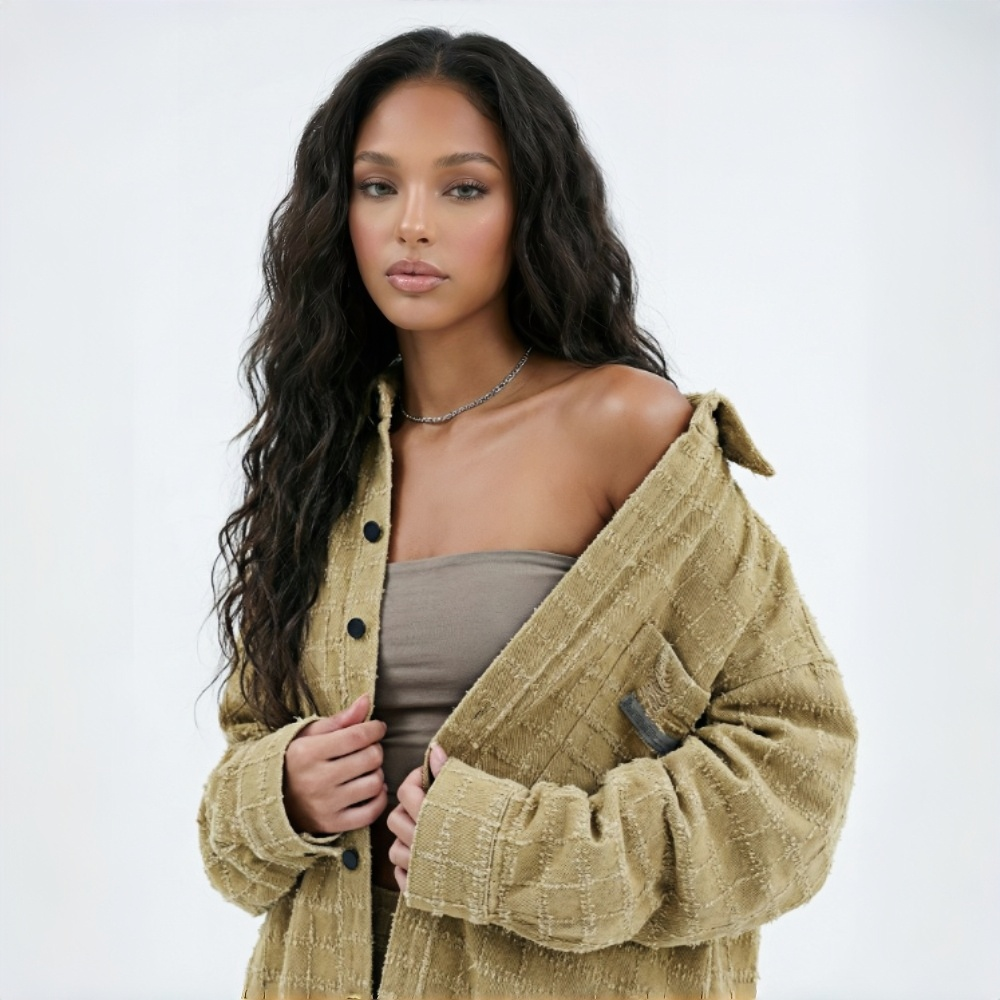
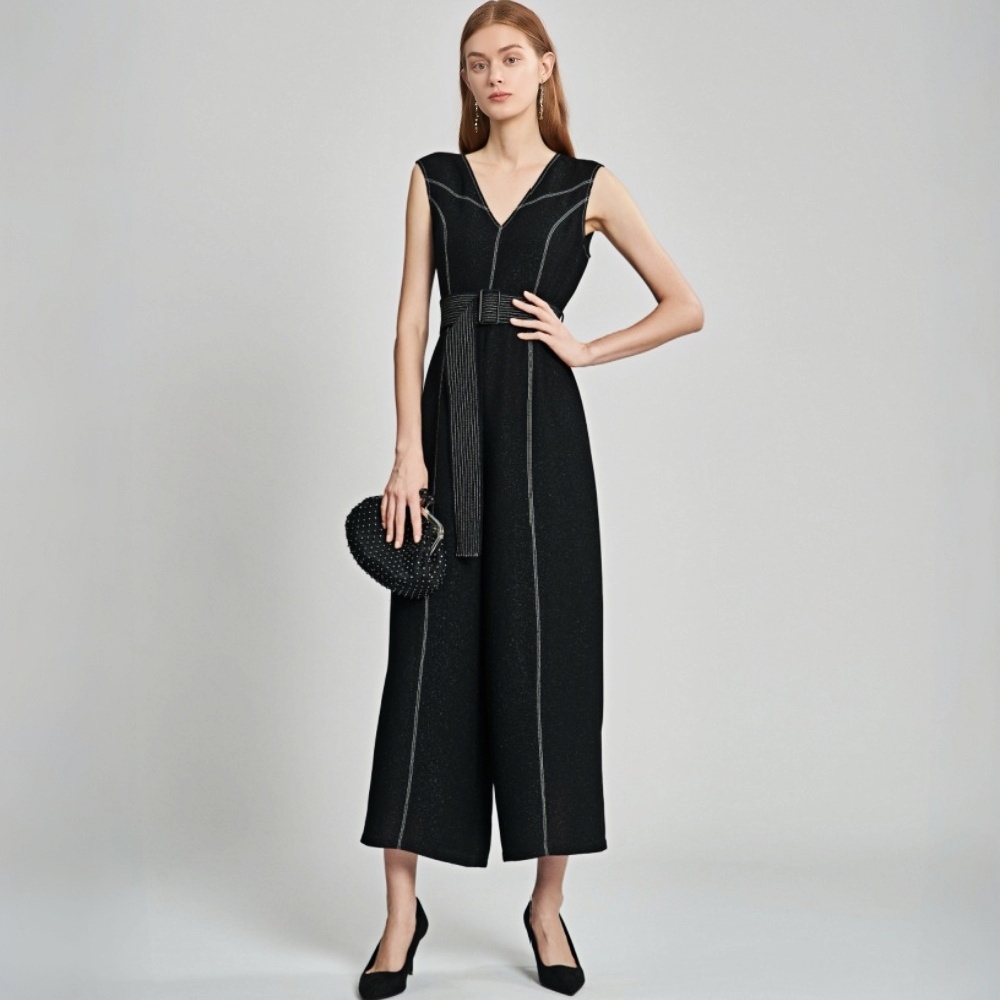
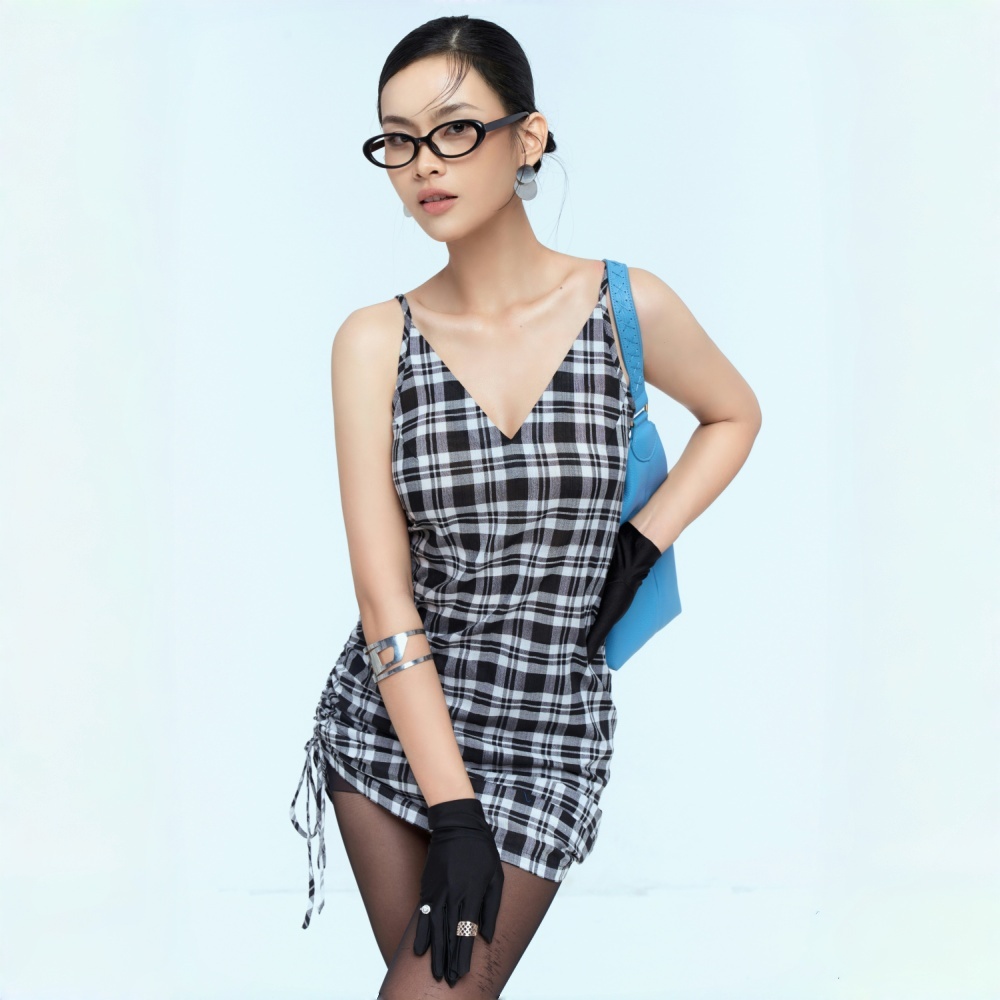
Built for fashion sellers and content teams
A catwalk model walking video for every SKU
Large catalogs mean high shooting costs — and categories like lingerie and swimwear cost even more to shoot, with models that are harder to coordinate. Many general AI tools restrict these categories altogether. Upload your model photo and KOOZEE generates a ready-to-use Dynamic Lookbook video. Lingerie, swimwear, bikinis — all supported. No matter how many SKUs you have, every new item gets a video.
What makes KOOZEE Dynamic Lookbook different
Camera movement built for fashion — not generic video
Fashion video needs camera work that follows the outfit — not random motion. KOOZEE is optimized specifically for clothing. Camera direction, pacing, and model movement are all guided by how the garment should be shown, keeping the focus on the key styling details. Fabric texture, print, and silhouette stay stable throughout the walking motion — so the result looks much closer to a real commercial shoot.
Up to 15 seconds — generated in one shot
Different platforms need different lengths. Longer fashion videos cost more to shoot, and AI-extended clips often break the model's appearance or warp the garment entirely — meaning you generate and discard over and over just to get one usable 15-second clip. KOOZEE gives you 5s, 10s, and 15s options. One click, one complete walking video. No extension, no re-generation loop.
Ready to post — no editing required
Getting a video clip is only half the job — finding music, syncing the beat, trimming the length can easily take another 30 minutes per video. KOOZEE auto-matches a style-appropriate BGM at generation time. What you download is a finished product. No editing software, no extra steps — just download and post.
Why use KOOZEE to generate your AI walking videos?

Built on an advanced image-to-video model and fine-tuned for fashion, KOOZEE preserves garment detail, fabric structure, and silhouette — and understands how to frame clothing so the key styling points actually land on camera.

Models, photographers, locations, post-production — every step in traditional video production adds cost and time. Whether it's a real product photo or an AI try-on image, just upload it and KOOZEE generates a walking fashion video. No shoot prep, no production pipeline.

Upload your fashion photo, choose the focal area and video length — KOOZEE handles everything else. No prompts to write, no video production knowledge needed, no editing. What you get is a walking video ready to post.
One photo. Four steps. A walking fashion video.
Locate the “Dynamic Lookbook” feature.
Go to KOOZEE and open the Dynamic Lookbook video tool from the left menu or app page.
Upload a lifestyle or outfit photo.
Upload a model photo with the garment clearly visible. Real product photos and AI try-on images both work. A clean background and sharp image give the best results.
Enter your featured garment type.
Type in the garment type you want to highlight — such as dress, jacket, or swimwear. This helps KOOZEE direct the camera motion toward the right styling details.
Select your video length. Click “Generate”
Choose 5s, 10s, or 15s based on where you plan to post, then click Generate. Your finished walking video with BGM will be ready shortly.
Frequently Asked Questions
Will the garment details stay accurate in the walking video?
What video lengths are available?
KOOZEE offers 5-second, 10-second, and 15-second options — covering the main formats for TikTok, Instagram Reels, and Amazon main image video.
Do I need to edit the video after generating it?
No. KOOZEE auto-adds a matching BGM at generation. The output is a finished video — just download and post. If you plan to use it for paid ads, check your platform's music licensing policy first.
What photo types work? Are there any requirements?
Both real product model photos and AI try-on images work. For best results, make sure the garment is clearly visible and the background is clean. Higher image quality produces better video output. Very blurry images or photos where clothing is mostly hidden may reduce quality.
Can the generated video be used for commercial advertising?
Yes. KOOZEE paid subscribers can use eligible AI walking videos for digital advertising, ecommerce product pages, and social media campaigns. Videos export as MP4 files for easy publishing. If your video includes background music, check the relevant music licensing terms before running paid ads. Commercial use is subject to KOOZEE's Terms of Service.
Every item competes with video-first sellers
One fashion photo. Turn it into a brand-quality video, a product page asset, or short-form social content — without a model, a shoot, or any editing.