6 Best AI Video Ad Generators for Apparel Ecommerce in 2026
Found a video ad you love but not sure how to recreate it for your own product? Here are six AI video ad generators that take different paths—from reference-video recreation and UGC to product URLs, avatars, and cinematic creative.


Making the video is no longer the hardest part of creating an apparel ad. Today, the real challenge is knowing what your creative should look like—and figuring out how to turn existing product assets into high-converting videos.
Whether you want to clone a viral TikTok OOTD, turn a product URL into a fast ad, or generate a steady stream of fashion UGC without weekly photoshoots, today's AI video ad generators tackle these apparel ecommerce needs in entirely different ways.
To find the best options, we tested over 15 platforms—including Koozee, Creatify, Arcads, HeyGen, Runway, and Tagshop AI, alongside general tools like Pika, Synthesia, and CapCut.
Instead of just comparing feature lists, we evaluated these tools based on the specific ecommerce video ad problems they solve, required inputs (like URLs or reference videos), and how seamlessly they fit into a short-form marketing workflow. Here are the 6 best AI video ad generators for apparel brands right now.
Best AI Video Ad Generators at a Glance
| Tool | Best For | Main Input | Monthly Price |
| Koozee | Reference-video recreation for apparel | Reference + product images | From $22.9/mo |
| Creatify | Product URL ads and ad cloning | URL / existing ad | From $19/mo |
| Arcads | AI UGC performance ads | Script + AI actor | Not publicly listed |
| HeyGen | Avatars and localization | Script / URL / images | From $29/mo |
| Runway | Cinematic and custom creative | Prompt / image / video | From $15/mo |
| Tagshop AI | Fast ecommerce UGC ads | Product URL / image | From $14/mo* |
Pricing and credit systems change frequently, so check each platform's current pricing page before subscribing.
Quick Picks
If you have a reference video you want to recreate with your apparel product → Koozee
If you have a product URL and want to turn it into several ads → Creatify
If you need large volumes of talking-head UGC → Arcads
If you need AI presenters and multilingual localization → HeyGen
If you want cinematic visuals and deeper creative control → Runway
If you want a simple product-URL-to-UGC workflow → Tagshop AI
6 AI Video Ad Generators Worth Trying in 2026
1. Koozee — Best for Recreating Reference Video Ads With Your Own Products
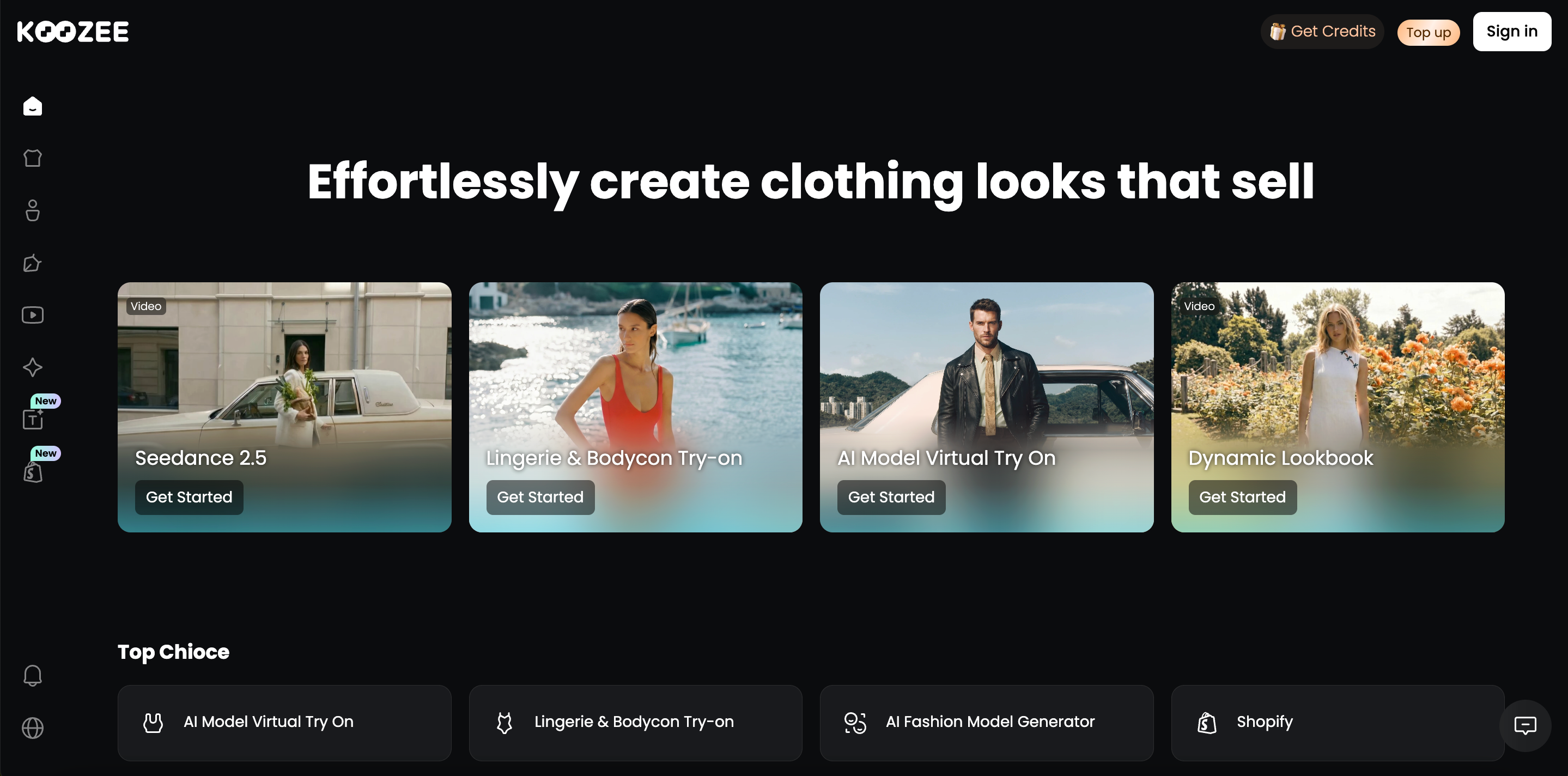
Best for: Apparel sellers that have already found a video format they want to recreate using their own products.
Koozee starts from a different place than a typical prompt-to-video generator.
Instead of assuming you want to invent an entire ad from a blank prompt, it fits a situation marketers run into all the time:
"I have already found the type of video I want. How do I turn it into a version for my product?"
Koozee is positioned more broadly around apparel ecommerce visual production. Video sits alongside apparel videos, viral video clones, dynamic lookbooks, fit-check/OOTD videos, and short outfit clips rather than existing as a standalone generic video tool.
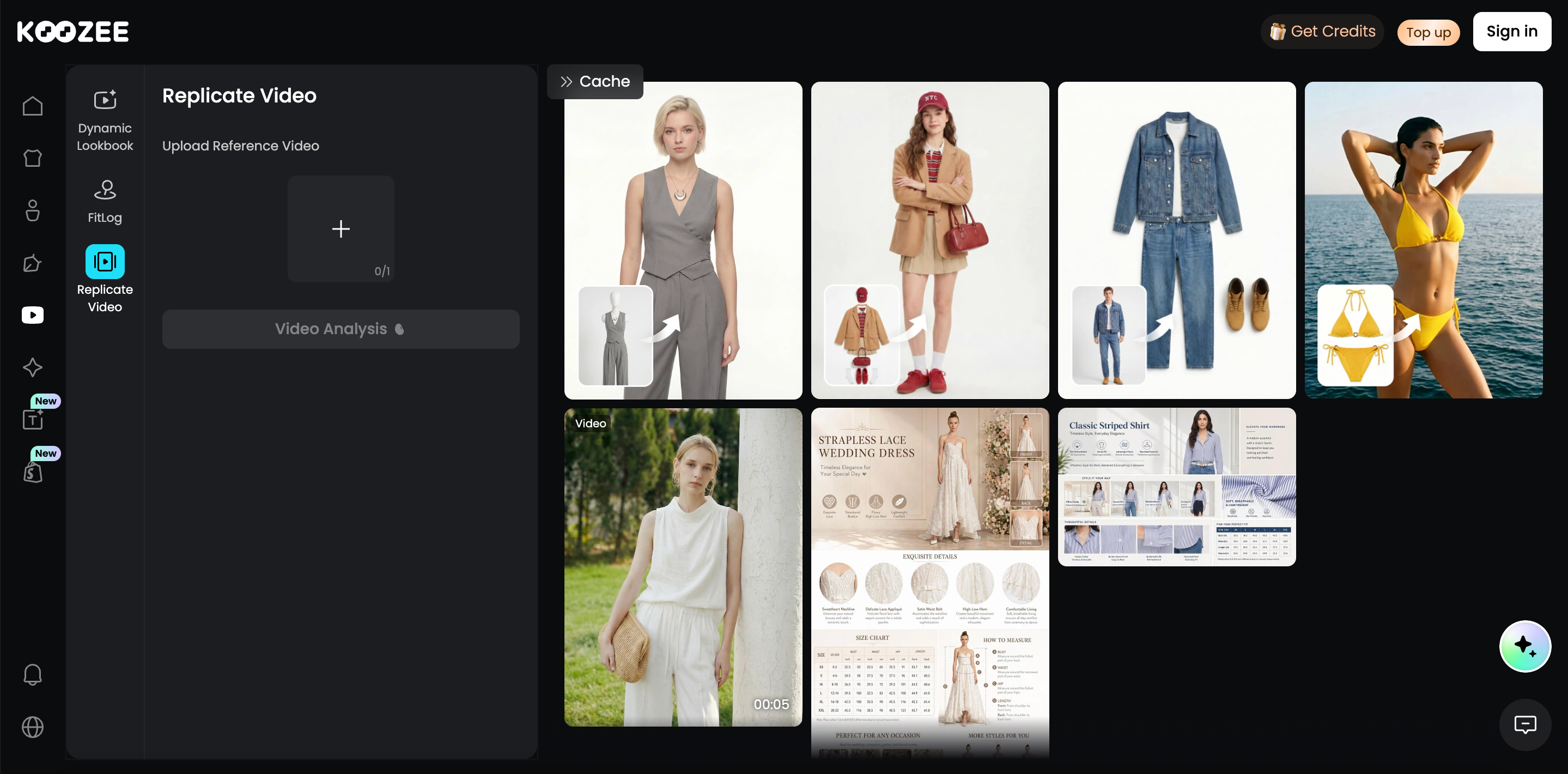
How it works
Upload or choose a reference video.
Upload the requested product images.
Click Recreate.
Key features
Reference-video recreation: Instead of relying only on a text prompt, Koozee lets an existing video establish creative direction. It analyzes the reference and guides the user on the product imagery required to create the new version.
Built-in reference gallery: You do not necessarily need to arrive with your own reference. Koozee also provides video formats that users can browse when they want a faster starting point for a new creative.
A broad range of ad formats: References can range from everyday outfit showcases, GRWM content, and try-on hauls to talking-head product promotions, styling tips, outfit transitions, close-up product demos, comparisons, unboxings, lookbooks, creator-style UGC, and faster viral short-form formats. Koozee's wider apparel workflow also covers viral product videos, dynamic lookbooks, OOTD/fit-check content, and social outfit clips.
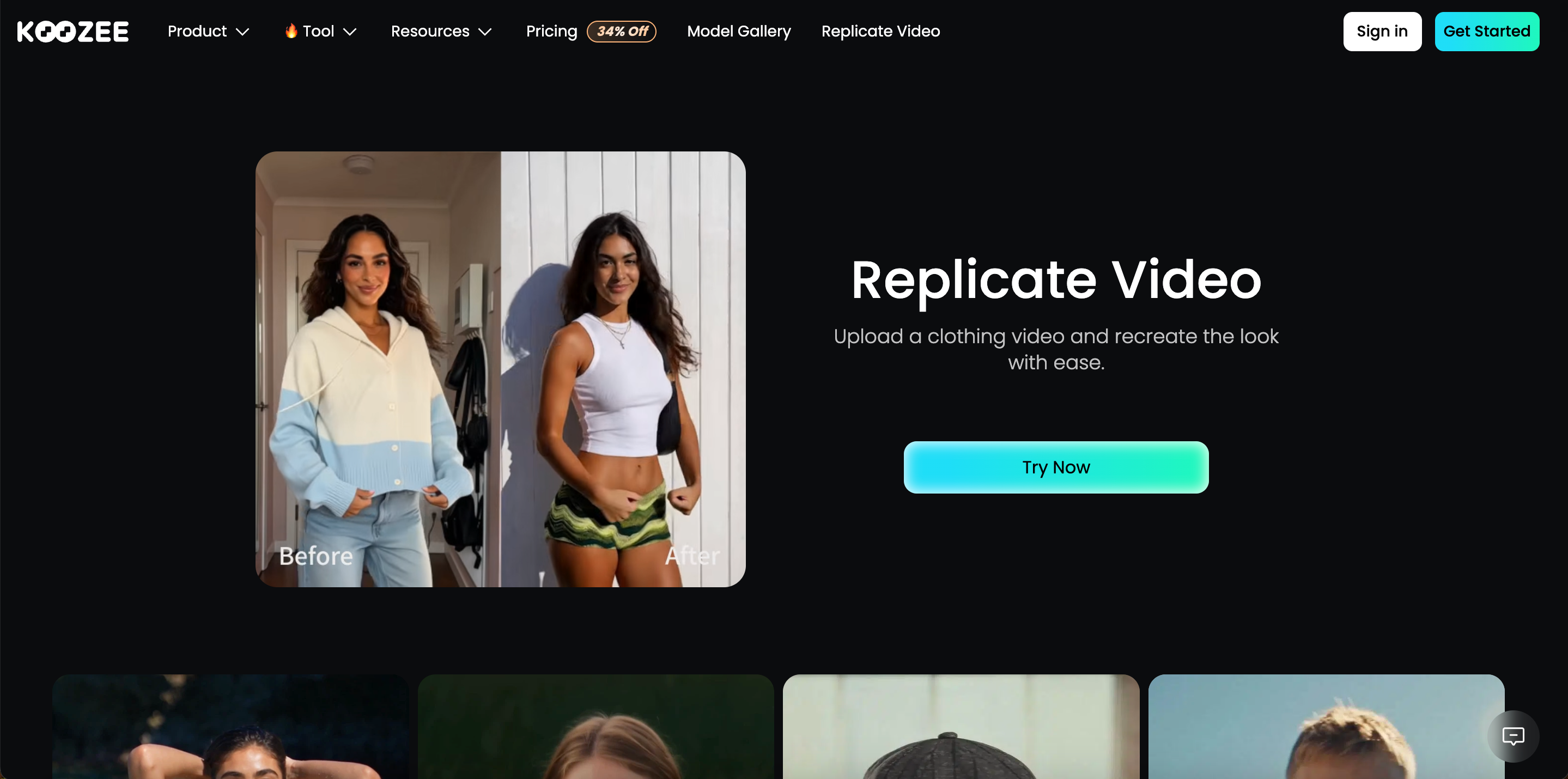
4–30 second video output: The workflow can cover quick four-second hooks and transitions as well as more complete short-form product stories of up to 30 seconds.
Apparel-commerce workflow: Koozee is not built around video alone. Its wider product includes product imagery, AI try-on, model and scene variations, lookbooks, listing assets, and other apparel-selling visuals. That gives video a more commerce-specific context than a generic AI video tool.
Pros
Built-in references make it easy to start. You can browse existing formats when you do not already have a video in mind.
You can also bring your own reference. That is useful when you have already found a short-form format worth testing.
The three-step workflow stays simple. Upload the reference, provide the requested product images, and recreate.
It supports a broad range of short-form structures. OOTDs, GRWM videos, try-ons, lookbooks, UGC-style content, comparisons, unboxings, and product-detail creatives can all fit the reference-first approach.
It is especially relevant to apparel products. Koozee's larger platform is designed around apparel ecommerce rather than treating product advertising as one generic video use case.
Limitations
It is geared more toward short-form ecommerce creative than cinematic filmmaking. Long-form film production, complex movie-style sequences, and unrestricted visual storytelling are not the core workflow.
The product is evolving quickly. Reference formats, pages, and workflows can change as the newer video features continue to develop, so users may need a little time to get familiar with the latest version of the interface.
2. Creatify — Best for Product URL Ads and Ad Cloning
Best for: Ecommerce teams that want to turn existing product pages into video ads quickly or use successful ads as a starting point for new creative variations.
Creatify is one of the more advertising-focused platforms in this comparison.
One of its most established workflows is URL-to-video. Instead of preparing every asset manually, users can start with an existing product page and let the platform turn the information and visuals on that page into an advertising creative.
Creatify also offers an Ads Clone workflow for teams that already have an ad concept they want to build from. This gives marketers two practical starting points: an existing product page or an existing piece of advertising creative.
How it works
Start with a product URL or an existing advertisement.
Choose the advertising workflow that matches the creative you want to produce.
Generate the video and make further changes before using the finished creative.
Key features
Its URL-to-video workflow lets ecommerce teams use an existing product page as the starting point instead of preparing all of the advertising inputs manually.
Its Ads Clone workflow can use an existing advertisement as a creative reference when producing a new and editable version.
The platform brings scripts, AI avatars, voiceovers, captions, branding, and other common advertising elements into the same production process.
Users can continue editing generated creatives, which makes the platform more useful for teams that want to test several versions of the same advertising idea.
Much of the product is designed around performance marketing, so its workflows are closely connected to the repeated production and testing of paid-social creative.
Pros
Its advertising-focused workflow makes it relatively easy to understand what the platform is designed to help marketers produce.
Starting from a product URL can save ecommerce teams from manually collecting product descriptions, images, and other inputs before creating an ad.
The dedicated Ads Clone workflow gives marketers another useful entry point when they already have an advertisement or creative structure they want to adapt.
Its editing and variation tools make the platform suitable for teams that regularly test multiple versions of advertising creative.
Limitations
Creatify now offers a broad range of advertising tools, so new users may need some time to understand which creation workflow is the best fit for a particular campaign.
Its platform is designed for performance advertising across many ecommerce categories rather than being built deeply around one specific type of product.
3. Arcads — Best for AI UGC and Performance Ads
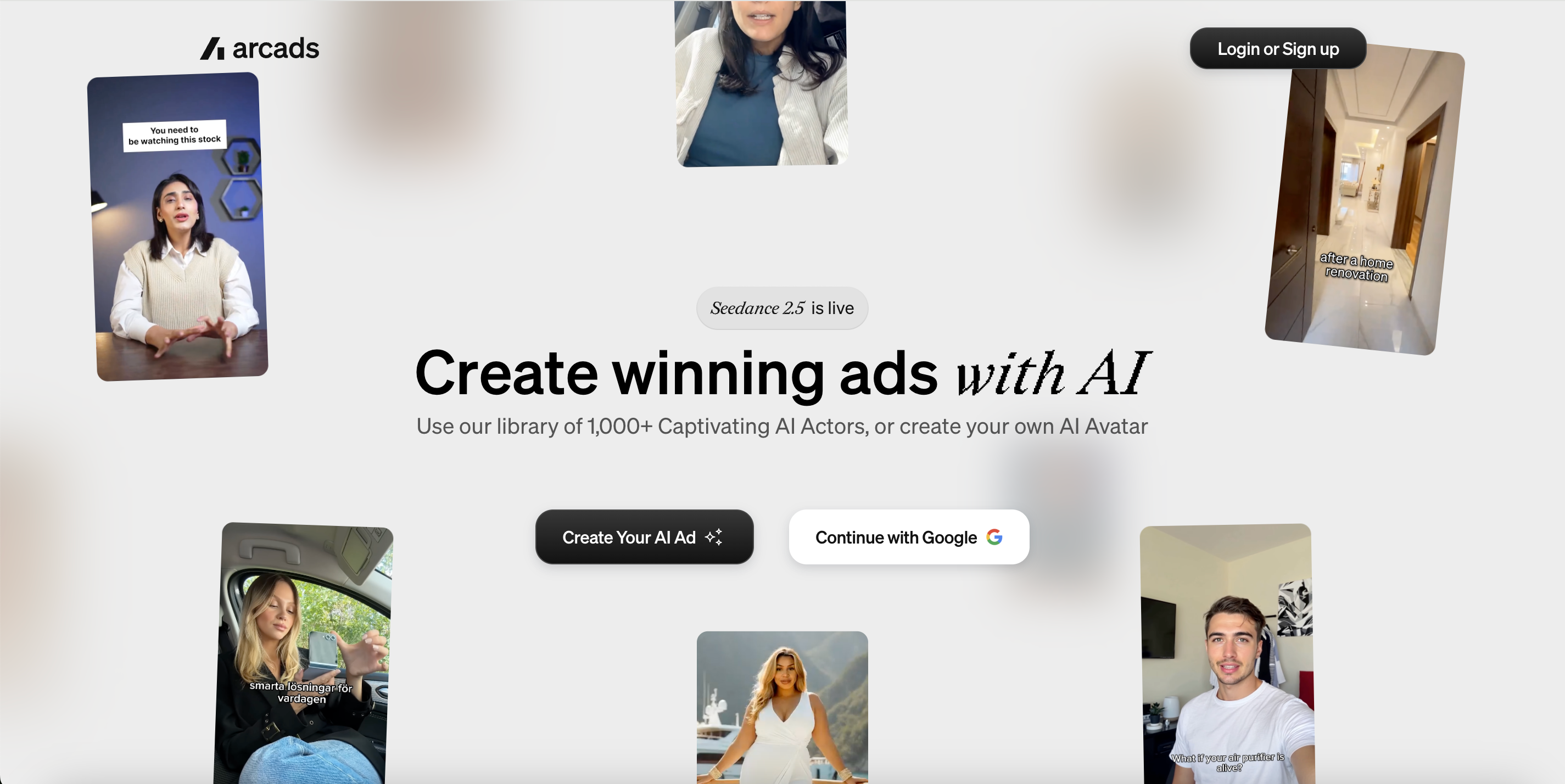
Best for: DTC brands, agencies, and performance-marketing teams that need to produce large volumes of talking-head or creator-style UGC ads without organizing repeated shoots.
Arcads takes a particularly direct approach to AI-generated UGC.
Rather than beginning with a cinematic scene or a traditional product animation, its core workflow is centered on putting a person in front of the message. Marketers can choose from a large library of AI actors, provide an advertising script, and produce spokesperson-style content without arranging a separate creator shoot for every variation.
That makes Arcads especially relevant when the person delivering the message is an important part of the advertising concept.
How It Works
Prepare the advertising script or message you want to test.
Choose an AI actor or create a custom AI avatar that fits the campaign.
Generate the creator-style ad and refine the available creative elements before publishing or testing it.
Key Features
Its library of 1,000+ AI actors gives marketing teams many spokesperson styles to test without hiring a separate creator for every version.
Brands can also create their own AI actors or avatars when they want the presenter to be more closely connected to their identity or campaign.
AI actors can interact with products in different ways, including holding products, showing apps, or appearing in clothing.
Emotion control lets users influence how the actor delivers a message instead of relying on one fixed presentation style.
Arcads also supports broader AI-assisted video workflows such as translation, subtitles, extension, upscaling, remixing, and other creative operations.
The wider platform includes advertising-oriented formats and workflows designed for teams that need to create and test creative repeatedly.
Pros
Its strong focus on AI UGC makes the platform easy to understand for teams that specifically need spokesperson and creator-led advertising.
The wide range of actors gives marketers more room to test different faces, personalities, and presentation styles around the same product or message.
Its workflow can reduce the amount of repeated filming required when a performance team wants to experiment with many spokesperson creatives.
The combination of actors, scripts, and advertising-oriented workflows makes it particularly relevant to DTC brands and performance marketers.
Limitations
Arcads is expanding beyond its original AI actor workflow, so new users may need some time to understand the differences between its growing set of creation paths and production tools.
Some editing capabilities shown on individual Arcads feature pages are still marked as upcoming, so teams should check the current product interface before assuming every advertised editing workflow is available.
Its strongest advantages matter most when a person speaking to the viewer is central to the advertising concept. They are less differentiated for campaigns built primarily around product-only visuals.
4. HeyGen — Best for Avatar Ads and Localization
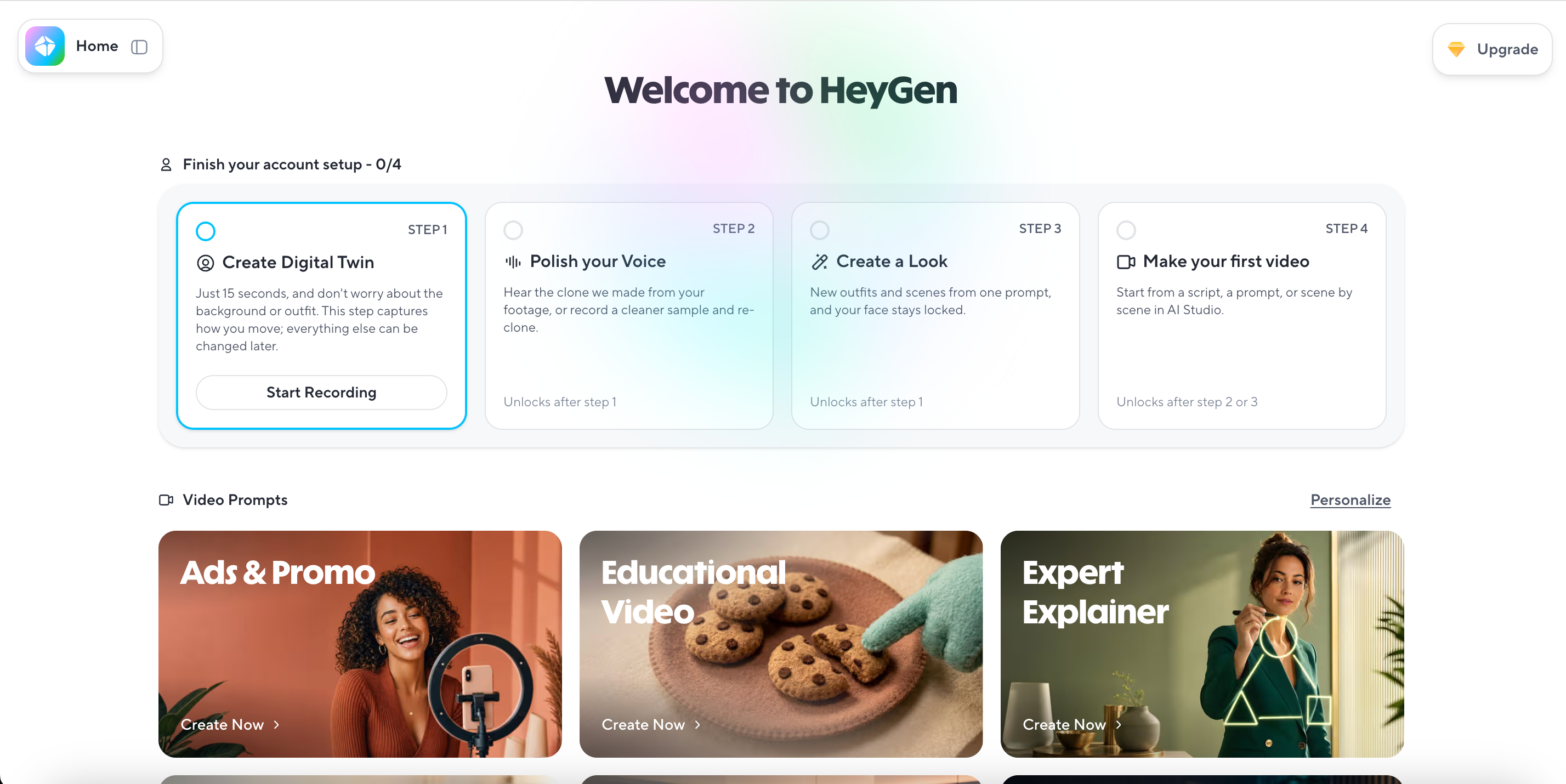
Best for: Marketing teams that use presenter-led video and want to adapt the same campaign message for different languages, audiences, or geographic markets.
HeyGen is one of the more established avatar-led AI video platforms.
Its core workflow allows marketers to choose a digital presenter, provide the message they want that presenter to deliver, and create a finished presenter-style video without arranging a conventional shoot.
For advertising teams, however, the platform becomes particularly useful when the same creative idea needs to be reused across several markets. Instead of recreating the entire production for each language, teams can adapt the presenter and spoken content while keeping the central campaign message consistent.
How it works
Add the script or marketing message that you want the presenter to communicate.
Choose an avatar or digital presenter that fits the intended audience and creative style.
Generate the video and use HeyGen's localization tools when additional language versions are required.
Key features
The platform provides a broad library of stock avatars while also allowing businesses to create custom digital twins for more personalized presenter content.
Its AI voice and voice-cloning tools allow teams to create spoken content without recording each version manually.
Support for multiple languages and dialects makes it possible to adapt the same campaign for different audiences.
Its translation and localization workflows are designed to help marketers reuse existing video content instead of rebuilding each regional version from the beginning.
The presenter-led format works particularly well for advertisements, explainers, product introductions, and creator-style marketing content where spoken delivery is important.
Pros
Its mature avatar ecosystem gives teams a wide range of options for producing presenter-led marketing videos.
Localization is one of its clearest advantages because the same core campaign can be adapted for different language markets with less repeated production.
The platform works well for businesses that need to create presenter content regularly rather than arranging a new shoot each time.
Its broader product and plan structure can accommodate individual marketers as well as teams producing video at a larger scale.
Limitations
HeyGen has developed into a broad AI video platform, so first-time users may need some exploration to understand how its avatar, translation, agent, and other creation workflows differ.
Its most distinctive strengths revolve around people, spoken communication, and localization, so it is less differentiated when an advertisement is built almost entirely around product visuals rather than a presenter.
5. Runway — Best for Cinematic and Custom AI Ad Creative
Best for: Creative teams, directors, and advertisers that want greater control over how scenes look, how cameras move, and how an original advertising concept is visually executed.
Runway approaches AI advertising from a different direction than most dedicated ad generators.
Instead of asking users to follow one fixed ecommerce or UGC workflow, it provides a broader generative-video environment where the creative team has considerably more control over the visual result.
Users can begin with prompts or images, generate individual shots, experiment with movement and composition, and gradually shape those outputs into the final creative.
That makes Runway particularly relevant when the visual concept itself is a major part of the campaign.
How It Works
Start with a text prompt or image that establishes the shot you want to create.
Generate individual scenes and continue refining movement, composition, framing, and visual direction.
Use the resulting shots as building blocks for the final advertising creative.
Key Features
Text-to-video capabilities allow creative teams to develop scenes directly from written visual directions.
Image-to-video generation lets users begin with an existing visual and introduce movement without creating every frame manually.
Detailed prompting gives users more influence over camera movement, subject motion, scene composition, timing, and other visual decisions.
Multiple aspect ratios and framing options make generated shots easier to adapt to landscape, portrait, square, and other campaign placements, although availability varies by model and generation mode.
The platform emphasizes generative flexibility rather than forcing every project into a predefined advertising template or ecommerce workflow.
Pros
Its high level of visual freedom gives experienced creative teams more room to develop advertising concepts that do not fit standard UGC or product-video templates.
The ability to influence motion and camera direction makes it useful for advertisements where cinematography is an important part of the idea.
It is well suited to experimental, cinematic, and brand-oriented concepts that require more visual customization.
Creative professionals can use it as a flexible production environment rather than being restricted to one automated ad-generation process.
Limitations
The same flexibility that gives Runway more creative freedom also means users need to provide more creative direction and make more production decisions themselves.
It is closer to a generative filmmaking and visual-production platform than to a dedicated ecommerce system designed to turn one product input directly into a finished advertisement.
6. Tagshop AI — Best for Fast UGC Ads From Product URLs

Best for: Ecommerce brands that already have product pages or product images and want a straightforward way to turn those existing assets into creator-style UGC ads.
Tagshop AI combines ecommerce inputs with AI UGC production.
Instead of requiring marketers to build every advertisement from scratch, brands can begin with information they already have, such as a product URL or product images, and use that material as the basis for a creator-style video.
The platform also places AI avatars directly inside the ecommerce workflow, making it particularly relevant to brands that want a person to present or demonstrate a product without arranging a traditional creator shoot.
How it works
Add an existing product URL or upload the product assets that you want to advertise.
Choose the creative direction and AI avatar that best match the intended advertising format.
Generate the UGC-style video and review the finished creative before using it in a campaign.
Key features
Its product URL-to-video workflow allows ecommerce teams to begin with an existing product page rather than manually rebuilding all of the product information for an advertisement.
The platform provides a large selection of AI avatars, giving brands different presenter styles for creator-led product videos.
Its Avatar + Product workflow is designed specifically for situations where the presenter needs to appear alongside or interact with the advertised item.
Captions, voices, scenes, and other common video elements are integrated into the workflow so marketers do not have to assemble each component in a separate tool.
The platform is oriented toward ecommerce advertising on channels such as Meta and TikTok, which makes its outputs relevant to common paid-social use cases.
Its wider video toolkit also gives users access to different AI generation options beyond the core UGC workflow.
Pros
Its ecommerce positioning makes the workflow particularly easy to understand for brands that already have usable product pages and product assets.
Starting from a product URL reduces the preparation needed before turning an existing listing into advertising creative.
The combination of AI avatars and ecommerce inputs provides a relatively direct path from product information to creator-style video.
Its entry-level pricing can make the platform easier for smaller ecommerce teams to test before committing to a larger production workflow.
Limitations
The lowest advertised monthly price is based on annual billing, so teams should compare the actual billing cycle and included usage rather than looking only at the headline monthly figure.
Tagshop AI is expanding its video and advertising capabilities relatively quickly, which means the exact mix of tools, models, and workflows may continue to change as the product develops.
FAQs
What is the best AI video ad generator?
It depends on the workflow. Koozee fits reference-driven apparel videos, Creatify covers URL ads and cloning, Arcads and HeyGen focus more heavily on AI UGC and avatars, Runway offers generative creative freedom, and Tagshop AI targets ecommerce UGC.
Can AI recreate an existing video ad?
Yes. Some platforms now support reference-video or ad-cloning workflows. Koozee can start from a reference video and product images, while Creatify offers Ads Clone. Make sure you have the appropriate rights to any third-party material you use.
What is the best AI video ad generator for ecommerce?
It depends on the product and creative format. Koozee is relevant to apparel and reference-driven videos, Creatify and Tagshop AI suit product-URL workflows, while Arcads and HeyGen are useful when UGC or presenters are central.
Which AI video ad generator is best for TikTok and Instagram?
For reference-inspired short-form formats, consider Koozee or Creatify. For UGC, look at Arcads, HeyGen, or Tagshop AI. Runway is better suited to more visually customized concepts.
Do I need video editing skills?
Usually not for dedicated AI ad platforms. The amount of hands-on work varies, however, and a creative platform such as Runway generally asks for more direction from the user.
Can AI-generated video ads be used commercially?
That depends on each platform's current terms, your subscription, the rights to your input assets, and the rules of the advertising platform where you publish.
Final Verdict: The Best AI Video Ad Workflow Depends on How You Sell Apparel
AI video ad generators are no longer interchangeable tools, especially for apparel ecommerce.
Some are built to turn product URLs into ads. Others focus on AI UGC, avatars and localization, cinematic generation, or reference-video recreation. For clothing sellers, the most useful question is not simply whether a tool can generate video, but how well it can work with the product assets, creative formats, and content demands that already exist in an apparel business.
The real shift is from:
“Can AI generate a video?” to: “How quickly can AI turn my clothing products, reference ideas, and existing visual assets into ads I can actually use and test?”
As apparel brands produce more content for TikTok, Instagram, paid social, product launches, and ongoing SKU promotion, that workflow fit is becoming one of the most important differences between AI video ad platforms.
You May Be Interested

Best Dropshipping Video Ads: 10 Tools, 7 Formats, and Examples (2026)

10 TikTok Ad Examples: What to Study & Create Good Ads

What Exactly is Ecommerce Localization: Benefits & How-To Guide
