10 Best Tools for Dropshipping Video Ads (2026)
What are the best dropshipping video ads? Read this post to get successful formats, tools and create eyecatching video ads.


Dropshipping video ads usually fall into two needs: finding proven creative formats to model and producing enough variations to test.
This guide covers both, with examples of common ad formats, tools for creating them, and a simple workflow for testing new creatives.
Key Takeaways
Fastest path to a testable ad: Creatify turns a product URL into several avatar-led variations, so you can start testing angles on day one.
Closest thing to the real UGC: Arcads writes your script into a realistic AI actor — the cheapest way to produce a dozen talking-head tests.
Best for clothing stores: Koozee is built only for apparel, converting garment photos into on-model video and clones of proven viral formats.
Best zero-budget start: CapCut for editing and Canva for simple template ads — enough to launch without spending a cent on software.
When to hire humans: Billo, once a product has already proven itself and you need authentic faces.
The number that matters: cost per variation, not cost per video. Testing needs volume, and a single polished ad tells you nothing.
What Are Dropshipping Video Ads?
A dropshipping video ad is a short vertical clip built to sell one product on paid social — TikTok, Reels, Facebook, YouTube Shorts. Wyzowl's video marketing research finds that the majority of consumers report being convinced to buy after watching a product video.
And two things decide whether an ad sells — The hook (does anyone stop?) and the angle (does anyone care?). Dropshipping video ads tools help you produce more variations of a good angle, faster.
Next, we'll show you the best dropshipping video ad formats and the tools to create them.
7 Best Dropshipping Video Ad Formats
Here are 7 formats you can use for create winning dropshipping ads.
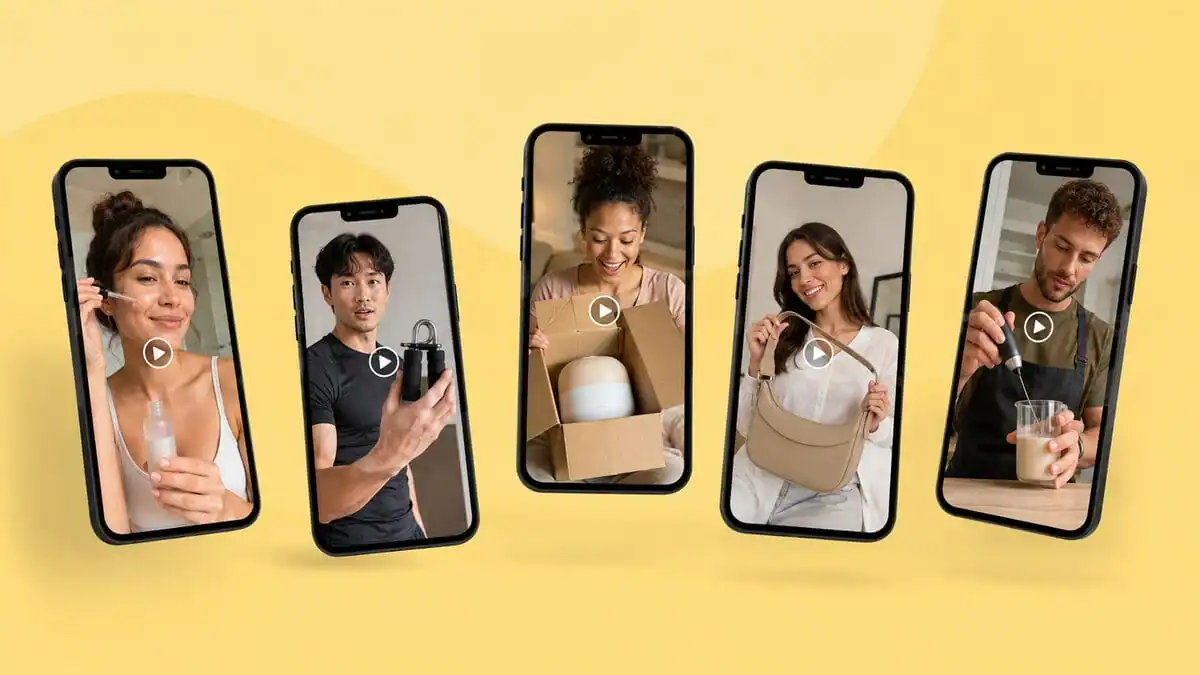
UGC testimonial
A creator-style format that can make a product feel more native to the feed. It works particularly well when the creator can demonstrate a specific problem, benefit, or use case.
Problem → solution demo
Open on the problem — a cluttered drawer, a slow morning, a bad hair day — then reveal the product as the fix. It delivers context a static image can't, and it works with the sound off.
Before and after
Put the transformation side by side. For visuals like cleaning tools, skincare, shapewear, home goods, it's one of the most persuasive structures, because the proof is on screen.
Unboxing and first impression
Opening the package builds anticipation, and the reveal doubles as proof the product is real. Cheap to film with a phone and a genuine order.
Split-screen "benefit vs. hassle"
One side shows the old way, the other your product. It lands hard on Facebook, communicating the benefit without sound in under five seconds.
Review mashup
Stack real customer quotes and star ratings over product b-roll. It's social proof compressed into 15 seconds and removes the need for any presenter.
Price-drop close
It's better for final 3–5 seconds to sell: price, discount, guarantee, one CTA. Even a brilliant hook loses the sale if the offer never lands.
Notes: Never repost a competitor's video as your own. Recycled footage triggers copyright strikes and ad rejections. Study the format, adapt to your own products, then shoot or generate your own version.
10 Tools for Making Dropshipping Video Ads
Creatify — Best for avatar-led ad variations
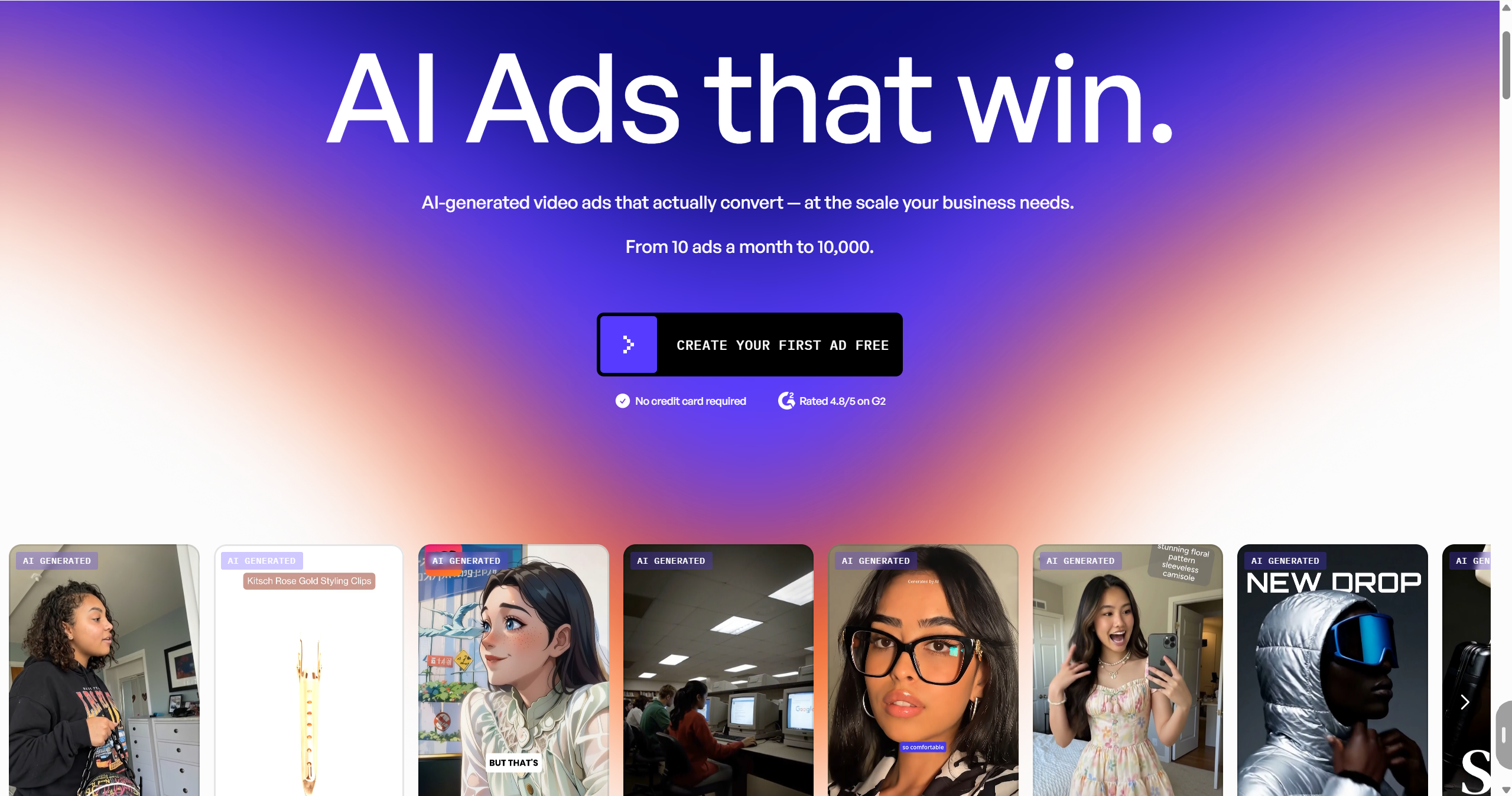
Creatify is the closest thing to a vending machine for ads: drop in a product link, get back a finished clip with an avatar, script, voiceover, and captions already assembled. Nothing to edit, nothing to film.
Key features:
URL-to-video generation — a product link becomes a scripted, hosted ad
600+ ready-made avatars, custom ones on higher plans
Batch mode that spins up several variations in one pass
Exports in 9:16, 1:1, and 16:9
Connects to Meta, TikTok, and YouTube ad accounts for quick launches
Pricing: Free tier with watermarked credits; paid plans from roughly $39/month (Starter) and $99/month (Pro).
Arcads — Best for AI UGC-style talking-head ads
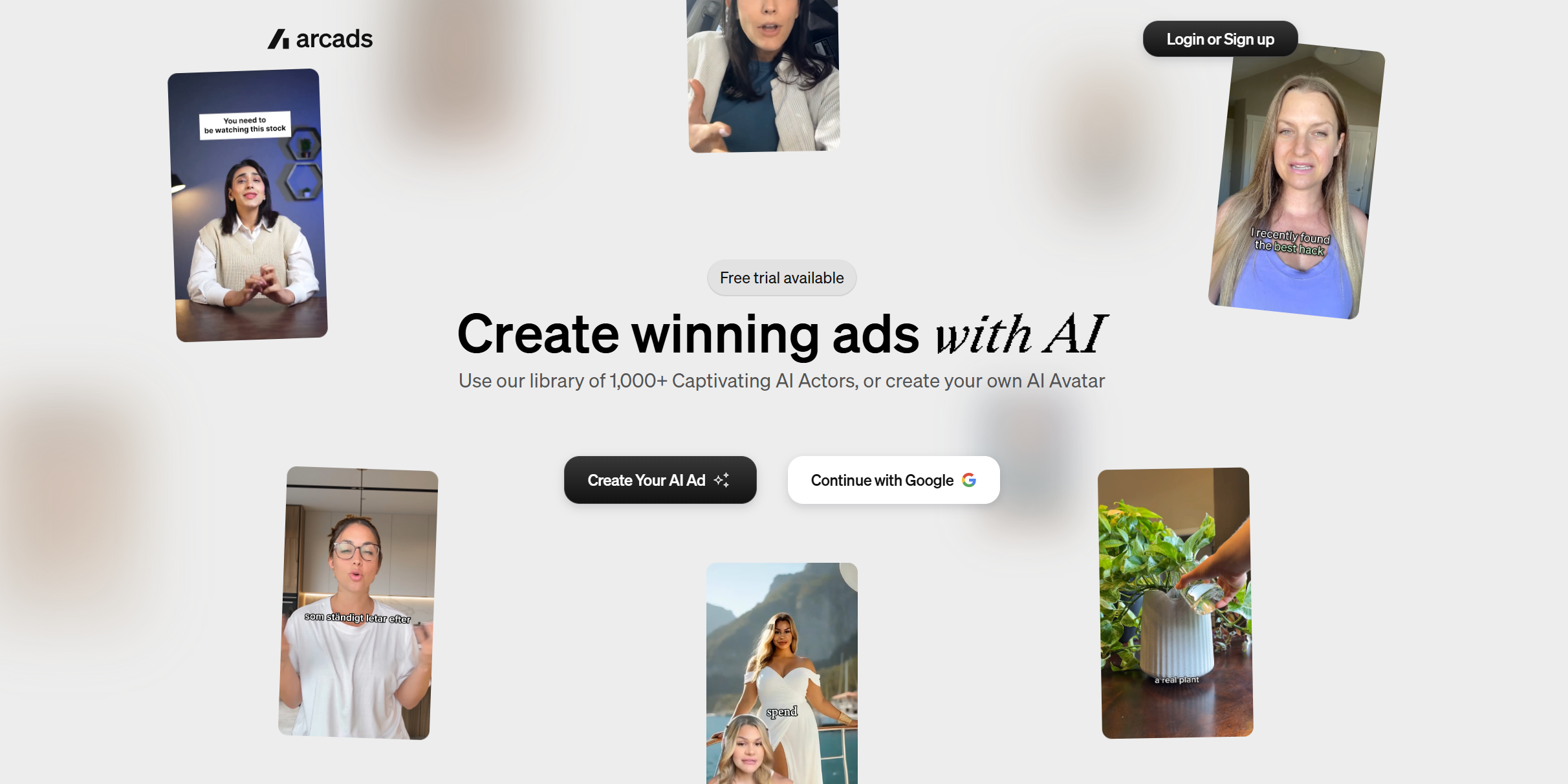
Arcads exists to manufacture the format that wins most cold traffic: a real-looking person talking to camera about the product. Paste a script, pick an actor, get variations.
Key features:
300–1,500 natural AI actors, plus cloned actors on higher plans
Script-to-video with natural-sounding delivery
Translation into 35+ languages for multi-market tests
Actor swapping and hook repurposing to stretch one script
Exports sized for TikTok, Meta, and Shorts
Pricing: Reported 2026 rates start around $29/month for a Lite tier without talking actors, and ~$77/month for the Starter tier (8,000 credits, roughly 10 one-actor videos). No free trial; credits only roll over on the top plan.
Limitations: There's no free trial, and credits vanish quickly because every actor and every billed minute is charged separately. Popular actors also show up across competitors' ads, which can make yours feel familiar.
Shhots AI — Best for turning supplier URLs into ready ads
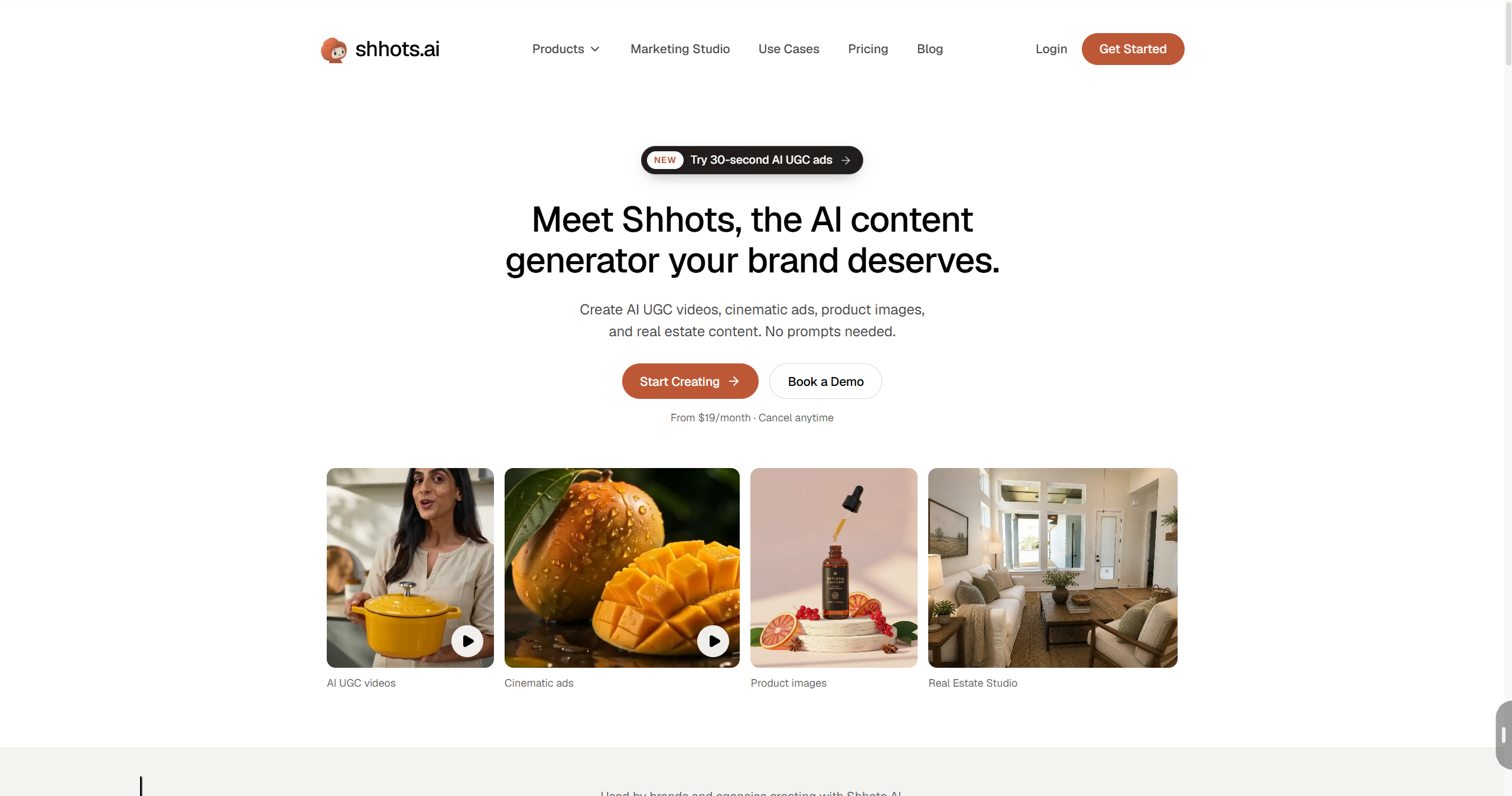
Shhots AI is purpose-built for e-commerce and dropshipping: hand it a supplier or product URL, get back a complete ad with script, scenes, motion, music, voiceover, and captions.
Key features:
URL-to-video built around AliExpress and Shopify products
AI scripts plus on-screen captions
UGC-style and product-showcase templates, comparison formats included
Multiple aspect ratios for TikTok, Meta, and YouTube
Commercial license included
Pricing: Plans from about $19/month (Starter), with tiers near $49 and $99/month; annual billing trims the monthly rate.
Limitations: Template output can look alike across stores, so your angles still have to do the heavy lifting. It's an e-commerce generalist, not a category specialist.
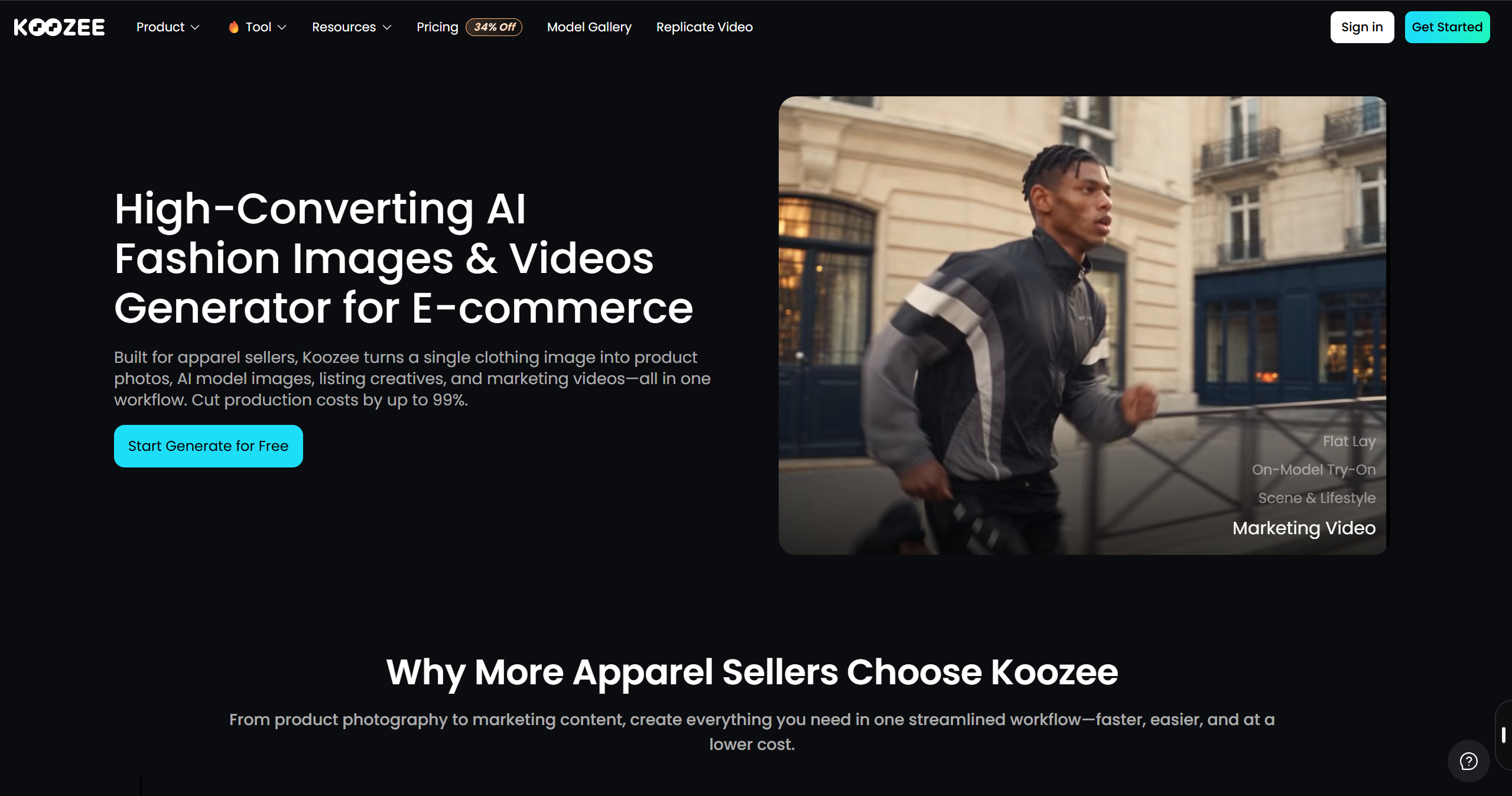
Koozee — Best for apparel and fashion dropshipping
Koozee is an AI visual production platform built around apparel e-commerce workflows. It can turn clothing product images into on-model visuals and use product, clothing, and model assets to create product videos based on a reference format.
Key features:
Apparel video formats: Dynamic Lookbook, Fitlog (OOTD/fit-check), and short outfit clips
AI video cloner: Adapt a viral or otherwise relevant reference video into a new product video using your own apparel assets
AI apparel try-on, plus change model, scene, view, and posture
Supports a connected Shopify workflow for generating, reviewing, and manually publishing approved visual assets
Supports fitted and intimate apparel workflows, including lingerie, swimwear, bodycon, and other fitted clothing for legitimate e-commerce use
Pricing: A free tier with 30 credits to start; paid plans are credit-based. Check koozee.ai for current pricing.
Limitations: Clothing only.
HeyGen — Best for spokesperson and multilingual ads
HeyGen sits at the polished end of the avatar market. It's built for talking-head explainers, and its translation and voice cloning make it the strongest choice when you're selling one product across several languages.
Key features:
Realistic avatars across multiple quality tiers with clean lip-sync
Script-to-video plus custom avatar creation
Translation and voice cloning in 100+ languages
Product placement that drops your item into lifelike scenes
1080p and 4K exports
Pricing: Free plan with a few watermarked videos monthly; paid plans from roughly $29/month (Creator) upward, with team tiers above that.
Limitations: The output skews formal and explainer-like — better for retargeting and product education than for a cold TikTok scroll. High-quality avatars drain credits fast.
CapCut — Best free editor with trending templates
CapCut is the tool r/dropship keeps recommending, and the reason is simple: it's free, mobile-first, and shaped around the quick-cut, caption-heavy style short-form ads demand.
Key features:
Auto-captions and text overlays — non-negotiable for sound-off viewers
Trending templates and effects that mimic native TikTok edits
AI tools on Pro: background removal, text-to-video, avatars, voice cloning
Watermark-free 1080p export on standard content
Export presets for each platform
Pricing: Free for manual editing and standard exports; CapCut Pro runs about $20/month for 4K/HDR, the full AI toolkit, and watermark removal on premium assets.
Limitations: It speeds up your timeline, not your thinking — you still need a hook and an angle. Some premium templates and trending sounds carry licensing limits for paid ads, so verify before you spend.
Canva — Best all-in-one for beginners
Canva is the easiest starting point if you also need thumbnails, carousels, and static ads next to your video. The drag-and-drop editor and enormous template library flatten the learning curve for sellers with no design background.
Key features:
Video editor with pre-built social-ad templates
Background removal, image enhancement, and Magic Media generation
Text animation, transitions, and brand-kit consistency
One-click resizing for every placement
Veo-powered AI clips on the top tier
Pricing: Free plan with limited AI clips; Canva Pro about $13/month with a shared monthly AI allowance; Business tier around $25/month per seat.
Limitations: The templates are recognizable, and a shared AI allowance empties quickly if you lean on generation. It's a design tool, not a conversion engine — the hook still decides your results.
InVideo AI — Best for drafting an ad from a prompt
InVideo AI is prompt-first: describe the ad you want and it builds the whole thing — script, stock footage, voiceover, subtitles, music. Ideal for turning a rough idea into a watchable draft before you commit budget.
Key features:
Text-to-video with an automated editing workflow
Deep stock library (iStock credits on paid plans)
Voice cloning and AI avatars
Advertising Studio for product-to-ad automation
Premium video models (Veo, Sora) on higher tiers
Pricing: Free plan with limited AI minutes and watermarked exports; paid plans from roughly $17–28/month (Plus) up to several hundred monthly for heavy use.
Limitations: Stock-heavy results look generic for product-specific ads — the clips don't show your actual item. Unused AI minutes generally don't carry over.
Billo — Best for hiring real UGC creators
Billo isn't an AI tool at all — it's a creator marketplace. When you need a real person holding your real product, it matches you with vetted creators who film ad-ready clips from your brief.
Key features:
Creator discovery and relationship management
UGC production to your brief, with editing and templates
AI-assisted brief suggestions and creator performance scoring
CreativeOps reporting that tracks which creators convert
Prepaid credit packs for predictable budgeting
Pricing: From around $99 per video, bought in prepaid packs; an optional CreativeOps plan starts near $300/month.
Limitations: At $99+ a video, testing five concepts can run $500 before you've spent a dollar on ads. Reserve creators for validated products, not experiments.
Foreplay — Best for ad research and swipe files
Foreplay isn't a generator — it's the research step that should come first. It saves and organizes competitor ads from Meta and TikTok so you can see what's already working before you pay to produce anything.
Key features:
Chrome extension that saves any ad into a Swipe File
Spyder for monitoring competitors' live ads
Lens for creative performance analytics
Brief and storyboard tools for handing off production
10,000 free monthly API credits on every plan
Pricing: 7-day free trial; plans from about $49/month (Basic) up to ~$459/month (Agency) as of 2026.
Limitations: It produces no video, and it's overkill for a single product test. Competitor ads are public, so copying them outright rarely wins — study the structure, then make it yours.
Quick Comparison Table of Best Dropshipping Video Ads Tools
We compared these tools based on their input options, video creation workflow, apparel and product support, variation capabilities, commercial-use considerations, and pricing.
| Tool | Best for | Pricing (2026) | Free tier | Standout |
| Creatify | Avatar-led ad variations | From ~$39/mo | Yes (limited) | URL-to-video + batch mode |
| Arcads | AI UGC talking-head ads | From ~$29–77/mo | No | 300–1,500 AI actors |
| Shhots AI | Supplier URL to finished ad | From ~$19/mo | Limited | Dropshipping-first workflow |
| Koozee | Apparel & fashion stores | Free 30 credits; credit-based | Yes | Clothing try-on + video formats |
| HeyGen | Spokesperson & multilingual ads | From ~$29/mo | Yes | Realistic avatars, 100+ languages |
| CapCut | Free editing, trending templates | Free; Pro ~$20/mo | Yes | Auto-captions + mobile editing |
| Canva | Beginners, simple template ads | Free; Pro ~$13/mo | Yes | Drag-and-drop templates |
| InVideo AI | Drafting an ad from a prompt | From ~$17/mo | Yes | Prompt-to-video with stock |
| Billo | Hiring real UGC creators | From ~$99/video | No | Vetted creators |
| Foreplay | Ad research and swipe files | From ~$49/mo | 7-day trial | Save & study competitor ads |
Because features and pricing change frequently, check each vendor's current plan details before purchasing.
How to Make Dropshipping Video Ads That Convert
Validate the product, then list 2–3 angles. Choose items with obvious visual appeal, then write down three different reasons someone would buy. One product, three angles, is the floor for a fair test.
Script the hook before anything else. Draft the first three seconds first — the problem, the surprising claim, or the visual jolt. A weak hook can't be edited into a strong ad.
Produce 3–5 variations per angle. AI tools give you speed and low cost; creators give you authenticity. Keep the variations genuinely different, or you learn nothing from the test.
Caption it and tighten the pace. Cut filler, burn in captions, keep the cuts quick. Most viewers watch muted, so the message has to live in the text.
Launch small, read the numbers, feed the winners. Start with a modest daily budget per ad set, watch thumb-stop and hook rate over the first three seconds, retire losers after 3–4 days, and refresh creative on winners before fatigue sets in.
✅ Recommended: If your whole catalog is one category — say, clothing — skip the generalist generator and start with a category-specific tool. Clothing-native tools produce far more believable on-model video for garments than generic image-to-video models do.
FAQs about Dropshipping Video Ads
How many video ad variations should I test per product? Build at least three creatives per product, and ideally three per angle. Volume is what uncovers a winner — in most accounts. One or two ads carry the whole campaign, and there's no way to predict which without running them.
Should I post my best video ad organically before paying to promote it? Usually, yes. A clip that performs organically can be promoted as a Spark Ad on TikTok or used for ad-code whitelisting on Meta, which tends to feel more native and often earns stronger engagement than a cold new upload.
Can I make dropshipping video ads without showing my face? Absolutely. AI avatar tools like Creatify, Arcads, and HeyGen produce talking-head ads with no camera time, and demo, before/after, or review-mashup formats need no presenter at all. Many sellers blend the two — AI for volume, their own face for the winners.
Do I need a UGC creator, or can AI handle it? They solve different problems. AI is cheaper and faster for exploring angles; Real creators tend to convert better into cold traffic because authenticity is genuine. Test with AI, then reinvest in creators for the products that prove out.
Are AI-generated video ads actually good for dropshipping? They're excellent for speed and volume, with honest caveats: AI ads can look generic or "plastic," and a weak hook stays weak no matter how it was produced. Use AI to test many angles cheaply, then bring in real footage for the ads that earn it.
What's the best way to make video ads for an apparel dropshipping store? Start from the garment photos you already have and use a tool built for clothing. Use Koozee to turn existing apparel product assets into try-on visuals, lookbook videos, outfit clips, and other product content.
You May Be Interested

Best AI Face Swap Video Generators for Apparel Sellers

How to Make Fashion TikTok Videos From Photos (4 Methods)

Fashion Ecommerce Video Ads: Types, Examples & Tips
