7 Best AI Video Enhancers for Ecommerce in 2026
Compare 7 of the best AI video enhancers for ecommerce in 2026. Find tools for enhancing product videos, blurry TikTok clips, supplier footage, AI videos, and old product assets.


Product videos often lose quality somewhere between creation and publishing. Supplier footage may arrive compressed, social clips get softer after repeated exports, and AI-generated videos can lose fabric, facial, or product detail once motion begins.
For ecommerce sellers, reshooting every weak asset is rarely practical. A good AI video enhancer can help turn existing footage into cleaner PDP, marketplace, ad, and social content.
Here are seven AI video enhancers worth considering for different ecommerce workflows in 2026.
Best AI Video Enhancers for Ecommerce at a Glance
| Tool | Best For | Best Ecommerce Use Case | Key Strength |
| Koozee | Fashion ecommerce | Apparel PDP, model and AI fashion videos | Garment and portrait-focused enhancement |
| Vmake Labs | General ecommerce video | Product, portrait and AI-generated footage | Browser-based scene-specific enhancement |
| CapCut | TikTok and short-form ecommerce | TikTok Shop, Reels and social ads | Enhancement inside a social editing workflow |
| Topaz Video | Advanced restoration | Old campaigns and difficult source footage | Detailed restoration controls |
| HitPaw VikPea | Mixed low-quality footage | Supplier clips, phone footage and AI video | Multiple AI restoration models |
| AVCLabs Video Enhancer AI | Old and degraded footage | Archive and low-resolution product assets | Restoration, upscaling and stabilization |
| TensorPix | Cloud batch processing | Large video libraries | Browser-based parallel enhancement |
Quick Picks
Best for fashion ecommerce: Koozee
Best for general ecommerce footage: Vmake Labs
Best for TikTok and short-form selling: CapCut
Best for advanced restoration: Topaz Video
Best for mixed low-quality sources: HitPaw VikPea
Best for older product footage: AVCLabs
Best for cloud batch processing: TensorPix
The right choice depends less on who offers the largest resolution number and more on what is wrong with your source asset—and how that video fits into your ecommerce workflow.
Koozee — The Best AI Video Enhancer for Fashion Ecommerce
Best for: Apparel brands, fashion marketplaces, Shopify sellers, AI model videos, and teams producing video across large clothing catalogs.
Fashion footage is harder to enhance than a generic product clip because sharpness alone is not enough.
Fabric texture, prints, seams, garment edges, skin, hair, and color all need to remain believable from frame to frame. An enhancer that makes a video look sharper but changes lace texture, softens a print, or introduces artificial garment detail is not necessarily improving the asset for ecommerce.
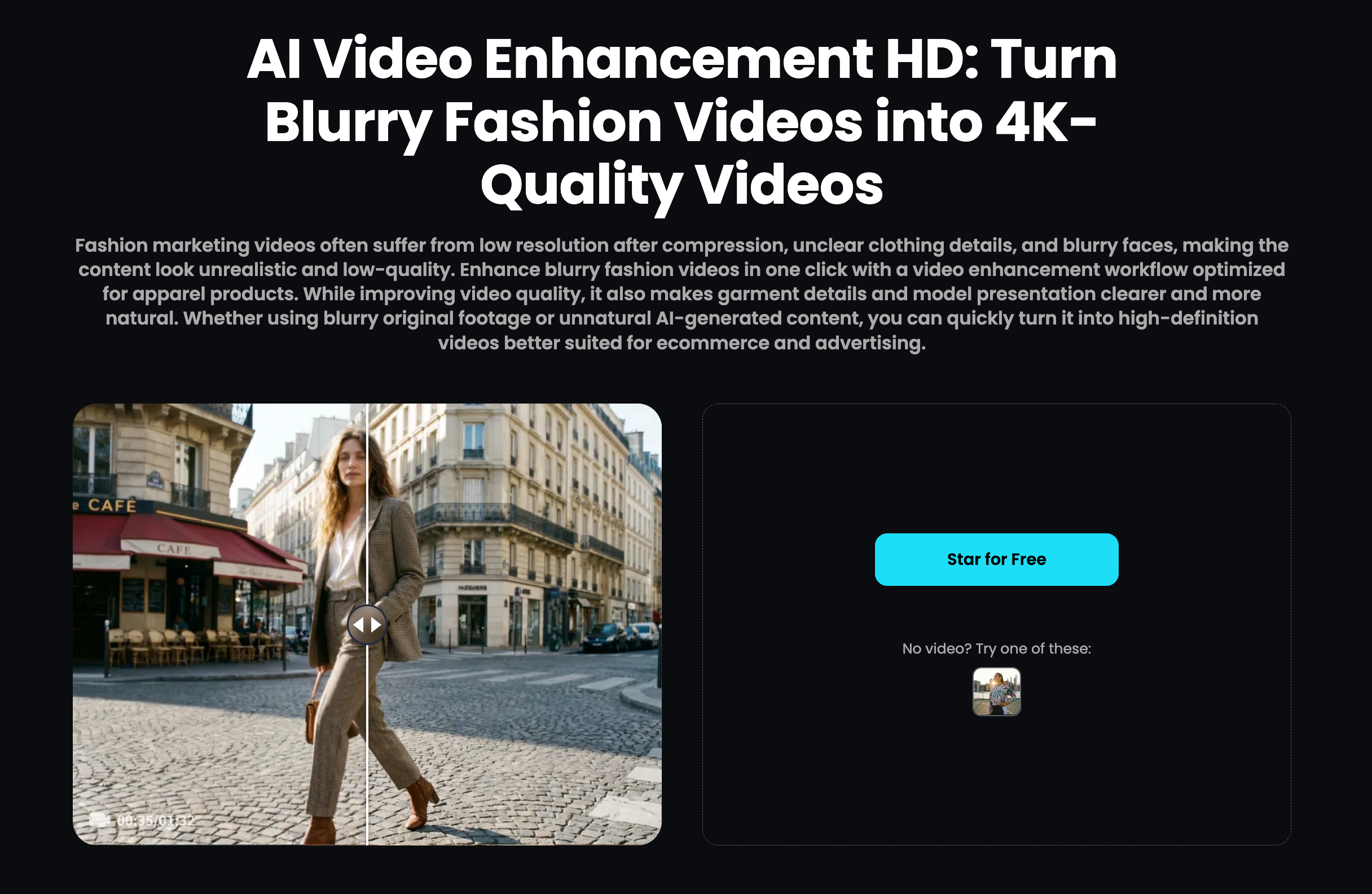
Koozee is built around apparel visual production. Its AI video enhancer for fashion ecommerce provides different enhancement routes for fashion and model footage, including 4K enhancement, Portrait Enhancement, and 4K Pro generative reconstruction.
It is designed for common fashion-video quality problems such as soft garment texture, compressed footage, motion blur, loss of human detail, and reduced clarity in AI-generated clips.
Key features
4K video enhancement
4K Pro generative detail reconstruction
Portrait Enhancement for model footage
Garment and scene-detail recovery
Enhancement for compressed and AI-generated video
Batch video processing
Where It Fits in an Apparel Workflow
For fashion sellers, enhancement often works best as one quality-control stage rather than an isolated task.
Product image → Visual Preparation → AI Fashion Video Generator → Final Enhancement → PDP / Marketplace / TikTok / Ads
This workflow is especially useful when one SKU needs to become multiple usable assets across product pages, marketplaces, social media, and ads.
Instead of enhancing one isolated clip, teams can improve source quality first, create the required fashion content, and use video enhancement as the final quality-control step before publishing.
Consider another tool if: your main use case is film restoration, gaming footage, archival media, or other content outside fashion and ecommerce.
Vmake Labs — The Best AI Video Enhancer for General Ecommerce
Best for: Ecommerce teams handling product footage, portraits, AI-generated video, social content, and mixed product categories.
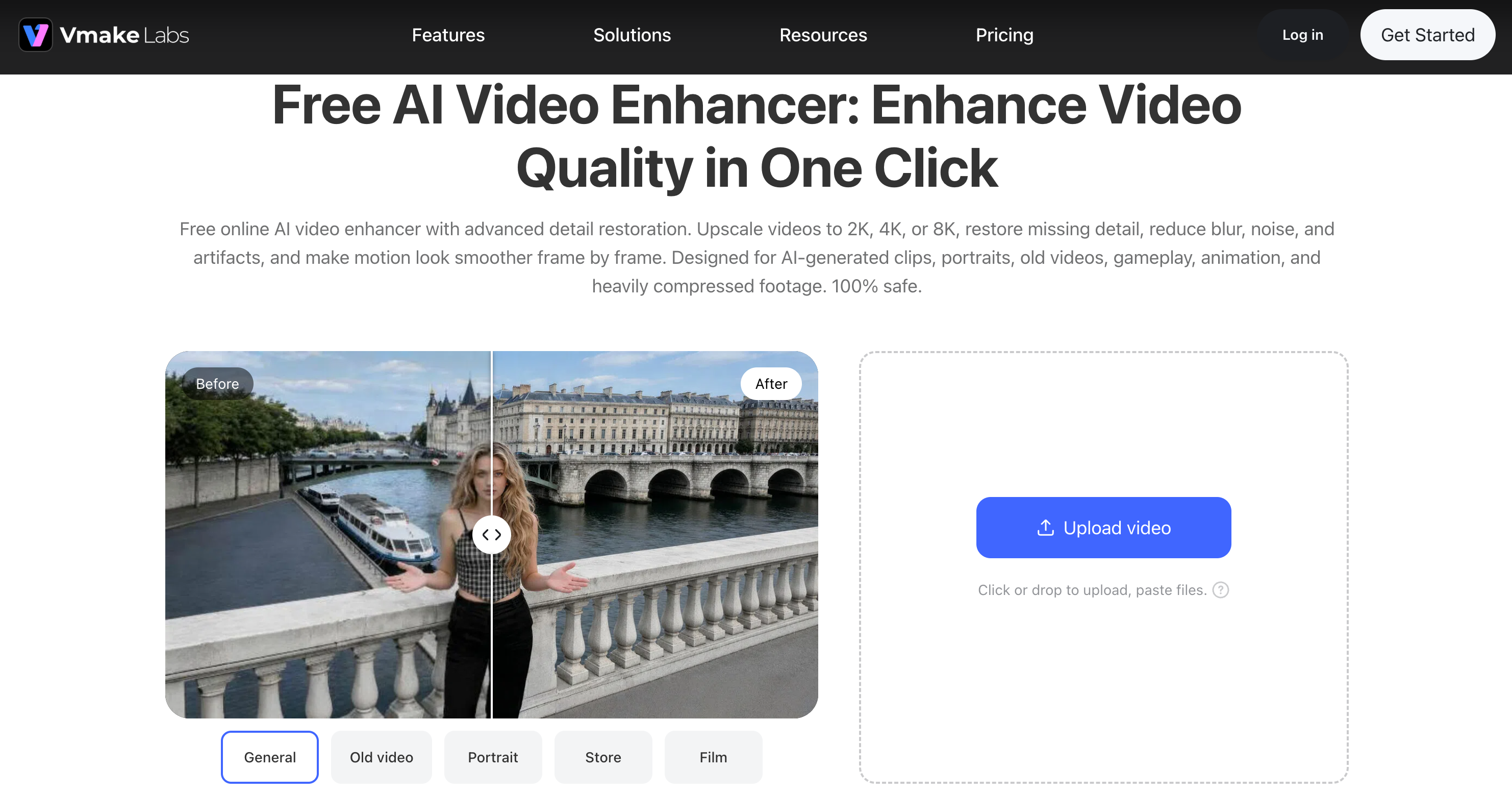
Vmake Labs AI Video Enhancer is a browser-based enhancer designed for several types of content rather than one narrow category.
It supports high-resolution enhancement alongside specialized processing for product, portrait, low-light, and AI-generated footage. That makes it useful when one ecommerce team works across several asset types rather than one tightly defined category.
Product footage
Useful when:
Packaging text looks soft
Small graphics need more clarity
Product surfaces lose texture
Compression affects close-up shots
Portrait and UGC footage
Useful when:
A creator demonstrates the product
People-led footage looks soft
Skin or hair detail has degraded
UGC needs to be repurposed into paid creative
AI-generated footage
Vmake Labs can also be used as a post-processing step for AI-generated clips when details look too smooth, noisy, or visually inconsistent after generation.
Key features
High-resolution video enhancement
Product-focused enhancement
Portrait enhancement
Low-light enhancement
Blur, noise, and artifact reduction
Detail reconstruction
For teams doing more than enhancement, Vmake Labs AI tools also extend into broader image and video production workflows.
Trade-off: Because it serves a wider range of content, apparel-heavy sellers should still review fabric texture, garment edges, prints, and model consistency closely after enhancement.
CapCut — The Best AI Video Enhancer for TikTok and Short-Form Ecommerce
Best for: TikTok Shop sellers, social teams, creators, and ecommerce brands already editing short-form video in CapCut.
For social commerce, enhancement is usually only one task in the workflow.
A seller still needs to trim footage, add hooks, captions and music, reframe it vertically, and prepare the final export. Using a separate restoration app for every slightly blurry TikTok asset can add unnecessary steps.
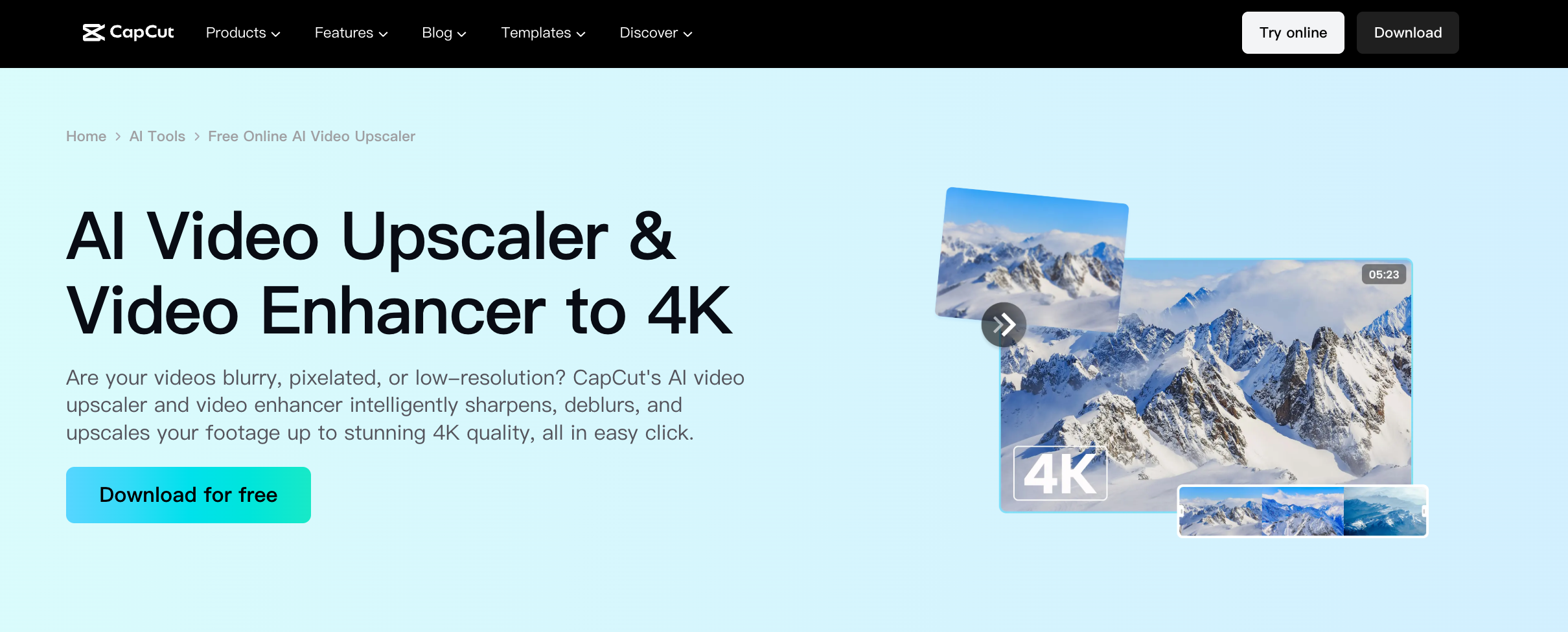
CapCut's AI Video Upscaler can sharpen, deblur, and upscale footage within the wider CapCut editing environment.
Best workflow
Original product clip → enhance → cut and caption → resize → export → TikTok Shop / Reels
Key features
AI video enhancement
Deblurring and sharpening
Video upscaling
Editing and trimming
Captions and social creative tools
Short-form export workflow
This makes CapCut particularly practical for UGC-style product clips, creator footage, quick demonstrations, and social-first ecommerce content.
Trade-off: If the source is severely degraded rather than simply soft or compressed, a dedicated restoration platform gives you more control.
Topaz Video — The Best for Advanced Video Restoration
Best for: Brands and creative teams working with older, noisy, shaky, compressed, or technically difficult footage.
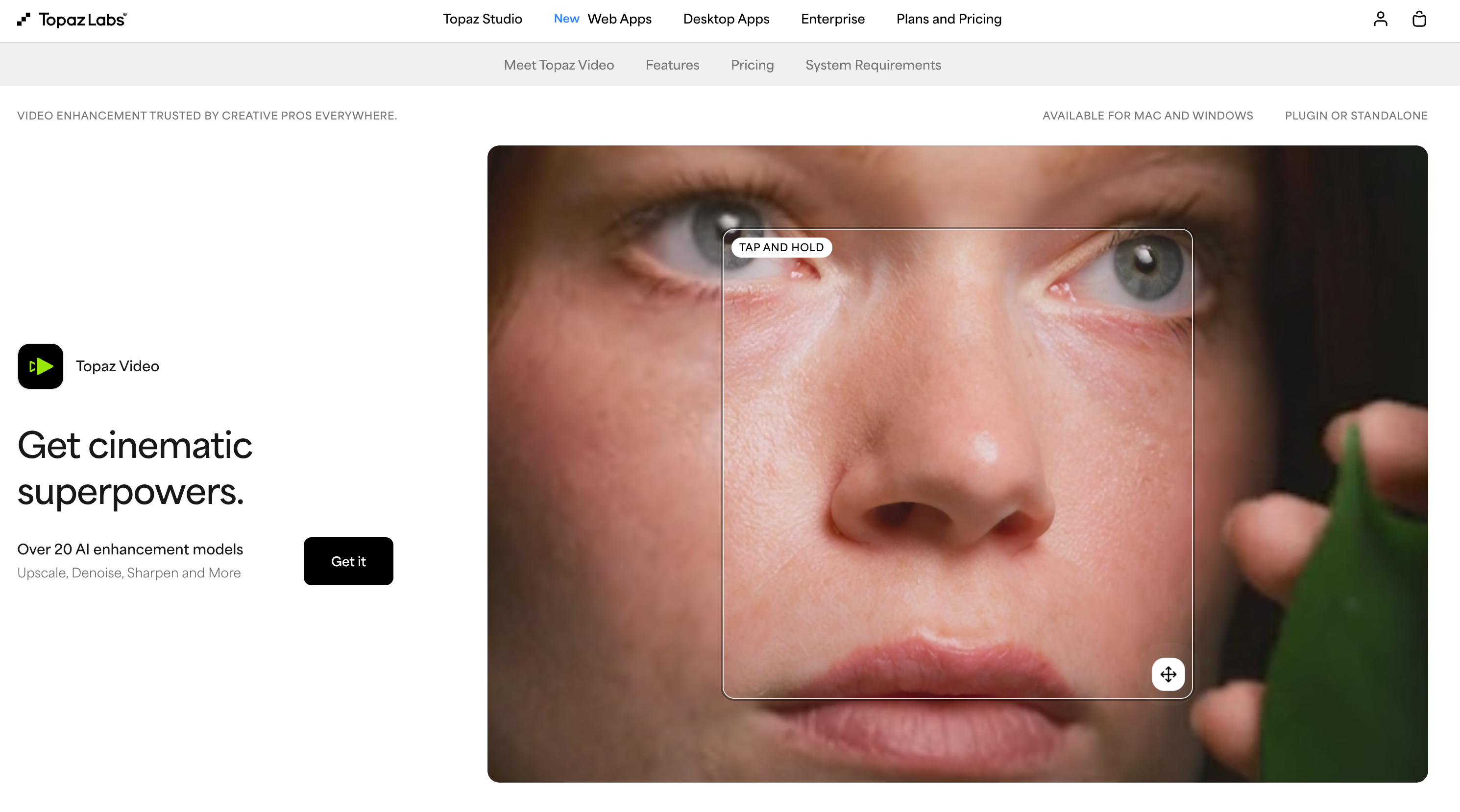
Topaz Video is closer to professional post-production software than a lightweight ecommerce enhancer.
Its toolset includes AI enhancement and upscaling, denoising, motion deblur, stabilization, frame interpolation, and other restoration controls.
For ecommerce teams, that makes Topaz particularly useful when valuable footage already exists but the technical quality is holding it back.
Good ecommerce use cases
Reusing older campaign footage
Restoring legacy product demonstrations
Improving low-resolution factory or supplier videos
Cleaning shaky handheld footage
Preparing older content for newer storefronts or displays
A fashion brand, for example, may still own strong campaign footage from a previous season. If the styling and product story remain useful, restoring that asset may be more practical than recreating the shoot.
Key features
Video upscaling
Denoising
Motion deblur
Stabilization
Frame interpolation
Advanced restoration controls
Trade-off: Topaz offers deeper control, but it also adds a more technical desktop post-production step than most browser-based ecommerce tools.
HitPaw VikPea — The Best for Mixed Low-Quality Footage
Best for: Sellers whose videos arrive from inconsistent sources, including suppliers, phones, creators, archives, and AI video generators.
A common ecommerce problem is not having one type of bad footage—it is having several.
One SKU may come with a low-resolution supplier clip. Another may have a compressed social video. Another uses AI-generated motion. A fourth has a phone-recorded demo with camera shake.
HitPaw VikPea addresses that variety with multiple restoration models rather than one generic enhancement path.
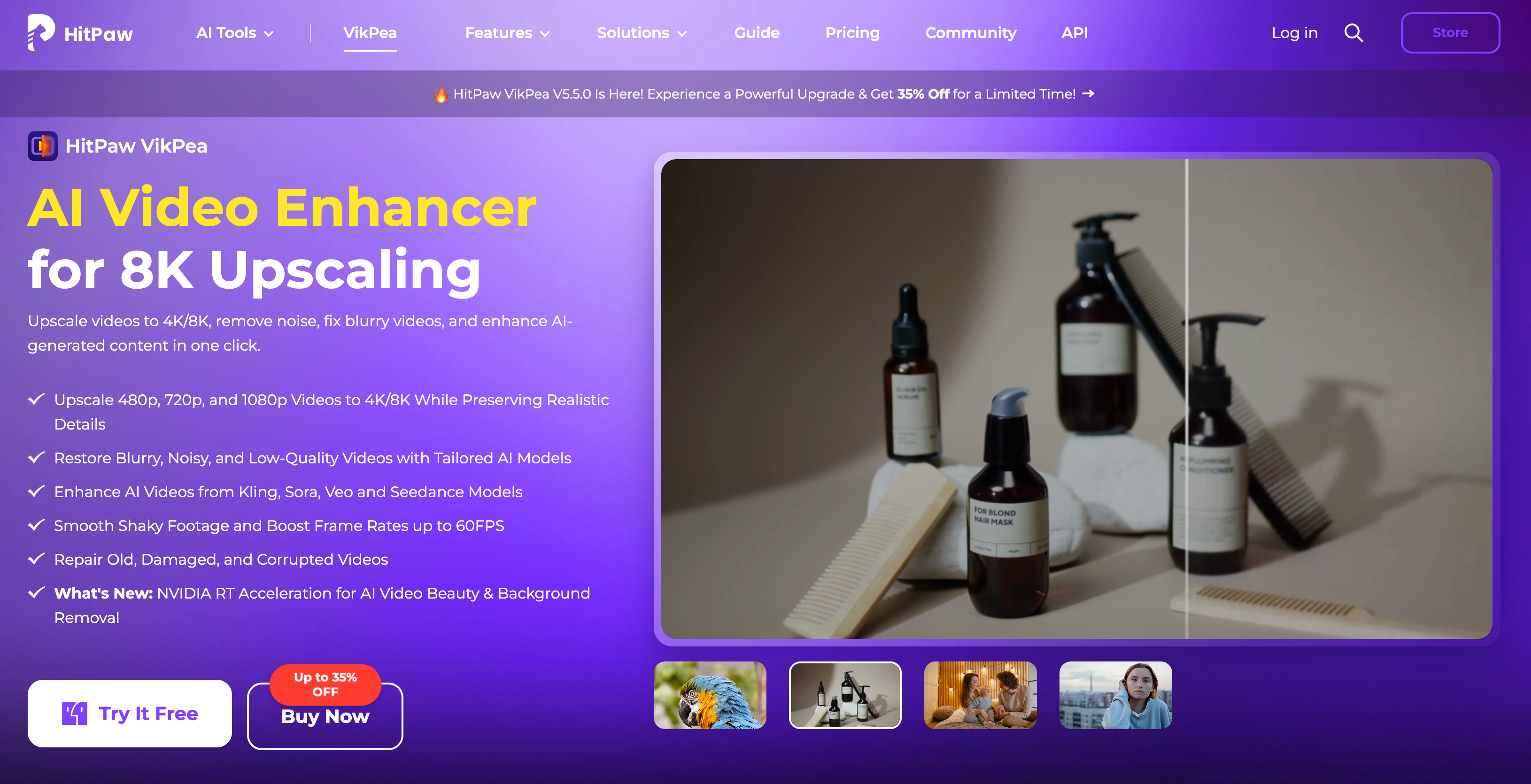
Good fit when your catalog includes
Low-resolution supplier videos
Heavily compressed clips
AI-generated video
Shaky footage
Older campaign content
People-led product demonstrations
Key features
High-resolution upscaling
Blur and noise reduction
Multiple AI restoration models
AI-generated video enhancement
Stabilization
Frame-rate enhancement
Trade-off: It is a general enhancement platform, so ecommerce teams still need to choose the appropriate model and manually review whether the product remains accurate after processing.
AVCLabs Video Enhancer AI — The Best for Old and Degraded Product Footage
Best for: Ecommerce brands restoring archive campaigns, old smartphone footage, manufacturer demos, and heavily degraded assets.
Older content is not always bad content.
A manufacturer demonstration may still explain a product better than newer footage. An old campaign may contain useful lifestyle scenes. A previous PDP video may simply have been produced before higher-resolution assets became standard.
AVCLabs Video Enhancer AI focuses on restoration, including blurry-video repair, denoising, upscaling, face enhancement, stabilization, and frame interpolation.

Useful ecommerce scenarios
Restore old campaign footage for reuse
Clean up legacy product demos
Improve low-resolution marketplace assets
Reduce noise in older mobile footage
Stabilize useful handheld demonstrations
Key features
Video enhancement and upscaling
Noise reduction
Face enhancement
Stabilization
Frame interpolation
Old-video restoration
Trade-off: AVCLabs is built more around restoration and post-processing than an end-to-end ecommerce content workflow.
TensorPix — The Best for Browser-Based Batch Video Enhancement
Best for: Content teams processing larger quantities of videos without relying on powerful local hardware.
Enhancing one product clip is a creative task.
Enhancing hundreds of supplier, UGC, archive, marketplace, and campaign videos becomes an operations problem.
TensorPix AI Video Enhancer runs in the browser using cloud processing. It supports upscaling, noise reduction, stabilization, frame-rate enhancement, and multiple AI filters for different quality problems.
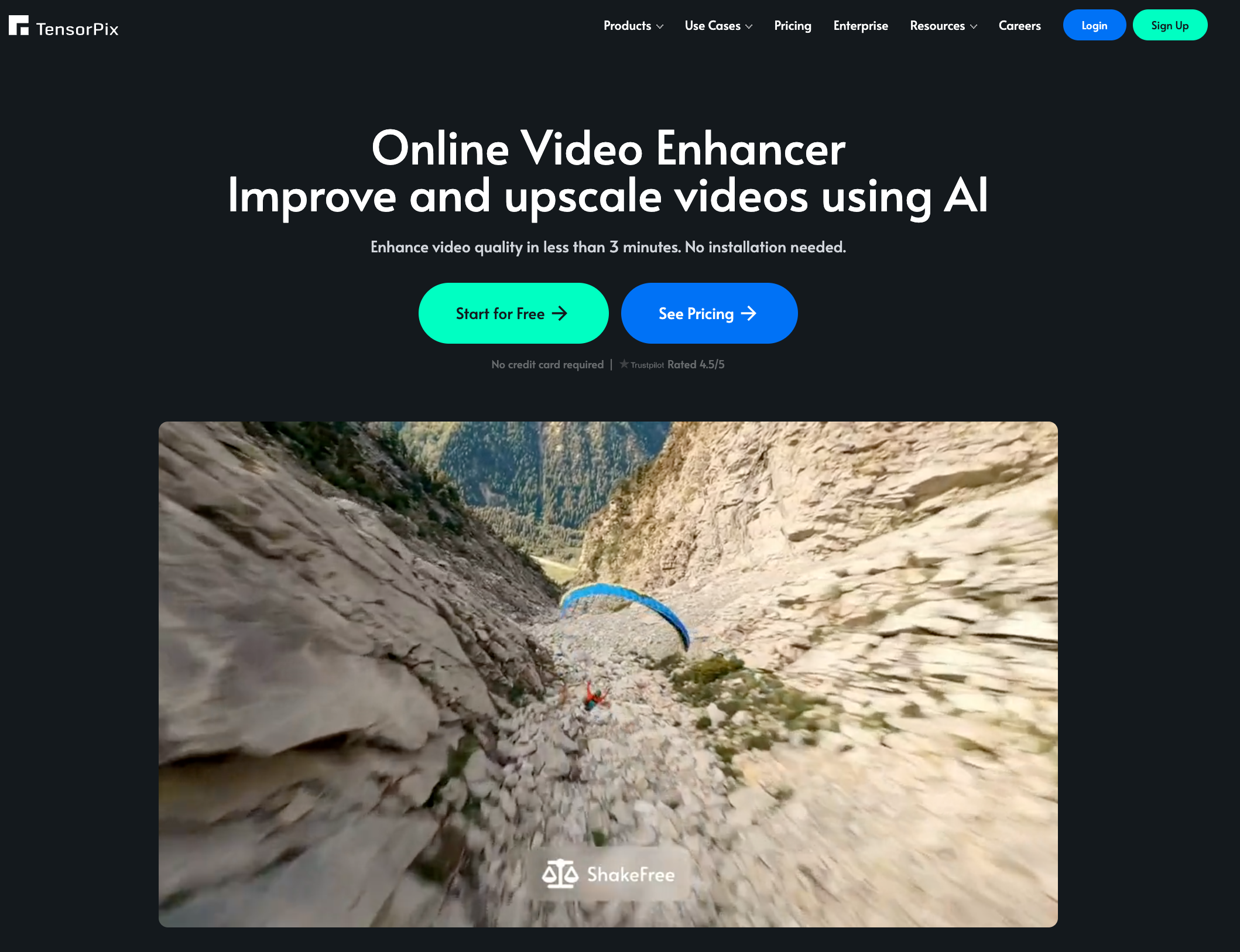
Where it fits best
Large asset library → select enhancement filters → cloud processing → review outputs → distribute across channels
That workflow can be useful when enhancement needs to scale beyond one editor manually processing files on a workstation.
Key features
Browser-based enhancement
Resolution upscaling
Noise reduction
AI stabilization
Frame-rate enhancement
Concurrent cloud processing
Trade-off: TensorPix is primarily an enhancement and processing layer rather than a platform for building the rest of an ecommerce listing or marketing workflow.
Which AI Video Enhancer Should Ecommerce Sellers Choose?
Do not choose based on 4K versus 8K alone.
Start with what you sell, what condition the source asset is in, and where the final video will appear.
If You Sell Fashion or Apparel
Prioritize:
Fabric texture
Prints and patterns
Seams
Garment edges
Drape and shape
Skin and hair
Color consistency
Best fit: Koozee for enhancing fashion product videos, especially when garment fidelity and model detail matter across a larger catalog.
The important question is not simply whether a dress looks sharper. It is whether the enhanced dress still resembles the actual SKU.
If You Manage Mixed Ecommerce Assets
If one team handles product close-ups, portraits, UGC, AI-generated clips, and general social content:
Best fit: Vmake Labs
If TikTok and Reels Drive Your Content
Prioritize:
Fast enhancement
Vertical editing
Captions
Social formatting
Fewer export steps
Best fit: CapCut
If Your Footage Is Old or Severely Degraded
Prioritize:
Denoising
Deblurring
Stabilization
Detail recovery
Restoration controls
Best fits: Topaz Video or AVCLabs
If Source Quality Varies From SKU to SKU
If your catalog combines supplier clips, phone videos, AI footage, and archived content:
Best fit: HitPaw VikPea
If Volume Is the Main Bottleneck
Ask:
Can several videos be processed at once?
Does enhancement depend on one editor's computer?
How much manual work happens per SKU?
How many files need enhancement every week?
Best fit: TensorPix, or a batch-oriented fashion workflow such as Koozee for apparel catalogs.
Once the tool fits the workflow, the next question is how much an enhancer can realistically recover from footage that has already lost quality.
Can You Really Unblur a TikTok or Reposted Product Video?
This matters because ecommerce teams often reuse the same clip across TikTok, Reels, ads, and marketplace listings.
Once a video has been downloaded, compressed, edited, and exported several times, some original detail may already be lost. AI enhancement can still improve usability, but the cleanest source should always come first.
A Better Workflow
Find the original asset — use the camera file, supplier master, creator upload, or original AI export whenever possible.
Enhance before another editing cycle — address blur, noise, or compression before adding more exports.
Review the actual product — check texture, logos, prints, color, edges, and fine details.
Finish the social edit — add captions, hooks, music, overlays, and crops afterward.
Export once for final publishing — avoid repeatedly downloading and reposting the same clip.
For sellers searching for an unblur TikTok video app, the tool matters—but reducing unnecessary compression cycles matters too.
That leads to another common ecommerce mistake: assuming that a higher-resolution export automatically means a better product video.
Does Upscaling to 4K Actually Improve Product Video Quality?
Not necessarily.
Upscaling increases output resolution. Video enhancement may also address blur, noise, compression artifacts, texture loss, portrait detail, stabilization, or other quality issues.
| Video Enhancement | Video Upscaling | |
| Main goal | Improve usable visual quality | Increase output resolution |
| Blur and noise | Often addressed | Not always |
| Detail recovery | May be included | Depends on the model |
| Portrait or texture improvement | Some tools | Not the main goal |
| Ecommerce value | Improve how clearly the product is presented | Produce a larger output file |
For ecommerce sellers, the better test is whether shoppers can evaluate the product more clearly.
A 4K video is not automatically better if fabric texture, packaging text, product edges, or model details still look inaccurate.
Resolution is only one part of source quality. That becomes especially important when sellers are working with supplier files or AI-generated product videos.
Can AI Enhancement Fix Supplier and AI-Generated Product Videos?
Often, yes—but the two source types create different problems.
Supplier Videos
Supplier footage may already have gone through several rounds of compression before a seller receives it.
Common issues include:
Low original resolution
Heavy compression
Soft packaging or product text
Detail loss after cropping
Further quality loss when adapting horizontal footage for TikTok or Reels
AI enhancement can make these assets more usable, but it cannot fully recreate product information that was never captured in the source.
Whenever possible, start with the highest-quality supplier master rather than a downloaded marketplace or social version.
AI-Generated Product Videos
AI-generated footage has a different quality-control problem.
The video may look clean overall while still losing consistency in small commercial details once motion begins.
For apparel, check:
Fabric texture
Prints
Seams
Garment shape
Color consistency
Model skin and hair
Motion between frames
For other product categories, review:
Labels and logos
Packaging text
Surface materials
Product proportions
Small components
Edges and fine details
The goal is not simply to make AI footage sharper. Enhancement should leave the final asset accurate enough to represent the real product across PDPs, ads, marketplaces, and social channels.
Final Verdict
The best AI video enhancer depends on the asset you already have and the workflow it needs to enter.
Fashion sellers should pay particular attention to garment and model fidelity. Social-first sellers need speed and editing efficiency. Older or badly degraded footage may justify a deeper restoration tool, while high-volume catalogs need to think about batch processing as much as output quality.
For ecommerce, the goal is not simply to turn every file into 4K or 8K.
It is to make existing footage clear enough to sell, accurate enough to trust, and efficient enough to reuse across the catalog.