AI Video Cloner cho video sản phẩm TMĐT nhanh hơn
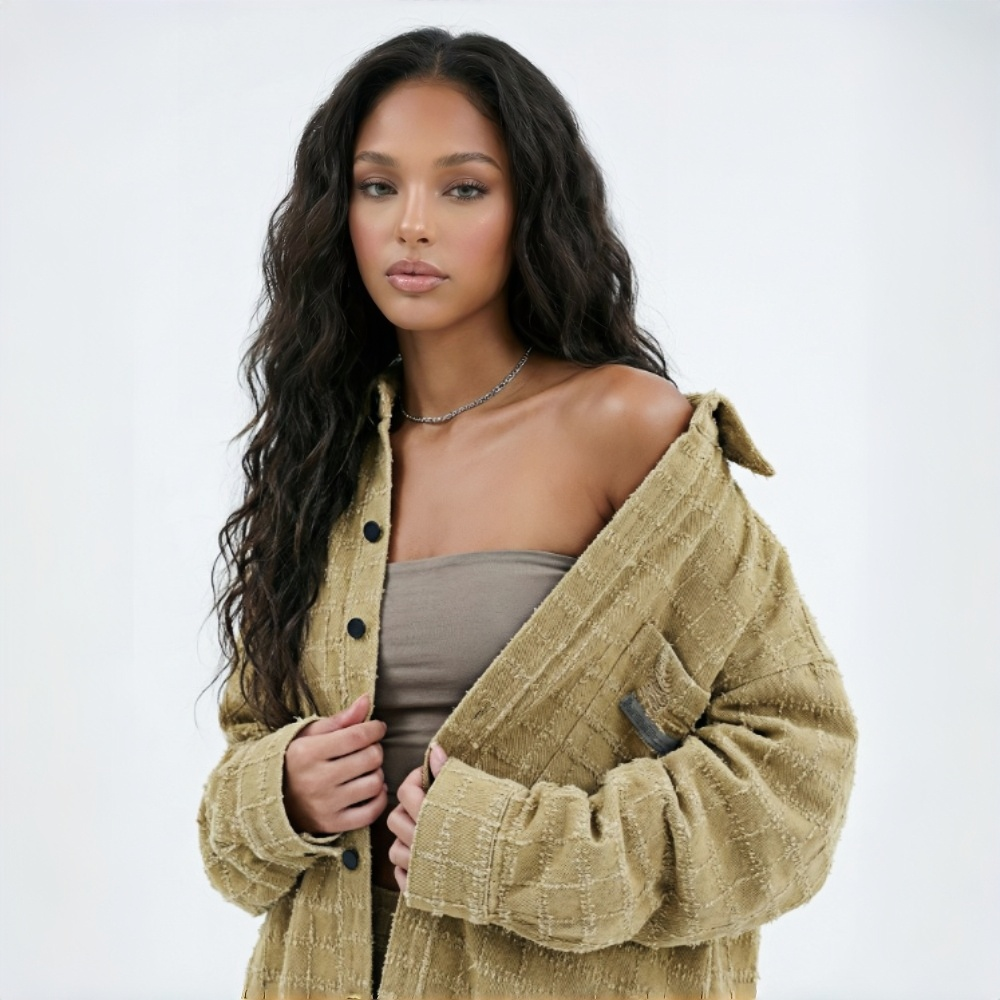
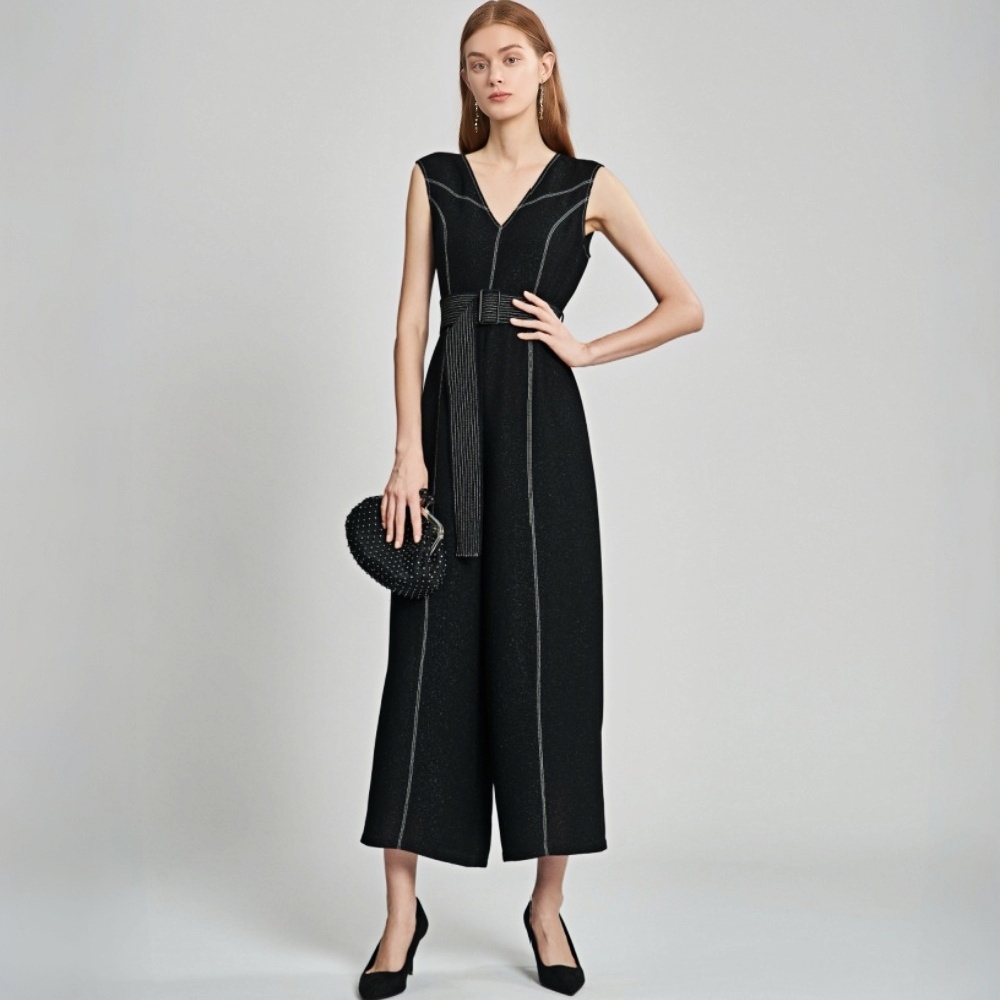
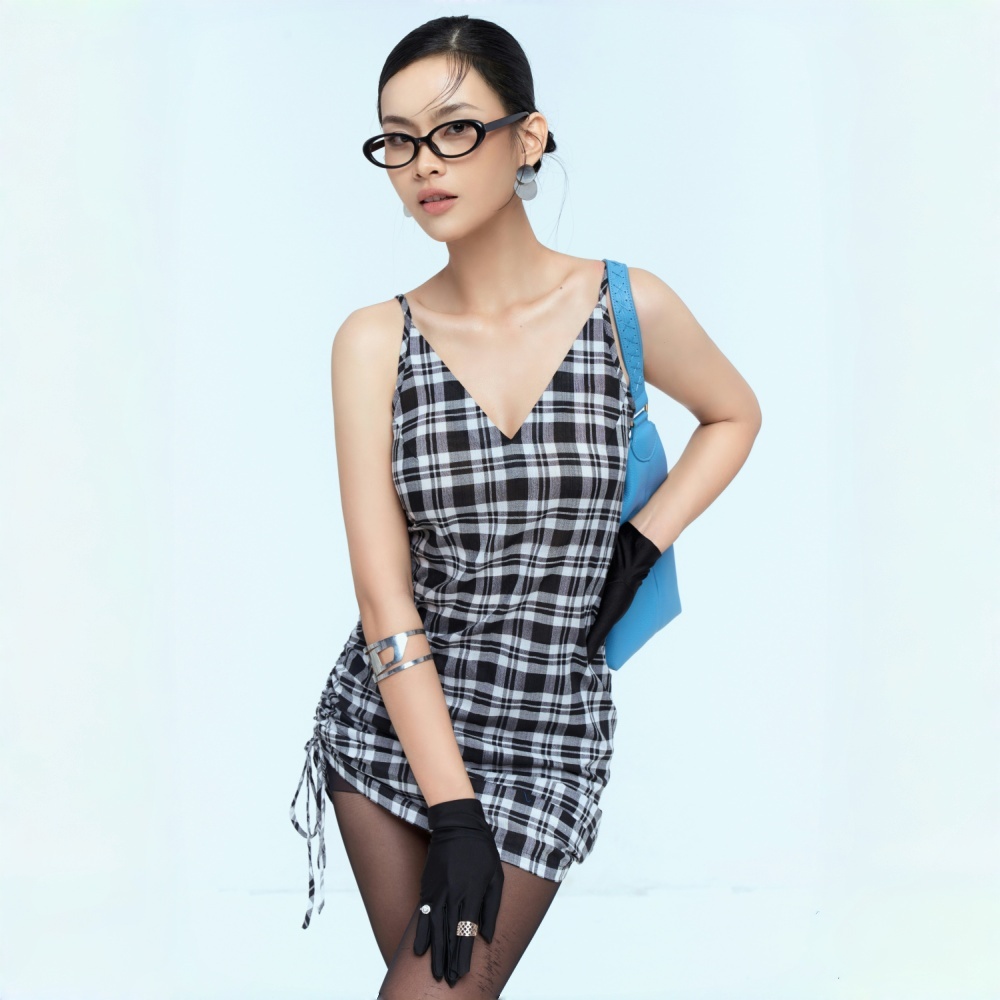
Không có ảnh? Hãy thử một trong các lựa chọn sau:
Dành cho các đội ngũ cần video sản phẩm mỗi tuần
Ra mắt bằng video mà không cần chờ buổi quay tiếp theo
Một trang sản phẩm mới chỉ có ảnh tĩnh có thể khiến người mua chưa chắc chắn về độ vừa vặn, chi tiết và cách sử dụng. Koozee AI Video Cloner cho phép bạn bắt đầu với video tham khảo cùng ảnh sản phẩm, trang phục hoặc người mẫu của riêng mình, rồi tạo video sản phẩm đầu tiên cho trang sản phẩm, trang chiến dịch, bài đăng mạng xã hội và tài nguyên quảng cáo.
Tạo thêm video sản phẩm mà không cần quay thêm
Bắt đầu với video tham khảo
Bạn không cần viết kịch bản hoàn chỉnh, lên kế hoạch cho từng cảnh quay hay bắt đầu từ trang trắng. Tải lên video tham khảo và Koozee sẽ giúp biến video đó thành điểm khởi đầu để tạo video TMĐT với tài nguyên sản phẩm và người mẫu của riêng bạn. Hãy dùng công cụ này để tạo video đề xuất sản phẩm, video giải thích có người dẫn, video thử đồ, video OOTD, cảnh quay chi tiết, clip mở hộp, video có thể mua sắm và nhiều hơn nữa.
Có tài nguyên phù hợp cho từng cảnh
Video tham khảo cung cấp cho Koozee nhịp độ, phong cách quay và cấu trúc hiển thị sản phẩm — nhưng sản phẩm của bạn vẫn là trọng tâm. Koozee phân tích video và xác định những tài nguyên hình ảnh có thể cần cho từng cảnh quan trọng, như ảnh sản phẩm, ảnh trang phục, ảnh người mẫu, ảnh chi tiết hoặc tài nguyên bối cảnh. Thay vì đoán xem cần chuẩn bị gì, người dùng có thể làm theo hướng dẫn, tải lên đúng hình ảnh và biến định dạng tham khảo thành nội dung sản phẩm cho trang sản phẩm, bài đăng mạng xã hội, quảng cáo và chiến dịch thương hiệu.
Tối ưu từng video cho trang sản phẩm, quảng cáo và bài đăng mạng xã hội
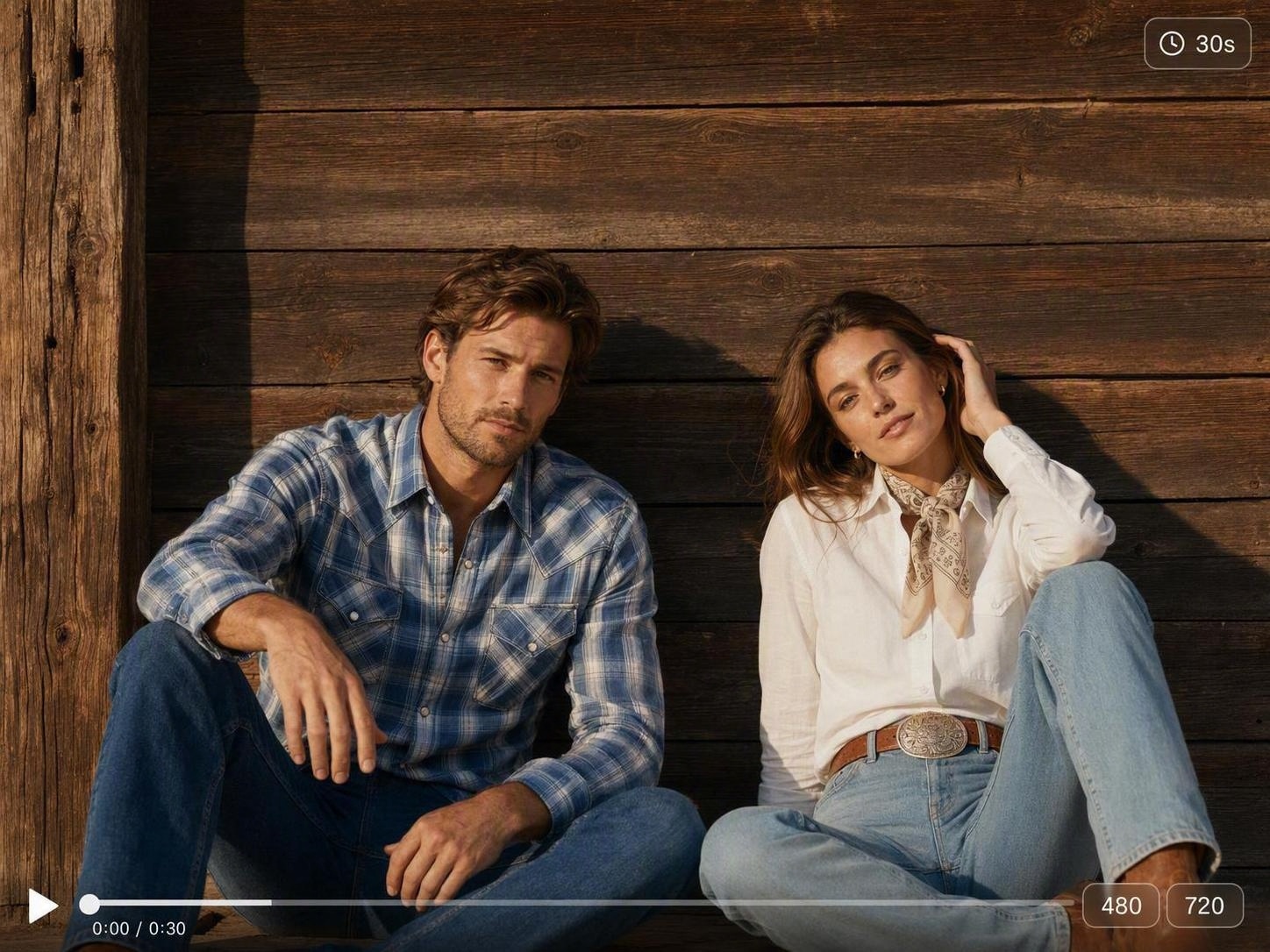
Cùng một video có thể không phù hợp với mọi vị trí hiển thị. Koozee cho phép bạn thiết lập thời lượng, tỷ lệ khung hình và độ phân giải đầu ra trước khi tạo, giúp chuẩn bị video cho trang sản phẩm, nền tảng video ngắn và quảng cáo.
Giảm chi phí quay. Tạo thêm video sản phẩm.

Nhiều video AI trông sáng tạo, nhưng không phải lúc nào cũng giúp người mua hiểu sản phẩm. Koozee AI Video Cloner tập trung vào trang sản phẩm, quảng cáo, bài đăng mạng xã hội, trang chiến dịch và video có thể mua sắm, để đội ngũ của bạn tạo nội dung giới thiệu sản phẩm — không chỉ là một clip AI bắt mắt khác.

Mỗi buổi quay, khâu thiết lập, chỉnh sửa và sửa đổi mới đều tốn ngân sách. Koozee giúp bạn bắt đầu từ video tham khảo và các tài nguyên sẵn có, tạo trước một phiên bản video có thể xem duyệt, rồi quyết định cải thiện, tạo lại hay đầu tư vào khâu chỉnh sửa cao cấp hơn.

Ngoài video chuyển trang phục, bạn có thể dùng video đề xuất sản phẩm, video giải thích có người dẫn, video thử đồ, OOTD, kiểm tra độ vừa vặn, GRWM, mẹo phối đồ, clip chi tiết sản phẩm, video đánh giá so sánh, video mở hộp, video chiến dịch phong cách sống, video để khán giả lựa chọn và video có thể mua sắm làm tham khảo. Mức độ phù hợp cuối cùng phụ thuộc vào độ rõ nét của video tham khảo, chất lượng tài nguyên đầu vào và năng lực hiện tại của sản phẩm.
Chuyển video tham khảo thành video sản phẩm trong 3 bước
Tải lên video tham khảo
Chọn video tham khảo phù hợp để giới thiệu sản phẩm. Đó có thể là video đề xuất sản phẩm, video giải thích có người dẫn, video thử đồ, OOTD, video chuyển trang phục, clip chi tiết sản phẩm, video đánh giá so sánh, video mở hộp, video chiến dịch phong cách sống, video để khán giả lựa chọn hoặc video có thể mua sắm. Video tham khảo càng rõ nét, hệ thống càng dễ nhận diện các tài nguyên cần thiết.
Thêm các tài nguyên sản phẩm được yêu cầu
Koozee hiển thị các loại ảnh cần thiết. Hãy thêm ảnh sản phẩm, ảnh trang phục, ảnh người mẫu hoặc ảnh chi tiết theo yêu cầu. Nên sử dụng ảnh rõ nét, đủ sáng, thể hiện đầy đủ đối tượng và ít bị che khuất. Định dạng được hỗ trợ, kích thước tệp và quy định tải lên sẽ được xác nhận.
Thiết lập tùy chọn và xem lại kết quả
Chọn thời lượng, độ phân giải và tỷ lệ khung hình, sau đó tạo video. Trước khi xuất bản, hãy kiểm tra màu sắc, họa tiết, độ vừa vặn, phụ đề, chuyển động và nhịp độ của sản phẩm. Quyền sử dụng thương mại, quy định lưu trữ dữ liệu, chi phí tín dụng và định dạng xuất sẽ được xác nhận.
Câu hỏi thường gặp
Koozee AI Video Cloner là gì?
Công cụ này chỉ dùng để nhân bản video lan truyền?
Không. Video lan truyền chỉ là một nguồn tham khảo khả dĩ. Mục đích chính là nhân bản các định dạng video phù hợp với việc giới thiệu sản phẩm và sản xuất nội dung, như video đề xuất sản phẩm, video giải thích có người dẫn, video thử đồ, OOTD, mẹo phối đồ, video chuyển trang phục, clip chi tiết sản phẩm, video đánh giá so sánh, video mở hộp, chiến dịch phong cách sống, video để khán giả lựa chọn và video có thể mua sắm.
Tôi cần những tài nguyên nào?
Bạn cần một video tham khảo cùng ảnh sản phẩm, trang phục, người mẫu hoặc các ảnh khác theo yêu cầu của hệ thống. Nên sử dụng ảnh rõ nét, thể hiện đầy đủ đối tượng và ít bị che khuất.
Tôi có thể thiết lập thời lượng, độ phân giải và tỷ lệ khung hình không?
Có. Quy trình hiện tại hỗ trợ thiết lập thời lượng, độ phân giải và tỷ lệ khung hình trước khi tạo, để đầu ra phù hợp hơn với trang sản phẩm, nền tảng video ngắn và quảng cáo.
Tôi có thể nhân bản video của người khác và xuất bản trực tiếp không?
Koozee được thiết kế để giúp bạn sử dụng cấu trúc tham khảo và tạo video mới bằng tài nguyên sản phẩm của riêng mình. Bạn nên sử dụng video và tài nguyên mà mình có quyền sử dụng, đồng thời kiểm tra chi tiết sản phẩm, phụ đề, nhạc, chuyển động và các yếu tố liên quan đến bản quyền trước khi xuất bản.
Bắt đầu với một video tham khảo
Khi thấy một định dạng video có thể giới thiệu tốt sản phẩm của mình, bạn không cần lập kế hoạch quay trước. Hãy tải lên video tham khảo, thêm tài nguyên sản phẩm, trang phục hoặc người mẫu theo hướng dẫn của Koozee, thiết lập thời lượng, độ phân giải và tỷ lệ khung hình, rồi tạo bản nháp có thể xem duyệt cho trang sản phẩm, bài đăng mạng xã hội, quảng cáo hoặc nội dung chiến dịch.