No image? Try one of these:


New products need more than clean product photos. Sellers also need try-on clips, detail shots, outfit videos, transitions, and social-ready content. Koozee starts from a viral reference video and helps turn your existing model and clothing images into product videos you can review for product pages, social posts, and ads.
Apparel videos are not one-size-fits-all. Koozee can be used with reference videos such as product recommendations, talking-head promos, try-on hauls, OOTD clips, GRWM content, styling tips, transitions, detail shots, comparison videos, unboxings, and mood-led fashion content. When a viral format fits your product, you can create your own version faster and use proven content structures to give new products, social posts, and ad creatives a stronger chance to earn attention.
The slow part is not deciding to copy a good idea. It is figuring out what shots and images you need, then explaining it to the team. Upload a reference video, and Koozee analyzes it and lists the image types needed, so you can prepare model and apparel assets with less back-and-forth.

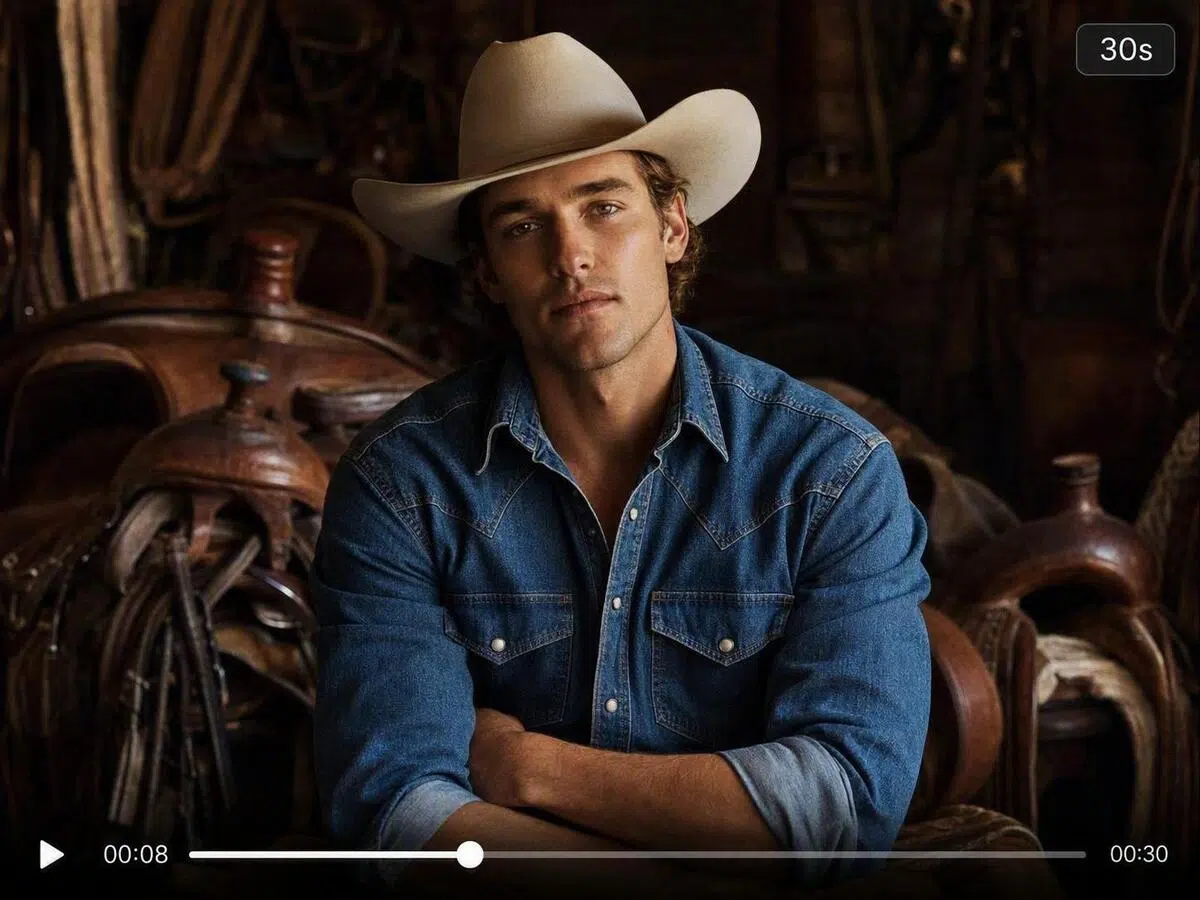
Koozee uses Seedance 2.5 for video generation and lets you choose any length from 4 to 30 seconds. Use 4–8 seconds for hooks, transitions, and quick product highlights; 10–15 seconds for try-ons and detail shots; and 20–30 seconds for talking-head promos, lookbooks, unboxings, and richer product stories.
You do not have to write a script or plan every shot from scratch. Start with a viral video style that already works for apparel content, such as a talking-head recommendation, try-on haul, outfit transition, unboxing, or mood-led fashion clip, then switch in your own product assets. By cloning or adapting high-traffic video structures, you can reduce creative guesswork and make product content feel closer to the formats people already stop to watch and share.
Many good video ideas get stuck because the team does not know which images to prepare. Koozee lists the image types needed from the reference video, making it clearer which model photos, clothing images, and detail shots to upload.
The same product can become a 4-second hook, a 15-second try-on clip, or a 30-second talking-head product story. Flexible length control helps you test different pacing for platforms, ads, and product angles.
Choose a video style that fits your product, such as a recommendation clip, talking-head promo, try-on haul, transition, detail shot, comparison video, unboxing, or mood-led apparel clip. The closer the reference is to your goal, the clearer the asset preparation becomes.
Upload the images listed by the system. Use clear photos with the subject visible, less obstruction, and enough apparel detail.
Choose any duration between 4 and 30 seconds, then set resolution and aspect ratio. Shorter videos work well for hooks and transitions, while longer videos can support talking-head promos, try-ons, unboxings, lookbooks, and fuller product stories.
Koozee analyzes the reference video and lists the image types needed for generation. You can then prepare model images, apparel photos, and other product assets with less manual shot breakdown and fewer back-and-forth briefs.
Yes. The current workflow lets you upload a reference video, add static model and clothing images based on the prompts, and generate an apparel product video. You do not need to shoot new dynamic footage for that video.
The current page uses Seedance 2.5 for video generation and supports any duration from 4 to 30 seconds. Use 4–8 seconds for hooks, transitions, and quick highlights; 10–15 seconds for recommendations, try-ons, and product details; and 20–30 seconds for talking-head promos, lookbooks, unboxings, and fuller product stories.
Yes. You can use it to prepare apparel product videos for product pages, social posts, and ad creative tests. Before publishing, review the clothing details, model appearance, pacing, and brand requirements to make sure the result fits your store, platform, and campaign standards.
Sometimes the next good product video just needs a starting point. Upload a viral video style you like and the product assets you already have, then create a first version to review. No big production plan needed before you start. Begin with a free trial and see what your product can look like.
How Apparel Teams Turn Viral References into Product Videos Faster
From launches to social content and ad tests, see how apparel teams spend less time finding ideas, breaking down shots, and preparing assets.
“We can turn a viral product idea into our own video faster.”
When we found a video style that fit a new product, we used to plan another shoot and wait for edits. Now we can start from the reference video, prepare the model and clothing images Koozee asks for, choose the right length, and get a first product video version much faster.
“The asset list saves a lot of back-and-forth.”
Before, every viral reference needed a meeting: what shots do we need, what images do we have, and what still needs to be made? Now the reference video gives us a clearer asset list first, so the path from idea to execution feels much more direct.
“Different video lengths make creative testing easier.”
For ads, we often need a short hook, a detail-focused clip, a talking-head version, and a mood-led video for the same product. Being able to choose from 4 to 30 seconds helps us test different pacing without rebuilding the whole idea each time.