How to Make OOTD Transition Videos for Fashion E-commerce
Want to turn a simple outfit image into an eye-catching OOTD transition video without all the filming and editing? In this guide, we’ll explore the easiest AI-powered ways to create outfit videos and compare leading AI outfit video generators to help you find the right workflow.


OOTD(outfit of the day) transition videos look simple when they are finished, but the traditional way requires booking models, renting studios, managing multiple outfit changes, matching the model's exact pose for every cut, and spending hours in post-production masking and aligning frames.
AI outfit video generators eliminate the reshoots. By using a single base video or image, you can swap garments or generate fluid motion directly from product photos. However, not all AI video tools are built for fashion. The biggest hurdle? Garment and model consistency.
The six tools below all have meaningful fashion-video use cases, but they approach the task differently. Some are built around apparel workflows, while others are stronger in controlled transitions, moving AI models, cinematic direction, or built-in editing.
| AI Outfit Video Generator | Best For | Main Input | Fashion Video Focus | Reference Monthly Price* |
| Koozee | Multiple apparel video formats | Text, images, reference videos | OOTD, showcases, lookbooks, replication | From $22.90/mo |
| FASHN AI | Start/end-frame fashion motion | Fashion images | Image-to-video, start/end frames | From $19/mo |
| WearView | Moving model showcases | Garment/model photos | Walking, turning, posing | Video plan from $49/mo |
| Drape | Cinematic fashion content | Garment images | Runway, editorial, lookbook | Credit packs; no monthly subscription |
| WeShop AI | Flexible fashion experimentation | Outfit/model images | Try-on, fashion motion, AI video | From $9.99/mo |
| Pippit | Templates and built-in editing | Product/model assets | Try-on, social fashion videos | From $120/year |
Pricing note: Prices were reviewed in August 2026. They are reference prices based on currently visible public plans and may vary by billing cycle, region, taxes, credits, promotions, and model access.
Quick choice:
More video formats: Koozee
Start/end-frame control: FASHN AI
Model movement: WearView
Cinematic lookbooks: Drape
Creative flexibility: WeShop AI
Templates + editing: Pippit
6 Best AI Outfit Video Generators for Easy OOTD Transition Videos
The tools below were selected mainly because they have clear fashion, clothing, virtual try-on, AI model, or apparel-marketing use cases.
That distinction matters. A general AI video generator can make almost any image move, but outfit content has another challenge: the garment still needs to resemble the real product once the model starts walking, turning, or changing pose.
1. Koozee — For Apparel E-commerce and Multiple Outfit Video Formats
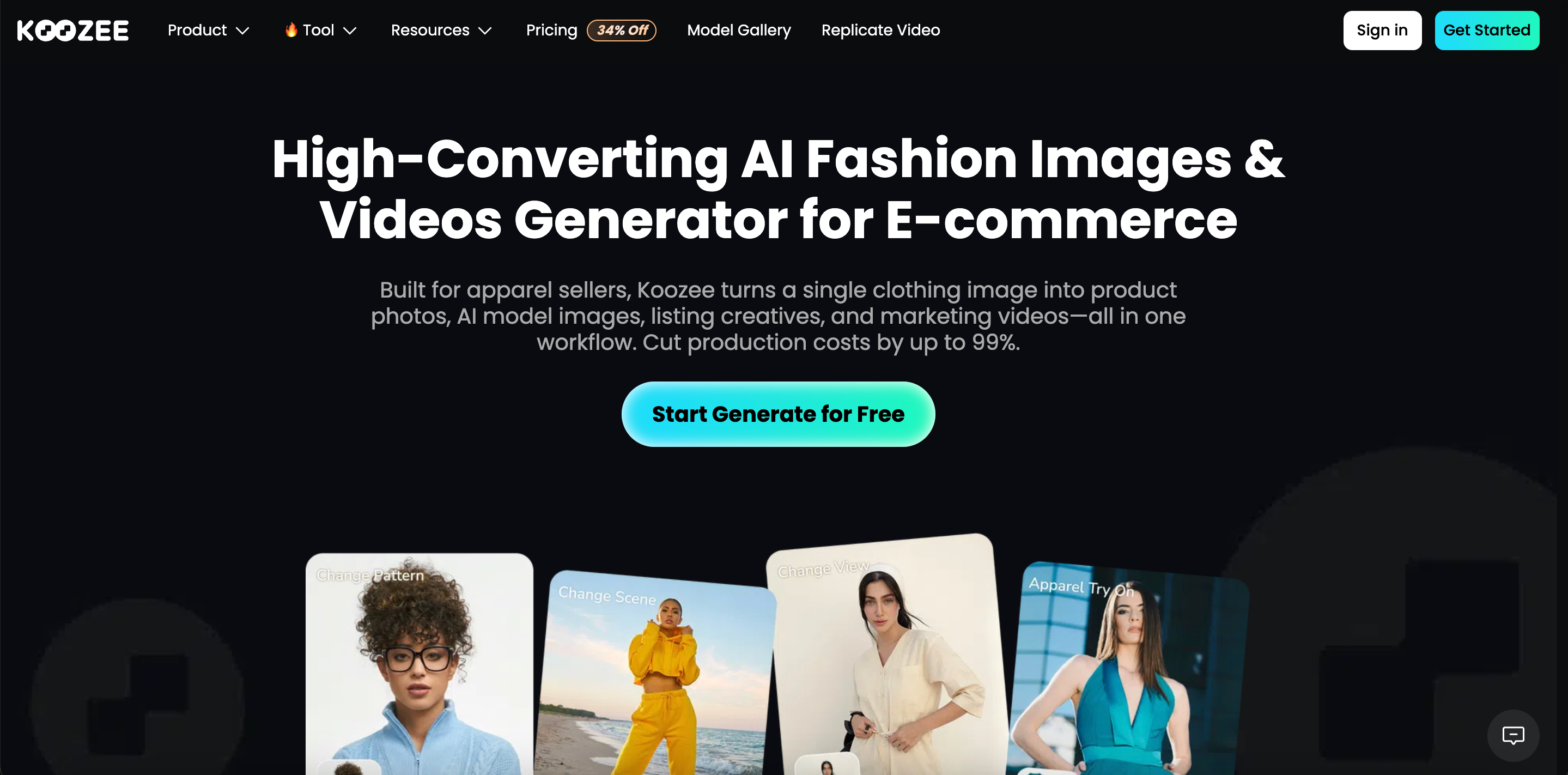
Koozee is a dedicated visual production platform for apparel sellers. If you need more than just one animation style for all your SKUs, this is where you start.
For outfit videos, Koozee provides several routes rather than relying entirely on one generic image-to-video workflow.
Key features:
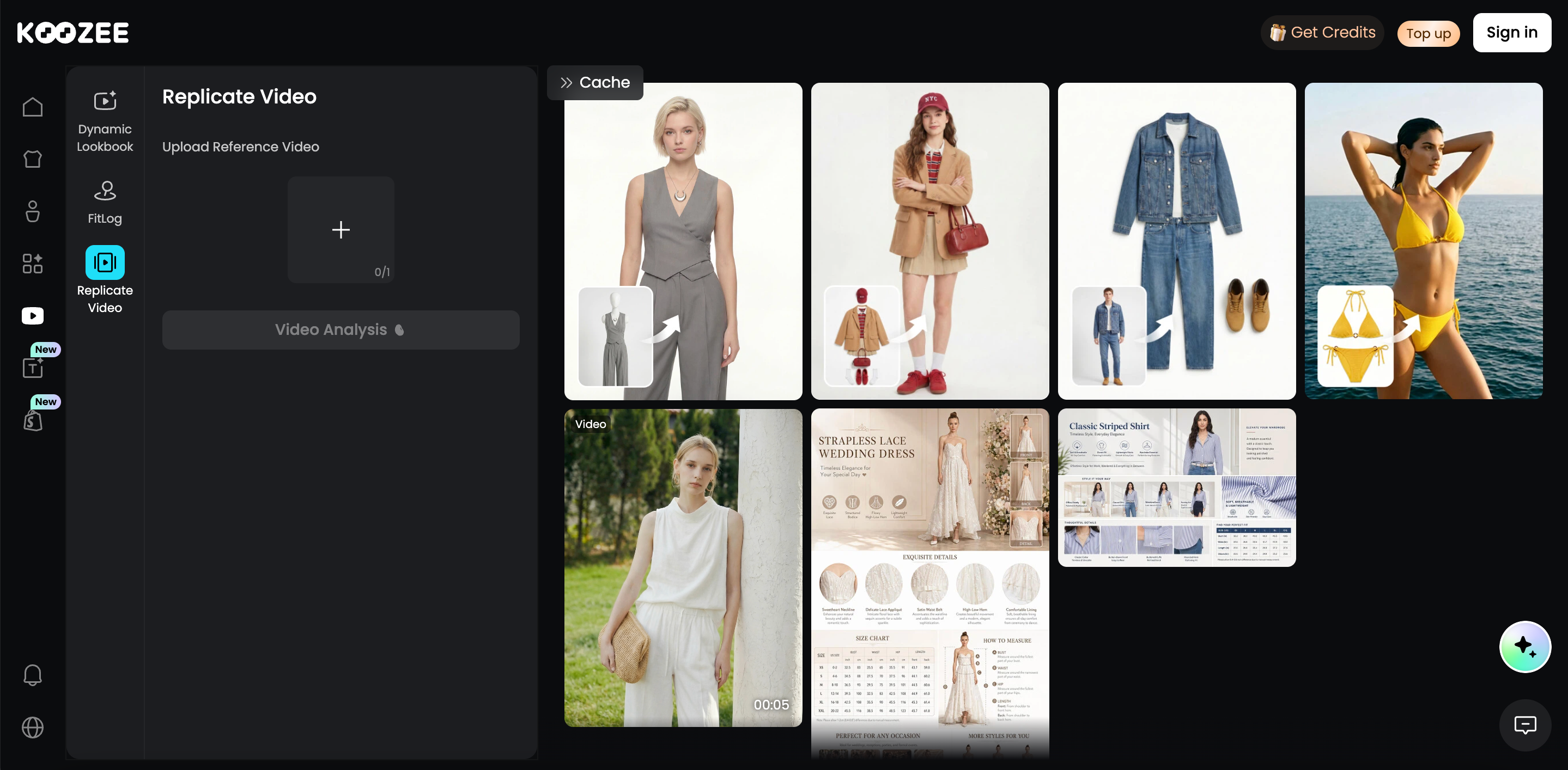
Video Replication (The Game Changer): Upload an OOTD, GRWM, or other fashion reference video and recreate its pacing, shot structure, and presentation with your own apparel assets. Built-in fashion references also provide a quick starting point when you need inspiration.
Control vs. Length: Different models support different needs. Seedance can generate longer fashion videos of up to 30 seconds, while Kling supports start- and end-frame control for more precise transitions and final compositions.
Beyond Video: Koozee connects video generation with a broader apparel workflow, so product images can move from virtual try-on and model visuals into outfit videos, transitions, and Dynamic Lookbooks within the same platform.
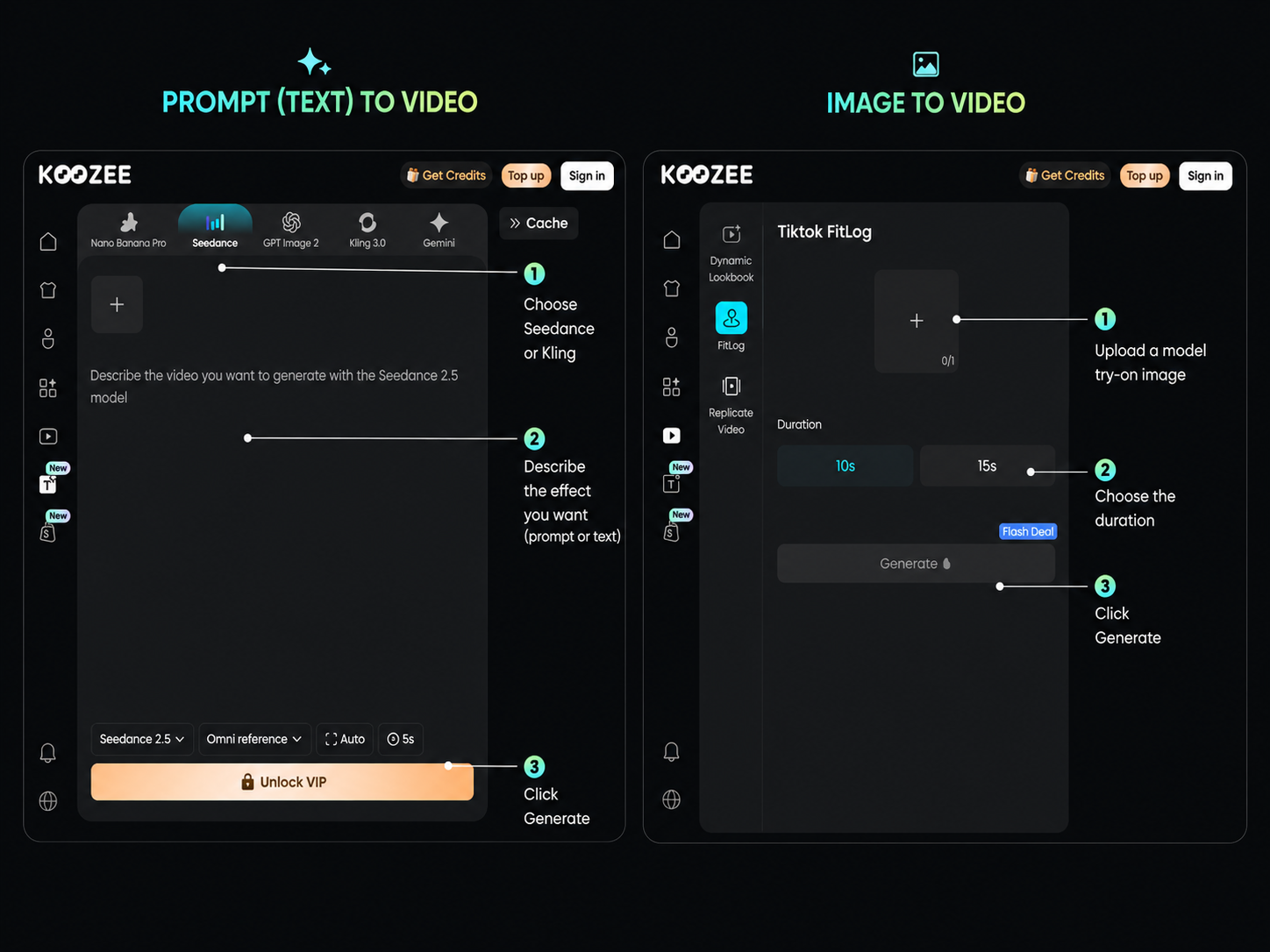
How to make an OOTD video with Koozee:
Add a prompt or fashion image, or use a reference video when working with Video Replication.
Upload the clothing or model assets requested by the selected workflow and click Generate.
Review the finished video and check the outfit, motion, colors, and product details before exporting.
For Video Replication specifically, Koozee analyzes the reference first, identifies the assets required, and then generates a new version with the user's own products.
Limitations:
Fast iteration: Koozee as a whole is developing quickly, so page layouts, feature names, model choices, and some interface details may change as the platform evolves. Returning users may occasionally need to become familiar with updated pages.
Fashion focus: Its most developed workflows currently center on apparel and fashion e-commerce. Users who need equally specialized workflows for real estate, gaming, food, automotive, or other unrelated industries may be better served by a broader general-purpose platform.
2. FASHN AI — For More Controlled Start-to-End Fashion Motion
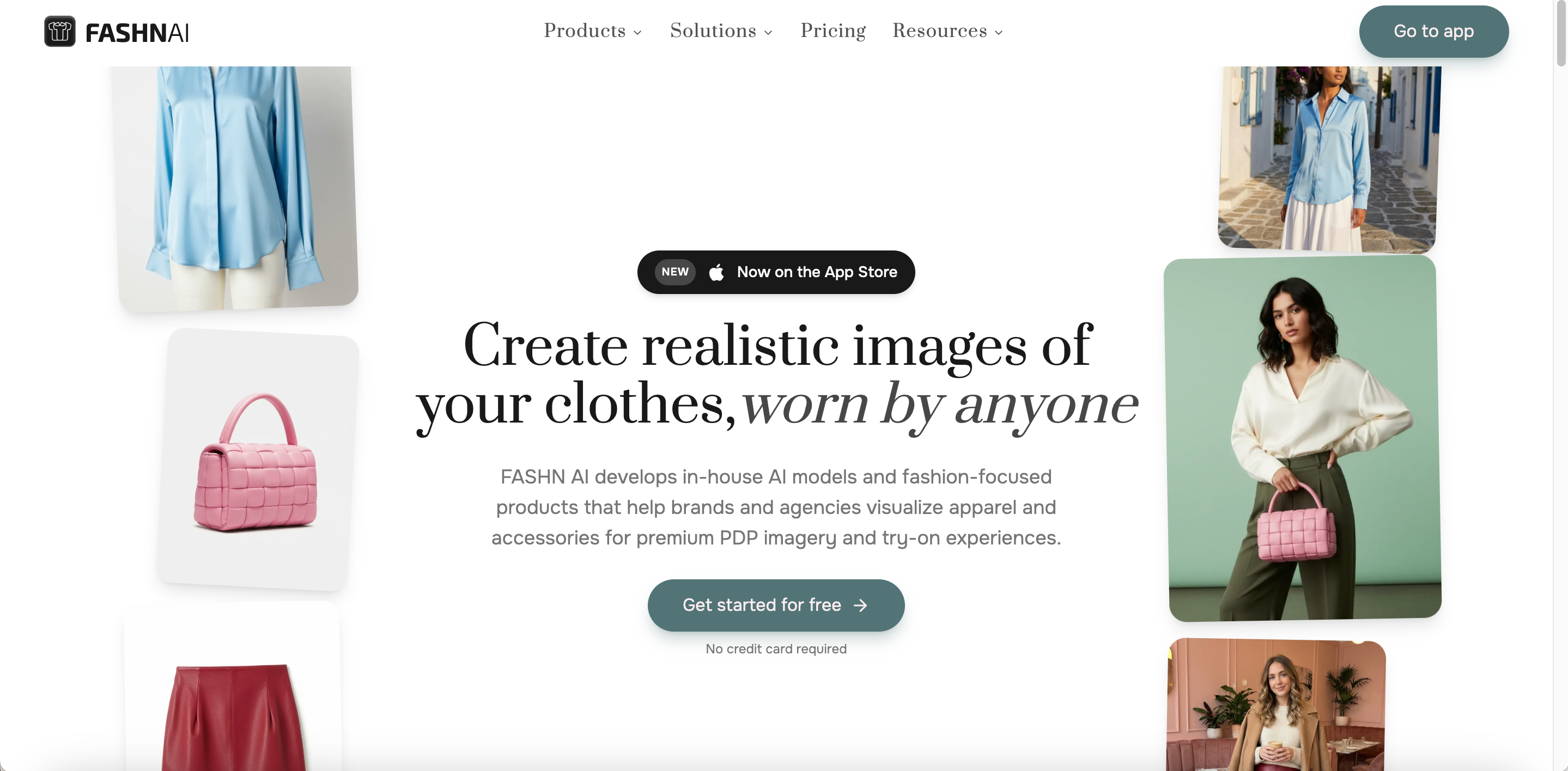
FASHN AI is a fashion-focused generative AI platform covering virtual try-on, Product-to-Model, Model Swap, model creation, image editing, and Image to Video. Its video workflow makes the most sense when you already have a fashion image that you want to bring into motion.
One of its more useful features for OOTD-style content is the optional End Image, which gives the AI a defined destination instead of asking it to invent the entire transition from a single starting frame.
Key features:
End frame: Users can provide a starting fashion image and an optional ending image, giving more control over the final pose, angle, or composition. This makes start-to-end fashion motion more predictable than a fully open-ended generation.
Fashion motion: Image to Video can add model movement, garment motion, camera changes, and subtle lighting shifts to an existing fashion visual. The workflow remains closely tied to FASHN's broader fashion and virtual try-on ecosystem.
Video quality: FASHN currently supports 5- and 10-second clips. The $19 Basic plan supports AI video up to 720p, while higher plans support up to 1080p for users who need higher-resolution fashion content.
This can work particularly well for a front view moving into a back view, Pose A transitioning into Pose B, or any shot where the ending composition needs to be more controlled.
How to make an OOTD-style video with FASHN AI:
Upload the starting fashion image and optionally add an End Image.
Add a short motion instruction and choose the available duration.
Generate the clip and review the garment details and final frame.
Limitations:
Image dependent: It is most convenient when high-quality on-model images already exist.
Short clips: A longer OOTD sequence with several outfits will normally require multiple clips and an editing step afterward.
3. WearView — For Showing Fashion Models in Motion
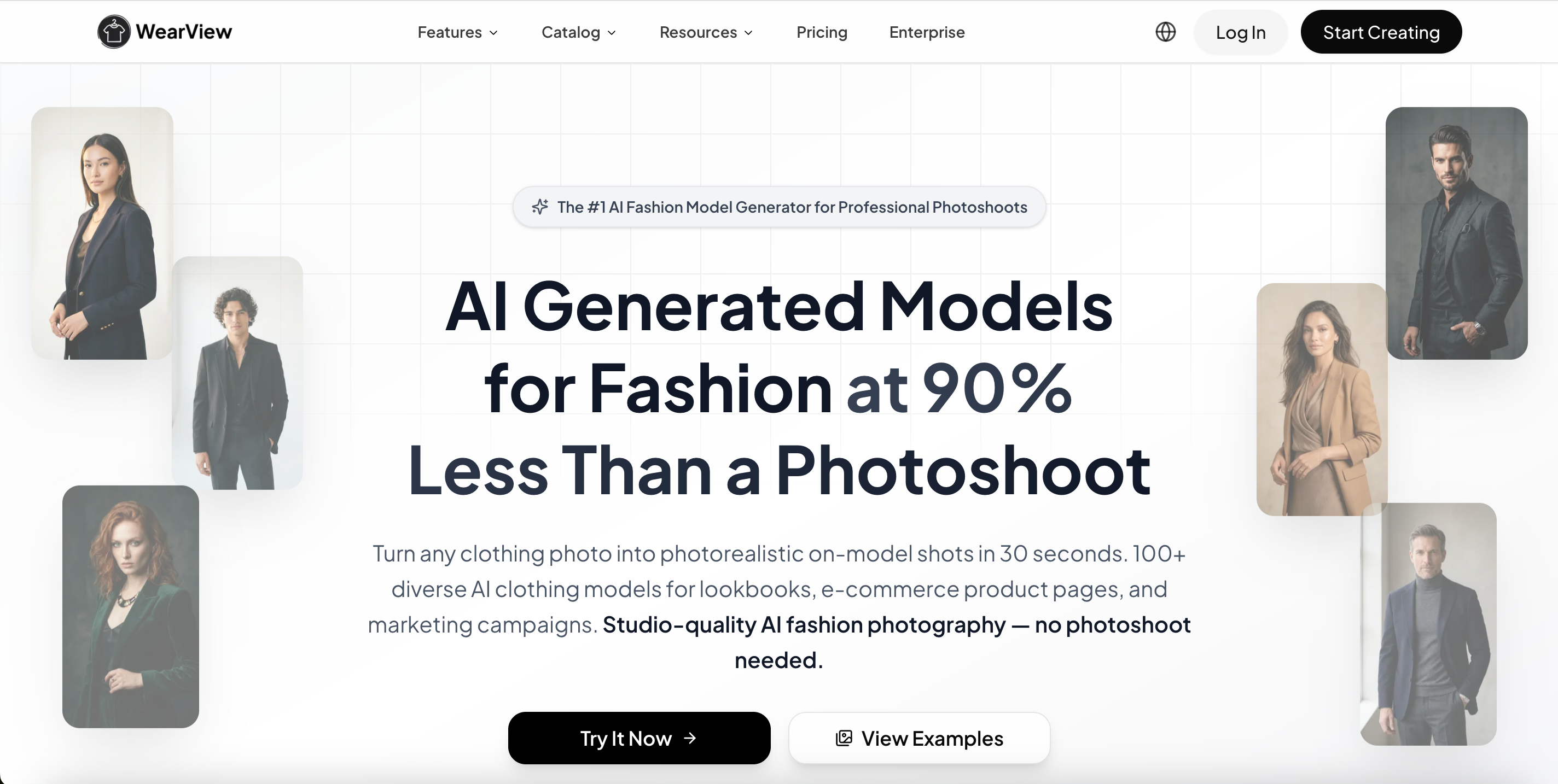
WearView focuses specifically on AI fashion models and clothing e-commerce. Its fashion-video tools take existing garment photography and turn it into model footage for campaigns, social media, and product pages.
Rather than concentrating on dramatic transformations, WearView is particularly suited to showing what a garment looks like when a model actually walks, turns, or holds a pose.
Key features:
Model movement: Users can create natural walking, turning, and posing clips, including runway-style walks and slower movements that reveal different garment angles. This makes WearView especially useful when the goal is to show how clothing looks in motion rather than create dramatic transition effects.
Consistent models: The same AI model persona can be reused across different images and clips, helping multiple outfit videos maintain a recognizable and consistent visual identity across a collection or campaign.
Scene control: Runway, studio, and street settings allow users to vary the environment while keeping the model and apparel presentation at the center of the video.
Fashion output: WearView's broader video offering includes product-page videos, vertical social clips, campaign videos, and fashion-model footage, covering both e-commerce product display and social fashion content.
How to make an OOTD video with WearView:
Upload a garment image, mannequin image, or existing model visual.
Select a model, movement, and scene.
Generate the clip and repeat with additional outfits when building a multi-look sequence.
Limitations:
Higher video tier: WearView's Lite plan starts at (29/month, but the AI Fashion Video Generator is included from the )49/month Pro plan, so video users need a higher tier.
Extra editing: Multi-outfit transitions normally require several generated clips that are combined afterward.
4. Drape — For Cinematic Fashion Videos and Lookbooks
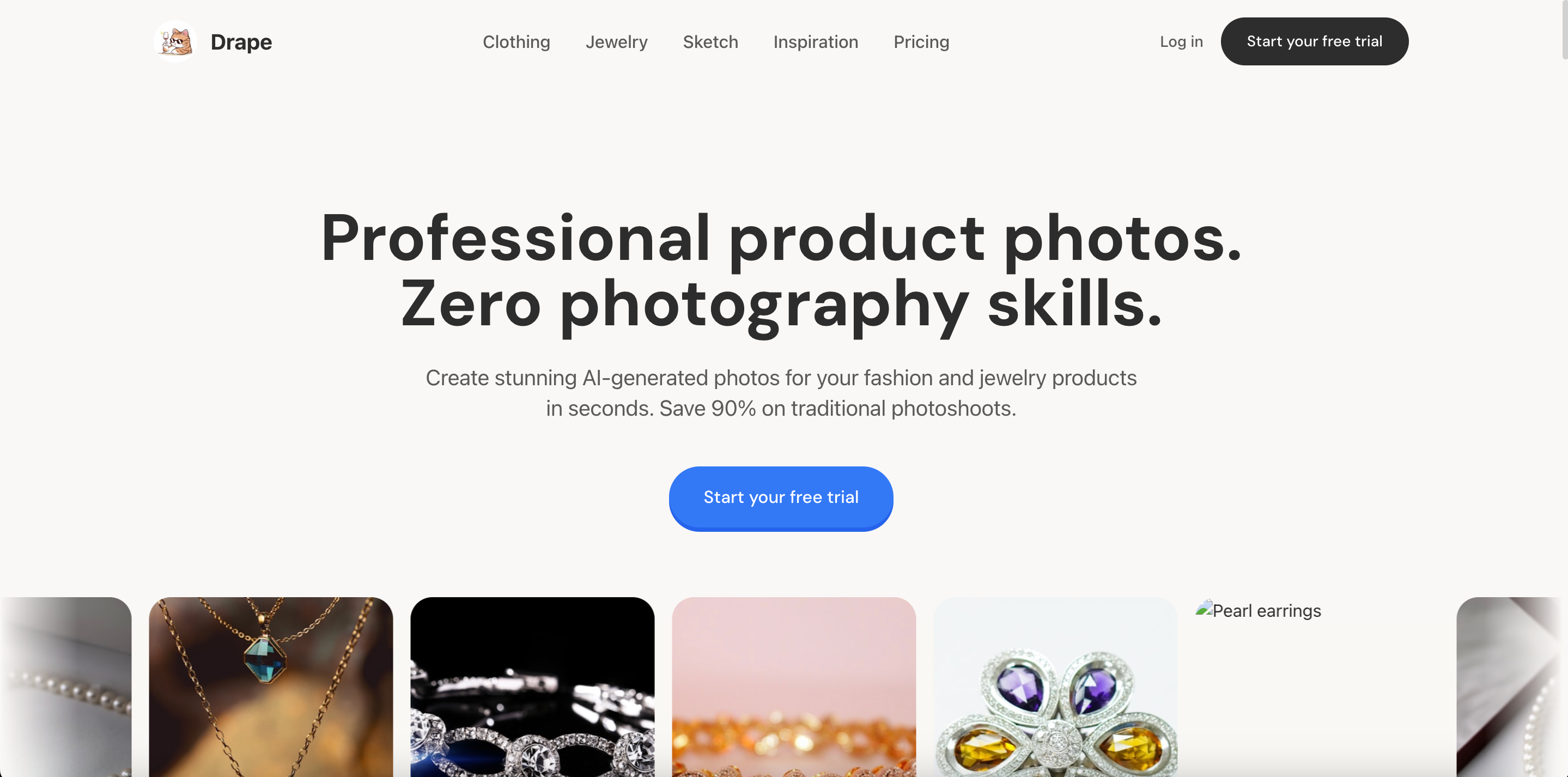
Drape takes a more campaign-oriented approach to AI fashion video. It is designed to turn a single garment image into a virtual-model video with a styled environment and more deliberate fashion art direction.
Its workflow is built around an upload, a visual direction, and a generated campaign-style result rather than a generic “animate this image” interface.
Key features:
Fashion prompts: Drape includes fashion-oriented creative directions such as Runway Walk, Street Style, Studio Minimal, Nature Editorial, High Fashion, and Lookbook.
Scene direction: Users can describe mood, setting, lighting, and energy while the platform handles the model and motion around the uploaded garment.
Social output: Drape positions its fashion videos for formats such as TikTok, Instagram Reels, YouTube Shorts, product pages, and paid social content.
Credit pricing: Unlike the other subscription-heavy platforms in this comparison, Drape states that it operates on a credit-pack model with no subscription requirement, and new accounts receive free credits for initial testing.
How to make an outfit video with Drape:
Upload a garment image.
Choose a fashion direction or add a prompt describing the mood and scene.
Generate the fashion video and review garment fidelity during movement.
Limitations:
Less transition-led: Its main strength is cinematic fashion presentation rather than fast Look A-to-Look B outfit switching.
Different pricing: Because it uses credits rather than a regular monthly subscription, cost comparisons with subscription platforms depend heavily on how many videos you produce.
5. WeShop AI — For Flexible Fashion Video Experimentation
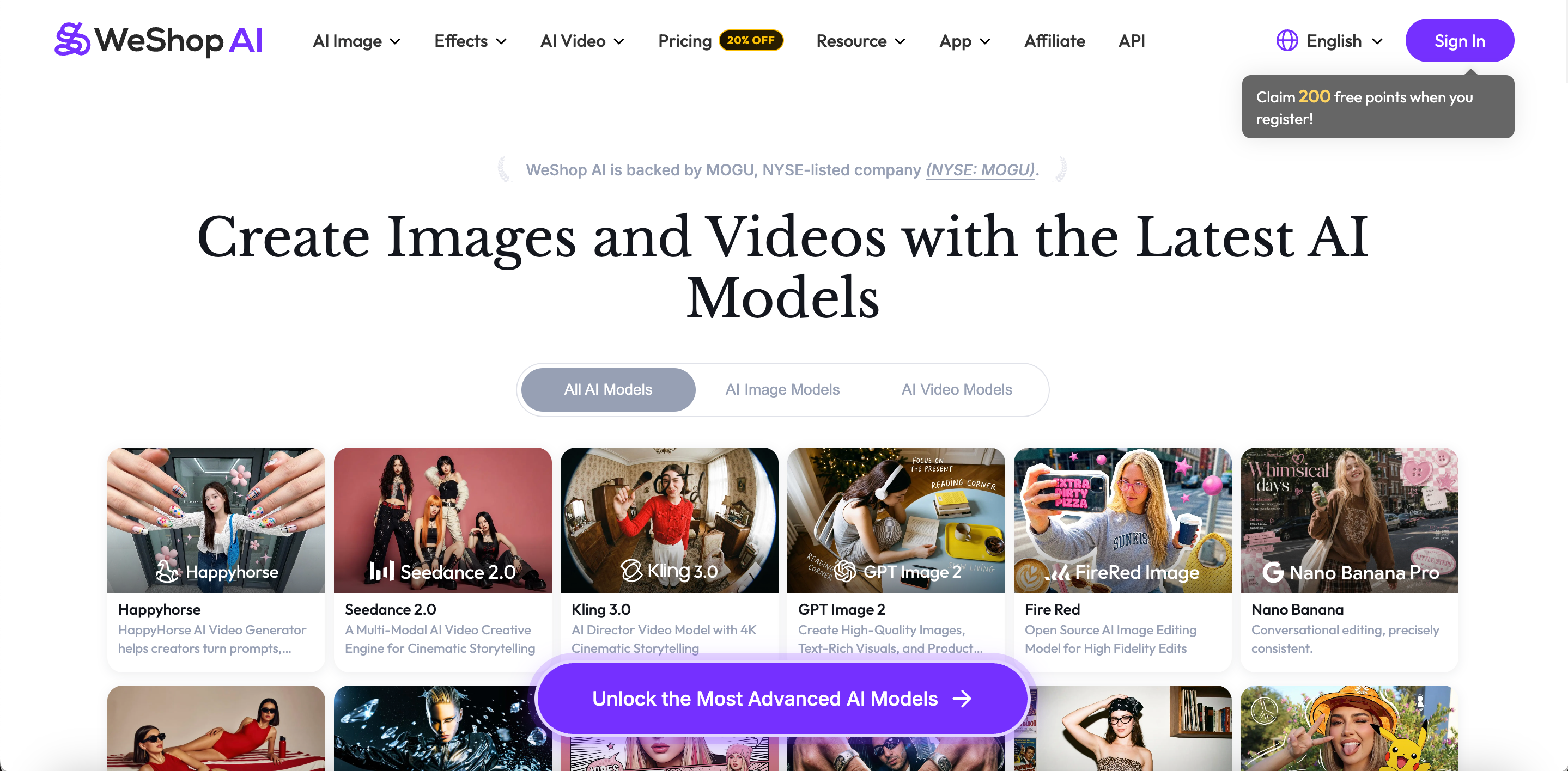
WeShop AI combines fashion-specific image tools with a much broader AI-video environment. Its current platform includes Virtual Try-On, AI Fashion Model, AI Outfit Generator, Video Agent, and access to multiple video models.
For OOTD content, the Video Agent is particularly interesting because it can turn an existing fashion or product image into a storyboard before generating the final commercial-style video.
Key features:
Fashion workflow: Users can create or modify outfit and model images with WeShop’s fashion tools before moving into video generation, keeping image and video creation within the same workflow.
Video agent: After receiving an image and prompt, the agent can build a multi-shot storyboard with different poses, movements, close-ups, and camera angles. Previewing the shot structure gives users more control over how the outfit will be presented before final generation.
Prompt control: Users can describe model actions, camera movement, mood, lighting, and which clothing details should receive more attention.
Model selection: WeShop offers access to several image and video models, giving users more flexibility to compare different motion styles and generation approaches within the same platform.
How to make an OOTD video with WeShop AI:
Upload an outfit or model image, or create one with its fashion tools first.
Describe the desired movement, framing, and video direction.
Review the storyboard or generation settings, then produce the final clip.
Limitations:
More decisions: The large selection of models and workflows can require more experimentation before finding a repeatable process.
Credit variation: Different models consume different amounts of points, so the $9.99 entry price does not necessarily translate into the same amount of video output for every workflow.
6. Pippit — For Try-On Videos, Templates, and Built-In Editing
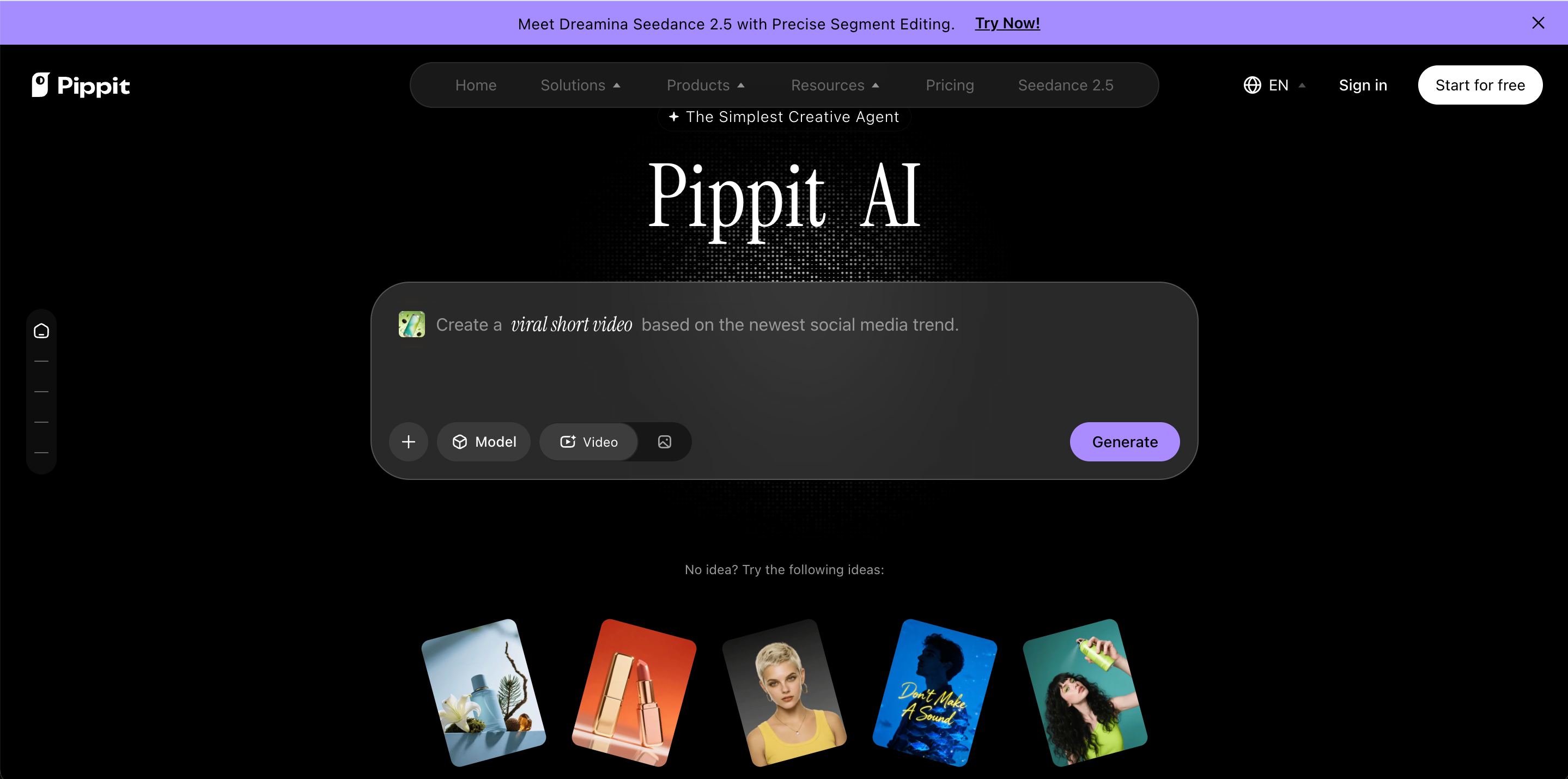
Pippit combines AI video generation with a broader content-creation and editing environment. For fashion users, it offers virtual try-on video generation alongside templates, text, music, effects, publishing tools, and conventional editing features.
It also now supports reference-led generation through Agent mode, so its fashion workflows extend beyond simple template replacement.
Key features:
Virtual try-on: Users can upload clothing, choose an AI model or provide their own model image, describe the desired action, and generate a moving try-on presentation as one route for creating outfit content.
Reference mode: Agent mode allows a reference video to guide narrative flow, script style, and tone, giving users another way to create fashion content from an existing video structure.
Fashion templates: Ready-made templates can be filtered by theme, aspect ratio, duration, and industry, offering a quicker starting point alongside virtual try-on and reference-led generation.
Built-in editing: Music, text, effects, transitions, and other social-video elements can be adjusted after generation in the same environment, making it easier to move from AI-generated footage to a finished social video.
How to make an OOTD video with Pippit:
Choose a fashion, Product Showcase, or Virtual Try-On workflow and add the clothing and model assets.
Describe the action or select a suitable template or reference-led workflow.
Generate the video and adjust music, text, effects, or transitions if needed.
Limitations:
Broader focus: Fashion is only one part of a much larger marketing and content platform, so the workflow is less apparel-specific than tools built exclusively around clothing.
Pricing changes: Pippit's public pricing is currently promotion-sensitive. Its August 2026 page shows a discounted Starter annual offer, so users should check current monthly and annual checkout prices before subscribing.
FAQs
What is the easiest way to make an OOTD transition video?
Upload outfit photos to an AI outfit video generator, create short clips for each look, then combine them with simple or beat-synced transitions.
Can AI make an outfit transition video from photos?
Yes. AI fashion tools can animate outfit images, add model movement, or create transitions between different visual references.
What is an AI outfit video generator?
It is an AI tool that turns clothing photos, model images, prompts, or references into moving fashion videos.
Can I make an OOTD video without filming myself?
Yes. Clothing photos, AI model images, virtual try-on visuals, prompts, and reference videos can all become starting materials.
Which AI outfit video generator is best?
It depends on whether you prioritize transitions, garment motion, lookbooks, templates, reference-video replication, editing, or a broader apparel workflow.
Can AI outfit videos be used for TikTok and Reels?
Yes. Many tools generate vertical fashion clips suitable for TikTok, Instagram Reels, Shorts, ads, and product marketing.
Do I need video editing skills?
Not always. Basic clips can often be generated directly, while multi-outfit videos may need light editing for music, timing, or transitions.