Best Fashn AI Alternatives: 5 AI Tools for Clothing Product Photos in 2026
Looking for reliable Fashn AI alternatives for your clothing business?
We compared Koozee, Botika, bitStudio, WeShop AI and Pic Copilot, covering apparel photography, virtual try-on, AI video output and Shopify integration to help you make a smarter choice.


FASHN AI is a strong option for virtual try-on, Product-to-Model generation, and fashion-focused API access. For teams that mainly need to place garments on models, it offers a clear and focused workflow.
The challenge is that clothing sellers often need more than one on-model image. They may also need flat lays, product-page graphics, videos, batch production, and Shopify publishing. This guide compares five FASHN AI alternatives based on the workflow each tool handles best.
Disclosure: Koozee is our product. We use the same decision criteria for every tool and point out where another platform may be a better fit. Features and prices were reviewed in July 2026; confirm current details on each provider’s website.
Quick Comparison
Tool | Best For | Pricing | Key Strength | Main Limitation |
FASHN AI | Virtual try-on, Product-to-Model, and API integration | From: $15/mo | Focused fashion-generation tools and a dedicated developer API | Broader listing, video, and Shopify workflows may require additional tools |
Koozee | Creating product images, model photos, and marketing videos in one apparel workflow | From: $22.90/mo | Connects apparel image preparation, model generation, video creation, and Shopify publishing | Public reviews are still growing, and Shopify workflows currently focus on individual products. |
Botika | Fashion brands prioritizing polished, consistent on-model photography | From: $25/mo | Focused workflow for professional AI fashion photography | Broader product-page and marketing assets may require additional tools |
bitStudio | Virtual try-on, image editing, API access, and customer-facing fitting rooms | From: $15/mo | Flexible tools for content creation, API integration, and Shopify fitting rooms | Studio, API, and fitting-room pricing use different structures |
WeShop AI | Diverse AI models and localized fashion content for global markets | From $9.99/mo | Large model and scene library with Shopify and API integration | Point costs vary by model and content type |
Pic Copilot | Marketplace-ready fashion images, product-page content, and short videos | From $7.99/mo | Combines virtual try-on with marketing graphics, localization tools, and Fashion Reels | Pcoin costs vary by feature, so total SKU costs require planning |
How to Choose:
Too many disconnected production steps: Consider Koozee.
Inconsistent on-model photography: Consider Botika.
Need API access or shopper-facing try-on: Consider bitStudio.
Need localized models and scenes: Consider WeShop AI.
Need marketplace graphics and short videos: Consider Pic Copilot.
Only need virtual try-on or Product-to-Model: Staying with FASHN AI may be the better choice.
What Is FASHN AI And Why Look For Alternatives?
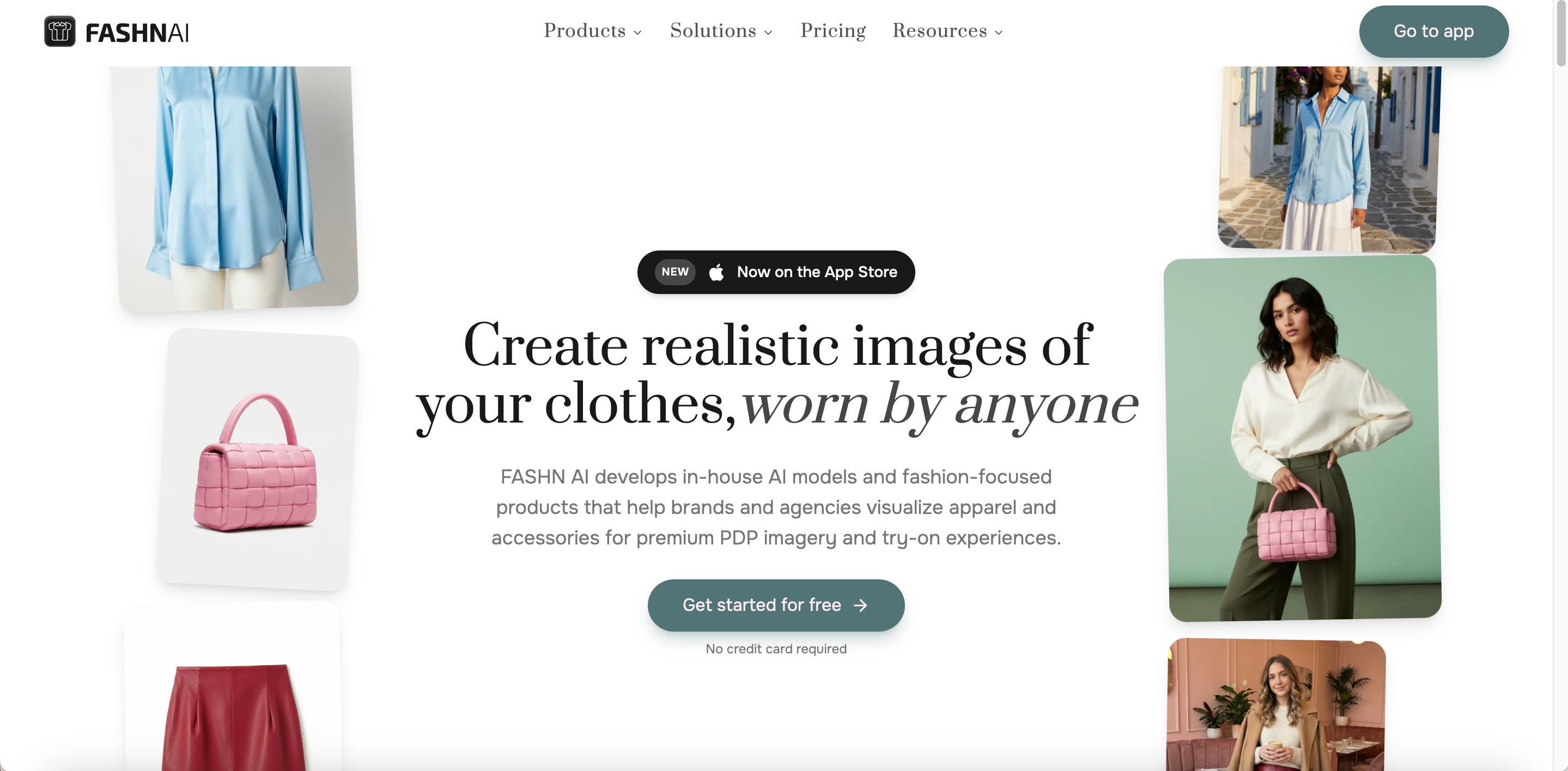
FASHN AI is an AI fashion-image platform focused on virtual try-on, Product-to-Model generation, model swapping, image editing, and video creation. It offers both a web application and a developer API, making it suitable for creators, fashion teams, and businesses that want to integrate virtual try-on into their own products.
Why Do People Look for FASHN AI Alternatives?
Teams rarely switch tools simply due to poor virtual try-on performance. They start looking when try-on becomes only one step in a larger workflow. A seller may still need flat lays, model variations, product-page graphics, translated assets, short videos, and Shopify publishing. Others may need a different API, a more consistent photography style, or a pricing model that better matches their SKU volume.
1. Koozee — A Strong FASHN AI Alternative for an End-to-End Apparel Workflow
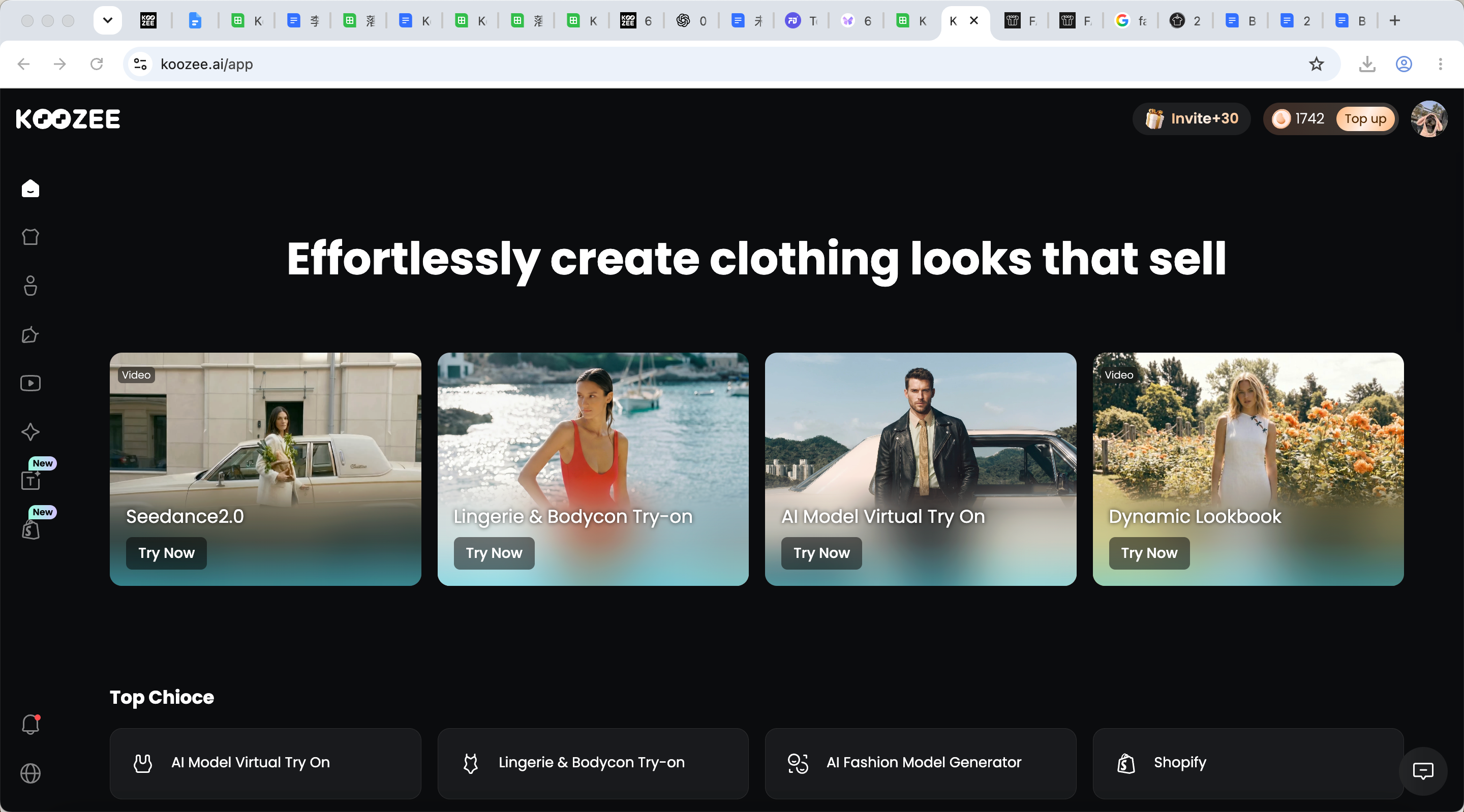
Imagine receiving a new garment with only a hanger shot or supplier image. You still need a clean product photo, an on-model image, a short video, and a final asset ready for Shopify. Koozee is designed to keep those steps inside one apparel-focused workflow.
Koozee’s Core Features for Apparel Content Production:
Product Image Preparation: It generates flat lays and ghost-mannequin images while providing cutout, image enhancement, video enhancement, and watermark-removal tools.
Apparel Virtual Try-On: It creates realistic on-model visuals for everyday clothing, lingerie, bodycon garments, and other categories without arranging full photoshoots.
Model and Scene Customization: It changes models and scenes to create diverse studio, lifestyle, street, indoor, outdoor, and campaign-ready variations.
Listing and Campaign Content: It creates product-page layouts, selling-point visuals, posters, and enhanced assets for marketplaces, brand sites, and promotions.
Fashion Image-to-Video: It turns apparel images into dynamic lookbooks, Fitlog videos, outfit clips, and other short-form content for product pages, ads, and social media.
Shopify Product Workspace: It connects Shopify products with Koozee’s image and video workflow, allowing sellers to reuse existing assets and publish approved content to the correct listing.
How Koozee Boosts Your Content Workflow?
Faster Product Listing Launch: It generates apparel images, model photos, page materials and social videos within one workflow from a single picture, greatly shortening production cycles.
Special Support for Lingerie & Swimwear Rendering: It supports accurate virtual fitting and effect generation for intimates and swimwear products.
High-Precision Garment Detail Restoration: It is designed to preserve garment shape, prints, logos, and fabric texture across image transformations.
Generate Abundant Assets per SKU: It allows adjustments to models, poses, angles and scenes without redoing the whole production workflow.
Less Manual Shopify Workload: It directly pushes generated assets to Shopify product pages to eliminate manual file downloading, sorting and uploading work.
What to Know Before Choosing Koozee?
Koozee is evolving quickly, so some tools and interface elements may change over time.
New users may need a short setup period to define the right workflow for their products.
Public case studies and independent reviews are still growing, so testing a small set of real SKUs is recommended.
Koozee May Fit Your Workflow If:
Shopify merchants that need faster content production and publishing
Independent apparel brands creating several assets per SKU
Fashion teams replacing disconnected image and video tools
Lingerie and swimwear brands testing specialized virtual try-on
2. Botika — The Best FASHN AI Alternative for Brand-Consistent Fashion Photography
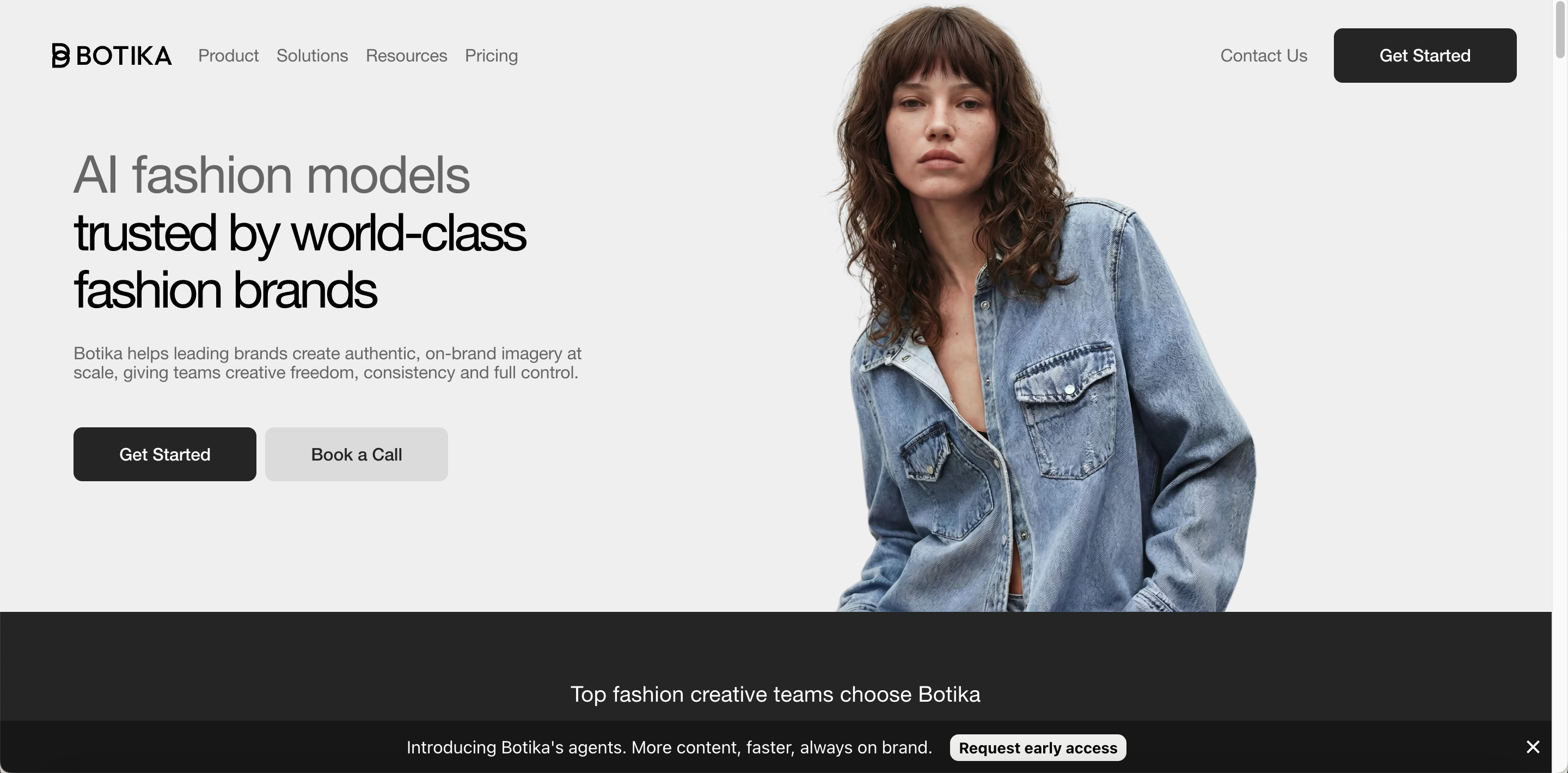
Botika is an AI fashion-photography platform that helps brands turn flat lays and existing product photos into professional on-model imagery. Instead of covering every e-commerce content task, it places greater emphasis on visual quality, model consistency, and scalable fashion photography.
Botika’s Core Features for AI Fashion Photography:
Flat-Lay to On-Model Conversion: It turns flat-lay clothing photos into polished on-model images without arranging a new photoshoot.
Model and Scene Control: Select different AI models, demographics, poses, and backgrounds for the same garment.
E-Commerce Fashion Imagery: It creates consistent images for product pages, catalogs and marketing campaigns.
Image and Video Generation: It produces fashion photos and videos through a credit-based system.
Scalable Brand Workflows: It supports high-volume teams with tools focused on brand consistency and image refinement.
Where Botika Stands Out?
Focused Fashion Photography: It specializes in turning clothing photos into polished on-model visuals.
Consistent Brand Presentation: It maintains a unified model and photography style across product catalogs.
Predictable Credit Costs: It uses clear credit rates for images and videos, making budget planning easier.
Scalable Content Production: It supports brands and enterprise teams with high-volume image needs.
What Are Botika’s Limitations?
It focuses mainly on model photography, not the full e-commerce workflow.
Product-page graphics and other marketing assets may require additional tools.
Video-heavy teams should calculate the credit cost per SKU.
Botika May Fit Your Workflow If:
Fashion brands needing polished on-model imagery
Retailers maintaining consistent catalog visuals
High-volume teams refreshing model photography
3. bitStudio — A Flexible FASHN AI Alternative for API and Shopify Try-On
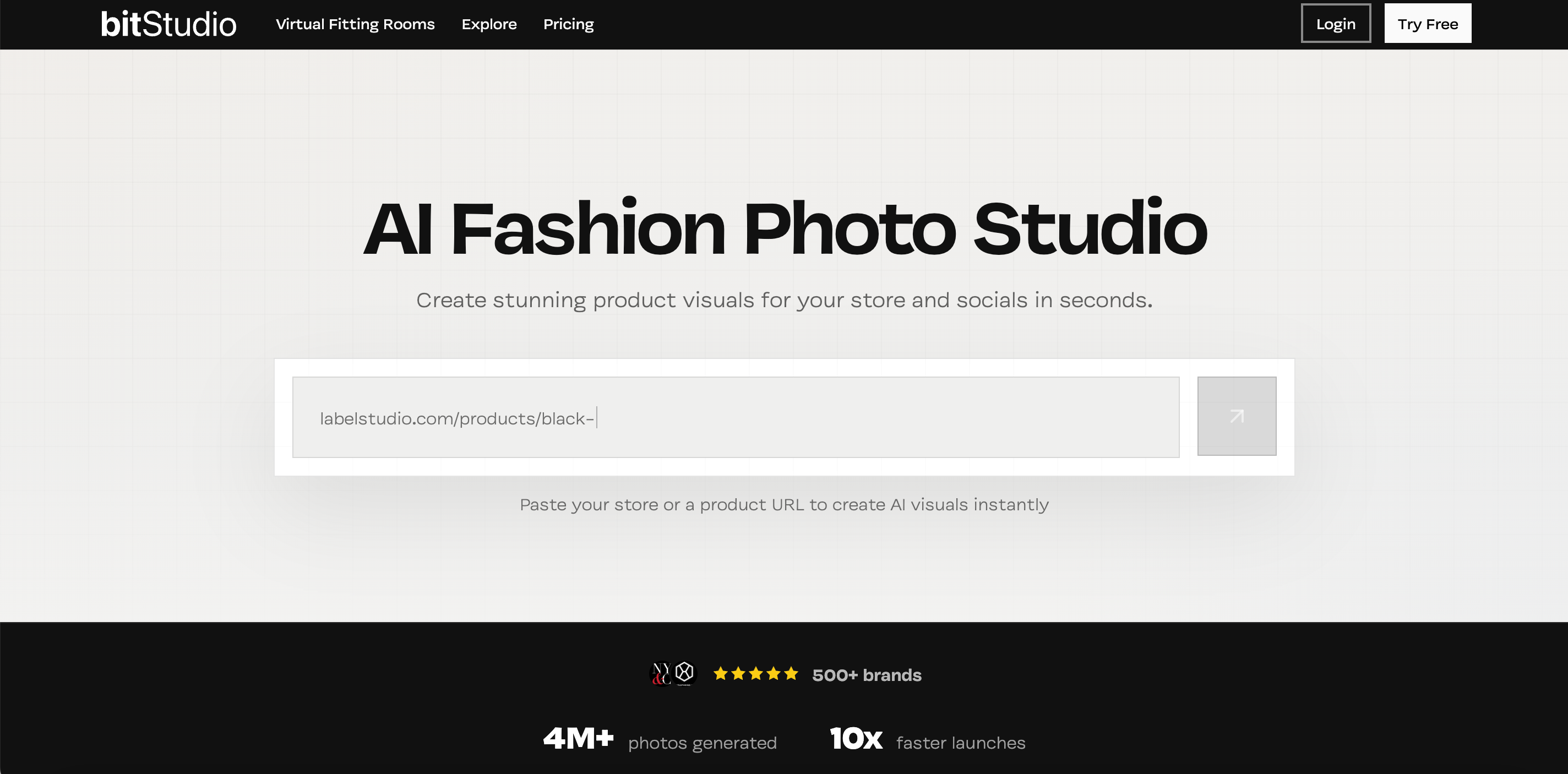
Some merchants need more than tools for creating product images. They also want shoppers to upload a photo and preview clothing before buying. bitStudio combines these two needs through a fashion studio, API, and Shopify virtual fitting room.
bitStudio’s Core Virtual Try-On and Editing Features:
AI Virtual Try-On: It places clothing onto models and replaces garments without requiring a new photoshoot.
Model Customization: It adjusts poses and swaps faces to create different model variations.
Generative Photo Editing: It adds, removes or changes image elements, backgrounds and local details.
High-Resolution Content: It upscales images to 4K and turns finished photos into videos.
API and Shopify Integration: It provides developer access and a Shopify virtual fitting-room component.
Batch and Team Workflows: It offers batch processing and shared workspaces through higher-tier plans.
Where bitStudio Adds the Most Value?
Flexible Deployment Options: It works as a web tool, developer API or Shopify virtual fitting room.
Advanced Image Editing: It changes backgrounds, poses, faces and individual image elements.
Customer-Facing Virtual Try-On: It lets shoppers preview clothing directly on Shopify product pages.
Plans for Different Team Sizes: It supports individual creators, growing teams and enterprise workflows.
What Are BitStudio’s Limitations?
Studio, API, and fitting-room pricing should be calculated separately.
Batch and automation tools are mainly available on higher plans.
Unlimited relaxed-mode try-on may involve slower queues.
bitStudio May Fit Your Workflow If:
Shopify merchants offering shopper-facing virtual try-on
Development teams needing fashion-image APIs
Content teams requiring advanced image editing
Enterprise brands needing batch and team workflows
4. WeShop AI — The Best FASHN AI Alternative for Diverse Models and Global Fashion Content
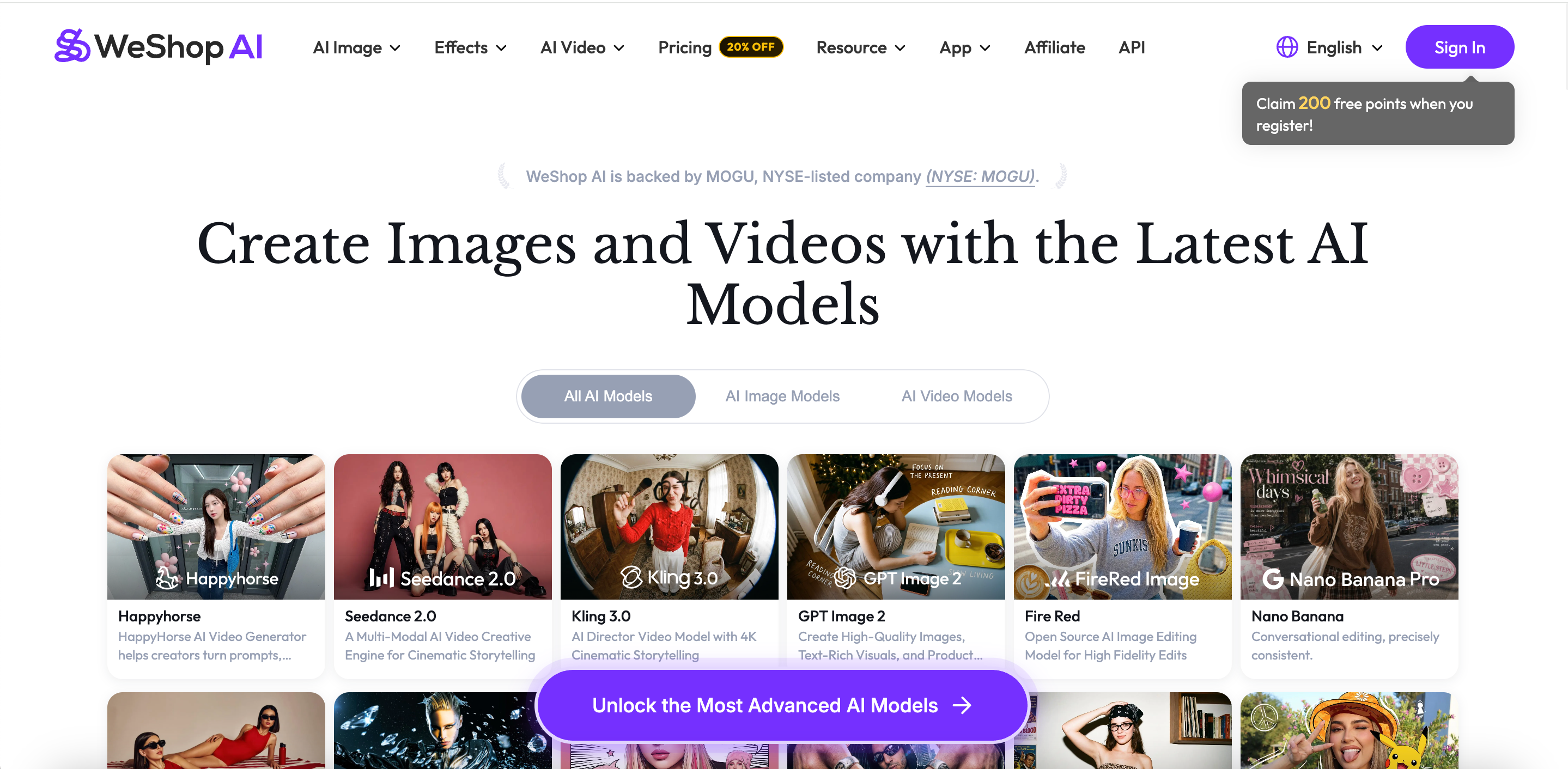
For cross-border sellers, the challenge is often not creating one model image. It produces enough model and scene variations for different countries without arranging local shoots. WeShop AI is an e-commerce visual platform for creating AI model photos, virtual try-on images, product scenes, and marketing content. It is a strong option for fashion sellers that need more model choices and want to adapt the same garment for different markets, audiences, and campaigns.
WeShop AI’s Core Features for Global Fashion Content:
AI Virtual Try-On: It places uploaded garments onto AI models to create realistic product and campaign images without a physical fitting.
Global Model and Scene Library: Choose models, body types, poses, and locations for different markets and brand styles.
AI Product Photography: It turns basic product photos into commercial images for fashion, beauty, footwear, accessories, and other categories.
Image and Video Production: It creates model photos, product visuals, posters, and video-ready content within one platform.
Shopify and API Integration: It connects with Shopify for product-media workflows and offers an API for custom business systems.
Where WeShop AI Stands Out?
Stronger Market Localization: It uses a wide range of models and scenes to adapt product visuals for different countries and customer groups.
Faster Fashion Content Creation: It generates on-model photos and campaign assets without booking models, studios, or locations.
Broader E-Commerce Coverage: It supports both apparel imagery and general product photography, which is useful for stores selling several product categories.
Flexible Business Integration: It works through the web platform, Shopify app, or API, giving teams several ways to add it to their workflow.
What to Consider Before Scaling?
Point costs vary by model and content type, so teams should estimate usage before scaling.
Detailed prints, logos, and unusual fabrics should be tested with real products.
WeShop AI May Fit Your Workflow If:
Cross-border fashion sellers creating localized model images
Apparel brands needing diverse models and scenes
Shopify merchants producing product and campaign visuals
Multi-category stores creating both apparel and general product images
5. Pic Copilot — The Best FASHN AI Alternative for Marketplace-Ready Fashion Content
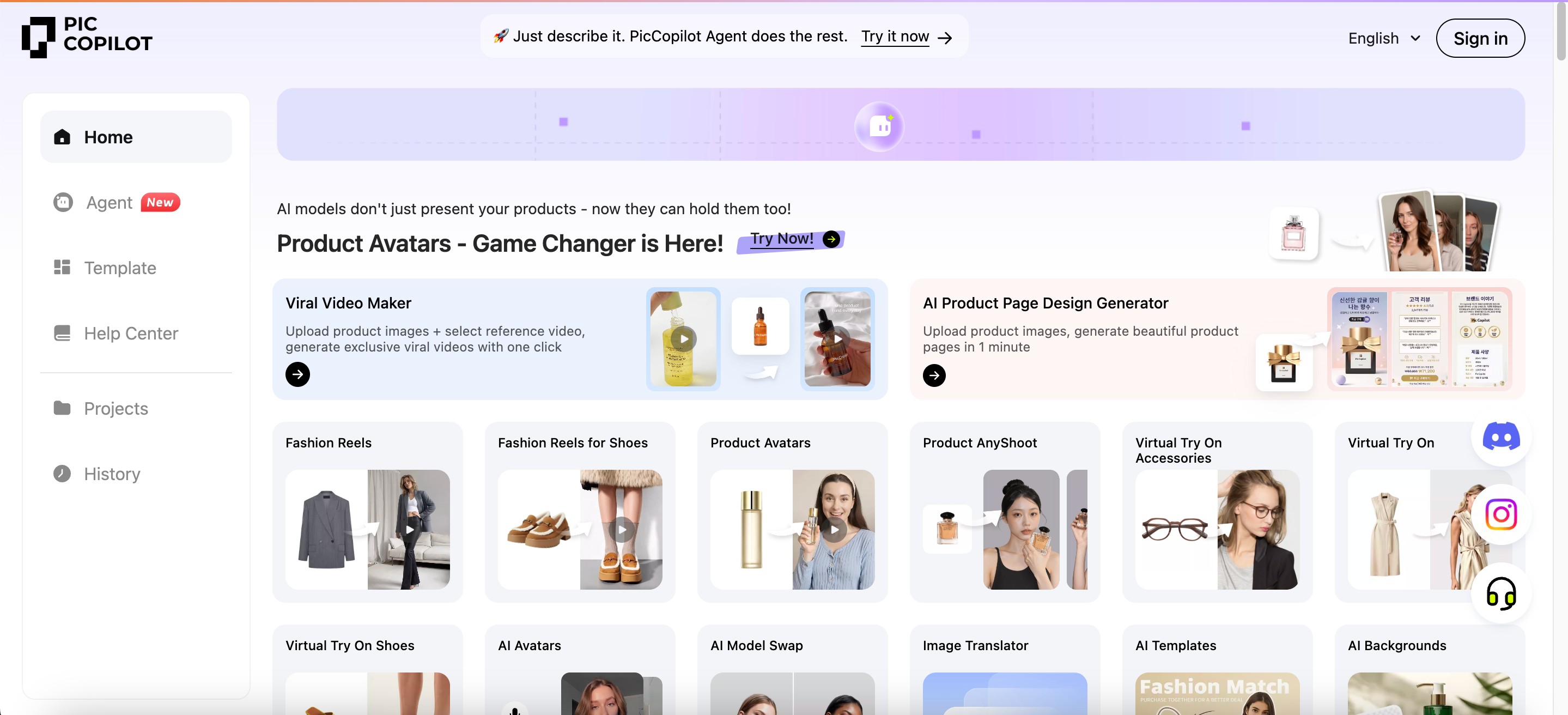
Marketplace sellers rarely need only one model photo. They also need listing graphics, translated images, promotional content, and short social videos. Pic Copilot brings these tasks into one e-commerce-focused platform.
Pic Copilot’s Core Features for E-Commerce Content Creation:
AI Virtual Try-On: It places clothing onto selected or uploaded models to create high-resolution fashion images.
Model and Scene Control: Select or upload models, adjust poses, and change backgrounds for different product presentations.
E-Commerce Marketing Images: It creates product backgrounds, promotional graphics, product-page assets, and marketplace content.
Fashion Reels and Videos: It turns product and model images into short videos for ads and social media.
Cross-Border Content Tools: It supports image translation and localized visuals for sellers working across different markets.
Where Pic Copilot Adds Value for Sellers?
More Content for Each Product: It turns one garment image into model photos, marketing graphics, and short videos.
Marketplace-Focused Production: It creates assets for product listings, detail pages, social posts, and advertising campaigns.
Faster Visual Localization: It changes models, backgrounds, and image text to suit different countries and audiences.
Flexible Credit Use: It shows the Pcoin cost before generation and allows users to buy extra credits without changing plans.
What to Know Before Using Pic Copilot?
Pcoin costs vary by tool, so teams should estimate the total cost per SKU.
Complex prints, layered outfits, and difficult fabrics should be tested before scaling.
Pic Copilot May Fit Your Workflow If:
Marketplace sellers creating product and campaign content
Cross-border merchants localizing images for different regions
Fashion sellers needing model photos and short videos
When Should You Stay With FASHN AI?
Current try-on quality already meets your needs.
Your workflow mainly uses Product-to-Model or API access.
FASHN AI is already integrated into your internal system.
Other tools already cover listing images, videos, and publishing.
Switching tools only makes sense when another platform removes a clear cost, quality, or workflow bottleneck.
FAQs
What Is the Best FASHN AI Alternative?
There is no best choice for every team. Start with your main bottleneck: Koozee for an end-to-end apparel workflow, Botika for consistent model photography, bitStudio for shopper try-on, WeShop AI for localization, and Pic Copilot for marketplace content.
Which Tool Is Best for Shopify?
Choose Koozee for merchant-side content creation and publishing, or bitStudio for a shopper-facing virtual fitting room. WeShop AI is another option for stores that need model images, product visuals, and broader Shopify media workflows.
Which Tool Preserves Garments Better?
There is no reliable winner without testing the same garments on every platform. Koozee is designed around apparel details such as fabric texture, prints, logos, lingerie, and swimwear, but results still vary by input quality and garment type. Test each tool with your own difficult SKUs before choosing.
How Should You Test a New Platform Before Switching?
Test each tool with 10–20 real products, including simple garments, small prints, logos, difficult fabrics, and poor supplier images. Compare garment accuracy, anatomy errors, speed, editing time, and the cost per publish-ready result before buying an annual plan.