8 Best AI Walking Video Generators for Apparel Stores (2026)
This guide introduced 8 AI walking video generation tools. Let's enable a single walking video do more work than you'd expect.


Generally speaking, clothing flat lays or even static model photoshoots can not show how the fabric falls and how the piece behaves when someone actually wears it.
That is what makes walking videos so useful for apparel. And an AI walking video generator can easily convert clothing photos into a short walking clip, showing what a garment looks like.
This list covers ten tools that can do it, ranked for one specific job: turning a clothing photo into a believable walking video without wrecking the outfit.
Key Takeaways
Best for a clothing catalog: Koozee is designed around apparel rather than a general image-to-video tool.
Best for motion control: Viggle and FlexClip, which can use reference motion.
Best free options: Several tools offer free credits or daily generations, but limits vary by plan.
What AI Walking Video Generators Actually Do?
Most AI walking video generators start with a photo and use image-to-video generation to add walking motion. The main difference is how much control you get over that motion.
There are three common ways to steer it:
Text prompt. You describe the walk ("slow steady steps, camera follows from the side"). Simple, but the results are a bit random.
Motion template. You pick a preset, like "runway walk". Fast and predictable.
Reference video. It gives you more direct control over the movement because the model can follow an existing walk.
For apparel, the format has a natural home. On-model walking clips work as product page videos, as TikTok and Reels content, and as ad creative.
How We Compared These Tools
We focused on four things that matter most when turning clothing photos into walking videos:
Garment fidelity: Does the clothing remain recognizable?
Input flexibility: Can you start with a product or model photo?
Motion quality: Does the walking movement look natural?
Output usability: Can you export a usable video without excessive restrictions?
Because results vary by input image, model, and generation settings, treat the ranking as a practical guide rather than a universal performance benchmark.
Quick Comparison Table
| Tool | Best for | Price (2026) | Free option | Output |
| Koozee | Clothing and garment accuracy | Free 30 credits, then credit-based | Yes | On-model video, walking fashion videos, dynamic Lookbook |
| Kling AI | Realistic walk cycles | Free daily credits, paid tiers | Yes | Up to several minutes when chained |
| Viggle AI | Copying a specific walk | Free clips daily, paid for 1080p | 5 clips/day | 1080p on paid |
| Pollo AI | A no-thinking walking effect | New-user credits, then paid | Trial credits | Short clips |
| Media.io | A few free clips every day | Free daily credits, paid tiers | Yes | Short clips |
| Vidnoz AI | Choosing length and quality | Free daily credits, paid tiers | Yes | 5s, 8s or 10s |
| FlexClip | Generating and editing in one place | Credit-based | Limited | Short clips |
| CapCut | Free editing on your phone | Free, Pro around $20/mo | Yes | Mobile-first, vertical |
The 8 Best AI Walking Video Generators
1. Koozee
Koozee is an AI visual production platform built specifically for apparel e-commerce sellers. You upload a model or outfit photo with the garment clearly visible, choose the garment type and video length, and Koozee generates a catwalk-style Dynamic Lookbook video.
You can also swap the model, the scene, the view, or the posture, so one product photo can produce several versions for different markets. Koozee is designed to preserve garment details such as fabric texture, prints, and silhouette during the walking motion, although every generated clip should still be reviewed before publishing.
If you're using Shopify, Koozee also supports a workflow where generated assets can be reviewed before approved assets are published to the store.
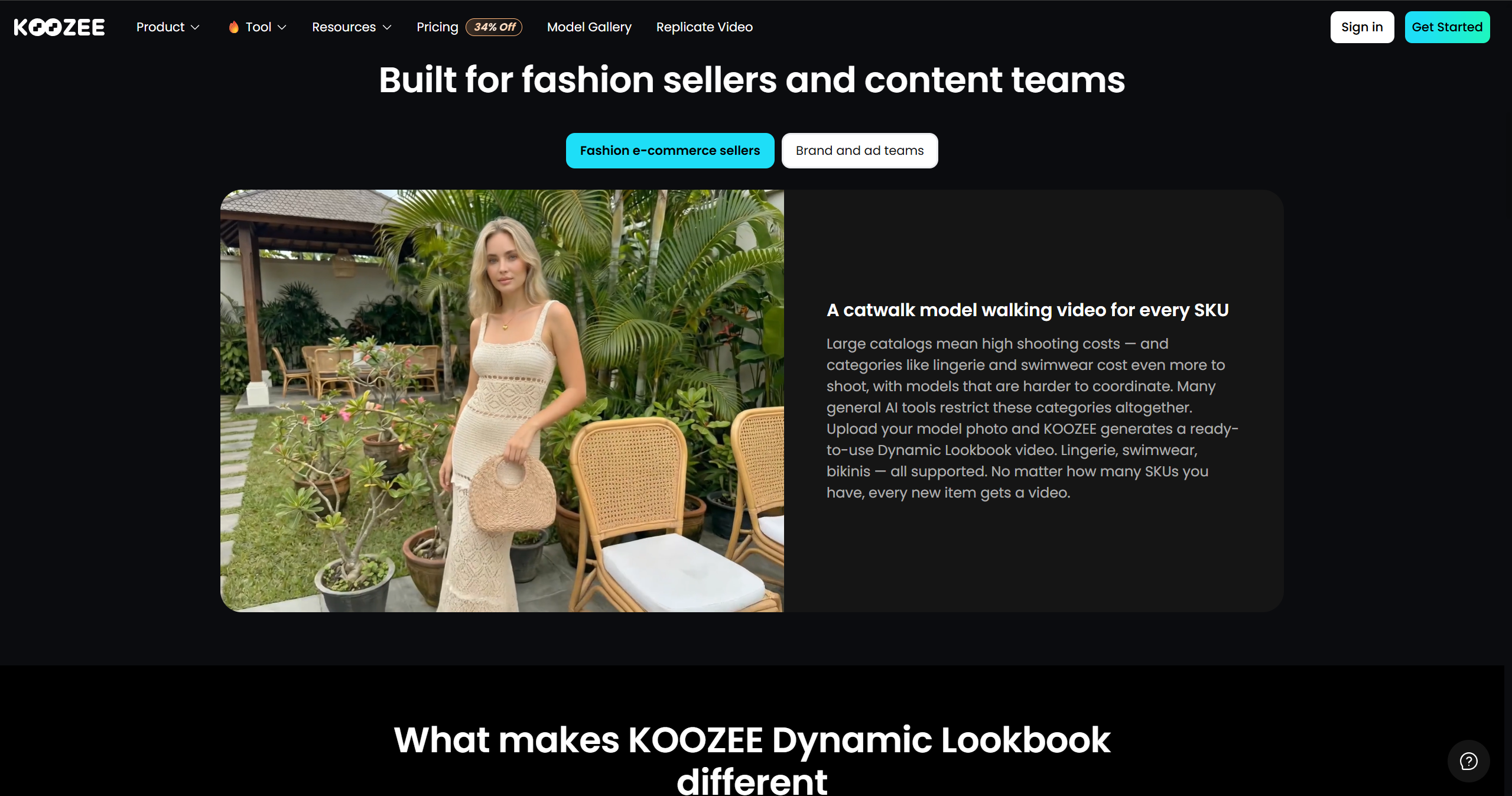
Cost: a free tier with 30 credits to start; paid plans are credit-based. Current pricing is on the site.
2. Kling AI
Kling is worth considering when motion quality is your main priority. It supports image-to-video generation, motion control, and start/end-frame controls.
Two features make it especially handy for product work. It supports start-and-end-frame control, which can give you more control over how a shot begins and ends, and you can chain generations to push a clip past the usual few seconds.
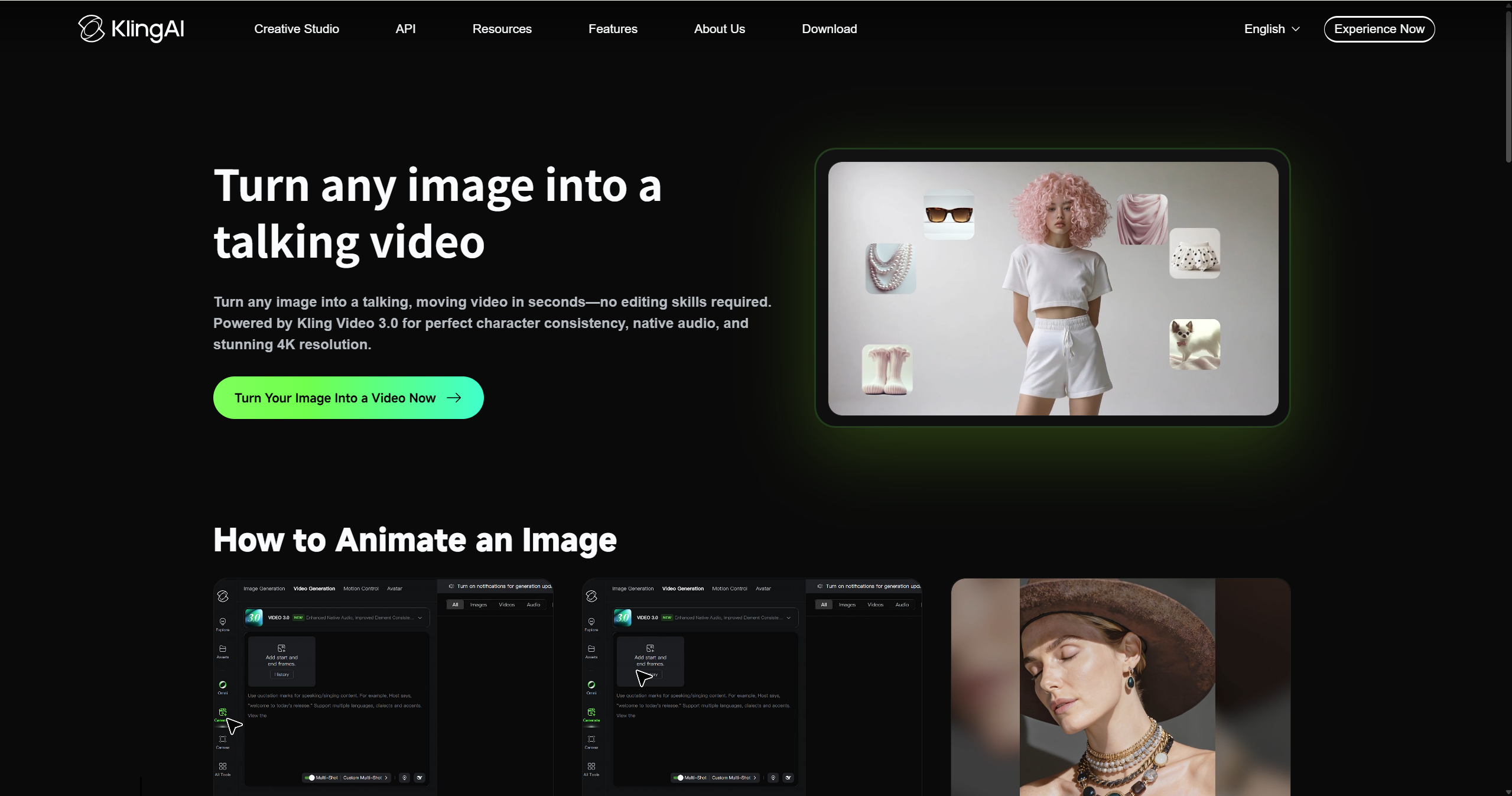
Best for: one or two hero clips where quality matters more than volume.
The catch: Kling has no idea your product is a product. It will happily smooth a seam, move a pocket, or change the neckline. Fine for lifestyle footage, risky for a listing image.
3. Viggle AI
Viggle takes a different route: instead of guessing how a person should walk, you show it. Upload a photo, then pick a motion template or supply your own clip of someone walking, and the AI maps that motion onto your image.
5 free videos per day after you sign up
1080p output on paid plans
For best results, use a clear image with the subject fully visible and good lighting
Side angles and non-photo images also work if you're going for a stylised look
Because you control the reference, this is the easiest way to match a specific trend or a particular stride. The flip side is obvious: a bad reference clip produces a bad walk, no matter how good your photo is.
4. Pollo AI
Pollo AI offers a dedicated walking-video effect that turns a static image into a short clip of the subject walking. That makes it useful for quick experiments with walking effects, including fashion-style images and social content. You do not need to build a full video project before generating the effect.
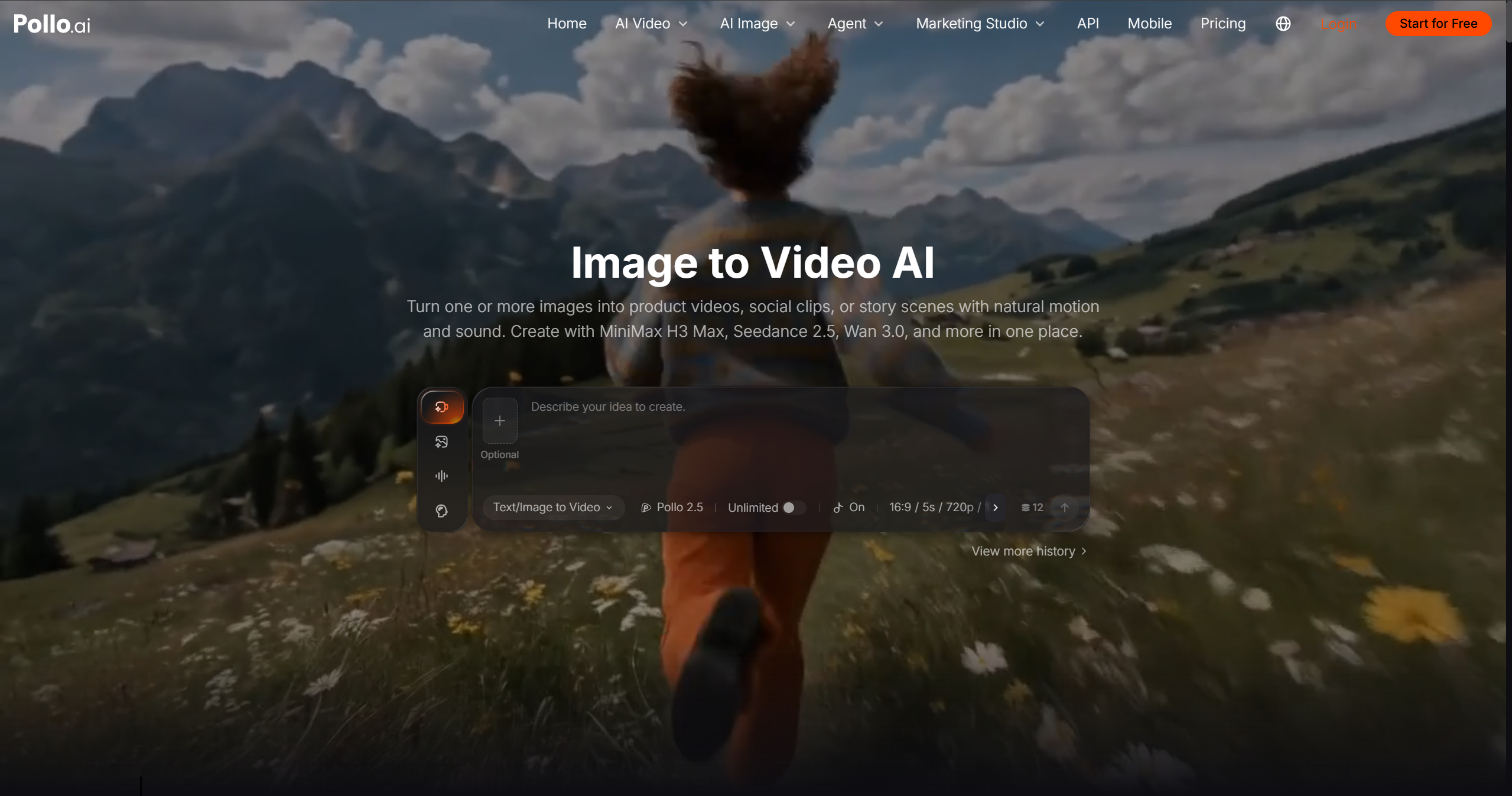
Best for: Quick walking effects when you want a simple image-to-video workflow.
The catch: Pollo is designed for a broad range of characters and images rather than apparel-specific production. For clothing product content, check whether prints, seams, colors, and other garment details remain accurate.
5. Media.io
Media.io is a browser-based AI video platform that can turn images into short animated clips, including walking-style videos. It is aimed at quick, accessible content creation rather than apparel-specific production.
For clothing sellers, it can be useful for testing simple social clips from model or outfit images without learning a more complex video workflow.
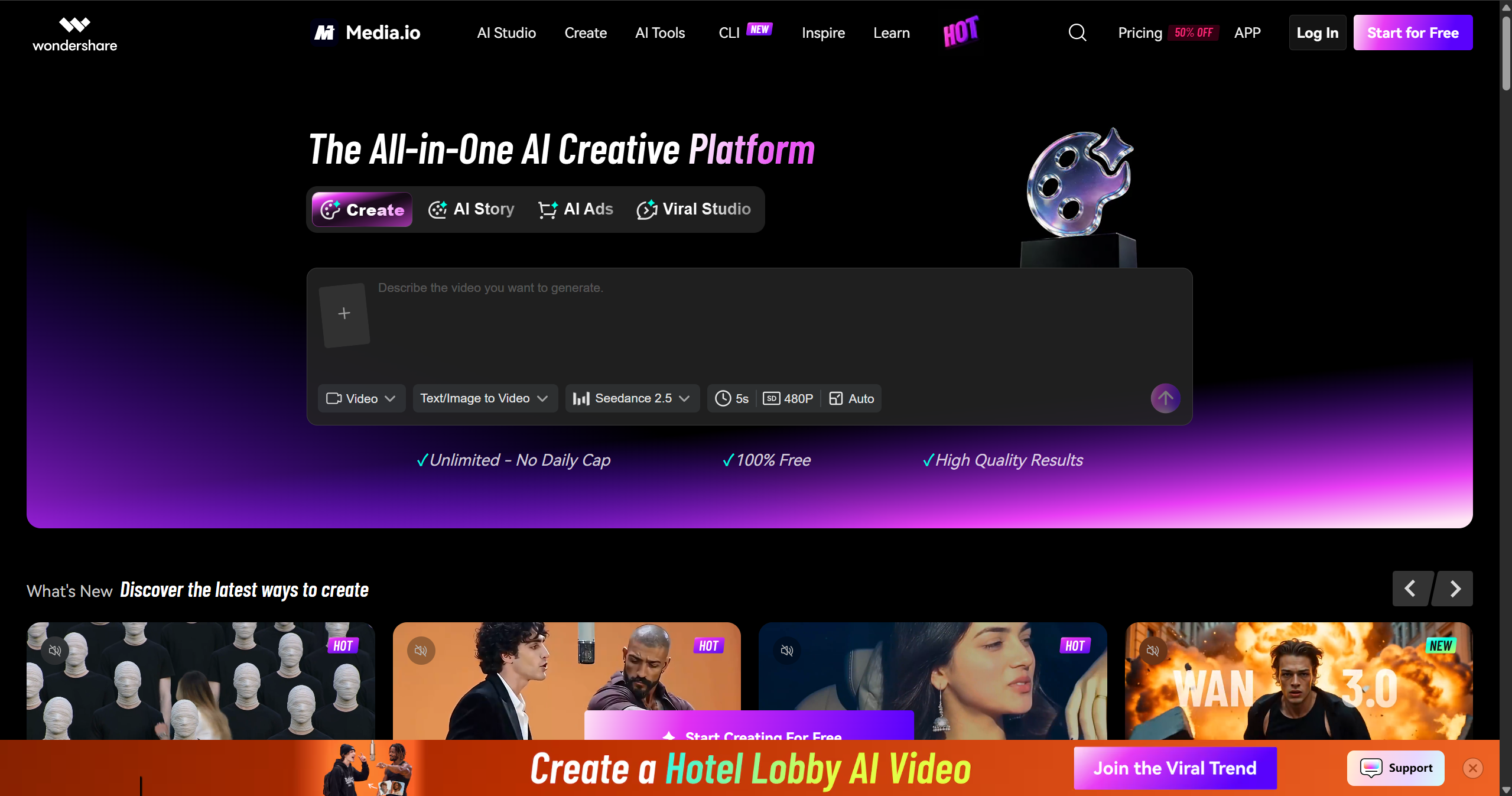
Best for: Beginners who want a straightforward online tool for quick walking experiments.
The catch: It is a general-purpose generator, so garment fidelity should be checked before using the output for product pages or ads.
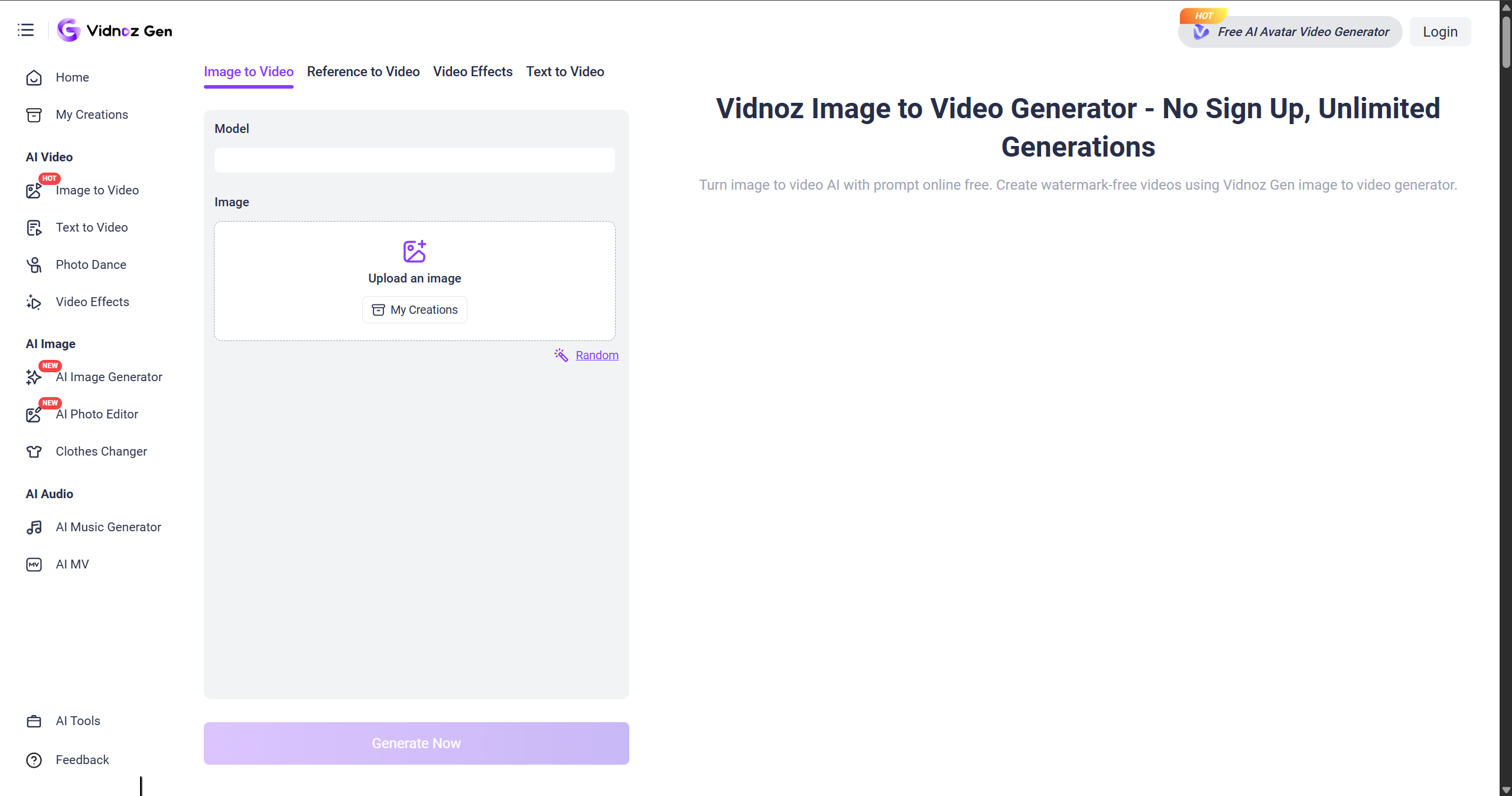
6. Vidnoz AI
Vidnoz AI gives you a simple image-to-video workflow with controls for video length, resolution, and aspect ratio. That can be useful when you already know the format you need for a social post or product asset.
For a clothing photo, you can use the image as the starting point and guide the movement with a prompt, then choose the output settings before generating.
Vidnoz is a broad AI video platform rather than a clothing-specific generator. If the clip is going on a product page, inspect the outfit for changes before publishing.
7. FlexClip
FlexClip combines AI video generation with a built-in editor, so you can create a walking clip and finish it in the same browser workflow. Its AI walking tool supports an image plus a text prompt, and it also supports reference-video workflows for transferring a walking movement to a still image.
That reference-video option is particularly useful when you want the model to follow a specific stride or walking gesture rather than relying entirely on a text prompt. After generation, you can trim the clip, add captions or music, and resize it for social platforms in the same editor.
It is best for users who want motion generation and basic video editing in one place.
8. CapCut
CapCut is primarily an editor, not a dedicated AI walking-video generator. But it is worth naming for anyone on a tight budget. CapCut is free, it runs on a phone, and it includes walking-style templates plus AI features on the paid tier. Auto-captions alone make it the most practical place to finish a clip.
Most sellers use it alongside a generator rather than instead of one: generate the motion somewhere else, then cut, caption, and export here. Free for standard editing; Pro runs about $20 a month.
How to Create an AI Walking Video
Step 1. Choose a clear source photo
Full body, feet visible, neutral pose, plain background. This single step decides most of your quality.
Step 2. Choose how to control motion
A prompt is fastest. A template is the most predictable. A reference video gives you the most control, and for clothing it usually looks most convincing.
Step 3. Generate a few variations
Do not judge a tool on one roll. Small changes in prompt or seed produce very different walks.
Step 4. Check the garment and motion
Look for changed hems, missing buttons, altered prints, or shifted colours. If the clothes move, the clip is not usable for a listing.
Step 5. Edit and export for your channel
If you need more than one short clip, cut two or three together. Add captions or text overlays when they help the video work without sound. On-model walking clips suit product pages, TikTok, Reels, and paid social. One clip can serve all of them if you export at 9:16.
What Makes a Good Input Photo?
If you want a convincing full-body walking shot, a full-body photo with the feet visible usually gives the model more information to work with.
What works well:
A full-body shot with the whole person in frame and both feet visible
A neutral standing pose, arms relaxed at the sides
Even soft lighting with a sharp, unblurred garment
A simple background with nothing crossing in front of the subject
A front or side view, straight on, not tilted
What tends to fail:
Cropped shots where the knees or feet are cut off
Heavy filters or low resolution
Busy backgrounds with other people or objects
Extreme poses or angled shots
Group photos with several people in frame
A selfie or a portrait can still produce a fun walking effect. It just won't hold up as product content, because the model has to invent everything below the waist.
Where Can You Use a Walking Clip?
A single walking video can do more work than you'd expect.
Product pages: a short on-model walk beside the stills answers the "how does it move" question before a shopper has to ask it.
TikTok and Reels: vertical walk clips fit the format natively, especially OOTD and fit-check styles.
Paid ads: walking footage reads as authentic and works as a hook when the first frame already shows movement.
Lookbooks: combine several walking clips to create a more dynamic product presentation without producing a full video shoot for every SKU.
Conclusion
If you have a clothing photo and want to turn it into a short walking or catwalk video, these tools can help. The important difference is whether a tool simply animates a person or is designed to preserve the garment. Start with the free credits from Koozee to test a walking fashion video.
FAQs
How long should an AI walking video be? As long as the tool allows, then cut it. Most generators produce 3 to 10 seconds, which is already enough for a hook. For a full ad, stitch two or three clips together.
Can I turn an on-model clothing photo into a runway walk? Yes, and it is one of the most common uses. A clear, front-facing shot of a model in the outfit gives the best result. Watch the garment carefully afterwards, because general tools sometimes "improve" the design without asking.
Will the outfit stay accurate? With a general video model, not reliably. Prints shift, seams disappear, and colours drift. For catalog work, a clothing-specific tool is safer. That is the main reason Koozee is built only for apparel.
Which tool is best if I'm on a budget? Start with a free tier that gives daily credits, test two of them with the same photo, and keep the one whose output you can actually publish.
Are these walking videos good enough for real ads? AI walking clips can work as social content, product-page assets, or ad creative, but the right use depends on how consistent the garment and motion are. Review the output before publishing, especially product-focused content.
You May Be Interested

Amazon Product Photography for Clothing Sellers: 3 Methods 2026

How to Recreate a Viral TikTok Product Video: 4 Practical Methods

OOTD Transition Videos for Fashion E-commerce - 6 AI Tools