How to Recreate a Viral TikTok Product Video
How to remake a viral TikTok product video with your own apparel. Steps to replicate a trending TikTok product demo — hooks, AI tools, TikTok Shop tips.


A viral TikTok product video can reveal a creative format worth testing—but recreating it from scratch takes time, especially when you need new product footage, models, or multiple variations.
The solution is to recreate the format, not the footage: analyze the hook, pacing, shots, and product presentation, then rebuild them with your own product and original content.
Key Takeaways
Recreate the format, not the footage: Break down a viral video’s hook, pacing, shots, and CTA, then rebuild the concept with original footage and your own product.
Map the video beat by beat: Identify the key moments—from the opening hook to the product demo, proof, and CTA—before filming your version.
Choose the right remake method: Ref, AI-generated video, templates, or UGC can each work depending on your product, budget, and creative needs.
Make apparel the focus: Show fit, fabric movement, details, and different body types to turn a familiar format into a more useful product demo.
Move quickly, but add your own angle: A viral format is worth testing while it is relevant, but the remake should still offer an original hook, presentation, or product perspective.
Why You Should Recreate the Format—Not the Video
A viral TikTok is useful as a creative reference, but copying the actual video can create copyright and TikTok Shop compliance risks.
The footage, voiceover, music, and other original elements may belong to their creators. Simply reposting, cropping, filtering, or adding your product to someone else’s video doesn't make it original.
Instead, study what makes the video work: the opening hook, shot sequence, pacing, product reveal, text overlays, and CTA. Then recreate that structure with your own footage, product, script, and creative angle.
⚠️ TikTok Shop sellers: Avoid reposting or directly reproducing other creators' content. Check TikTok's copyright policy and applicable TikTok Shop content rules before reusing third-party material.
The goal isn't to copy a viral video. It's to understand its creative formula and make a version that is genuinely yours.
How to Recreate a Viral TikTok Product Video
Method 1: How to Remake a Viral TikTok Product Video by Mapping Its Beats
This is the method every other method builds on. Before you film, generate, or template anything, you need to understand why the video worked.
Many successful product videos can be broken down into a few recurring beats as below:
| Beat | Typical Timing | What It Does | Your Apparel Version |
| The Hook | 0–3s | Pattern interrupt + promise | "This is the dress that sold out twice." |
| The Product Moment | 3–8s | Product in motion, close-up | Twirl, zip-up, fabric drape shot |
| The Proof | 8–15s | Fit, quality, transformation | On-body fit from two angles, color accuracy |
| The Credibility Beat | 15–25s | Price, sizing, "real person" details | "I'm 5'6 wearing a medium — it runs true to size." |
| The CTA | Last 3s | One clear next step | "Link in bio" / Shop tab |
Note the relative pacing rather than copying every timestamp. If the original reveals the product immediately, your version should probably do the same—but your exact timing can vary.
Steps to Replicate a Trending TikTok Product Demo
Save and transcribe the original. Keep the link open and write out the audio line by line. This is for your private analysis only — the words are your reference, not your script.
Time-stamp the five beats. Watch at half speed and note the exact second each beat starts and ends.
Write your own script, one line per beat. Swap in your product's details: your fabric, your price, your sizing story. Never reuse the original's copy.
Match each beat to a shot you can actually get. If the original zooms on a hem at second 12, plan your hem shot at second 12.
Shoot in the same order, at the same pace. Pattern interrupts landing at the same second is what makes the remake feel like the original.
💡 Pro tip: Map three similar viral videos instead of one. The beats they share are the format; the differences are the creator's twist. Your twist is where your brand lives.
Method 2: Recreate a Viral TikTok Product Video From Product Assets With AI
When a viral video format works for your niche, the challenge is often producing your own version quickly—especially when you have many apparel SKUs but limited access to models, samples, or filming resources.
AI video tools can help turn existing product and model assets into a new video based on a reference format. For apparel sellers, Koozee's AI Video Cloner lets you upload a reference video, add the product, clothing, model, or other assets requested for each scene, and generate a new e-commerce video for product pages, social posts, or ads.
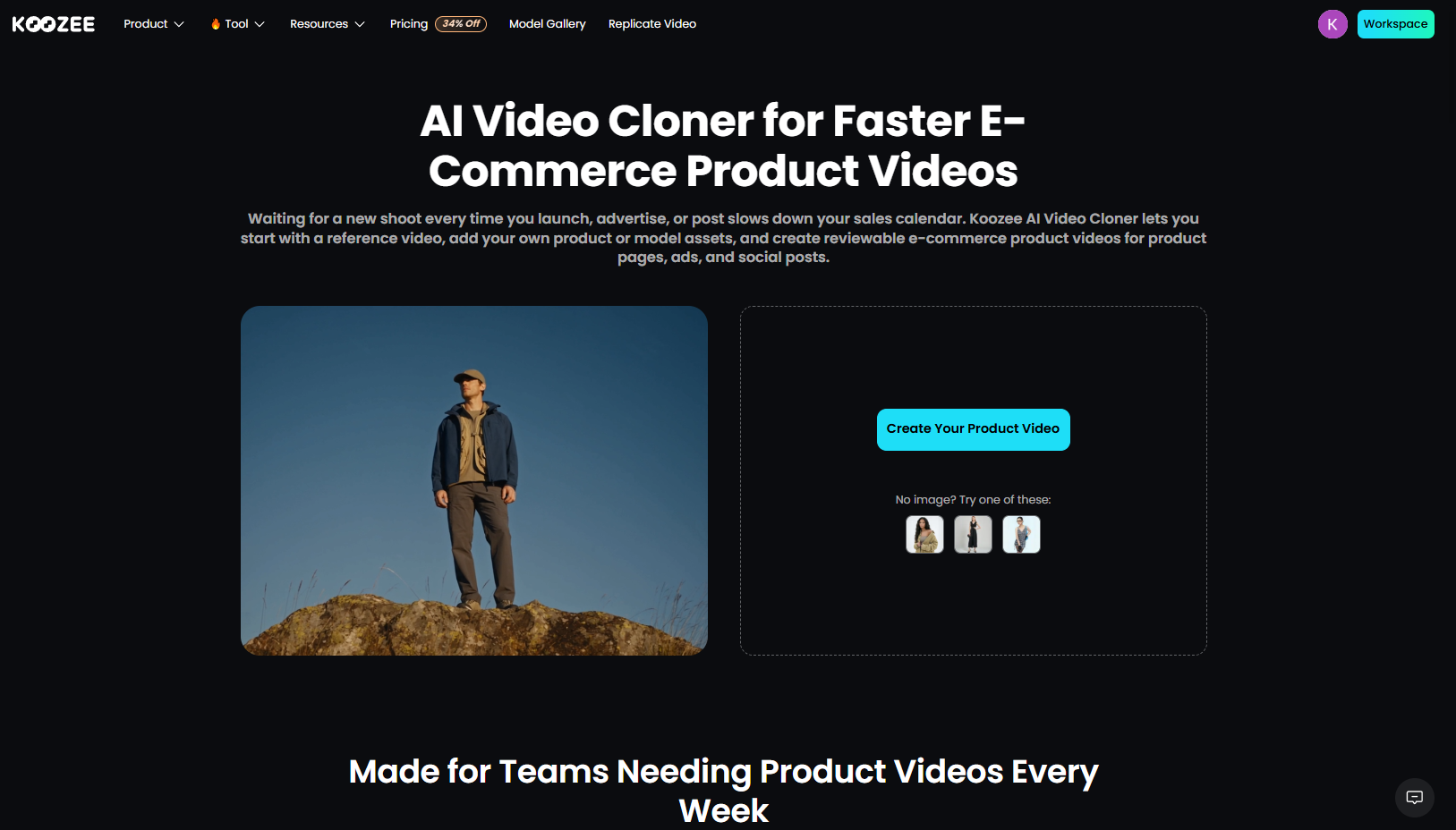
Step 1. Upload a reference video. Choose a video whose format fits the way you want to present your product.
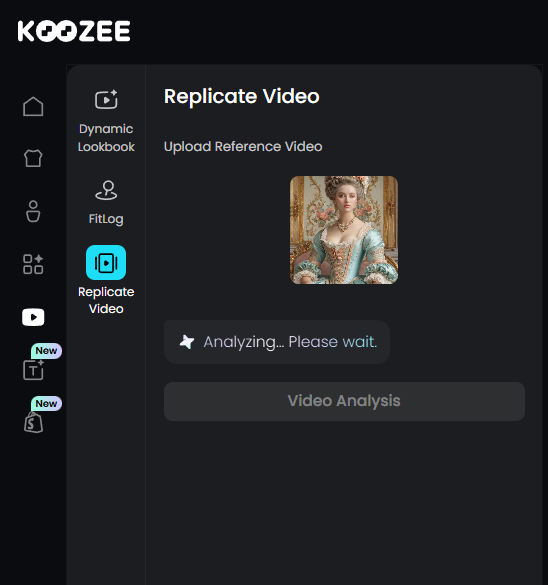
Step 2. Add the requested assets. Koozee analyzes the reference and identifies the product, clothing, model, or other images needed for the key scenes.
Step 3. Set your output options. Choose the duration, aspect ratio, and resolution that fit your intended placement.
Step 4. Generate and review. Check the garment's color, pattern, fit, details, motion, captions, and pacing. Regenerate or refine anything that looks inaccurate.
Step 5. Use the finished asset where needed. Export the approved video for product pages, social content, or advertising. Shopify sellers can also manage approved visual assets through Koozee's connected product workflow.
Koozee is not limited to viral TikTok videos. Its reference-video workflow supports formats such as product recommendations, talking-head explainers, try-on hauls, OOTD, styling tips, outfit transitions, product details, comparison reviews, unboxing, and lifestyle content. The reference provides the pacing, shot style, and product-presentation structure; your own assets remain the focus.
💡 Pro tip: The reference video is only a creative starting point. Replace its product, copy, voiceover, and other protected elements with your own assets and original content, and review the final video before publishing.
Method 3: Remake It With Templates When the Trend Window Is Closing
Sometimes the trend is peaking right now and you have 24–72 hours before the format feels stale. That's when template remakes win.
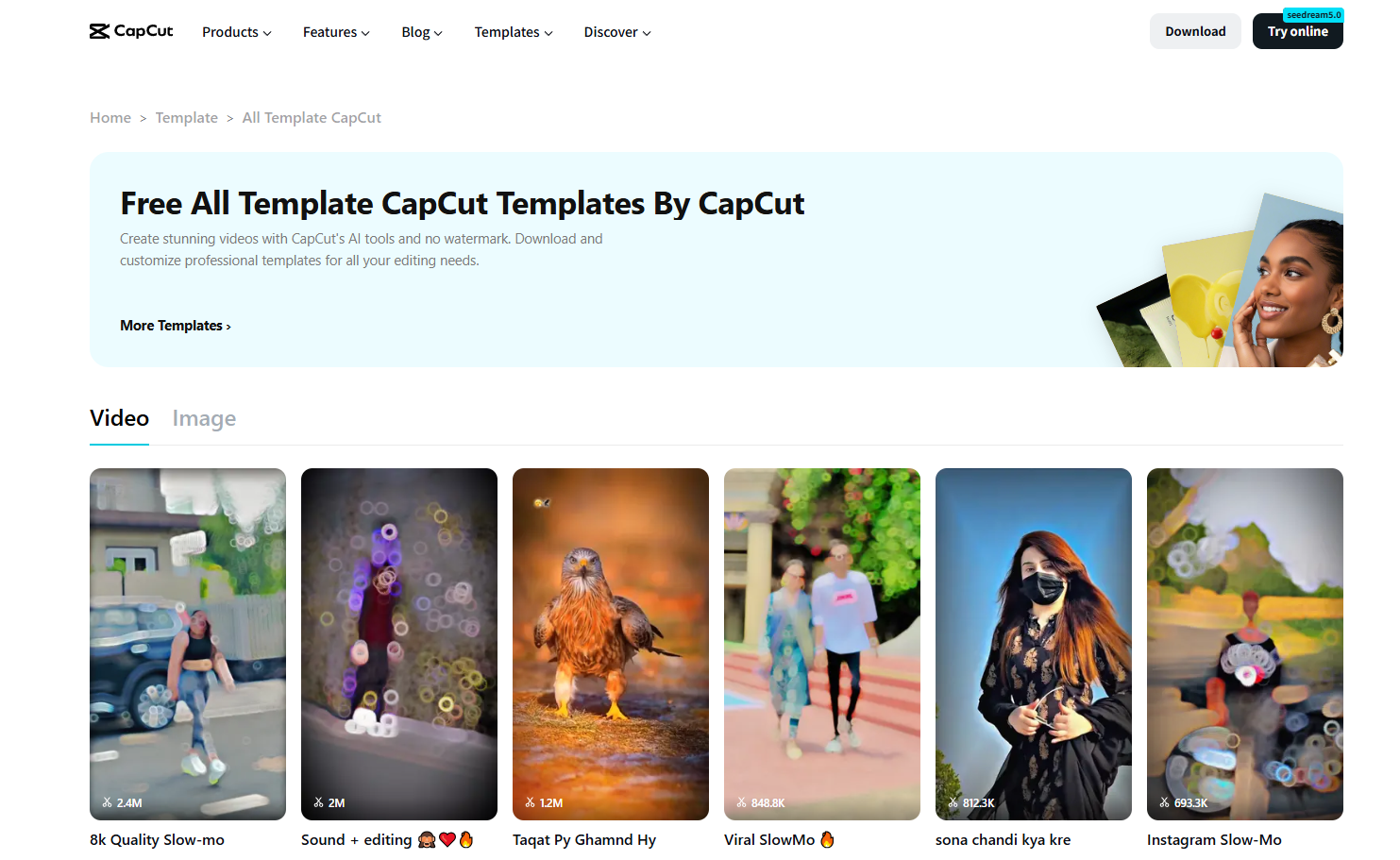
Find the trend's template. Search TikTok's in-app template gallery or CapCut — most viral formats get templated within days.
Swap in your own product clip. Drop your hook shot and product moment at the template's designated points.
Rewrite the text overlays. Templates carry the structure; your words carry the message. Never publish a template with stock text.
Use licensed commercial sounds. Trending songs are often not licensed for commerce. TikTok Shop sellers must stick to the commercial music library — a template with the wrong audio can get your video suppressed.
Post inside the trend window. Formats, like sounds, have a half-life. A good remake posted late underperforms a decent remake posted now.
Method 4: Have a Creator Recreate the Format for You
If you have budget and need social proof, creators and TikTok Shop affiliates are the most native way to remake a viral TikTok product video.
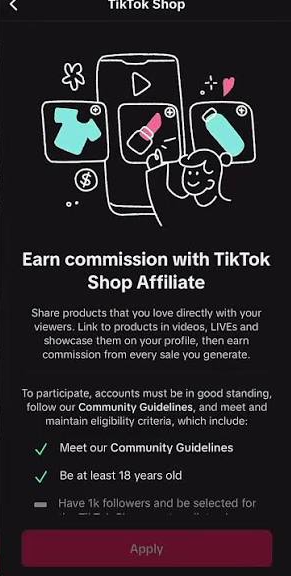
Find creators in your niche. Browse TikTok Shop's affiliate marketplace or search your category's hashtags. Fit matters more than follower count — a mid-size creator whose audience buys clothing beats a million-follower generalist.
Brief them with your beat map, not just "make a video." Creators are not mind-readers. Hand them the five-beat structure from Method 1 and let them translate it into their voice.
Let them add their own twist. Their authentic delivery is the whole point. Over-scripting a creator produces an ad, and audiences scroll past ads.
Get the right to use the content. If you want to turn a creator's organic post into a Spark Ad, obtain the required creator authorization through TikTok's ad tools. A simple credit in the caption does not replace usage permission.
Make Your Remake More Likely to Go Viral
The format gets you in the game. These details decide whether the algorithm keeps pushing your video:
Put the hook on screen early so the idea is clear even without sound.
Caption everything. Viewers watch muted by default. Your caption should restate the hook and name the product.
Write captions like search results. TikTok now can behaves like a search engine — include your product's category words ("satin slip dress," "shapewear try-on") in the caption and on-screen text.
Show fabric, not just fashion. Close-ups of texture, movement, and drape are the shots that convert clothing browsers. A flowy fabric in motion is a pattern interrupt in itself.
Cover body diversity. Post versions of the same format on different body types and sizes. It doubles your content and answers the #1 comment question: "Will this fit me?"
Post 3–4 times a week plus one live session. Consistency gives the algorithm a stable audience signal, and live selling answers sizing questions in real time.
Respond to useful comments and turn recurring questions into follow-up videos.
Frequently Asked Questions
Is it legal to recreate a viral TikTok video?
Recreating a format is generally lower-risk than copying the original footage, but it isn't automatically legal. Copyright usually protects the specific expression of an idea rather than the underlying idea itself, but other rights and platform rules can still apply. Use the original video as a creative reference, then create your own footage, script, voiceover, music, branding, and product presentation.
Can I repost a viral TikTok video and tag my own product?
No. TikTok Shop explicitly prohibits reproduced content, including mirroring another creator's video or merging their clips without permission. Cropping, filters, or removing the watermark don't make it compliant — they make it a detectable violation.
What app can recreate a viral TikTok product video?
For apparel sellers, Koozee's AI Video Cloner can use a reference video to replicate a proven short-form format with your own clothing and product assets, with try-on visuals included. General video tools like CapCut cover the template route, while Wizstar and similar services break down reference videos for other product categories.
How long should a viral-style product video be?
There is no universal best length for a viral-style product video. Keep it as long as necessary to communicate the hook, product value, proof, and CTA, then test shorter and longer versions.
Do I need trending audio to go viral?
Trending audio helps, but commercial sellers must use TikTok's licensed commercial music library — trending songs are frequently not cleared for commerce. If the audio isn't available to you, lean on text overlays and a strong visual hook; videos without sound still spread.
How do I recreate a viral video if I can't film models?
Use product-image-based AI generation to create try-on visuals and video clips without a photoshoot. Flat lays, ghost mannequin shots, and macro detail clips also work as beats — many viral apparel videos contain zero human faces and are built entirely from product movement and close-ups.
How often should I post remakes?
Three to four remake or styling videos per week, plus one short live session weekly, is the cadence working apparel sellers report on TikTok Shop. Consistency matters more than volume; one strong video a day beats five weak ones a week.
You May Be Interested

How to Use AI Models for TikTok Shop: 3 Methods for Sellers

How to Make Fashion TikTok Videos From Photos (4 Methods)

6 Best AI Video Ad Generators in 2026