GPT Image 2 · Product Commercial · Handbag
GPT Image 2 Fashion Prompts
Explore curated GPT Image 2 prompts for fashion photography, apparel campaigns, product images, e-commerce creatives, and fashion advertising. Copy a prompt or use it directly in KOOZEE to create your own fashion visuals.
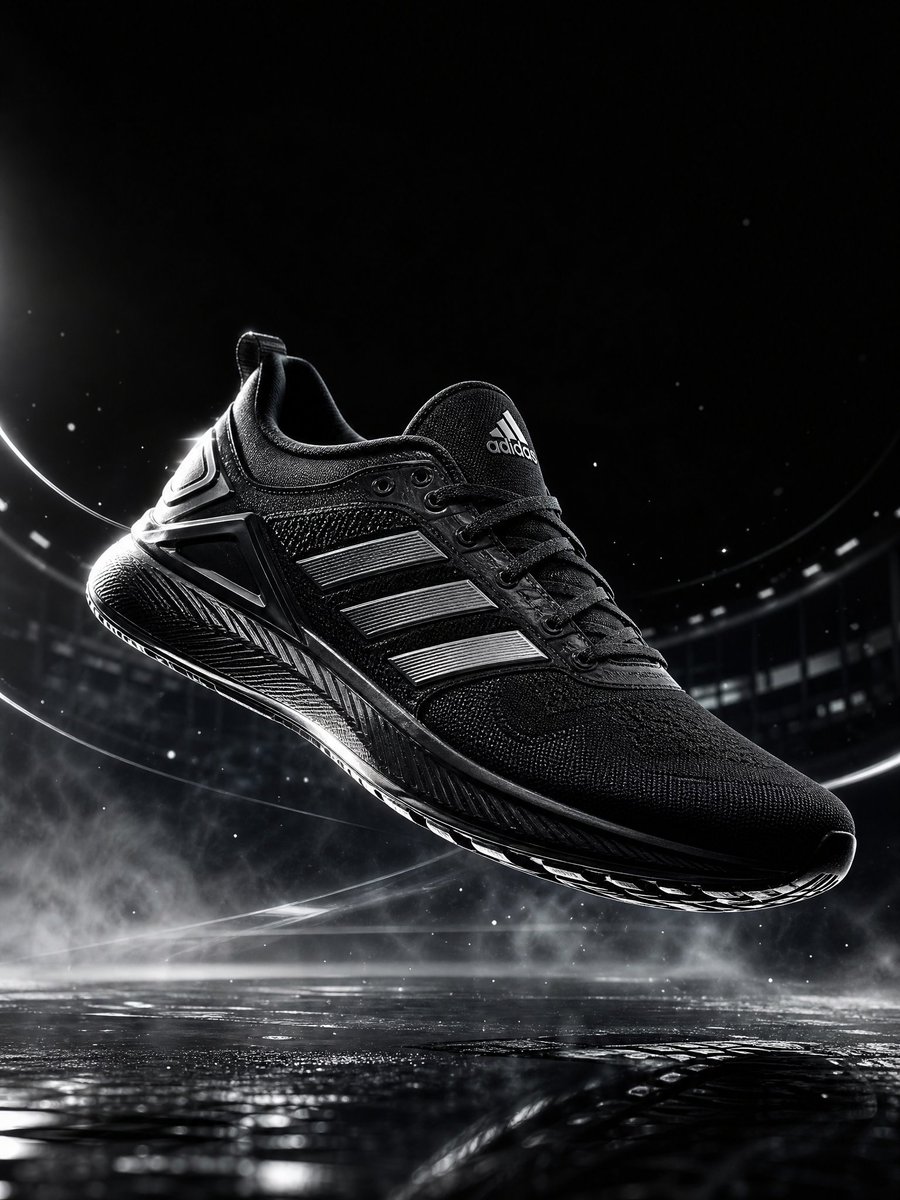
GPT Image 2.0 · Product Commercial · Shoes
What Is GPT Image 2 for Fashion?
GPT Image 2 for Fashion and E-commerce
GPT Image 2 fashion prompts turn short creative direction into visuals you can use across apparel and retail workflows—from campaign concepts to listing-ready product shots. The gallery above collects real reviewed cases so you can start from proven prompt language, then adapt garments, lighting, and setting in KOOZEE when you generate.
- Fashion campaign visuals
- Apparel product photography
- E-commerce listing images
- Fashion advertising
- Editorial-style visuals
- Social media creatives

GPT Image 2 Fashion Prompt Ideas
Fashion Campaigns
Create prompt ideas for seasonal launches, branded campaigns, and editorial-style fashion visuals.
Product Photography
Explore prompts for apparel product images, clean studio photography, and product-focused compositions.

E-commerce Creatives
Create hero images, promotional visuals, listing assets, and store creatives.

Fashion Editorial
Generate magazine-inspired concepts with different lighting, poses, styling, and compositions.

Social Media Ads
Create visual concepts for fashion ads, social campaigns, and product promotions.

Apparel Showcases
Explore prompts for presenting clothing, accessories, and fashion products in different visual styles.
How to Use GPT Image 2 Fashion Prompts
- Step 1
Browse a Fashion Prompt
Explore GPT Image 2 prompt examples for apparel, product photography, fashion campaigns, and e-commerce creatives.
- Step 2
Copy or Use the Prompt
Copy the original prompt, or click Use Prompt to open GPT Image directly in KOOZEE.
- Step 3
Create Your Fashion Visual
Adjust the prompt if needed, then generate a fashion visual for your product, campaign, or store.
FAQ
They are text instructions from real reviewed cases for fashion photography, campaigns, product shots, and ads. Each case shows the original prompt with media and attribution when available.
Yes. Many cases focus on apparel and product photography. Copy the original prompt and adjust garment, lighting, or background details for your listing or shoot brief.
Yes. The gallery includes prompts suited to hero banners, product grids, and promotional visuals for online stores and fashion retail.
You can copy any original prompt from this page. How you use generated output in your business is your responsibility—review your tools’ terms and your own policies.
Open a case in the gallery, then use Copy Prompt or Use This Prompt in KOOZEE. Use Prompt opens the GPT Image workflow and fills in the original prompt.
Prompts here target campaign visuals, product and apparel photography, e-commerce creatives, editorial-style images, and social ad concepts—within what your generator and prompt describe.
Create Fashion Images with GPT Image 2
Start with a fashion prompt, customize it for your product or campaign, and create your own visuals with GPT Image 2.
Try GPT Image 2