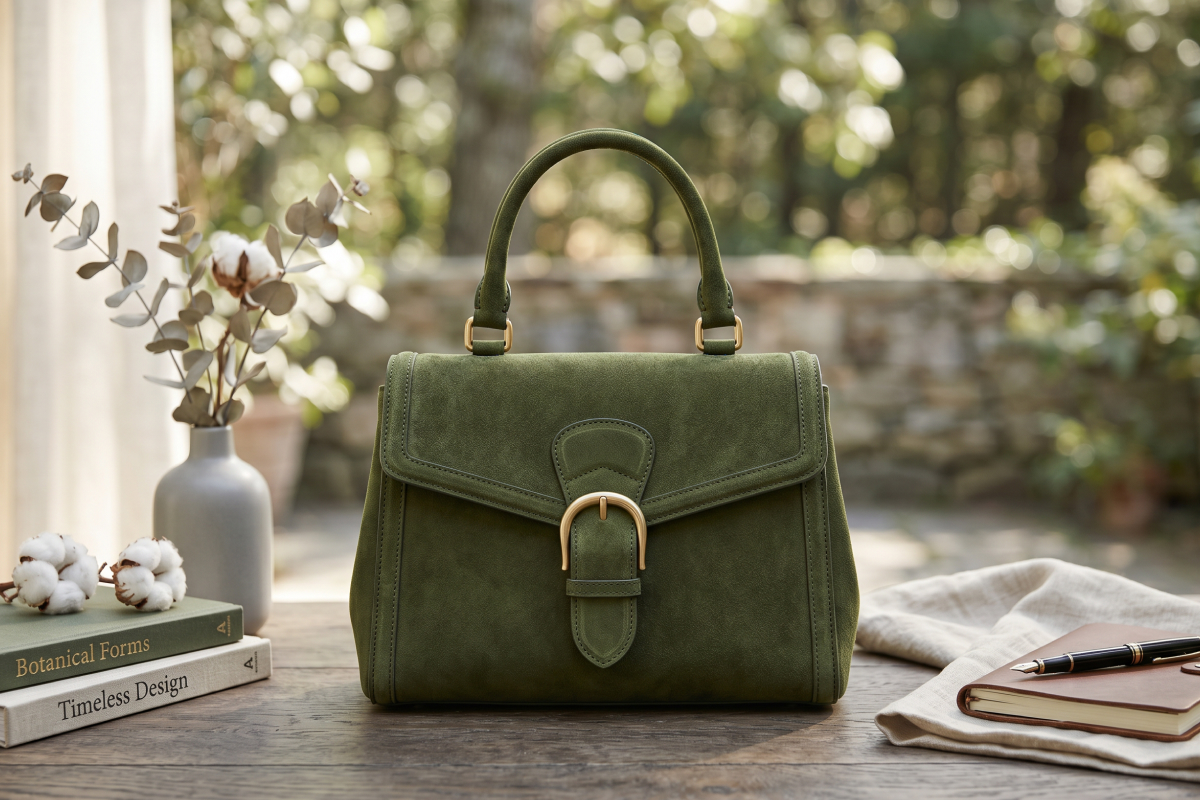
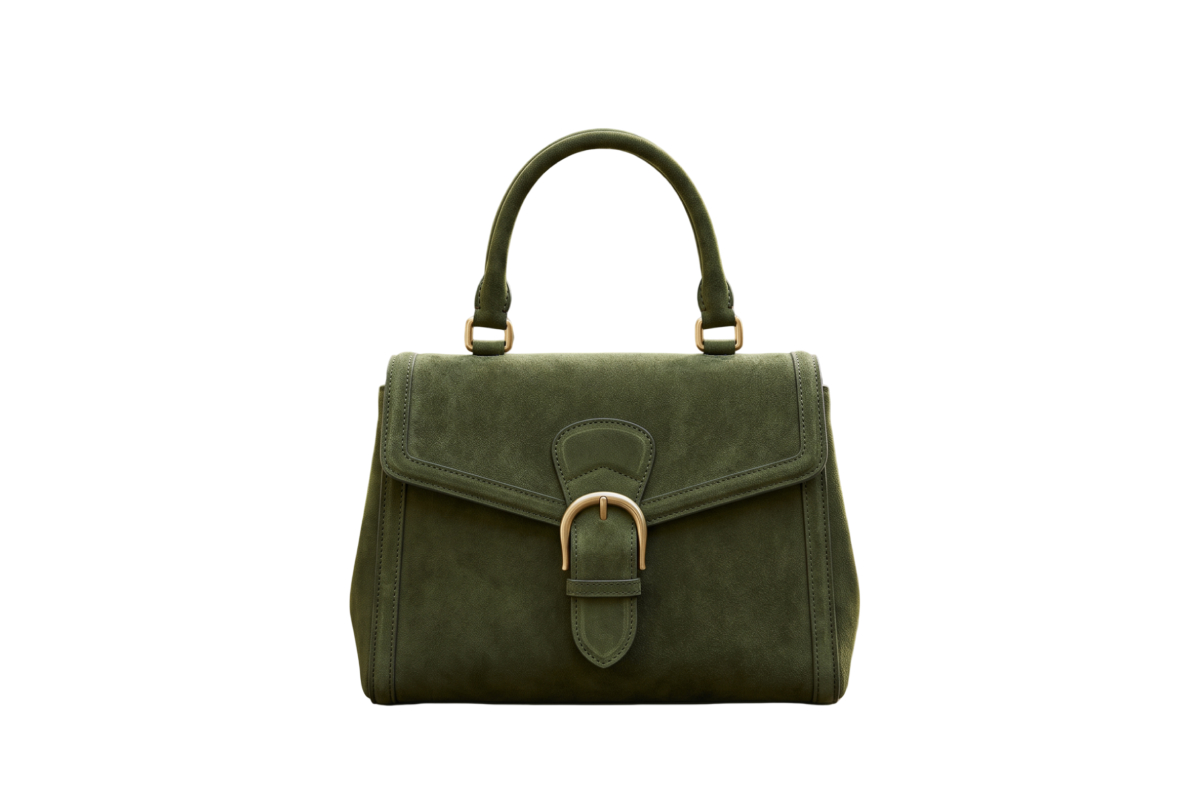
High-Volume Marketplace Sellers
Turn supplier or sample photos into flat lays, listing images, and model visuals for Amazon, TikTok Shop, and other marketplaces, so each new SKU is easier to prepare for launch.
KOOZEE Quick Create brings ready-made AI fashion tools together in one place. Choose a task, upload clothing, model, or other assets, and create fashion images, try-on visuals, enhanced photos, or marketing videos.
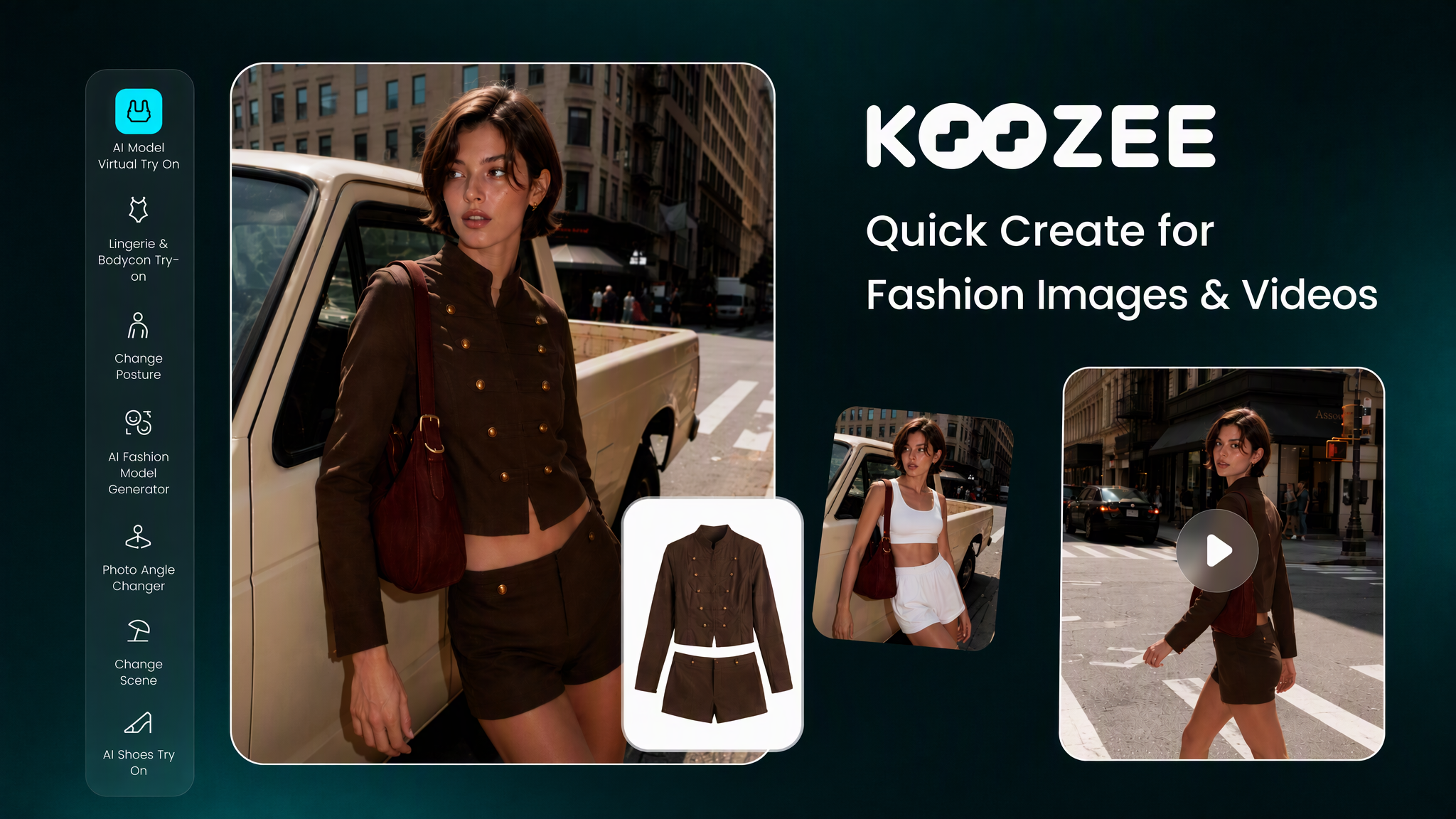
Choose what you want to create, such as product images, model visuals, marketing images, or fashion videos.
Upload or drag in the clothing, model, or reference images you want to use.
Set the essentials, generate your content, review the result, and download it when you’re ready.
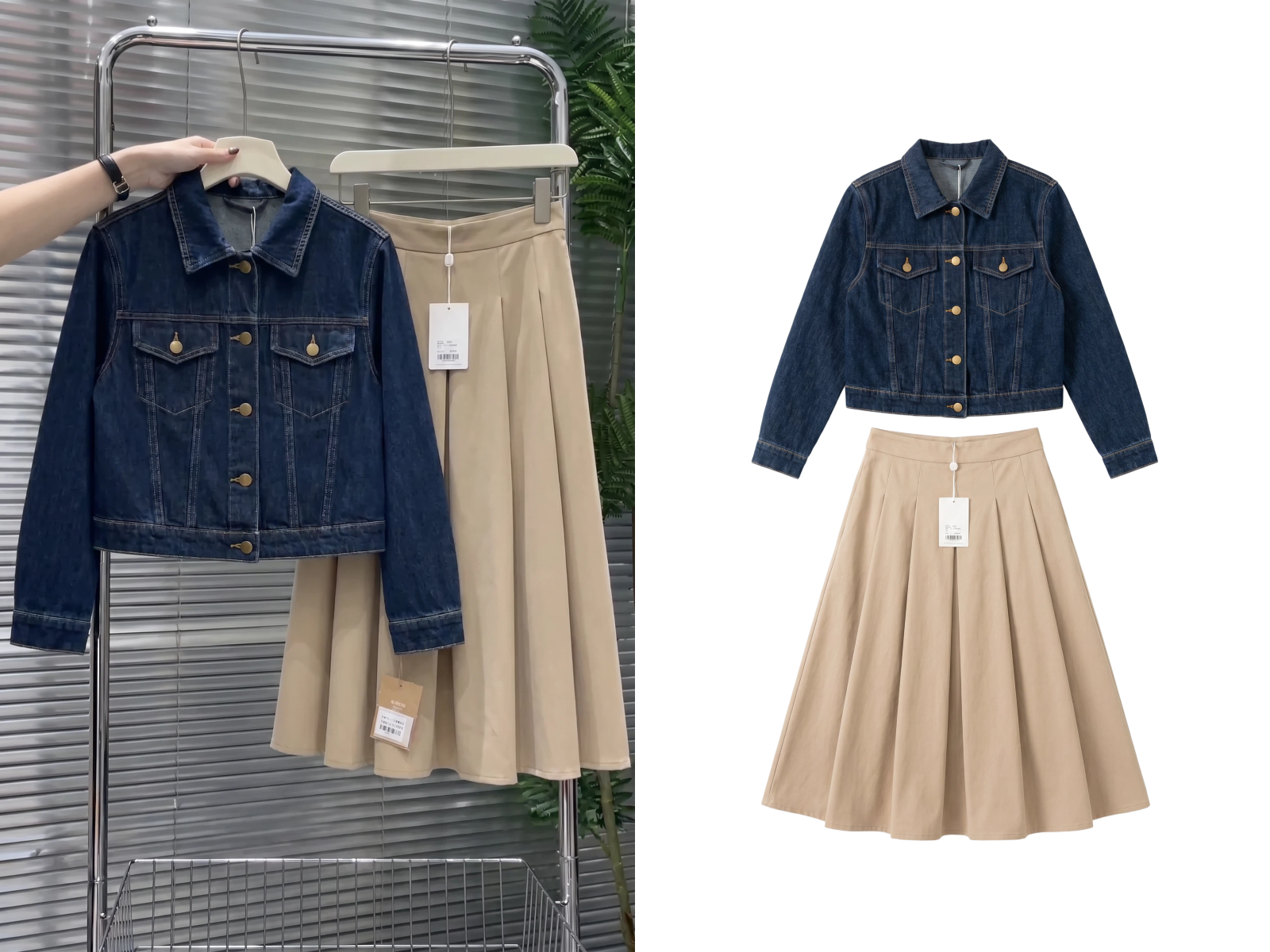
Turn existing garment photos into clean main images, standard flat lays, ghost mannequin shots, and detail views—ready for faster listings and product page updates.
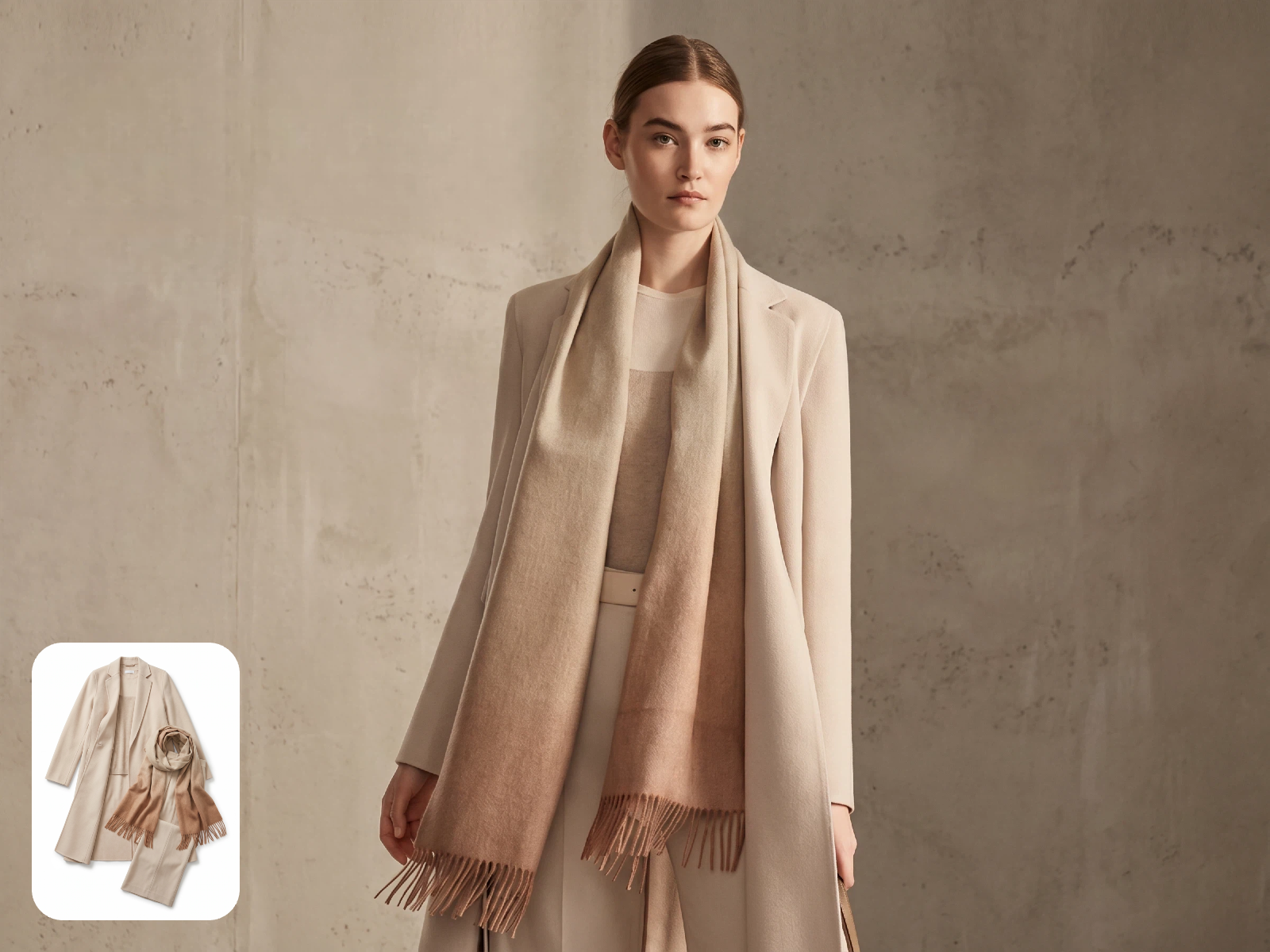
Create AI models and virtual try-on images, then switch models, outfits, poses, or scenes to match different markets and merchandising needs.
Remove backgrounds, sharpen images, and improve video quality so supplier photos, original shoots, and AI outputs are easier to publish and reuse.
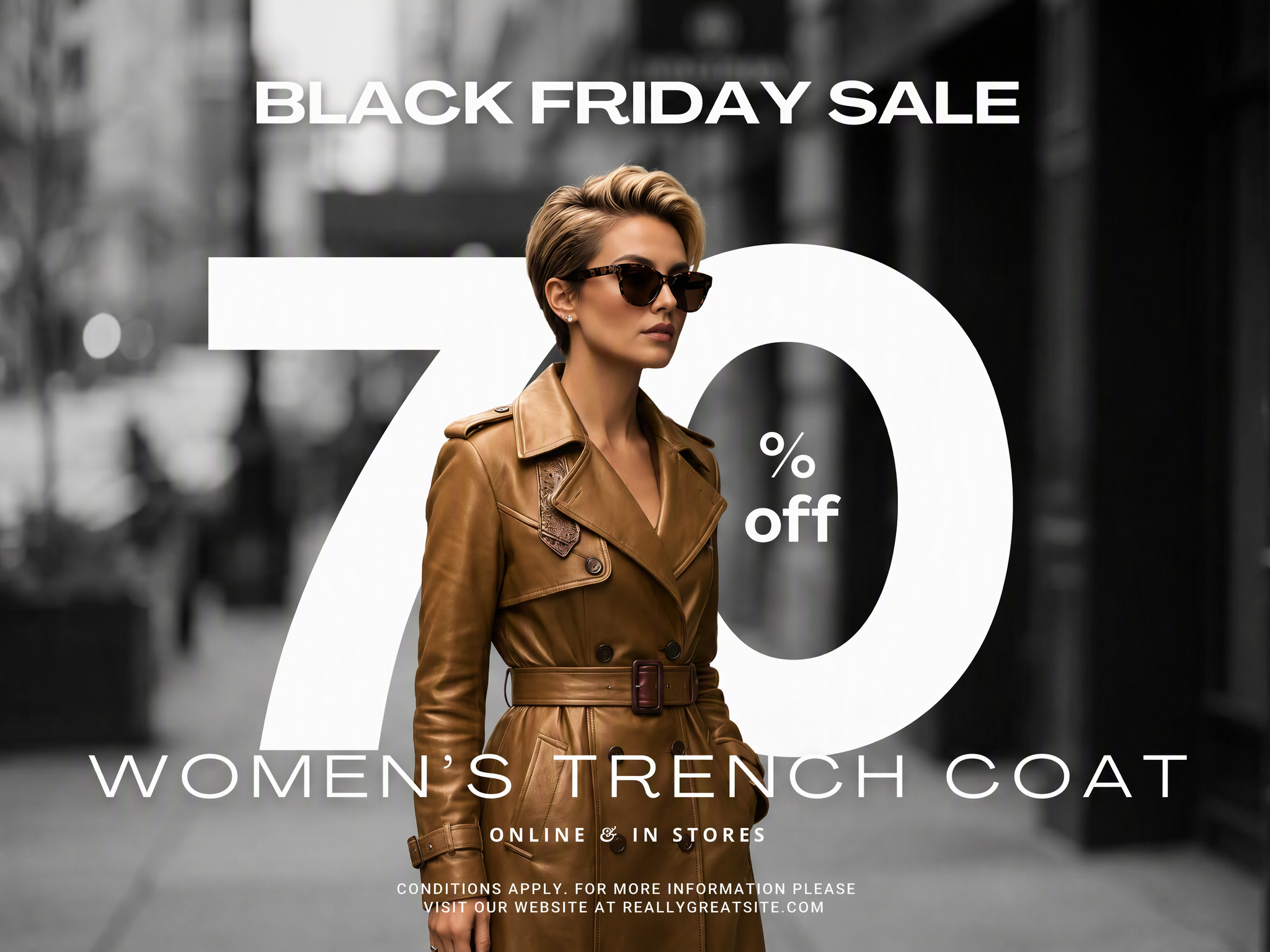
Turn apparel assets into campaign images, lifestyle scenes, and promotional designs for product pages, ads, and localized markets.
Transform clothing images into product showcase and marketing videos for launches, paid campaigns, and social content.
Add motion to static fashion images with AI video and image-to-video tools. Create clips for product demos, ads, and social feeds.
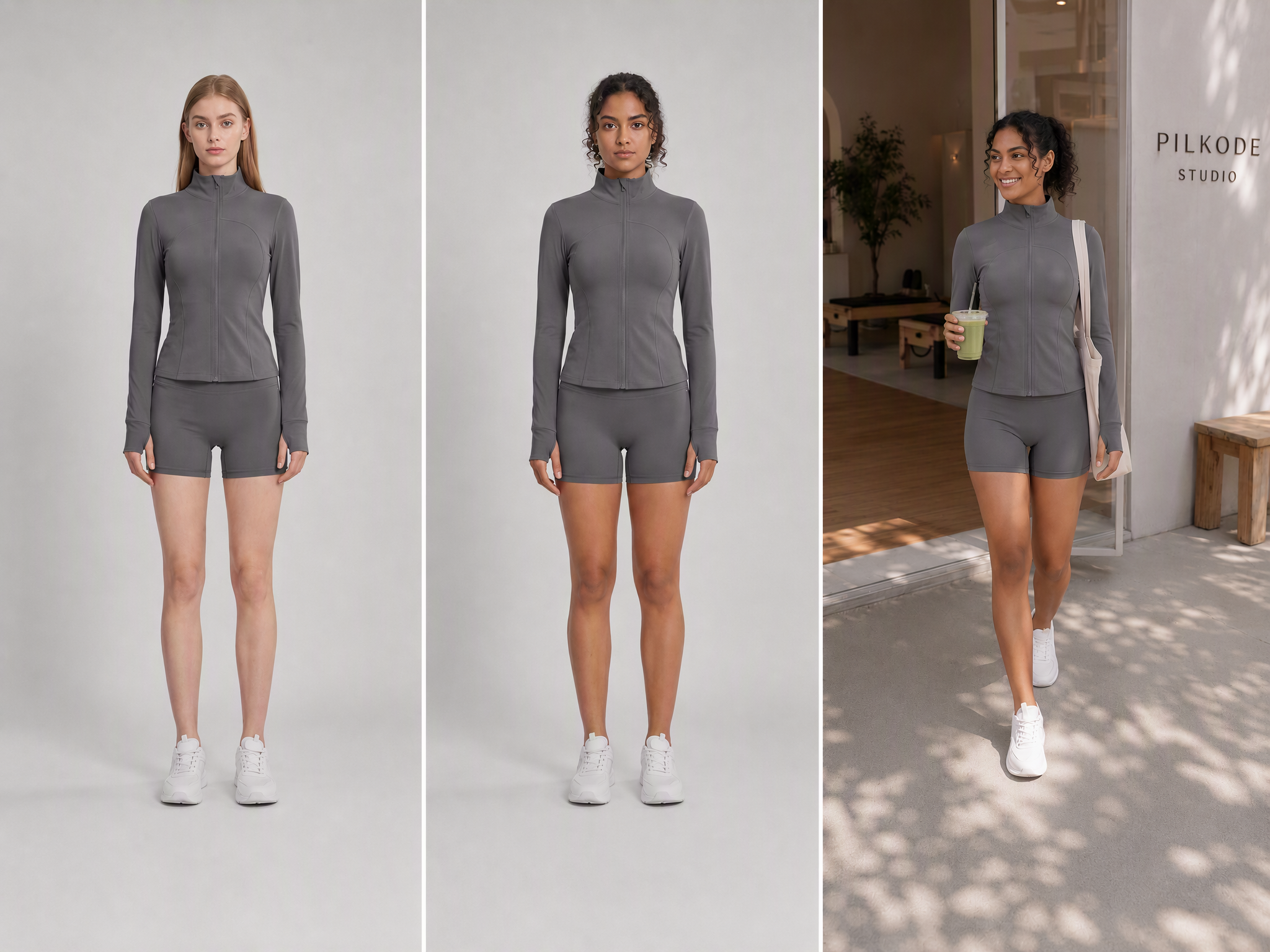
From apparel product images and AI models to virtual try-on, image editing, and video generation, find more AI fashion tools for every creative task.
Choose what you want to create, upload your assets, set the essentials, and generate with Quick Create.
Turn the same clothing photos into product shots, try-on visuals, campaign images, and videos for more channels and campaigns.

Create for real e-commerce needs—from new product listings and model displays to ads, product pages, and daily social posts.

High-Volume Marketplace Sellers
Turn supplier or sample photos into flat lays, listing images, and model visuals for Amazon, TikTok Shop, and other marketplaces, so each new SKU is easier to prepare for launch.

Small and Midsize Fashion Brands
Create campaign images, marketing videos, and localized content from the same apparel assets to keep your brand visuals polished and consistent across channels.

E-Commerce and Performance Marketing Teams
Create multiple image and video variations, compare models, scenes, and creative directions, then publish across product pages, ads, and social platforms.
Most tools do not require complex prompts. Choose a task and upload your assets to get started. Some tools may ask for a short description or a few basic settings.
Yes. Depending on the tool, you can upload clothing images, model photos, reference images, or other existing apparel assets. Check the tool page for specific requirements.
Yes. Use the relevant Quick Create tool when you want to create an image or video as a standalone task. Use Freeform Canvas when you need to connect several tools into a multi-step workflow.
Create product page images, ad creatives, and marketing videos for Amazon, Shopify, TikTok Shop, brand websites, and social platforms.
Quick Create brings ready-made fashion image and video tools into one place, making it ideal for quickly creating product visuals, model try-ons, enhanced assets, or marketing videos. Choose a task and upload the required assets to get started—most tasks need no complex prompt or custom workflow. Use Freeform Canvas to connect and reuse multiple creation steps, or KOOZEE MCP to let AI agents access KOOZEE’s creation tools.
Yes. Paid subscribers may use eligible outputs for digital commercial uses, including e-commerce, ads, and social media. Make sure you own or have permission to use every uploaded asset, and review KOOZEE’s Terms of Service and Privacy Policy before publishing.
Choose a task, upload your apparel assets, and turn them into product images, model try-ons, campaign graphics, and marketing videos.