8 Best Image to Prompt Generators for Apparel Sellers
We tested the best image to prompt generators for Shopify, Amazon, and eBay apparel sellers, covering pricing, free tiers, and batch workflows in 2026.


Turning a reference image into a useful AI prompt is harder than simply describing what’s in the photo. Apparel sellers need good prompts that capture garment details, fabric, styling, lighting, composition, and camera look—so it can be adapted for new product images and creative concepts.
The right image-to-prompt tool can turn a product or campaign reference into a reusable prompt for creating new apparel visuals, testing creative directions, and developing a more consistent visual style across SKUs.
We tested 8 leading image-to-prompt generators using flat lays, ghost mannequin shots, and lifestyle apparel images, comparing prompt quality, model compatibility, batch workflows, privacy, and pricing.
Key Takeaways
Best for prompt refinement: ChatGPT for conversational prompt refinement and flexible output.
Best free option: Google AI Studio for high-volume prompt extraction and API access.
Best for Midjourney users: Midjourney’s
/describecommand for fast in-platform image analysis.Best for batch workflows: ImagePrompt.org for processing multiple images at once.
Key factors: Prompt quality, model compatibility, batch support, privacy, and price.
Why Use an Image to Prompt Generator?
For apparel sellers, reference images are often useful for more than inspiration. A strong lifestyle or campaign image can provide a repeatable visual direction for presenting different products—such as how the garment is styled, framed, lit, and shown on a model. An image to prompt generator helps apparel sellers:
Adapt successful visual styles: Turn a strong campaign or lifestyle reference into a prompt you can reuse with different garments.
Create more creative variations: Explore new poses, settings, compositions, and styling directions without starting from a blank prompt.
Standardize creative direction across SKUs: Use similar prompt structures to maintain a consistent look across product or campaign images.
How We Selected the Tools
We tested leading image-to-prompt generators with flat lays, ghost mannequin shots, and lifestyle apparel photos, evaluating prompt quality, model compatibility, batch support, privacy, and pricing. We excluded basic image captioning tools that only describe images without generating prompts suitable for AI image generation.
Quick Comparison Table — Best Image to Prompt Generators
| Tool | Best For | Pricing | Output Format |
| ChatGPT | Prompt iteration and refinement | Free + paid plans | Natural language, customizable |
| Google AI Studio | Free image analysis and prompt testing | Free tier + paid API | Natural language, API output |
| Midjourney | Existing Midjourney users | From $10/month | Midjourney-ready prompts |
| CLIP Interrogator | Stable Diffusion workflows | Free, open source | Generated text prompts |
| Picsart | Multi-model prompt generation | Free | Model-specific prompts |
| img2prompt | Simple Stable Diffusion prompts | About $0.041/run on Replicate | Stable Diffusion-oriented prompts |
| ImagePrompt.org | Batch processing | 5 free Prompt Credits/day + paid plans | Text prompts |
| Claude | Detailed visual descriptions | Free + paid plans | Natural-language descriptions |
8 Best Image to Prompt Generators
ChatGPT — Best for Prompt Refinement
ChatGPT is a general-purpose image analysis and prompt refinement tool that can turn reference images into reusable prompts. Upload a product photo or campaign reference, ask it to analyze the visual details, then refine the result through follow-up instructions—for example, to emphasize fabric texture, change the prompt format, or adapt it for a specific image generator.
Key features:
Analyze uploaded product photos, model shots, and campaign references
Generate prompts in different formats for tools such as Midjourney or Stable Diffusion
Refine prompts conversationally based on specific visual details
Pricing: Free plan with limited image and message usage; paid plans provide higher usage limits and additional features.
Best for: Sellers who want to extract, refine, and adapt prompts in one workflow.
Limitations: Prompt quality depends on the instructions you provide, and heavy image-analysis use may require a paid plan.
💡 Pro tip: Ask for three versions of the same prompt: a concise image-generator prompt, a detailed version focused on visual attributes, and a plain-English style brief for future SKUs.
Google AI Studio — Best Free Option for Image Analysis
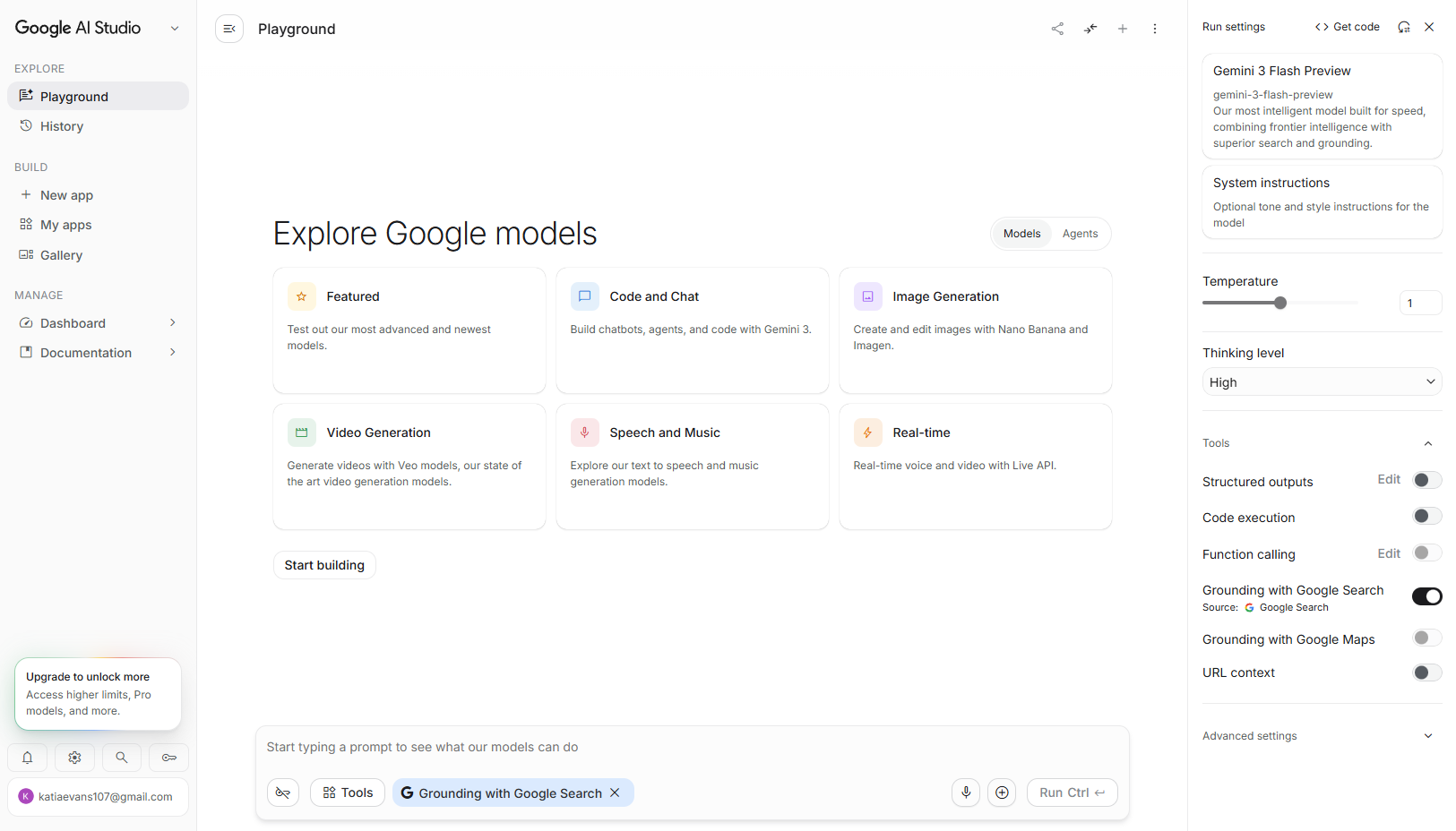
Google AI Studio lets you use Gemini's multimodal models to analyze images and turn their visual details into structured descriptions or prompts. It is particularly useful for sellers who want to experiment with image-to-prompt workflows for free, while the Gemini API provides a path to programmatic processing as needs grow. Gemini supports image inputs through uploads, URLs, and the File API.
Key features:
Free access to selected Gemini models with image input
API access for programmatic image analysis
Flexible output, including structured descriptions and custom prompt formats
Multilingual capabilities for international teams
Best for: Sellers who want a free, flexible way to analyze product and reference images or build a custom image-to-prompt workflow.
Limitations: The interface is more developer-oriented than dedicated prompt-generation tools. Higher-volume production workflows require paid API usage, and Batch API is available on the paid tier.
Midjourney — Best for Sellers Already Using Midjourney
Midjourney doesn't market itself as an image-to-prompt generator, but its built-in /describe command is the fastest reverse-prompting workflow if you already generate images there. Upload a photo and /describe returns four prompt variations you can run immediately — no exporting, no format conversion.
Key features:
Built into the Midjourney interface; prompts are immediately ready to run
Returns four variations per image, so you can pick the one that best captures the reference
Combines with Midjourney's style and character reference features for consistent brand looks
Best for: Sellers who produce most of their AI visuals in Midjourney and want to recreate a reference aesthetic without switching tools.
Limitations: Requires a Midjourney subscription, and the prompts are formatted for Midjourney only — the output is less useful if you also generate in Stable Diffusion or DALL-E.
💡 Pro tip: Run
/describeon your best-converting product photo, not a random image. The prompts you extract from a proven asset become your style template for future SKUs.
CLIP Interrogator — Best Open-Source Option for Stable Diffusion Workflows
CLIP Interrogator is an open-source image-to-prompt tool that combines BLIP for image captioning with CLIP-based ranking to generate prompts from reference images. It is designed primarily for Stable Diffusion workflows and can be run locally, through notebooks, or as a Stable Diffusion WebUI extension.
Key features:
Free and open source
Generates prompts from reference images using BLIP and CLIP
Supports different caption and CLIP models
Can be integrated into Stable Diffusion WebUI workflows
Best for: Technical users who want a free, customizable image-to-prompt tool for local Stable Diffusion workflows.
Limitations: Setup is more technical than browser-based alternatives, and the generated prompts are better suited to Stable Diffusion workflows than general-purpose image generators. The project also requires local model downloads and computing resources when run locally.
Picsart Image to Prompt Generator — Best for Multi-Model Prompt Formats
Picsart offers a free image-to-prompt generator that lets you upload an image, choose an AI model, and generate a prompt tailored to that model. It supports popular models including Midjourney, Stable Diffusion, Flux, DALL·E, and Nano Banana, along with styles for photography, product images, and digital art. It also supports prompt generation in 10+ languages.
Key features:
Choose an AI model before generating the prompt
Supports Midjourney, Stable Diffusion, Flux, DALL·E, and other models
Product, photography, and digital-art style options
Prompt generation in 10+ languages
Best for: Sellers who want a quick, model-specific prompt without manually reformatting the output.
Limitations: The tool is focused on generating prompts rather than conversational prompt refinement or large-scale catalog automation.
📌 Note: For Amazon main listing images, check the current marketplace requirements before using a generated visual. Amazon generally requires the main product image to use a pure white background, so build that requirement into the workflow from the start.
img2prompt — Best for Simple Stable Diffusion Prompt Extraction
img2prompt is a lightweight open-source model available through Replicate that generates an approximate text prompt from an image. It is specifically optimized for Stable Diffusion and uses CLIP ViT-L/14, making it a straightforward option for users who want a basic reverse-prompting workflow.
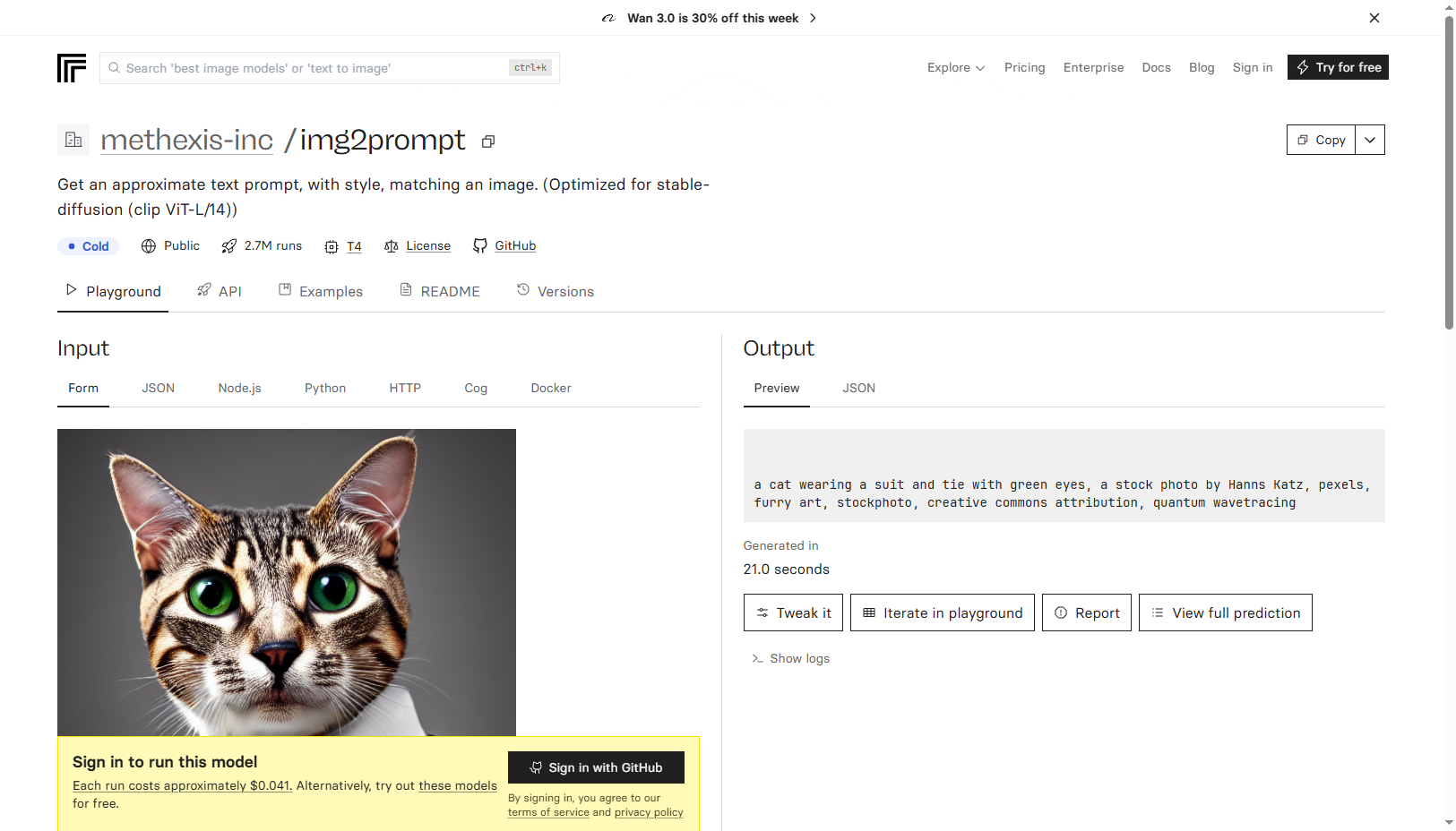
Key features:
Generates an approximate prompt from a reference image
Optimized for Stable Diffusion workflows
Available through Replicate's web interface and API
Best for: Stable Diffusion users who need a simple starting prompt from a reference image.
Limitations: It is a model rather than a full-featured prompt-generation platform, and the output is optimized for Stable Diffusion rather than multiple image generators. It also provides limited control over prompt refinement compared with conversational tools.
ImagePrompt. org — Best for Batch Image-to-Prompt Processing
ImagePrompt.org is a dedicated image-to-prompt tool with a batch workflow for processing multiple images. Free users get 5 Prompt Credits per day, while paid plans provide higher monthly limits. The service says uploaded images are used only for processing and are immediately deleted rather than stored on its servers.
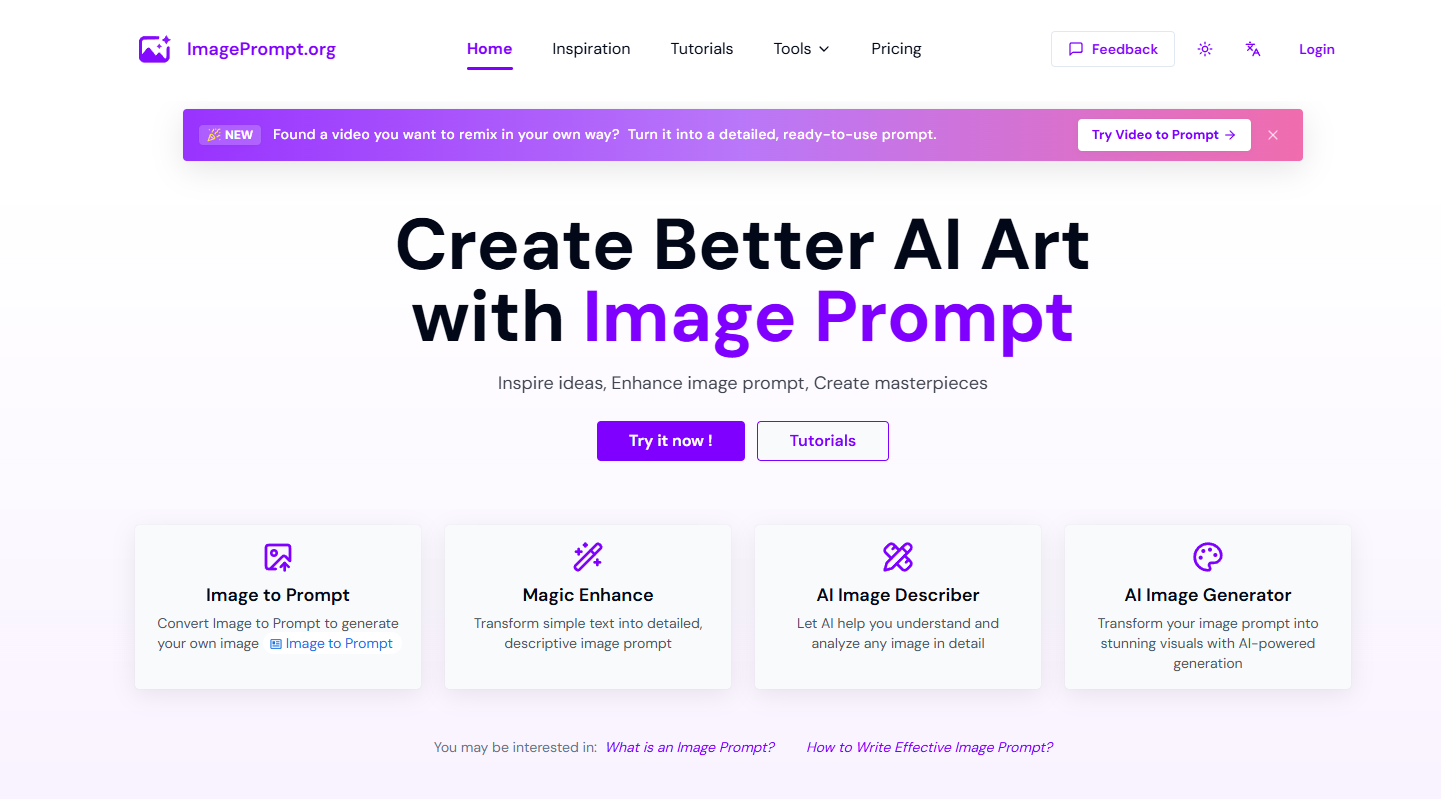
Key features:
Batch image-to-prompt processing
5 free Prompt Credits per day
Uploaded images are immediately deleted after processing
Paid plans for higher-volume workflows
Best for: Sellers who need to extract prompts from multiple product images and want a dedicated batch workflow.
Limitations: The free allowance is limited for large catalogs, and it offers less conversational control than tools such as ChatGPT or Claude.
Claude — Best for Detailed Visual Descriptions
Claude can analyze uploaded images and turn visual details into detailed text descriptions, making it useful for building image-generation prompts around fabric, lighting, composition, and overall visual style. Its conversational interface also makes it easy to refine the description for a specific image-generation workflow.
Key features:
Analyze product photos, model shots, and campaign references
Generate detailed descriptions of visual elements
Refine and restructure prompts through conversation
Support image analysis on the free plan, with higher usage limits on paid plans
Best for: Sellers who want detailed, natural-language descriptions that can be refined into prompts for editorial and lifestyle apparel visuals.
Limitations: Claude is a general-purpose AI assistant rather than a dedicated image-to-prompt tool, so its output may require formatting before use in a specific image generator. Claude.ai also does not offer a dedicated batch image-to-prompt workflow, although Anthropic provides batch processing through its API.
Bonus: Koozee — Enhance and Analyze Apparel Images
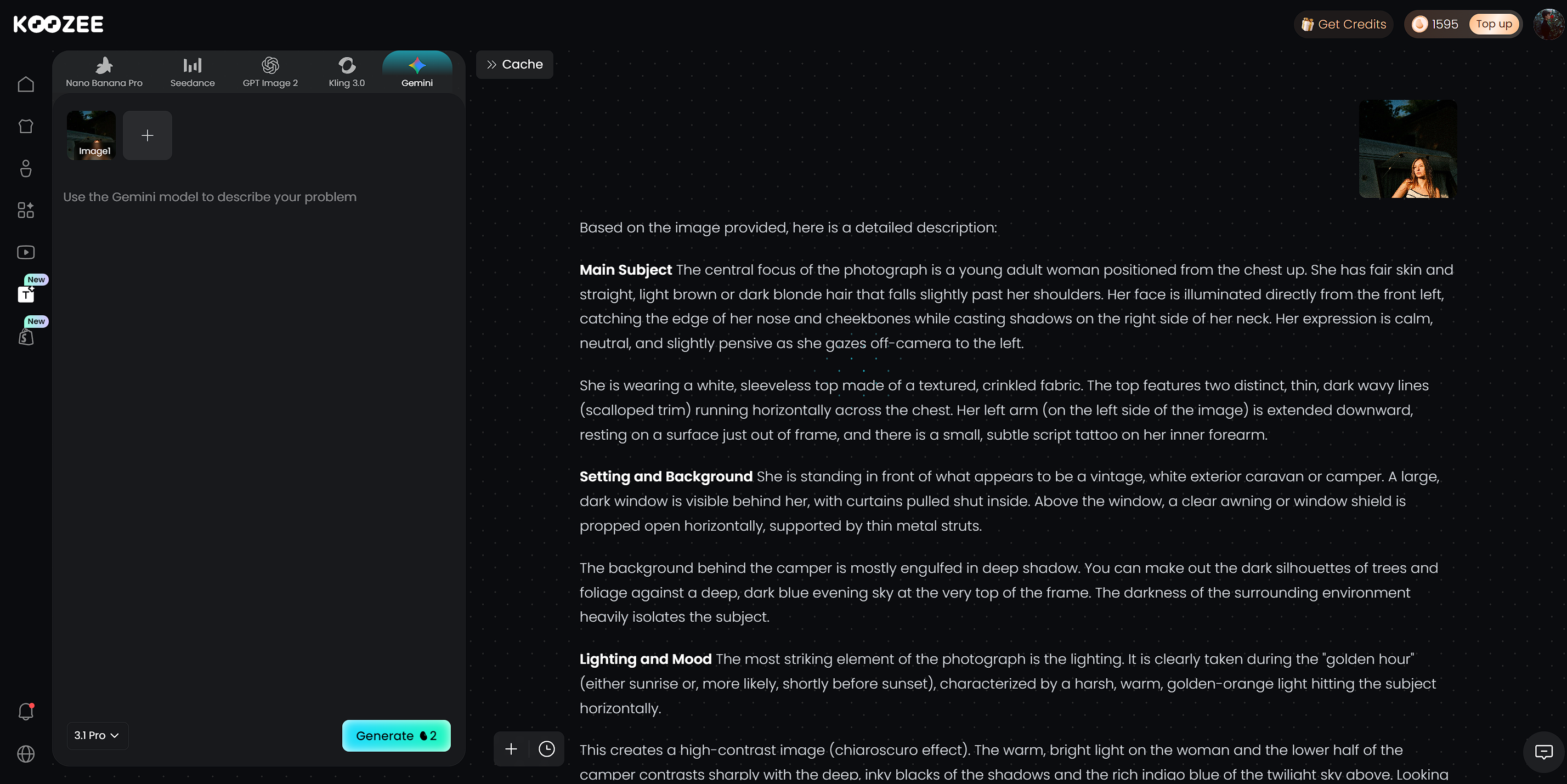
Koozee combines AI image enhancement, background removal, and built-in Gemini image analysis in one workflow. Upload an apparel image to improve its sharpness, fabric texture, and print details, remove or replace the background, then use Gemini to analyze what appears in the image.
For apparel sellers, this can make product images easier to interpret before creating prompts or using them in other AI image-generation workflows. Batch processing is also available for preparing multiple product images.
Best for: Apparel sellers who want to clean up product images and analyze them with AI before creating prompts.
Limitations: Koozee is not a dedicated image-to-prompt generator. Its Gemini-powered image analysis can help interpret the image, but prompt creation may still require additional editing or a separate prompt-generation tool.
How to Choose the Right Image to Prompt Generator
Choose based on your workflow:
Midjourney users: Use
/describeto extract prompts directly inside Midjourney.Large catalogs: Use Google AI Studio for API-based batch processing or ImagePrompt for simpler multi-image uploads.
Apparel image preparation: Use Koozee to enhance product photos, remove backgrounds, and analyze images with its built-in Gemini before creating prompts.
Amazon and marketplace sellers: Use ChatGPT to build prompts around image requirements, then verify every generated image against the actual garment.
Need finished visuals, not prompts? Consider a prompt-free apparel AI tool for on-model images, product videos, and listing assets instead.
Reusable Master Prompt
Standardize prompts across SKUs:
Subject: [garment + color] | Fabric: [material + texture] | Lighting: [direction + tone] | Composition: [angle + crop] | Background: [setting] | Mood: [2 adjectives] | Negative: [distorted seams, warped prints, extra fingers]
FAQ: Best Image to Prompt Generators
What is an image to prompt generator?
An image to prompt generator is a tool that analyzes an uploaded photo and describes it as a text prompt that AI image generators like Midjourney, Stable Diffusion, or DALL-E can run. The description typically covers the subject, materials, lighting, composition, and mood of the reference image.
Are image to prompt generators free?
Several are, with limits. CLIP Interrogator and img2prompt are entirely free, Google AI Studio has a generous free tier, and tools like ImagePrompt.org allow a handful of free generations per day. Paid tiers mostly unlock batch processing and higher daily limits rather than better prompt quality.
How do I use an image to prompt generator for product photos?
Upload a clear, well-lit photo of your product — flat lays and ghost mannequin shots work best — and let the tool describe it. Then edit the output so your exact garment, color, and fabric replace the generic description, and run the prompt in your image generator. Compare results against the original photo before publishing.
Do image to prompt generators work with Midjourney and Stable Diffusion?
Most work with both, but formatting matters. Midjourney /describe outputs Midjourney-only prompts, while CLIP Interrogator outputs Stable Diffusion-style tag lists. General tools like ChatGPT and Picsart can format prompts for either model on request.
Will the generated prompt recreate my product image exactly?
No — the prompt recreates the style, not the exact product. AI image generators can distort seams, prints, logos, and proportions. Treat the extracted prompt as a starting point, replace the subject with an accurate description of your garment, and review every output before it reaches a listing.
Do image to prompt tools keep my uploaded images?
It depends on the tool. Check the provider's current privacy and data-retention policy before uploading proprietary product or campaign images.
Is there a tool that turns clothing photos into new visuals without writing prompts?
Yes — platforms built for apparel e-commerce skip prompt writing altogether. Koozee, an AI visual production platform for apparel sellers, turns existing clothing product images into model try-ons, product videos, and listing assets directly, with a Shopify connection that lets you preview and publish approved assets. It's a different category from image to prompt generators, but it's often the faster route when the goal is finished visuals rather than prompts.
You May Be Interested

Can You Add Clothes to ChatGPT Image? 4 Methods That Work

E-commerce Image Localization: 4 Methods for Higher Conversion Rates

Flat Lay to Model AI: Turn Flat Lay Clothing Photos into On-Model Images
