Best AI Hipster Photography Generator: 6 Tools for Sellers to Create Indie-Style Product Photos


If you sell vintage, thrifted, streetwear, or indie-label clothing, you already know that "clean studio shot on a white background" isn't the aesthetic your buyer is scrolling for. Hipster-style photography — film grain, natural light, muted or mustard-toned color grading, layered thrifted outfits, candid urban or café backdrops — is what makes a product feel authentic instead of corporate.
An AI hipster photography generator lets you generate that same indie, lo-fi, editorial-but-undone look directly from a clothing photo — no shoot required for every product. This guide breaks down what to look for in one of these tools and compares 6 of the best AI hipster photography generators for apparel sellers, so you can pick the right one for your catalog.
What to Look For in an AI Hipster Photography Generator
Not every AI image tool is built for this. Before picking one, check for:
Garment accuracy — the AI should preserve your actual product's color, print, fabric texture, and fit, not just generate a generic "hipster-looking" outfit that resembles your item.
Scene and mood control — the ability to choose or describe backdrops and lighting style, not just a fixed set of white-background templates.
Model and pose variation — different model looks, angles, and postures from one product photo, so you're not stuck with a single shot.
Apparel-specific workflow — features built around clothing (virtual try-on, ghost mannequin, flat lay), not a generic art generator repurposed for products.
Commercial usage rights — clarity that you can actually use the output on Shopify, Amazon, Etsy, or social ads.
Store integration — being able to work directly from existing product store images instead of re-downloading and re-uploading files.
Speed and cost at catalog scale — a workflow that holds up across dozens or hundreds of SKUs, not just one hero image.
Quick Comparison Table
| Tool | Best For | Apparel-Specific Workflow | Price |
| Koozee | Apparel sellers needing try-on, video, and listing assets at catalog scale | Yes | Free credits; $22.9/month |
| Photoroom | Mobile sellers on marketplaces | Partial | $12.99/month |
| Botika | Sellers with existing flat-lay photos | Yes | $22/month |
| WearView | Try-on + video in one tool | Yes | $29/month |
| PromeAI | Moodboarding the aesthetic itself | No | $19/month |
| Pixelcut | Fast mobile-based testing | Partial | Free trial $10/month |
Top 6 AI Hipster Photography Generators for Apparel Sellers
1. Koozee
Koozee is a recommended AI visual production platform for apparel e-commerce. It's the strongest fit on this list if your main goal is sellable hipster-aesthetic product visuals rather than one-off art. Instead of generating a generic hipster image from a text prompt, Koozee lets users swap between diverse AI fashion models and adjust poses, backgrounds, and scenes. This flexibility allows brands to create imagery that feels genuine and curated—key elements of hipster aesthetics that favor real people in everyday or stylized urban settings over overly polished studio shots.
More importantly, most tools are either general-purpose art generators or generic product-photo utilities. Koozee is built around the actual apparel selling workflow — product photo in, listing-ready try-on, video, and campaign assets out — which matters once you're generating this aesthetic across a real catalog instead of a single test image.
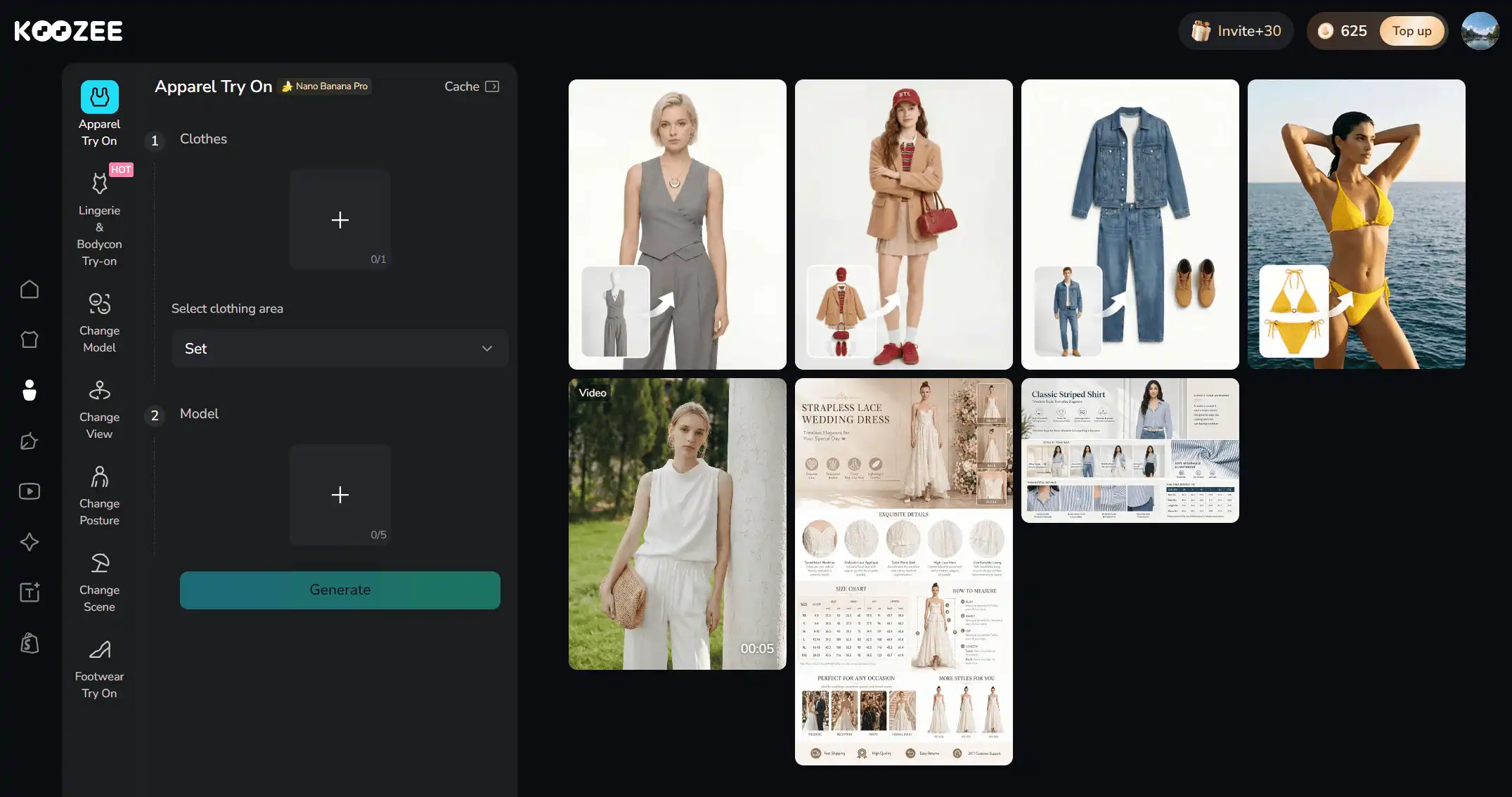
Best for: Apparel sellers and clothing factories or wholesalers that need a lot of on-model variation without booking repeat photoshoots.
Note: As with any AI-generated visual, it's worth reviewing outputs before publishing, especially for fabrics like lace, sheer material, or heavily patterned prints, and confirming commercial usage terms for your plan.
2. Photoroom
Photoroom is a widely used general product photography app with a dedicated virtual model feature that places clothing onto AI-generated models while preserving fabric drape and color. It also bundles background removal, staging, and batch processing into the same mobile-friendly workflow, which is a big part of why it's popular with sellers who don't have a desktop editing setup.
For hipster-style photography specifically, Photoroom’s AI product photography tool allows users to place products into lifestyle settings—think coffee shops, brick walls, wooden tables, or other urban/retro environments that are staples of hipster visual culture. This helps brands create context-rich images that feel curated and genuine rather than overly commercial.
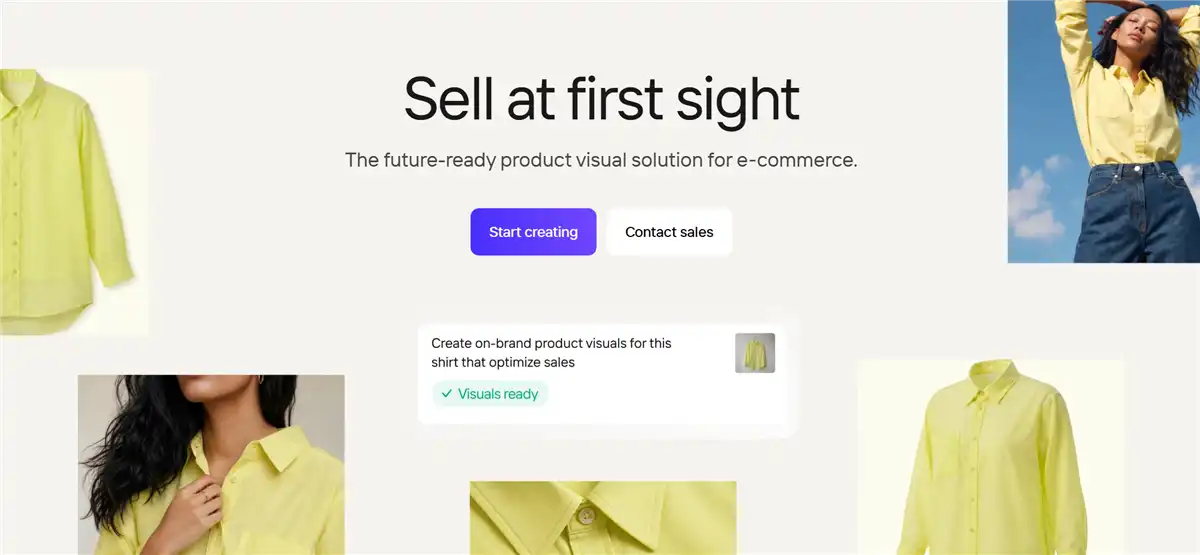
Best for: Sellers who shoot on their phone and list on marketplaces like Etsy, Poshmark, or Depop — a common setup for vintage and thrifted apparel sellers.
Trade-off: It's a general product-photography tool rather than an aesthetic-specific one, so achieving a consistent hipster/indie mood takes more manual scene selection and editing than with an apparel-first workflow.
3. Botika
Botika is one of the best tools for hipster photography generation that creates on-model fashion images from existing flat-lay or ghost-mannequin photos, and it's built to cover both clean catalog-style output and more editorial, atmospheric looks from the same source image. The hipster aesthetic depends heavily on mood and atmosphere rather than a perfectly lit product, so a tool that can push past a flat, evenly lit e-commerce default and into something with more visual character is a meaningful advantage over a straightforward background-swap tool.
Botika allows sellers to choose softer, natural lighting and candid backgrounds over flat studio templates, making flat-lays feel like real street-style captures.
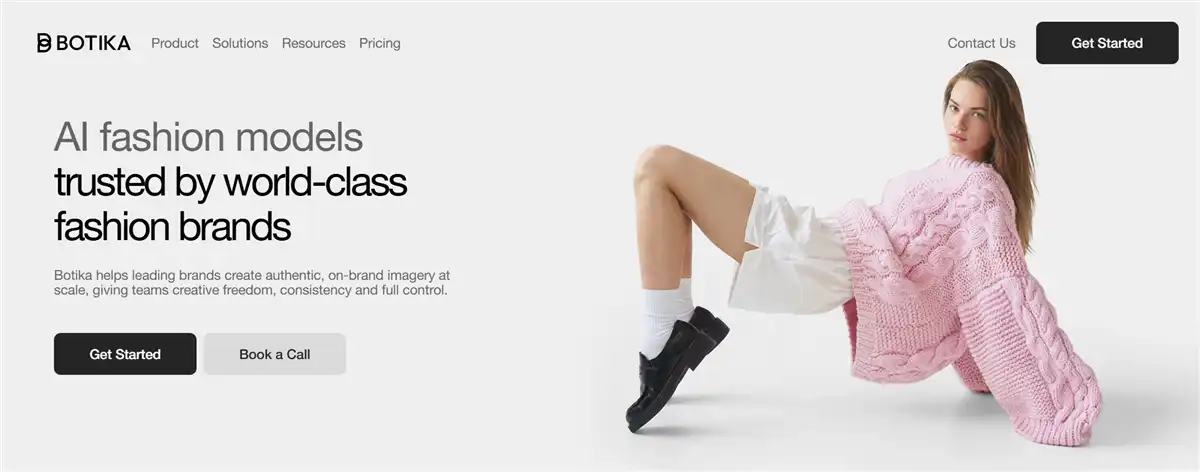
Best for: Sellers managing higher SKUs who need consistent and high-volume model photography without manual per-product adjustments.
Trade-off: Works best when your source images are clean and well-lit; heavily textured or layered thrifted outfits may need extra editing passes to hold detail.
Also read: Best Botika alternatives for clothing photos
4. WearView
WearView positions itself as a fuller fashion-photography workflow, combining virtual try-on, AI model creation, and short video generation in one platform. That combination matters for the hipster aesthetic because the look rarely lives in a single still image anymore — brands leaning into this style tend to post short, candid-feeling clips alongside their static listing photos, since motion sells the "caught in a real moment" feeling more convincingly than a photo alone.
You can produce a consistent set of assets in WearView without re-briefing a different tool on the same aesthetic. The AI model creation side also gives some flexibility over the person in the shot, which is relevant since the hipster look is as much about the model's styling and demeanor as it is about the background.
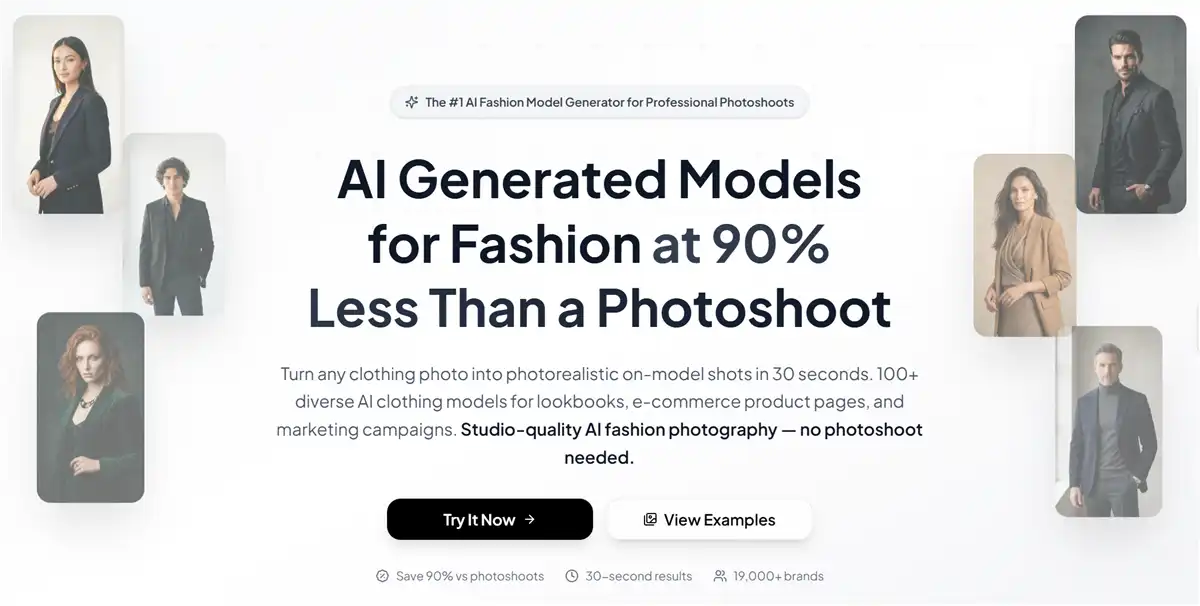
Best for: Sellers who want multiple apparel photography generation in one tool, and brands that need custom model profiles to match specific hipster image needs.
Trade-off: As a broader fashion-photography suite, it isn't built specifically around Shopify's product-and-publish workflow, so store sellers may need extra steps to move assets back into their catalog.
5. PromeAI
PromeAI is a prompt-based AI photography generator that includes an explicit "hipster" style template among its presets, which makes it one of the few tools that names and targets this exact aesthetic directly. Because it's prompt-driven, it gives you fine control over the specific visual language of the look. You can describe the color grading, the film grain, the framing, and the general mood in detail and get variations back quickly. This is genuinely useful when you're still figuring out what "hipster" fits your brand before committing to a full shoot or product-generation workflow.
It's also fast to iterate with, as you can test dozens of mood and styling combinations in the time it would take to generate a handful of product-accurate images elsewhere. The catch is that this flexibility comes at the cost of product fidelity: because it's generating from a description rather than your actual garment, it won't reliably reproduce your product's specific color, print, or logo placement, which makes it far better suited to mood-boarding the aesthetic than to producing final listing images.
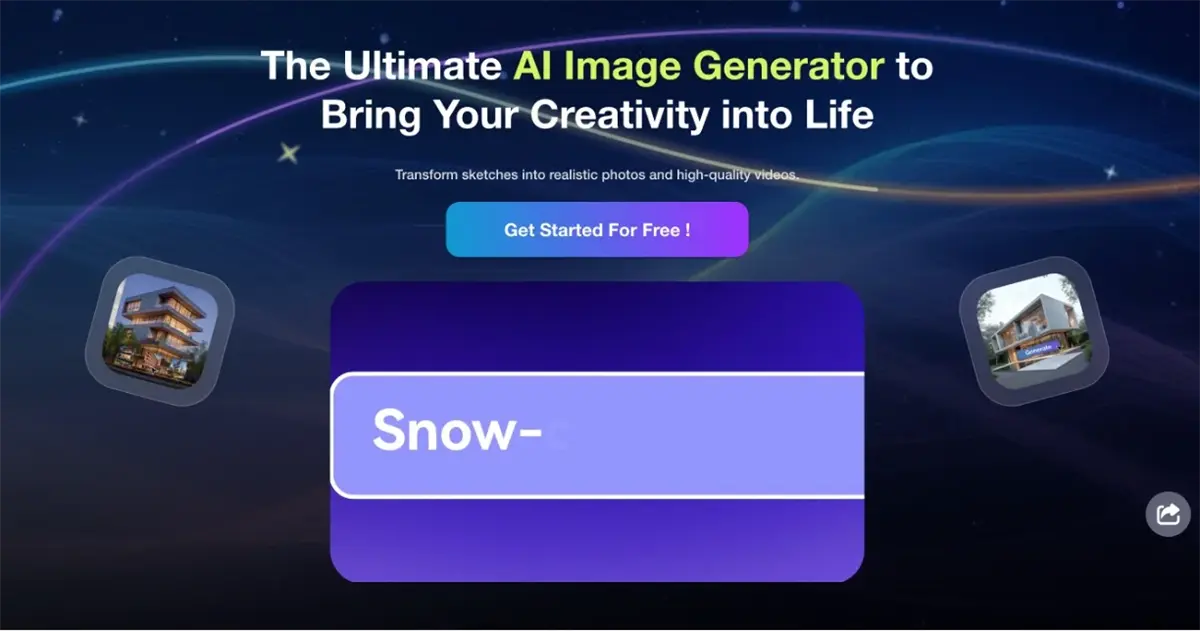
Best for: Early concept exploration, campaign mood boards, or social content where you're not starting from a specific product photo and want to nail the visual style before shooting or generating final assets.
Trade-off: It's a general creative image generator, not a specific apparel-commerce tool, so it doesn't preserve exact product details like fabric print or logo placement.
You may also like: Amazon product photography for sellers
6. Pixelcut
Pixelcut is a product photography app that started as a quick background-removal and editing tool and has since expanded into fashion model generation and scene swaps. For hipster-style photography, its value is accessibility and speed rather than depth of aesthetic control. If you're a solo seller who wants to see whether this look is even worth pursuing before investing time in a more detailed workflow, Pixelcut lets you shoot a product on your phone and generate a styled variation in a few taps. Its scene library includes more relaxed, lifestyle-oriented backdrops alongside the standard studio options, so you can get a rough approximation of the candid, urban feel without much setup.
Additionally, Pixelcut is a reasonable low-commitment way to test the aesthetic on a single item or a small batch of listings. Its limit here is precision: you get preset scenes and light tweaks, not independent control over pose, scene mood, and camera angle. Keeping a hipster look consistent across a full catalog takes more manual trial and error than a tool built for deeper creative control.
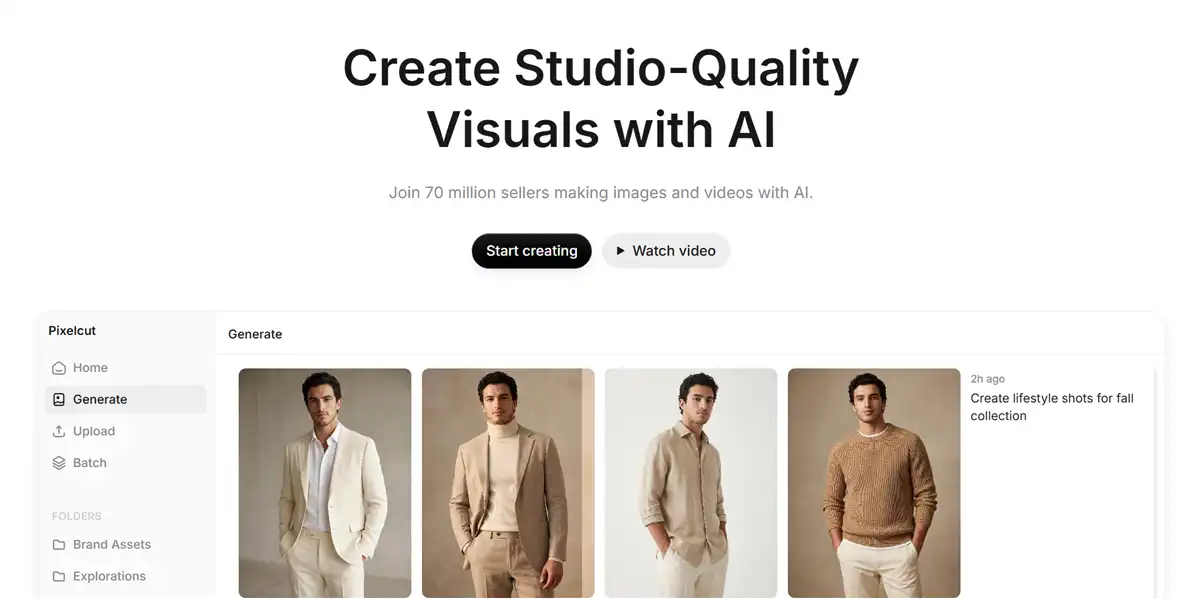
Best for: Solo sellers who want a fast, phone-based way to test AI photography before committing to a larger workflow.
Trade-off: Lighter on advanced scene and pose control compared to more apparel-dedicated platforms, so fine-tuning a specific hipster mood across many SKUs takes more manual iteration.
How to Create AI Hipster-Style Apparel Photos: Step-by-Step
Here's a practical workflow for turning one product photo into a set of indie/hipster-style listings and social visuals in Koozee.
Step 1: Sign up on Koozee and go to the workspace.
Koozee provides 30 free credits for every new user. You can start from a few hipster-style generations in its workspace. Sign up now>>
Step 2: Start with a clean product photo or connect Shopify.
Upload a flat-lay, ghost-mannequin, or existing on-model photo of the garment. You can also upload up to 5 models and check different styles. If you're on Shopify, connect to your store and select the product directly instead of downloading and re-uploading the image.
Step 3: Generate an on-model try-on.
Use the Apparel Try-On tool to generate the images directly. This can be the base shot you'll build the rest of the aesthetic on top of.
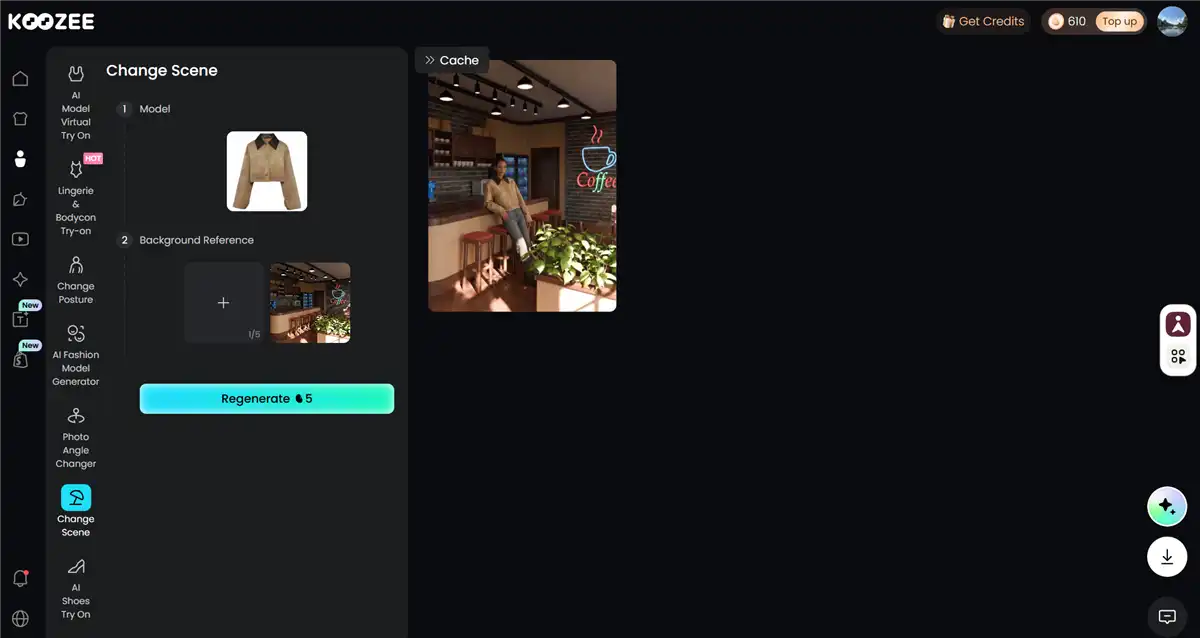
Step 4: Set the scene and mood.
Use Change Scene to place the model in an urban street, café, or natural-light setting instead of a plain studio background.
Step 5: Adjust the model, pose, and angle. Use Change Model, Change Posture, and Change View to get a few variations — a candid walking shot, a relaxed lean, a close detail angle — instead of relying on a single pose.
Step 6: Preview, then publish.
Review every generated image and video before it goes live — check fabric accuracy, print placement, and fit. On Shopify, preview the asset and manually publish the ones you approve back to the product page.
Besides, you can use Dynamic Lookbook, Fitlog, or Outfits to turn the same product image into a short outfit video or fit-check clip for social and ad placements.
Final Thoughts
The hipster aesthetic works for apparel listings because it sells context, not just a garment — a candid pose, natural light, and a lived-in backdrop tell buyers how a piece fits into real life. AI now makes that achievable without a full photoshoot, though the right tool depends on your goal: testing the look, converting photos you already have, or producing full catalog-ready assets. For sellers who want a single product photo turned into publish-ready try-on images and video, Koozee is built for exactly that. Try it with your own clothing product image to see your catalog in an indie, editorial-style shoot in no time!
Get started with Koozee free credits>>
Frequently Asked Questions
What is an AI hipster photography generator?
It's an AI tool that creates fashion or lifestyle photography in an indie, vintage-inspired aesthetic — muted tones, natural light, candid posing, and lived-in urban backdrops — instead of a standard studio product shot.
Is this style only for vintage or thrifted clothing brands?
No. It's most associated with vintage and streetwear sellers, but any apparel brand aiming for a relaxed, authentic, non-corporate feel — including small-batch indie labels and casualwear brands — can use it.
Can I use AI-generated hipster-style photos for Amazon, Etsy, or Shopify listings?
Generally yes, mostly on paid plans that grant commercial usage rights. Always confirm the specific commercial usage terms of the tool you're using before publishing, and review outputs for accuracy on fine details like patterns, logos, and text before listing.
Do I need a professional product photo to start?
Not always — a clear flat-lay, ghost-mannequin, or simple phone photo of the garment is usually enough as a starting point. Better lighting and a clean background in the source photo will generally produce a more accurate result.
How is this different from a generic AI art generator?
General art generators (like a text-to-image tool) create a plausible-looking hipster scene from a description, but they won't reliably preserve your actual product's color, print, or fit. Apparel-specific tools like Koozee start from your real product photo, which keeps the garment accurate while changing the model, scene, and mood around it.
You May Be Interested
8 Best Pajamas AI Photography Generators for E-Commerce Sellers
7 Best Pantyhose AI Virtual Try-On Tools for E-commerce Sellers

6 Best Plus Size AI Model Generators for Apparel Sellers