AI Watch Try-On: Turn Watch Photos into On-Wrist Images
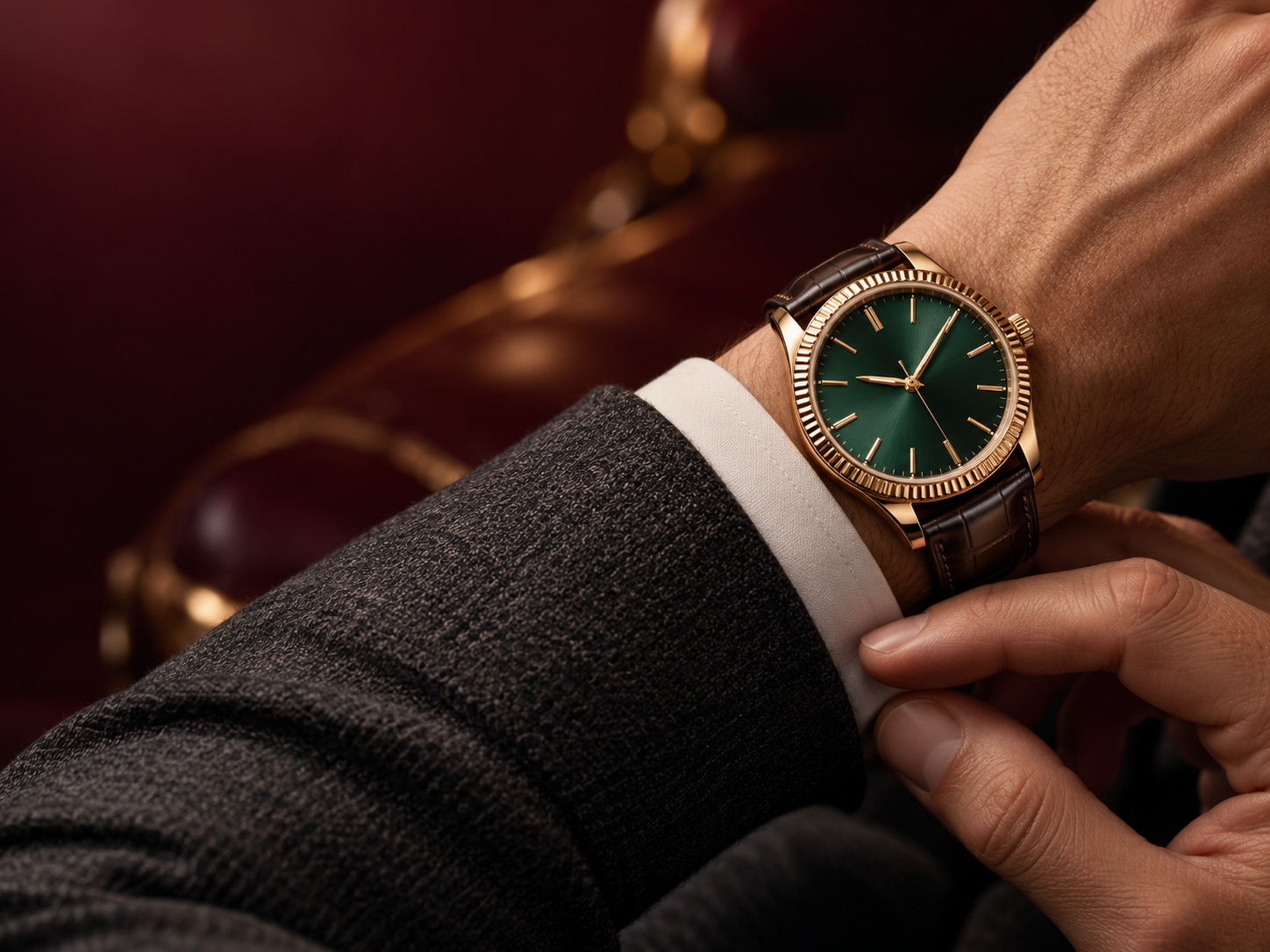
On-Wrist Watch Images for Brands, Factories & Marketing Teams
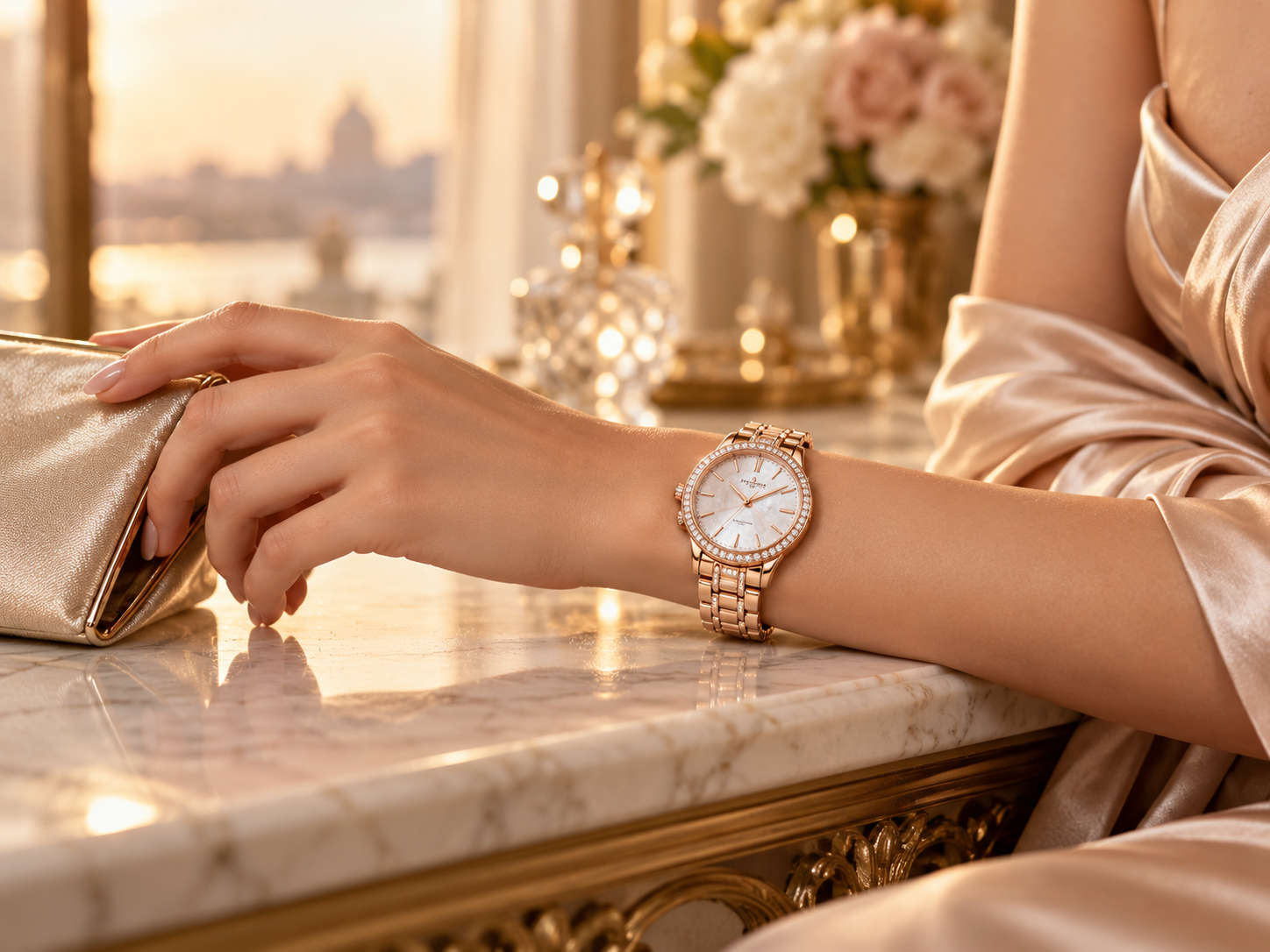
Add On-Wrist Images to Your Next Launch
Reshooting every watch for a new launch takes time. Use your product and model photos to create an on-wrist visual for product pages, launch campaigns, and ads—so shoppers can see more than the dial.
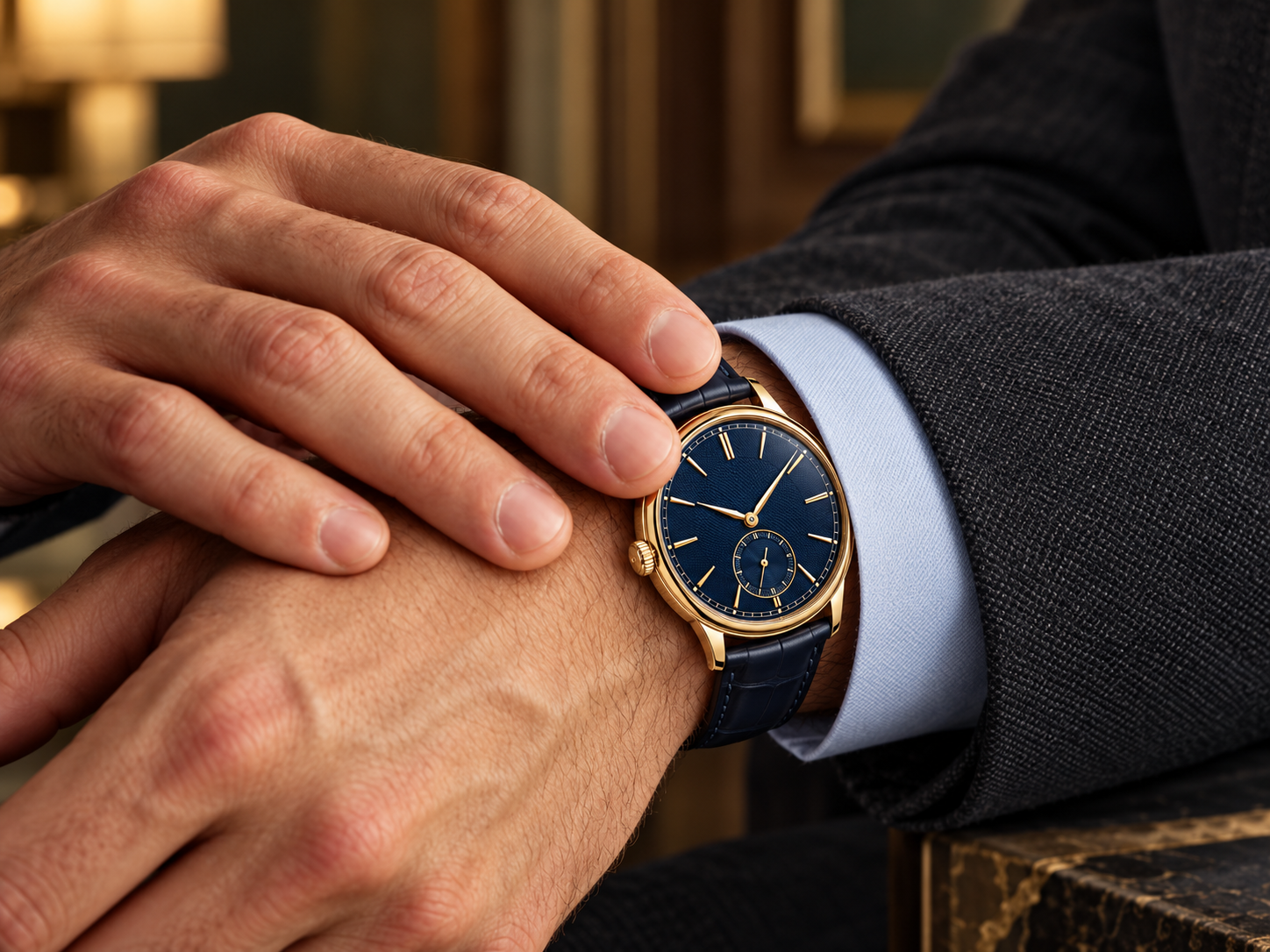
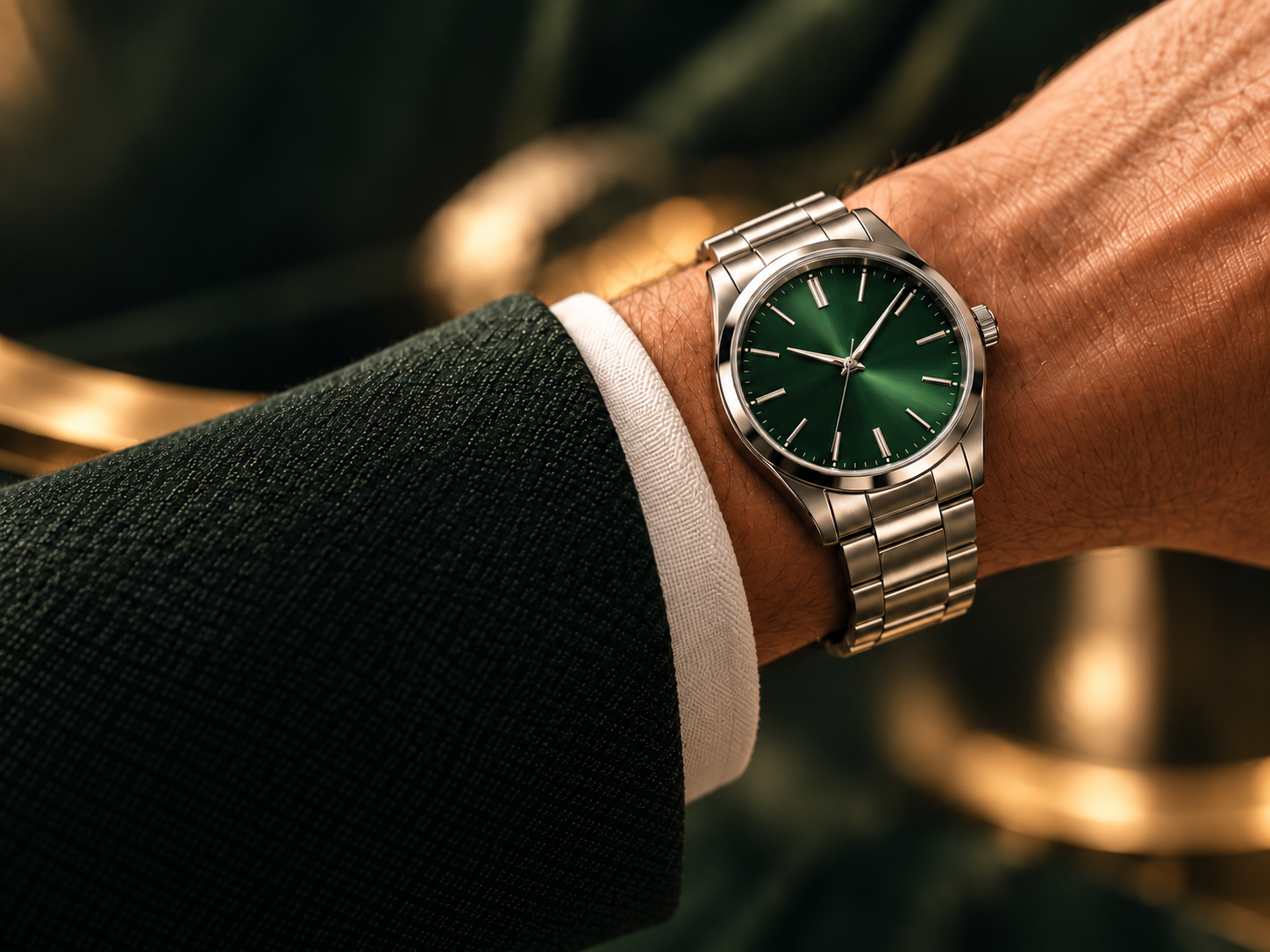
From Watch Photo to Try-On and Marketing Content
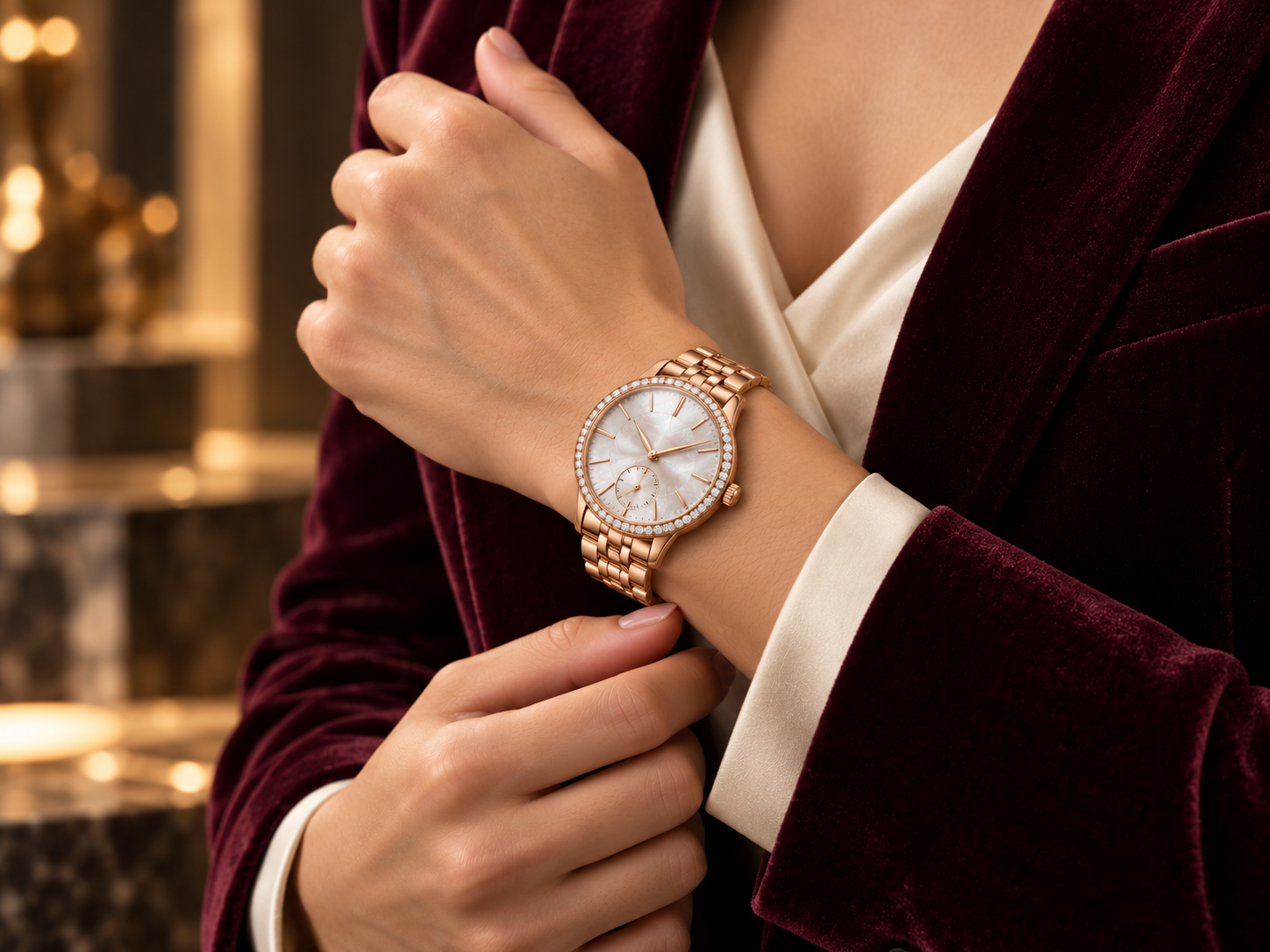
Create an On-Wrist Watch Image from Two Photos
Upload a watch product photo and a model image, then generate an on-wrist result. Start with the images you already have and give a new product a model-worn visual sooner.
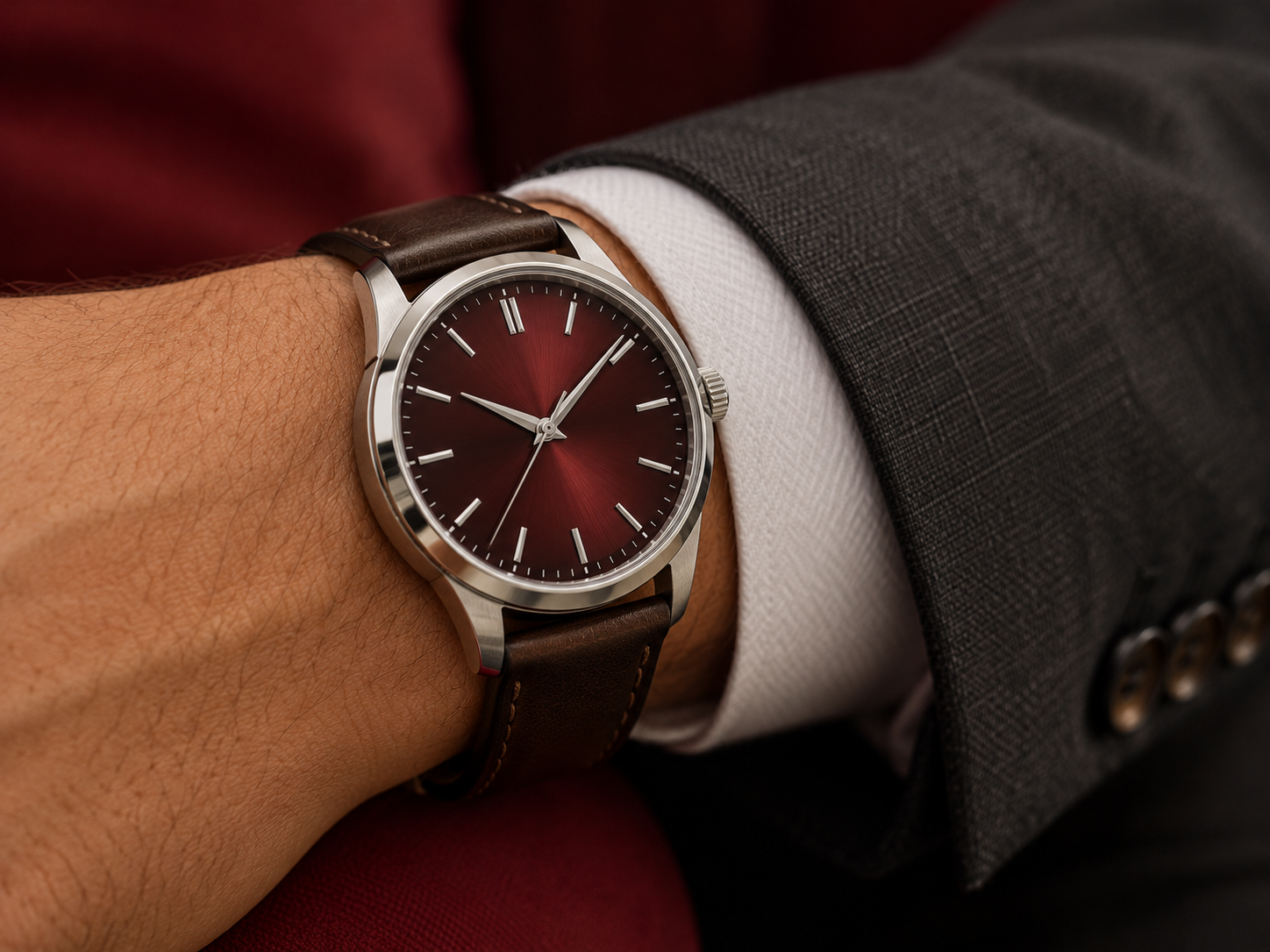
Bring the Dial, Finish, and Shine into Focus
Keep the details shoppers notice in view. Koozee’s watch try-on brings the dial, material, finish, and shine into the model image, so customers can picture the watch on the wrist.
One Watch Try-On, More Marketing Content
Use the watch try-on as a starting point for product detail graphics, campaign posters, and social posts. Keep the same watch in view across launches, promotions, and everyday content.
Show Shoppers How the Watch Looks on Wrist

Have a watch photo and a model image ready? Upload both to create an on-wrist result. Spend less time assembling a visual and more time getting a launch ready.

A watch’s dial, material, and finish make it recognizable. An on-wrist image brings those details into a real styling context for shoppers.

Carry the generated try-on into product detail graphics, campaign posters, and social posts. Give each watch more ways to show up—from launch day to everyday content.
Create an On-Wrist Watch Image in 3 Steps
Upload a Watch Product Photo
Choose a watch photo where the dial, case, and strap are easy to see, so the product details stay in focus.
Upload a Model Photo
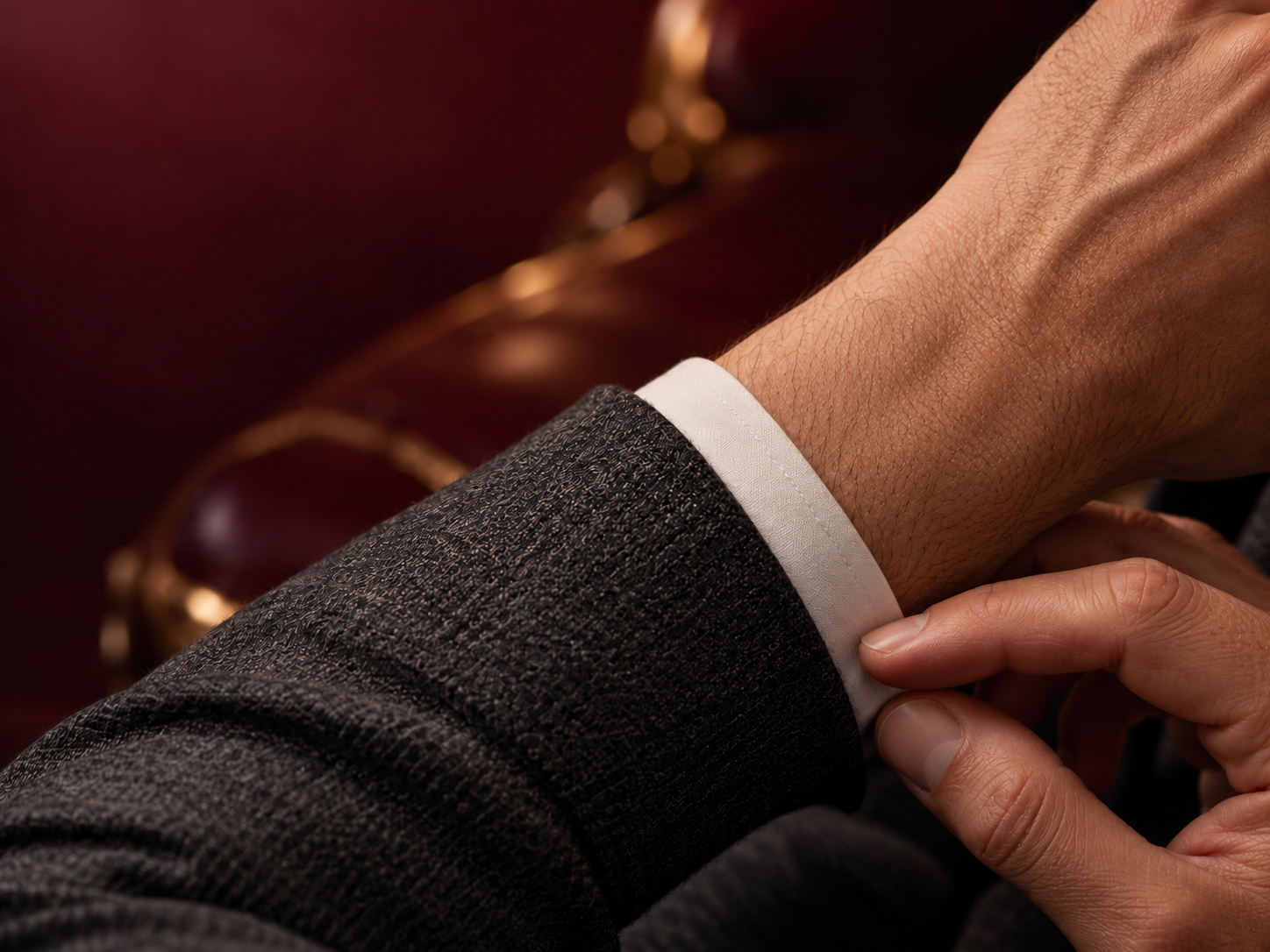
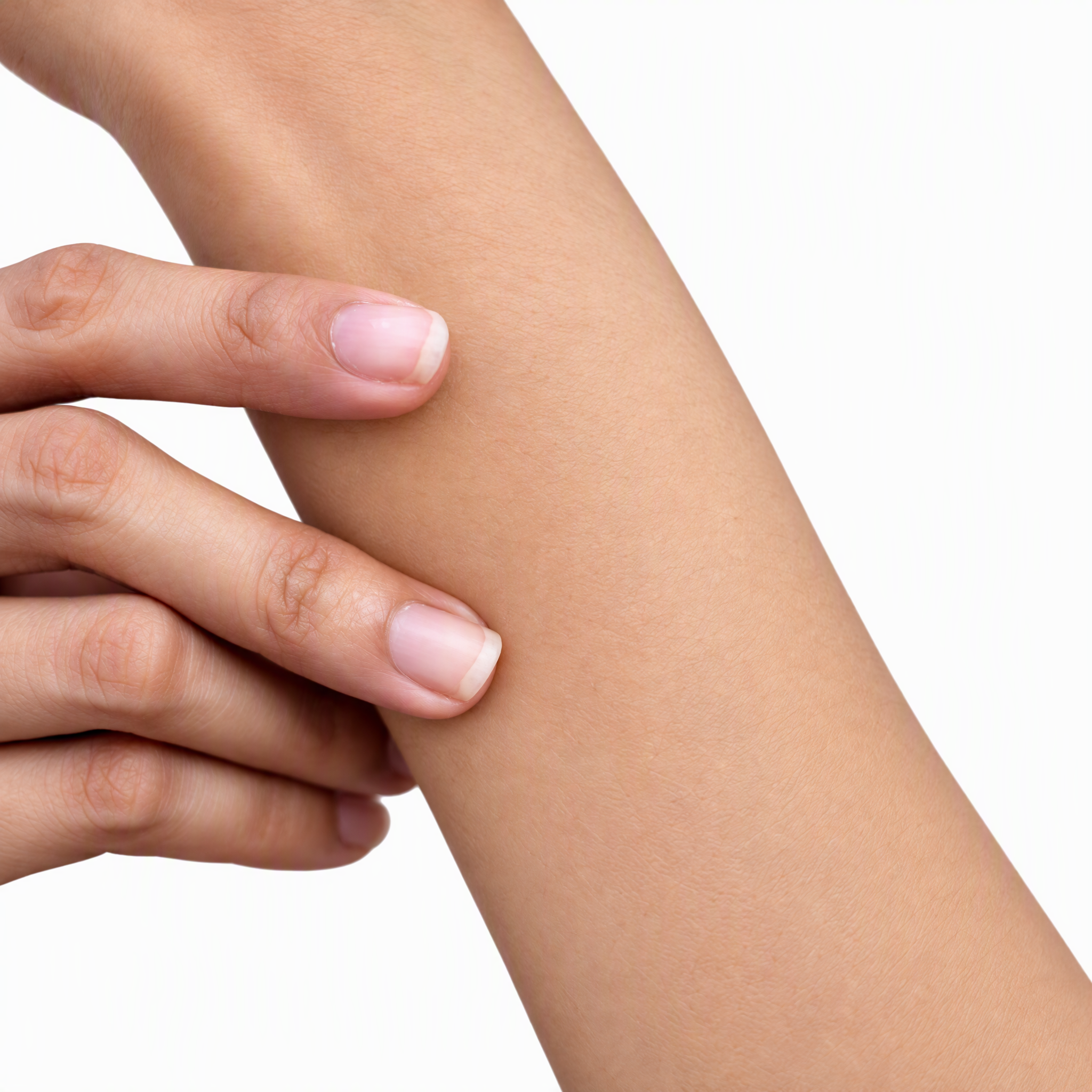
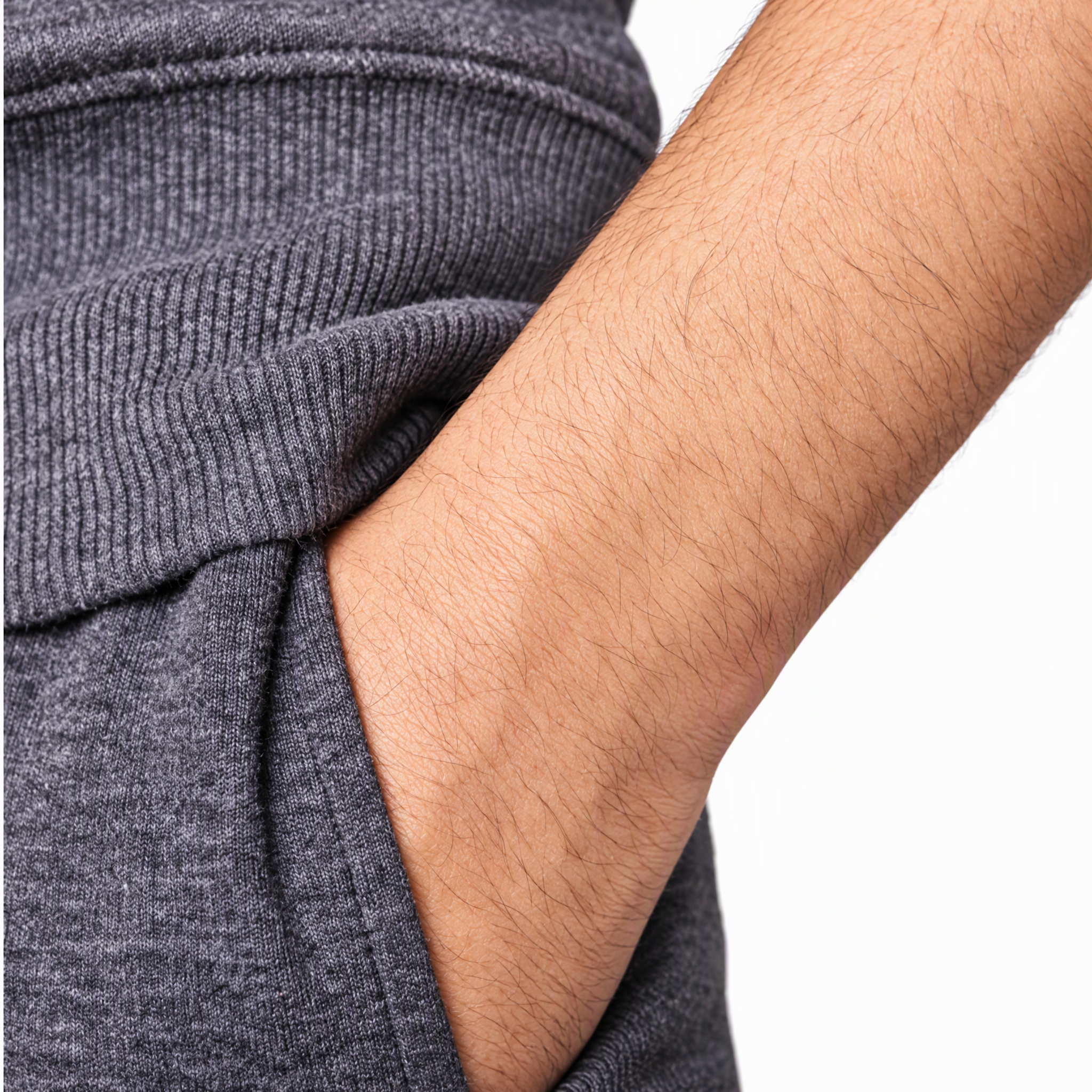
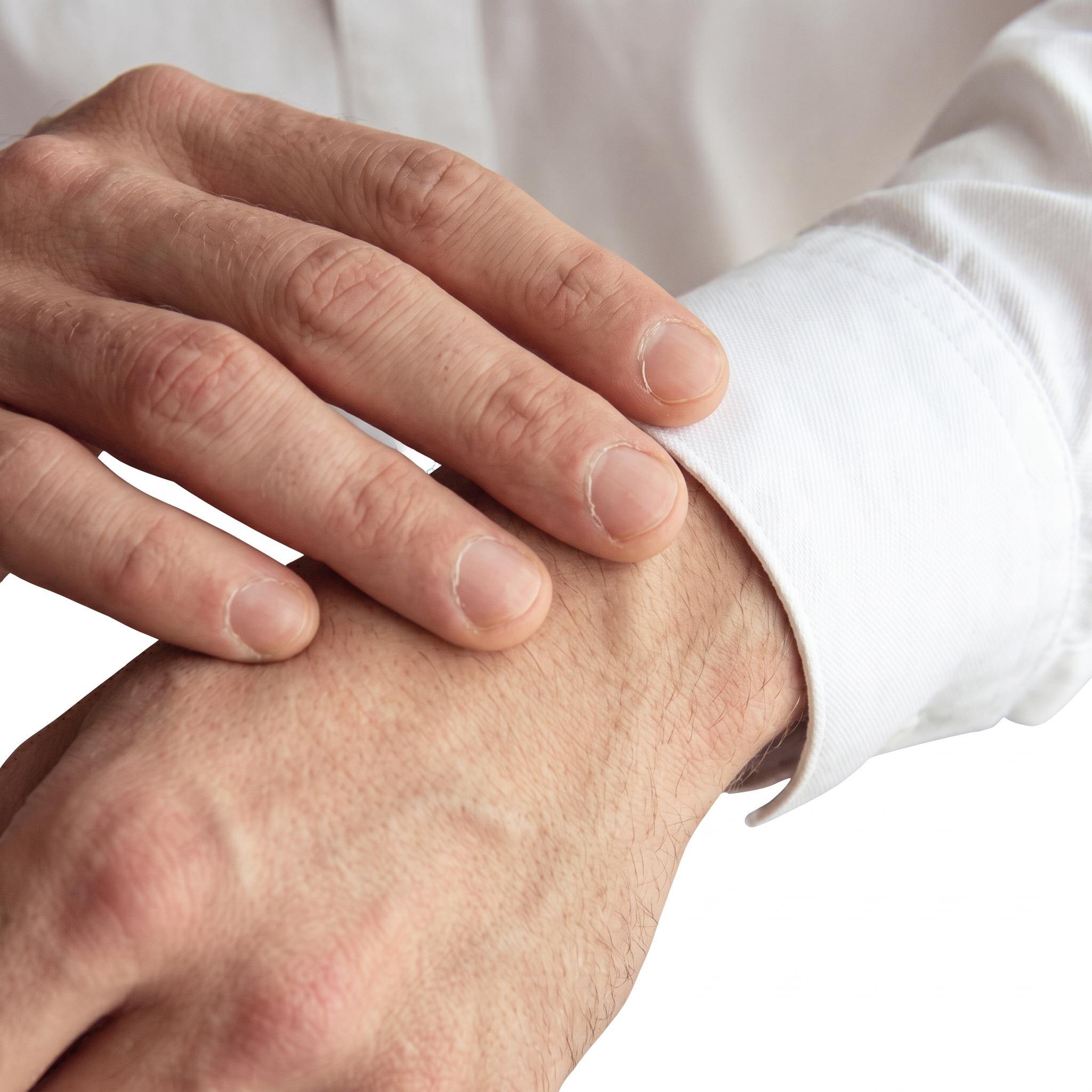
Choose a model photo with the wrist clearly visible and natural lighting for an on-wrist view.
Generate and Build Your Marketing Content
Generate the on-wrist result, then use it in product detail graphics, campaign posters, or social posts to keep your watch content moving.
FAQs
How does AI watch try-on work?
What do I need to create a watch try-on?
You’ll need a watch product photo and a model image. Clear watch details and a visible wrist help show the on-wrist style.
Will the try-on show the watch’s material and finish?
The try-on brings out the dial details, material, and metal finish, helping shoppers see how the watch looks on a model’s wrist.
Does a watch try-on show the exact case size?
A watch try-on helps shoppers picture the watch on the wrist. Refer to the product specifications for exact case diameter and lug-to-lug measurements.
What can I create from a watch try-on image?
Use the watch try-on as a starting point for product detail graphics, campaign posters, and social posts.
Show Shoppers How Your Watch Looks on the Wrist
Upload a watch photo and a model image to create your first on-wrist visual. Bring the dial, finish, and shine to product pages, campaign posters, and social posts.