GPT Image 2.5 · Campaign Poster · Streetwear
GPT Image 2.5 Fashion Prompts
Explore GPT Image 2.5 fashion prompts for fashion photography, apparel product photography, fashion campaigns, e-commerce product images, and fashion advertising. Copy a reviewed prompt or open it in KOOZEE to start generating.
GPT IMAGE 2.5 · Campaign Poster · Handbag
GPT Image 2.5 · Campaign Poster · Jewelry
GPT Image 2.5 · Campaign Poster · Accessories
GPT Image 2.5 · Campaign Poster · Mixed Fashion
GPT Image 2.5 · Campaign Poster · Handbag
GPT Image 2.5 · Campaign Poster · Dress
GPT Image 2.5 · Campaign Poster · Handbag
GPT Image 2.5 · Campaign Poster · Handbag
GPT Image 2.5 · Campaign Poster · Shoes
GPT Image 2.5 · Campaign Poster · Dress
GPT Image 2.5 · Campaign Poster · Swimwear
GPT Image 2.5 · Campaign Poster · Full Outfit
What Is GPT Image 2.5 for Fashion?
GPT Image 2.5 for Fashion Photography and Retail Visuals
GPT Image 2.5 fashion prompts help you describe campaign, editorial, and product-led images from real reviewed cases. Use the gallery to copy original prompt language for apparel, accessories, and advertising layouts, then adapt styling, lighting, and product details in KOOZEE before you generate.
- Fashion campaign stills
- Apparel product photography
- E-commerce product images
- Fashion advertising layouts
- Editorial fashion portraits
- Social media fashion ads

GPT Image 2.5 Fashion Prompt Ideas
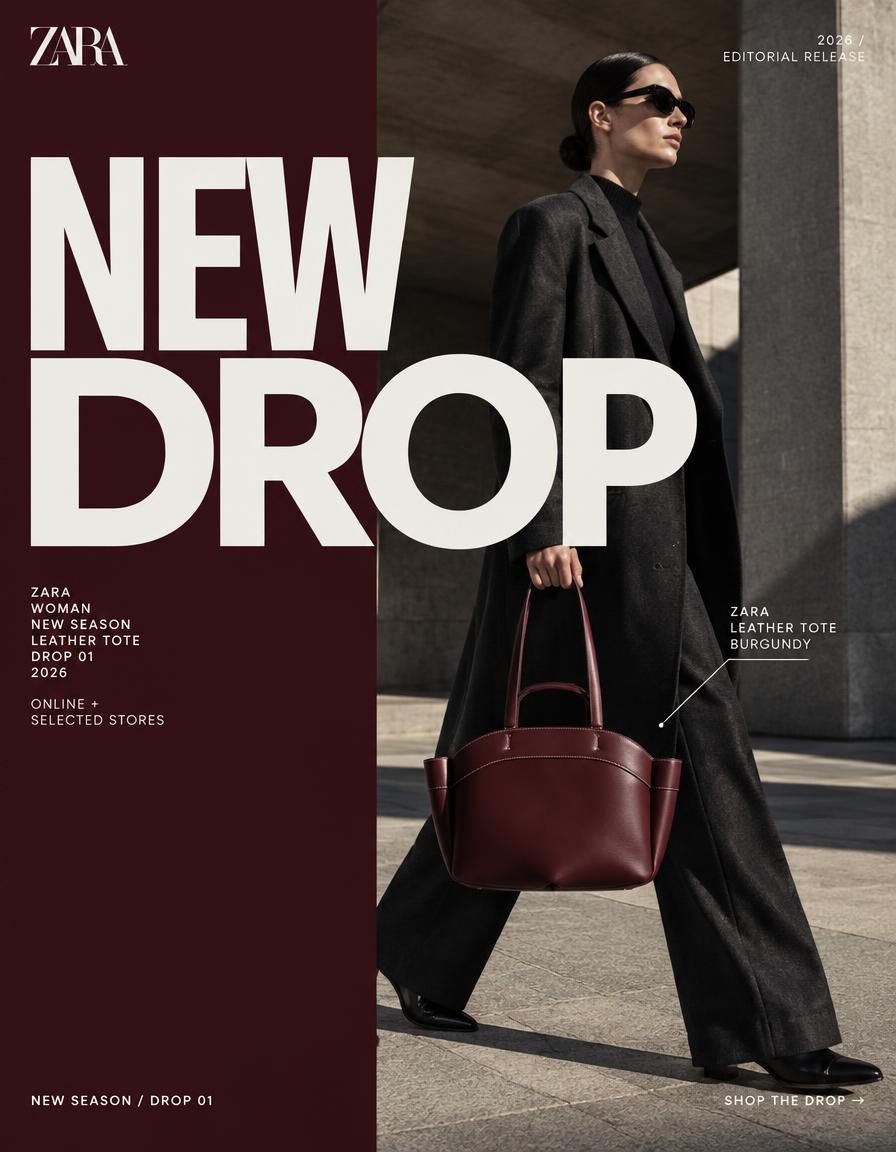
Fashion Campaigns
Start from campaign-style stills for merch drops, seasonal launches, and branded fashion posters.
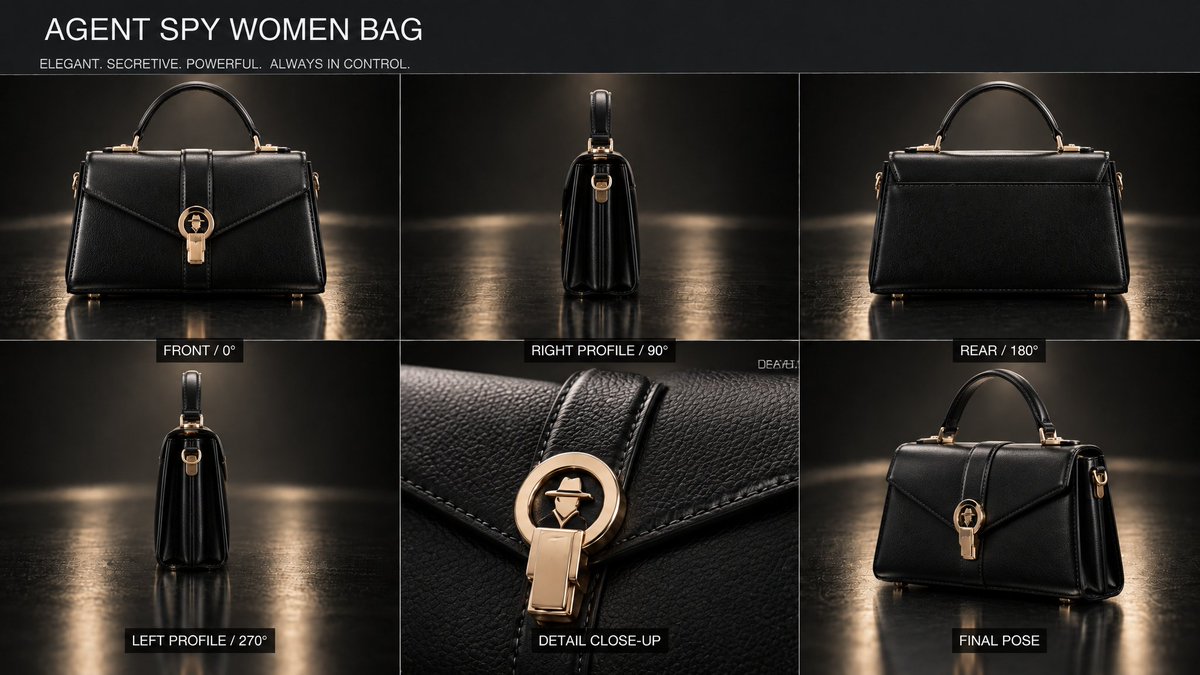
Product Photography
Explore prompts that keep handbags, jewelry, and apparel as the hero of the frame.

E-commerce Creatives
Use product-first compositions suited to listing images, launch posters, and store heroes.
Fashion Editorial
Study editorial prompts for location, lighting, posing, and garment silhouette.

Social Media Ads
Adapt campaign posters and product-led stills into social advertising concepts.

Apparel Showcases
Present full outfits and lookbook-style layouts with catalog-like product visibility.
How to Use GPT Image 2.5 Fashion Prompts
- Step 1
Browse a Fashion Prompt
Explore GPT Image 2.5 examples for fashion photography, apparel product shots, campaigns, and e-commerce images.
- Step 2
Copy or Use the Prompt
Copy the original prompt, or click Use Prompt to open the GPT Image workflow in KOOZEE.
- Step 3
Create Your Fashion Visual
Adjust garments, lighting, or layout if needed, then generate a still for your product, campaign, or store.
FAQ
They are original prompts from reviewed GPT Image 2.5 cases covering fashion photography, apparel product shots, campaigns, and ads. Each card shows the media, categories, and unedited prompt text.
This page lists only cases tagged as GPT Image 2.5. GPT Image 2 examples live on a separate page, so the two model versions are not mixed in the gallery.
Yes. Several cases focus on product-led stills such as handbags, jewelry, and apparel. Copy the original prompt and change SKU details, lighting, or background to match your brief.
The gallery includes campaign posters, product-first compositions, and advertising layouts. Results depend on your generator settings and how you adapt the prompt to your catalog.
Open a case, then choose Copy Prompt or Use Prompt. Use Prompt opens the existing GPT Image workflow and fills in the original prompt.
Yes. Copy Prompt pastes the original, unedited prompt. Review your generator’s terms and your own usage policies before using any output commercially.
Create Fashion Images with GPT Image 2.5
Start with a GPT Image 2.5 fashion prompt, adapt it for your product or campaign, and generate stills in KOOZEE.
Try GPT Image 2.5