Kling 3.0: Turn Fashion Assets Into Better Videos
Koozee integrates Kling 3.0 to turn existing fashion assets into complete videos. Use start and end frames and prompts to guide scene changes, actions, and camera movement, so your videos better match your ideas and are ready for product pages, ads, and social media.
Guide Smooth Transitions Between Frames
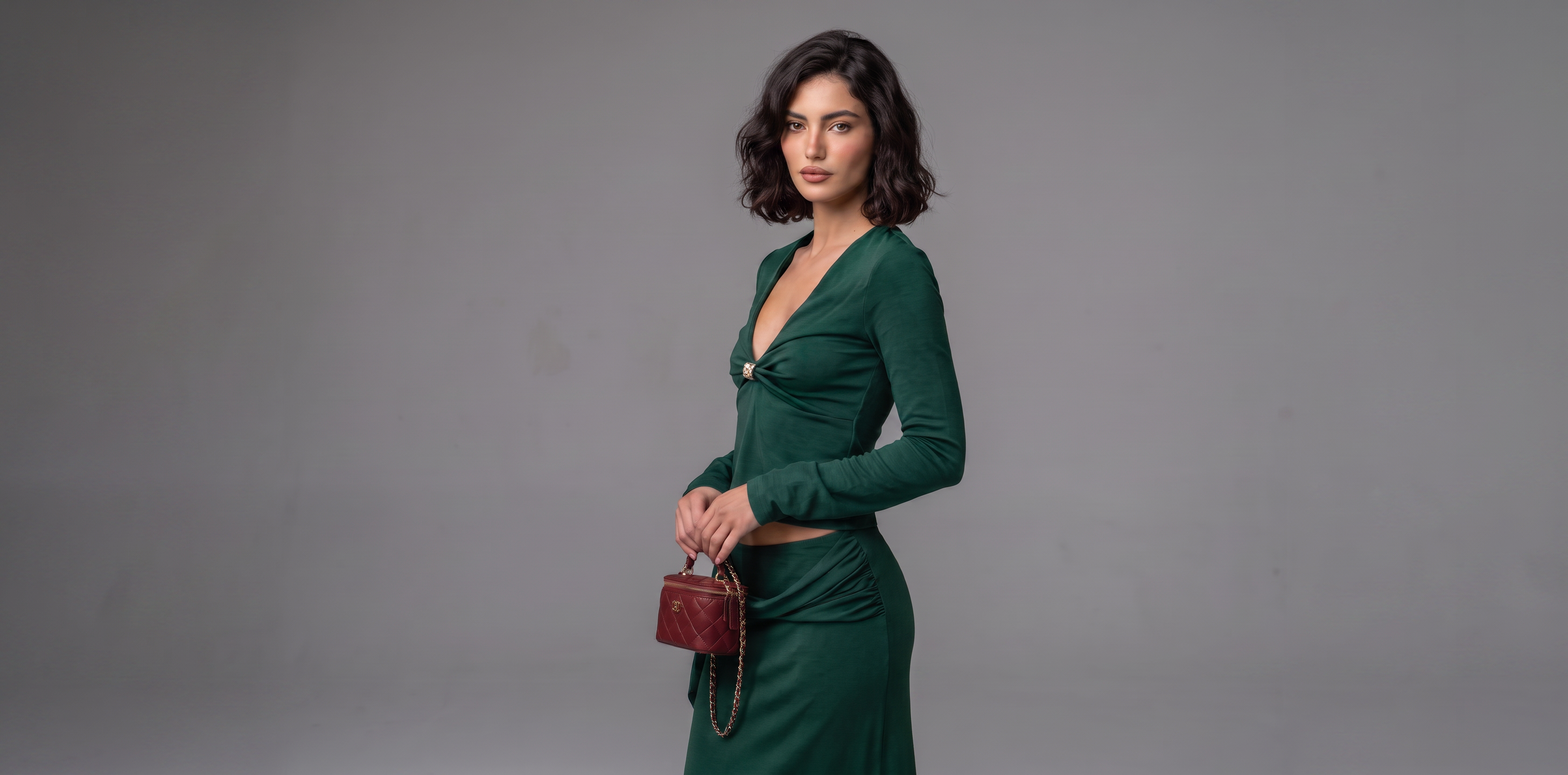
Set an image for the beginning and another for the end of your video. Kling 3.0 uses both frames to create the movement between them, giving you more control over model actions, clothing presentation, and scene changes for a smoother video.
Bring Your Video Ideas to Life
Describe how you want the video to look in natural language, including model actions, camera movement, scene changes, composition, lighting, pacing, and visual style. Kling 3.0 follows your prompt to create videos that better fit different fashion products and marketing needs.
Lock In Every Fashion Detail
Kling 3.0 can better understand the fashion details in your reference images and help keep the clothing's fit, color, texture, fabric, and patterns consistent. It can also help retain important brand elements such as logos and product text, keeping the video closer to your original fashion assets.
Create Videos for Every Fashion Content Need
Richer Brand Content
Turn existing fashion assets into videos for brand websites, social media, and other brand content. Give the same collection more ways to tell your brand story and create more content from the visuals you already have.
From Fashion Images to Videos, All in Koozee
Frequently Asked Questions
What types of fashion videos can I create with Kling 3.0?
What is the difference between start and end frames and regular image-to-video generation?
Regular image-to-video generation mainly uses one image as the starting point. With start and end frames, you provide both the beginning and ending images, and Kling 3.0 generates the transition between them. This gives you more control over how the video changes from start to finish.
How should I write prompts for Kling 3.0?
You can describe what you want in natural language. Include details such as model actions, camera movement, scene changes, composition, lighting, pacing, and visual style. Clear and specific prompts help Kling 3.0 better understand the video you want to create.
Can Kling 3.0 keep the original clothing details?
Kling 3.0 uses the input image as a reference to help keep clothing details such as fit, color, texture, and patterns. It can also help retain important brand elements such as logos and product text, keeping the video closer to the original fashion asset.
What images work best for Kling 3.0 video generation?
Use clear, high-quality product or model images with the clothing fully visible. If you want to highlight fabric, patterns, logos, or other product details, make sure these details are clear in the reference image.
Can I use images created in Koozee for Kling 3.0 videos?
Yes. Product images, AI try-on images, AI model replacement images, and scene replacement images created in Koozee can all be used for Kling 3.0 video generation. This lets you move from fashion image creation to video production in the same workflow.