Create Dog Sweater Product Visuals Without Another Pet Shoot
No image? Try one of these:
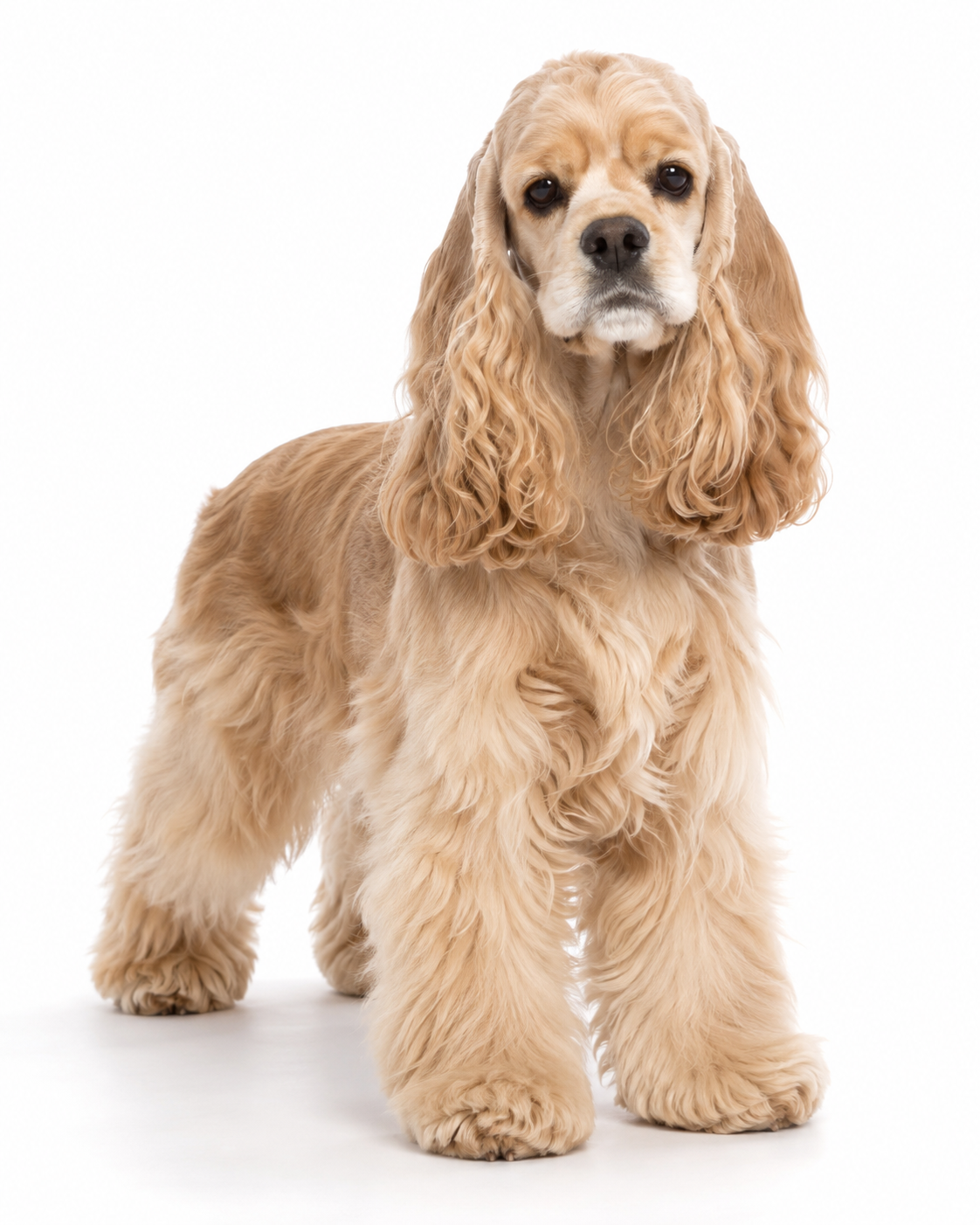
Launch More Dog Sweater SKUs Without Reshooting Every Product
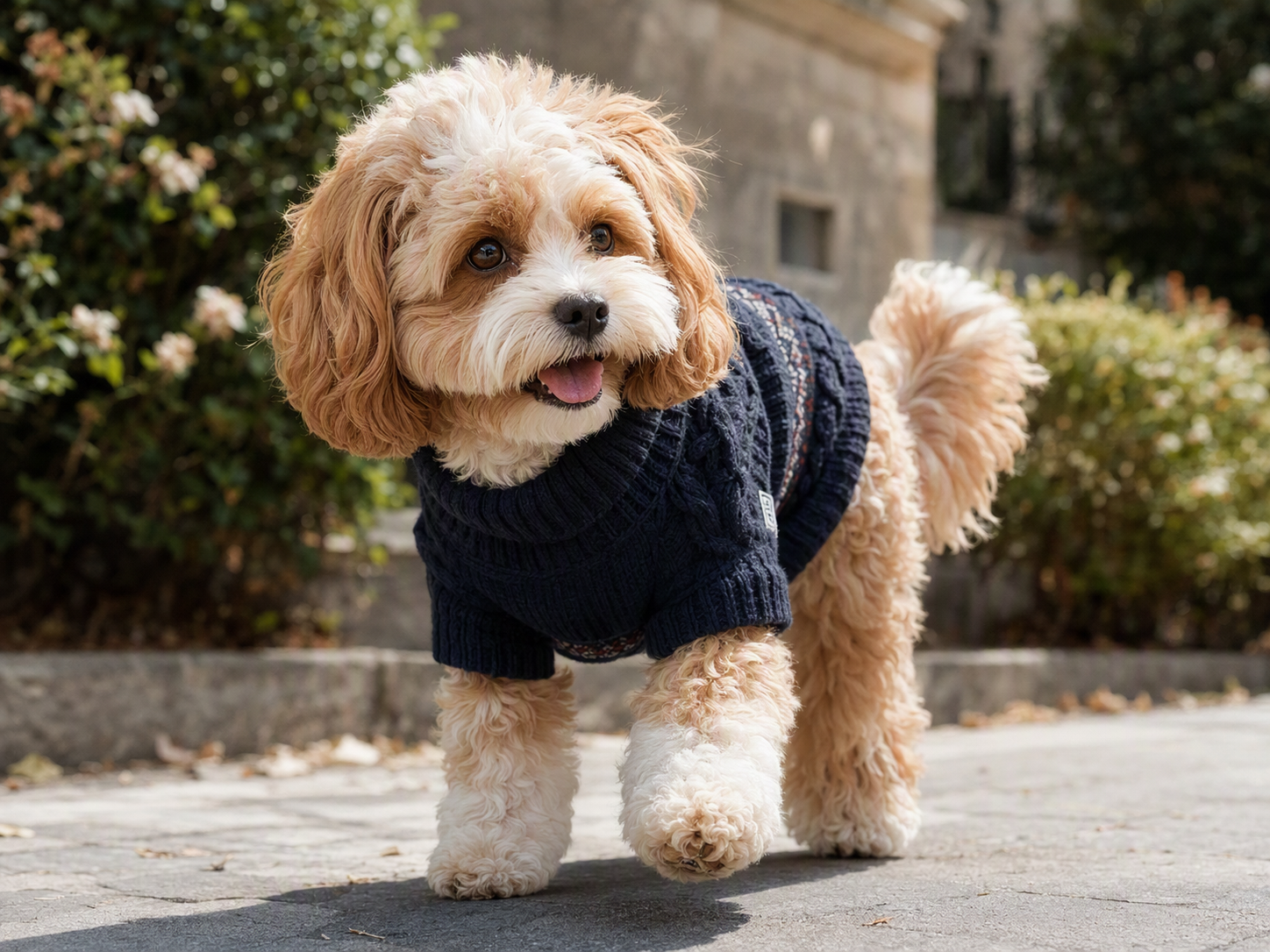
Add an On-Dog View to Your Product Page
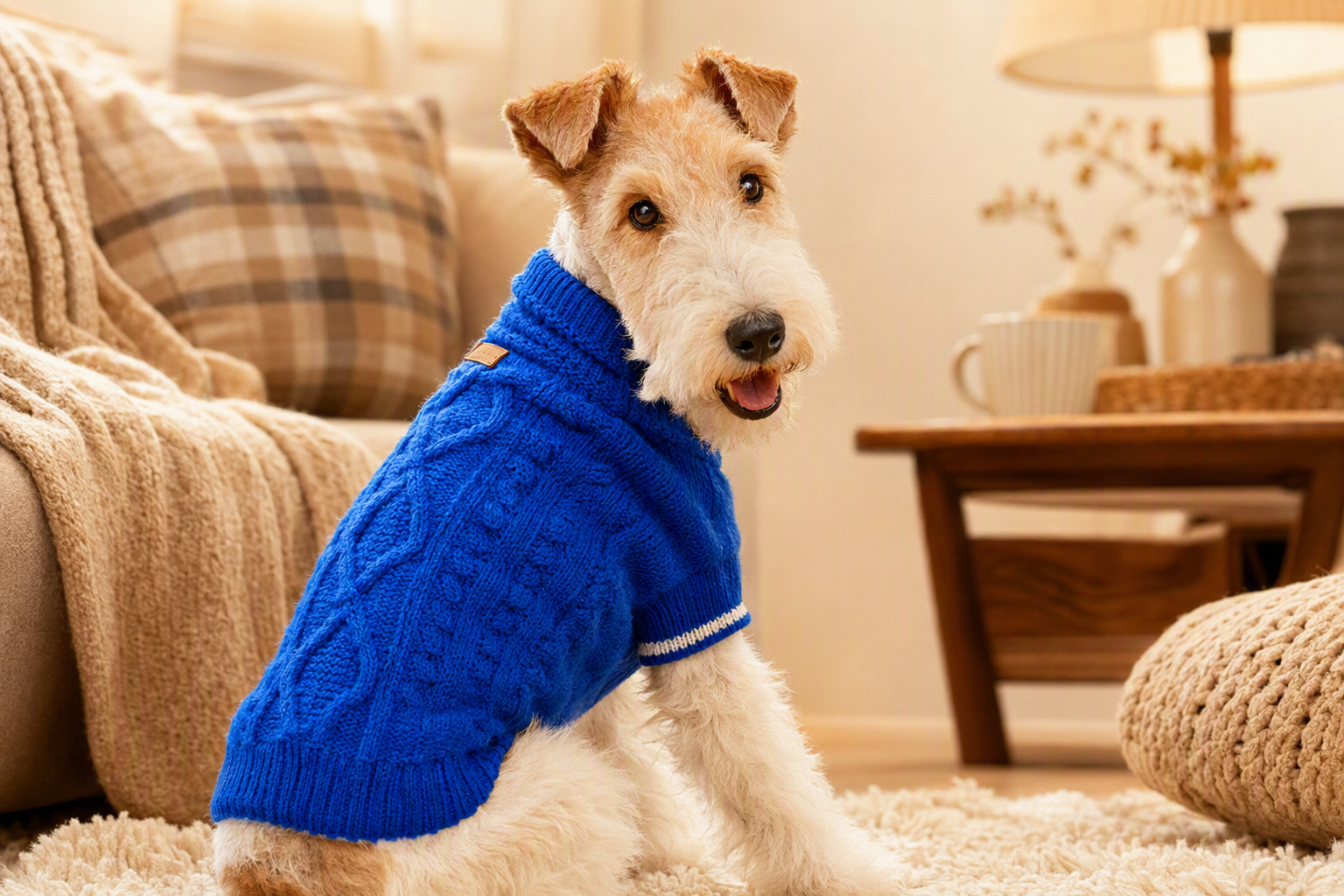
A flat or white-background image explains what the sweater looks like, but not how it reads on a dog. Koozee’s virtual clothes try-on feature places the real sweater product image onto a clear dog photo, giving teams an on-dog reference for product pages, launch planning, and merchandising decisions.
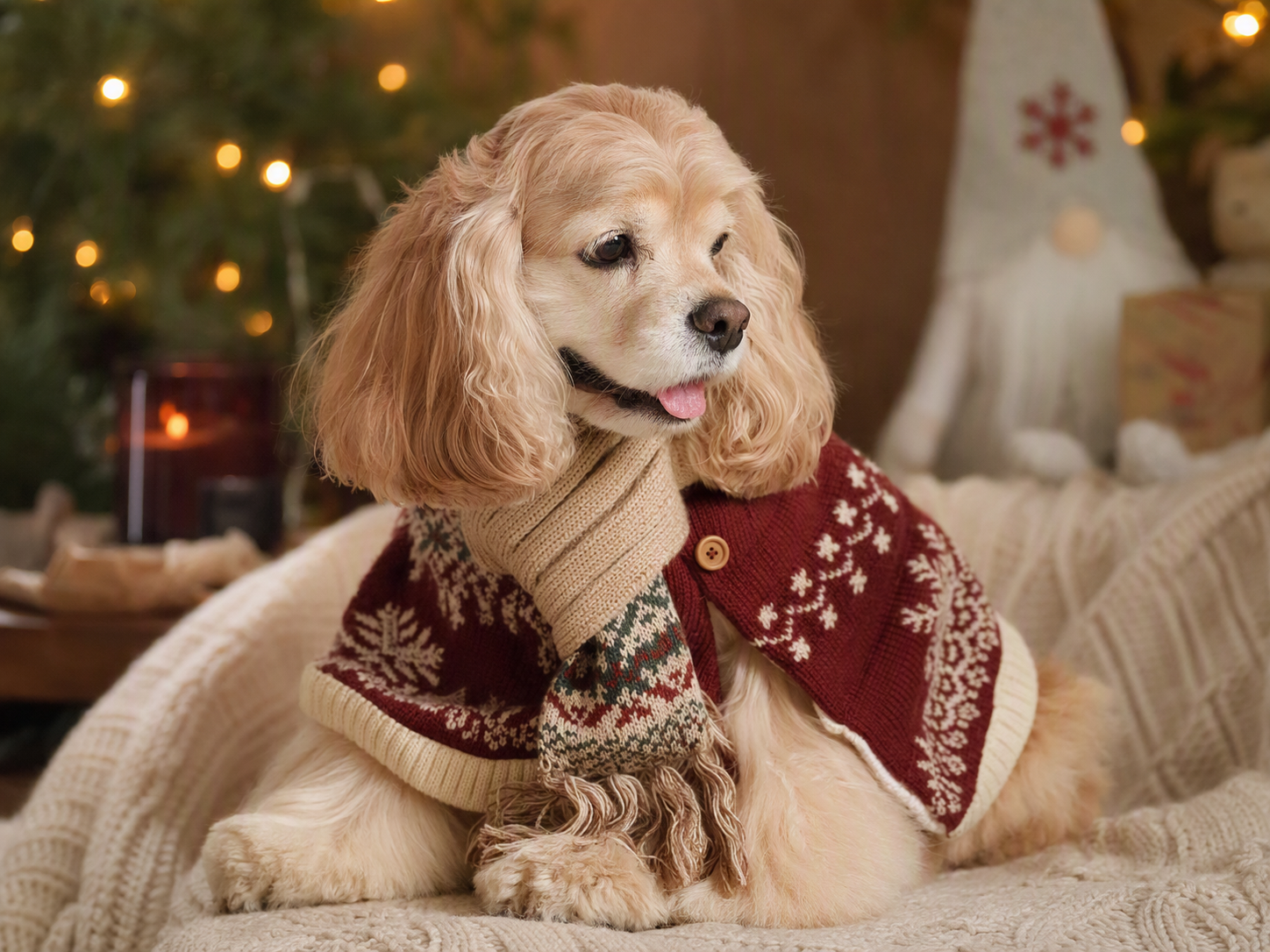
From Sweater Product Shot to On-Dog Visual—and Beyond
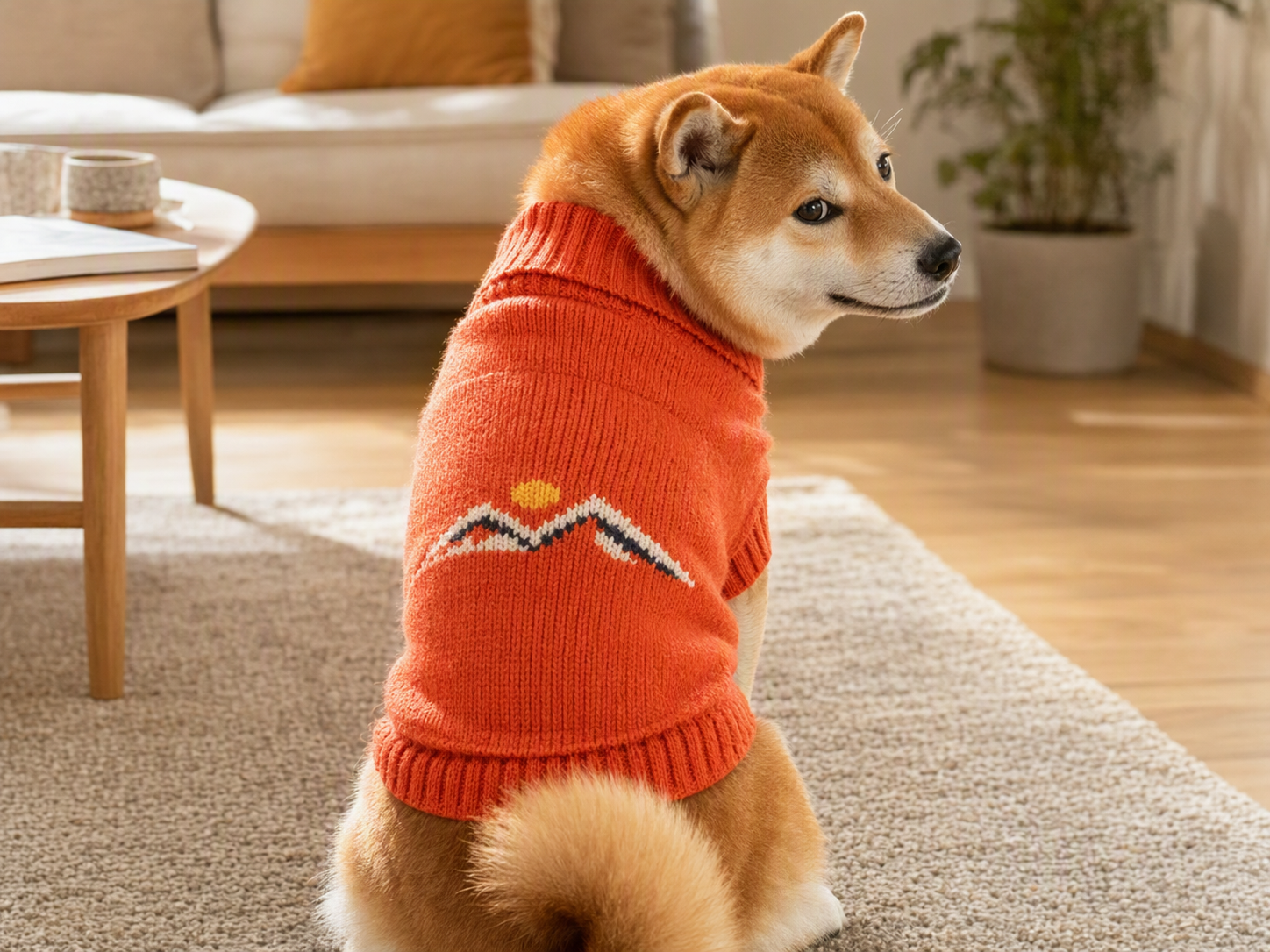
Use the Product Photo You Already Have
Already have the sweater product shot? Put it to work. Add a dog photo and use Koozee’s virtual clothes try-on feature to create a dog wearing a sweater visual without setting up another basic shoot. It gives your team another product-page angle using assets that are already sitting in your catalog.
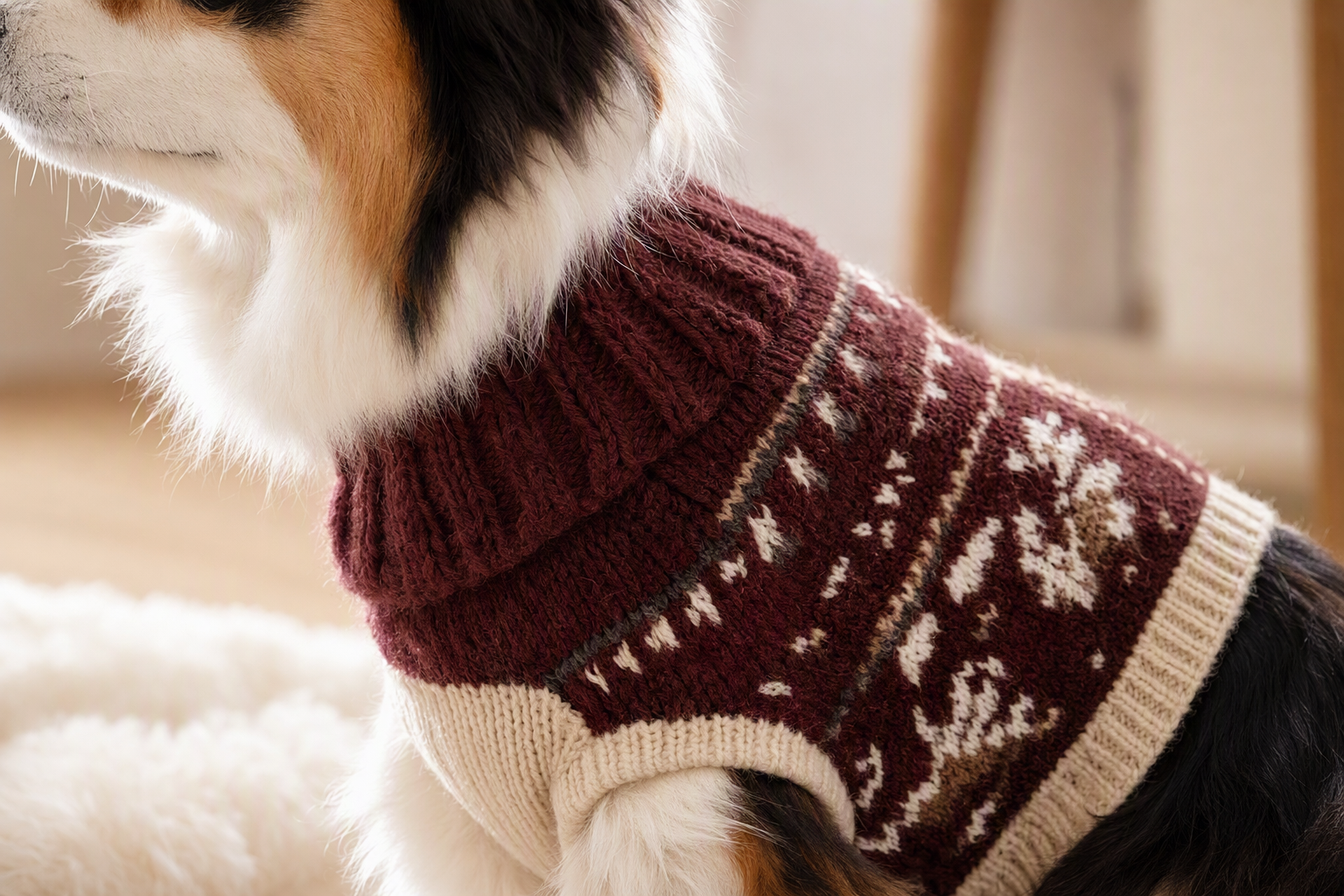
Keep the Dog Familiar and the Sweater Recognizable
Two details matter most in pet sweater visuals: the dog should remain recognizable, and the sweater should still look like the item being sold. Koozee’s virtual clothes try-on feature starts from the dog photo and real sweater image, helping retain recognizable dog traits alongside key design cues such as knit pattern, color blocking, neckline, and silhouette. Review important product details before publishing.
Use the Try-On as a Starting Visual for Winter Campaigns
A strong dog sweater try-on does not have to end at generation. After reviewing the result, take it into other Koozee e-commerce visual workflows for product-detail assets, winter campaign posters, and social creative. The value is not simply generating more images—it is getting more use from the same sweater and dog source assets.
More Sweater Visuals. Fewer Repeat Shoots.

Booking a dog, location, and photographer just to add one basic on-dog image for every sweater SKU is not always efficient. Koozee’s virtual clothes try-on feature can create a visual reference from existing assets first, leaving more of the production budget for hero products, brand campaigns, or content that truly needs a real shoot.

The dog’s face, coat color, and body traits define who is wearing the product; the sweater’s color, knit texture, pattern, and neckline define what is being sold. Koozee’s virtual clothes try-on feature uses both real references so the dog remains recognizable while important sweater cues are carried into the result.

An on-dog sweater visual can live on a product page and also become the starting point for a holiday poster, winter feature, or social creative. Move a suitable try-on result into other Koozee visual workflows to cover more content tasks without starting from scratch for every channel.
Create the Dog Sweater Try-On in 3 Steps
Start with the Real Sweater Photo
Use a product image that shows the sweater clearly, including the neckline, sleeves, hem, and main pattern. Visible knit texture, jacquard details, or color blocking make it easier to review whether important product cues carry into the generated result.
Choose a Dog Photo with a Clear Body Silhouette
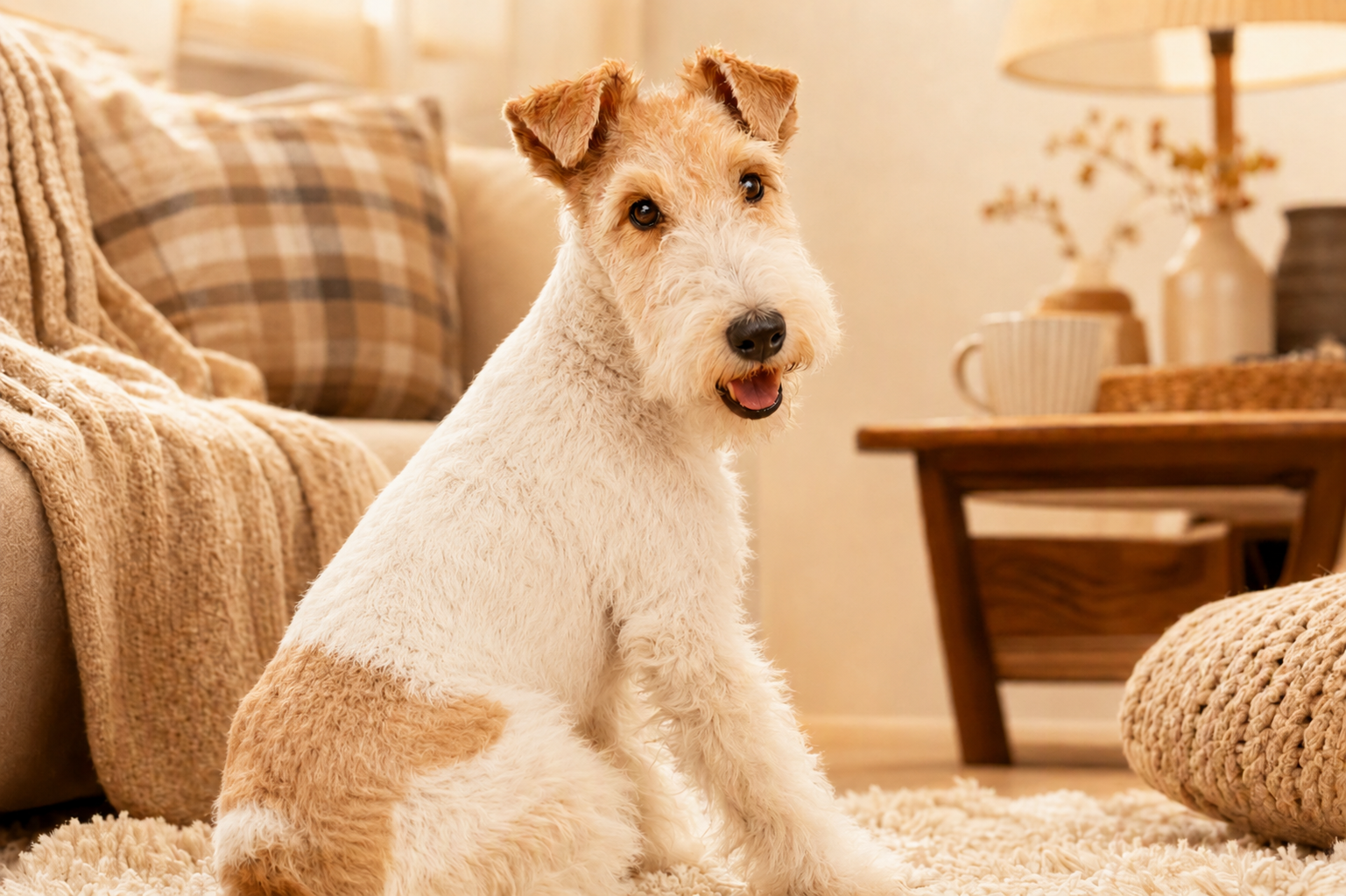
Choose a dog photo where the chest and torso are visible and the coat does not completely hide the body silhouette. The dog does not need to be wearing existing clothing; a natural pose with a clear clothing area gives the virtual try-on a stronger reference.
Generate, Then Review the Product and Dog
After generating the dog-in-sweater result, first check whether the dog’s face, coat color, and body traits remain recognizable. Then compare the sweater’s color, pattern, neckline, and knit texture with the product image.
FAQ
How is dog sweater AI try-on different from a general AI outfit generator?
Can I use my own pet sweater product image?
Yes. Upload a clear, complete sweater product image and a target dog photo, then create the on-dog visual with Koozee’s virtual clothes try-on feature. Images that clearly show color, pattern, neckline, and knit texture make the result easier to review.
Can This Try-On Help Choose a Size or Judge Warmth?
No. Koozee’s virtual clothes try-on feature provides a static visual only. It does not measure the dog or determine fit, mobility, warmth, or comfort. Size selection should still rely on the brand’s real measurements, size chart, and product guidance.
What sweater images work best for keeping knit and pattern details visible?
Use a well-lit, clear product image with the full sweater visible and avoid blocking the neckline, sleeves, hem, or main pattern. Cleaner backgrounds make garment edges and textures easier to read.
Can I turn a dog sweater try-on into Christmas or winter marketing content?
A suitable try-on result can be reused as source material in the relevant Koozee e-commerce visual workflows for product-detail assets, campaign posters, or social content.
Got the Sweater Photo? Put It to Work.
Upload your sweater product image and a dog photo to create your first dog-in-sweater visual—without setting up another pet shoot. Start with the free trial currently available on the page, review the result, and turn the visuals you like into more product and campaign content.