Create Dog in Suit Product Visuals—Without Another Pet Shoot
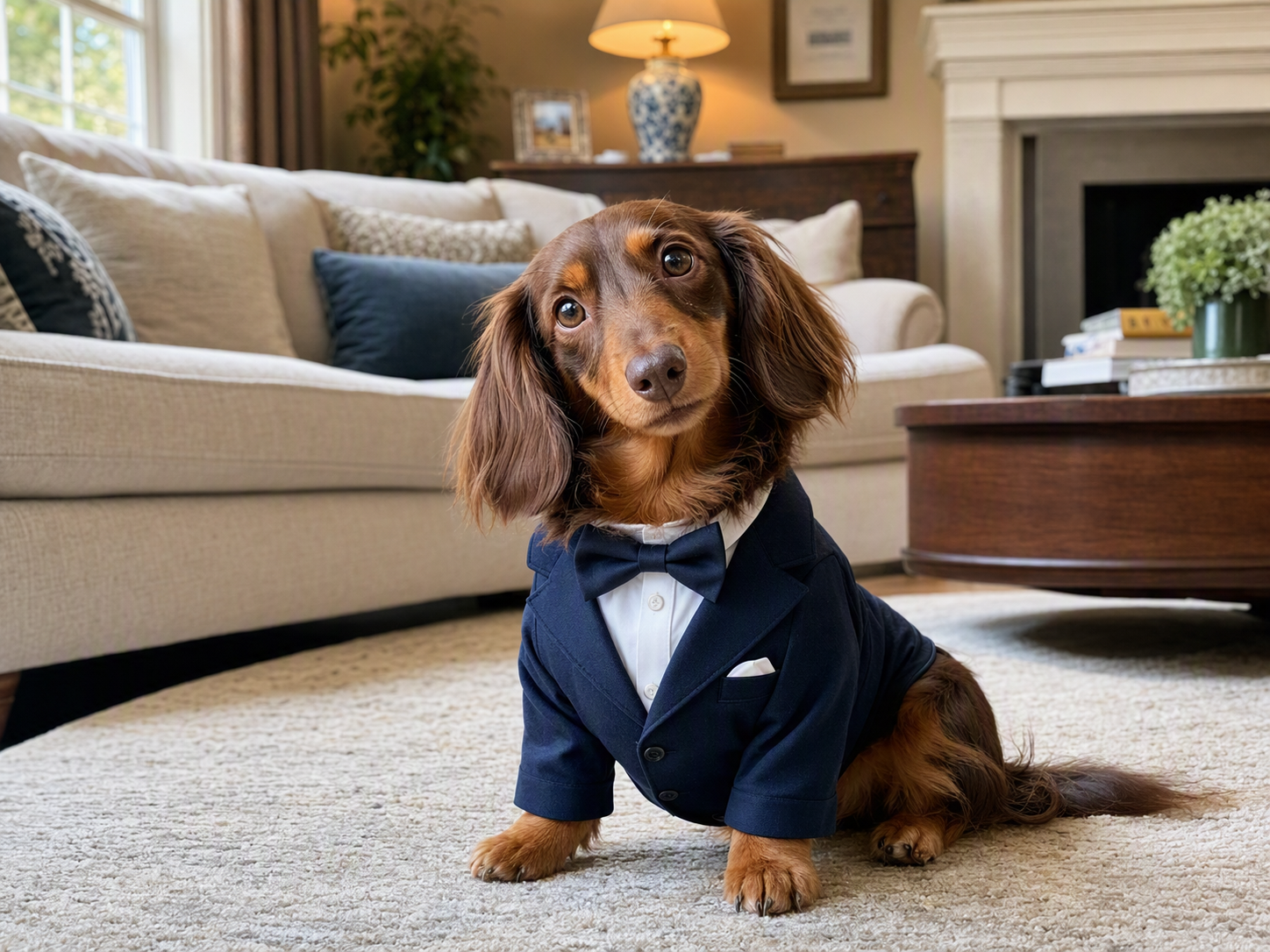
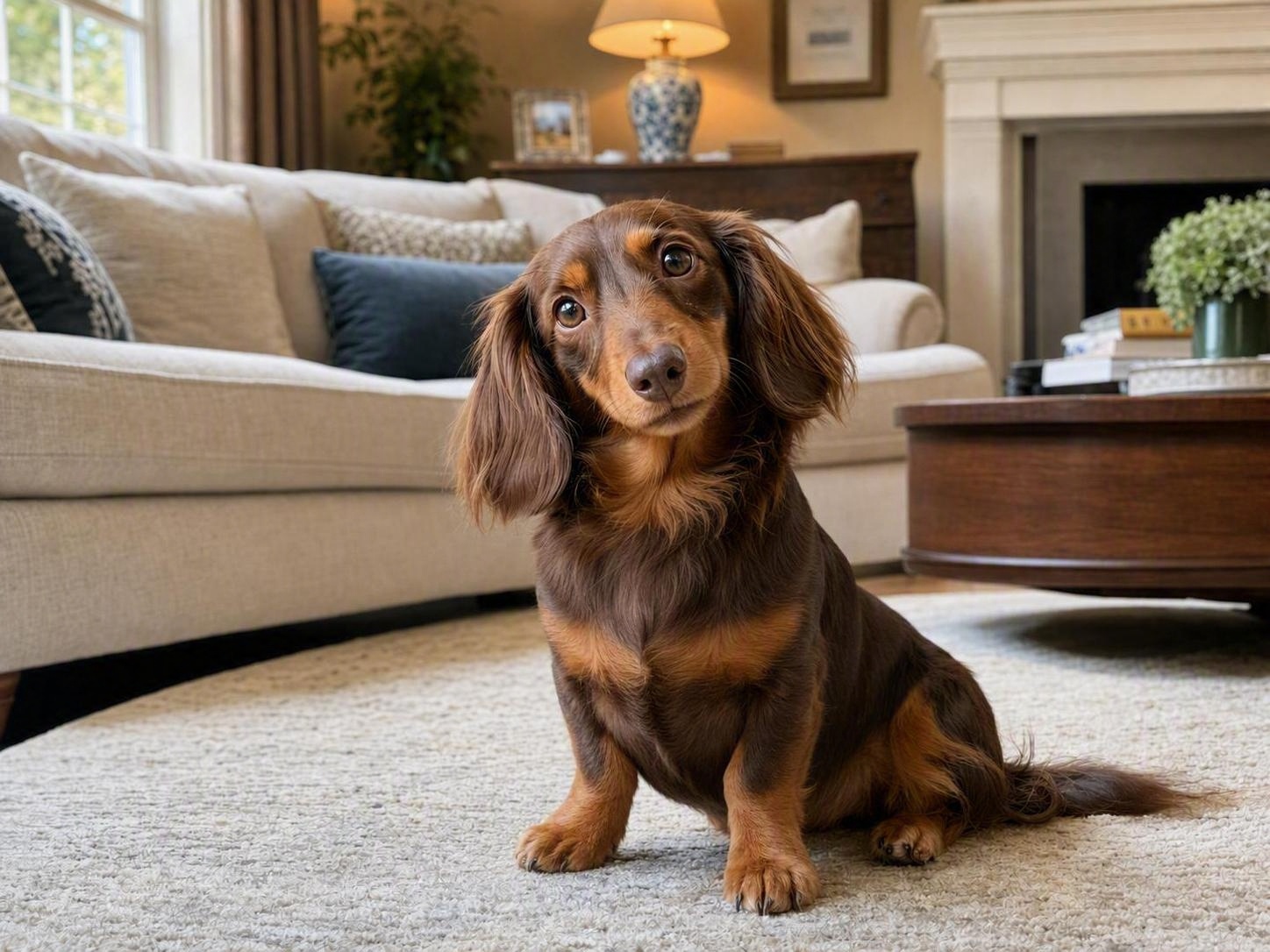
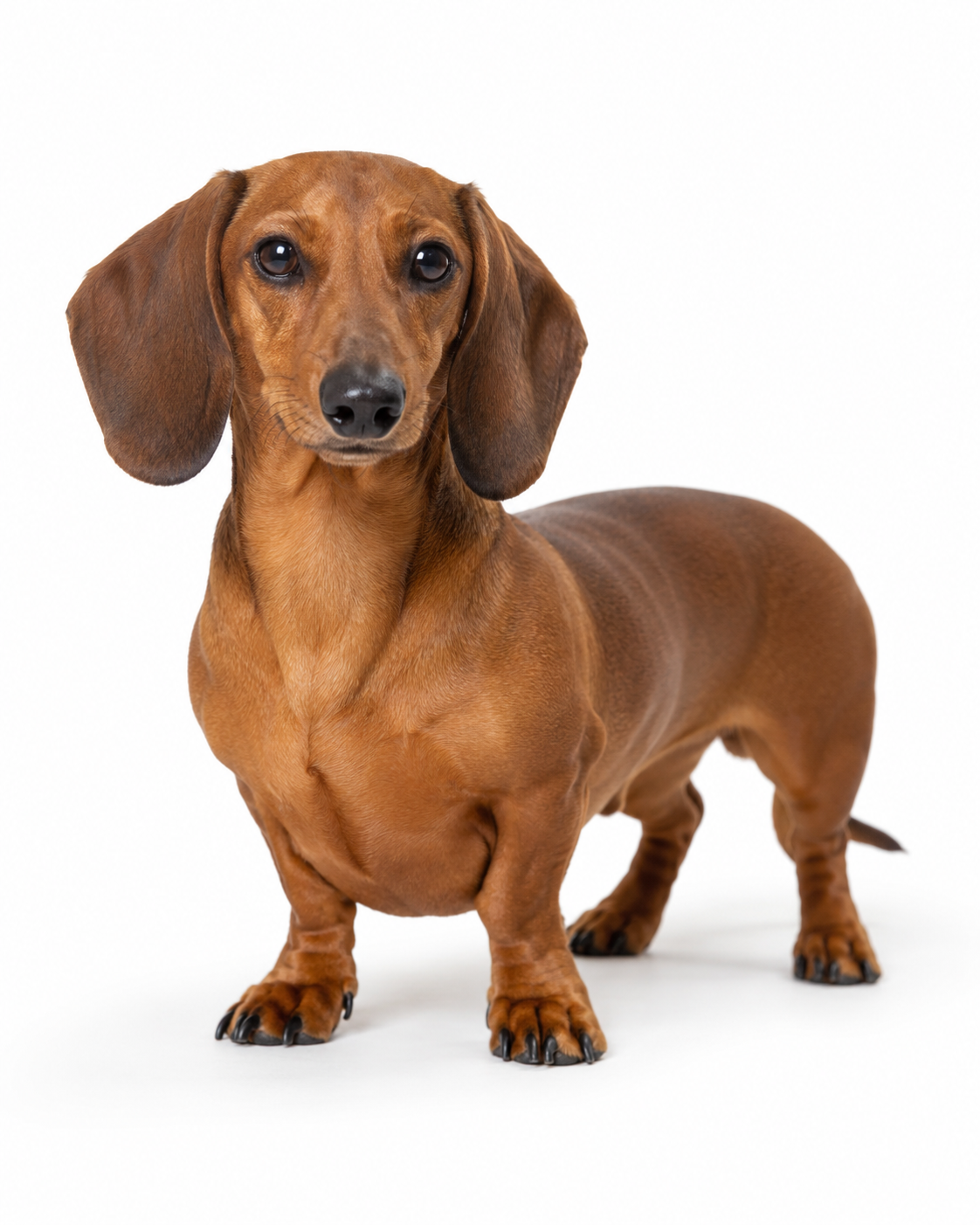
No image? Try one of these:
More Product & Social Visuals, Fewer Pet Shoots
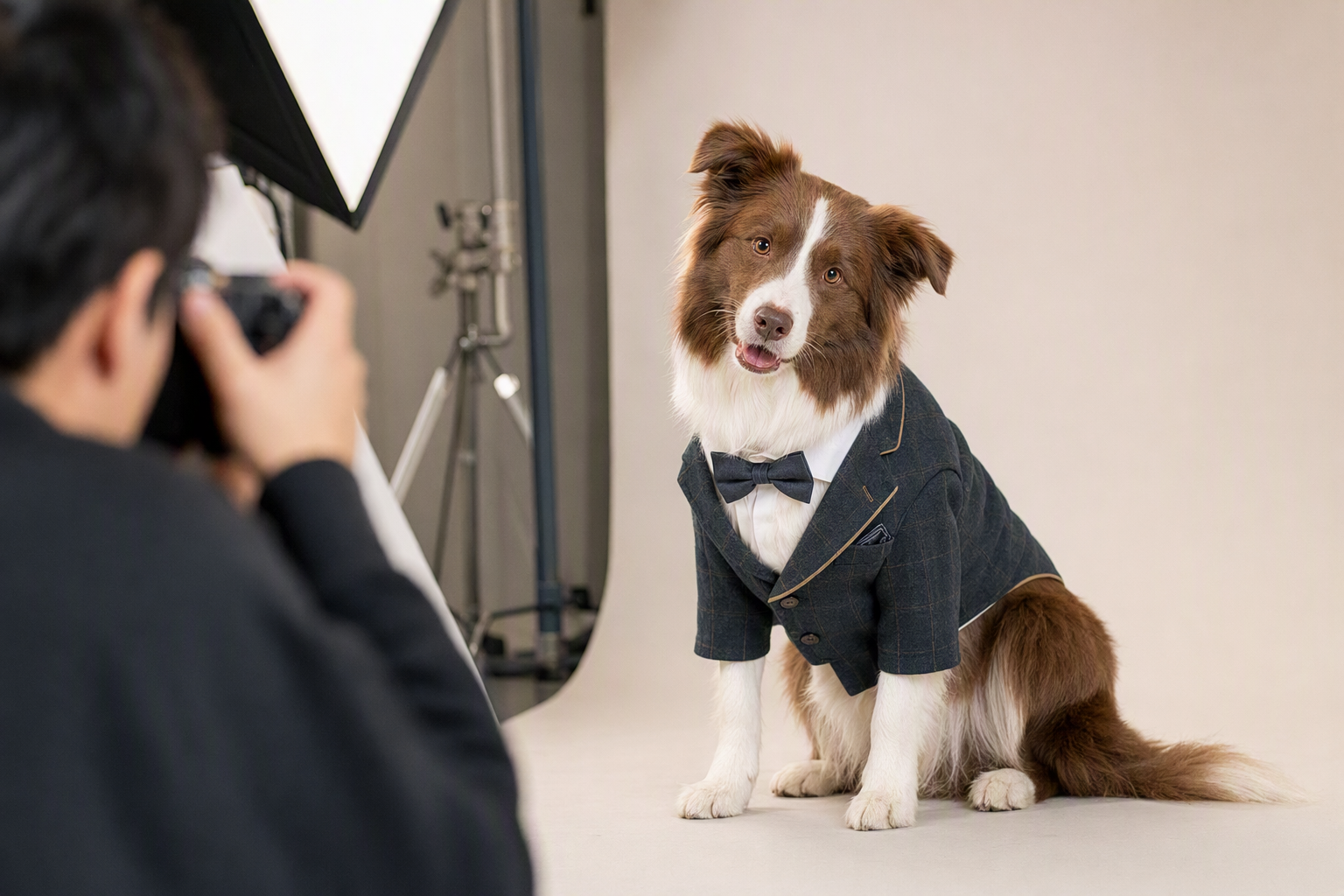
Launch New Suit Styles Without Waiting on Another Pet Shoot
Pet apparel launches can slow down when every new suit needs another round of posing, outfit adjustments, shooting, and editing. Create a dog wearing your actual suit from the images you already have, then use the result for product displays, launch teasers, and campaign content while reducing the need for a basic reshoot for every style.
Shoot Less, Keep the Suit, Reuse the Result
Get the Product Visual Before Booking Another Shoot
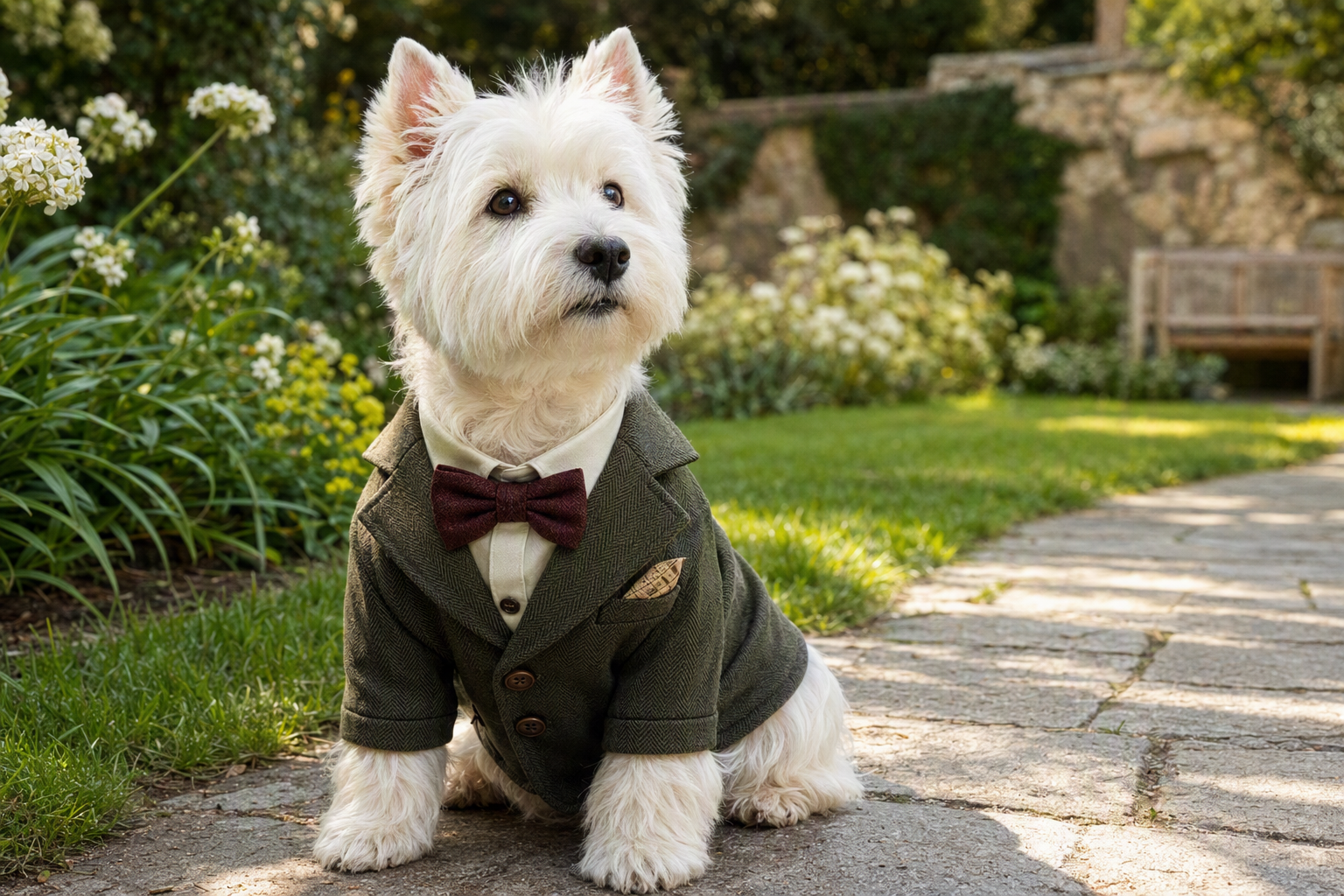
You do not need to plan a full pet shoot just to see how a suit could look on a dog. Upload the suit product image and a dog photo, then use AI clothes try-on to create a static dog in suit visual you can review and reuse for product and campaign content.
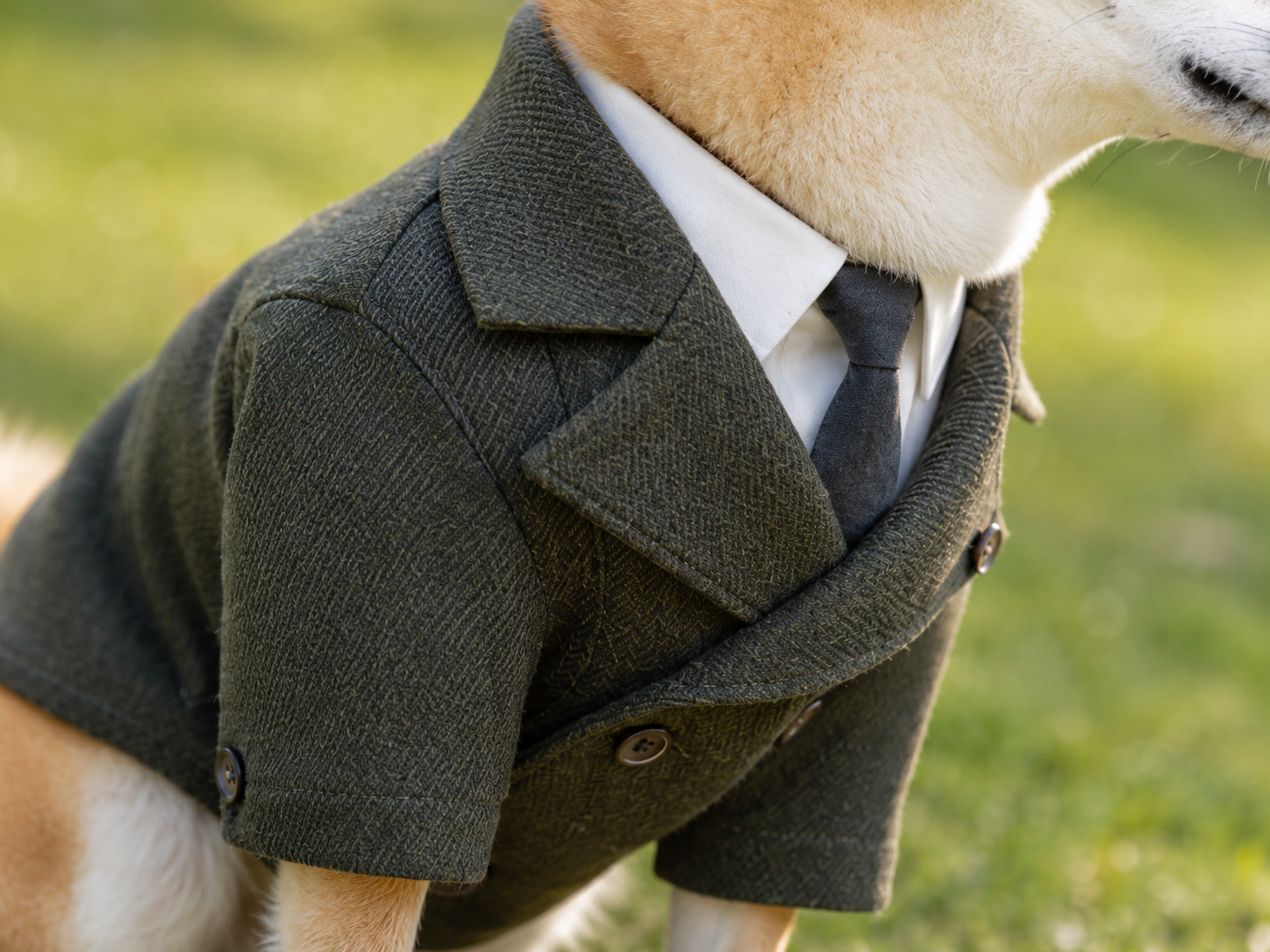
Keep the Dog Recognizable and the Suit Details Clear
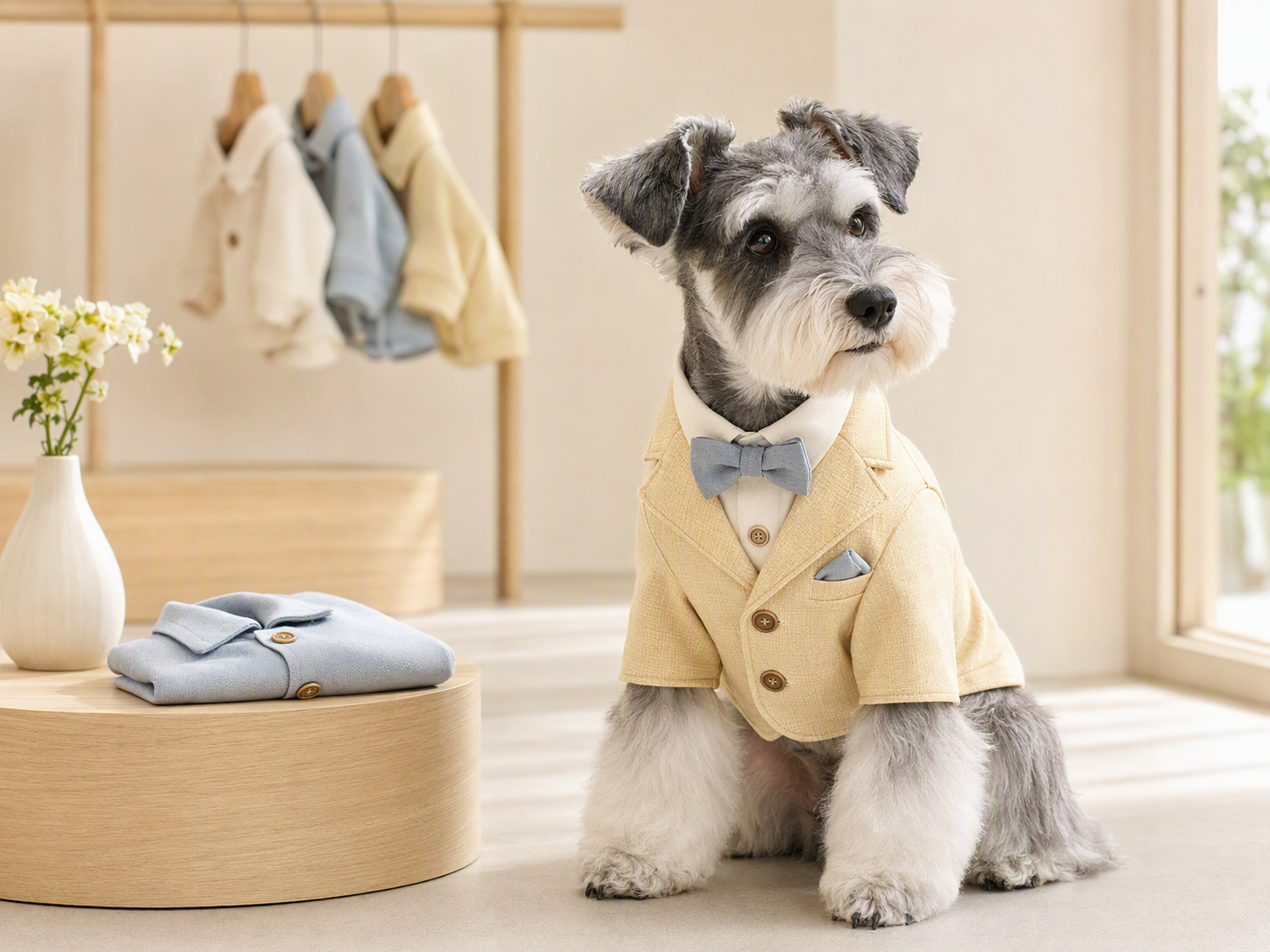
A good-looking image is useless for e-commerce if the dog changes or the product no longer looks like the suit you sell. AI clothes try-on uses your dog photo and suit product image to keep the dog recognizable while preserving visible details such as color, lapels, buttons, patterns, and overall styling—so buyers see a product visual that stays closer to the original item.
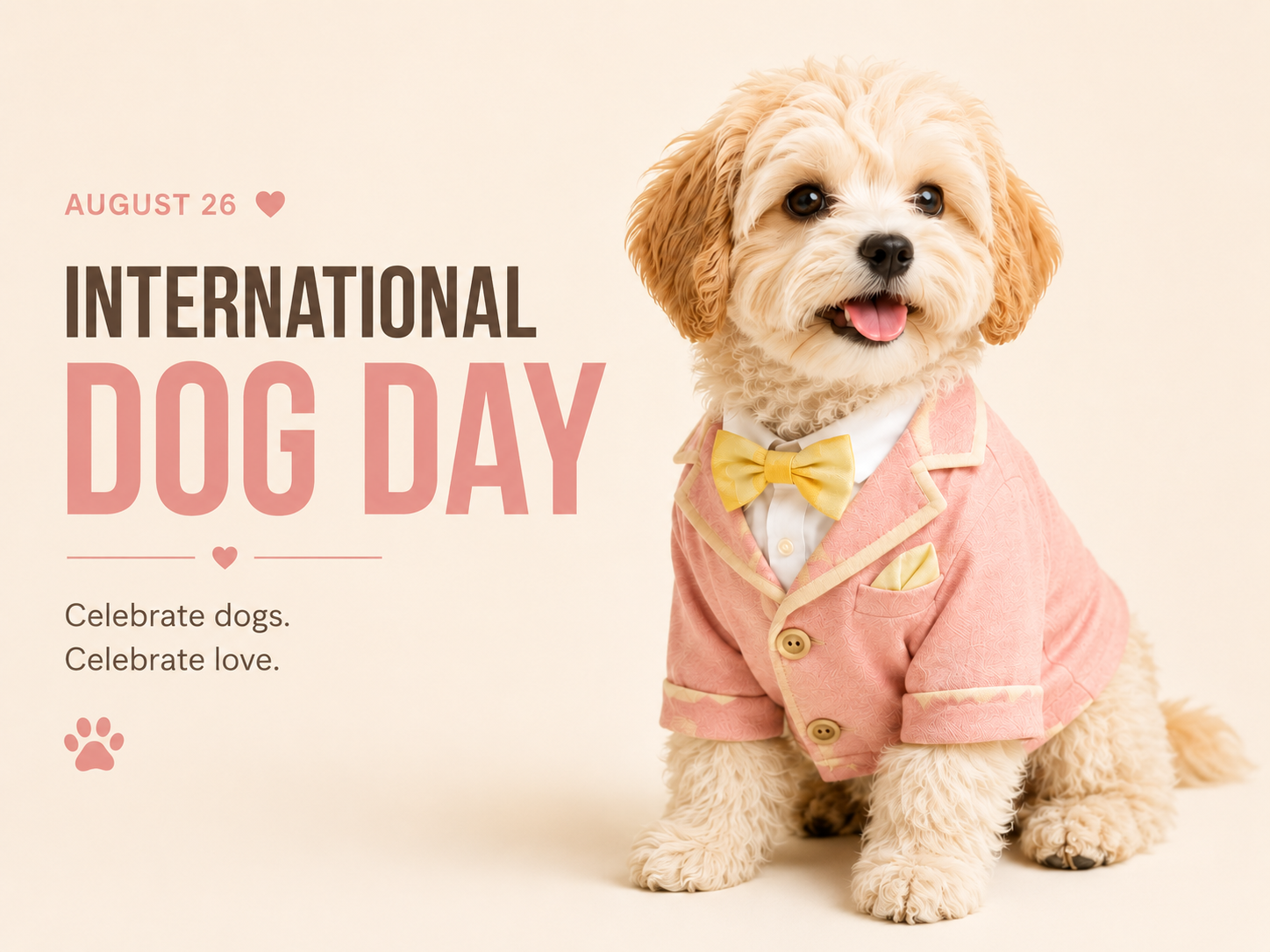
Turn One Dog in Suit Image into More Marketing Content
Social posts, brand posters, and marketing videos often require separate assets. After creating a dog in suit try-on visual, keep using the image in Koozee for product posters and marketing videos, or turn it into International Dog Day posts, product launch campaigns, and seasonal social content. One visual can support more marketing moments.
Fewer Shoots. Clearer Suit Details. More Content.
Pet shoots depend on pose, attention, and timing. One suit can take several adjustments and retakes before the shot works. Starting with the product image and dog photo helps reduce basic shooting and editing work, leaving more time for launches and promotion.

For a pet brand, the useful result is a recognizable dog wearing the actual suit product—not a random AI outfit. AI clothes try-on uses the images you upload to keep the dog recognizable and show visible suit details such as color, lapels, buttons, and patterns for review before the visual goes onto a product page or campaign.

One dog in suit visual can keep working after the product image is done. Turn it into a campaign poster, use it in social posts, or continue into a marketing video—so your team gets more usable creative from the same source images instead of starting from scratch each time.
Upload Two Images. Create a Dog in Suit Visual in 3 Steps
Upload the Suit Product Image
Choose a pet suit image with the full product visible, clear edges, minimal obstruction, and even lighting. A clear product image helps the result show the suit color, pattern, lapels, and overall shape more clearly.
Upload the Dog Photo
Choose a dog photo where the body and target clothing area are clearly visible with minimal obstruction. A dog pose that better matches the suit angle will usually produce a more natural-looking result.
Generate, Review, and Keep Creating
Generate the static dog in suit visual, then review the dog’s appearance and key suit details such as color, lapels, buttons, and patterns. If the result works for your needs, continue with product posters and marketing videos.
Dog in Suit AI Try-On: Frequently Asked Questions
What is AI virtual try-on for a dog in a suit?
How can I put my own suit on a dog photo?
Upload the pet suit product image first, then upload the dog photo and generate the result. For a clearer visual, use images with complete subjects, good lighting, minimal obstruction, and reasonably compatible angles.
Can a dog in suit AI image tell me the real size or fit?
No. The current feature creates a static visual reference. It does not measure the dog, simulate garment construction, or confirm real-world size, comfort, or fit.
Can I create a dog wearing a suit without writing prompts?
Yes. The core flow uses your suit product image and dog photo, so you do not need to learn complicated prompt writing first.
What can I do after I create the dog in suit image?
Based on the current page experience, you can continue from the generated image to create product posters and marketing videos. The same visual can also be used as source content for social posts.
Got the Suit? Let Your Dog Steal the Show.
Your next product visual does not need another day on set. Upload your suit image and dog photo, create the try-on, and turn the result into the product and campaign content your team needs next—from social posts to posters and marketing videos.