Remove.bg Alternatives for E-commerce: 5 Tools That Go Beyond One-Click Cutouts in 2026
What do you need after removing the background—a transparent PNG or complete e-commerce content? This guide compares five Remove.bg alternatives by use case, pricing, and workflow. Read on to find the best fit for you.


Remove.bg has a clear advantage: upload an image, let the tool identify the subject, and export a transparent cutout with very little setup. Its desktop apps, batch processing, and API also make it useful for teams that need a focused background-removal workflow.
However, a transparent PNG is rarely the final asset for an online seller. You may also need to standardize a product catalog, create white-background listings, add natural shadows, generate lifestyle scenes, produce apparel flat lays and model images, translate marketing graphics, build listing pages, or publish approved assets back to Shopify.
This guide compares Koozee, Photoroom, PicCopilot, WeShop AI, and Adobe Express by use case, monthly pricing, post-cutout workflow, and key trade-offs.
Disclosure: Koozee is our own product. To keep this guide useful and balanced, we compare every tool using the same criteria, highlight where each one performs well, and explain its limitations. The recommendations are based on different e-commerce use cases rather than claiming that one product is best for everyone.
Remove.bg Alternatives at a Glance
| Best use case | Product | Free access | Reference monthly price | Main value after removal |
| Apparel assets, AI models, videos, and Shopify workflows | Koozee | Free trial available | From about $22.90/month | Turn clothing inputs into listing and marketing assets |
| Mobile editing and batch product catalogs | Photoroom | Free plan | About $12.99/month | Batch editing, AI backgrounds, shadows, and catalog consistency |
| E-commerce marketing, translation, and listing pages | PicCopilot | Free plan | From about $7.99/month | Templates, localization, AI scenes, and listing content |
| AI models, scenes, and image-to-video creation | WeShop AI | Free registration points | About $9.99/month | Access several image and video models |
| Posters, social graphics, and general design | Adobe Express | Free plan | About $9.99/month | Templates, brand assets, and general marketing design |
Pricing note: Prices were reviewed on July 30, 2026. Plans and regional pricing may change, so confirm the latest price on each product’s official website or checkout page.
Quick Answer:
Need apparel images, AI models, videos, and Shopify assets: choose Koozee.
Need mobile editing and consistent batch catalogs: choose Photoroom.
Need e-commerce ads, image translation, and listing pages: choose PicCopilot.
Need several AI models, scenes, and video tools: choose WeShop AI.
Need posters, social graphics, and general marketing content: choose Adobe Express.
There is no single best option for every user. The more useful question is not only which tool removes a background, but which one completes the next stage of your workflow.
Why Look for a Remove.bg Alternative?
Users usually start looking for an alternative when:
A transparent PNG is not the final deliverable.
The team needs to process and standardize a full product catalog.
Apparel sellers need flat lays, ghost-mannequin images, or AI models.
Cross-border teams need image translation, templates, and listing pages.
Content teams need to turn product images into videos.
Shopify sellers want to reduce repeated downloading and uploading.
Koozee: Best for Shopify Apparel Workflows
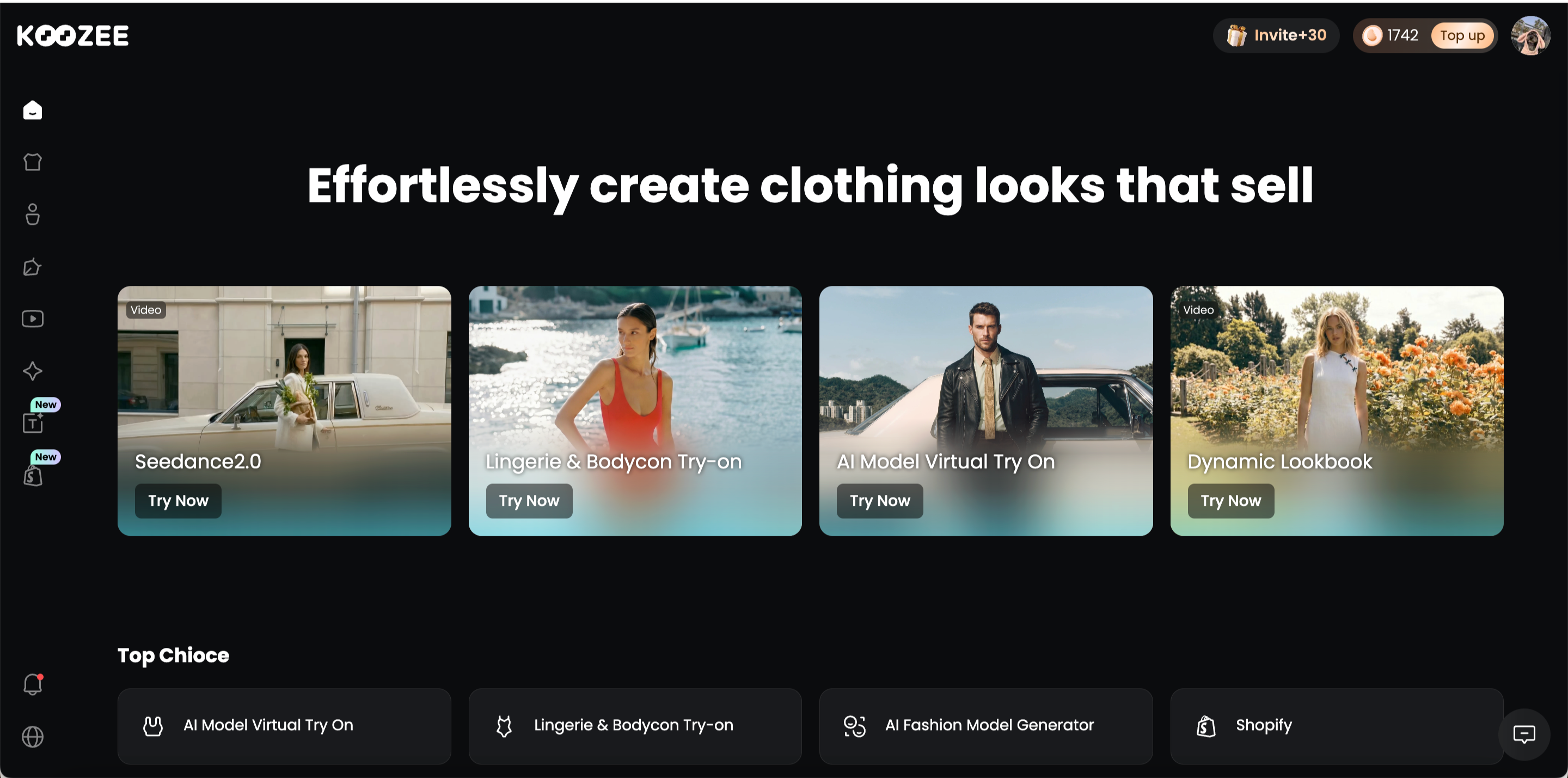
Koozee is an AI visual production platform designed for apparel e-commerce. Background removal is one entry point into a broader workflow for product images, flat lays, AI models, apparel videos, and listing-page assets.
Who Is Koozee Best For?
Shopify and marketplace apparel sellers that regularly update product and campaign visuals.
Apparel brands and lean teams that want to reuse existing product photography.
Factories, wholesalers, and suppliers preparing catalogs for many styles.
Why Is Koozee a Good Remove.bg Alternative?
Create core product assets: Generate main images, detail shots, flat lays, and ghost-mannequin visuals.
Create on-model images: Produce apparel try-on images and change the model, scene, pose, angle, or composition.
Extend marketing content: Turn approved images into lookbooks, fit-check videos, OOTD clips, posters, and listing visuals.
Connect Shopify products: Reuse product images, review generated results, and use approved assets across sales and marketing channels.
| Feature or workflow | Koozee | Remove.bg |
| Automatic background removal | ☑️ | ☑️ |
| Transparent-background export | ☑️ | ☑️ |
| Apparel flat lays and ghost mannequins | ☑️ | ❌ |
| AI models and apparel try-on | ☑️ | ❌ |
| Apparel product videos | ☑️ | ❌ |
| Shopify apparel visual workflow | ☑️ | ❌ |
Main Advantages
Less Shopify asset handling: Reuse existing product images instead of repeatedly downloading and uploading files.
More value from existing photography: One apparel input can support listings, ads, social posts, and videos.
Multiple AI models in one workspace: Koozee integrates Nano Banana Pro, GPT Image 2, and Kling V3.0 for product images, model visuals, and videos.
A workflow structured around apparel: Images and videos remain connected to the same product.
Main Limitations
Koozee has not yet built equally complete workflows for other product categories.
New users may need time to explore the different image, model, and video tools.
Feature names and navigation may change as the platform continues to develop.
Photoroom: Best for Mobile and Batch Product Editing
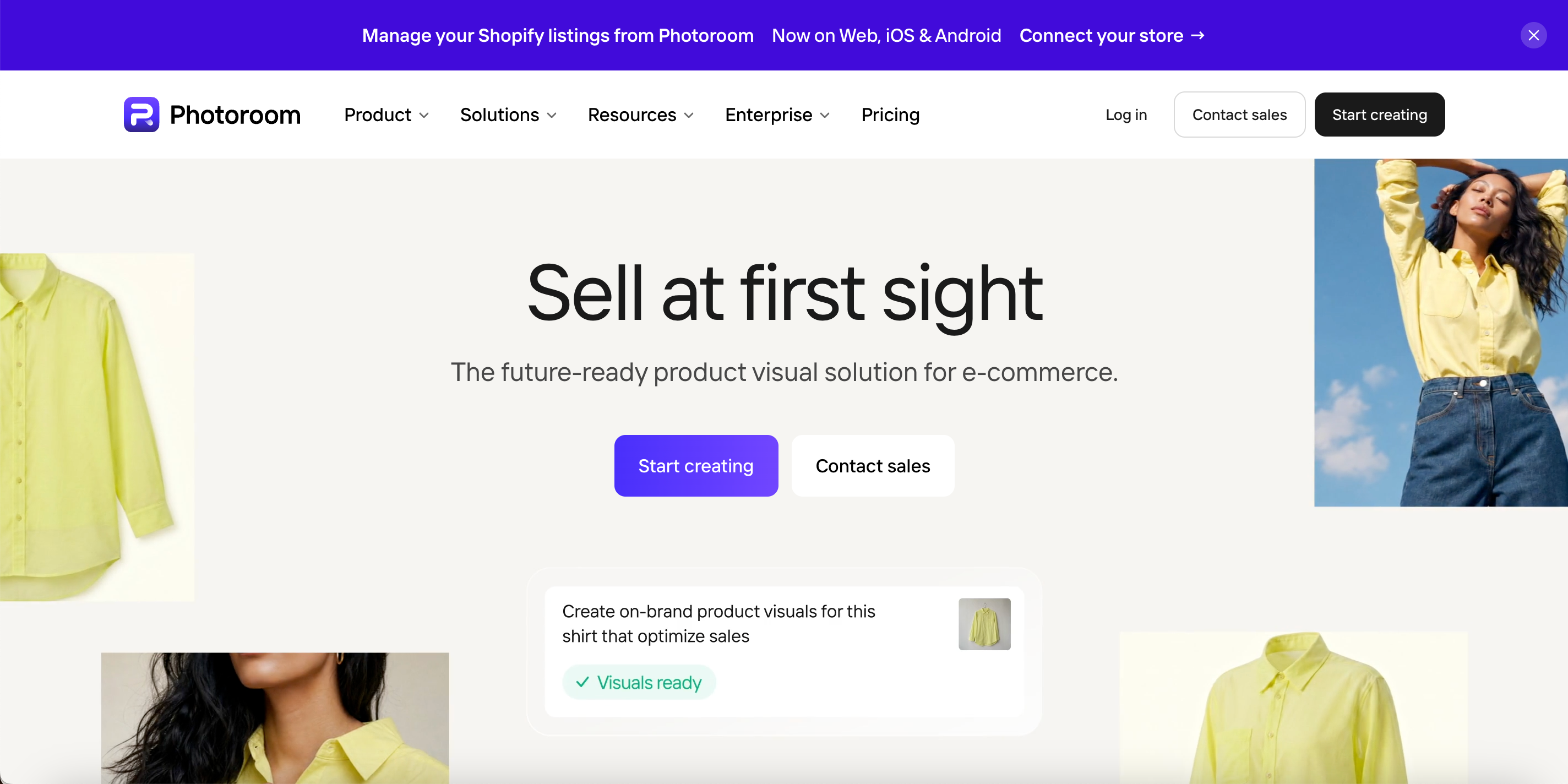
Photoroom is an AI product photography platform for sellers and brands. It combines background removal with batch editing, AI product scenes, shadows, templates, and brand tools across web and mobile.
Who Is Photoroom Best For?
Mobile-first sellers and resellers.
Small businesses selling several product categories.
Catalog teams that need consistent backgrounds, sizing, and positioning.
Why Is Photoroom a Good Remove.bg Alternative?
Process catalogs in batches: Apply the same background, size, and visual rules to multiple images.
Create product scenes: Use AI backgrounds, product staging, and shadows.
Maintain brand consistency: Reuse templates and brand assets across channels.
Support mobile workflows: Capture, edit, and export products from a phone.
| Feature or workflow | Photoroom | Remove.bg |
| Automatic background removal | ☑️ | ☑️ |
| Batch background removal | ☑️ | ☑️ |
| AI product-scene generation | ☑️ | ❌ |
| AI product shadows | ☑️ | ❌ |
| Templates and Brand Kit | ☑️ | ❌ |
| In-app catalog editing | ☑️ | ❌ |
Main Advantages
A mature workflow for mobile product photography.
Batch tools improve consistency across a catalog.
Suitable for a broad range of retail categories.
Template-based editing is accessible to non-designers.
Main Limitations
Video, stronger AI models, and some commerce integrations may require higher plans.
AI generation and batch exports are subject to plan limits.
Fashion tools are part of a broad product-photography platform rather than a full apparel workflow.
PicCopilot: Best for E-commerce Marketing and Listing Pages
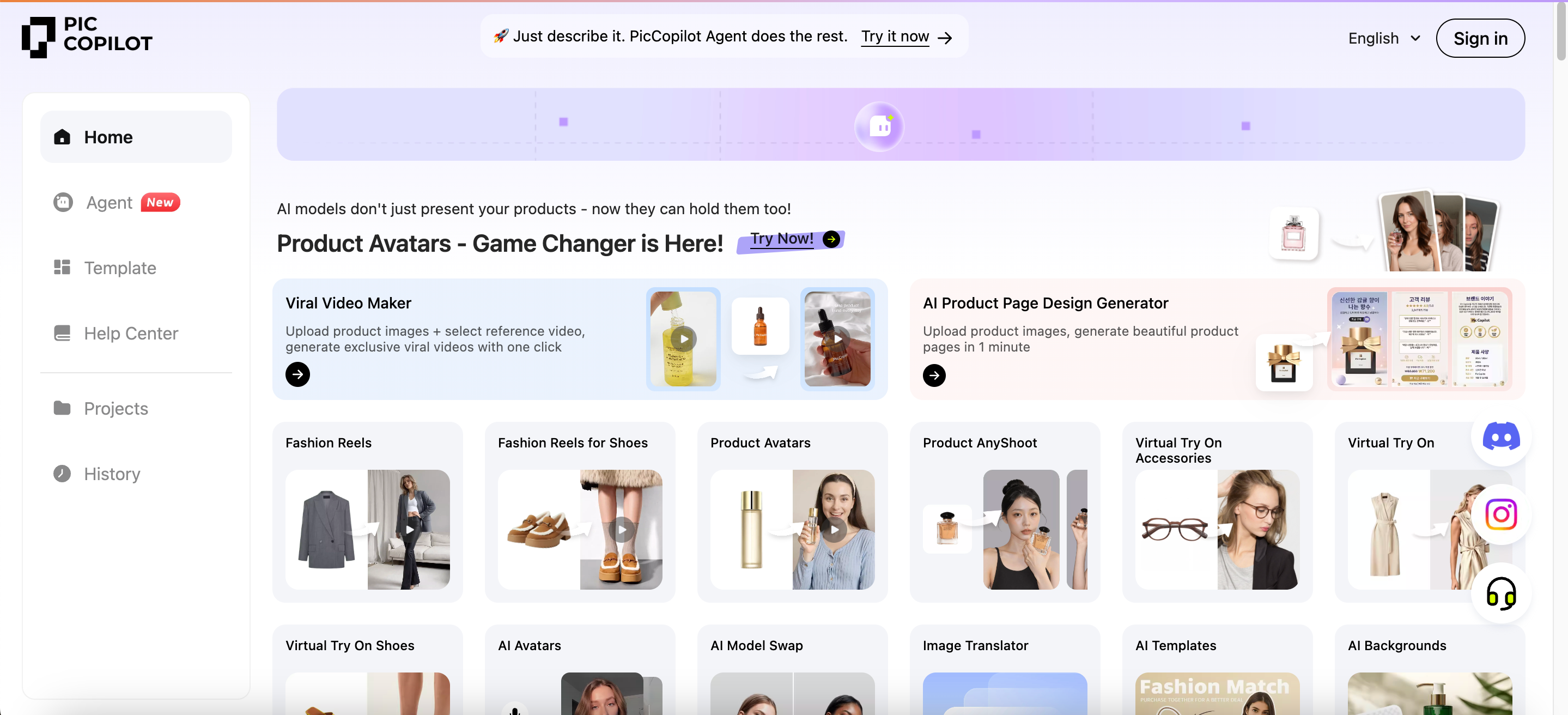
PicCopilot is an AI platform for cross-border e-commerce marketing and product content. It connects background removal with AI scenes, product shadows, templates, image translation, listing pages, and virtual try-on.
Who Is PicCopilot Best For?
Cross-border teams working across platforms and languages.
Small brands without dedicated designers.
Sellers that need marketing content after background removal.
Why Is PicCopilot a Good Remove.bg Alternative?
Clean product images in bulk: Remove backgrounds and unwanted objects.
Create e-commerce visuals: Add AI backgrounds, shadows, and marketing templates.
Localize content: Translate text inside product and advertising images.
Extend into marketing: Create listing pages, virtual try-ons, product avatars, and short videos.
| Feature or workflow | PicCopilot | Remove.bg |
| Automatic background removal | ☑️ | ☑️ |
| Batch background removal | ☑️ | ☑️ |
| AI product backgrounds and shadows | ☑️ | ❌ |
| Image-text translation | ☑️ | ❌ |
| Product listing-page generation | ☑️ | ❌ |
| Virtual try-on and marketing videos | ☑️ | ❌ |
Main Advantages
A shorter path from product images to campaign content.
Useful tools for reusing designs across different markets.
Templates reduce dependence on professional designers.
Supports several e-commerce and advertising channels.
Main Limitations
Pcoin usage varies across tools and tasks.
The broad feature set may take time to learn.
Some experimental tools may be less stable than established features.
WeShop AI: Best for AI Models, Scenes, and Videos
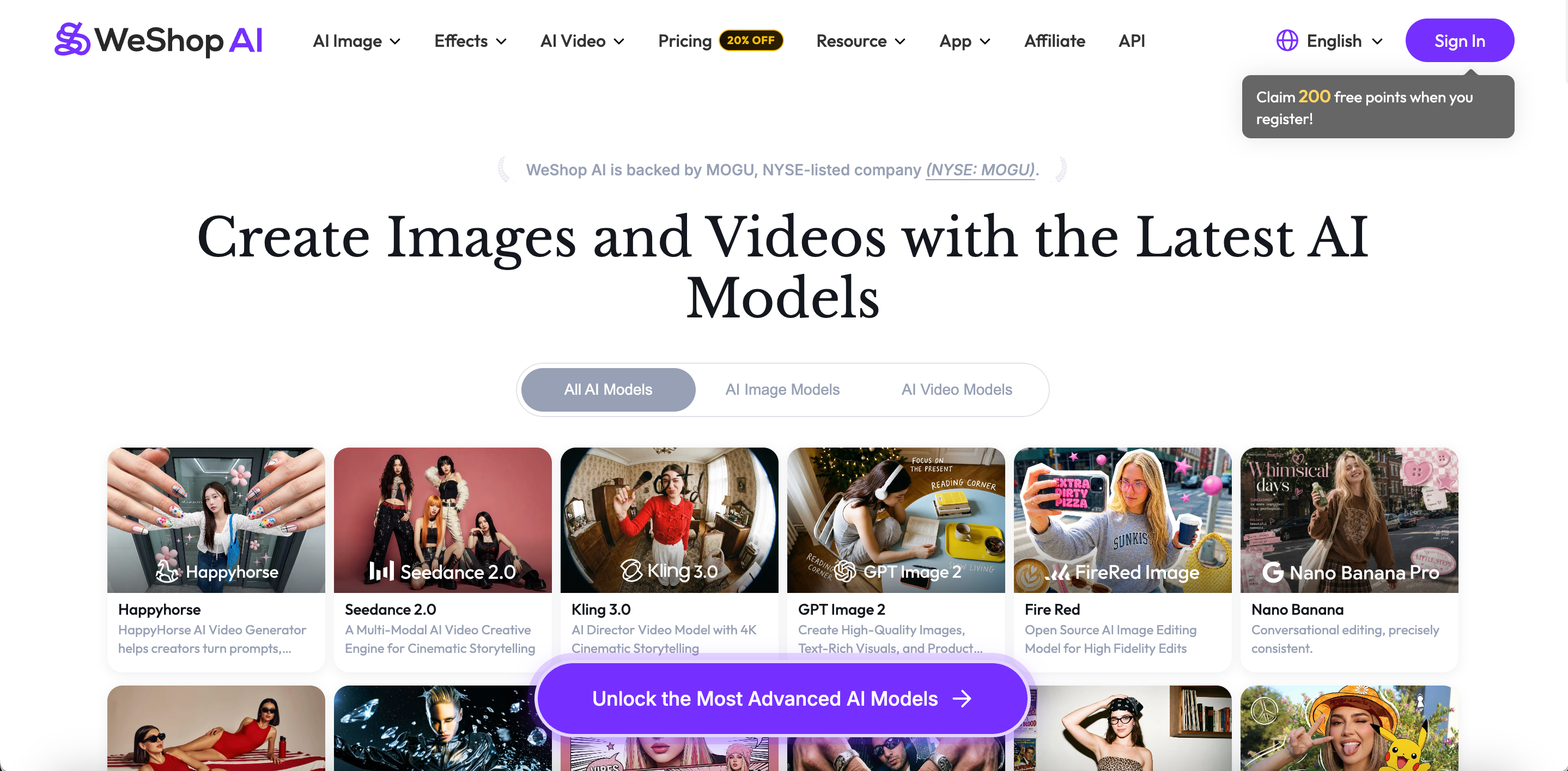
WeShop AI is a multi-model workspace for product images and videos. In addition to background removal, it provides product scenes, image enhancement, virtual try-on, AI models, and image-to-video tools.
Who Is WeShop AI Best For?
Sellers producing AI model and virtual try-on content.
Teams creating both product images and short videos.
Creative users who want to compare several AI models.
Why Is WeShop AI a Good Remove.bg Alternative?
Clean and enhance product images: Continue from removal to relighting, expansion, enhancement, or object removal.
Create models and try-ons: Change models, poses, and scenes.
Turn images into videos: Produce social, advertising, or listing-page videos.
Compare multiple AI models: Test different image and video systems in one platform.
| Feature or workflow | WeShop AI | Remove.bg |
| Automatic background removal | ☑️ | ☑️ |
| Image enhancement and relighting | ☑️ | ❌ |
| AI models and virtual try-on | ☑️ | ❌ |
| Model, pose, and scene changes | ☑️ | ❌ |
| Image-to-video generation | ☑️ | ❌ |
| Multiple image and video models | ☑️ | ❌ |
Main Advantages
Fewer separate accounts for different AI models.
Approved images can move directly into video production.
Teams can test different models, lighting, scenes, and motion styles.
Useful for exploring several creative directions quickly.
Main Limitations
More model choices create a steeper learning curve.
Credit usage varies by model and output settings.
Product consistency and visual style can change between models.
Adobe Express: Best Free Alternative for General Design
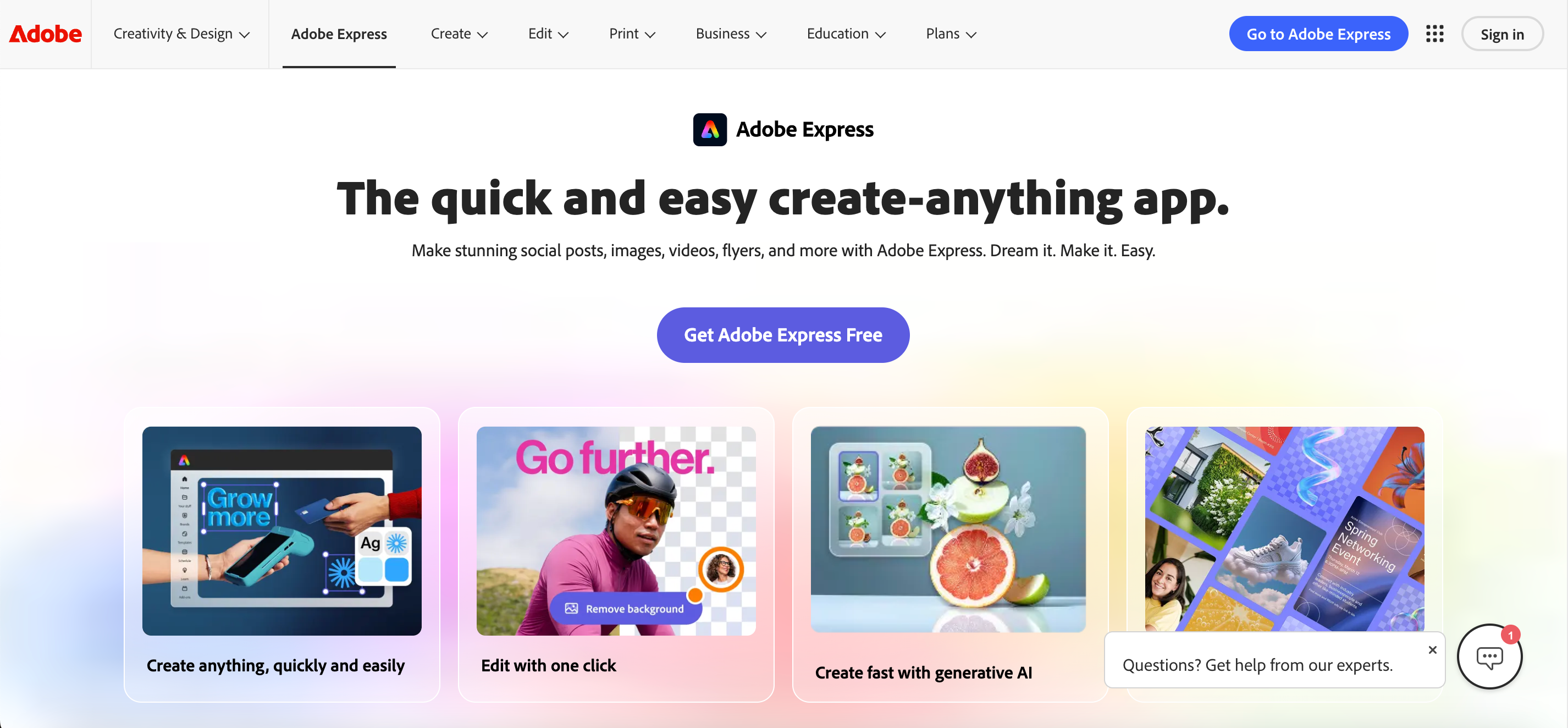
Adobe Express is a general design platform for individuals, marketers, and small businesses. Users can remove a background, export a transparent PNG, or continue editing with text, graphics, templates, and new backgrounds.
Who Is Adobe Express Best For?
Individuals and small businesses with occasional cutout needs.
Marketers creating posters, social graphics, and promotional content.
Teams already using Adobe products and creative assets.
Why Is Adobe Express a Good Remove.bg Alternative?
Keep designing after removal: Add backgrounds, text, graphics, and animation.
Start with ready-made templates: Create social posts, posters, flyers, and advertisements.
Manage brand assets: Save colors, fonts, logos, and reusable templates.
Use Adobe creative resources: Combine fonts, stock assets, and generative AI tools.
| Feature or workflow | Adobe Express | Remove.bg |
| Automatic background removal | ☑️ | ☑️ |
| Transparent PNG export | ☑️ | ☑️ |
| Full design-template library | ☑️ | ❌ |
| Poster and social-media design | ☑️ | ❌ |
| Brand Kit management | ☑️ | ❌ |
| Image and video content editing | ☑️ | ❌ |
Main Advantages
Accessible to users without professional design experience.
A broad selection of templates and creative assets.
The free plan is useful for occasional background removal.
Suitable for general marketing and social-media content.
Main Limitations
Large-scale e-commerce catalog production is not its core use case.
It does not provide a connected apparel flat-lay, try-on, and video workflow.
Shopify product synchronization and publishing are outside its main workflow.
When Remove.bg May Still Be the Better Choice
Remove.bg may remain the simpler option when:
You only need a fast transparent cutout.
Your team already uses a stable Remove.bg API workflow.
You prefer a focused tool with a low learning curve.
You rely on desktop batch processing.
You do not need AI models, video, listing pages, or a Shopify workspace.
Background removal is the final task rather than the first step.
Conclusion: Choose Based on What Comes After the Cutout
Remove.bg remains useful for fast and focused background removal. A broader alternative becomes more valuable when the next stage involves batch product editing, marketing design, AI models, video, or a connected Shopify apparel workflow.
Apparel sellers can test Koozee. Mobile and multi-category sellers may prefer Photoroom. Cross-border marketing teams can consider PicCopilot. WeShop AI suits teams that need several image and video models, while Adobe Express remains practical for general design.
FAQs
What Is the Best Remove.bg Alternative for E-commerce?
It depends on the workflow. Consider Koozee for apparel, Photoroom for batch editing, and PicCopilot for marketing content.
Which Tool Is Best for Shopify Apparel Sellers?
Koozee is better suited to apparel images, AI models, videos, and connected Shopify workflows.
What Is the Best Free Remove.bg Alternative?
Adobe Express and Photoroom both offer free options for basic background removal and editing.
Which Tool Is Best for Batch Product Photos?
Photoroom is strong for consistent batch editing. Remove.bg also works well through its desktop app and API.
Which Tool Is Best for Clothing Photos?
Koozee focuses on apparel product images, flat lays, ghost mannequins, AI models, and videos.
Which Tool Is Best for Product Listing Pages?
PicCopilot is a better fit for listing pages, image translation, and e-commerce marketing templates.
Is Remove.bg Still Worth Using?
Yes. It remains a practical option for transparent cutouts, API automation, and desktop batch processing.
What Should I Test Before Switching?
Test edge quality, product-detail retention, resolution, batch consistency, and real cost per usable image.