Outgrowing PicCopilot: 5 Alternatives for Different E-commerce Workflows
Hunting for reliable PicCopilot alternatives for apparel sellers?
We compare Koozee, WeShop AI, FASHN AI, Botika and PhotoRoom by core features and e-commerce adaptability.


PicCopilot is no longer just an AI product photo editor. Its current platform covers virtual try-on, AI model replacement, footwear and accessory try-on, Fashion Reels, product scenes, marketing templates, image translation, AI backgrounds, and everyday image editing. It remains a useful option for sellers that need several types of e-commerce content in one place.
However, a broad platform may not go equally deep into every workflow.
Apparel sellers may need flat lays, ghost-mannequin images, try-ons, model variations, and fashion videos. Brand teams may care more about model consistency. Developers may need an API, while catalog teams may prioritize batch editing and Shopify operations.
The goal of comparing PicCopilot alternatives is not to find a tool that is “better” at everything. It is to find the product that fits the work your team performs most often.
Disclosure: KOOZEE is our product. We use the same decision criteria for every tool and point out where another platform may be a better fit. Features and prices were reviewed in July 2026; confirm current details on each provider’s website.
Best PicCopilot Alternatives at a Glance
| Tool | Best for | Starting price | Free trial | Apparel try-on | Lingerie/swim | Apparel video | Shopify publish-back | API |
| Koozee | Apparel-first sellers and Shopify | $22.90/mo | ✅ | ✅ | ✅ | ✅ | ✅ | ❌ |
| WeShop AI | Multi-model content creation | $9.99/mo | ✅ | ✅ | ✅ | ✅ | ❌ | ✅ |
| FASHN AI | Try-on, consistency, and APIs | $19/mo | ✅ | ✅ | ❌ | ✅ | ✅ | ✅ |
| Botika | AI model photos and human fixes | $33/mo | ✅ | ✅ | ❌ | ✅ | ✅ | ❌ |
| Photoroom | Batch catalogs and Shopify | $12.99/mo | ✅ | ✅ | ❌ | ✅ | ✅ | ✅ |
This table reflects each product’s current positioning rather than an absolute ranking of output quality.
Choose Koozee when clothing product images need to become try-ons, model variations, videos, and listing content in one workflow.
Choose WeShop AI when access to many image and video models matters more than a guided process.
Choose FASHN AI when you need a fashion API or consistent model identities.
Choose Botika when the main goal is polished on-model PDP photography.
Choose Photoroom when batch catalog editing and Shopify operations are the priority.
Stay with PicCopilot when you sell several product categories and rely on templates and image translation.
What Is PicCopilot and Who Is It Best For?
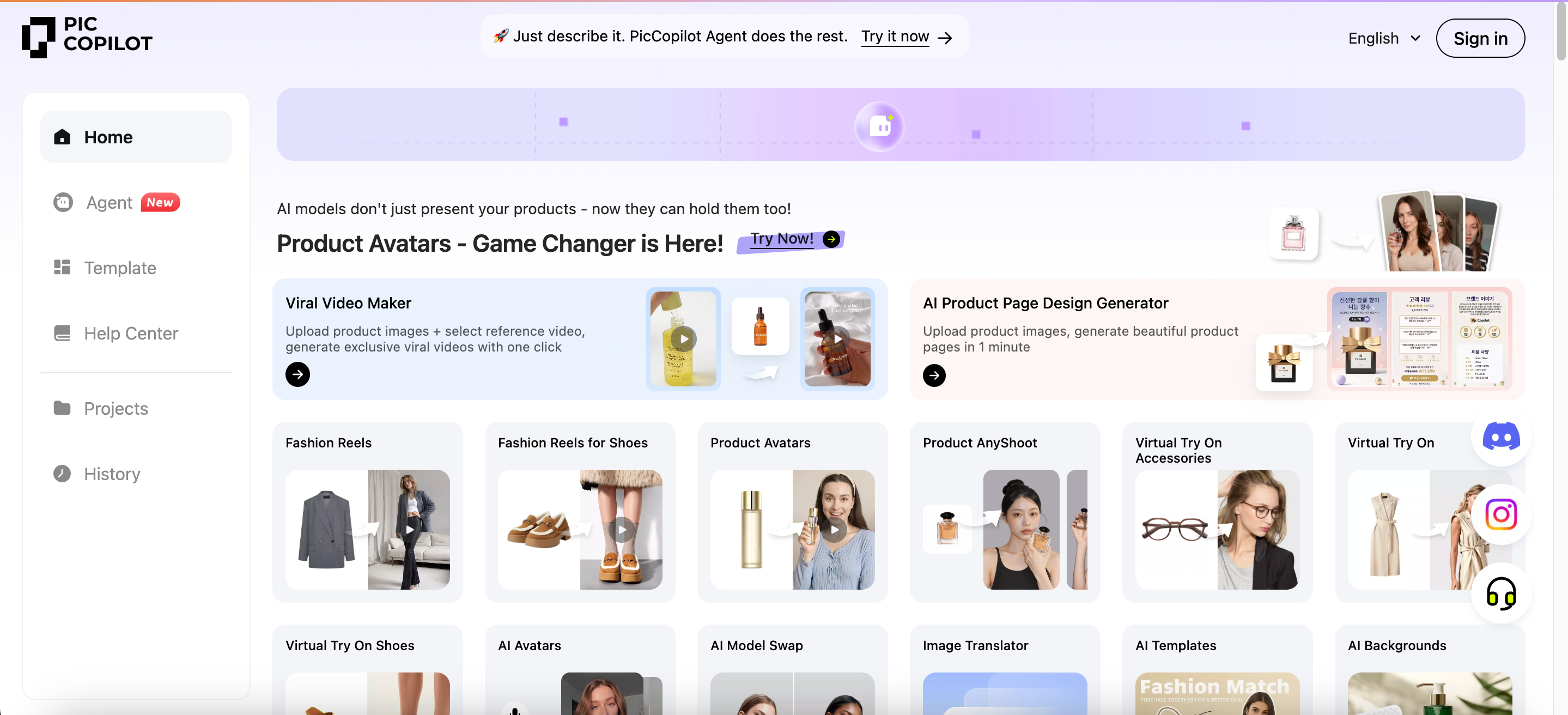
PicCopilot is an AI content platform for e-commerce sellers. Users can upload product images and create virtual try-ons, AI model photos, product scenes, short videos, social content, and marketing visuals. It also provides image translation, background removal, background generation, shadows, and image enhancement.
PicCopilot is particularly useful for:
Sellers working across apparel, footwear, accessories, beauty, and other product categories;
Small teams that regularly need promotional graphics and social media content;
Cross-border sellers that rely on image translation and localization;
Users that prefer templates and guided tools over complex prompting;
Businesses that value broad content coverage more than depth in one specialist workflow.
Why Consider PicCopilot Alternatives?
A different tool may become useful when:
Your business is increasingly apparel-focused. You need flat lays, ghost mannequins, garment details, model variations, try-ons, and fashion videos rather than only general marketing images.
Your try-on requirements are more specialized. You may sell lingerie, swimwear, shapewear, fitted garments, or complicated outfits.
Model and brand consistency matter. Several products need to use the same model identity, background language, or campaign style.
Your Shopify workflow is fragmented. Downloading, renaming, editing, and re-uploading product images takes too much time.
You need an API or embedded fitting experience. A browser-based tool alone no longer supports your product.
You manage a large catalog. Single-image workflows are not practical for hundreds of SKUs.
Your main need is professional on-model photography. A focused fashion photography platform may be more efficient than a broad marketing suite.
Koozee: A PicCopilot Alternative for Complete Apparel Workflows
Best For:
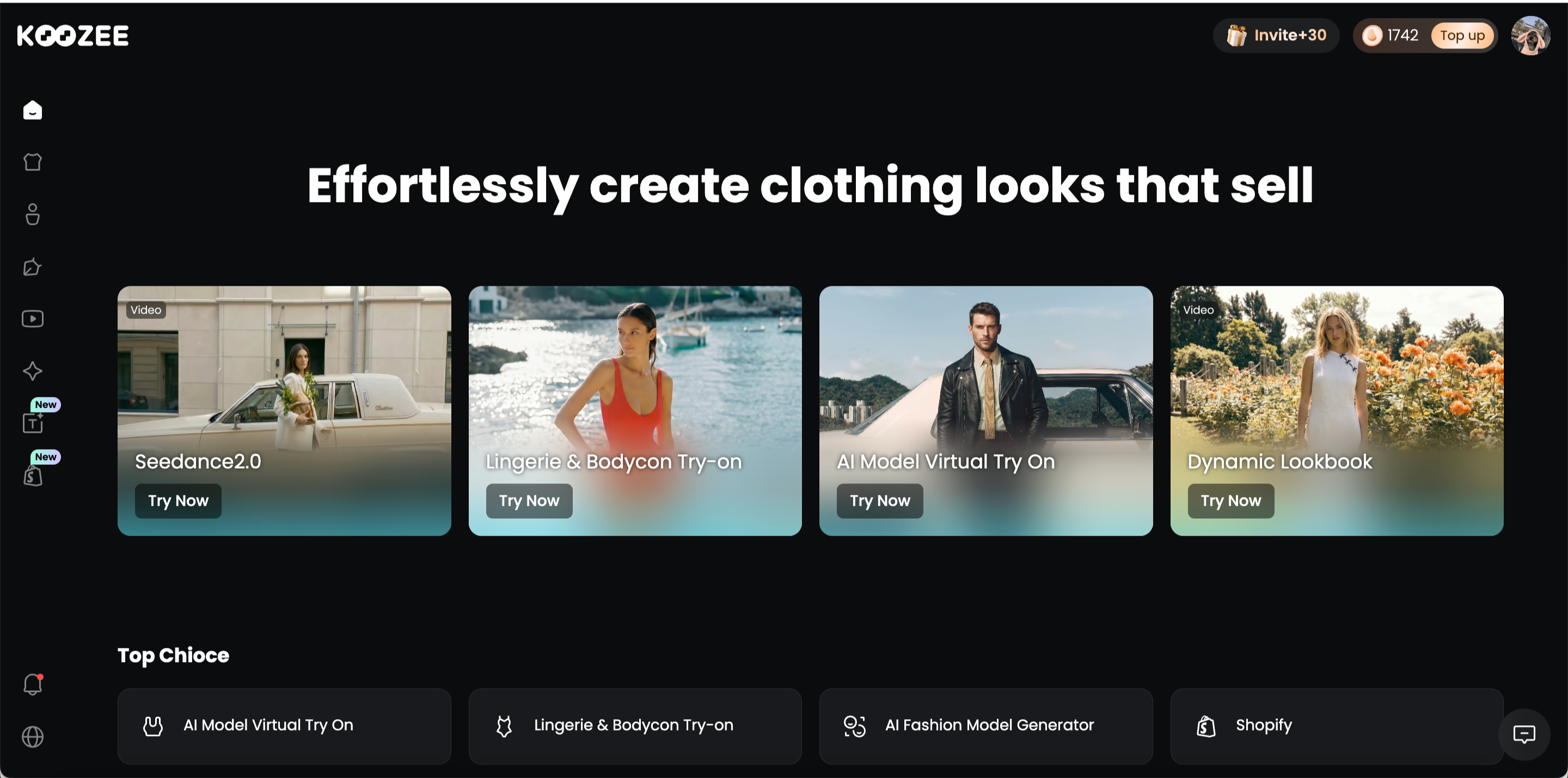
Koozee is built for apparel businesses that need one workflow for product listings and marketing content. It works for independent stores, marketplace sellers, fashion brands, and apparel content teams, covering categories from everyday clothing and activewear to lingerie, and swimwear.
Overview:Koozee is an AI visual production platform built around apparel e-commerce. Instead of stopping at virtual try-on, it helps sellers turn existing clothing images into product photos, model visuals, videos, listing content, and campaign assets.
Koozee vs PicCopilot
| Area | Koozee | PicCopilot |
| Main focus | Apparel visual production | Multi-category e-commerce content |
| Starting point | A clothing product image | Many types of product images |
| Core flow | Product image → try-on → variations → video → listing | Product image → templates, scenes, video, translation |
| Apparel depth | Product imagery and specialist try-on | Broader cross-category coverage |
| Shopify | Asset reuse, review, and approved publishing | Cross-channel content creation |
| Better fit | Apparel-first sellers | Multi-category marketing teams |
Key Features:
- Product Image Creation & Enchancement: Turn raw apparel photos into flat lays, ghost-mannequin images, main images, and detail shots, then refine them with cutout and enhancement tools. Koozee also supports leading image and video models such as Nano Banana Pro, Seedance 2.0, and Kling 3.0.
Apparel Virtual Try-On: It creates on-model visuals for everyday clothing, lingerie, swimwear, and footwear without requiring a separate shoot for every variation.
Model and Scene Customization: It changes models, scenes, poses, views, and camera angles to create studio, lifestyle, street, indoor, outdoor, and campaign-ready versions from the same garment.
Listing and Campaign Content: It creates product-page layouts, selling-point visuals, Amazon A+ assets, posters, and promotional content for marketplaces, brand sites, and campaigns.
Fashion Image-to-Video: It turns apparel images into product videos, dynamic lookbooks, outfit clips, and other short-form content for product pages, advertising, and social media.
Shopify Product Workspace: It connects Shopify products and existing images with Koozee’s apparel image and video workflow. Sellers can generate model photos, flat lays, ghost mannequins, and videos, review the results, and manually publish approved content to the matching product without repeatedly downloading and renaming files.
Cons:
Koozee is a relatively new product, and feature pages and navigation may change frequently as the platform develops. Returning users may occasionally need to locate a tool again.
The platform covers many apparel workflows, so new users may not become familiar with every feature immediately. Starting with one or two frequently used workflows is more practical.
Koozee is designed for apparel e-commerce and has not yet built equally complete category-specific workflows for food, beauty, furniture, electronics, and other non-apparel products.
WeShop AI: A PicCopilot Alternative for Multi-Model Creation
Best For:
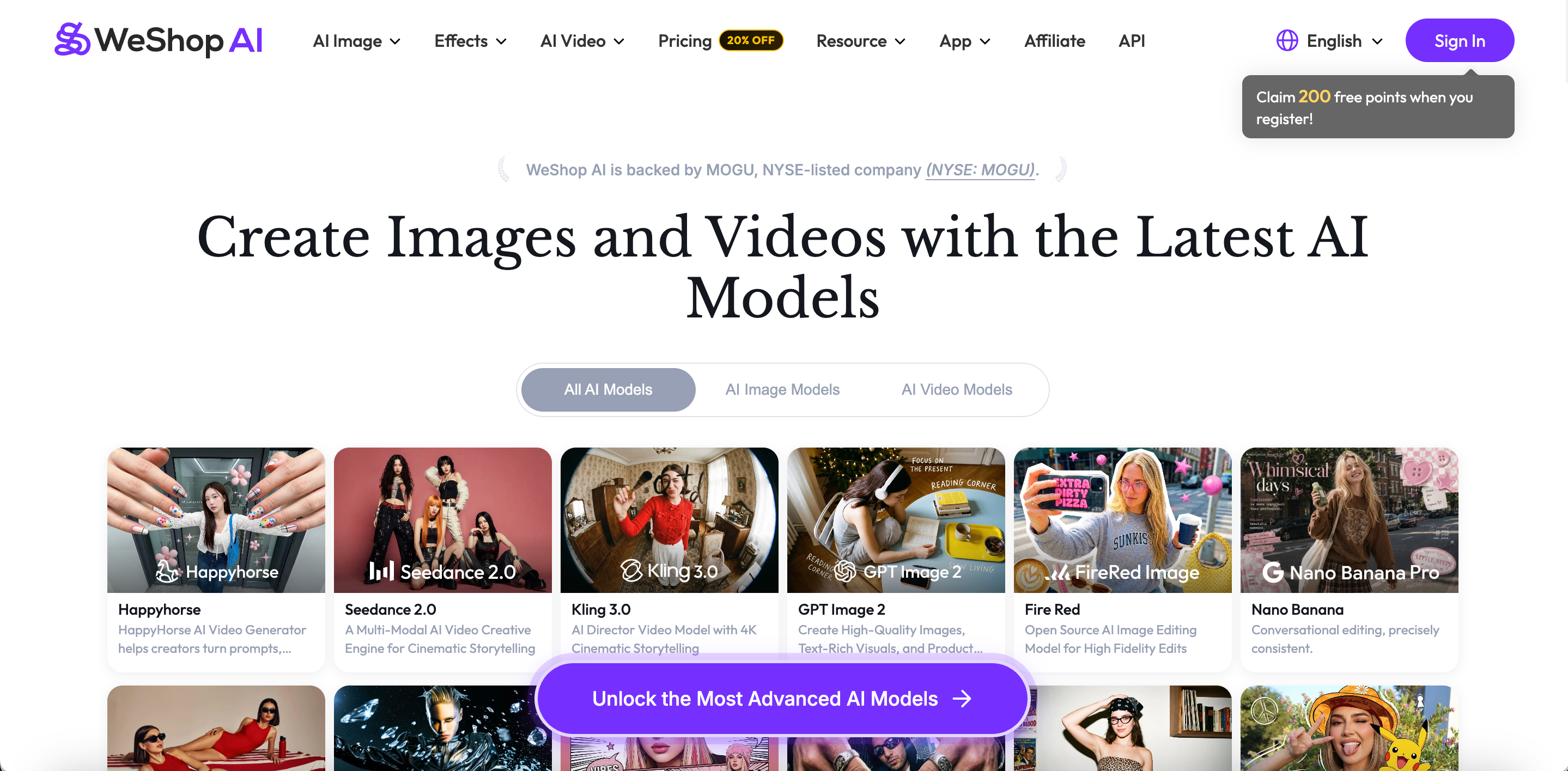
WeShop AI is best for e-commerce teams, creators, and agencies that want to experiment with several AI models, image engines, and video generators in one platform.
Overview:
WeShop AI combines e-commerce product photography, virtual try-on, AI models, and general image and video generation. Its platform also proides access to engines such as Kling, Seedance, GPT Image, and Nano Banana.
WeShop AI vs PicCopilot
| Area | WeShop AI | PicCopilot |
| Main focus | Multi-model image and video creation | Guided e-commerce tasks and templates |
| Model choice | Several image and video engines | Mostly built-in PicCopilot workflows |
| Creation style | Flexible testing and configuration | Faster template-led production |
| Video | Several general video engines | Structured Reels and marketing formats |
| API | Available on higher plans | Mainly enterprise partnerships |
| Better fit | Experimental creative teams | Sellers who want fewer choices |
Key Features:
Virtual Try-On and AI Models: It applies garments to existing or generated models and supports outfit changes, model replacement, and pose variations.
Multi-Model Image Creation: It uses engines such as GPT Image, Nano Banana, Midjourney, and Qwen for product photography, creative scenes, editing, and style testing.
Image and Video Generation: It provides Kling, Seedance, Veo, and other engines for image-to-video, text-to-video, and more advanced motion content.
E-commerce Product Editing: It includes background generation, image expansion, recoloring, enhancement, relighting, and background removal.
API and Scalable Creation: Higher plans provide different levels of Agent API access and greater concurrency for teams that need integrations or higher production volume.
Cons:
A large model library provides flexibility but requires users to determine which engine works best for each product.
Point consumption varies significantly between image and video models.
API access, compute packs, and higher concurrency are concentrated in Ultra and Enterprise plans.
The platform may feel too broad for sellers that only need one predictable apparel workflow.
FASHN AI: A PicCopilot Alternative for Fashion APIs and Model Consistency
Best For:
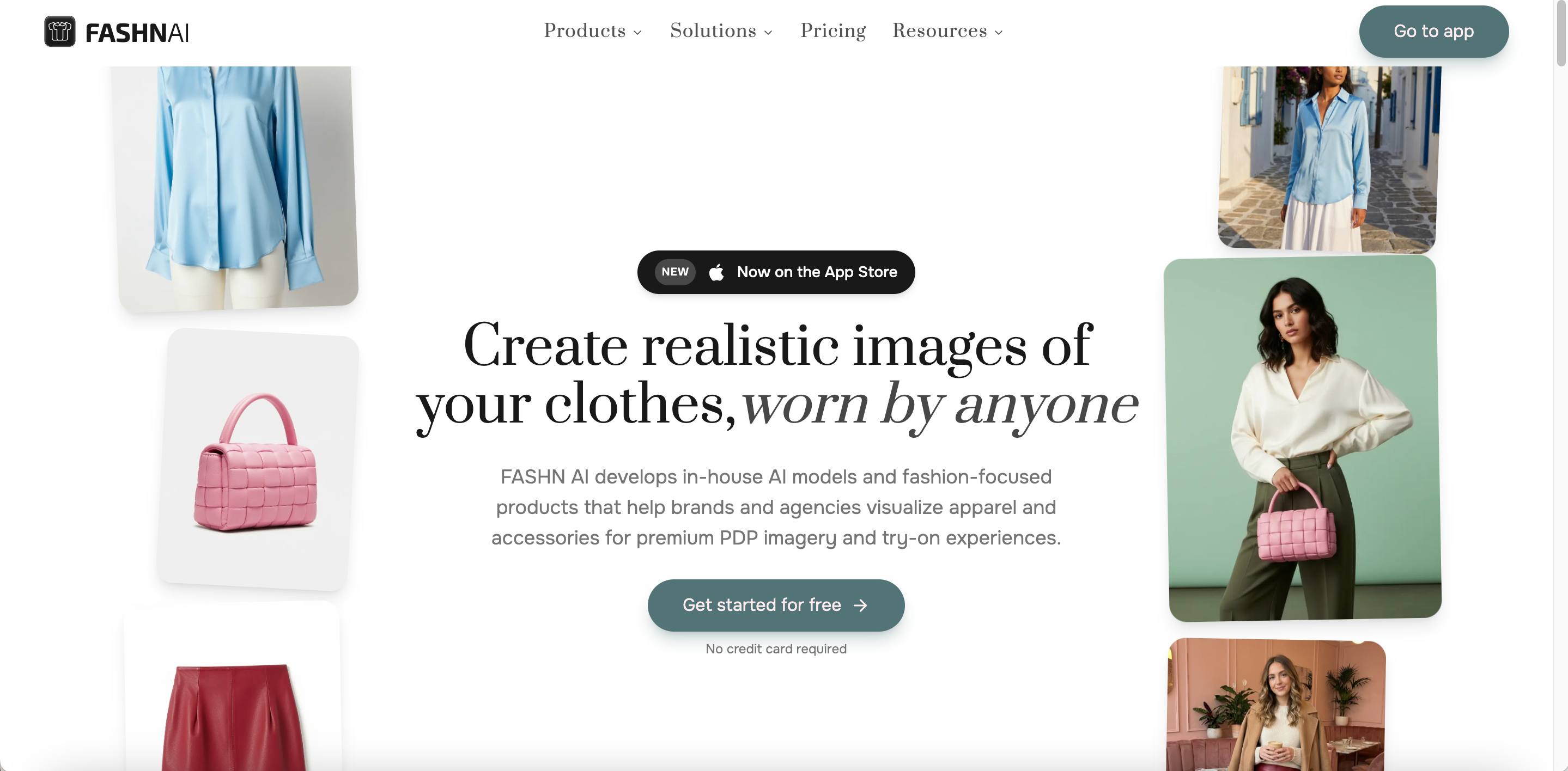
FASHN AI is best for fashion brands, creative agencies, photography teams, and developers that want to integrate virtual try-on or fashion image generation into their own products.
Overview:
FASHN AI positions itself as an AI Fashion Studio. Its main workflows include Product to Model, Virtual Try-On, Model Swap, AI model creation, consistent model imagery, and fashion-focused APIs.
FASHN AI vs PicCopilot
| Area | FASHN AI | PicCopilot |
| Main focus | Fashion generation and APIs | Broad e-commerce content |
| Core tasks | Try-on, model creation, and model swap | Try-on, templates, video, and translation |
| Model consistency | Face Reference and consistent-model workflows | Platform and uploaded models |
| API | Self-serve developer API | Enterprise API/SDK partnerships |
| Listing content | Not a central focus | Broader marketing outputs |
| Better fit | Brands, agencies, and developers | Small e-commerce marketing teams |
Key Features:
Product-to-Model and Virtual Try-On: It places flat lays or apparel product images on models for PDPs, catalogs, and campaign content.
Model Creation and Consistency: It generates AI models and uses face references or consistent-model workflows to maintain a similar identity across several products.
Fashion Image Editing: It includes Model Swap, background removal, reframing, image editing, and upscaling.
Fashion Video: It creates short motion content from fashion images for product presentation and social use.
Developer API: It provides API access to virtual try-on, model creation, model swapping, and related fashion generation functions.
Cons:
Smaller sellers may not need its API and technical integration capabilities.
Its main focus is fashion models, try-on, and image generation rather than complete listing pages, posters, and campaign asset management.
The app and Developer API use separate pricing structures, requiring teams to manage two budgets when using both.
Multiple outputs, higher resolutions, and advanced generation modes consume more credits.
Botika: A PicCopilot Alternative for Professional On-Model Photography
Best For:
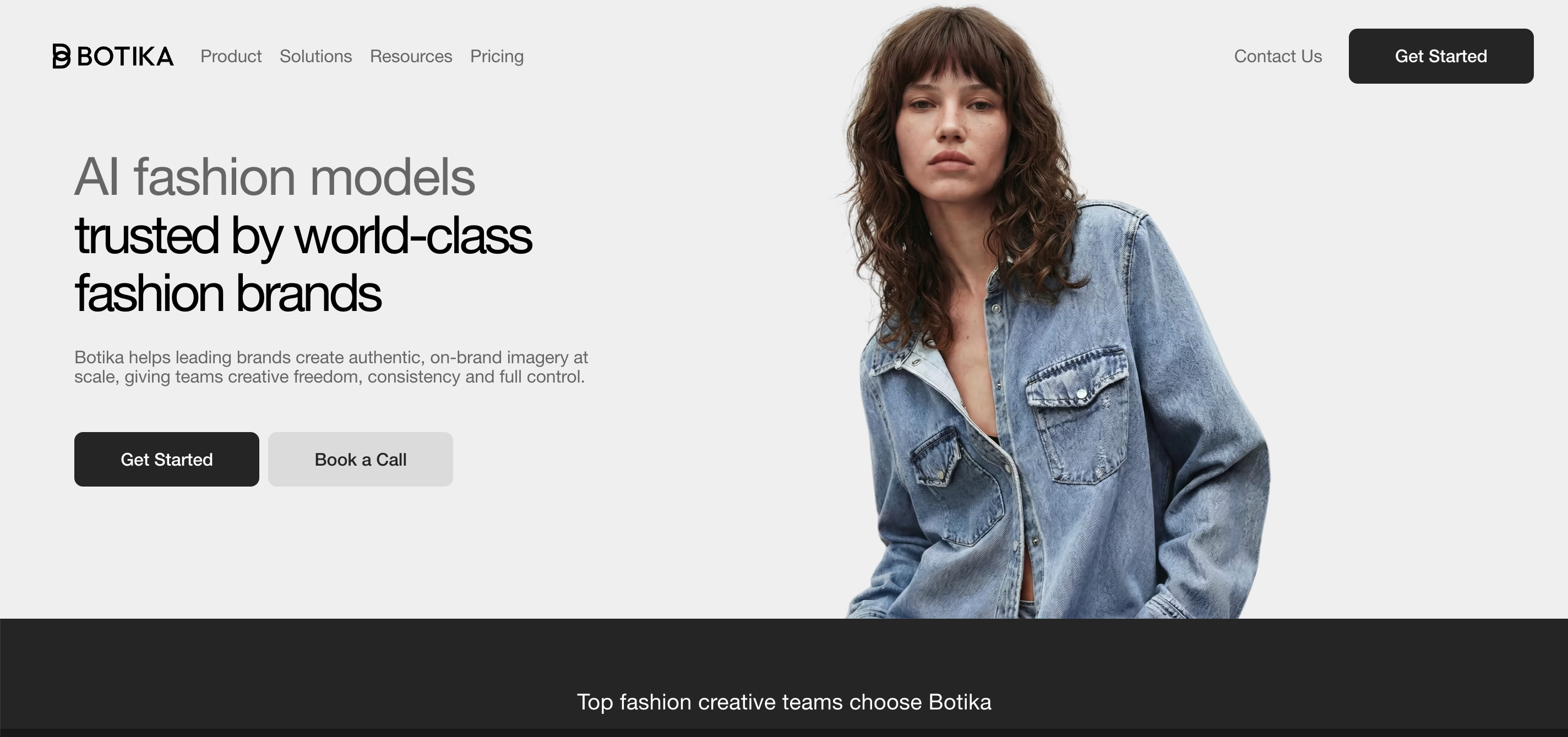
Botika is best for fashion brands and retailers that already have flat lays, mannequin images, or basic model photography and want to expand them into polished on-model PDP visuals.
Overview:
Botika is a generative AI platform focused on fashion model photography. Users can upload flat lays, mannequin shots, or existing model photos, select a new model, pose, and background, and create short fashion videos from the resulting imagery.
Botika vs PicCopilot
| Area | Botika | PicCopilot |
| Main focus | AI fashion model photography | Broad e-commerce content production |
| Main inputs | Flat lays, mannequins, and model photos | Apparel, accessories, and general products |
| Core output | On-model photos and short video | Try-on, scenes, Reels, templates, and translation |
| Human fixes | Included on selected annual plans | Mainly automated generation |
| Content range | More focused | Broader |
| Better fit | Brands prioritizing PDP model photos | Teams needing several marketing formats |
Key Features:
Source Image to On-Model: It turns flat lays, mannequin images, or existing model photos into new on-model product visuals.
Model, Pose, and Background Control: It lets brands select different models, poses, and environments for specific markets and campaigns.
Resolution and Retouching: Different plans provide HD, 2K, or 4K output, while higher plans include several rounds of human retouching.
Fashion Image-to-Video: It turns model, flat-lay, or mannequin images into short videos with walking, turning, zooming, or other simple motion.
Team and Enterprise Workflows: It supports team collaboration and offers custom models, backgrounds, quality controls, and retouching rules for enterprise customers.
Cons:
Botika mainly solves on-model photography and short video rather than complete listing pages, posters, and everyday image cleanup.
The Lite plan provides a limited selection of models and backgrounds.
Video, the complete model library, higher resolutions, and retouching are concentrated in higher plans.
Teams that need translation, general product scenes, or non-fashion workflows may find the coverage too narrow.
Photoroom: A PicCopilot Alternative for Batch Editing and Catalog Operations
Best For:
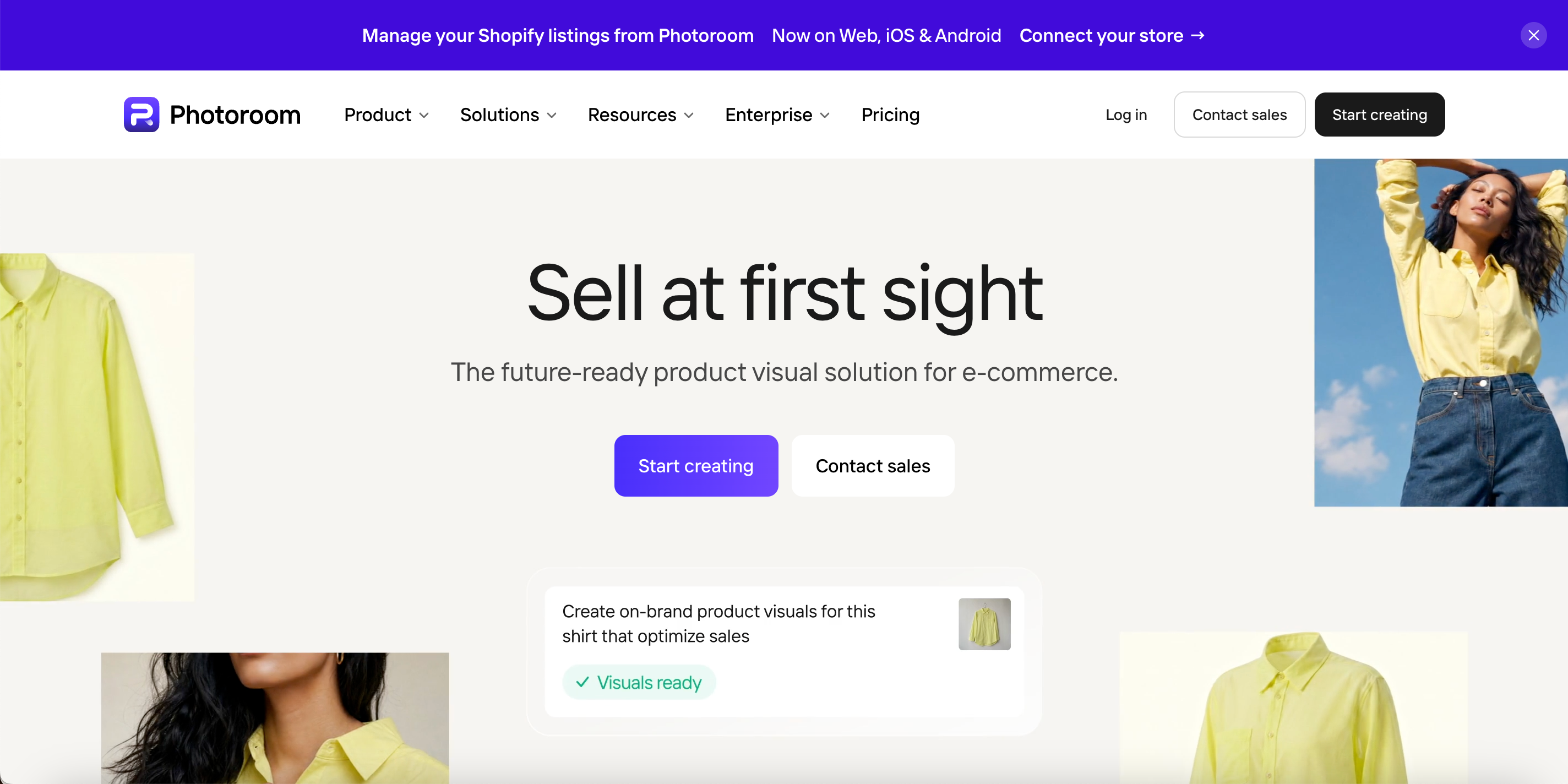
Photoroom is best for e-commerce operations and catalog teams that manage many SKUs and need batch background removal, consistent formatting, standardized product visuals, and Shopify catalog workflows.
Overview:
Photoroom has expanded from background removal and lightweight editing into a broader e-commerce image and listing platform. It now includes AI backgrounds, product staging, virtual models, ghost mannequins, flat lays, batch editing, and Shopify product workflows. (Photoroom)
Photoroom vs PicCopilot
| Area | Photoroom | PicCopilot |
| Main focus | Product images and catalog operations | E-commerce marketing content |
| Batch work | Catalog-level editing and standardization | Selected bulk creation tools |
| Apparel tools | Virtual Model, Ghost Mannequin, and Flat Lay | Try-on, model swap, and Fashion Reels |
| Shopify | Import, batch editing, and publish-back | Cross-channel content creation |
| Translation | Not a primary focus | A core cross-border feature |
| Better fit | Catalog and operations teams | Marketing and localization teams |
Key Features:
Product Image Cleanup: It handles background removal, retouching, product repair, shadows, expansion, enhancement, and object cleanup.
Fashion Catalog Images: It creates Virtual Model, Ghost Mannequin, Flat Lay, recolored, and polished apparel product visuals.
Batch Editing at Scale: It can apply selected AI tools to as many as 250 images on web or mobile, helping catalogs maintain consistent backgrounds and compositions.
Listing and Shopify Workflows: It supports product images, listing content, SEO information, and Shopify catalog updates and publishing.
API and Team Collaboration: It includes API and MCP access, shared Spaces, Brand Kits, and collaborative production features.
Cons:
Photoroom serves many product categories, so specialist apparel try-on and fashion video are not its only priorities.
The Pro plan currently excludes Video Generator, while 4K image and video output is mainly available on higher tiers.
Shopify Integration currently begins with the Max plan.
Credits, export limits, and feature-specific consumption require planning for high-volume use.
When Should You Stay with PicCopilot?
You may not need to switch when:
You sell several product categories. PicCopilot supports apparel, footwear, bags, jewelry, eyewear, and other product presentation workflows.
You rely heavily on marketing templates. Ready-made layouts for product pages, ads, and social posts remain central to the platform.
Image translation is essential. PicCopilot includes image translation and bulk image translation for cross-border content.
You need many types of content quickly. If models, product scenes, videos, templates, and editing already work in one place, migration may offer limited benefits.
Your current cost and output are acceptable. Switching creates learning, testing, approval, and workflow adjustment costs.
Breadth matters more than apparel depth. If you do not need specialist flat lays, ghost mannequins, model consistency, APIs, or catalog operations, PicCopilot may remain the simpler choice.
FAQs
Which PicCopilot alternative is best for apparel?
Koozee is worth testing for connected apparel images, try-ons, videos, and listings. Botika is more focused on on-model photography.
Which option is best for Shopify?
Koozee focuses on apparel products. Photoroom is stronger for large catalogs and bulk listing updates.
Which tools offer APIs?
FASHN AI, WeShop AI, and Photoroom provide API access, with plan restrictions.
Which is the cheapest?
WeShop AI has the lowest listed starting price here, but credit consumption varies. Compare the cost per usable result.
Is Koozee better than PicCopilot?
Not for every seller. Koozee is more apparel-focused; PicCopilot is broader and stronger for templates and translation.
Can AI replace fashion photoshoots?
It can reduce routine production, but important campaigns, complex fabrics, and exact product representation still require human review.