AI Virtual Ring Try-On for On-Hand Product Images
Create More Realistic On-Hand Visuals for Ring Products
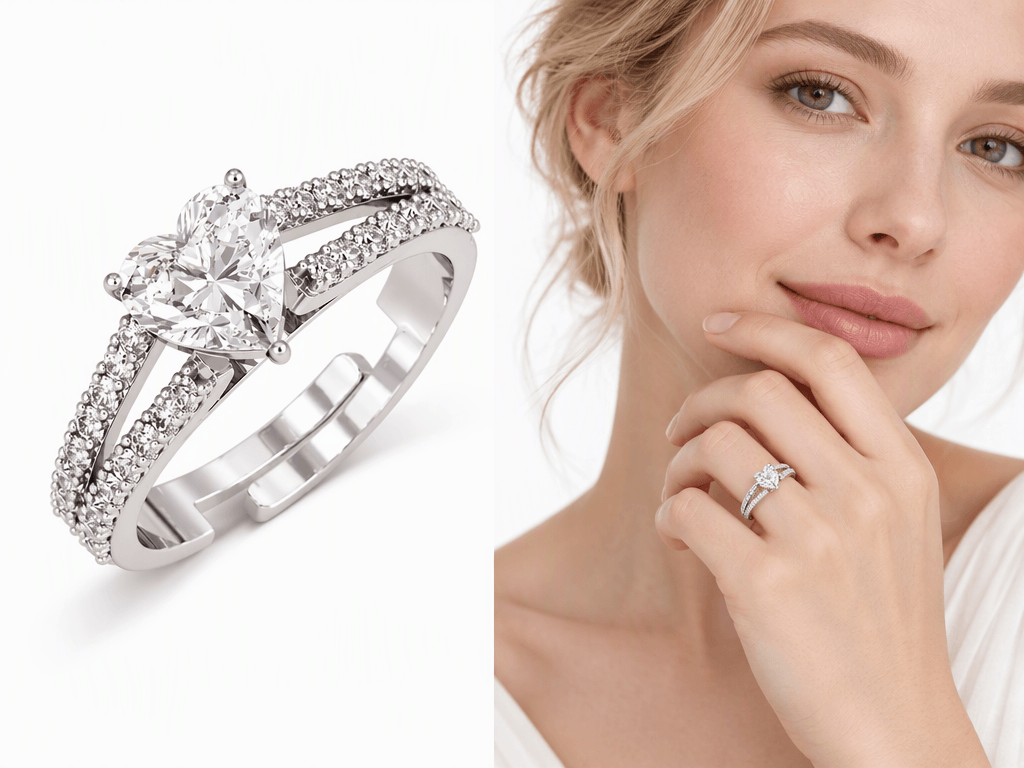
Go Beyond White-Background Ring Photos
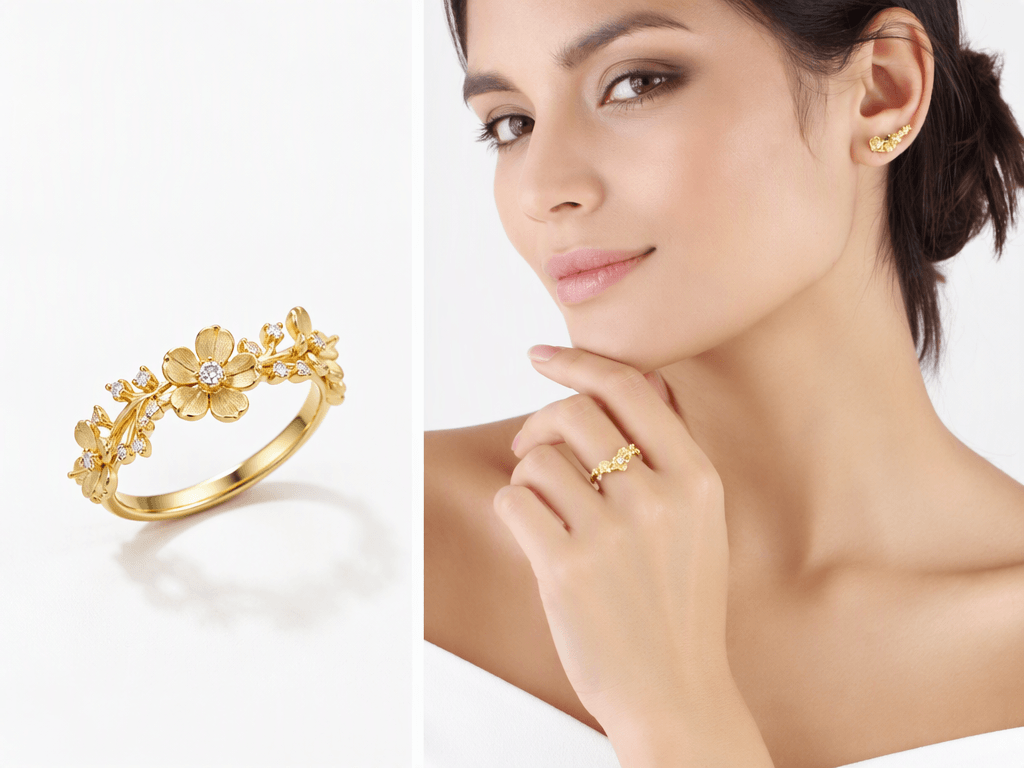
Turn existing ring product photos into on-hand visuals, giving shoppers a clearer view of how the rings look when worn and adding more engaging imagery to product detail pages.

Turn Ring Product Photos into On-Hand Visuals
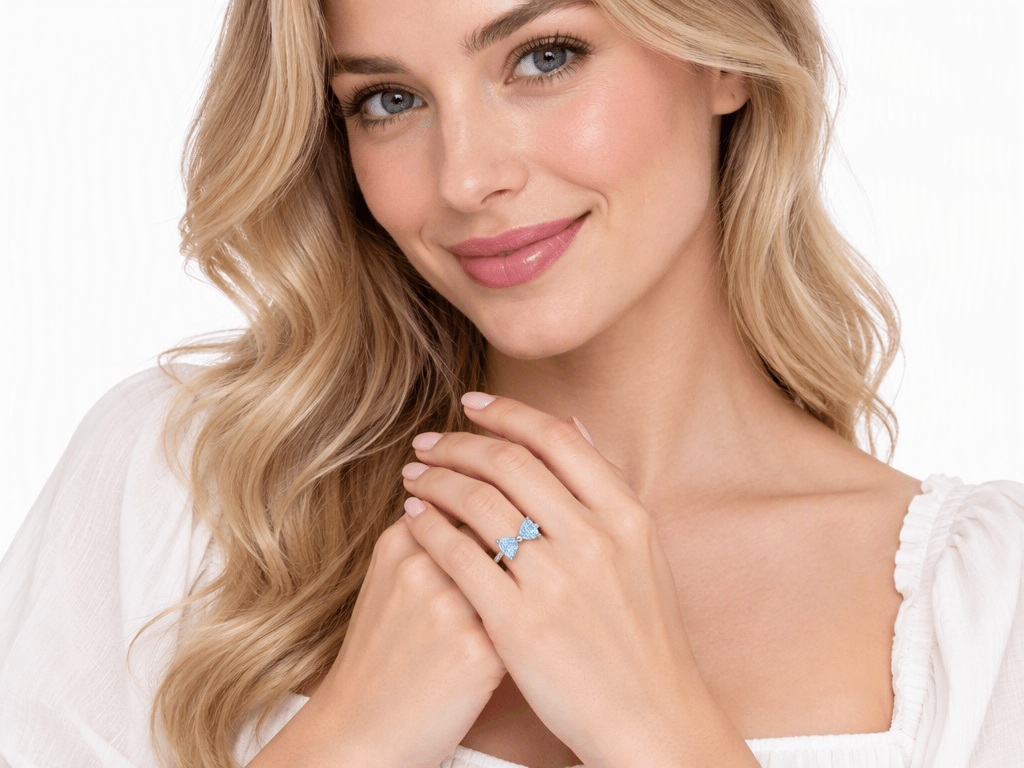
Visualize Rings on Hands
Turn standalone ring product photos into on-hand visuals that show how the rings look when worn.
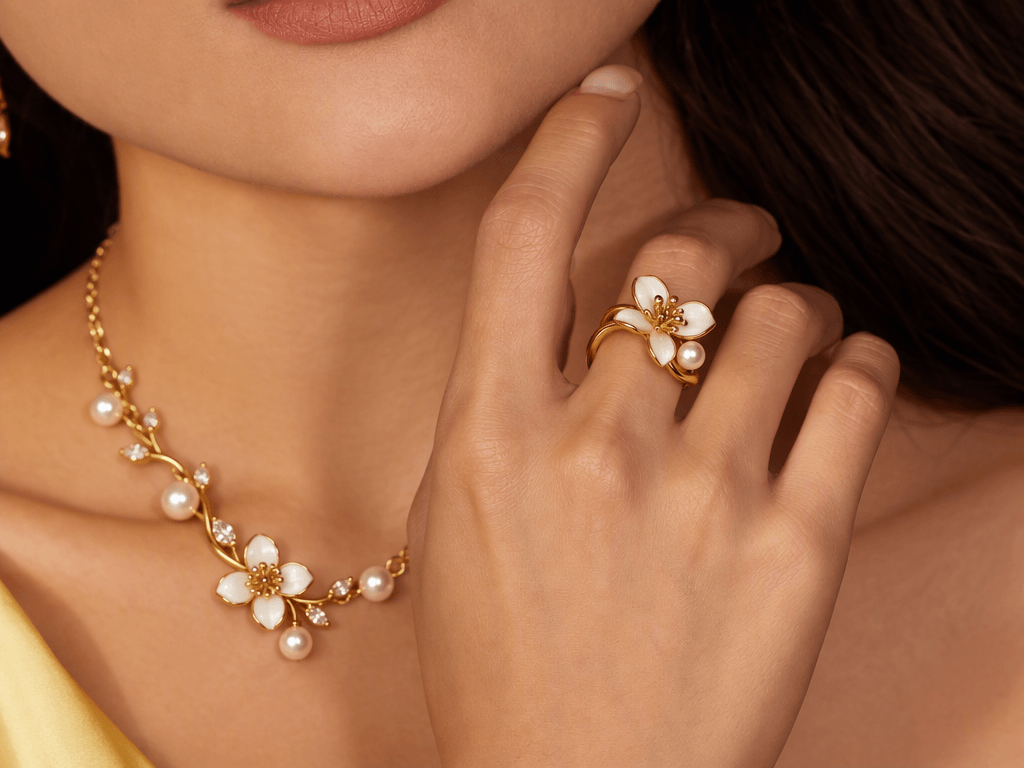
Explore Different Ring Looks
Use different hand reference images to explore how rings appear in varied on-hand presentations.
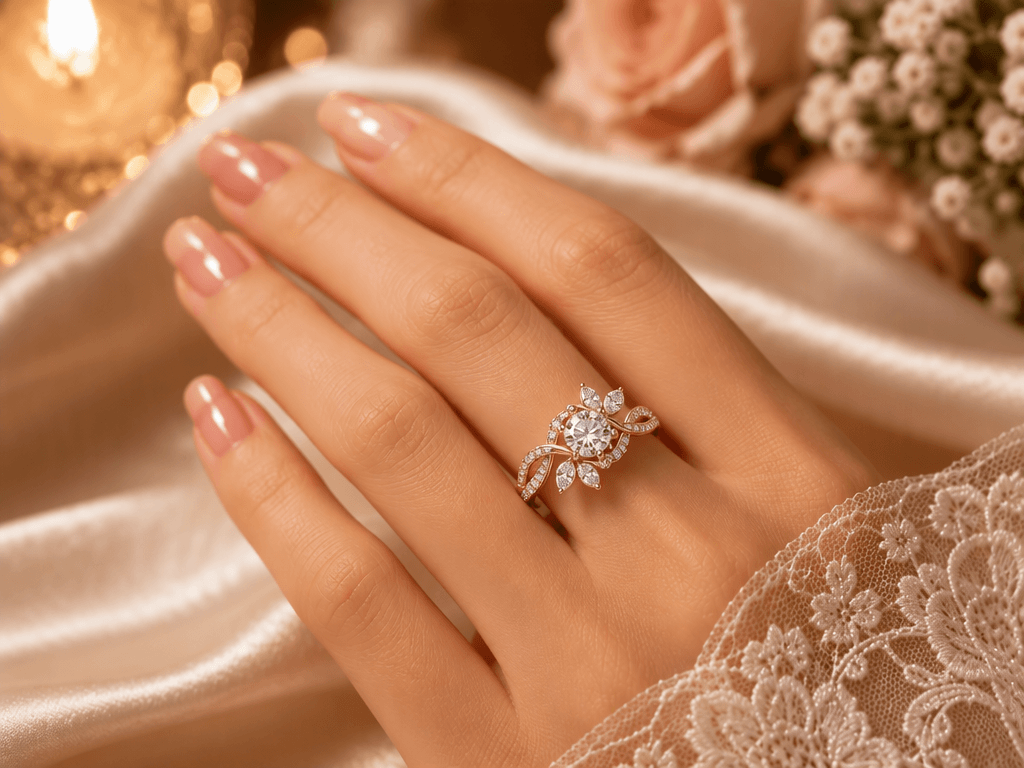
Showcase Ring Designs and Details
Highlight a ring's overall shape, setting, and decorative elements in AI-generated on-hand visuals.
Create Ring Visuals with More Flexibility
Build on existing ring photos to create more presentation options without repeatedly arranging new photoshoots.
Combine white-background product shots with on-hand visuals to showcase ring details and how they look when worn.
Use generated on-hand visuals for product launches, ad creatives, and social media content.
How to Generate Ring Try On Visuals with Koozee AI
Upload a Ring Product Photo
Choose a clear product photo showing the full band and center stone. Avoid strong glare, blurred edges, or backgrounds that obscure the ring's key features.
Upload a Suitable Hand Model Image
Choose a hand image with clearly visible fingers, natural lighting, and minimal obstruction.
Generate, Review, and Select the Result
Review the ring shape, gemstone details, metal color, placement, and overall appearance.
FAQs
What is virtual ring try-on?
Can Koozee create engagement ring on-hand images?
Koozee AI combines ring product photos with model images to create on-hand visuals.
Can I use ring on-hand images on e-commerce product pages?
Use generated images to complement original product photos on product pages, launch campaigns, and social media.
Can virtual ring try-on show the exact ring size?
No. Generated images are for visual presentation and cannot measure finger size or confirm ring size.
Will AI-generated ring images preserve every product detail?
Not always. Check key details such as the center stone, prongs, band, and metal color before use.
Create On-Hand Visuals for Your Ring Collection
Already have ring product photos? Upload a clear product image and a suitable hand model photo to explore on-hand visuals with Koozee AI. Create additional assets for product pages, launches, and social media.