Reduza os custos de ensaio fotográfico com prova virtual de chapéus com IA
Envie uma imagem do produto de chapéu e uma foto de modelo. A Prova virtual de chapéus com IA da Koozee ajusta o ângulo, o posicionamento e a iluminação para criar uma imagem natural com o chapéu no modelo. Prepare páginas de produto, anúncios e posts em redes sociais mais rápido, sem agendar outra sessão com modelo nem mover e integrar manualmente o chapéu no Photoshop.
Roupas
Selecionar a área da roupa
Modelo
Sem cadastro, totalmente grátis
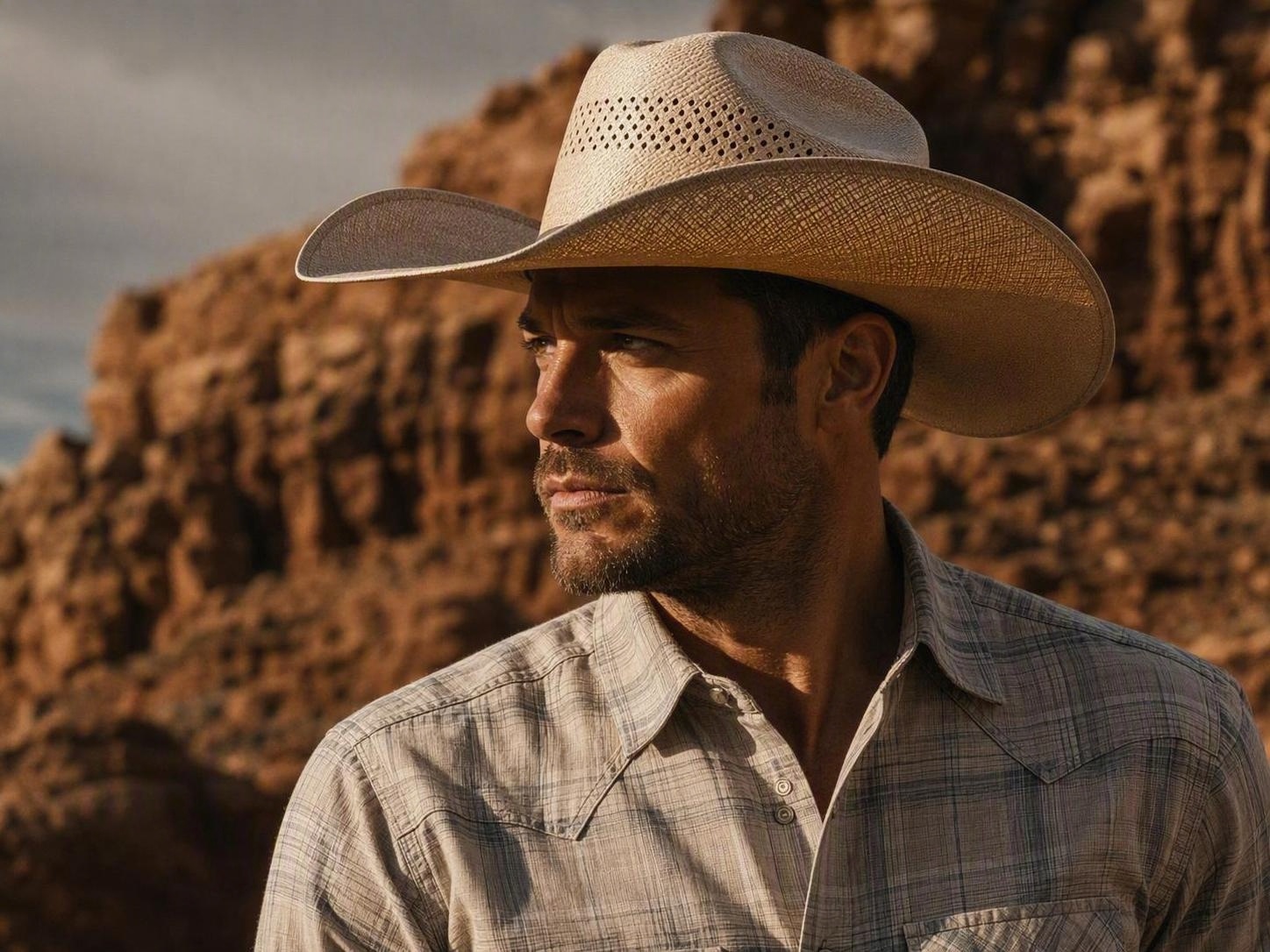
Reduza os custos de ensaios com o provador virtual de chapéu IA
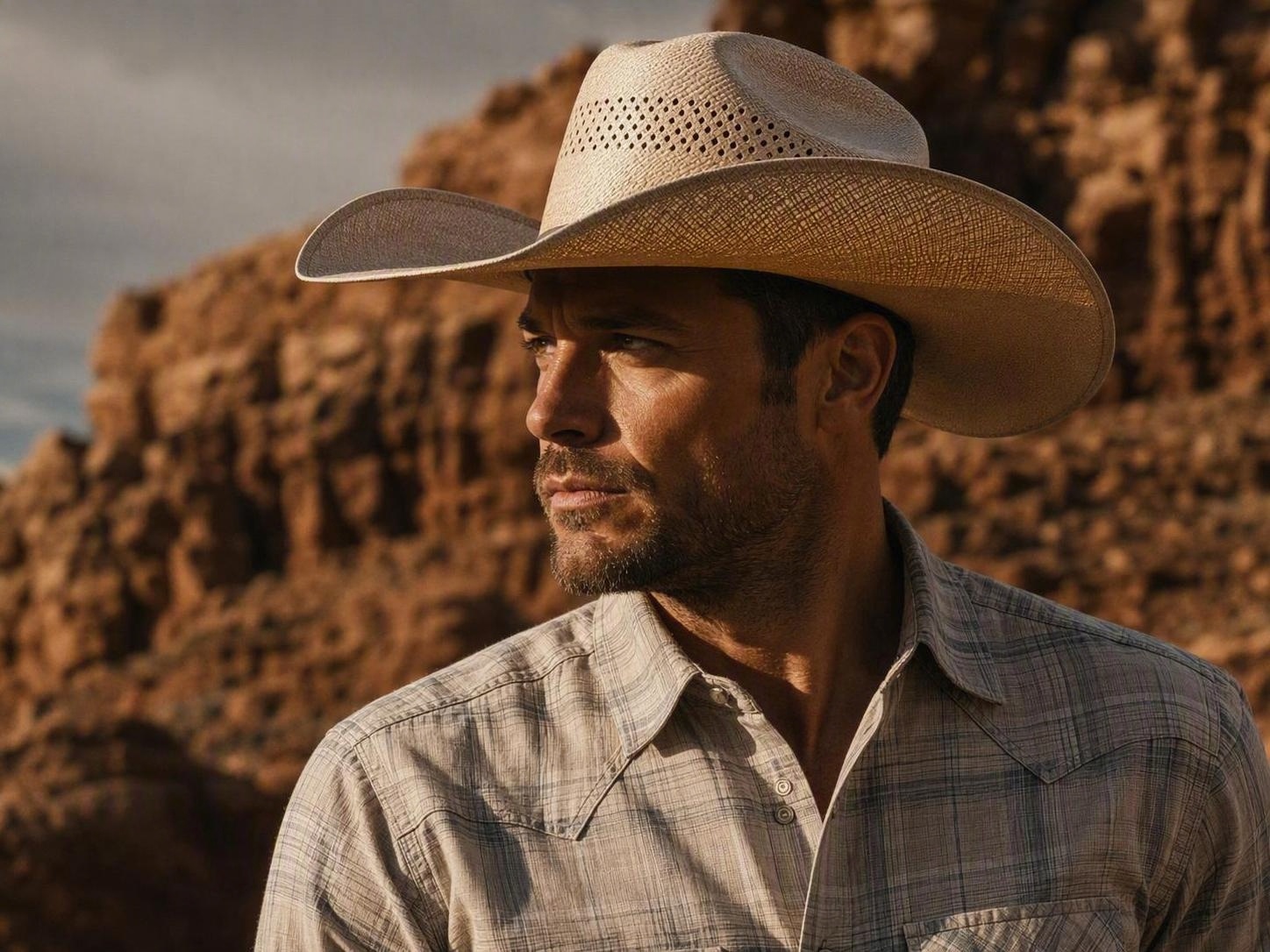
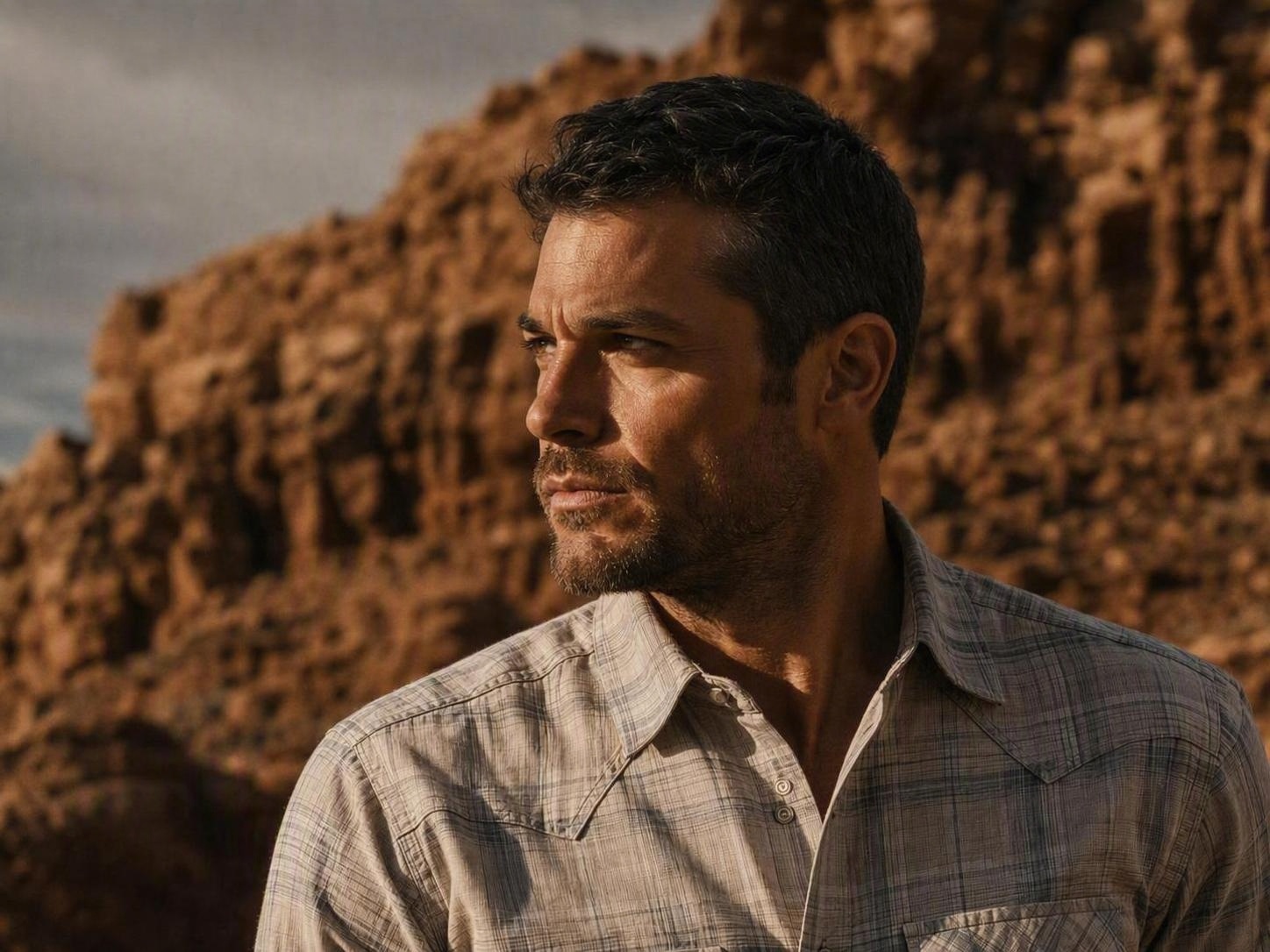
Não tem uma imagem? Experimente uma destas:
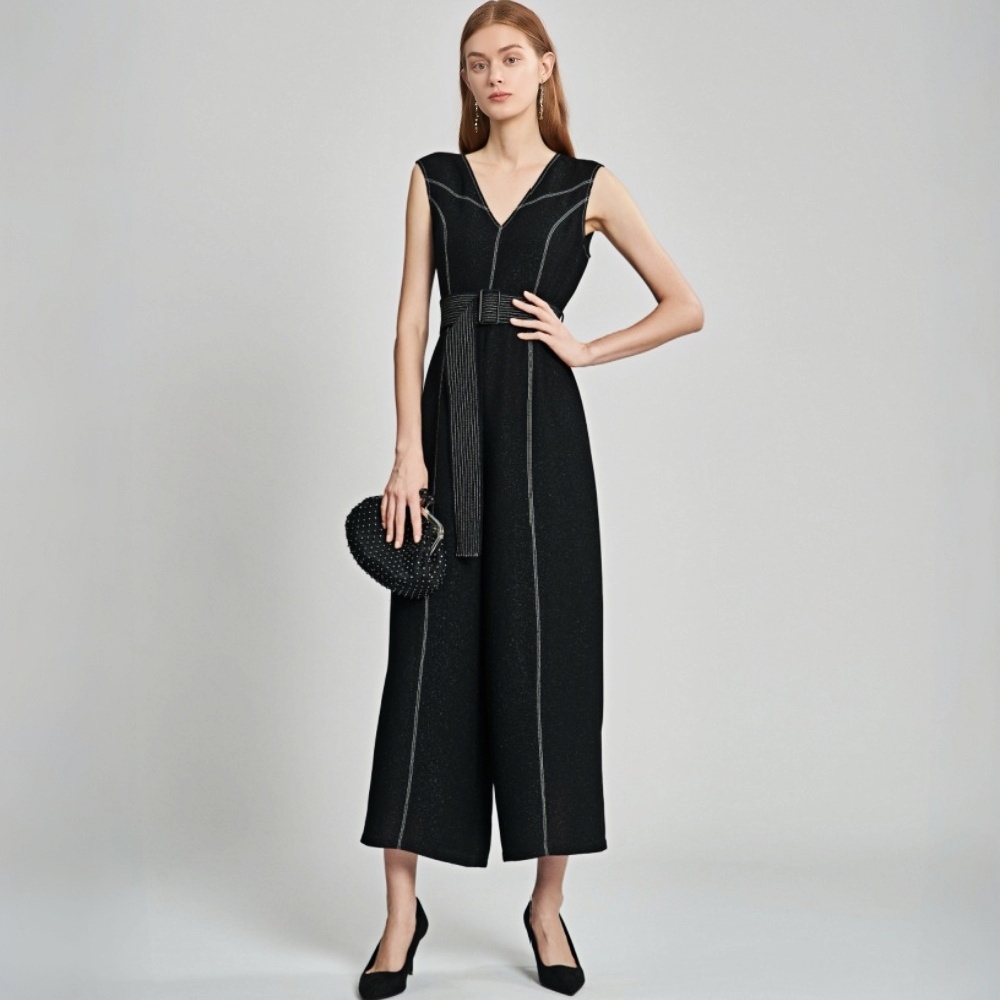
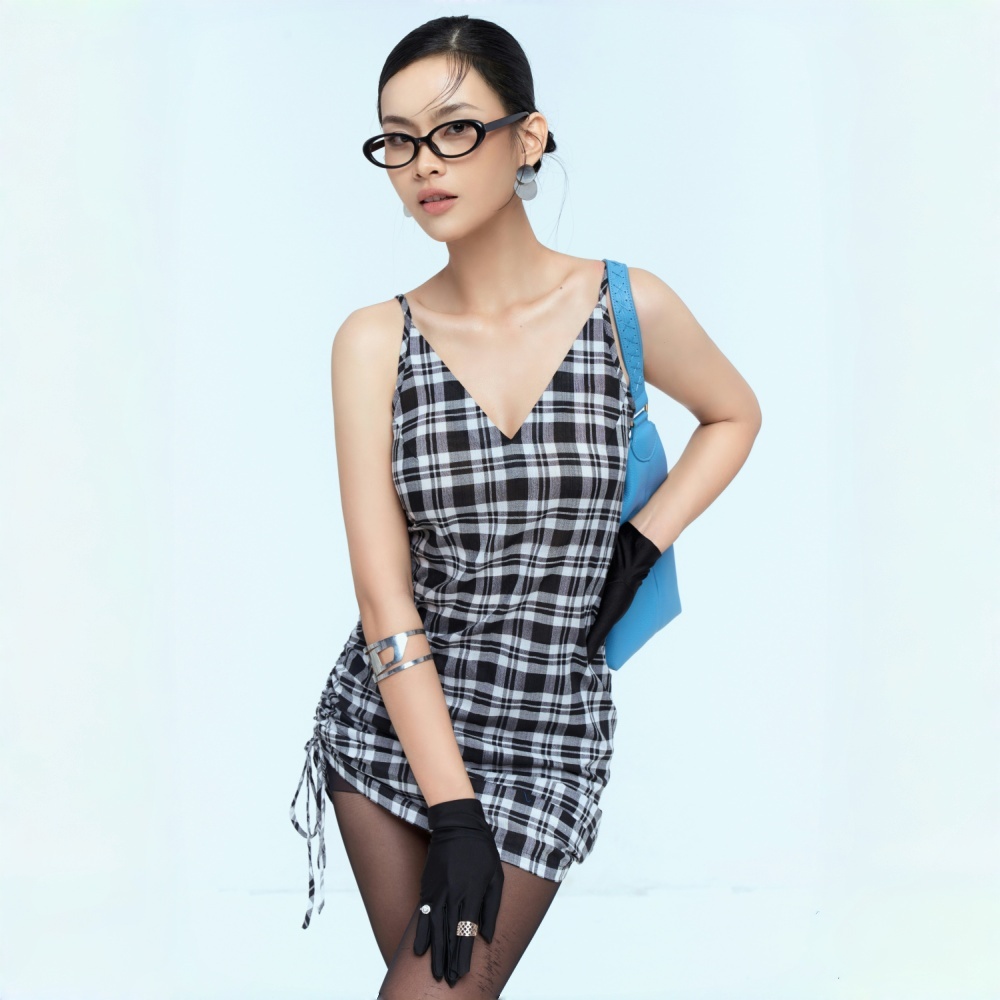
Múltiplas fotos escaladas com a mesma imagem do provador no chapéu e fotógrafos poupados
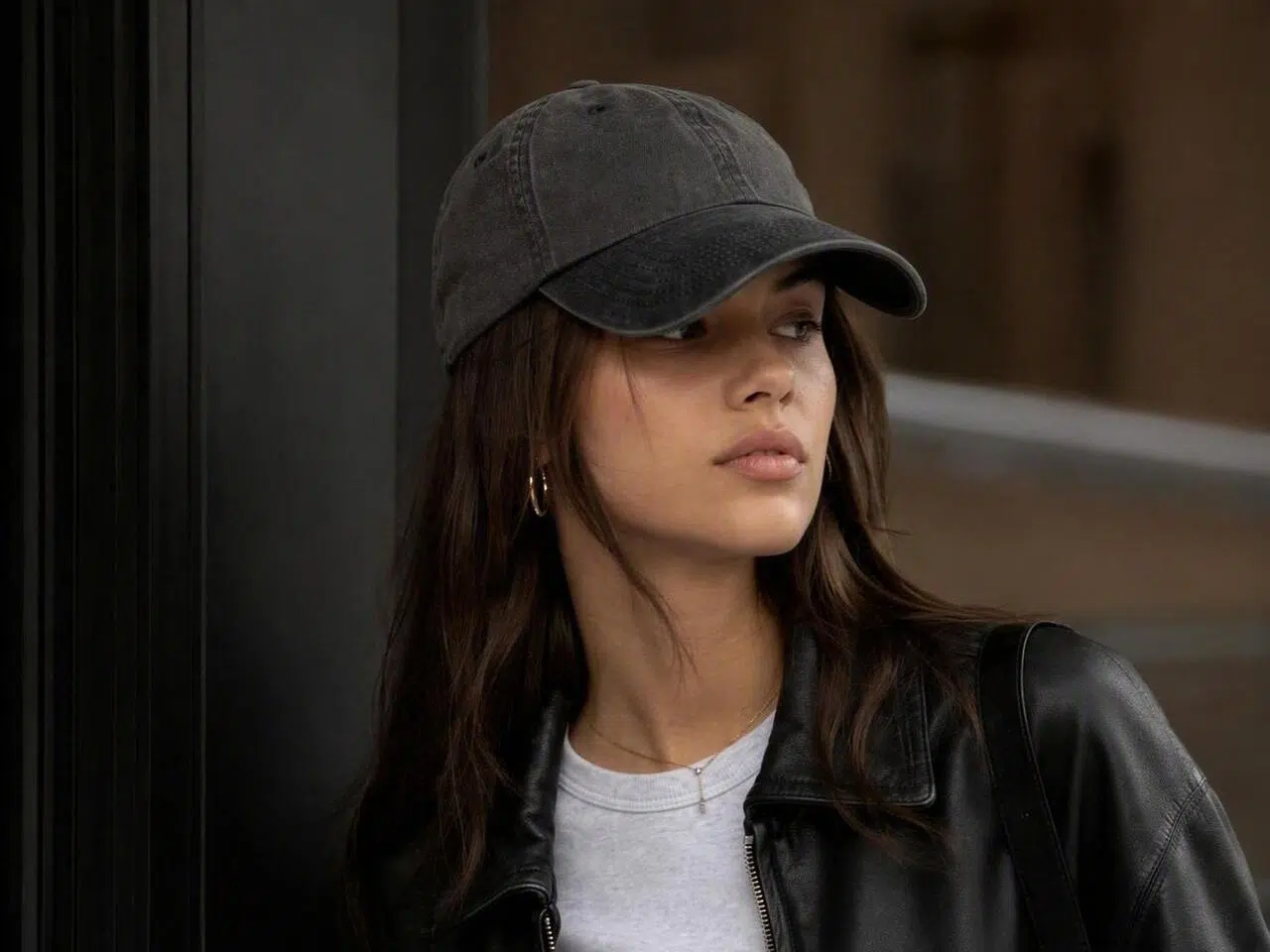
Lance novos produtos e campanhas sem precisar esperar por longas sessões de fotos de estúdio
Refazer fotos para cada SKU, modelo e tema de campanha aumenta os custos operacionais de margem e atrasam calendários longos do setor. Produzam um só material com reutilização comercial voltada em temas de publicidade para poupar publicações avulsas nos locais sob campanhas unificadas na mesma plataforma.
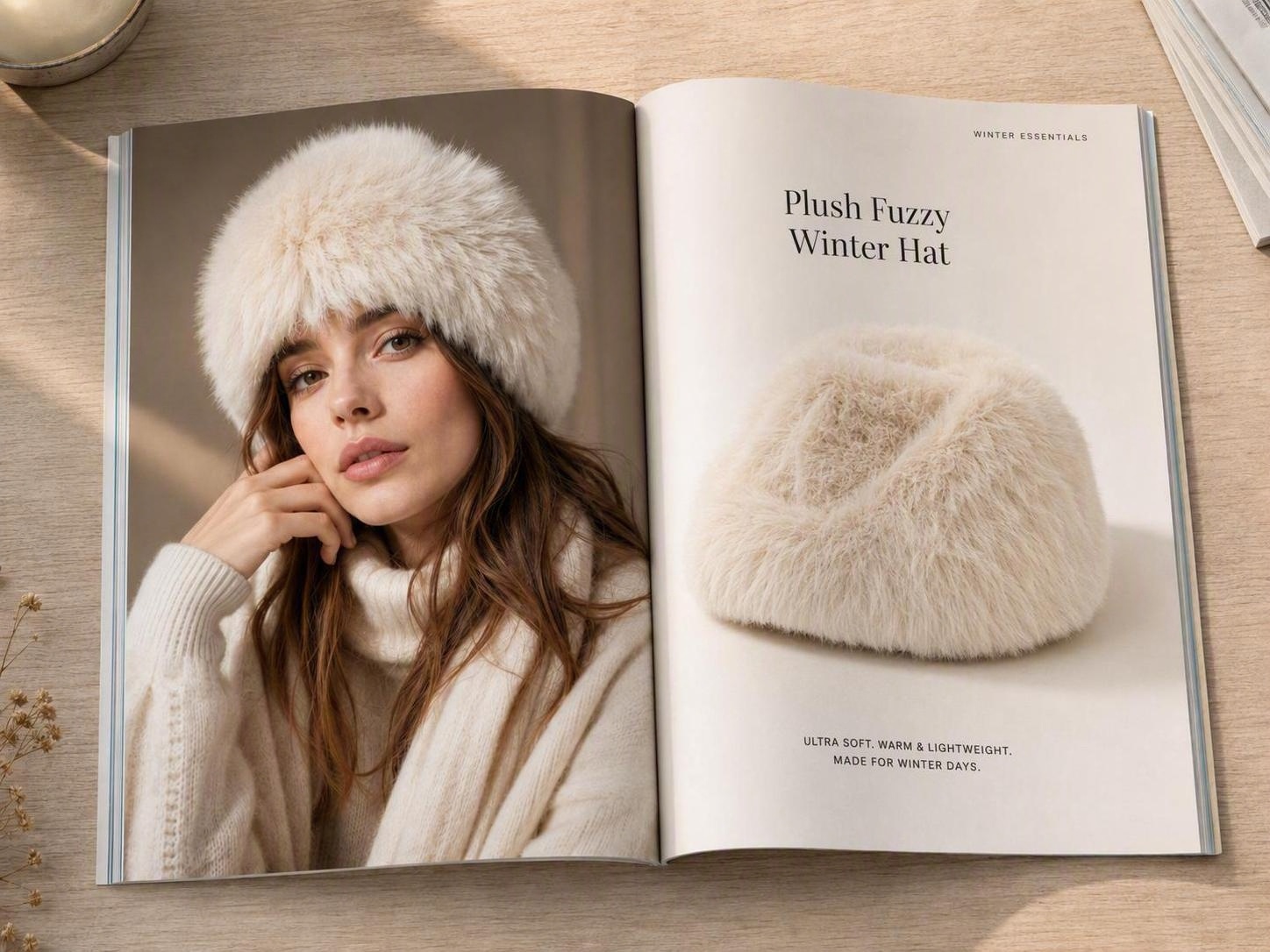
Crie páginas de produtos, anúncios e posts sociais com o provador de chapéus IA
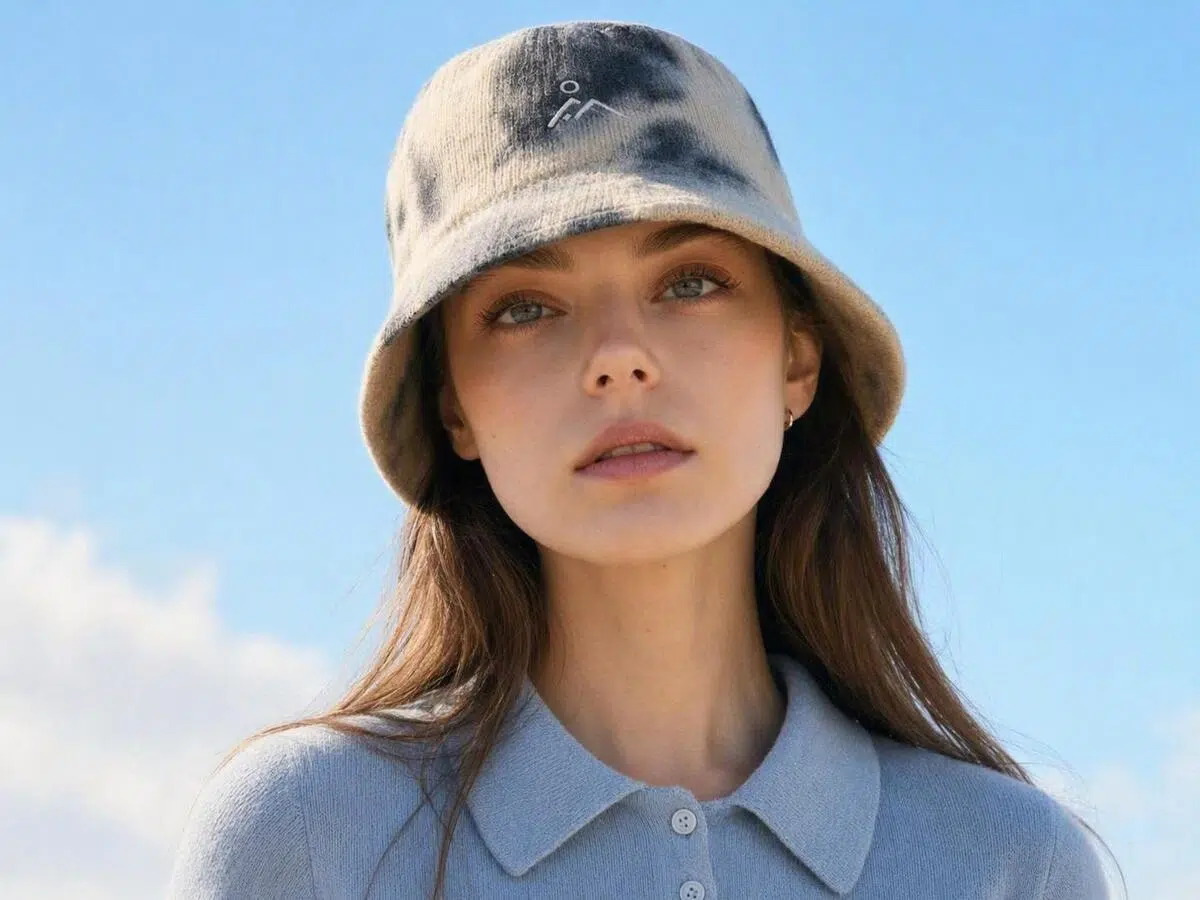
Crie fotos de chapéus em modelos sem novos ensaios fotográficos
Contratar modelo, estúdio, fotógrafo e retocador para cada SKU de chapéu aumenta rapidamente o custo de cada anúncio. A Koozee usa a imagem do produto e a foto do modelo para ajustar o ângulo, o posicionamento e a iluminação, criando uma imagem de provador virtual com aparência muito mais natural.
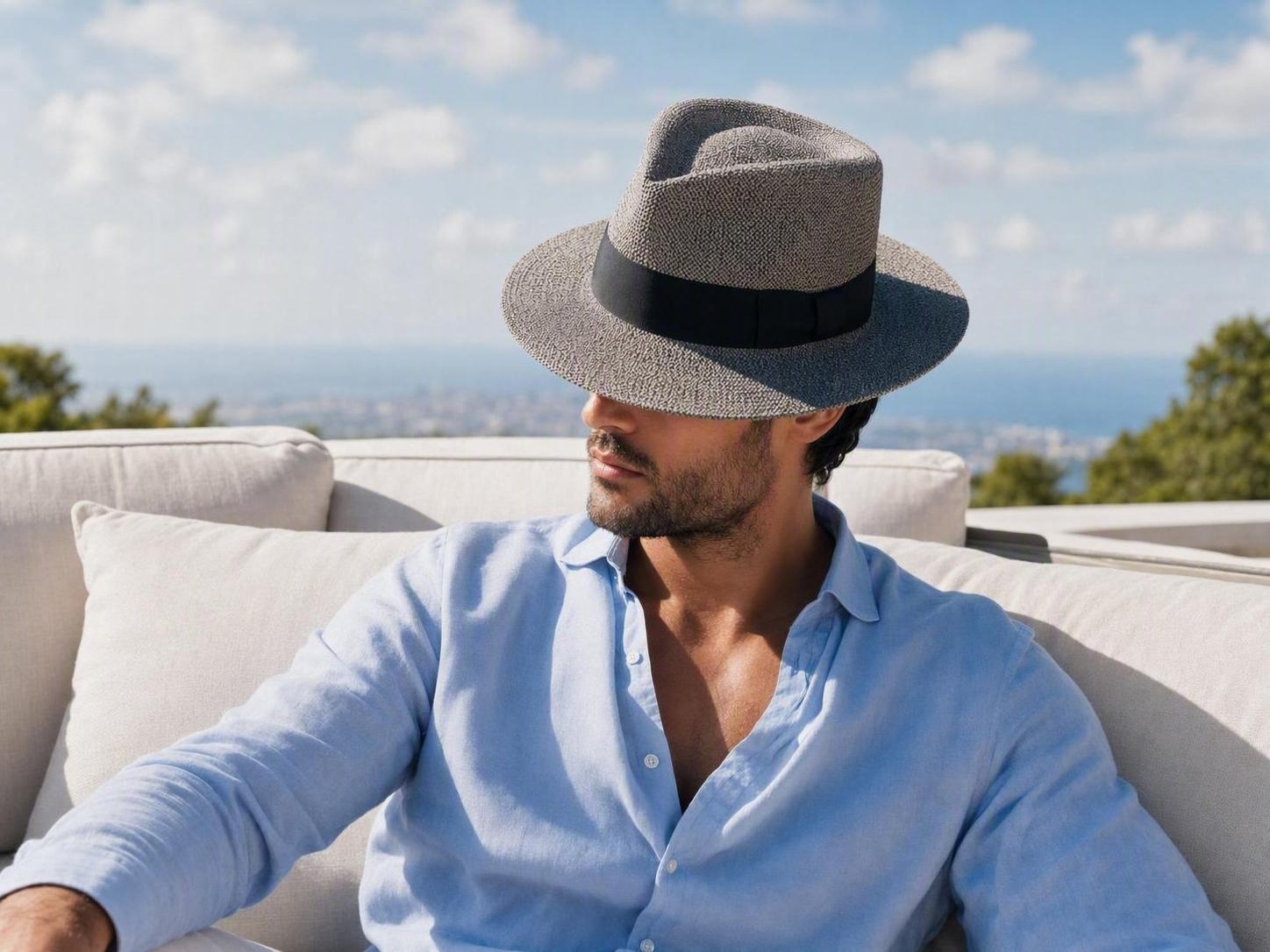
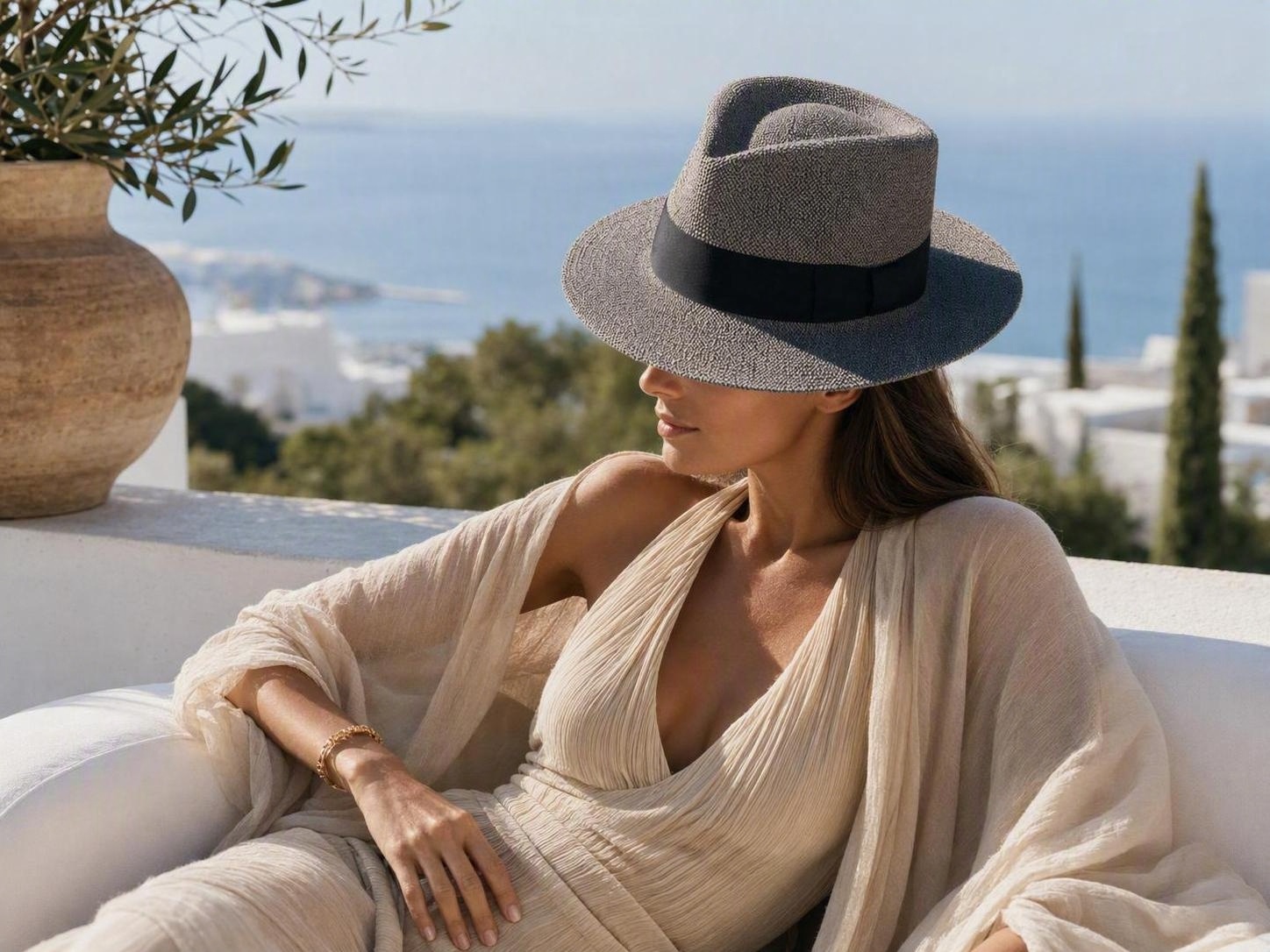
Renove o visual das suas campanhas sem ensaios fotográficos
Estações do ano, feriados, públicos e mercados locais exigem visuais diferentes, mas realizar um novo ensaio para cada campanha é caro. Após criar a imagem no provador virtual, use as ferramentas de modelo e cenário da Koozee para explorar estilos com pessoas diferentes em cenários autênticos e direções criativas focadas na sua região.
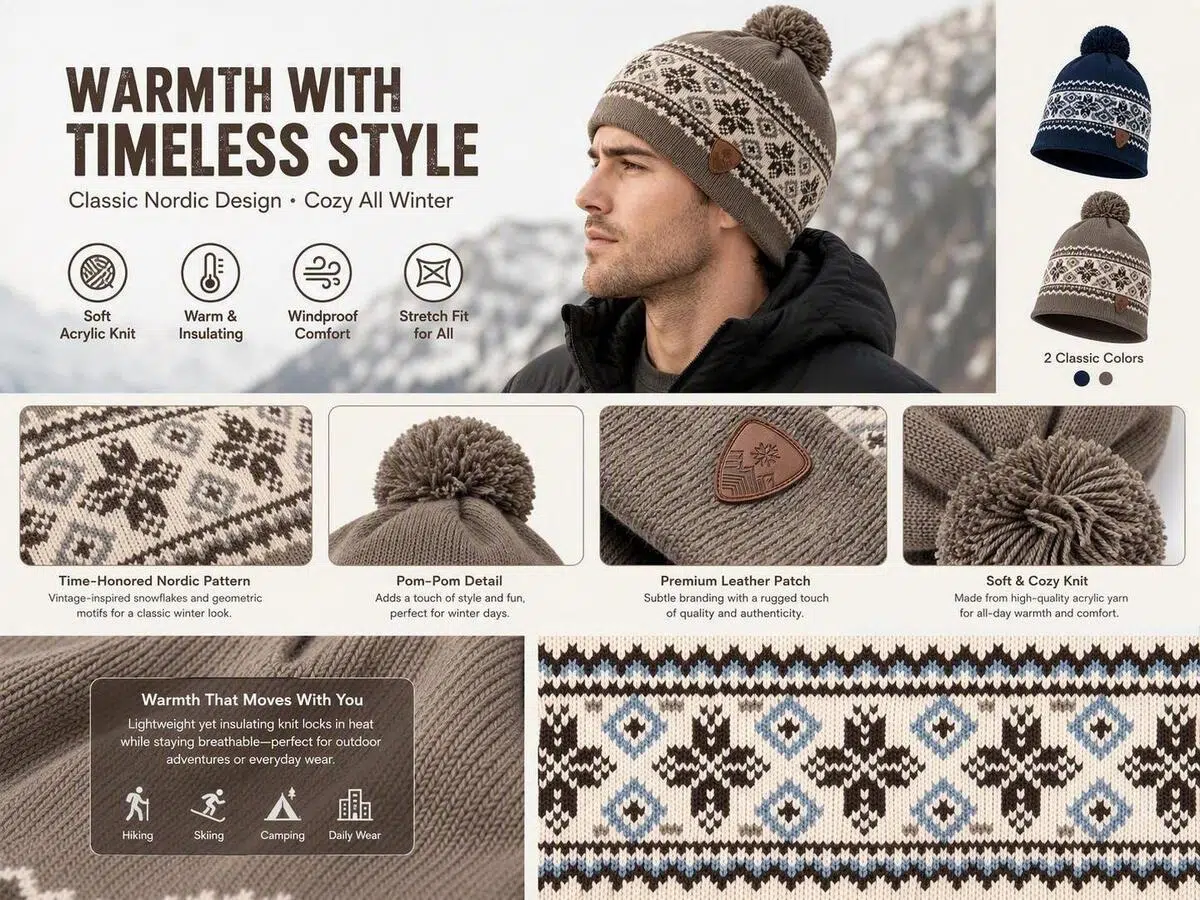
Transforme um provador em páginas de produtos, anúncios e vídeos de uma vez
Uma única foto no modelo raramente é suficiente para páginas de produtos, anúncios e conteúdo para redes sociais. Utilize a foto original do chapéu ou do provador virtual como ponto de ida para páginas de ofertas de produtos, postais, criativos curtos ou vídeos sem ter que gastar refazendo tudo a mão.
Por que vendedores de chapéus preferem a Koozee?

A plataforma alinha o ângulo do chapéu, o posicionamento da luz ao tom na pose da pessoa deixando irrelevante o formato mal edito e picotado no quadro de exibição geral. O resultado claro nas miniaturas impulsiona clientes na forma com um olhar para com design luxuoso sobre a concorrência.

O chapéu testado num conjunto contendo fundos locais de publicidade de outono para datas promocionais garantem o público do dia. Fica fácil sem lidar arrastar a rotina de câmeras sob horários básicos de publicidade ao limite cada campanha.

Comece com a foto do chapéu ou o resultado do provador e crie detalhes únicos em pôsteres, anúncios curtos em postagens das páginas centrais. Seus times poupam idas complexas entre cortes gráficos, filmagens criativas sob demandas e desgastes fotográficos na íntegra em processos longos.
Envie duas imagens: crie um provador virtual de chapéu em 3 passos
Faça o upload da imagem do chapéu
Escolha uma imagem nítida, com o formato do chapéu totalmente visível e o mínimo de obstruções. Fundos brancos ou simples costumam ser mais fáceis de processar. Cortes excessivos, fundos complexos ou imagens de baixa resolução podem afetar o resultado.
Faça o upload da foto do modelo
Escolha a foto de um modelo com a cabeça bem visível e em iluminação natural. Cabelos cobrindo grande parte do rosto, ângulos laterais extremos, olhares muito para cima ou para baixo e imagens em baixa resolução podem afetar o posicionamento e a sobreposição do chapéu.
Gere e revise
Deixe a Koozee ajustar o ângulo básico, o posicionamento e a iluminação. Antes de publicar, revise o formato do chapéu, o logotipo, a textura, a aba, a posição, a sobreposição no cabelo e a sombra. Se o resultado não ficar bom, tente usar uma imagem mais nítida ou gere o resultado novamente.
Perguntas frequentes
Como funciona o provador virtual de chapéus?
Quais imagens eu preciso usar para criar um provador virtual de chapéus IA?
Você precisa apenas da imagem do chapéu e da foto de um modelo com a cabeça bem visível. Iluminação clara, o formato completo do chapéu e poucos ruídos na imagem geralmente geram resultados melhores. Formatos compatíveis, tamanho de arquivo, resolução e os detalhes de saída dependem da página atual do produto.
Como o provador virtual de chapéus com IA reduz os custos de produção visual?
A ferramenta reduz a necessidade de contratar modelos repetidamente, alugar estúdios, agendar fotógrafos e criar colagens básicas no Photoshop. Especialidades em retoques complexos, checagens e auditorias detalhadas podem e são recomendáveis pela marca pela segurança dos profissionais comerciais.
Como conseguir um resultado mais natural no provador virtual de chapéus IA?
Use uma imagem nítida do chapéu, destacando todo o seu formato, e também a foto de um modelo com a cabeça sendo mostrada de forma nítida sob iluminação natural. Evite usar recortes agressivos, posições oblíquas radicais ou perucas/longas pelagens espessas afetadas ao seu tamanho final. Gere arquivos com bom foco por recomendável refazer.
O provador virtual de chapéus IA avalia tamanhos reais com sugestões e medições em escalas para o corpo?
Não. O resultado apresentado é uma referência visual 2D e estática. Ele não calcula a circunferência de dimensão cerebral, verifica pesos da mercadoria nos ajustes técnicos ou julga qualquer usabilidade/conforto da fixação por tamanho real em si. Faça avaliação para testar variações exatas por revisões por você mesmo.
Já tem fotos de chapéus? Crie imagens perfeitas com modelos testando rapidamente
Ensaios avulsos aumentam os custos de operações e atrasam o seu calendário de publicação. Envie a imagem do seu chapéu e junte com uma foto de modelo para gerar na íntegra miniatura nas redes de vitrines.
Como equipes de chapéus reduzem custos de filmagem, edição e criação de conteúdo
Descubra como marcas, fábricas e equipes de conteúdo de chapéus reduzem a repetição de ensaios, criam visuais com modelos com mais agilidade e reutilizam a mesma imagem nos lançamentos e campanhas.
“Não precisamos mais organizar um ensaio com modelo para cada lançamento.”
Antigamente, novos produtos eram lançados com imagens em fundo branco, e adicionar uma foto em modelo significava coordenar modelo, fotógrafo e retocador. Agora, podemos criar imagens prévia de provação usando os recursos que já temos, reduzindo nossos gastos e escalando as ofertas para vitrines.
“As fotos de prévias em modelos tornam o funil do cliente muito mais fácil e orgânico.”
Muitos modelos estão disponíveis apenas em fotos com fundo branco, dificultando que os compradores imaginem o visual final. Adicionar uma visualização de provador torna nossos catálogos e propostas mais claros e reduz a necessidade de ensaios de amostras de última hora.
“Uma versão do provador virtual que criamos atende a diferentes exigências nas campanhas.”
Costumávamos passar instruções separadas para imagens de produtos, pôsteres e vídeos curtos. Agora criamos os conteúdos sob as fotos dos chapéus iniciais reduzindo burocracias das equipes focadas e engajando o consumidor nos lançamentos.