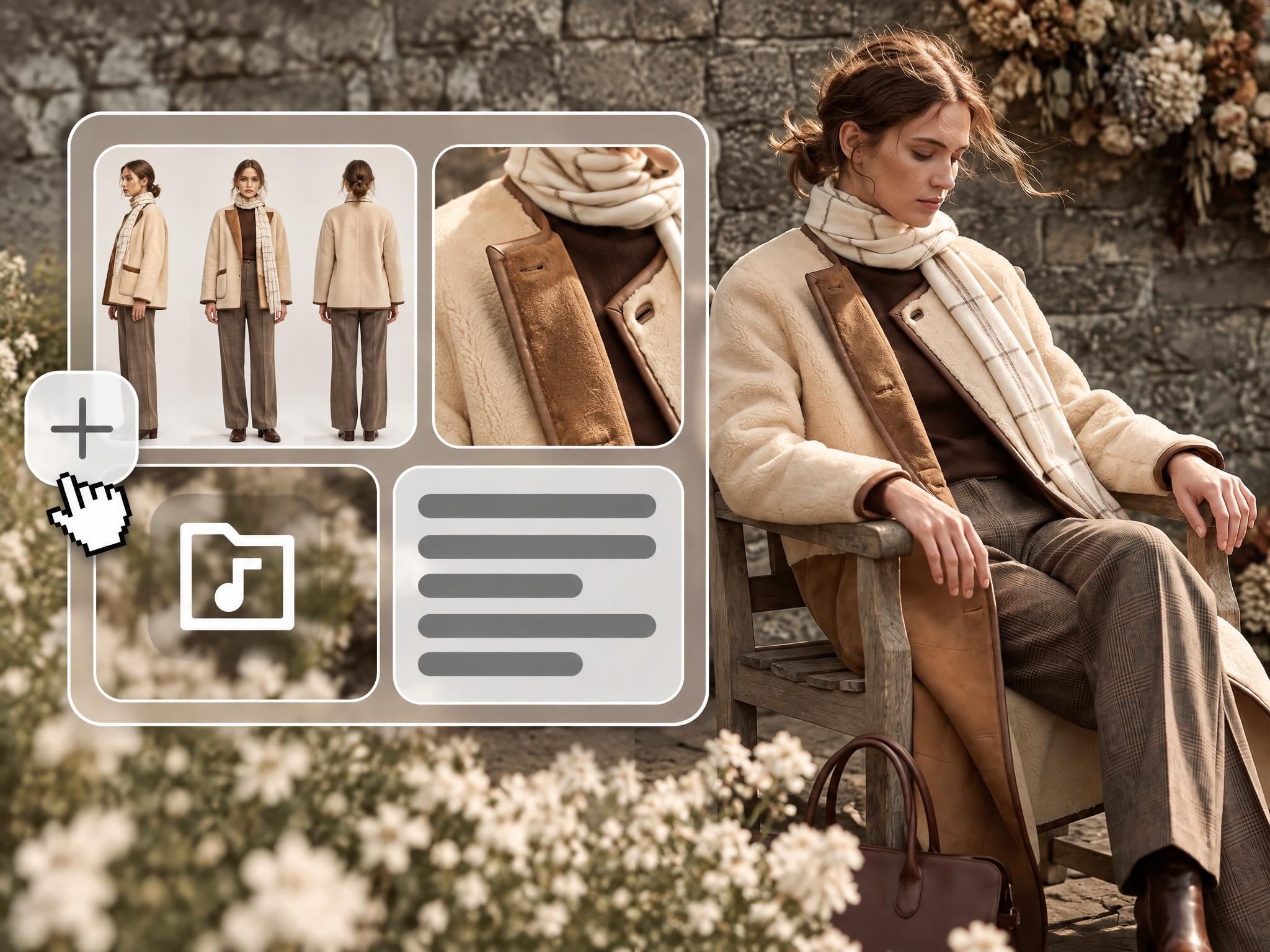
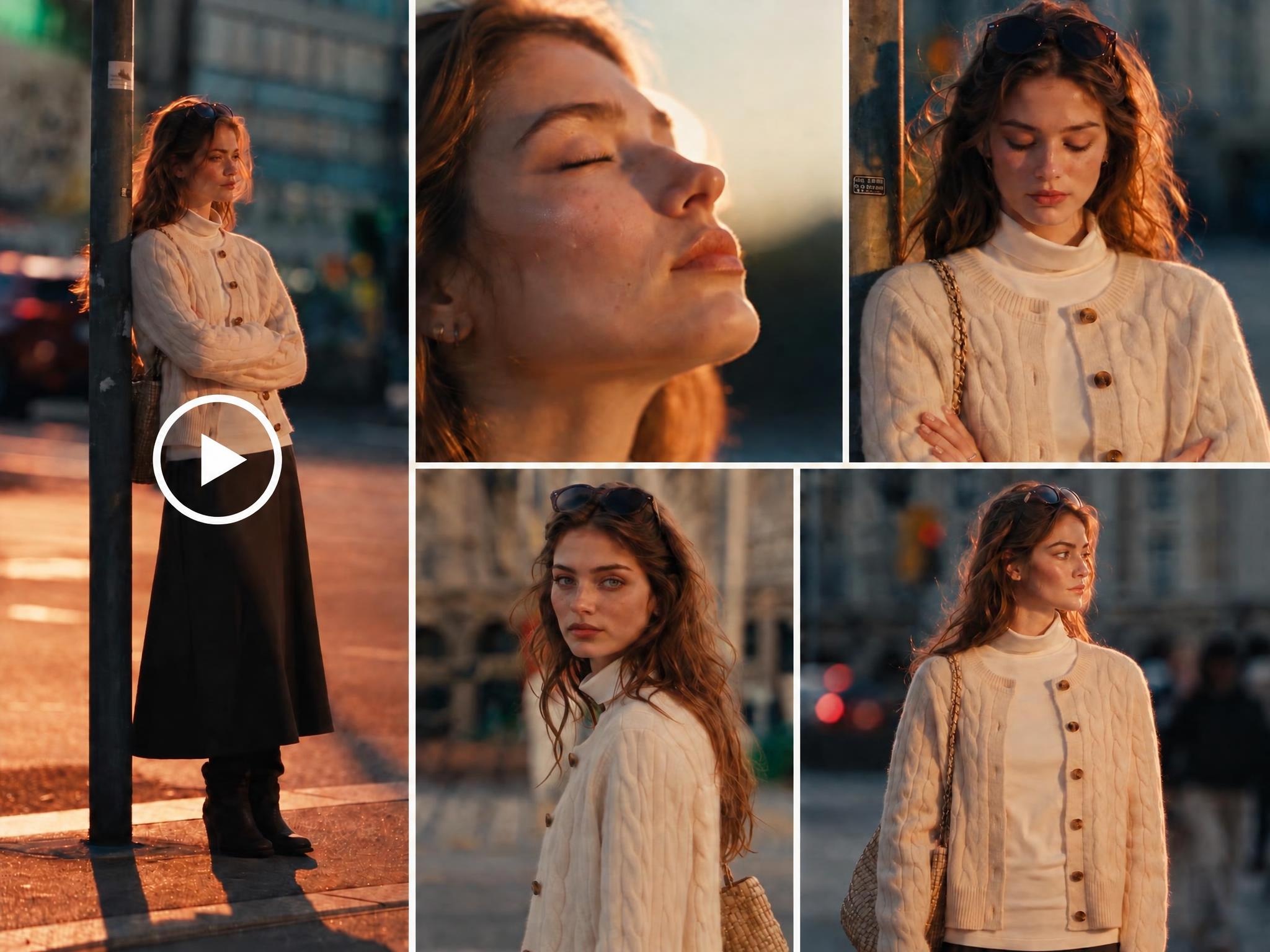
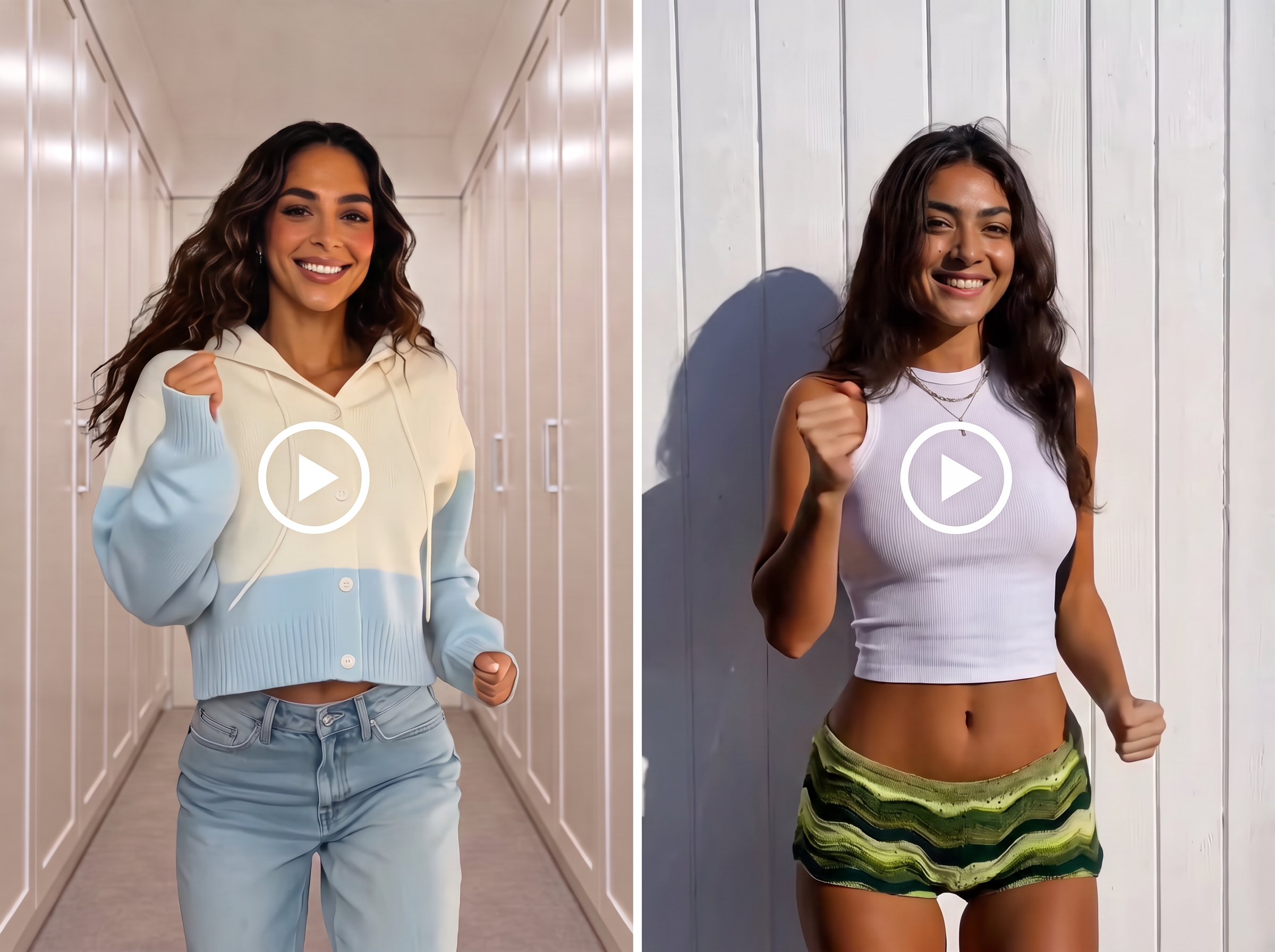
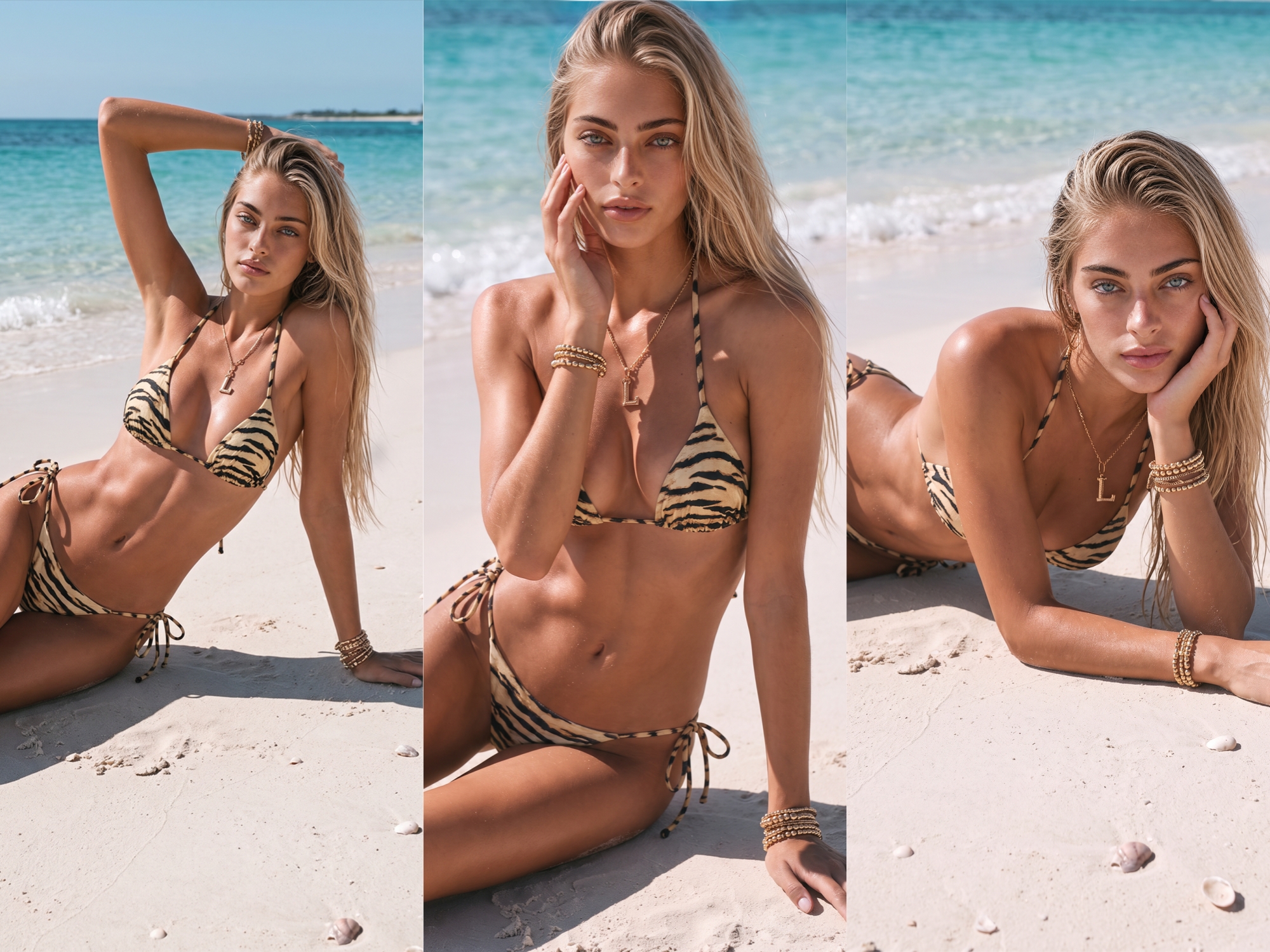
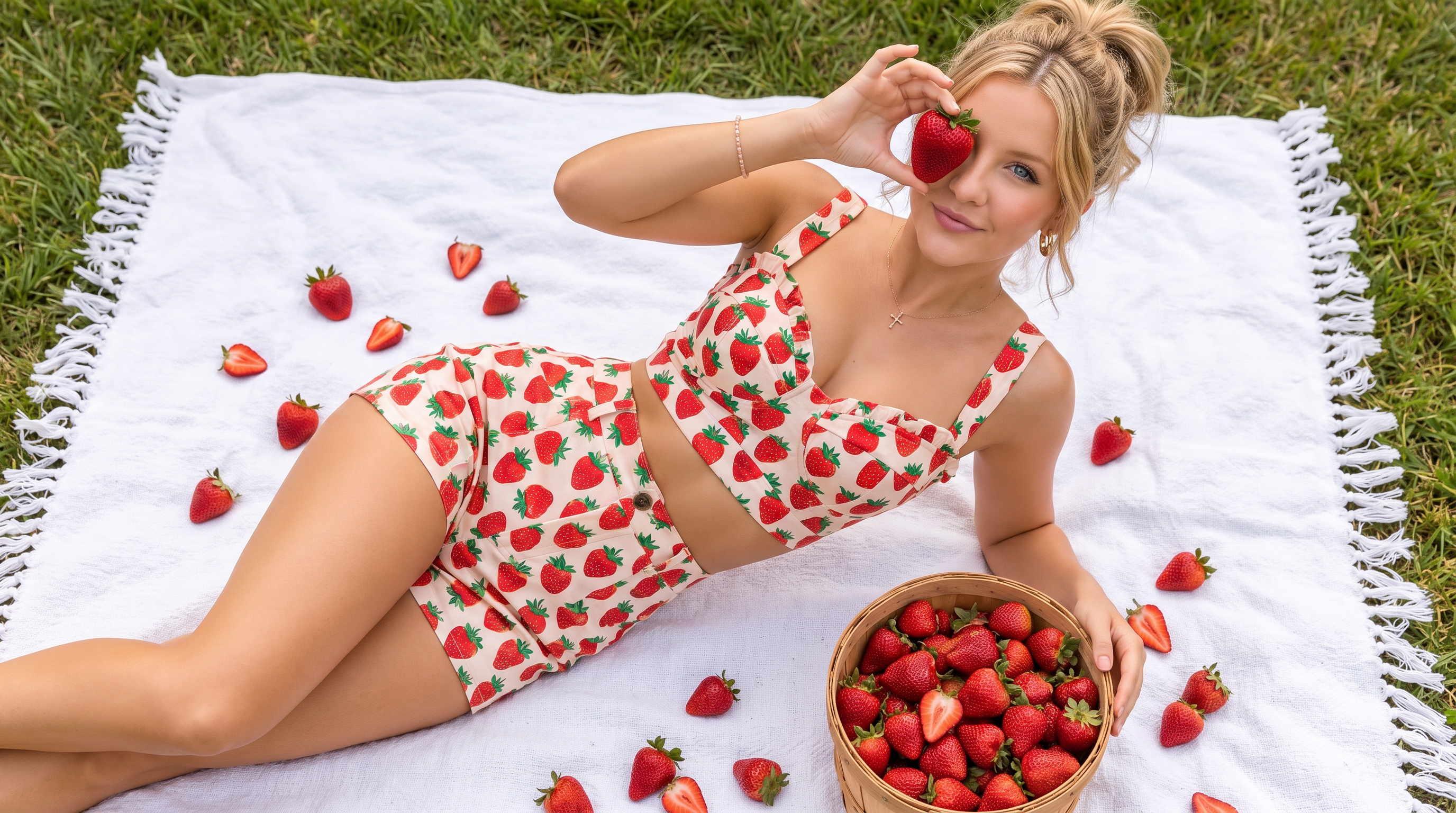
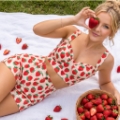
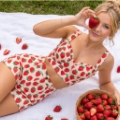
Add clothing, model, scene, or video references. Kling 4.0 follows your script, motion, and shot direction to create complete fashion videos in Koozee.

Bring in up to 15 references, including clothing, models, detail shots, scenes, videos, and voices. Each reference guides a different part of the result, so the finished video stays closer to your original fashion assets.

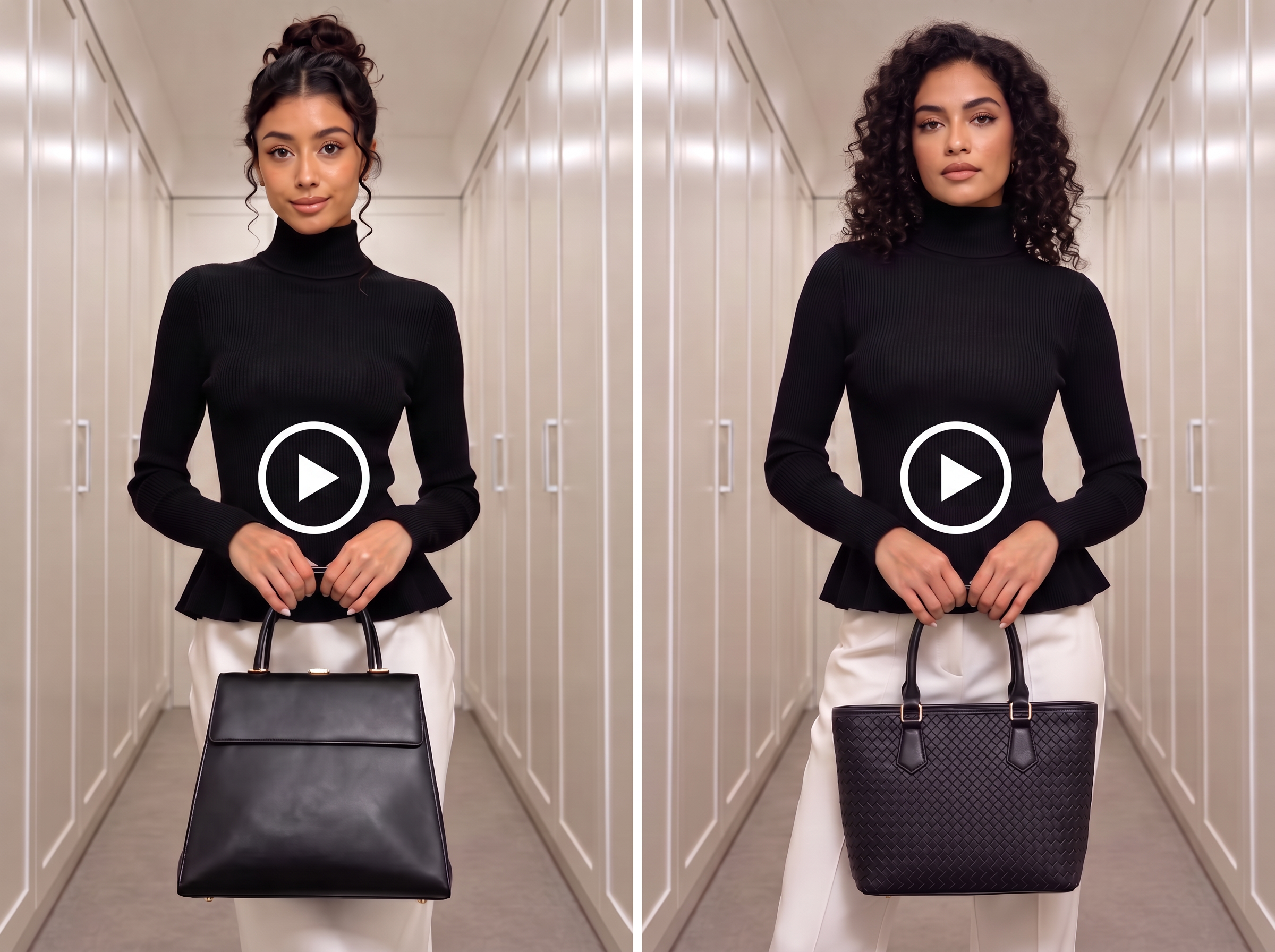
Start with the pacing, shots, and storytelling of a proven try-on, OOTD, unboxing, or outfit-change video. Replace the original assets with your own clothing, models, and brand visuals, then spin the same structure into new styles, looks, and selling points.

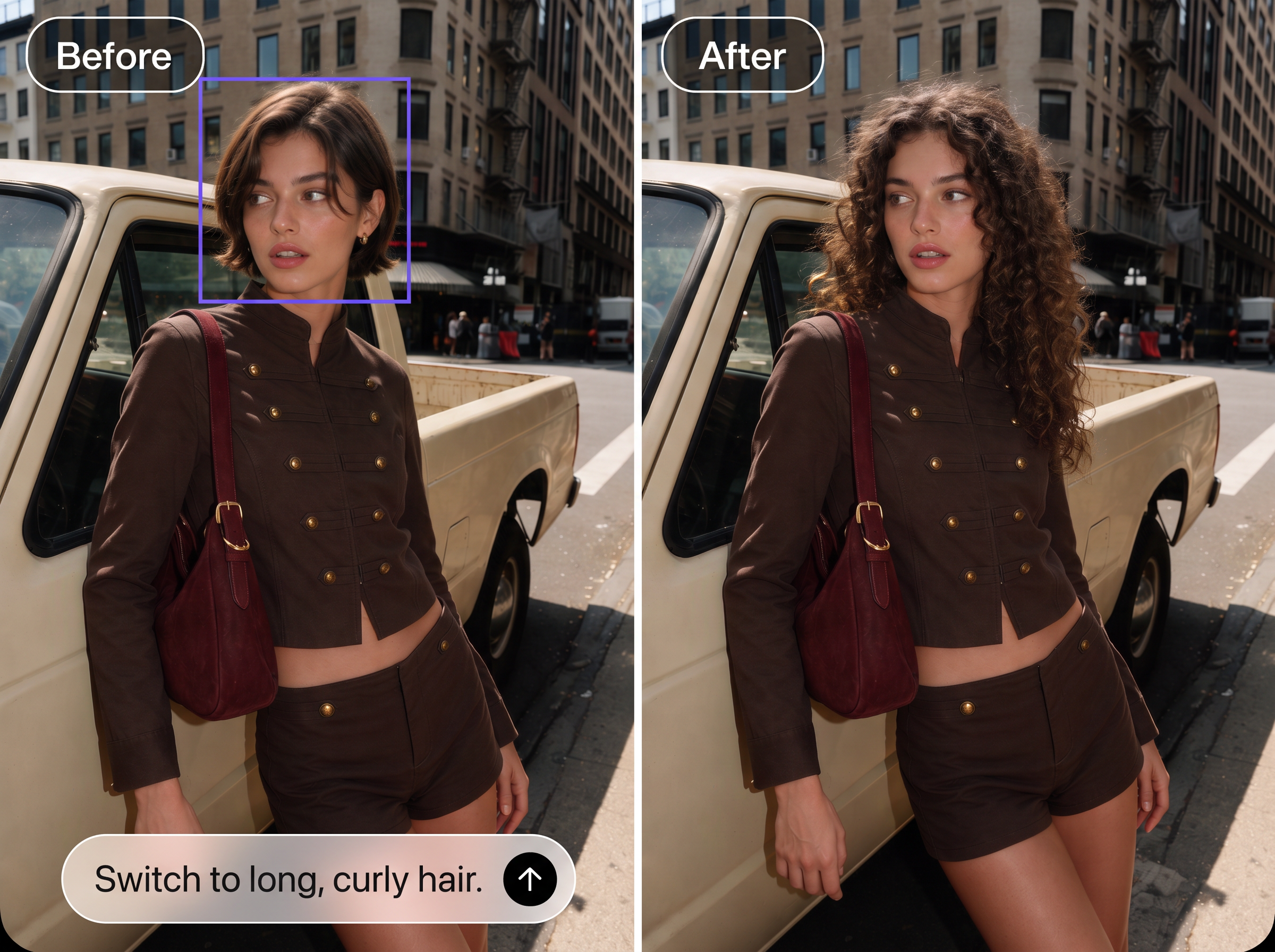
Change the clothing, action, expression, background, style, or another small detail without rebuilding the entire video. Keep the parts that already work, reduce unnecessary reruns, and create new product, campaign, or ad-test versions faster.

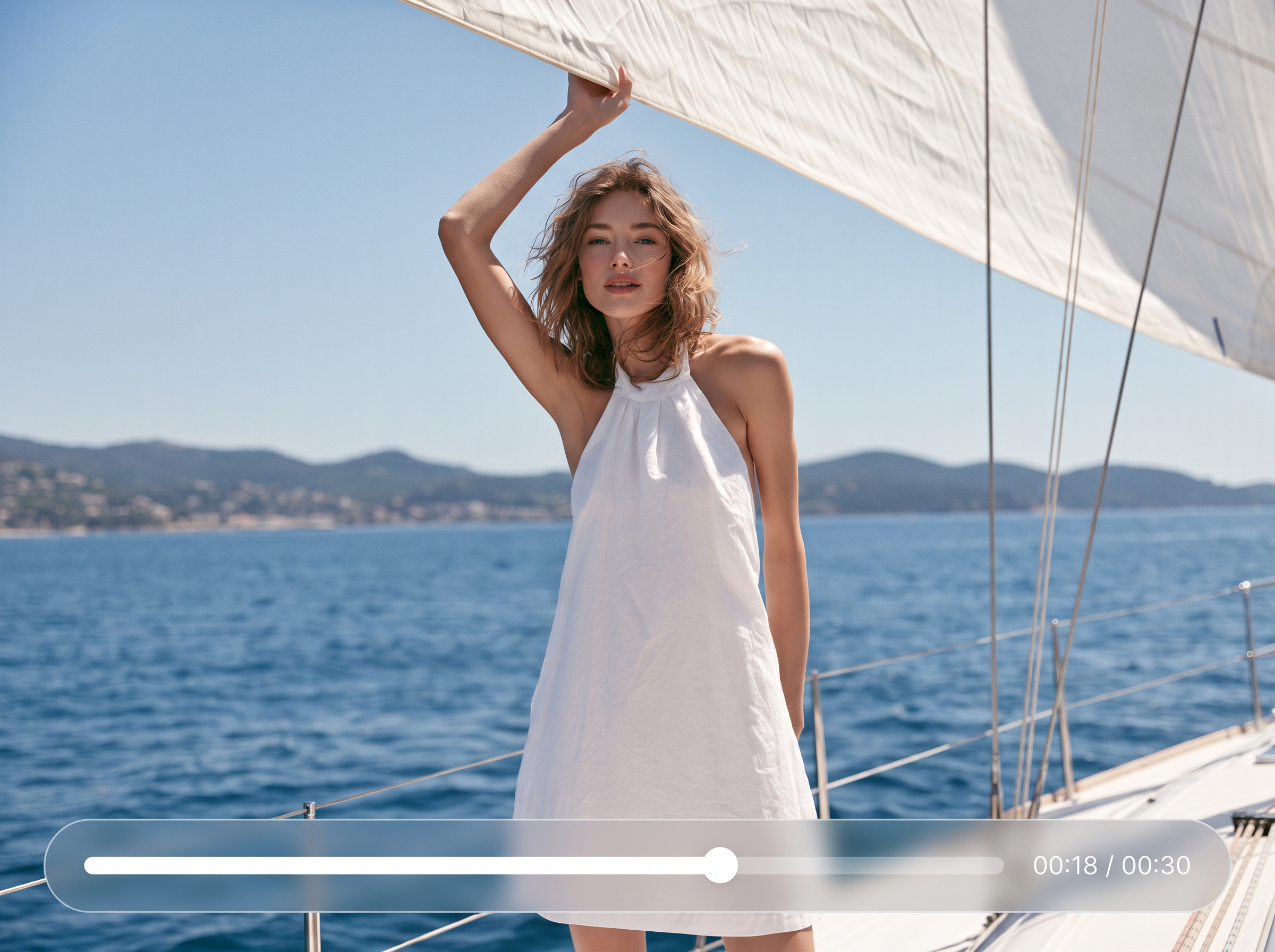
Create up to 30 seconds in one generation, with enough room for a full try-on, fashion voiceover, product launch, or brand story. Keep the narrative moving without stitching together a stack of short clips.

Use up to 10 keyframes to lock in the full look, side view, fabric close-up, scene change, and final frame before generation starts. Kling 4.0 connects those moments into a video that follows your planned script and shot list.
Build fashion videos around running, dancing, turning, jumping, tracking shots, orbit moves, and fast spins. Give sportswear, streetwear, outdoor collections, runway clips, and high-energy ads the motion they need.
Turn fashion assets into realistic, complete videos that follow your script. Add richer product-page content, show more of each garment, and give shoppers a clearer view before they buy.
Upload clothing, model, or scene references, or add keyframes to define important shots. Set the video direction you want, then start generating.
Yes. You can use existing clothing photos, model images, or try-on images created in Koozee. Clear, high-quality images with minimal obstruction give the model a stronger reference for garment details.
Clothing and detail references help the result stay closer to the original garment. Image quality, obstruction, movement, and camera complexity can still affect the output, so review the color, fit, pattern, and logo before publishing.
Use Koozee Video Replication when you already have a specific fashion video to recreate. It analyzes the reference and tells you which clothing and model images to prepare. Choose Kling 4.0 when you need more references, keyframe control, longer videos, or targeted edits.
Kling 4.0 can generate up to 30 seconds in one run, giving you room for full try-ons, fashion voiceovers, product launches, and brand stories. You can also use up to 10 keyframes to plan the main shots.
Compared with Kling 2 and Kling 3.0, Kling 4.0 supports more references, letting you combine garment images, models, product details, settings, reference videos, and voice in one generation. Instead of relying only on Kling 3.0’s first-and-last-frame control, you can use up to 10 keyframes to plan full-look shots, side views, fabric close-ups, and scene changes. Videos can run up to 30 seconds, giving try-ons, product launches, and fashion ads more room to develop. Targeted editing also lets you adjust the garment, motion, or background without rebuilding the entire video.
Bring your Koozee fashion assets into Kling 4.0 and turn them into try-ons, ad creative, or brand videos.