Modetexte aus einem Bild erstellen
Verwandeln Sie Modebilder in Kleidungsbeschreibungen, Plakattexte, Social Captions und Alt-Texte. Vereinfachen Sie Listings und Marketing.
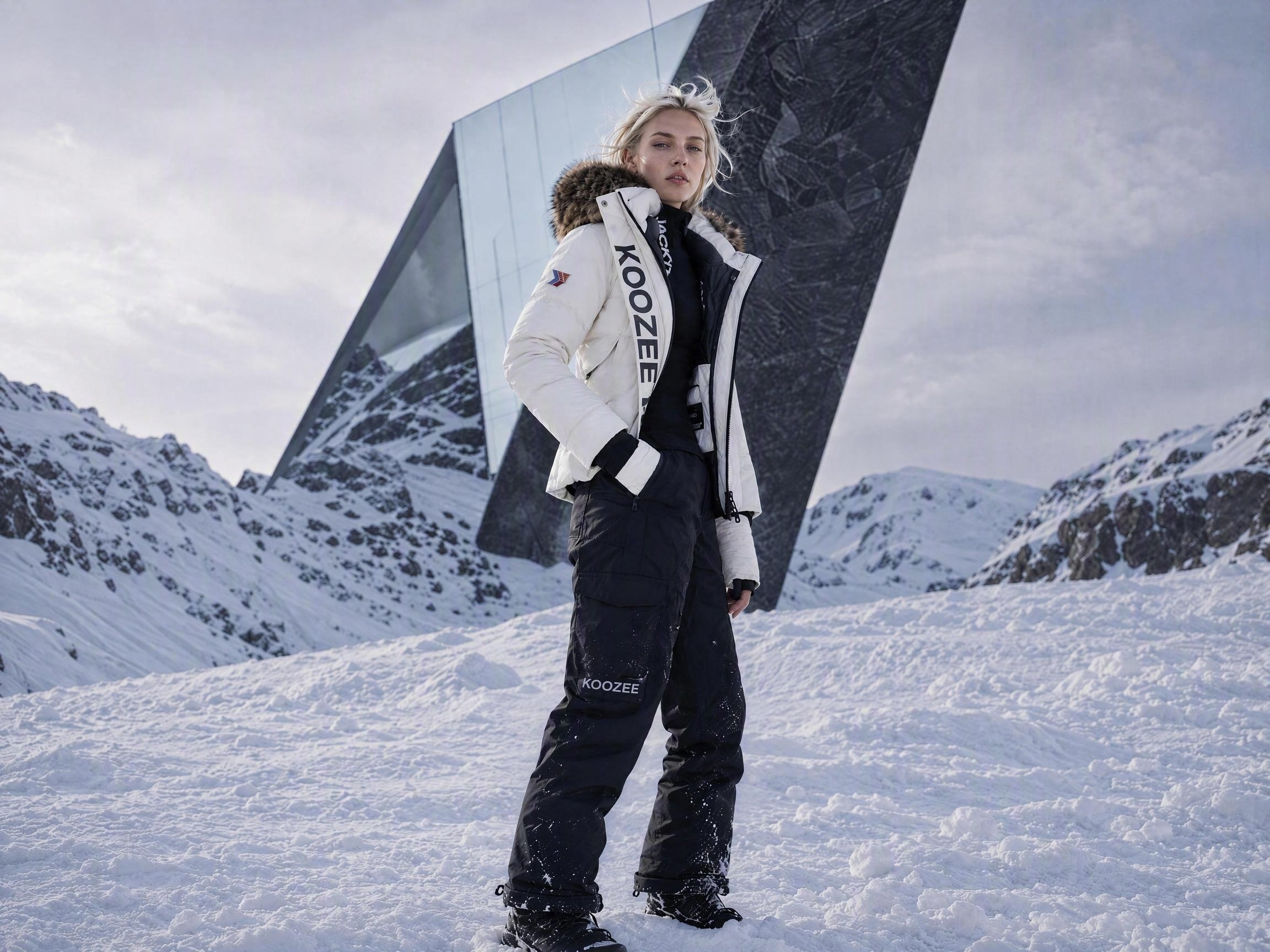
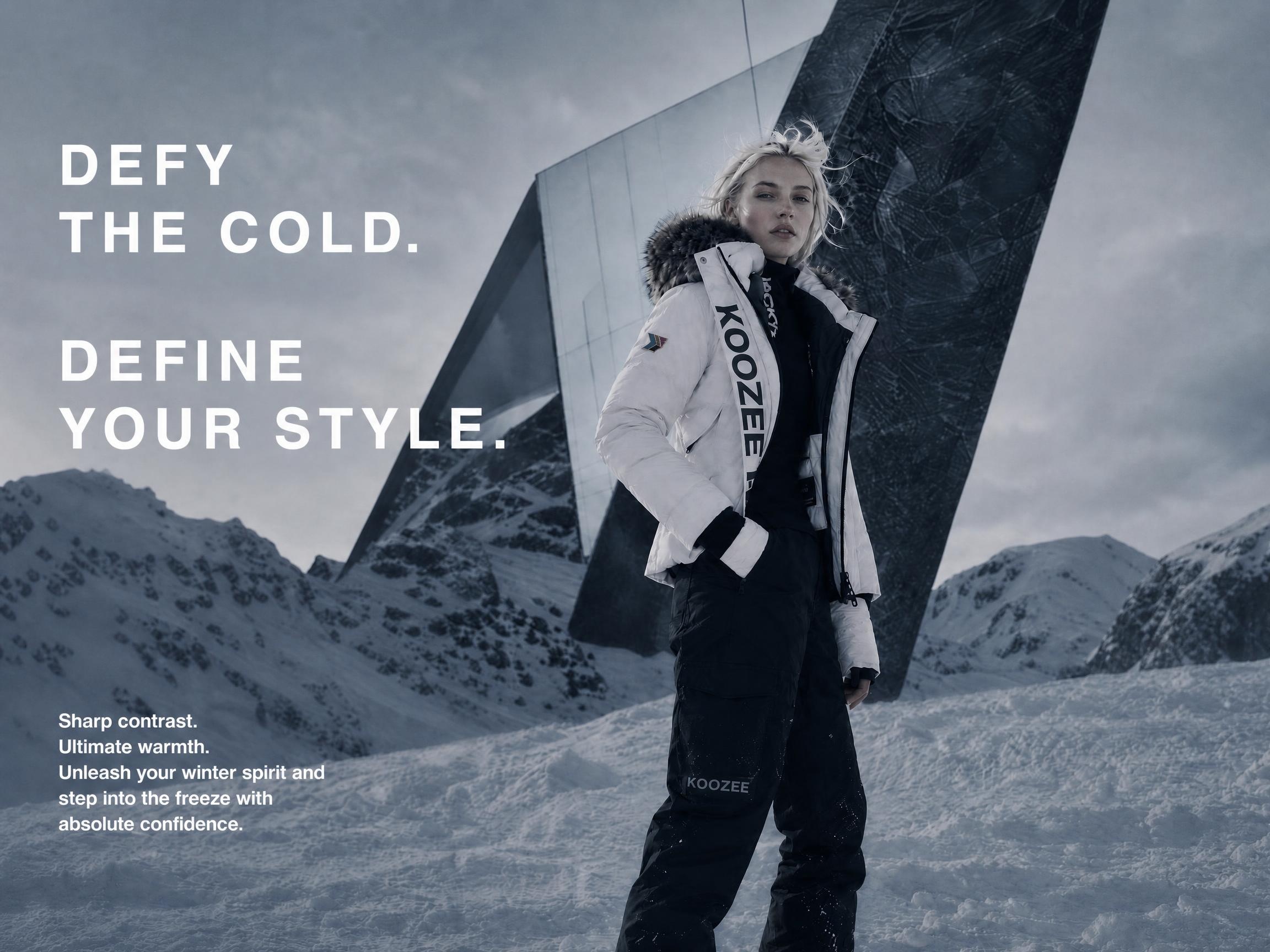
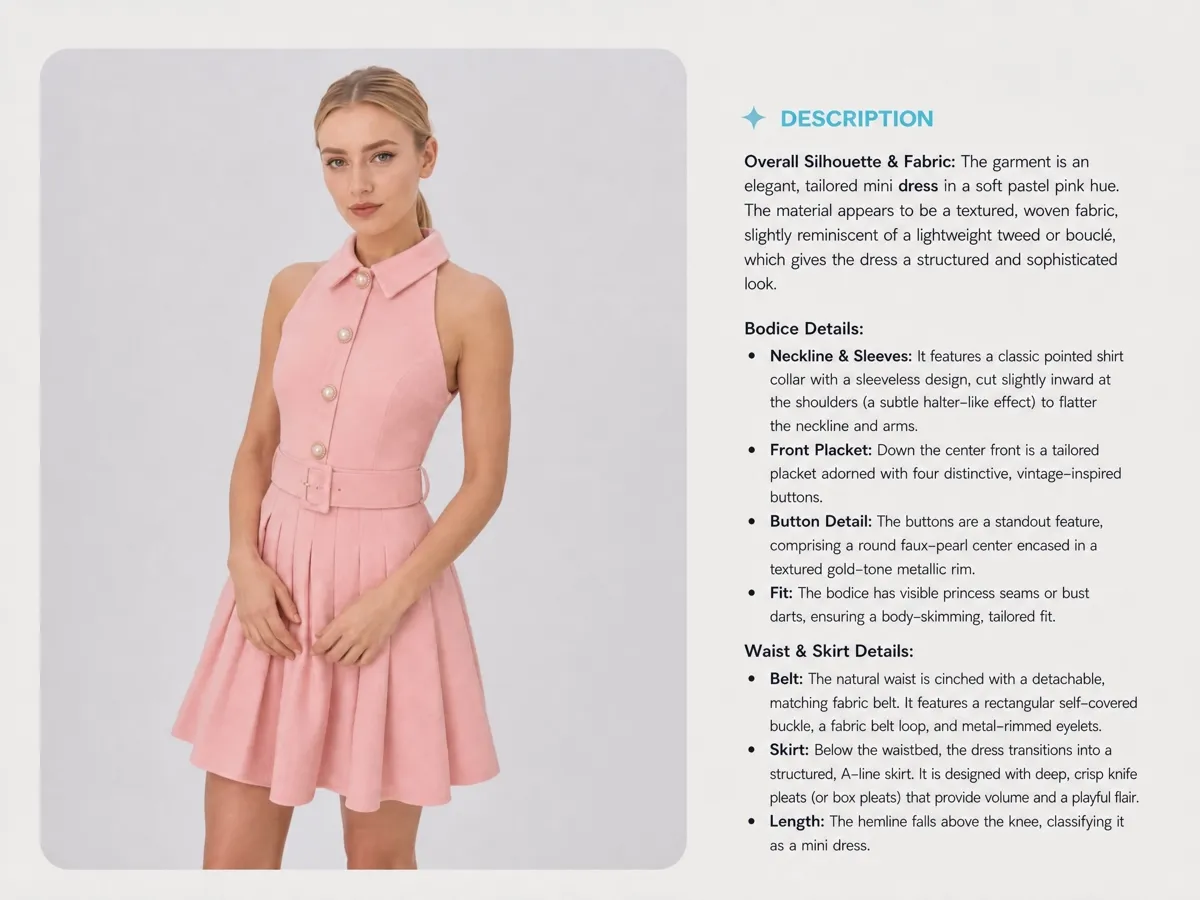
Outfits bis ins Detail beschreiben
Der Koozee Image Description Generator nutzt Geminis Bildverständnis, um Modebilder zu analysieren und Fragen zu ihrem Inhalt zu beantworten. Beschreiben Sie ein komplettes Outfit oder konzentrieren Sie sich auf sichtbare Details wie Ausschnitte, Ärmel, Silhouetten und Muster. Verwandeln Sie diese Details in klare Texte, ohne alles von Grund auf schreiben zu müssen.
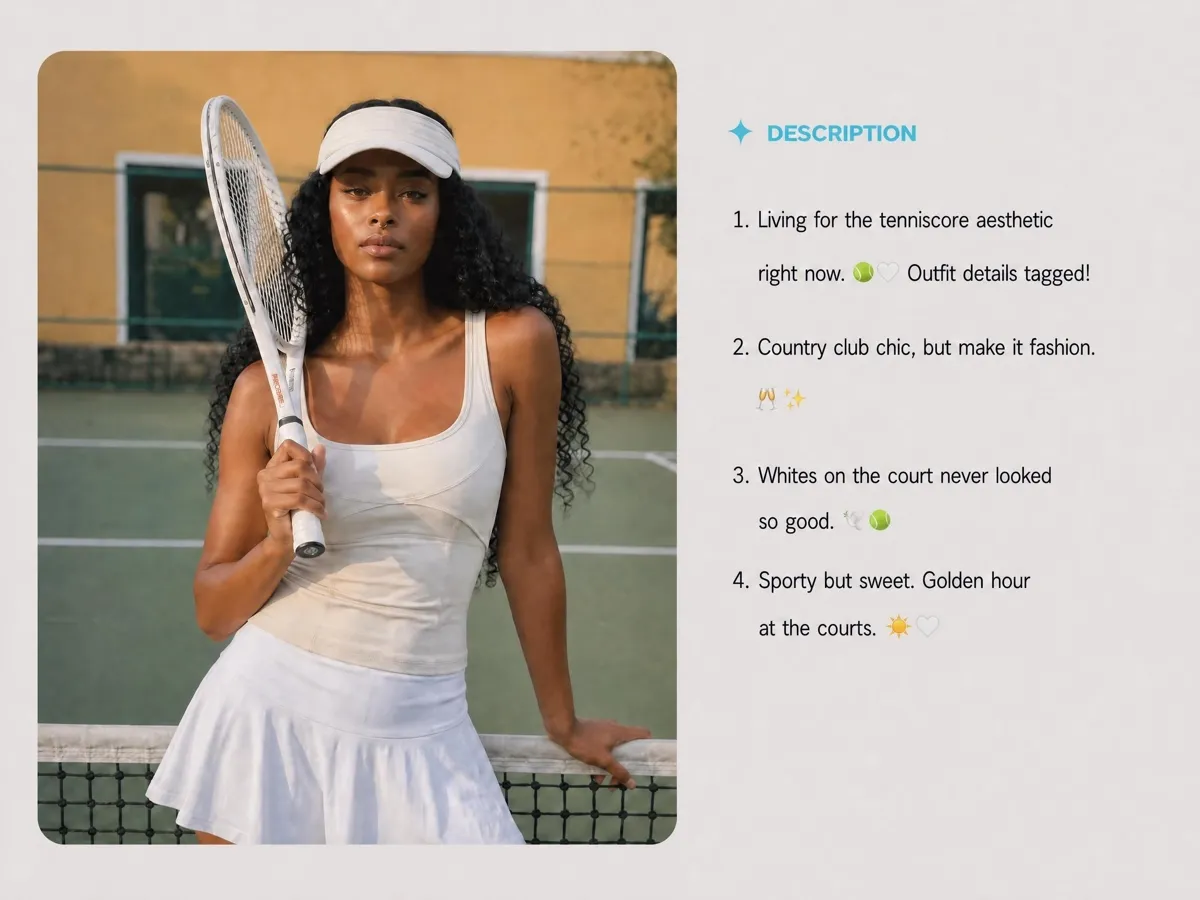
Ein Bild. Texte für verschiedene Einsatzzwecke.
Verwandeln Sie ein Modebild in Kleidungsbeschreibungen, Plakatüberschriften, kurze Verkaufsargumente, Social Captions, Alt-Texte und SEO-Texte. Ergänzen Sie Kleidungsdetails und stimmen Sie die Formulierungen auf Ihre Marke und Ihren Kanal ab. Erhalten Sie die Texte, die Sie für Produktlistings und Kampagnen benötigen.
Produkteinführungen und tägliches Marketing vereinfachen
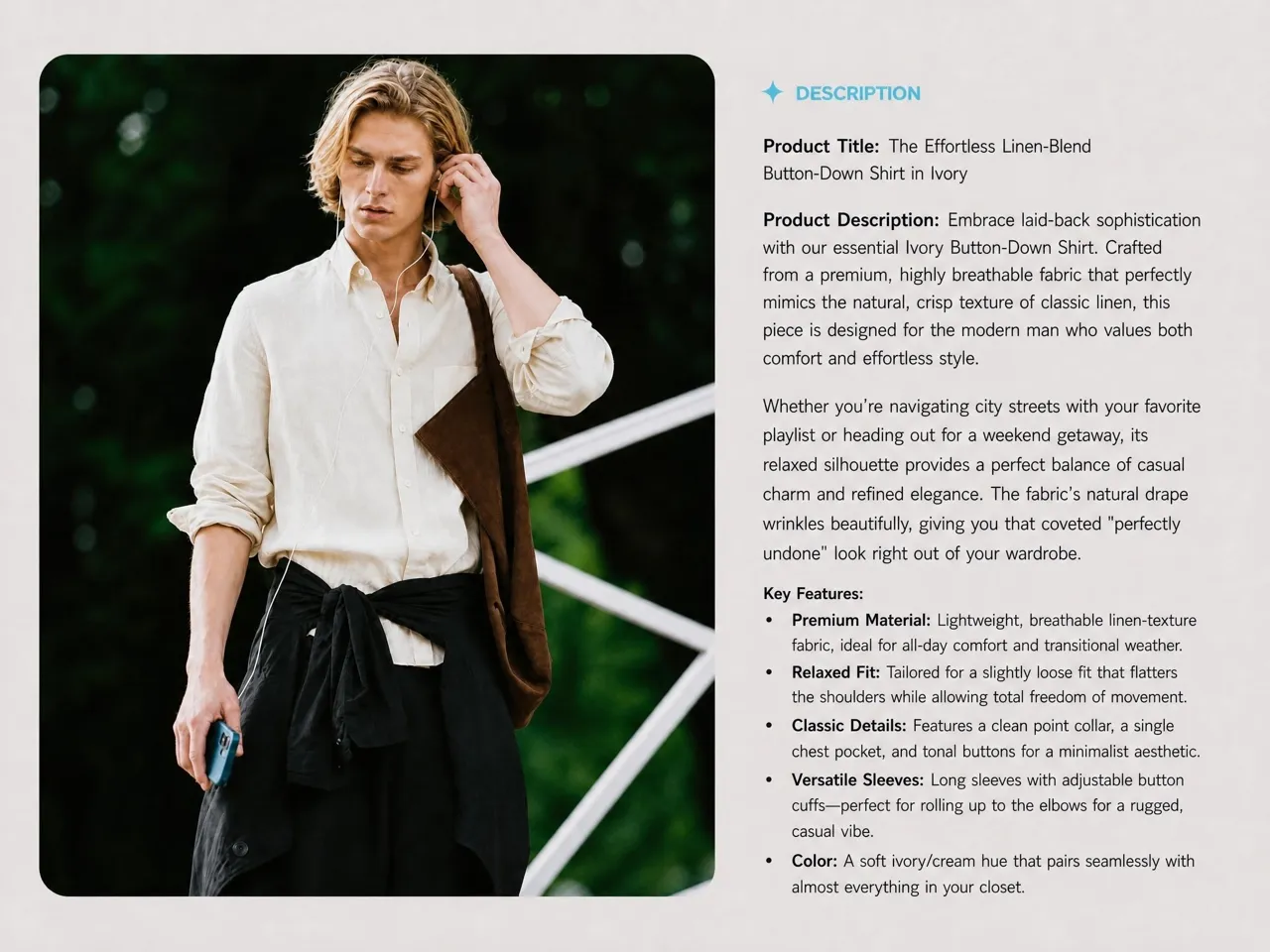
Jedes neue Listing mit einer klaren Beschreibung versehen
Vermitteln Sie Kundinnen und Kunden mit Kleidungsbeschreibungen, Bild-Alt-Texten und SEO-Texten ein umfassenderes Bild jedes Stils. Klare Produktdetails helfen bei der Kaufentscheidung und können die Conversion-Rate verbessern. Reduzieren Sie den Schreibaufwand für jedes Listing und bereiten Sie neue Produkteinführungen einfacher vor.
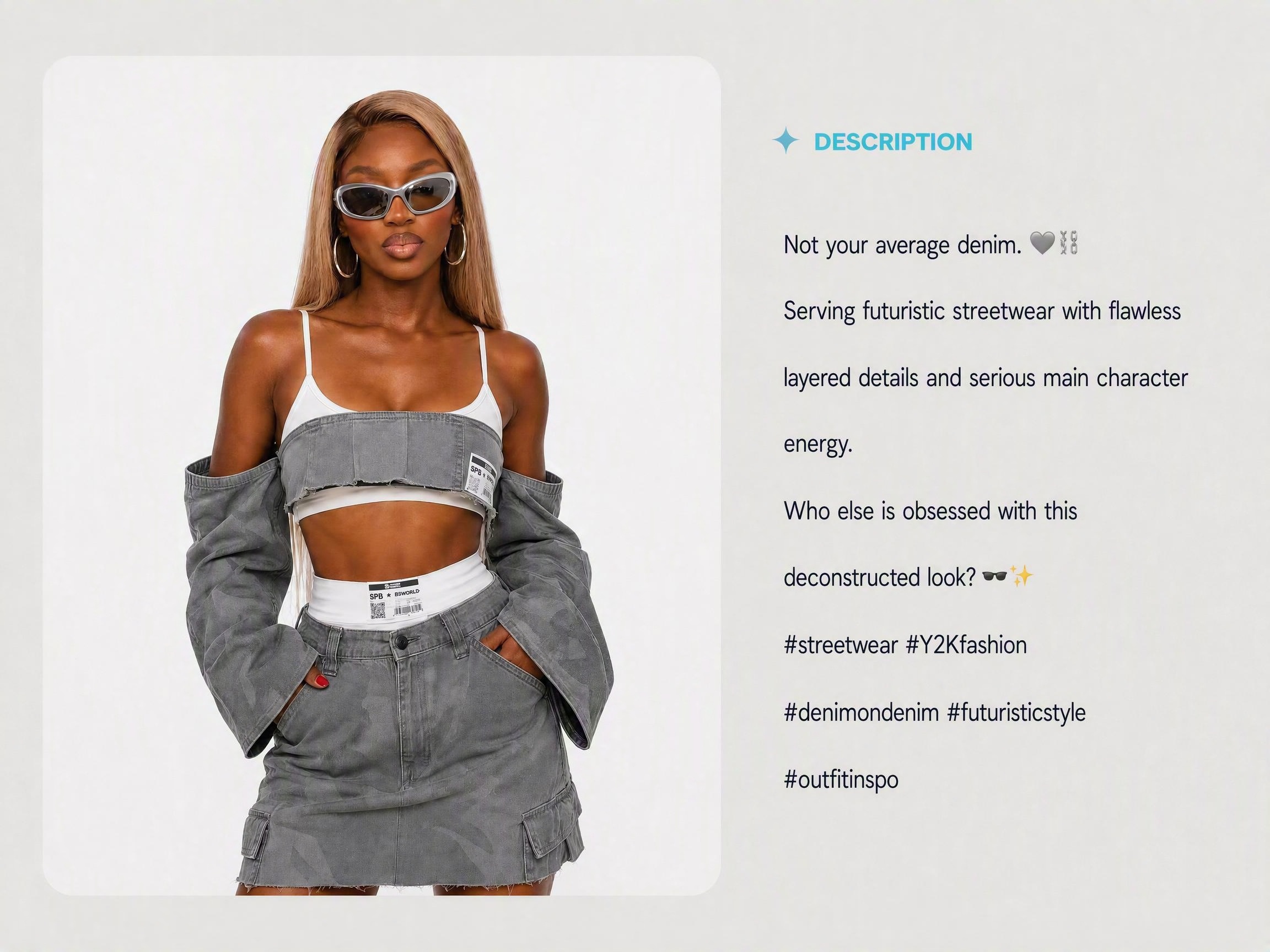
Modetexte und Visuals in Koozee erstellen
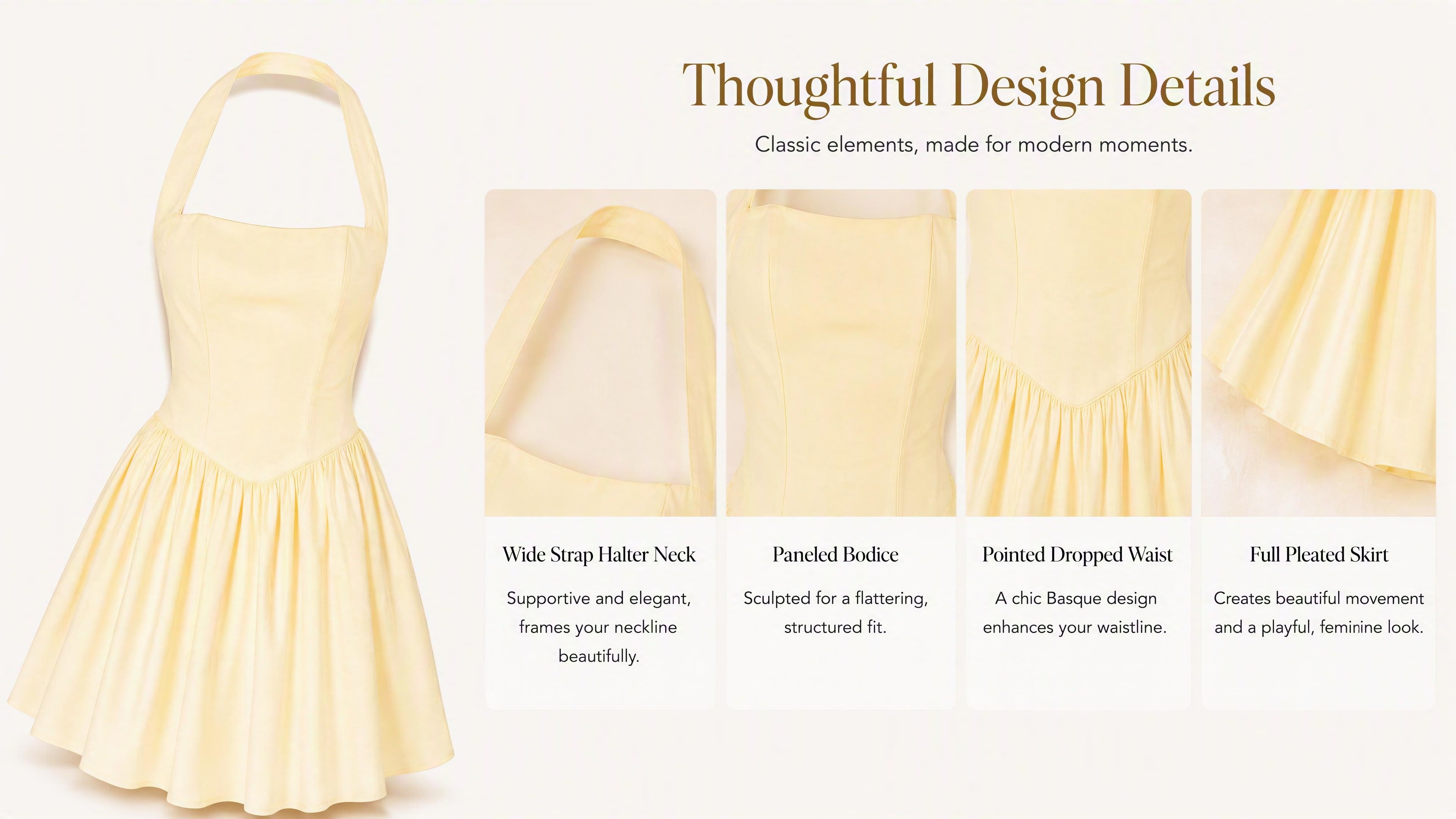
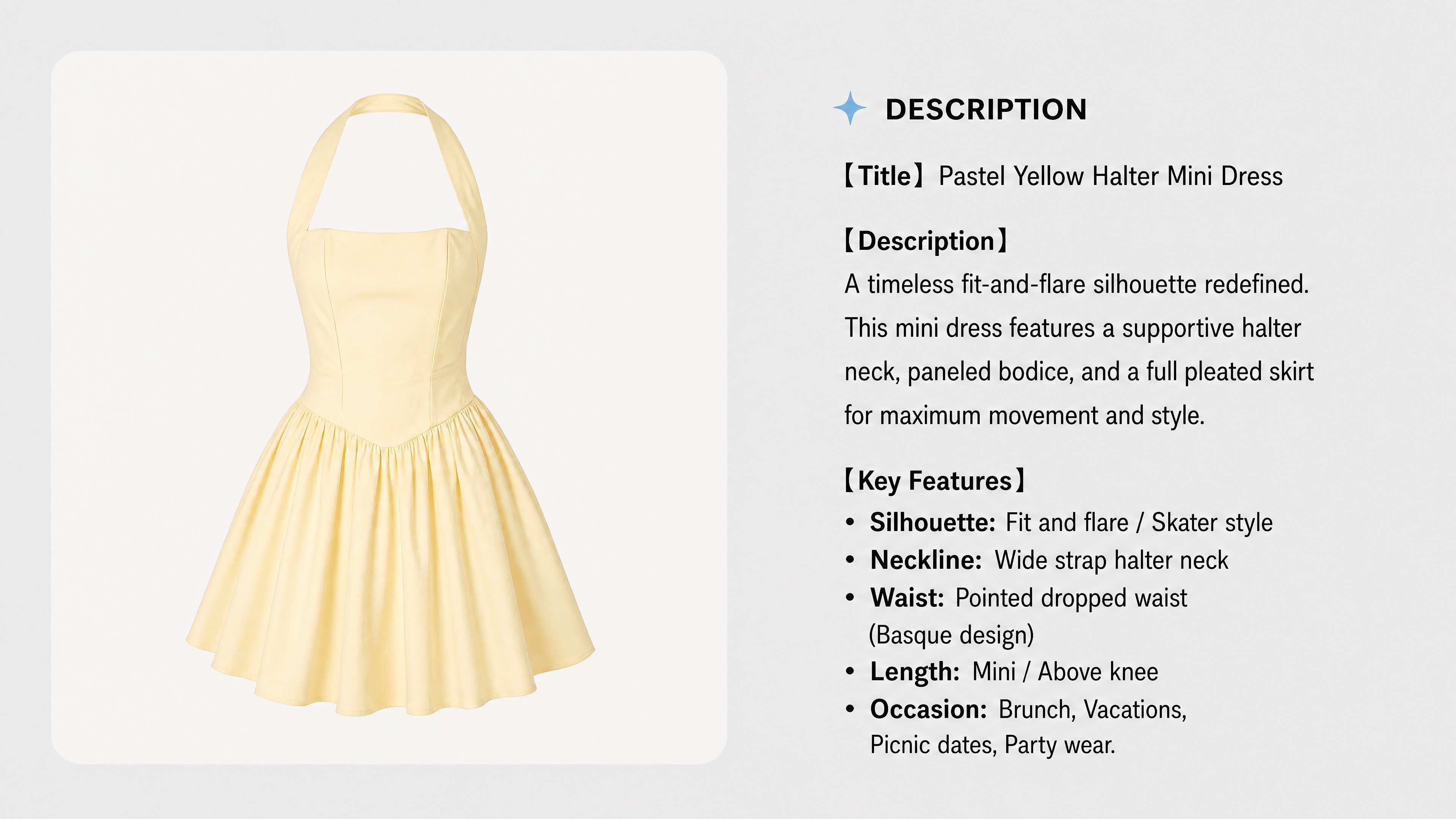
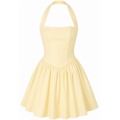
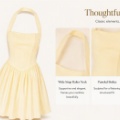
Modetexte in 3 einfachen Schritten erstellen
Prompt-Generierung öffnen
Öffnen Sie die Prompt-Generierung in Koozee, wählen Sie Gemini aus und beginnen Sie, Ihr Modebild zu beschreiben.
Ein Modebild hochladen
Laden Sie ein Produktfoto, ein Modelfoto oder ein Outfitbild hoch. Achten Sie darauf, dass die Kleidung und die Details, die Sie beschreiben möchten, deutlich sichtbar sind.
Textauftrag eingeben und erstellen
Wählen Sie den Text, den Sie erstellen möchten – von Kleidungsbeschreibungen und Plakatüberschriften bis zu Social Captions, Alt-Texten und SEO-Texten. Ergänzen Sie Kleidungsdetails und Anforderungen, um Inhalte zu erhalten, die auf Ihre Bedürfnisse zugeschnitten sind.
Häufig gestellte Fragen
Kann ich eine Kleidungsbeschreibung allein aus einem Bild erstellen?
Kann Koozee Alt-Texte für Modebilder erstellen?
Ja. Koozee erstellt prägnante Alt-Texte, die die wichtigsten Details eines Modebildes beschreiben. Passen Sie sie an die Rolle des Bildes auf der Seite an.
Kann ich Tonalität und Länge wählen?
Ja. Teilen Sie Koozee Ihre Markenstimme, den Einsatzort des Textes und die gewünschte Länge mit. Verfeinern Sie das Ergebnis mit Ihren Kleidungsdetails.
Weniger schreiben. Modeinhalte einfacher erstellen.
Erstellen Sie Kleidungsbeschreibungen, Plakattexte und Social Captions. Bringen Sie Ihr nächstes Produktlisting oder Ihre nächste Kampagne voran.