Copy Pose AI für bessere Modefotos
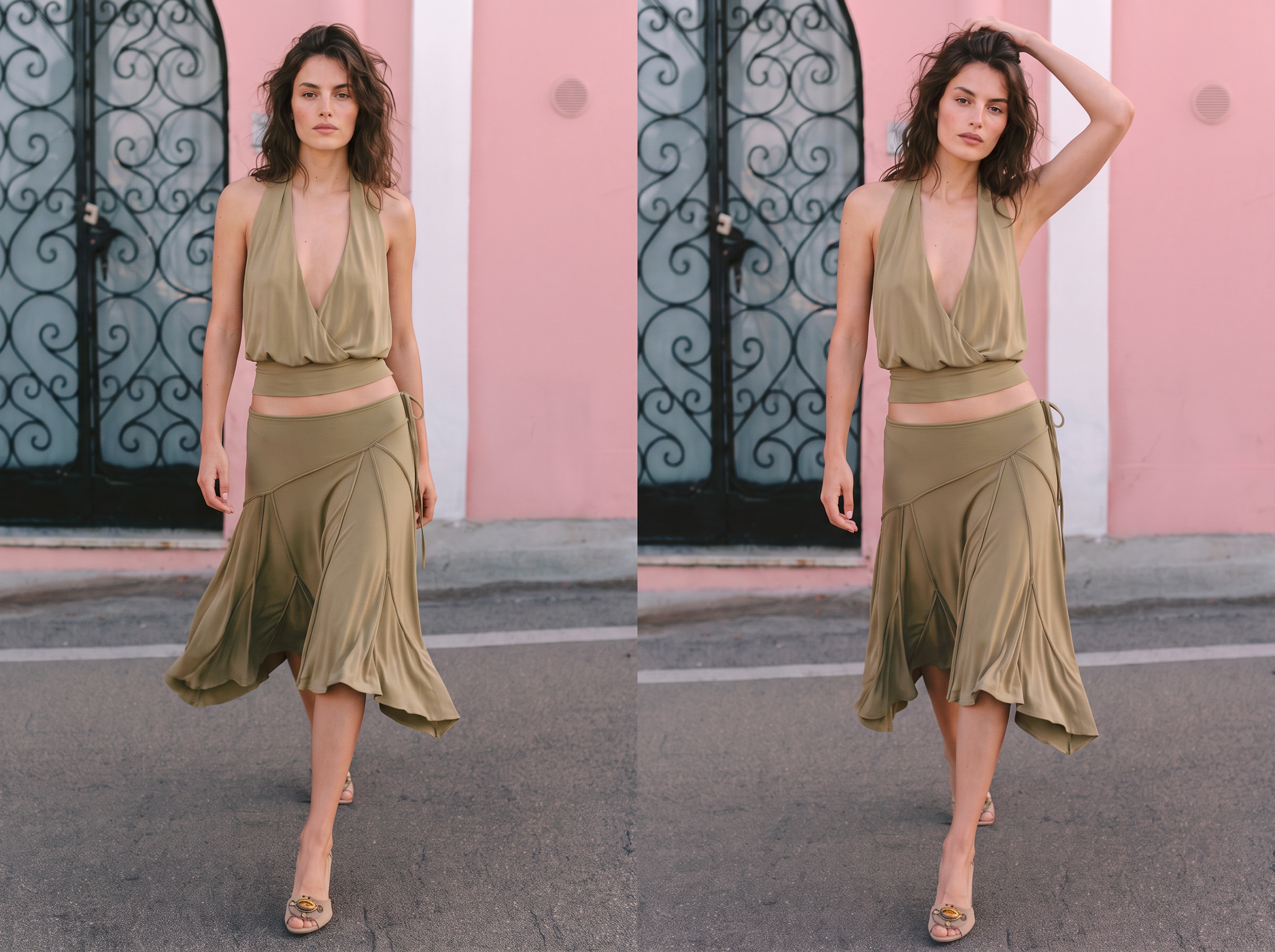
Kein Bild? Probieren Sie eines davon:
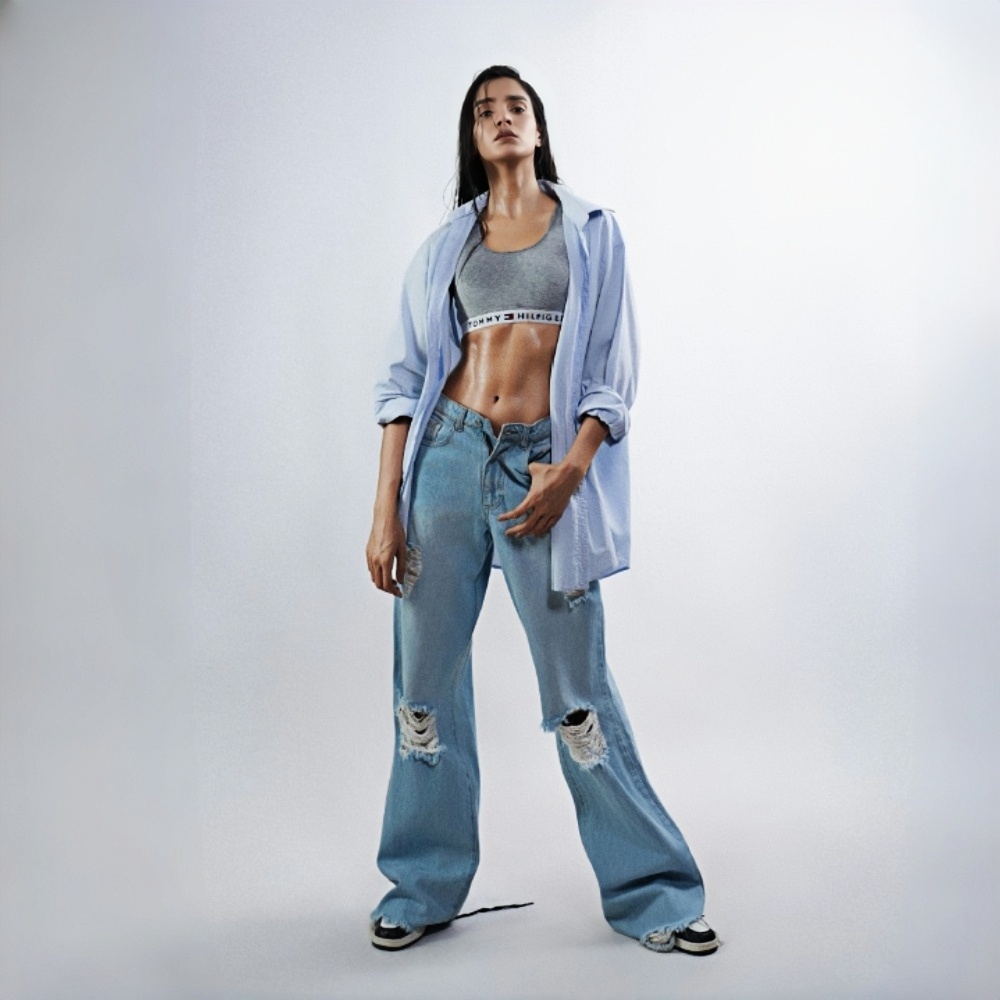
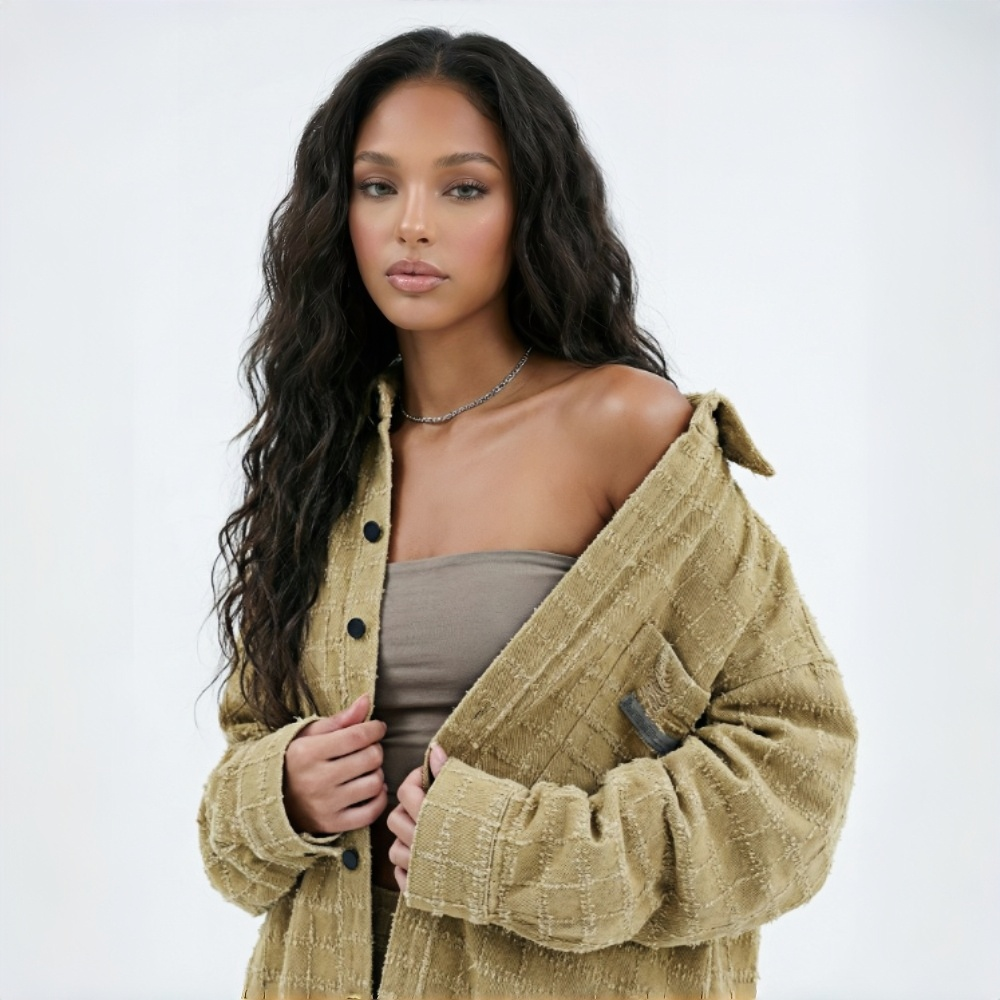
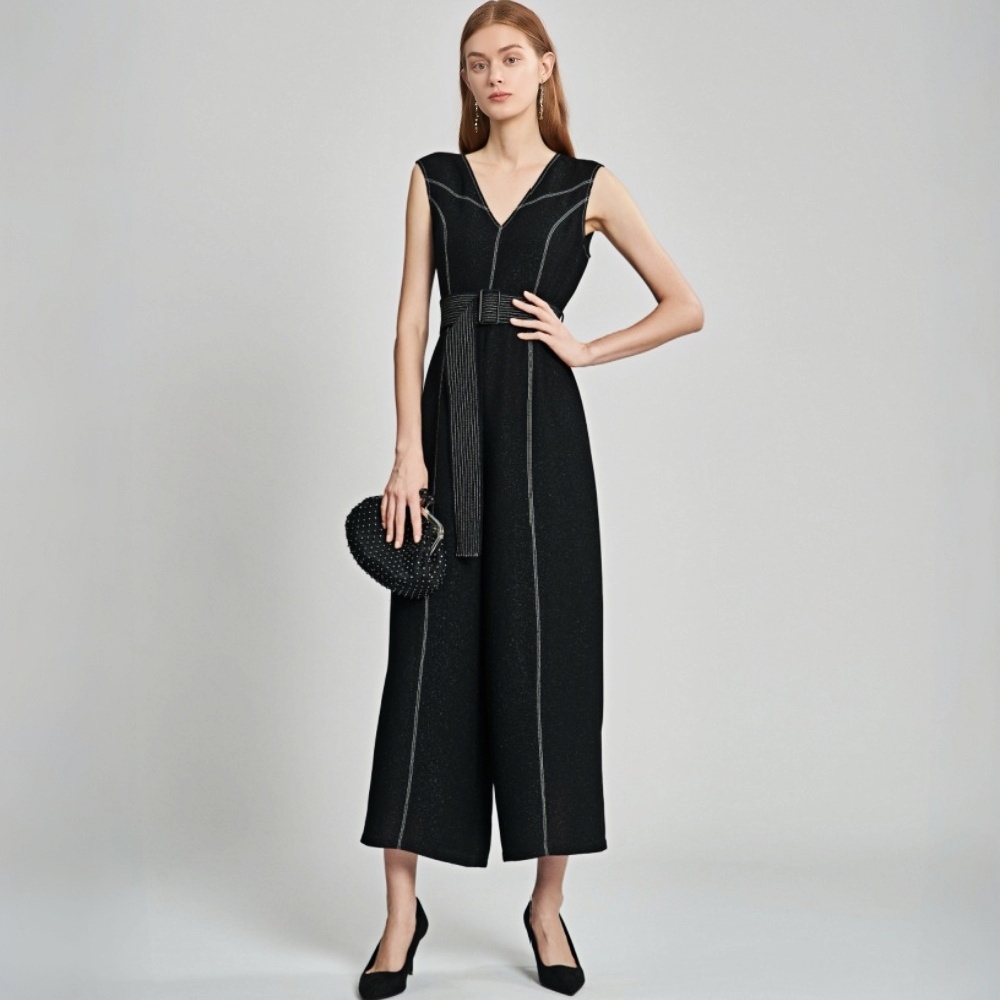
Referenzposen für Mode nutzen
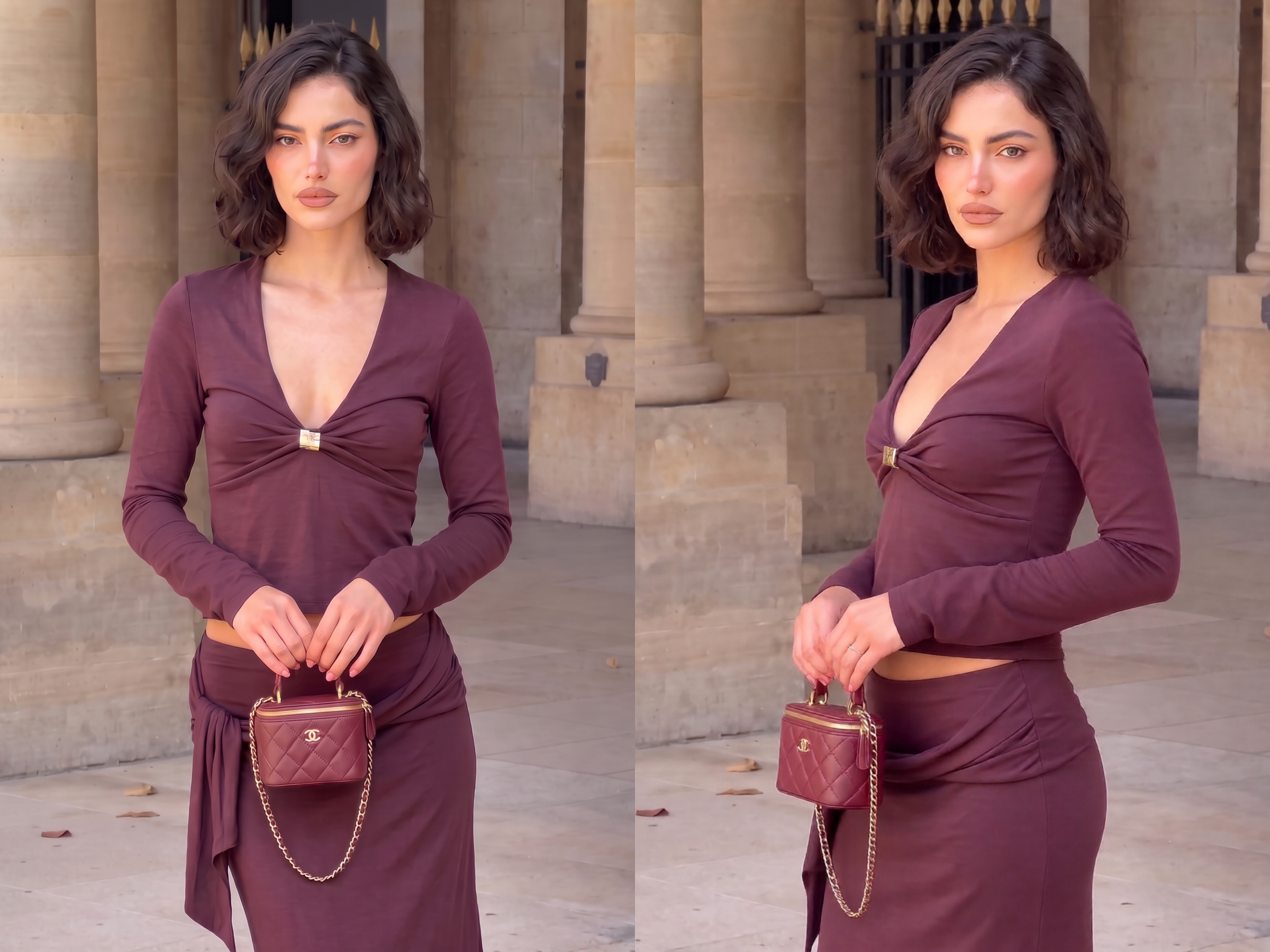
Jedes Kleidungsstück in mehr Posen zeigen
Wählen Sie Posen, die Form und Details eines Kleidungsstücks zeigen, und erstellen Sie neue Model-Fotos aus einem bereits vorhandenen Bild. Ergänzen Sie Ihre Produktseite um weitere hilfreiche Ansichten, ohne für jede Pose ein Fotoshooting zu buchen.
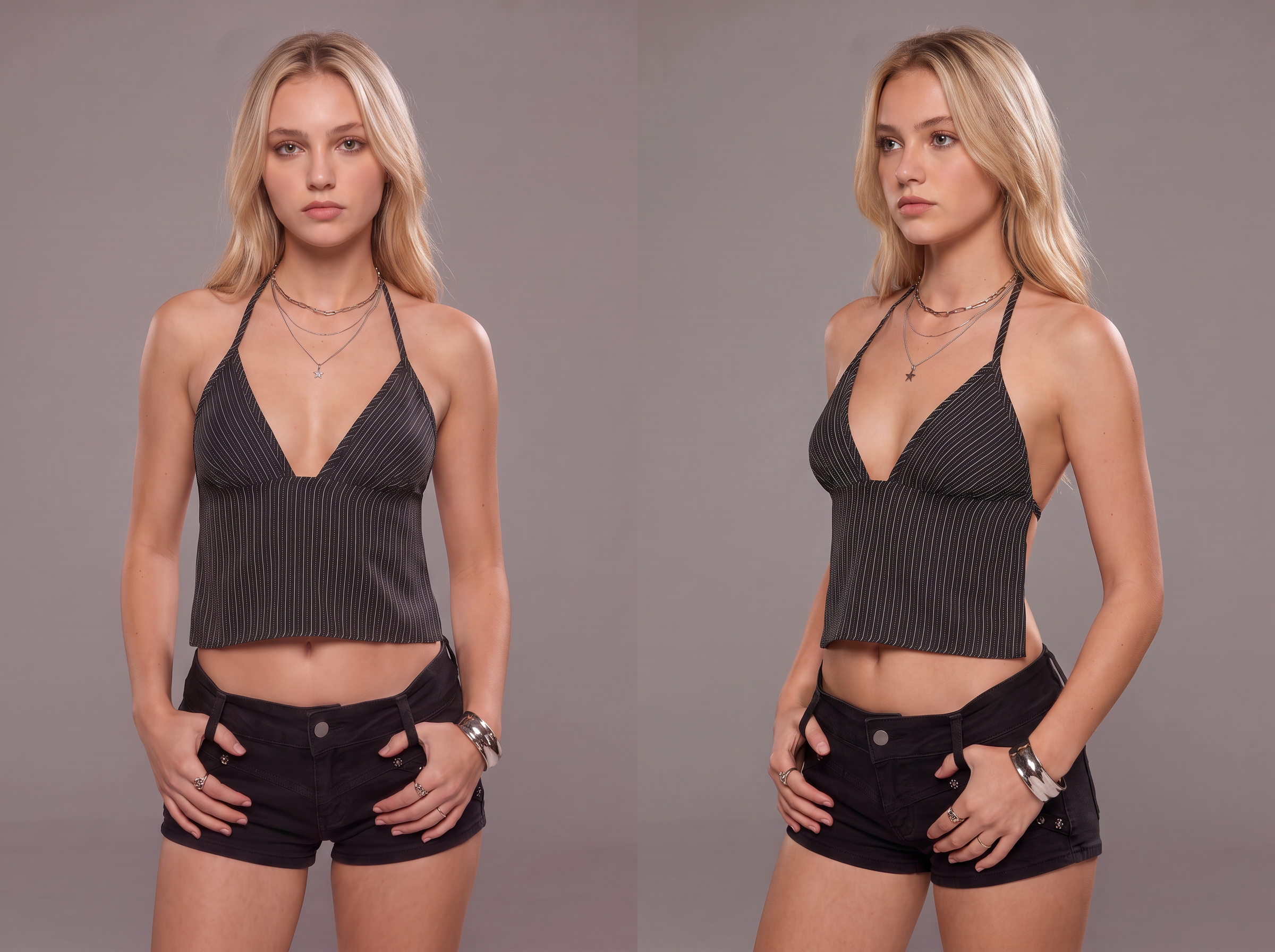
Pose kopieren. Besseres Modefoto finden.
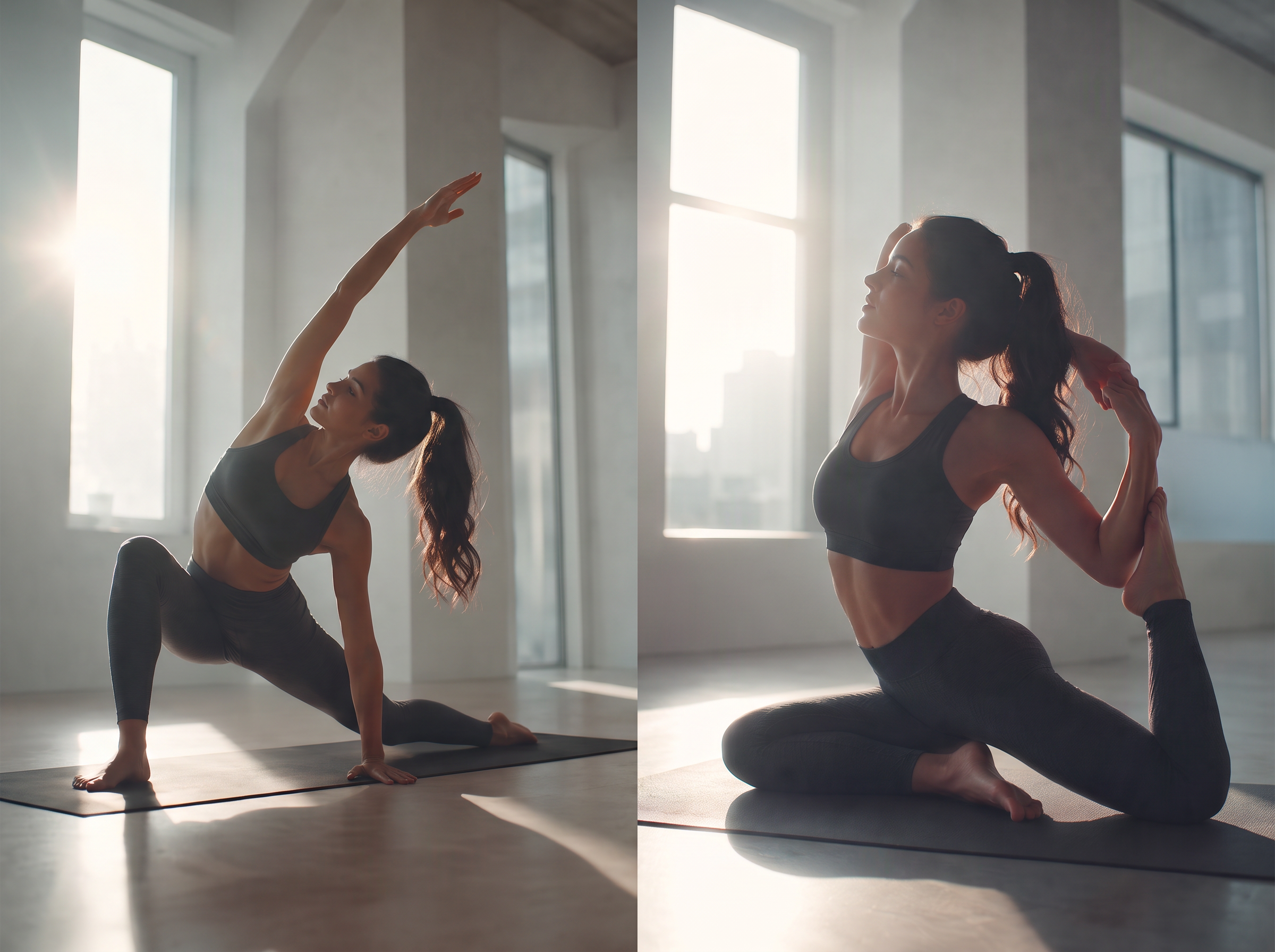
Eine große Auswahl an Posen kopieren
Der verbesserte Posenwechsler unterstützt ausdrucksstarke Bewegungen über verschiedene Bekleidungskategorien hinweg. Laden Sie eine Posenreferenz hoch, und Koozee bildet die Bewegung bei Ihrem Model nach, während Farbe, Textur und Form des Kleidungsstücks möglichst erhalten bleiben. Die neue Pose und das Outfit bleiben Ihren Ausgangsbildern treu.
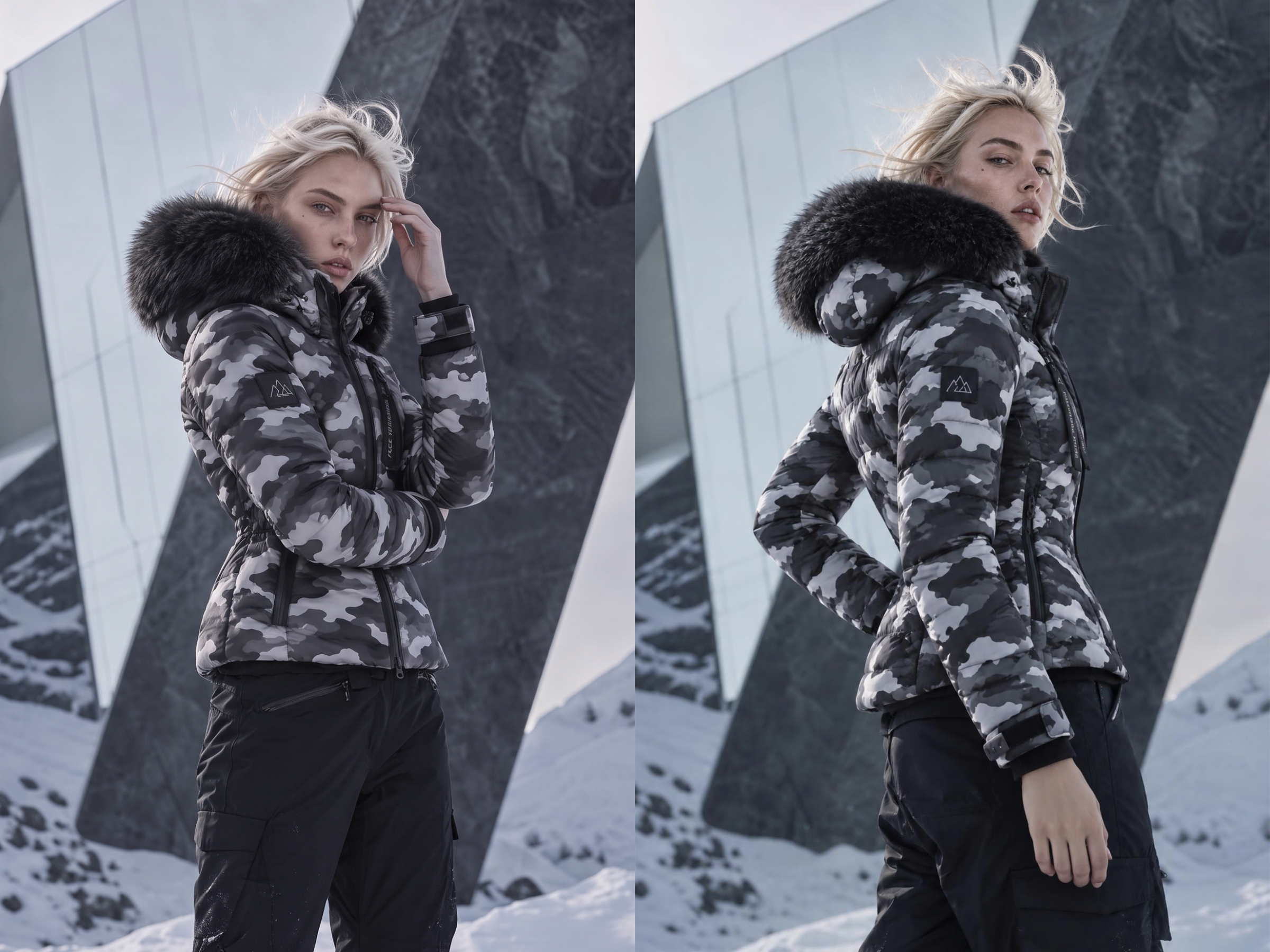
Wählen Sie eine Pose, die das Kleidungsstück zeigt
Stellen Sie eine ausdrucksstarke Modepose nach: Zeigen Sie mit einer Drehung, wie sich ein Rock bewegt, oder betonen Sie mit einer Seitenpose die Taille. Passen Sie die Referenz an das Kleidungsstück an, geben Sie Käuferinnen und Käufern einen besseren Einblick und fördern Sie Konversionen.
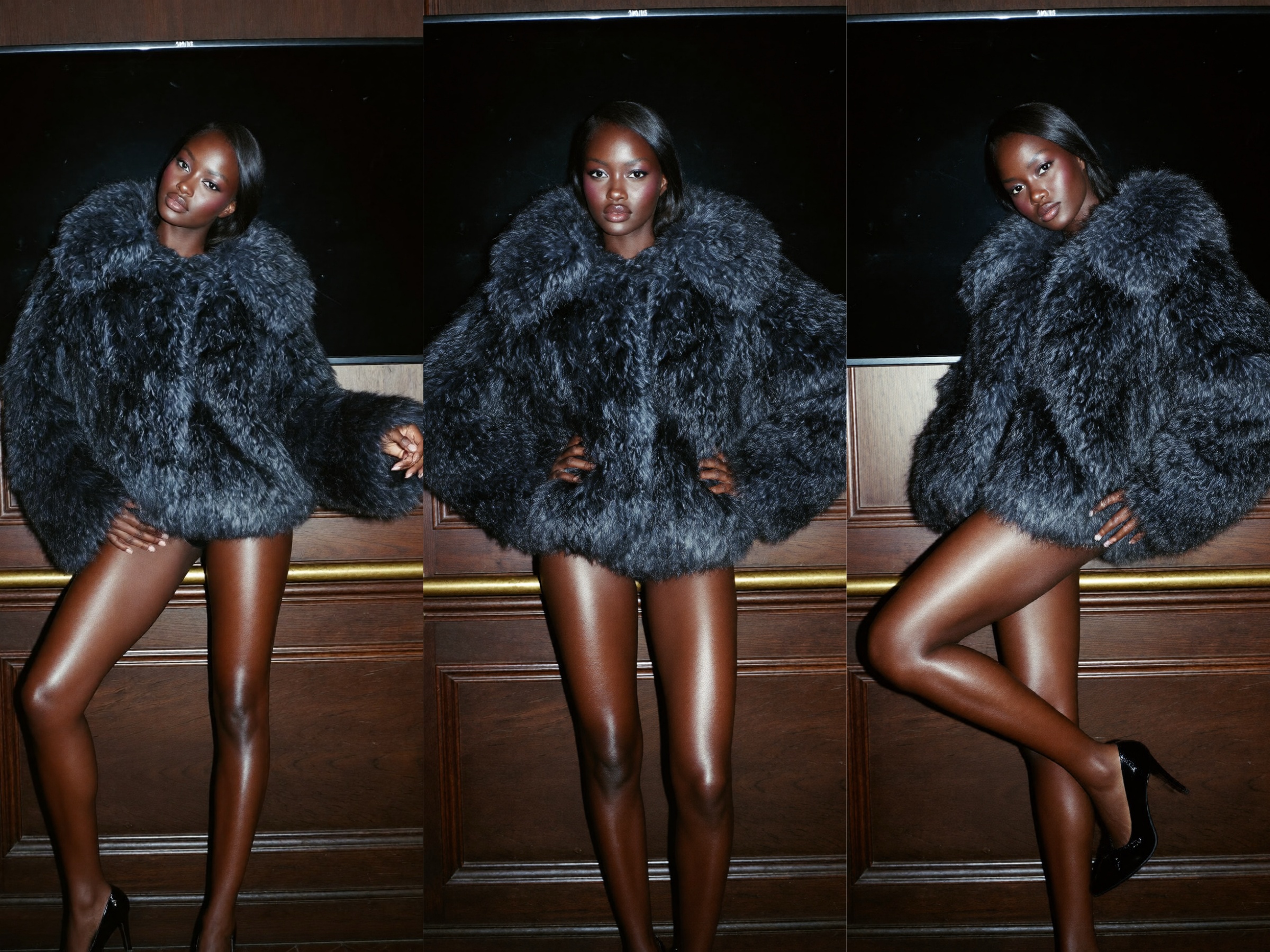
Mehrere Posen aus Referenzfotos kopieren
Fügen Sie einem Model-Foto mehrere Posenreferenzen hinzu. Koozee erstellt für jede Bewegung eine Variante und gibt Ihnen so eine Auswahl an Modebildern für Produktseiten, Social-Media-Beiträge oder Anzeigen.
Mehr aus Ihren vorhandenen Modefotos herausholen

Beginnen Sie mit einem vorhandenen Model-Foto, statt für jede Pose ein weiteres Shooting zu buchen. Ihr Team kann mehr Bildoptionen erstellen, ohne die Kosten jedes Shootings erneut aufzuwenden.
Zeigen Sie Passform, Details und wie ein Kleidungsstück am Körper aussieht. Klarere Bilder geben Käuferinnen und Käufern mehr Anhaltspunkte vor dem Kauf und Ihrem Team aussagekräftigere Bilder zum Testen.
Sobald Sie eine Posenreferenz haben, können Sie sie mit einem Foto ausprobieren, das Sie bereits besitzen. So kann Ihr Team Bilder für einen Launch oder eine Kampagne prüfen, ohne auf ein weiteres Shooting warten zu müssen.
Posen in Fotos in 3 einfachen Schritten ändern
Öffnen Sie den KI-Posenwechsler
Gehen Sie zu KOOZEE und öffnen Sie das Tool KI-Posenwechsler, um neue Model-Posen für Ihre Fotos zu erstellen.
Laden Sie Ihr Model-Foto hoch
Laden Sie das Model-Bild hoch, das Sie bearbeiten möchten. Die KI hält Gesicht, Outfit und Kleidungsdetails konsistent, während sie die Pose im Bild verändert.
Posen-Referenzbilder hochladen
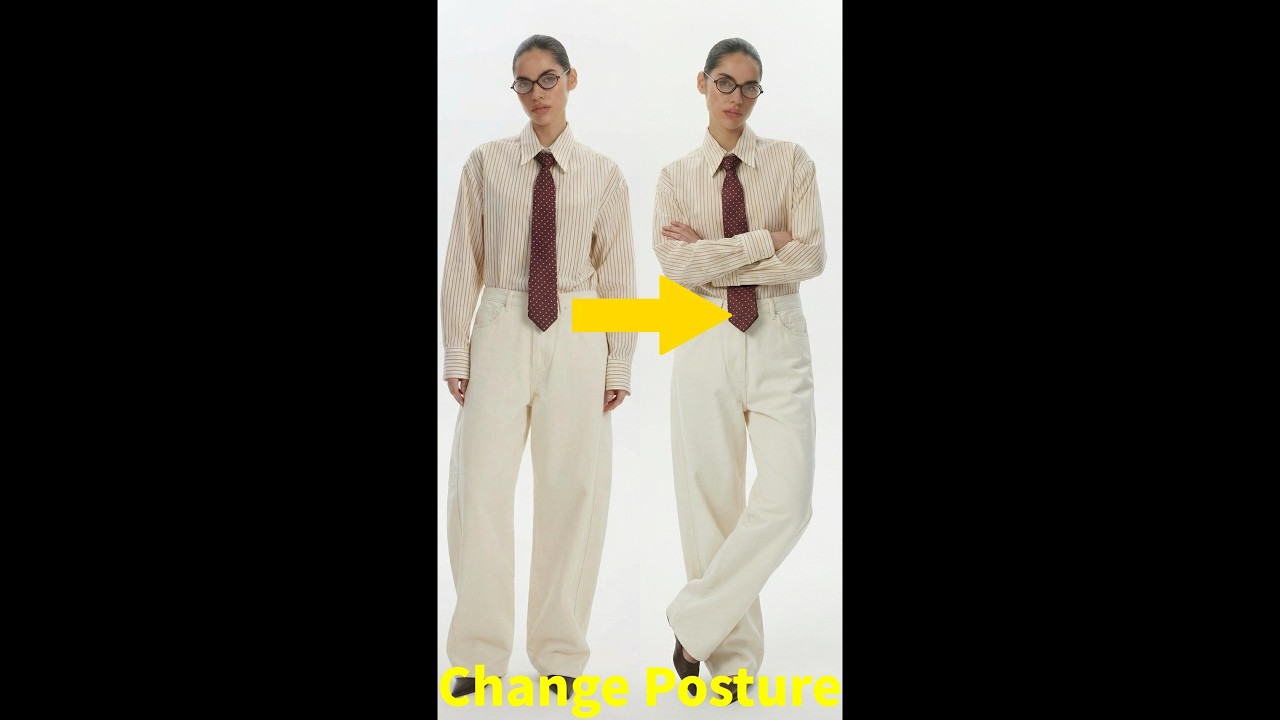
Laden Sie bis zu fünf Referenzbilder mit verschiedenen Model-Posen hoch. KOOZEE nutzt KI zur Posenübertragung, um die ursprüngliche Pose durch jede Referenzpose zu ersetzen und in Sekunden neue Mode-Model-Fotos zu erstellen.
Häufig gestellte Fragen
Was bedeutet es, eine Referenzpose zu kopieren?
Kann ich jede Pose als Referenz verwenden?
Ja. Das aktualisierte Koozee-Tool unterstützt größere Bewegungen. Verwenden Sie ein klares Foto mit wenigen Verdeckungen, damit Sie das Ergebnis besser prüfen können.
Kann ich mehrere Posen gleichzeitig erstellen?
Ja. Laden Sie ein Model-Foto und mehrere Posenreferenzen hoch, um mehrere Varianten in einem Durchgang zu erstellen.
Bleiben die Kleidungsdetails exakt gleich?
Koozee zielt darauf ab, die ursprüngliche Farbe, Textur und Form zu bewahren. Prüfen Sie die Kleidungsdetails und die von stärkeren Bewegungen betroffenen Bereiche, bevor Sie das Bild verwenden.
Eine Pose finden, die Ihr Kleidungsstück besser zeigt
Bringen Sie ein Model-Foto und eine Posenreferenz mit. Testen Sie neue Bewegungen und wählen Sie dann das Bild aus, das das Kleidungsstück so zeigt, wie Sie es wünschen.