Remove Backgrounds in Bulk—Process Multiple Images at Once
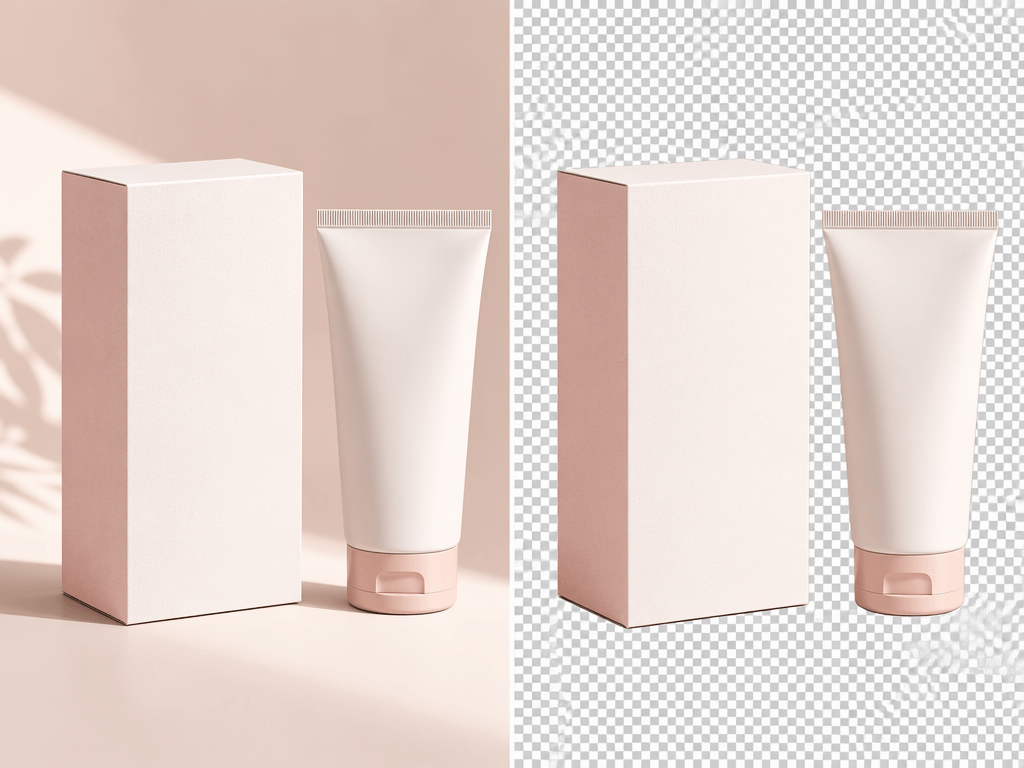



One Batch, One Workflow. Less Repetitive Editing.
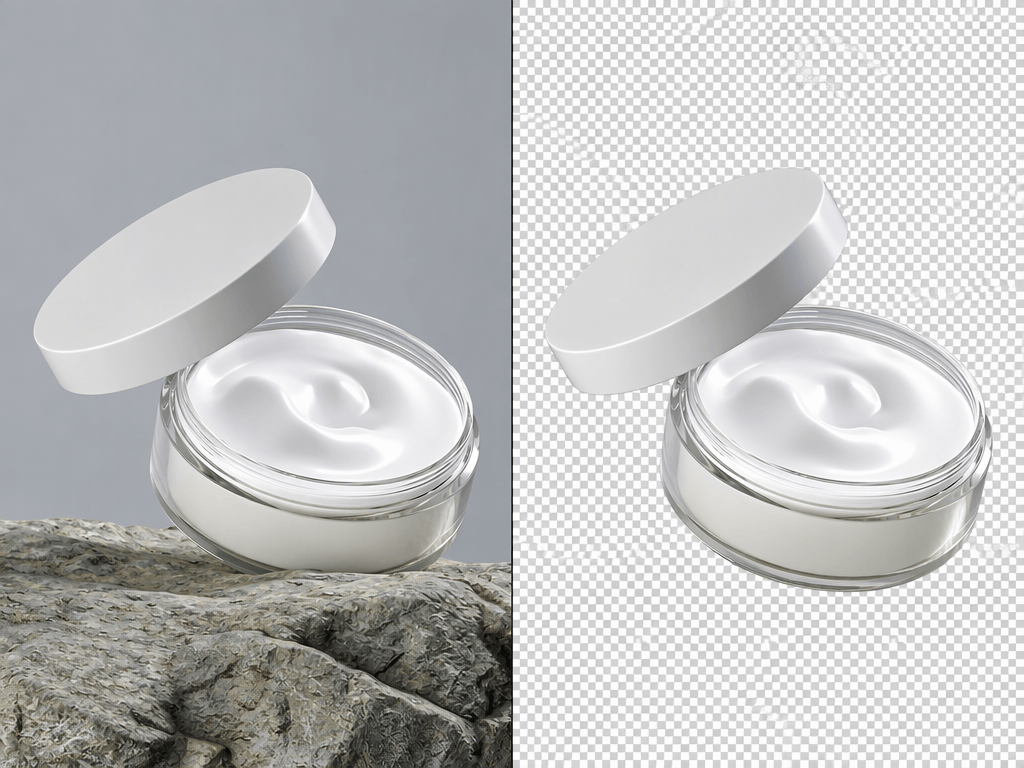
Process Product Photos in Bulk and Prepare Listings Faster
Preparing new product listings often means editing dozens of product photos. Processing them individually adds repetitive work to your workflow. Upload multiple product images to Koozee, let AI remove their backgrounds, and download the results together. Get product catalogs, detail pages, and marketplace visuals ready with fewer manual steps.
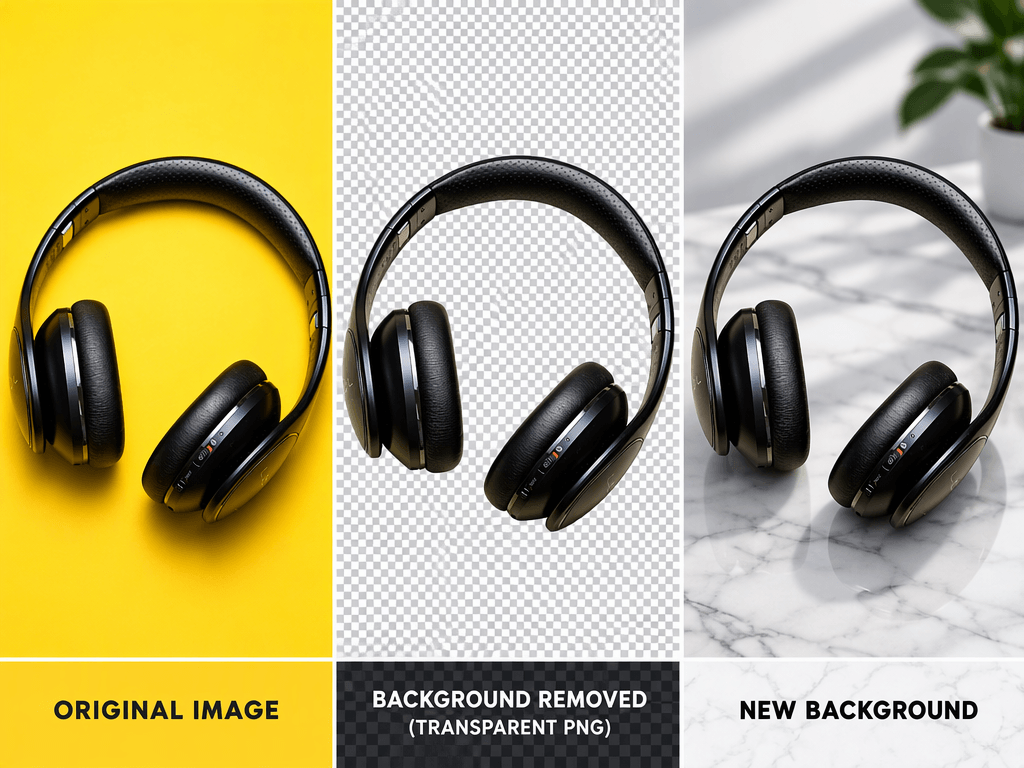
From Batch Upload to ZIP Download, Simplify Background Removal
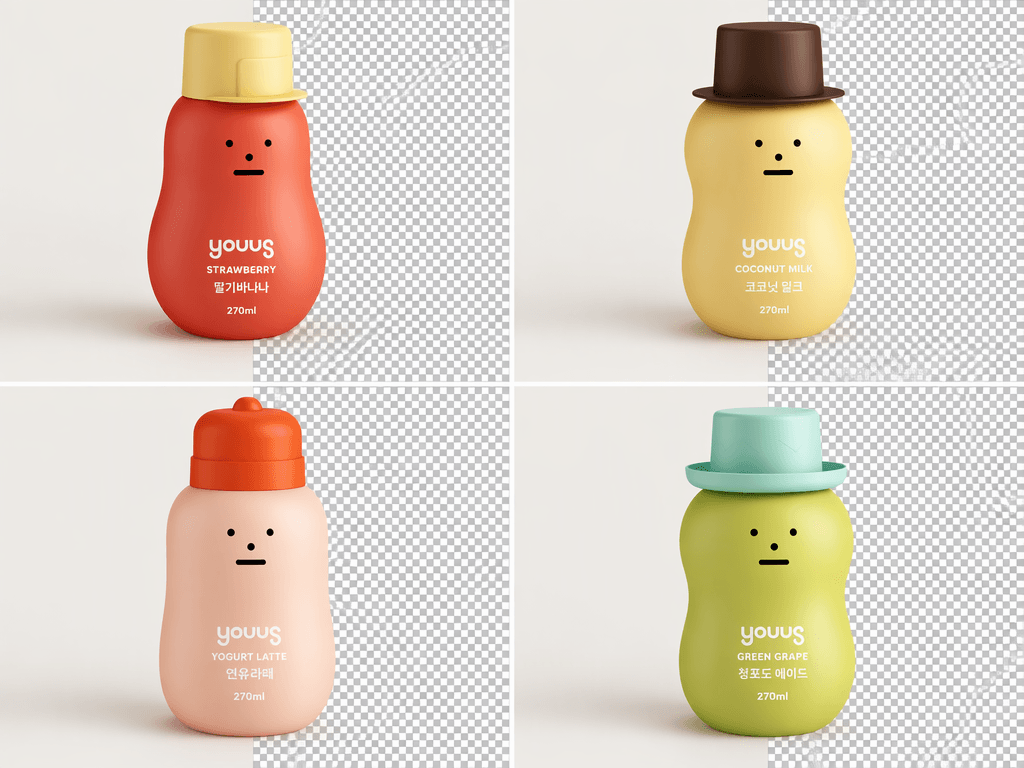
Upload Multiple Images and Remove Backgrounds with AI
No need to upload images one by one or repeat the same background removal steps. Koozee supports batch uploads and uses AI to automatically detect subjects and remove backgrounds across multiple images. Whether you're working with product photos or a collection of design assets, process them in one workflow with less repetitive work.
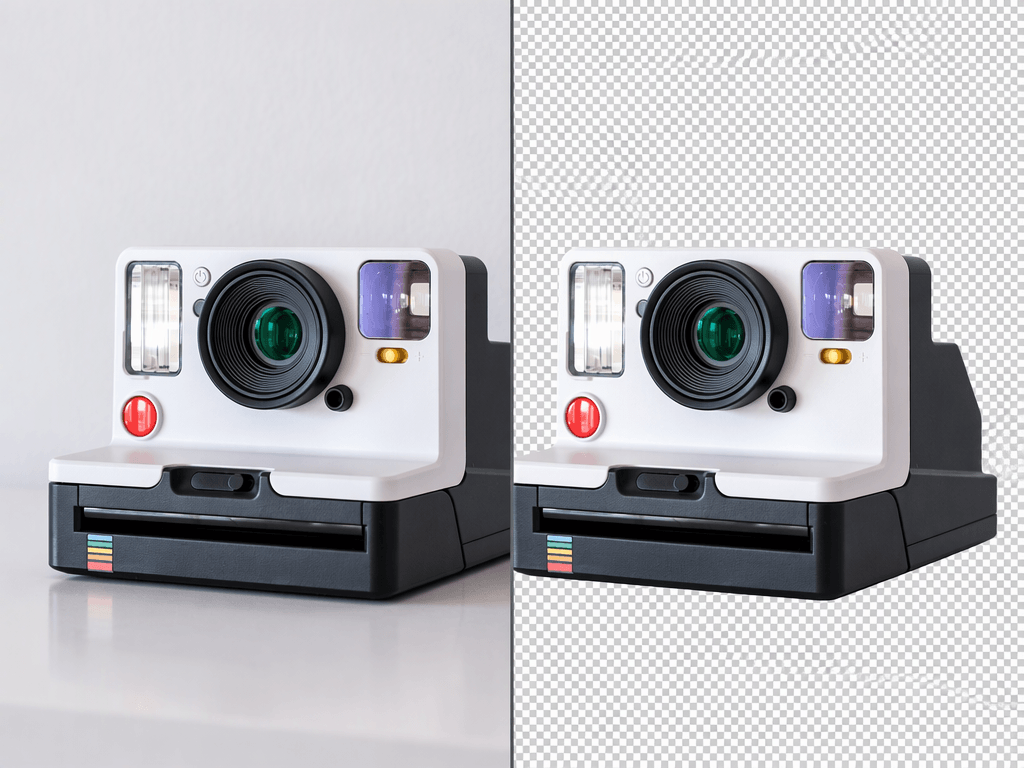
Edit Individual Images Within a Batch
Batch processing doesn't mean every image has to follow the exact same editing outcome. If an individual image needs attention, you can edit it separately within the batch. Combine the efficiency of bulk processing with the flexibility to review and adjust individual results when needed.
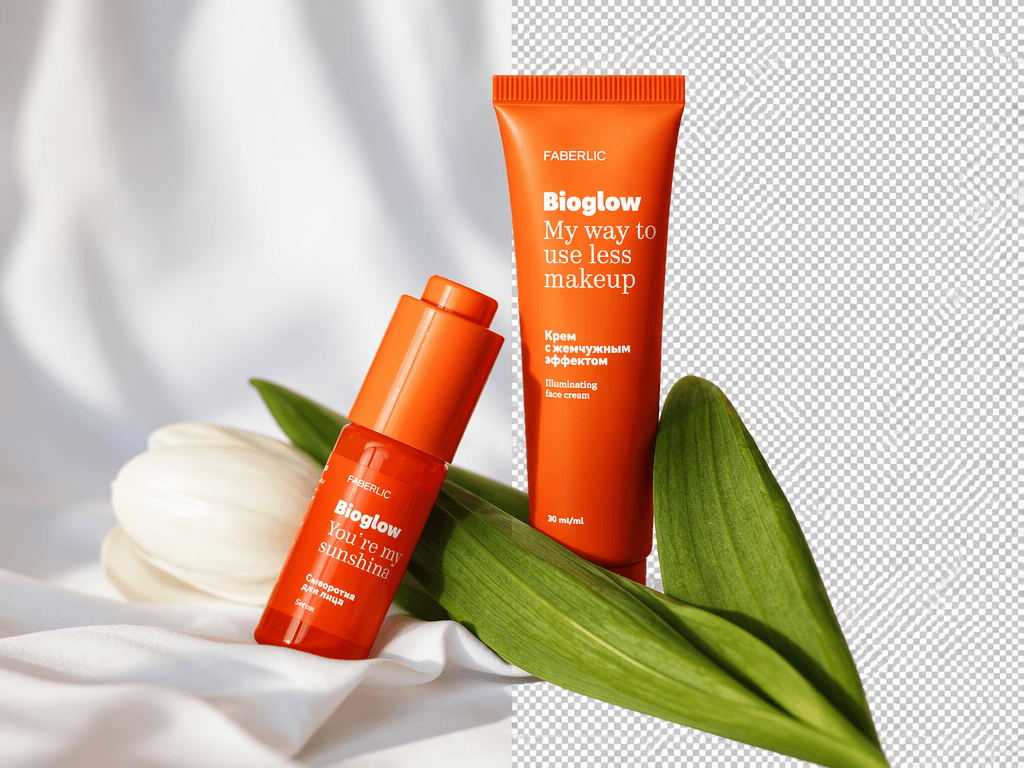
Flexible Export Options
Choose the right output for your next task. Transparent PNG files are ready for product visuals, ads, and design layouts, while layered PSD files give you more flexibility for further retouching and compositing in Photoshop. For batch tasks, download your completed images together in a ZIP file instead of saving and organizing each file individually.
Make Large-Scale Image Editing Easier
Spend less time on repetitive background removal and prepare images faster for catalogs, ads, and design projects.
Review and refine individual images after batch processing to get better results across your image collection.
Whether you need ready-to-use transparent images or files for further editing, choose an export format that fits your workflow.
Remove Backgrounds from Multiple Images in 3 Steps
Step 1: Upload Multiple Images
Select and upload multiple product photos, portraits, or other image assets to start your batch.
Step 2: Remove Backgrounds with AI
Koozee AI automatically detects the main subject in each image and removes its background. You can also edit individual images within the batch when needed.
Step 3: Download Your Results
After processing, download transparent PNG or layered PSD files, and save your batch results together in a ZIP package for easier access and use.
FAQs
What types of images can I process with a bulk background remover?
Is bulk background removal suitable for e-commerce product photos?
Yes. Koozee can remove backgrounds from multiple product photos at once, helping sellers prepare consistent visuals for product catalogs, online stores, product pages, and marketing materials.
Can I download multiple background-removed images as a ZIP file?
Yes. Koozee lets you download completed batch results in a ZIP package. This saves you from downloading each processed image separately and makes it easier to organize your image assets.
Can I edit an individual image after batch background removal?
Yes. Koozee supports individual image editing within a batch. If a particular result needs further adjustment, you can edit that image separately without giving up the efficiency of the batch workflow.
What export formats are available for batch background removal?
Koozee Background Remover supports transparent PNG and layered PSD exports. Transparent PNG files are suitable for product visuals, ads, and design assets, while layered PSD files allow further editing and compositing in Photoshop. Completed batch results can also be downloaded in a ZIP package.
Simplify Image Prep with Bulk Background Removal
Remove backgrounds from multiple images at once with Koozee. Get clean visuals ready for product listings, ads, and design projects.