Connect Shopify and Generate Clothing Product Photos and Videos
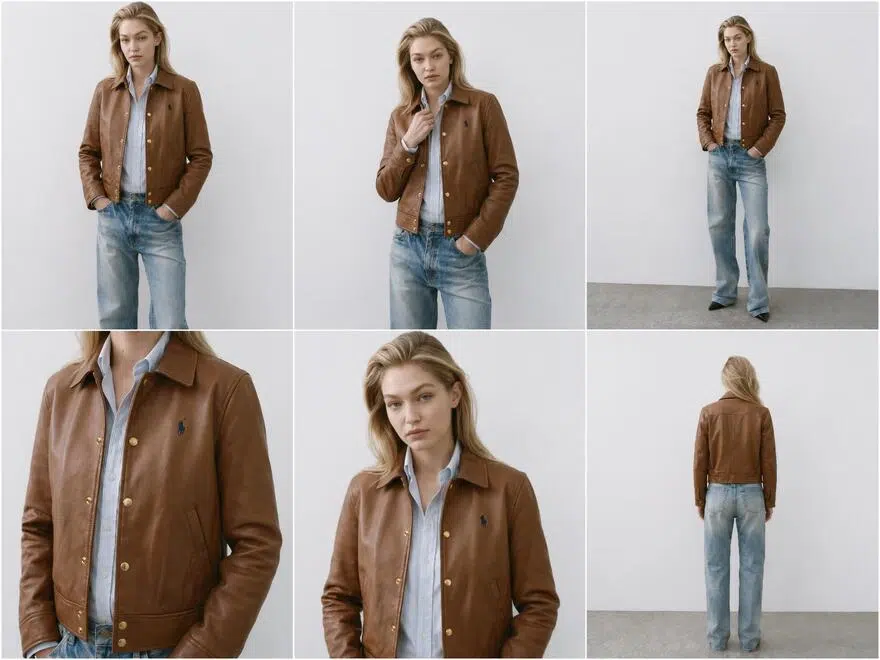
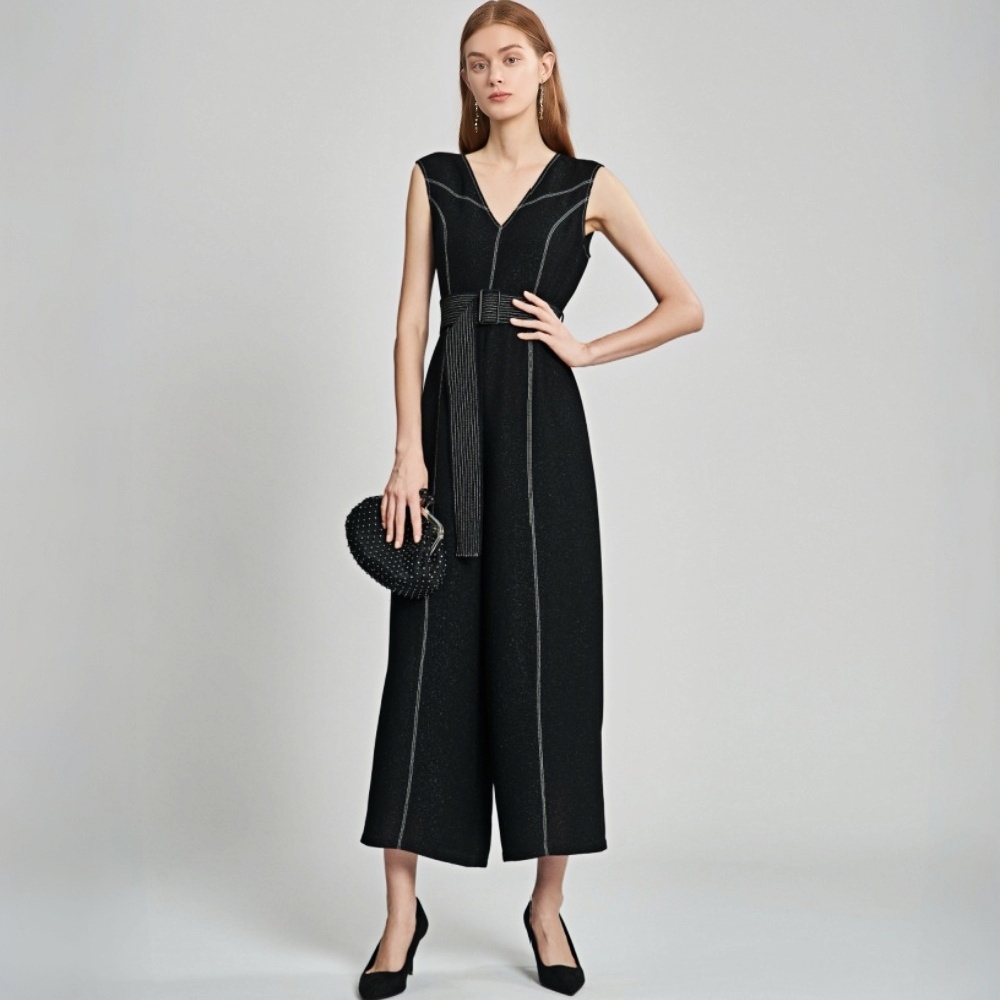
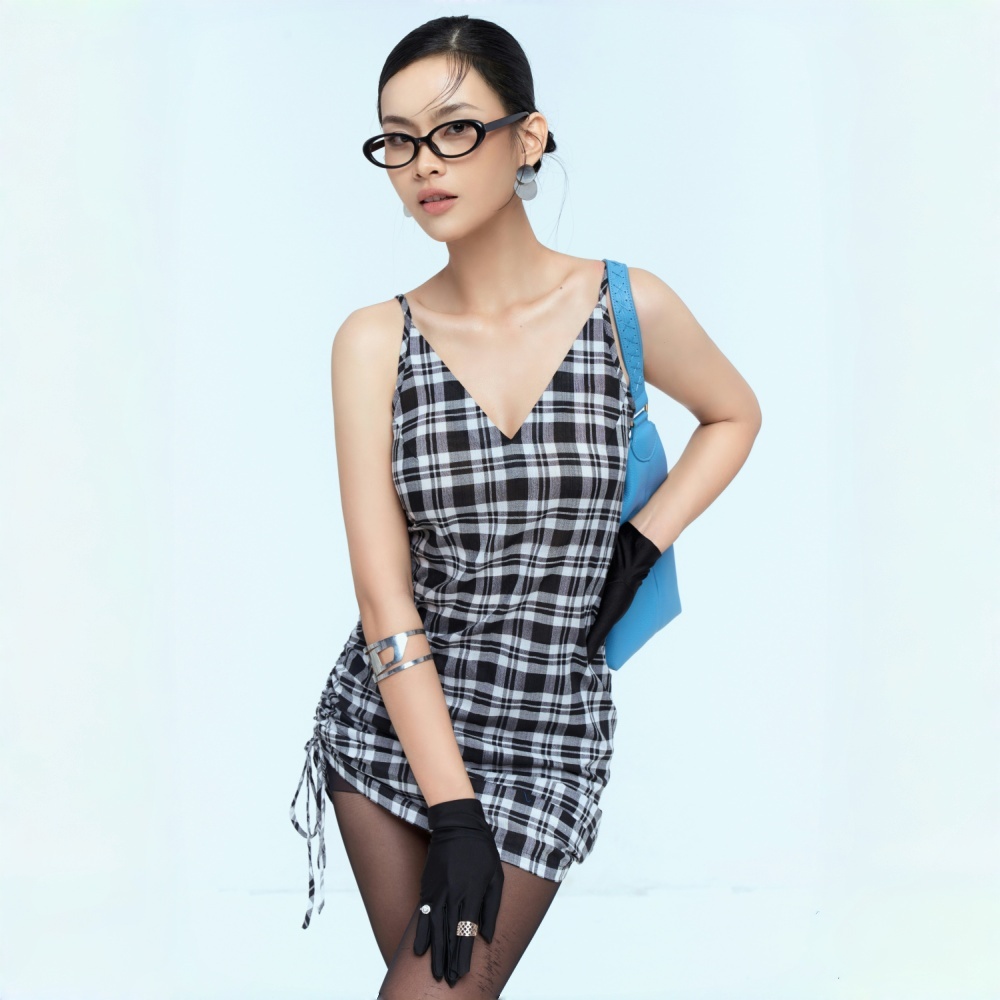
Built for Shopify Clothing Content Tasks
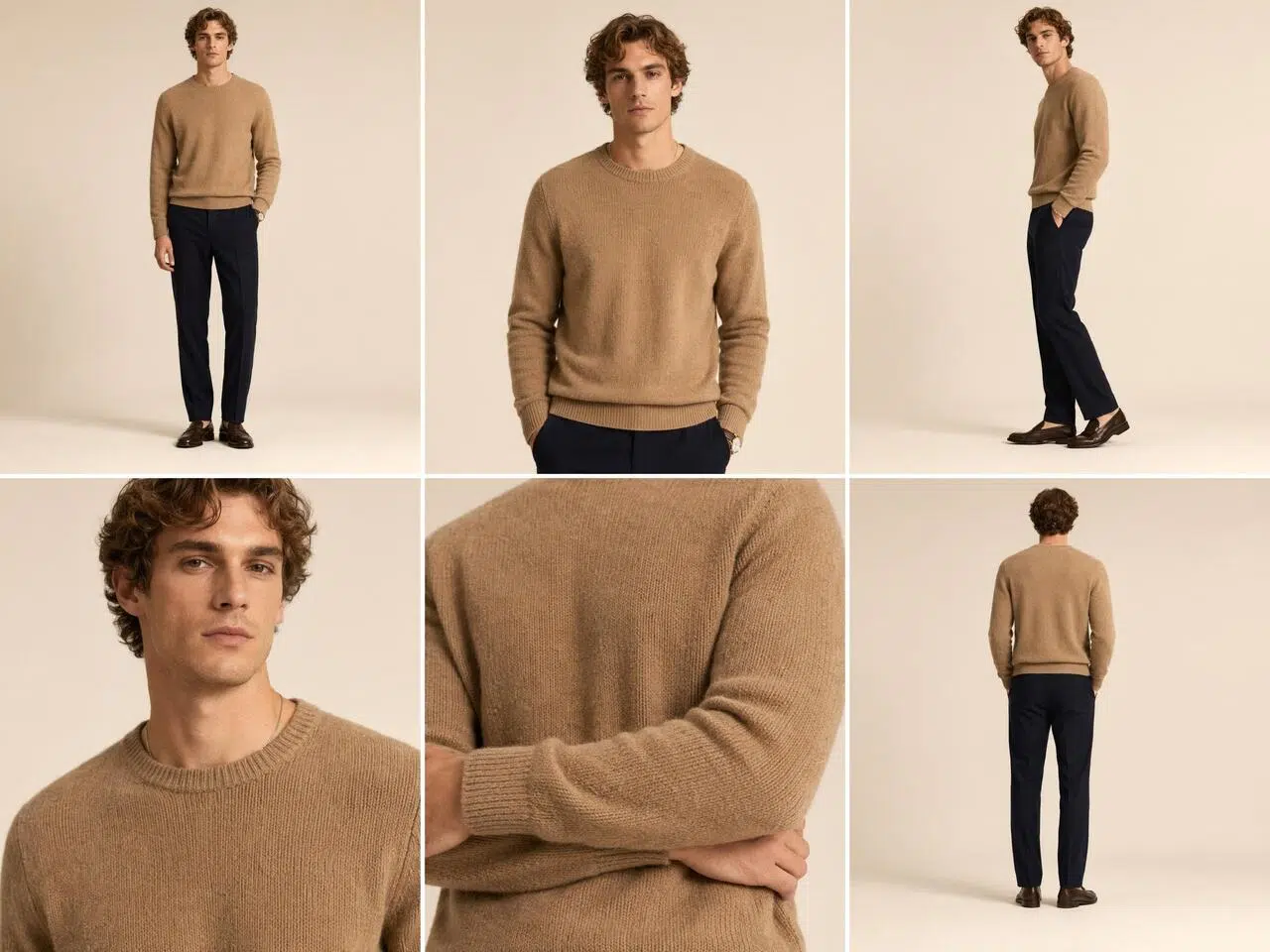
Get Model Photos, Flat Lays, and Videos Ready Before You Launch
After creating a new product, most sellers only have a few garment photos or supplier images. Once you connect Shopify, you can find new products directly in your product list, open the workspace, upload images or reuse existing ones, and generate model photo sets, standard flat lays, and ghost mannequin images. You can also add product videos without downloading images from Shopify and moving them to another tool.
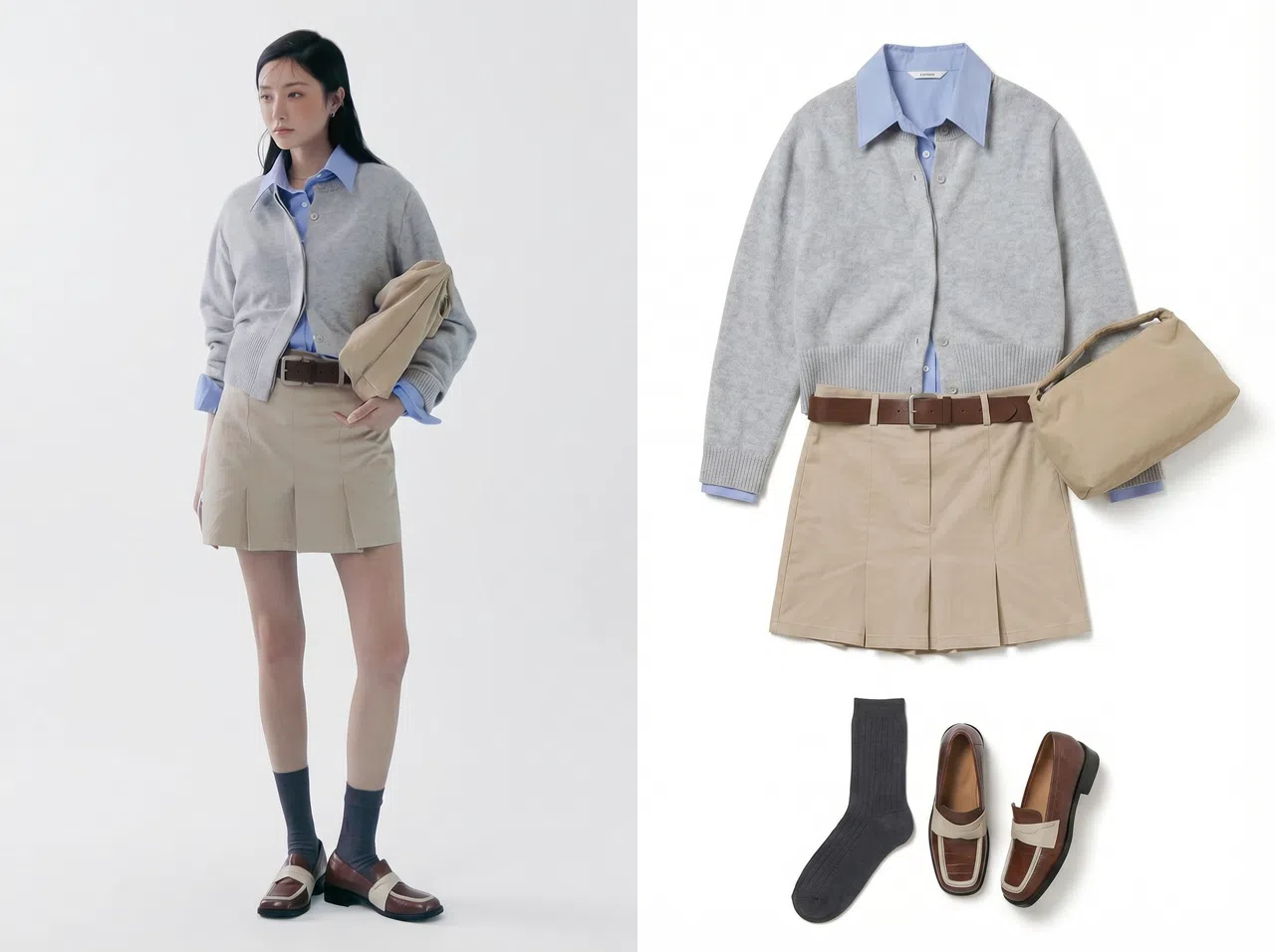
From Shopify Products to Ready-to-Publish Clothing Content
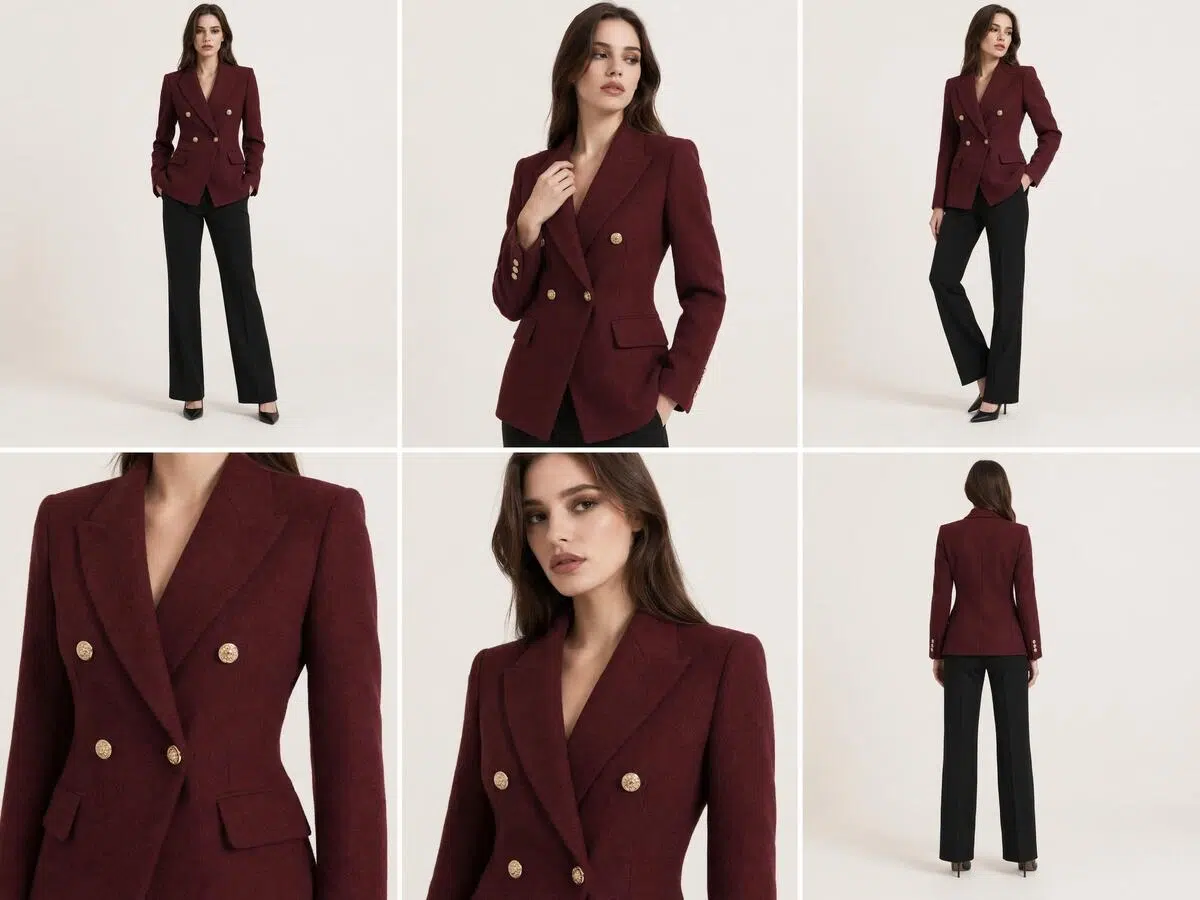
Generate and Publish Content Directly on Your Shopify Products
Once you connect Shopify, your products, collections, status, and existing images sync automatically. Open the workspace for any product to generate new content. When you are happy with the results, publish manually to that product. No need to download, rename, or sort files by SKU. Your original images are never overwritten automatically.
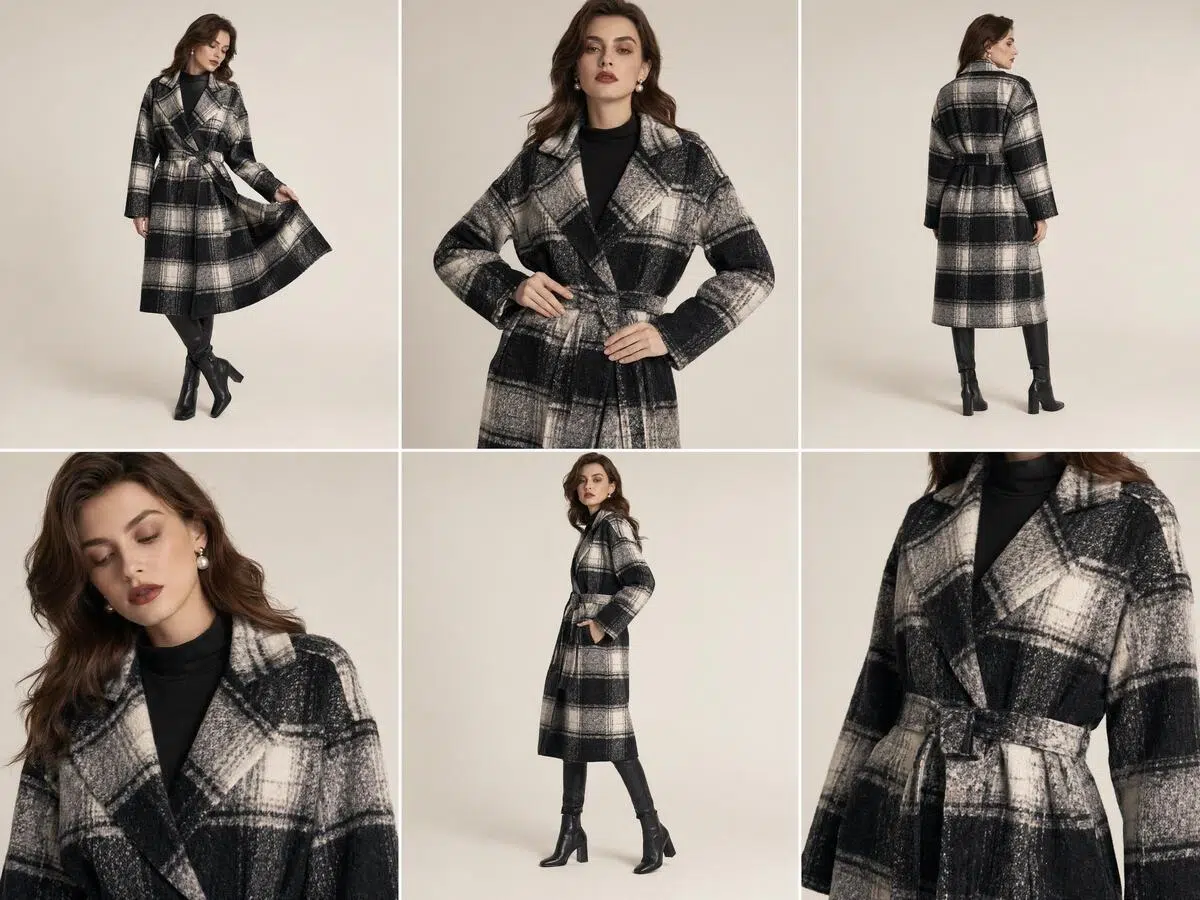
Upload a Garment Image and Generate a Model Photo Set
Upload a garment image and add details such as style, fabric, fit, and look. Koozee generates model photo sets ready for clothing product pages. Works for new product launches, filling in missing product photos, and refreshing existing visuals.
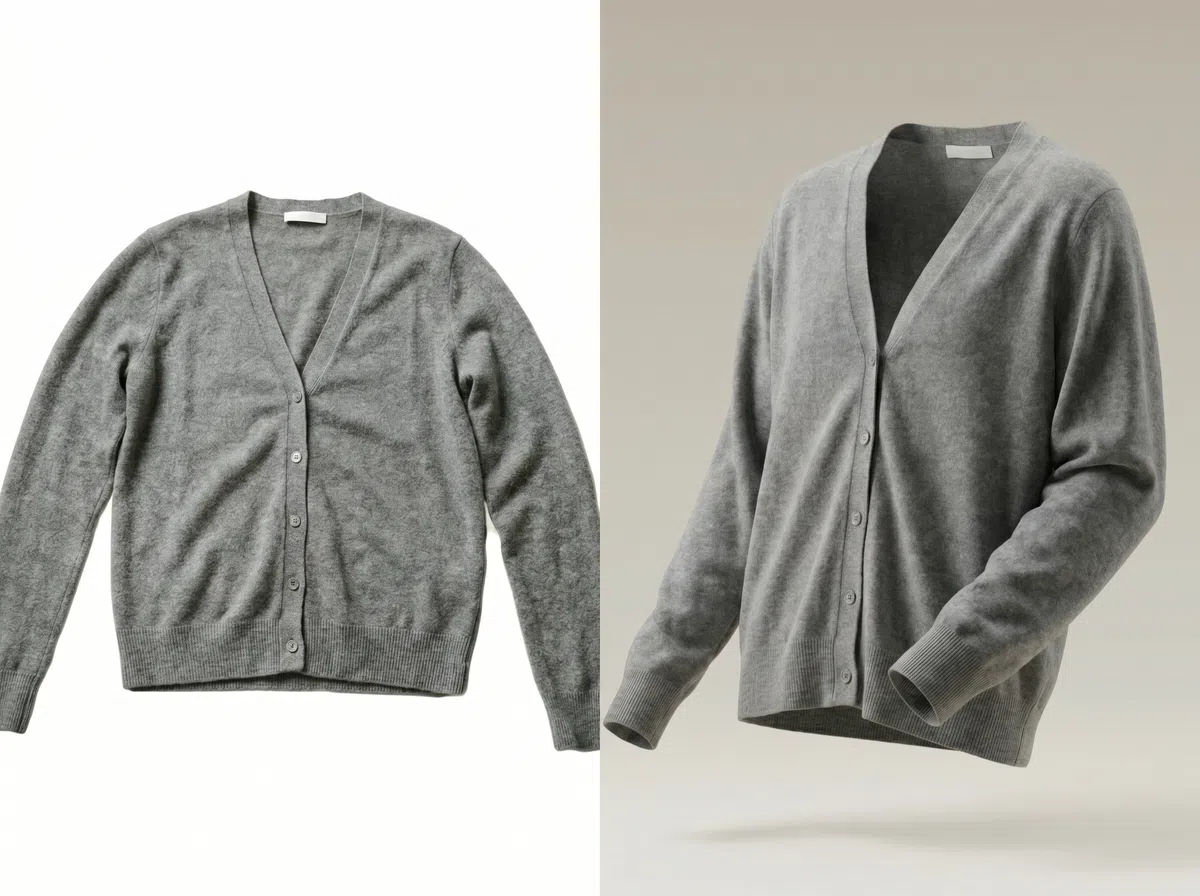
Generate Flat Lay and Ghost Mannequin Images
Koozee generates front and back flat lay images for product main photos and detail pages. Flat lays can also be used to create ghost mannequin images that show garment structure and fit, reducing the need for live model shoots.
Turn Model Photos into Clothing Product Videos
Generate clothing product videos from model photos to add video content to your Shopify product pages, ad campaigns, and social media. Built for clothing sellers who want richer product visuals without a video shoot.
Why Koozee Works Better for Shopify Clothing Sellers
Koozee connects directly to your Shopify products and existing images. No downloading, renaming, or re-uploading. Each product has its own workspace where original images, new uploads, and generated content are all in one place.

Traditional shoots require models, photographers, locations, and editing. Costs grow with your SKU count. Koozee generates product content from existing garment images, which can significantly reduce shooting and editing costs for restocking and new launch workflows.
Koozee is designed around clothing listing needs. It supports model photo sets, flat lays, ghost mannequin images, and product videos. It is not a general-purpose AI image tool.
3 Steps to Generate Shopify Clothing Product Content
Connect Shopify
Authorize Koozee to connect to your Shopify store. Your products, collections, product status, and existing images sync automatically.
Pick a Product and Generate
Choose a product from your list and open the workspace. Reuse existing images or upload new ones to generate model photo sets, flat lays, ghost mannequin images, or product videos.
Preview and Publish
Review the generated results. Select the content you want and publish it manually to the matching Shopify product. Nothing is published or replaced without your confirmation.
FAQ
How Is Koozee Different from a Regular AI Image Tool?
What Does Koozee Read After I Connect Shopify?
Koozee reads your products, collections, product status, and product images based on your Shopify authorization. This is used to display your product list, open workspaces, and reuse existing images. The exact permissions are shown on the Shopify authorization page.
Can I Publish Directly to Shopify?
Yes. After generating images or videos, you can preview the results and publish manually to Shopify when you are ready. Koozee does not automatically replace or publish any content without your confirmation.
Does Koozee Support Batch Generation for Multiple Products?
Batch generation across multiple products is not supported right now. You can filter by collection and product status to quickly find the products that need new content, then open each one individually in the workspace.
What Types of Clothing Content Can I Generate?
Koozee currently supports model photo sets, front and back flat lays, ghost mannequin images, and dynamic product videos. You can also use Nano Banana Pro to generate background images, lifestyle shots, and creative visuals for clothing products.
Will Generating New Images Affect My Original Images?
No. Think of your product images as a source library. Using them to generate new content does not change the originals. Generated results are saved as new content and require your manual confirmation before anything is published.
Are My Previous Results Saved?
Yes. Uploaded images and generated results are cached so you can review, reuse, or continue working on them later.
How Does Koozee Charge?
Koozee runs on a credit system. Different image and video features use different amounts of credits. You can also choose a membership plan for more credits or additional benefits. Credit usage is shown before you generate.
Test Koozee on One Shopify Product First
Connect Shopify, pick one product, and try generating model photos, flat lays, ghost mannequin images, or videos for free. New users get free credits. No credit card needed. Credit usage is shown before you generate.
How Shopify Clothing Sellers Use Koozee
Real use cases from clothing sellers: less file moving, centralized content management, and faster product page completion.
No More Downloading and Re-uploading
"Before, I had to download product images from Shopify, process them in another tool, and upload everything again. Now I can go straight from the product into the workspace. The whole flow is much cleaner."
All Product Content in One Workspace
"Model photos, flat lays, and videos used to be spread across different tools. Now I can generate everything around one product in one place. It saves a lot of organizing time."
Easier to Find Products That Need New Photos
"We have a lot of products. Filtering by collection and status makes it much easier to find the ones that need new images. You still work on them one at a time, but it beats jumping between the Shopify back end and file folders."