Biến Phác Thảo Giày Thành Hình Ảnh
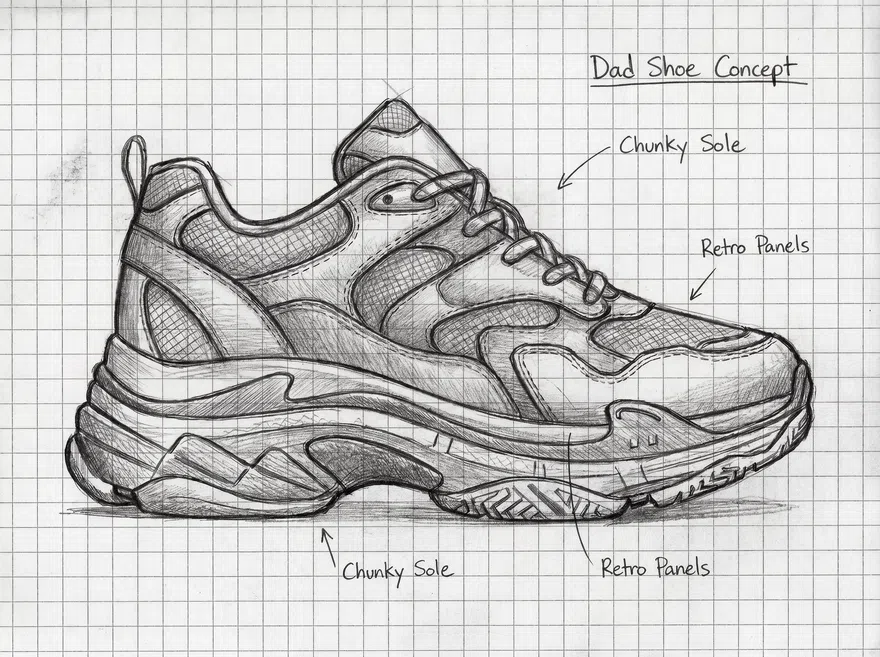
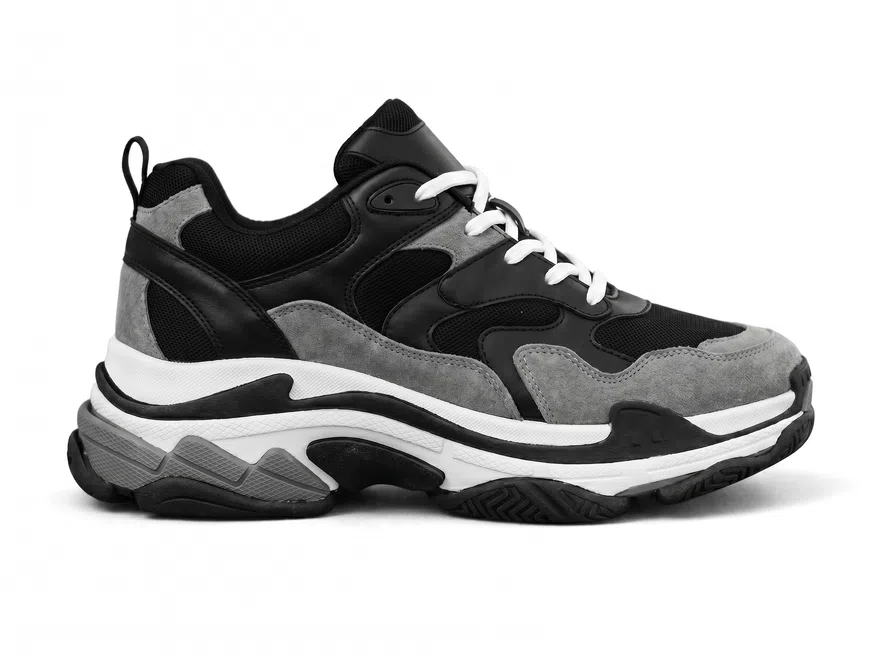
Chưa có ảnh? Thử các mẫu sau:
Thiết Kế Tối Ưu Cho Bản Đề Xuất, Xem Trước Và Trao Đổi Với Khách Hàng
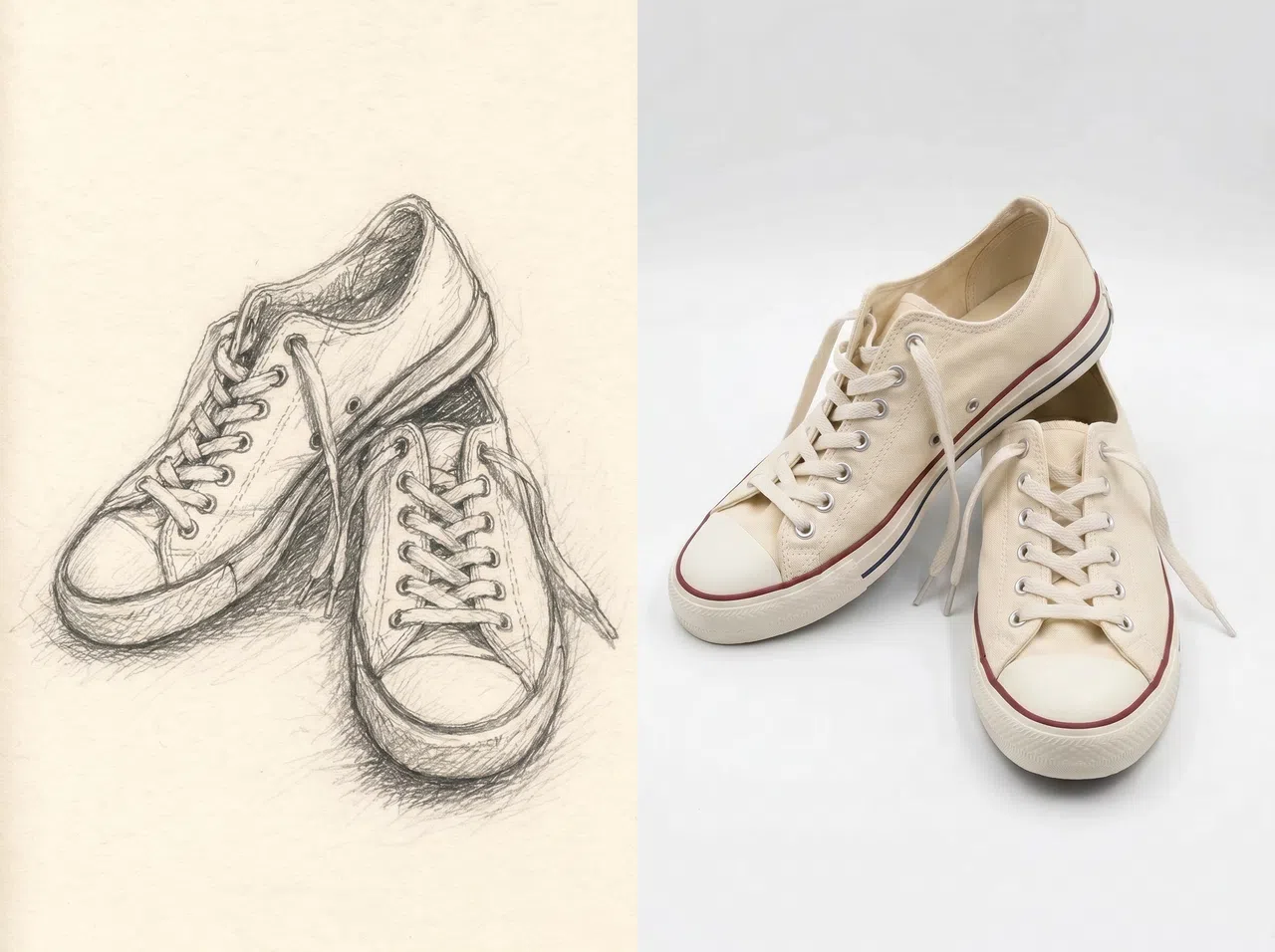
Kiểm Tra Mẫu Mới Với Chi Phí Thấp Hơn
Trước khi tiến hành làm mẫu hay chụp ảnh, hãy chuyển đổi phác thảo thành hình ảnh giày chân thực. Sau đó, quyết định nhanh chóng xem thiết kế đó có phù hợp với một đợt ra mắt mới, đặt hàng trước hay chiến dịch thử nghiệm marketing không. Điều này đặc biệt hữu ích cho các đội ngũ thương mại điện tử cần xét duyệt nhiều concept giày, giúp cắt giảm đáng kể chi phí chụp ảnh và làm mẫu ban đầu.
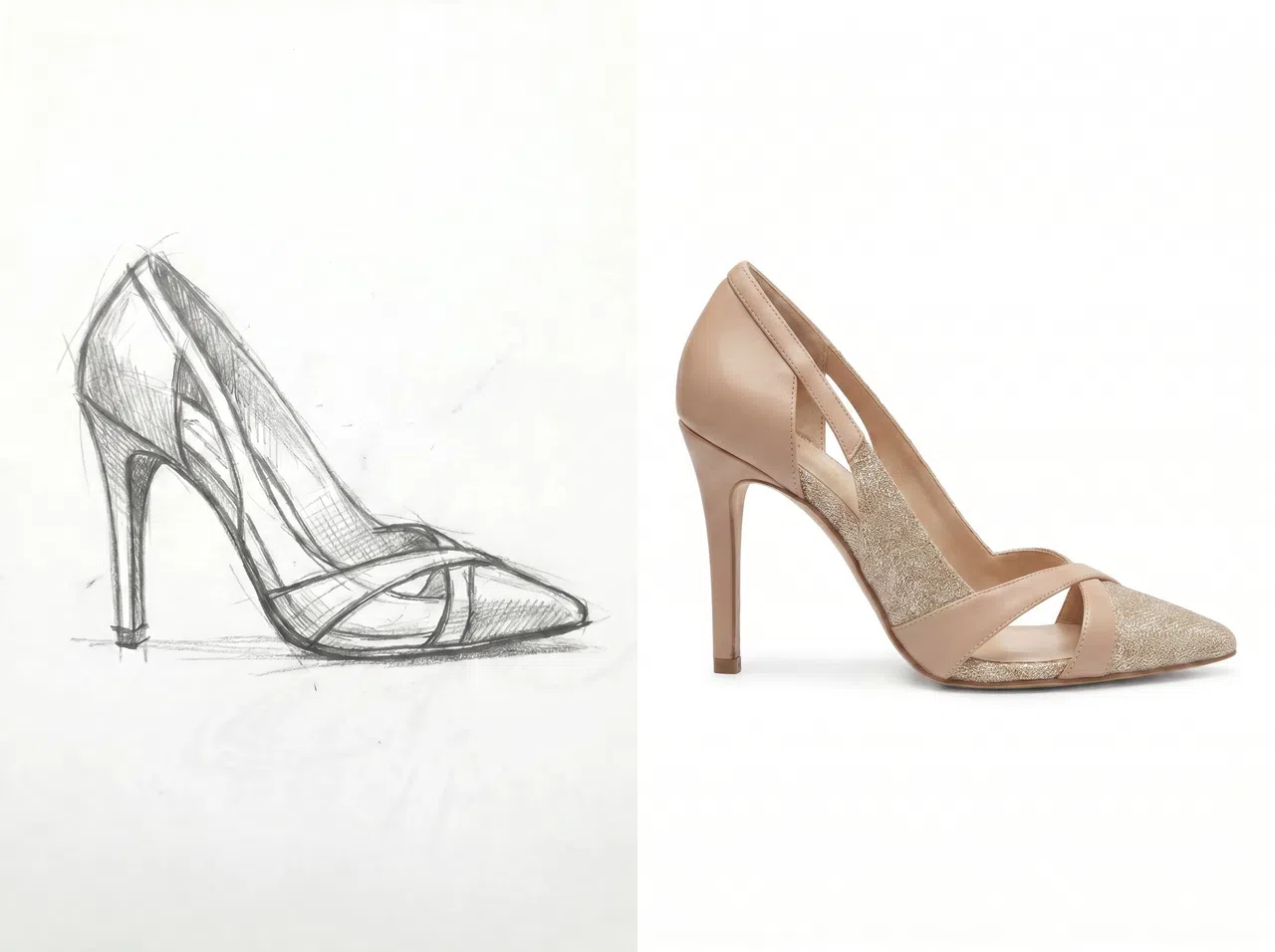
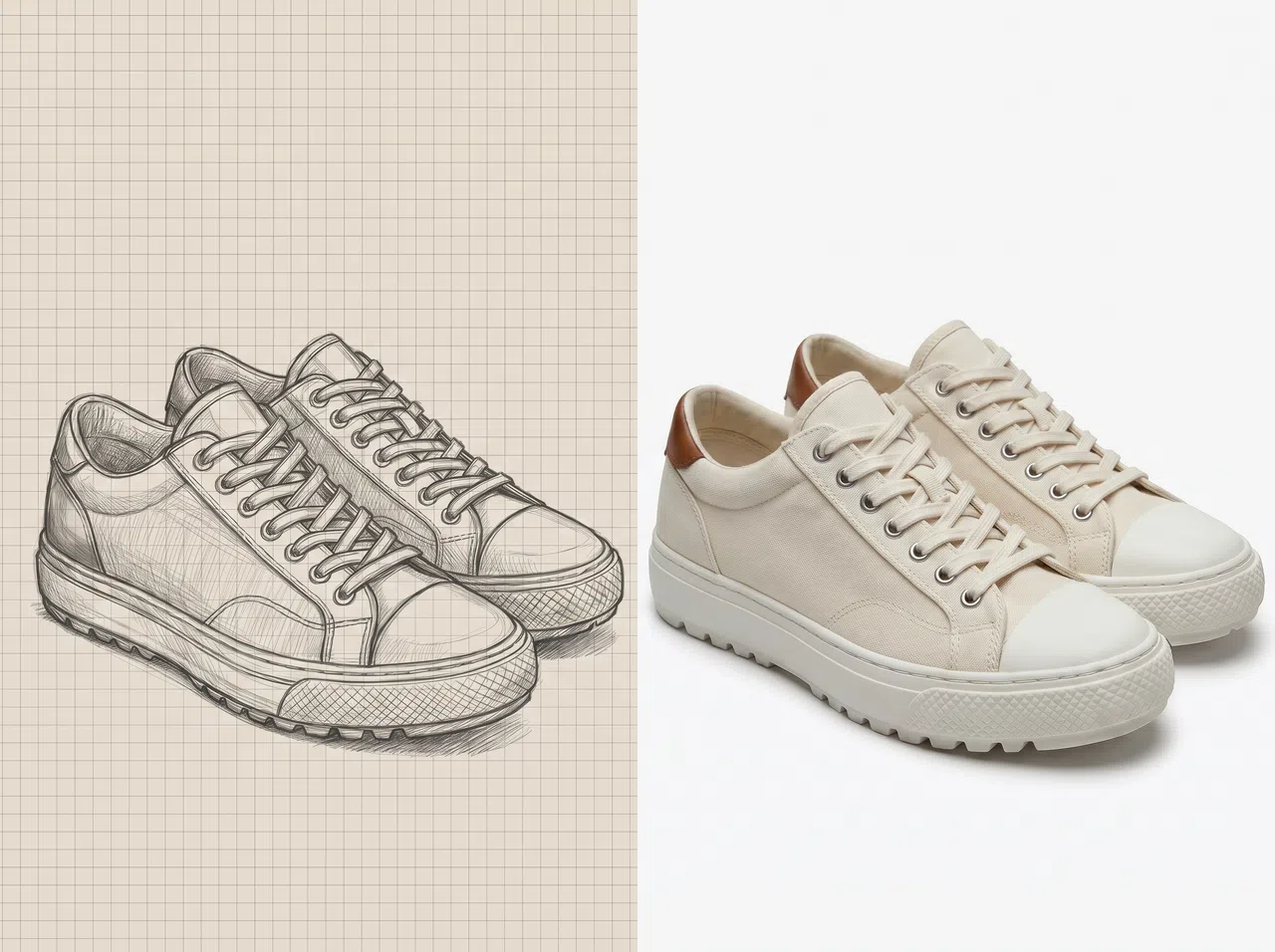
Từ Phác Thảo Giày Đến Ảnh Chân Thực Đa Góc Nhìn, Cực Nhanh
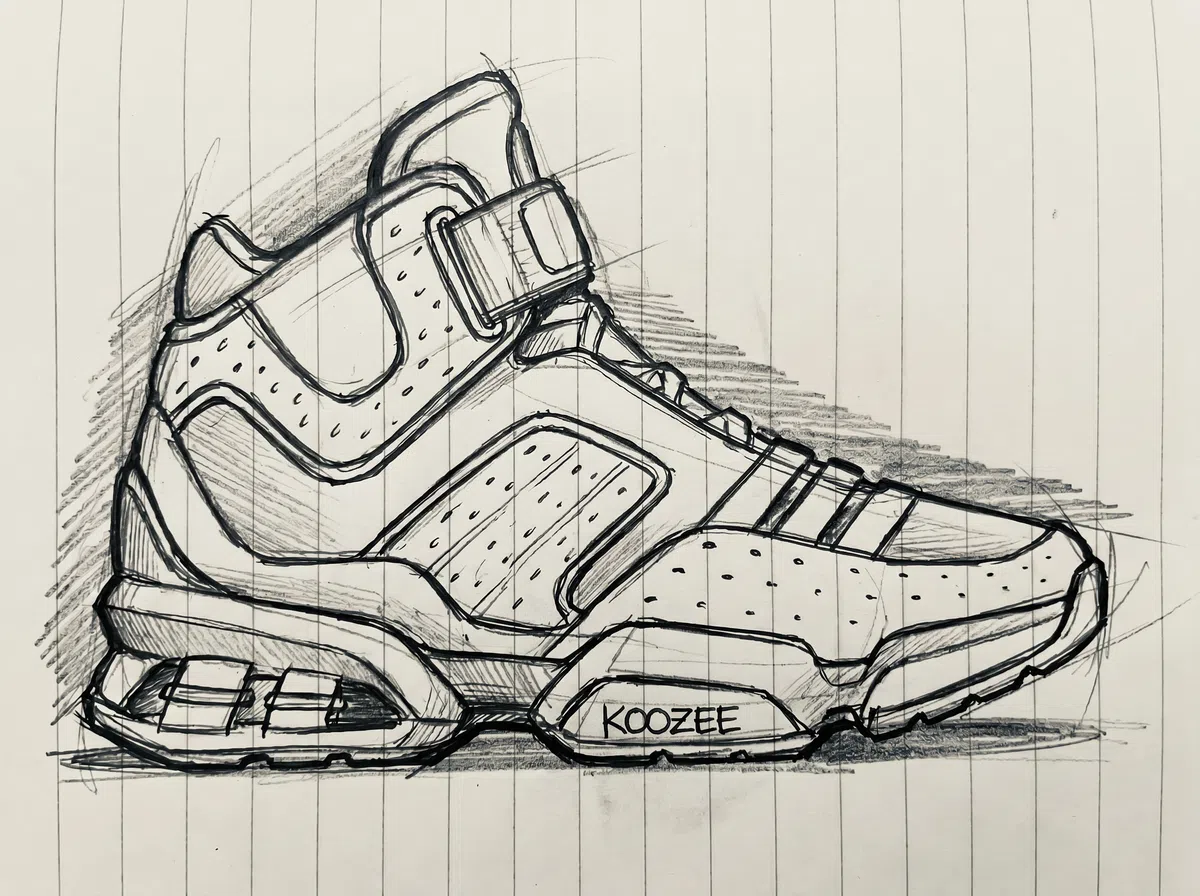
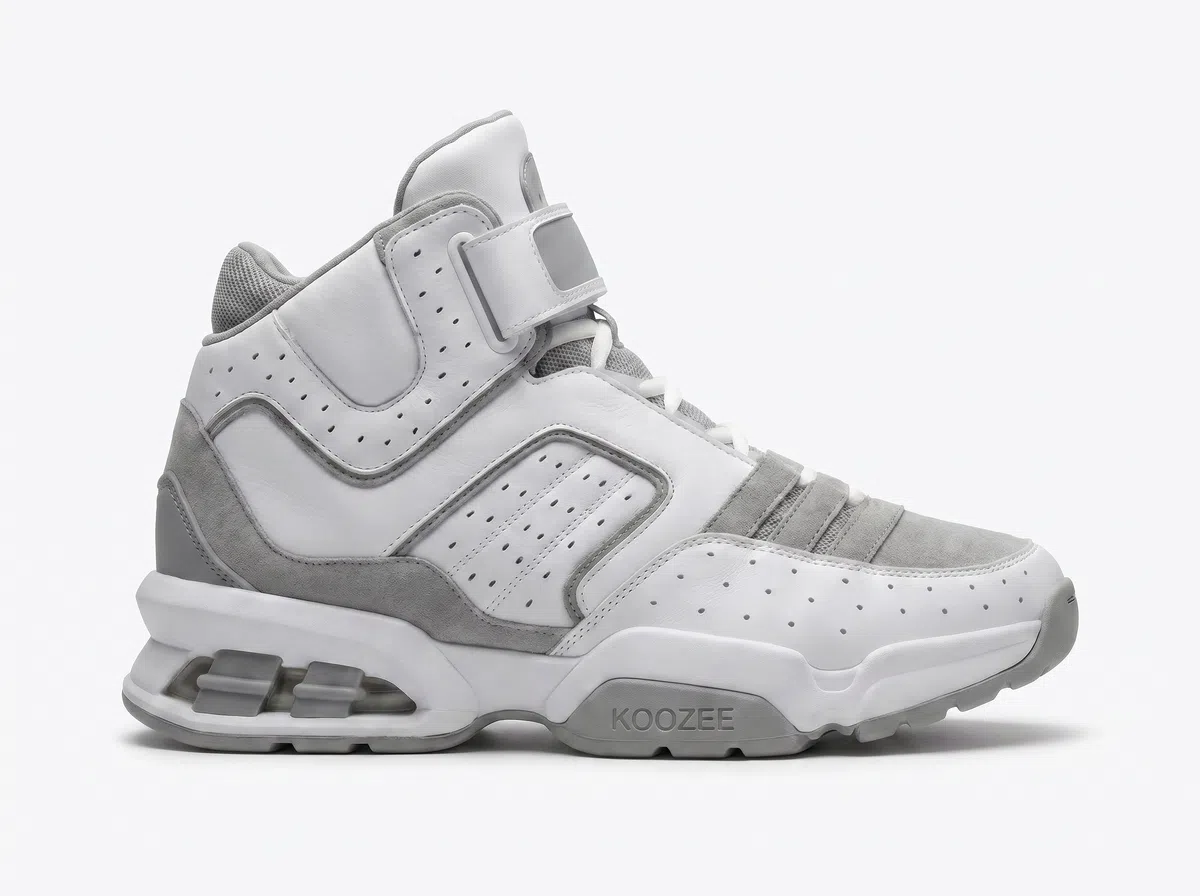
Từ Phác Thảo Giày Đến Ảnh Chân Thực
Tải lên bản vẽ tay hoặc vẽ nét, và nhận ngay hình ảnh đôi giày chân thực. Ảnh sẽ hiển thị chi tiết phần thân trên, dáng đế, đường may và cách phối màu. Rất phù hợp cho bản đề xuất khách hàng, portfolio và các buổi đánh giá phong cách.
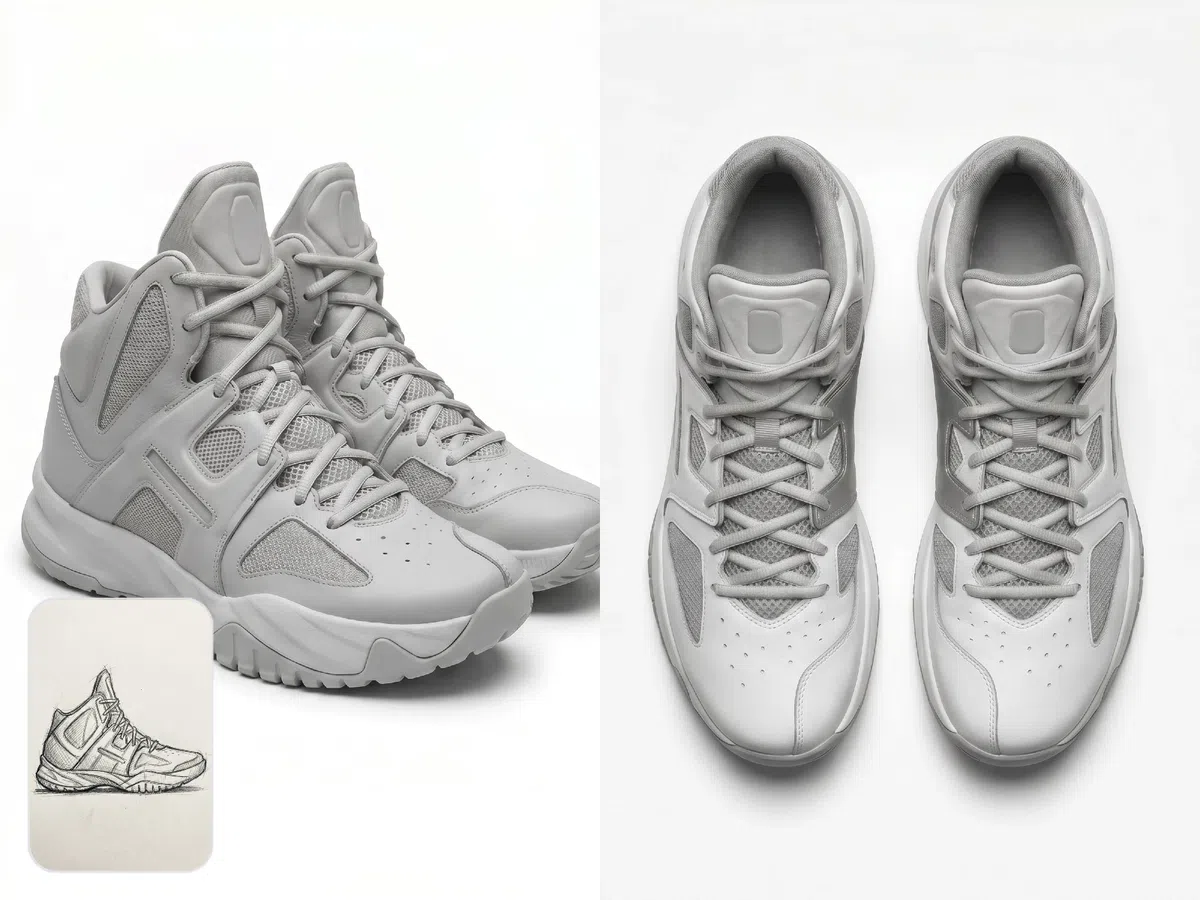
Tạo Ảnh Giày Đa Góc Nhìn
Lựa chọn các góc nhìn cần thiết cho bài thuyết trình giày: mặt trước, 3/4, mặt trên và gót. Trình bày góc nhìn hoàn hảo cho bản đề xuất, portfolio hoặc để chốt với khách hàng. Bạn sẽ không bị giới hạn trong một góc nhìn ngẫu nhiên duy nhất.
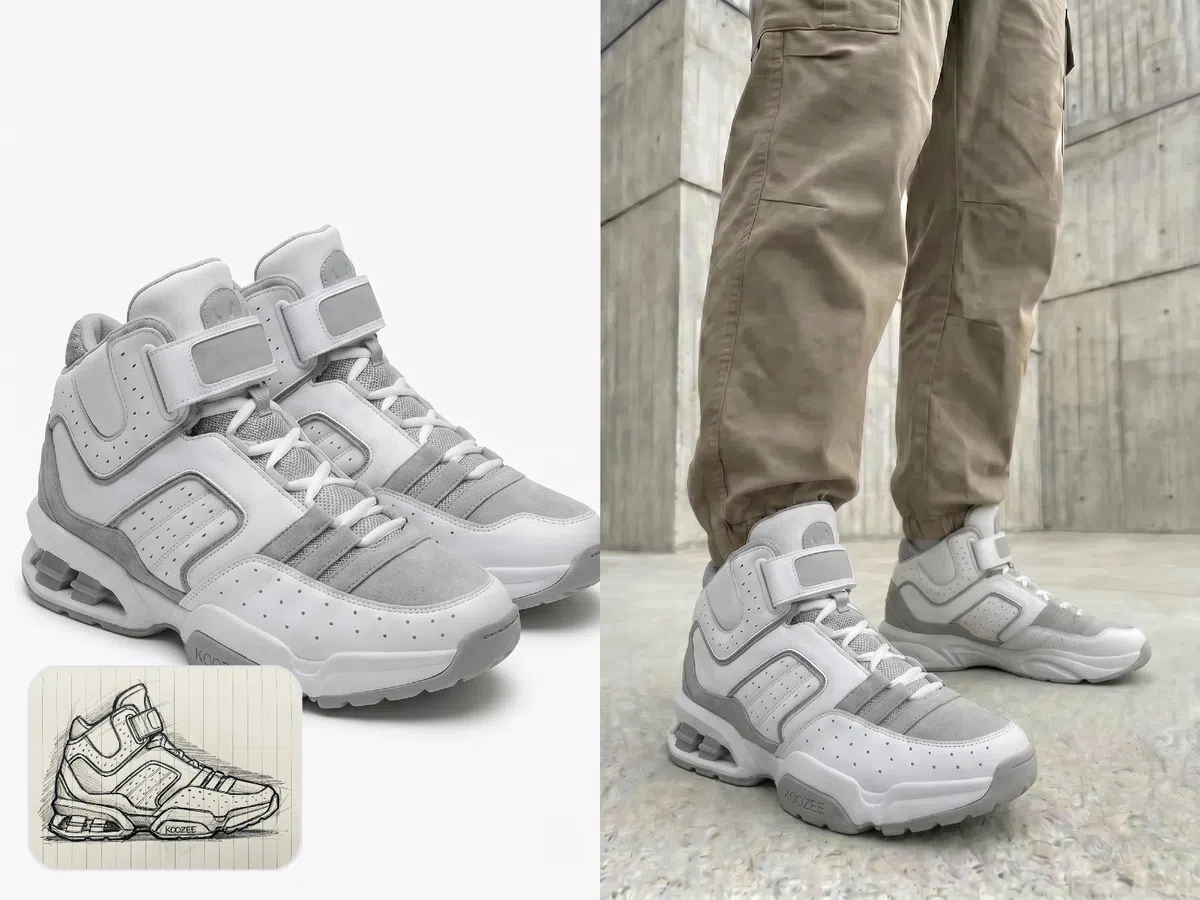
Xem Trước Khi Mang Lên Chân Sau Khi Tạo Ảnh
Sau khi biến phác thảo thành ảnh chân thực, hãy dùng công cụ thử giày KOOZEE AI. Xem trước giày trên chân, trên người mẫu hoặc phối cùng trang phục hoàn chỉnh. Tính năng này giúp bạn kiểm tra tỷ lệ dáng giày, độ phù hợp phong cách và tính thương mại trước khi sản xuất mẫu, chụp ảnh hay ra mắt.
Vì Sao Nên Chọn Tính Năng Chuyển Phác Thảo Thành Ảnh Của KOOZEE?

Lựa chọn các góc nhìn cần thiết cho bài thuyết trình: mặt trước, 3/4, mặt trên và gót. Trình bày góc nhìn hoàn hảo cho bản đề xuất, portfolio hoặc để chốt với khách hàng. Bạn sẽ không bị giới hạn trong một góc nhìn ngẫu nhiên duy nhất.

Nhận được ngay các góc nhìn cần thiết cho thiết kế giày: mặt trước, mặt bên, mặt trên và gót. Trích xuất chính xác góc độ mà bài thuyết trình của bạn yêu cầu. Hoàn toàn không bị phụ thuộc vào một góc độ được tạo ngẫu nhiên.

Hoàn toàn không mất thời gian tìm hiểu. Tải phác thảo lên, chọn góc nhìn và nhấn nút tạo. Bạn sẽ lập tức nhận kết quả ảnh giày chân thực để chia sẻ và đánh giá.
Biến Phác Thảo Giày Thành Ảnh Chân Thực Trong 3 Bước
Tải Lên Bản Phác Thảo
Chọn một bản vẽ tay hoặc bản vẽ nét giày. Cấu trúc càng rõ ràng, kết quả càng chính xác.
Chọn Góc Nhìn
Chọn góc nhìn phù hợp với nhu cầu: mặt trước, 3/4 giày đơn, mặt trên, 3/4 theo đôi, hoặc gót giày.
Tạo Và Tải Xuống
Nhấp vào 'Tạo' để nhận hình ảnh đôi giày chân thực theo góc nhìn đã chọn.
Câu Hỏi Thường Gặp
Kết Quả Có Giữ Nguyên Các Chi Tiết Trong Phác Thảo Của Tôi Không?
KOOZEE Có Dựng Được Mô Hình Giày 3D Không?
Không. Công cụ này chỉ tạo hình ảnh giày 2D chân thực. Nó không hỗ trợ việc trích xuất các tệp 3D hay dữ liệu kỹ thuật như OBJ, STL, CAD hay STEP.
Tôi Có Thể Dùng Thử Miễn Phí Không?
Có. KOOZEE cung cấp tín dụng dùng thử miễn phí cho người dùng mới. Bạn có thể tải lên bản phác thảo riêng của mình, kiểm tra kết quả, rồi sau đó quyết định xem có muốn tiếp tục sử dụng hay không.
Tải Lên Phác Thảo Và Tạo Ảnh Giày Chân Thực Miễn Phí
Chọn góc nhìn và nhanh chóng tạo ảnh giày chân thực để phục vụ cho bản đề xuất thiết kế, chốt concept, hay để khách hàng phê duyệt. Người dùng mới có thể sử dụng tín dụng miễn phí để thử tính năng với phác thảo của chính mình trước.