Biến phác thảo thời trang thành ảnh sản phẩm chân thực
Biên chế chuyên dụng dành riêng cho Nhà bán lẻ, Xưởng may & Đội ngũ thiết kế
Chỉnh đốn phong cách trước khi tậu nhiếp ảnh
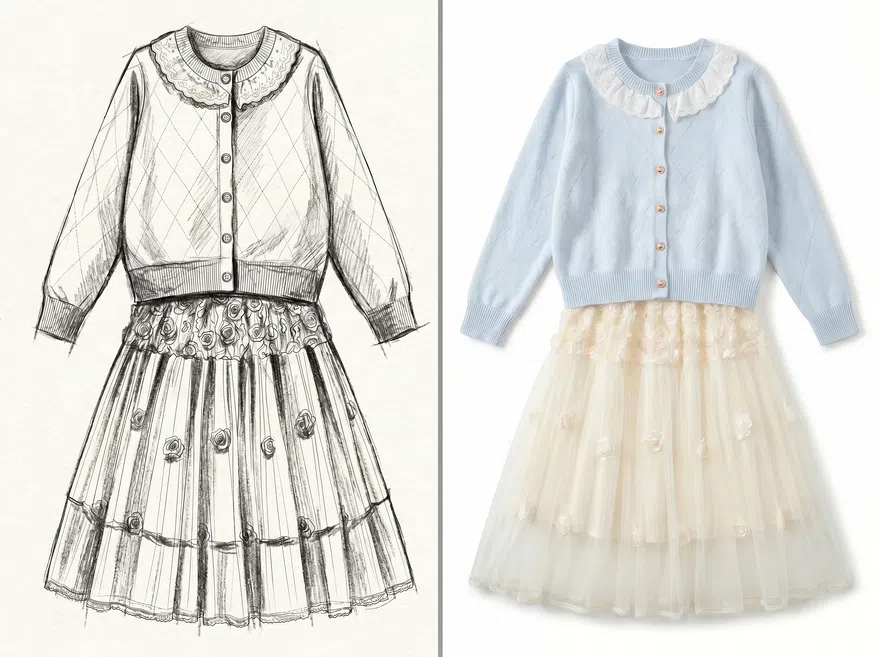
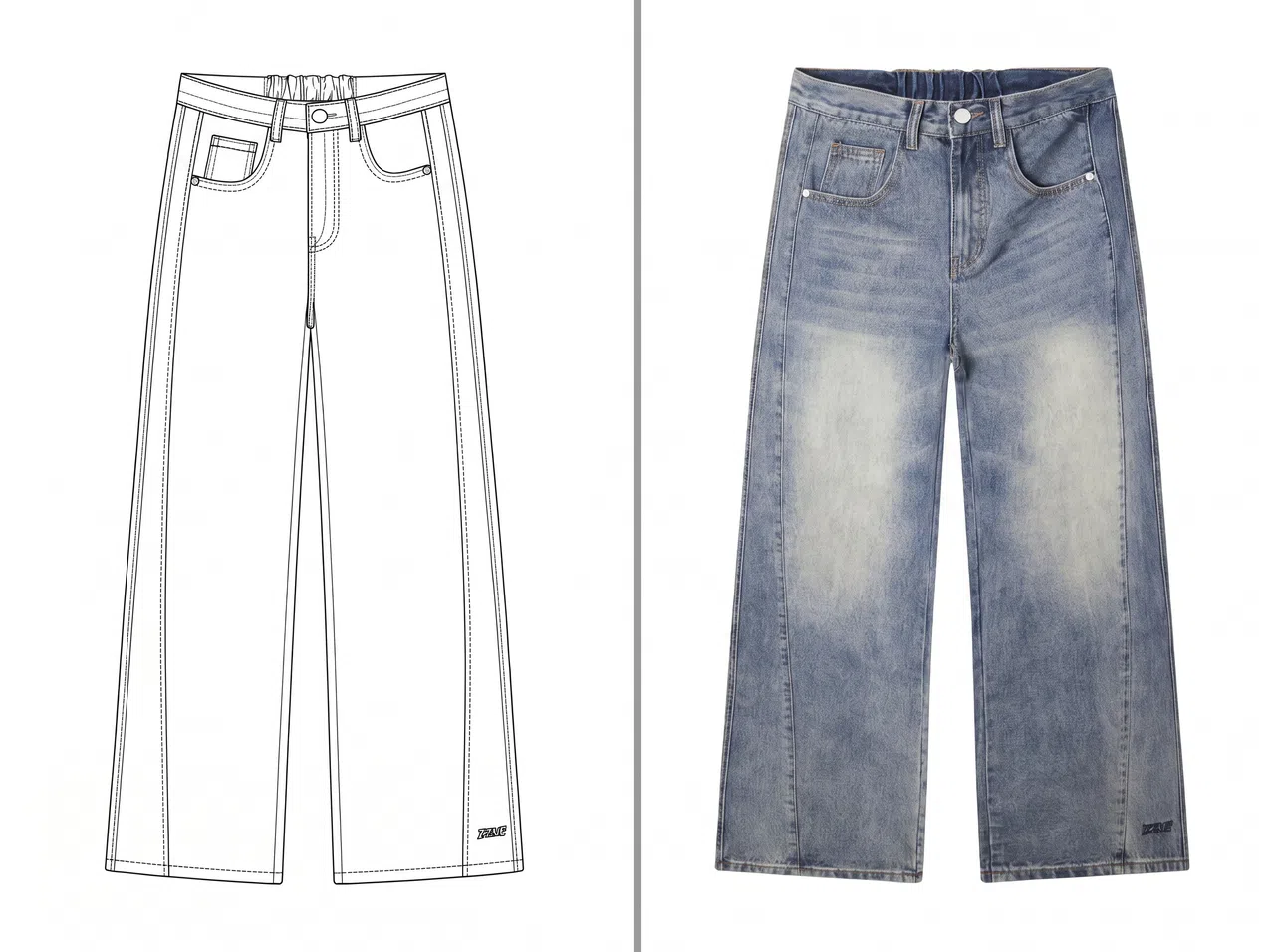
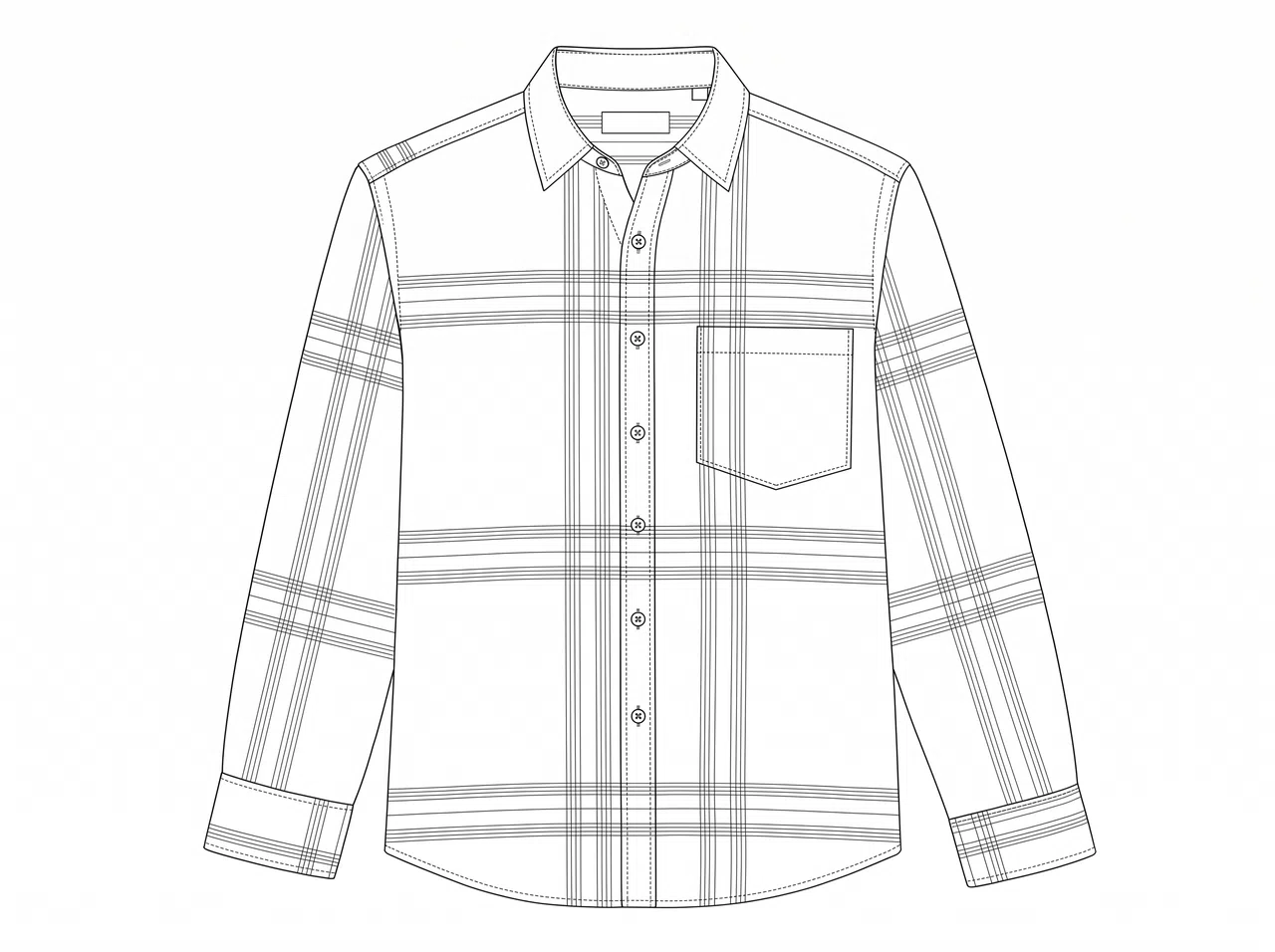
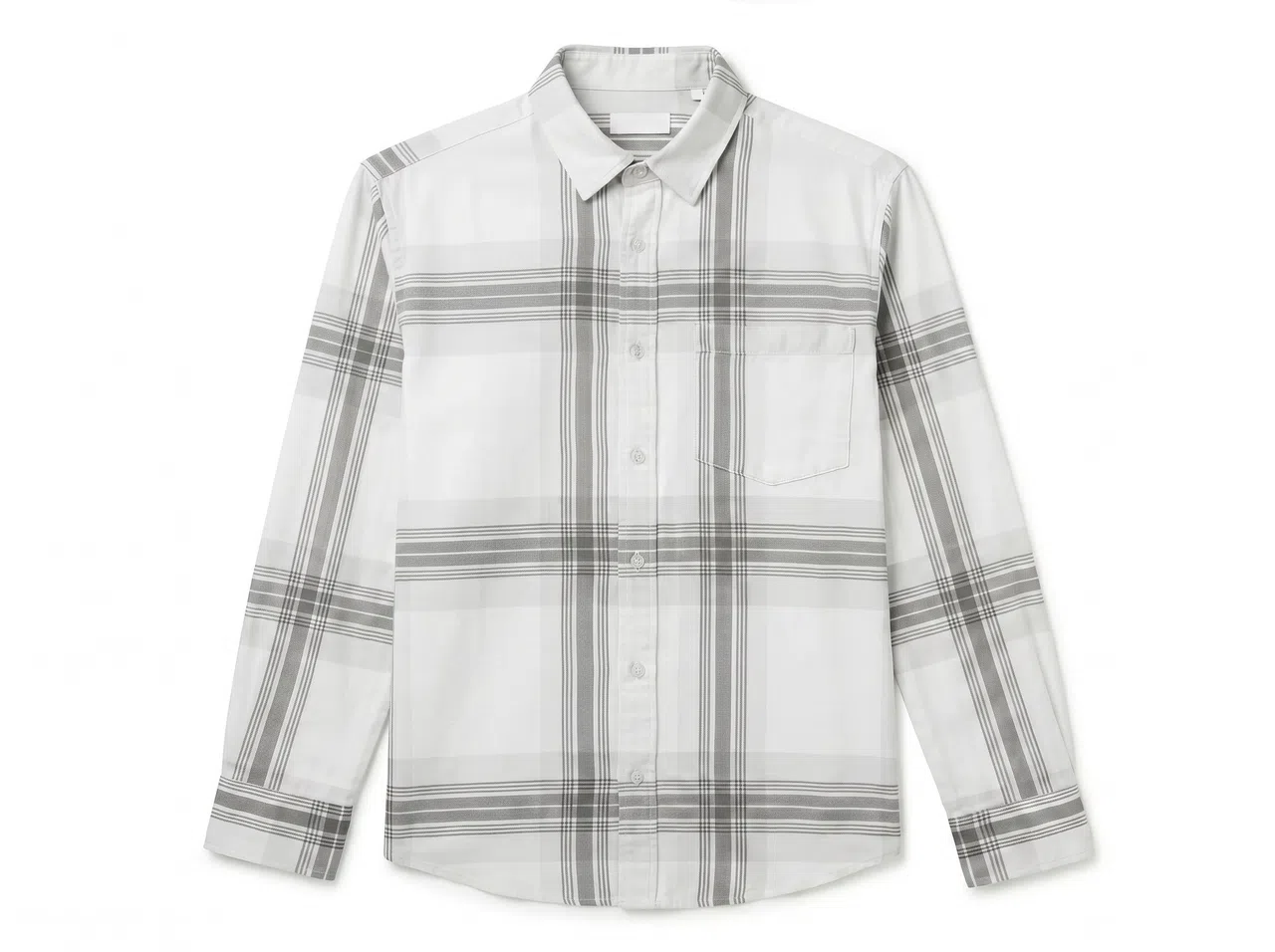
Nhà bán lẻ luôn phải quyết định dứt khoát xem kiểu thiết kế nào đáng để đem đi may thử, chụp hay tung ra thị trường. KOOZEE tuồn những bản vẽ thô thành hình ảnh rõ nét tuyệt đối trên phông nền trắng, tạo đòn bẩy cho dự án nội bộ, phô diễn hàng ngon, hé lộ mạng xã hội lẫn test thử nghiệm giai đoạn nước rút — tất cả diễn ra trước khi bạn đặt bút ký hợp đồng chụp studio với sản xuất rập bưởng.
Bạn có thể làm gì với KOOZEE Sketch to Image AI
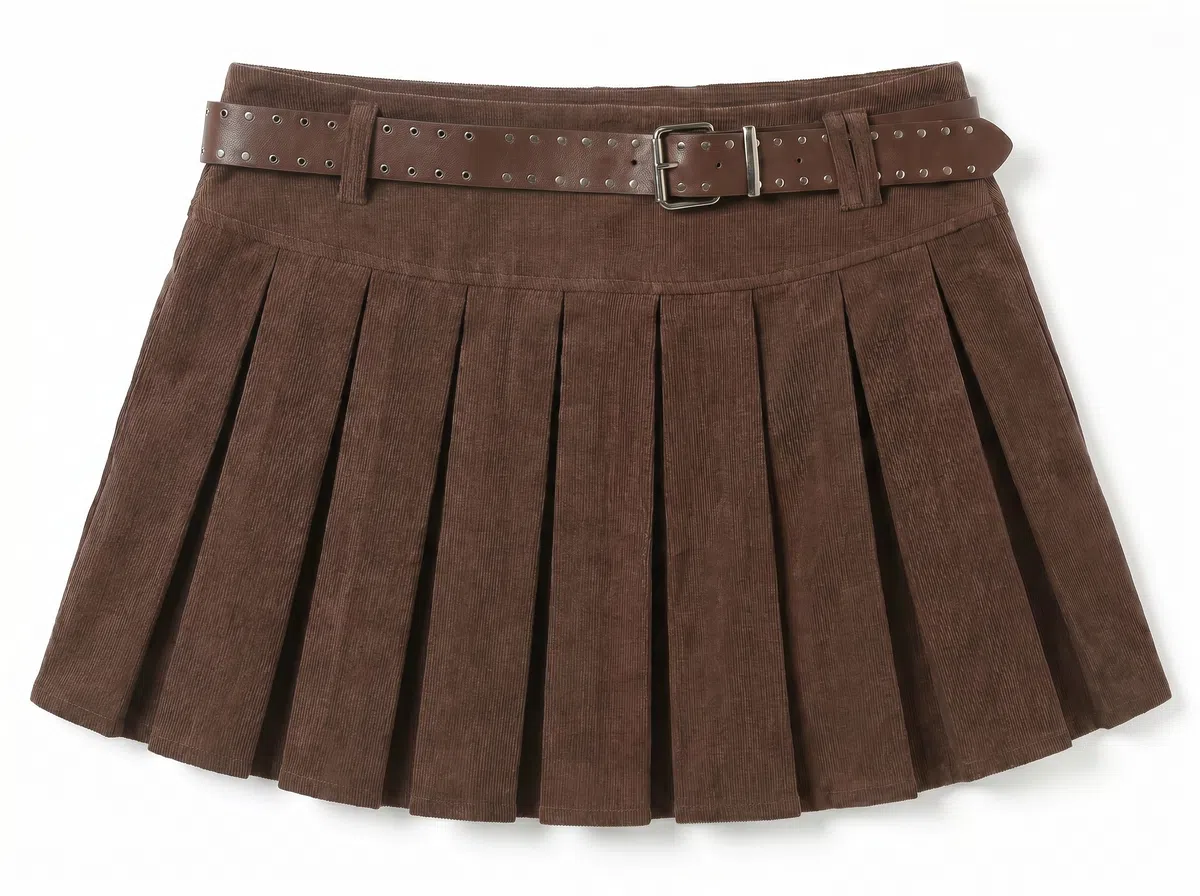
Sketch to Image AI — Xem trước thiết kế bằng ảnh sản phẩm thật
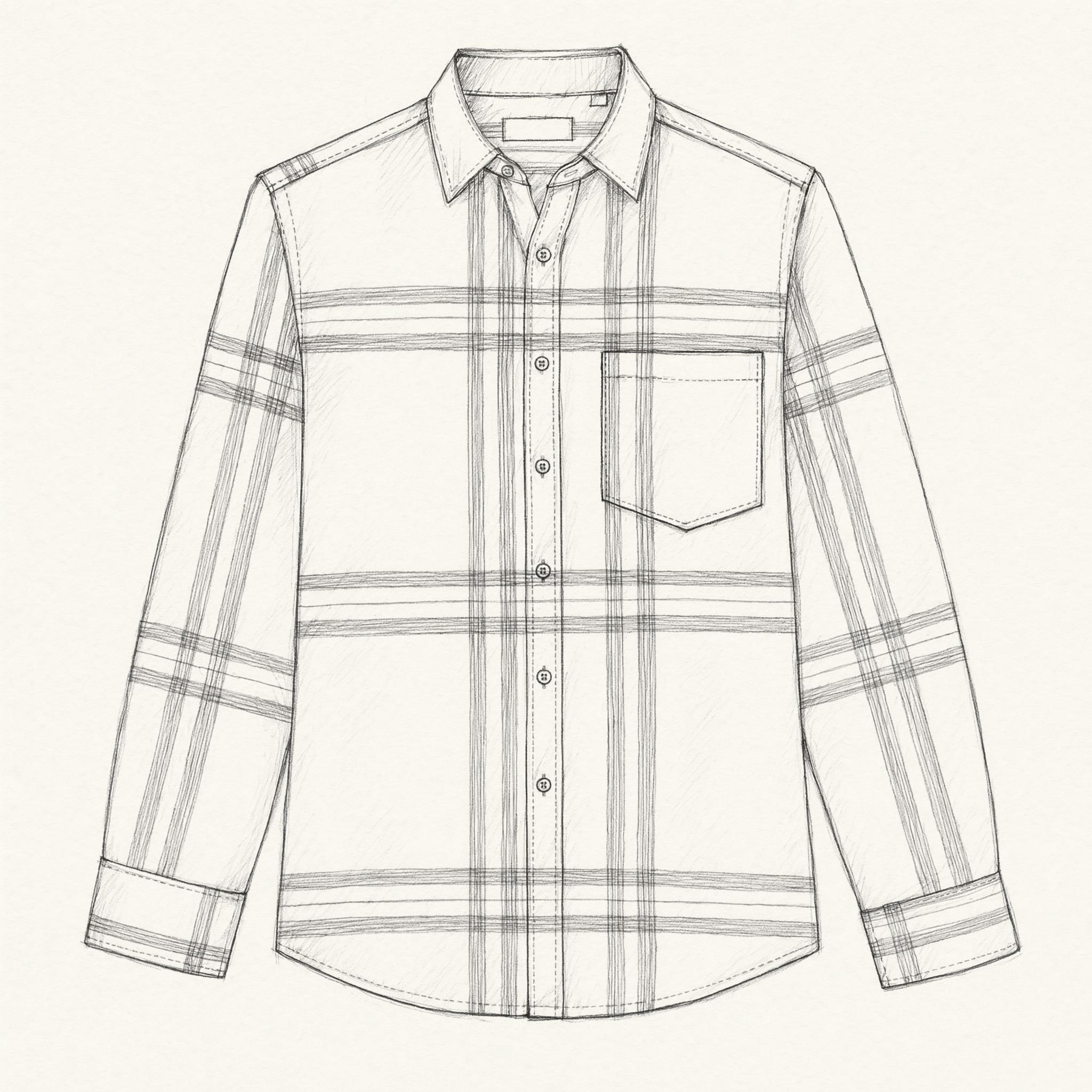
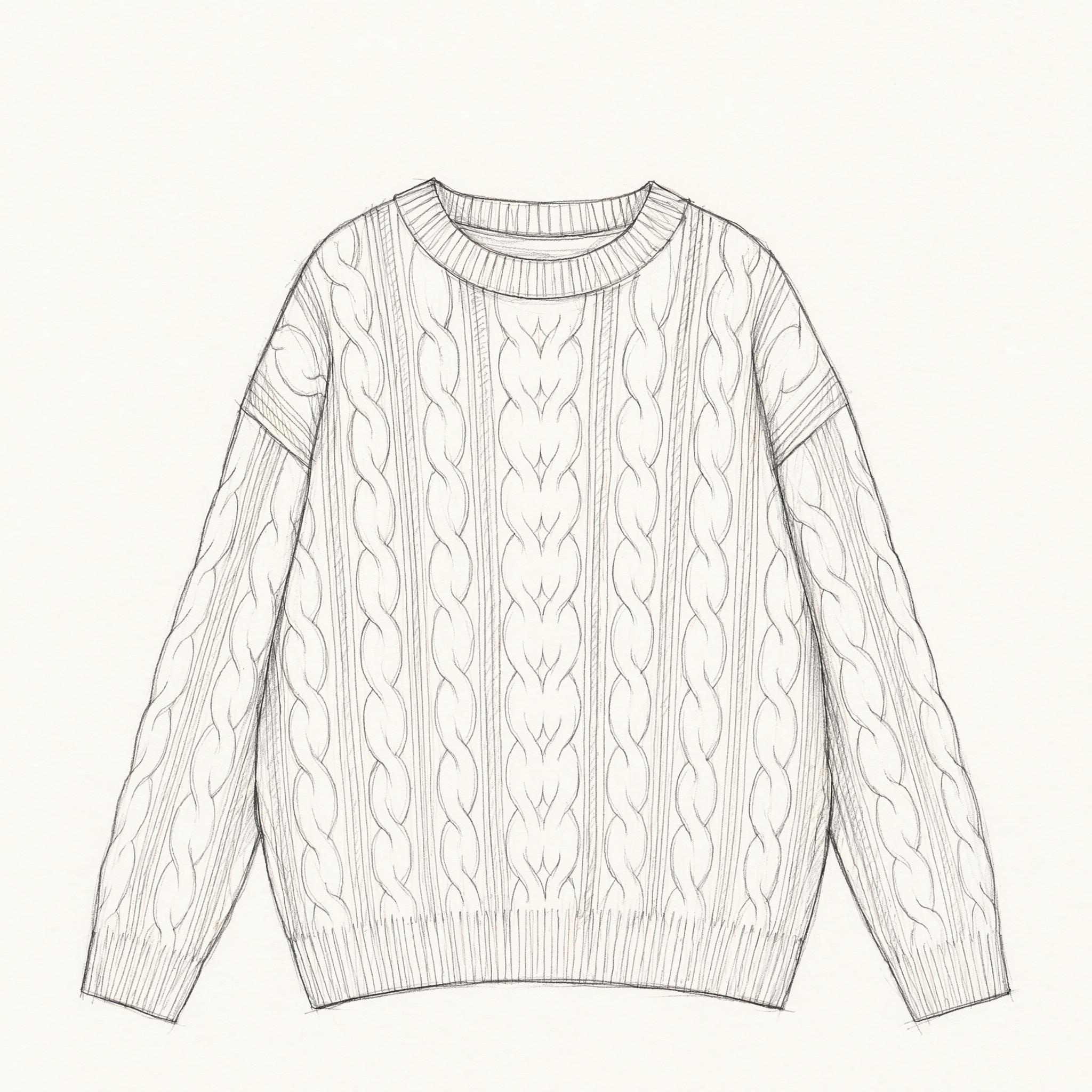
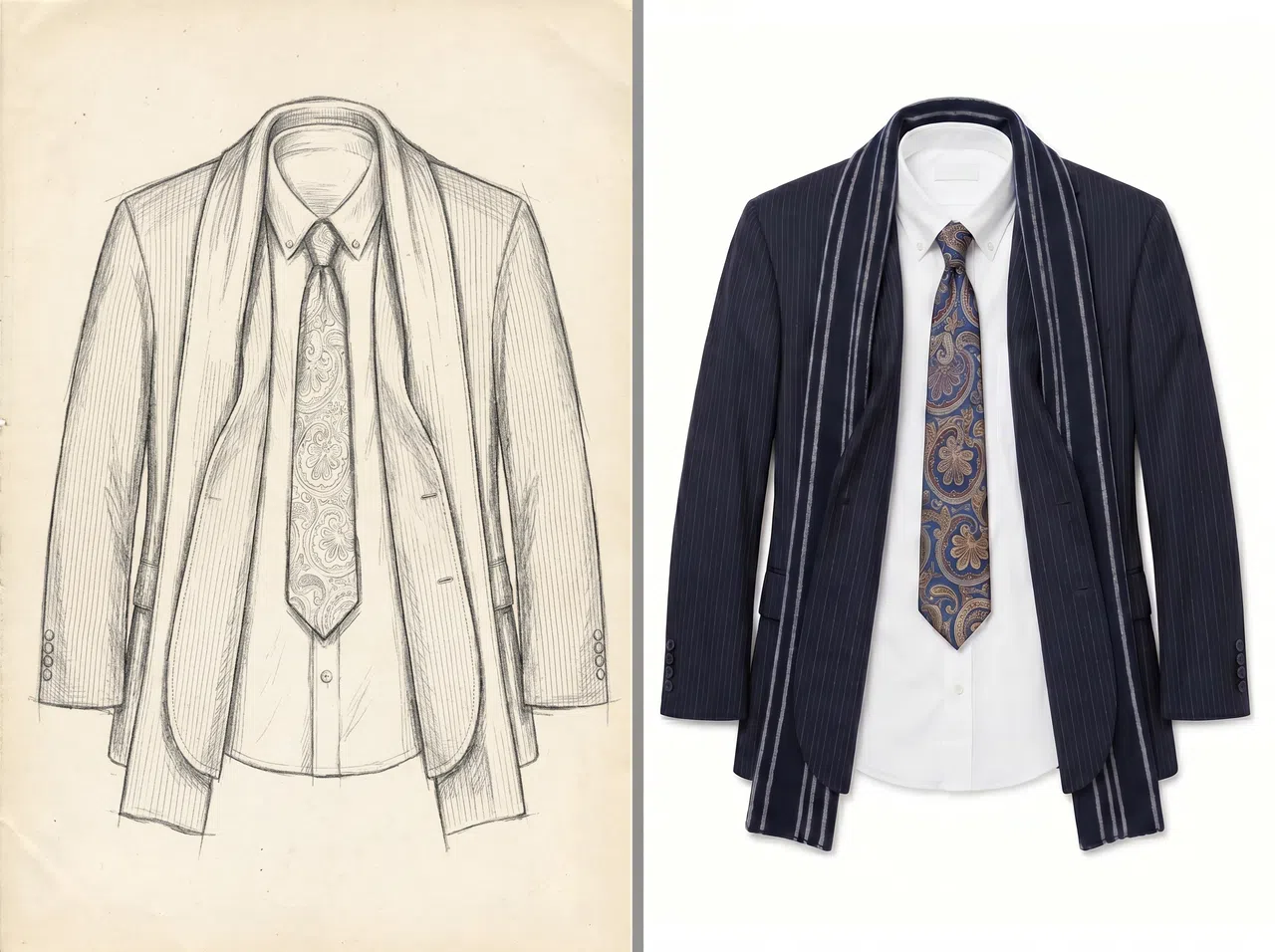
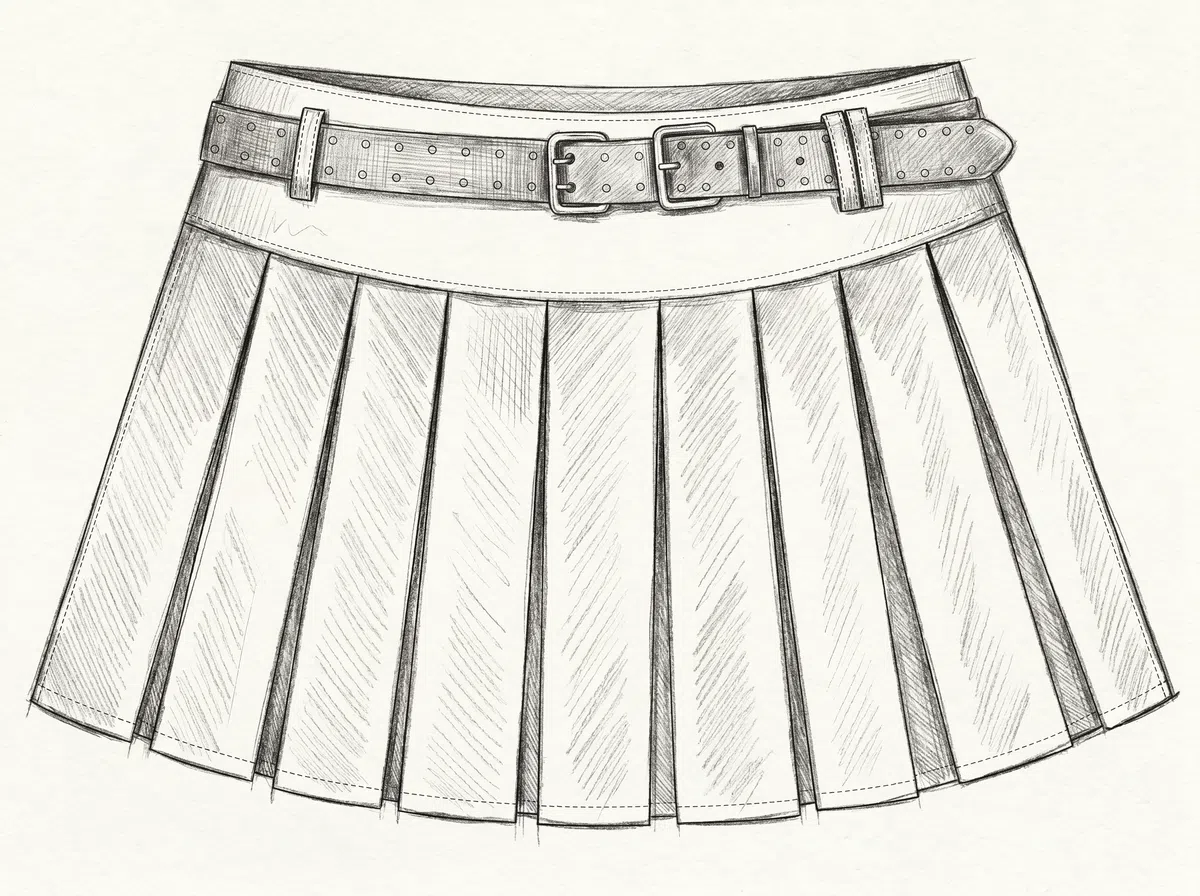
Chỉ với bản vẽ phác thảo thời trang hoặc bản nháp thiết kế, KOOZEE sẽ dựng nên một ảnh sản phẩm nền trắng bám sát cấu trúc gốc. Thổi hồn vào các bản vẽ trừu tượng và cho ra hình ảnh sắc sảo để đem đi đánh giá, hội họp hay chốt phương án — chỉ gói gọn trong vài phút.
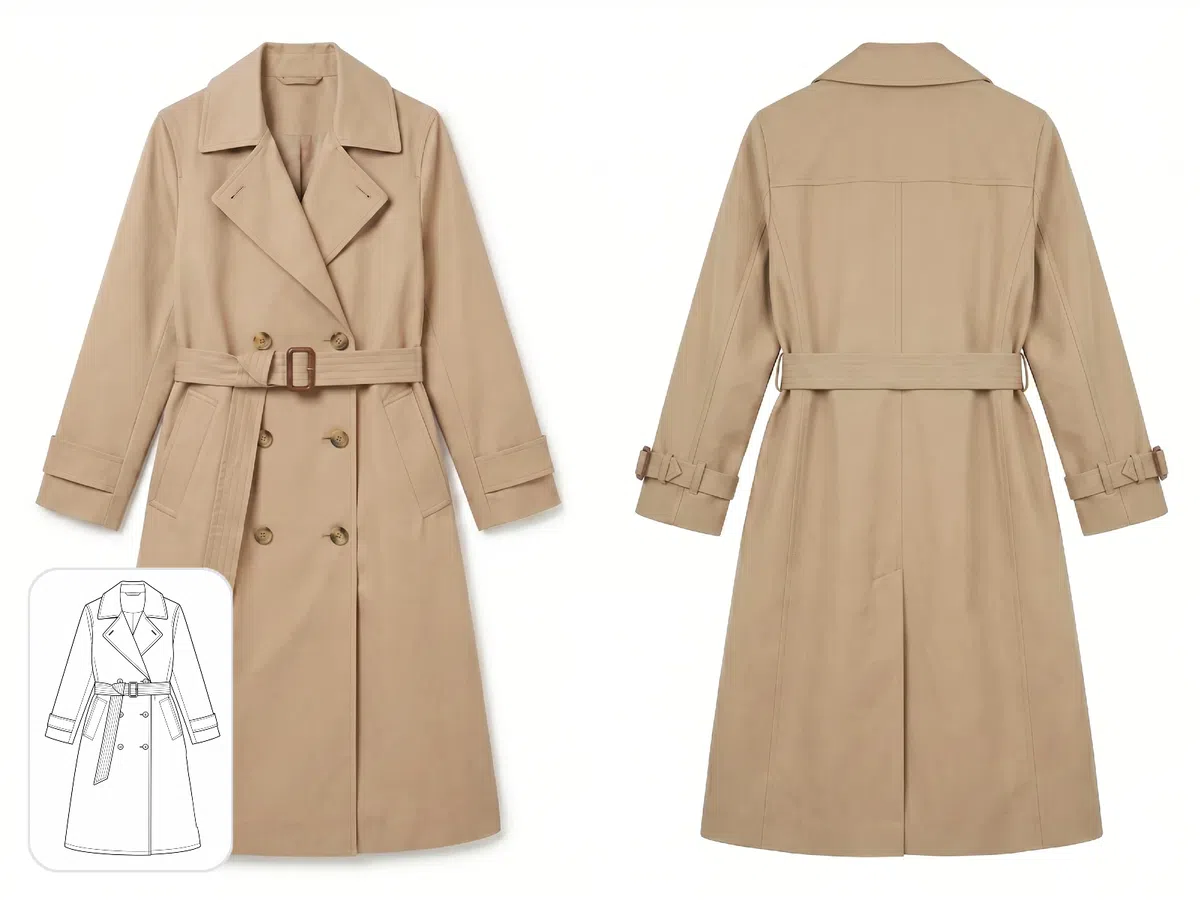
Tạo góc nhìn mặt trước và mặt sau
Khi làm tài liệu sản phẩm và may đo định hình, cả mặt trước và sau đều bắt buộc phải có mặt. Đừng lo, KOOZEE giúp bạn tạo ra góc nhìn bất kỳ từ phác thảo sơ sài nhất — tuyệt đỉnh để duyệt nội bộ, xin thông qua khách hàng, bổ sung hồ sơ hay làm biểu giá.
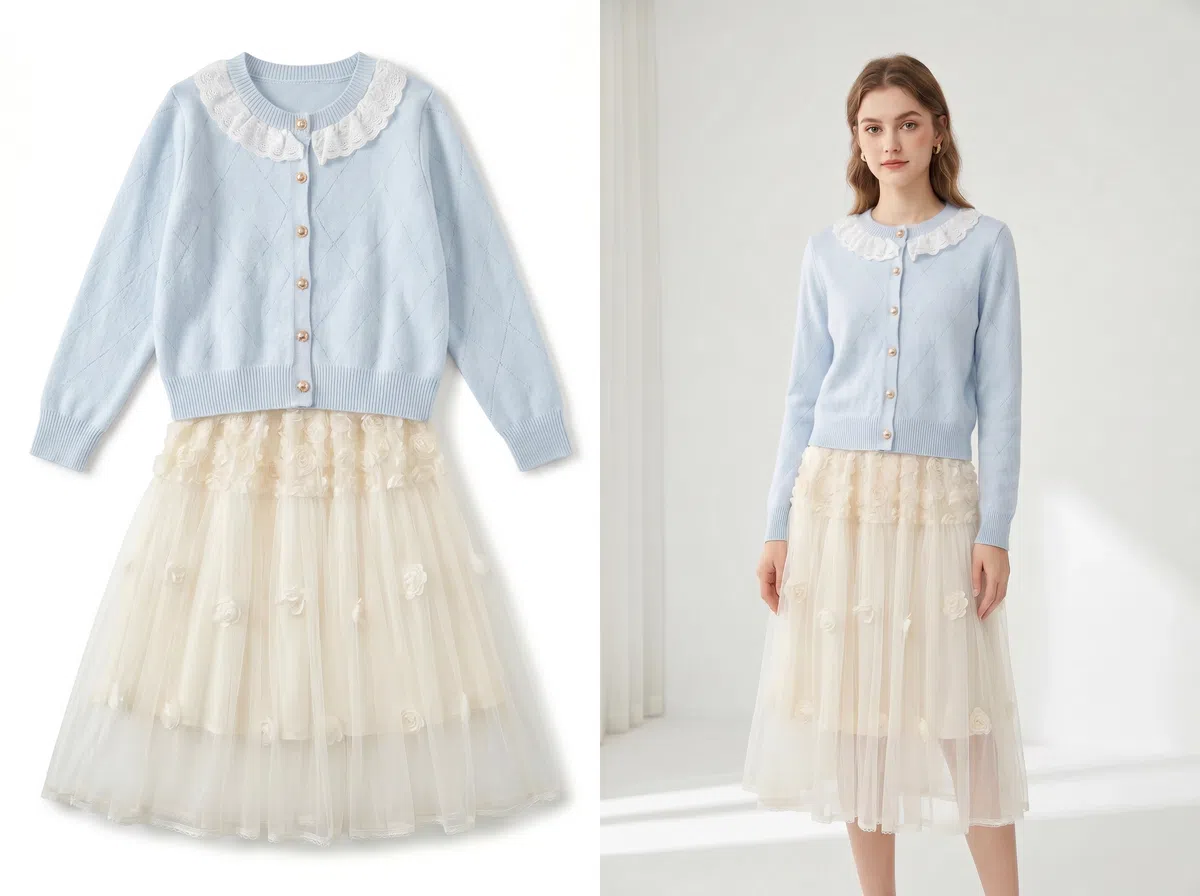
Sau đó, xem trước trên người mẫu bằng tính năng thử đồ Ảo KOOZEE
Vừa tạo xong ảnh nền trắng, bạn có thể nhảy tiếp sang công cụ KOOZEE để chắp đồ lên người mẫu thật. Quan sát phom dáng, đường cong và sự kết hợp tổng thể xem ăn nhập không — hoàn hảo thế này không đem đi pitching sản phẩm mới, xây webpage hay tung ảnh test thị trường thì quá phí.
Tại sao lại chọn KOOZEE thay vì giải phẫu bằng bản phác hoạ như xưa?

Có ngay ảnh sản phẩm chân thực từ bước phác thảo — trước khi bắt tay may mẫu thật. Phát hiện lỗi từ sớm và gạch bỏ các thiết kế không ăn nhập, tránh phát hiện ra rắc rối sau khi đã tiêu tốn thời gian và tiền bạc.

Khác biệt với công cụ tạo ảnh AI đại trà, KOOZEE tập trung giải quyết quy trình chuyển từ phác thảo thành ảnh thời trang thực tế. Rất phù hợp tối ưu khâu duyệt mẫu, chốt khách, chuẩn bị lên sàn thương mại điện tử và làm tài liệu về bán hàng.

Bạn không cần biết cách viết prompt cho AI hay có kinh nghiệm sử dụng máy móc phức tạp. Chỉ việc tải bản phác thảo lên, chọn loại trang phục và góc nhìn là xong. Kết quả vẹn toàn, tiện dụng — mà vẫn vô cùng nhanh nhẹn.
3 Bước biến phác thảo thời trang thành ảnh sản phẩm
Tải phác thảo lên
Tải lên phác thảo thời trang hoặc bản vẽ thiết kế. Để có kết quả tốt nhất, hãy dùng hình ảnh hiển thị trọn vẹn trang phục, đường nét gọn gàng và có cấu trúc rõ ràng để hệ thống AI nhận diện chính xác phom dáng và chi tiết.
Chọn danh mục và góc nhìn
Khớp thiết kế của bạn với danh mục tương ứng — áo, áo khoác, váy dài, quần, đầm, đồ liền thân, theo bộ, túi xách, phụ kiện v.v. Sau đó, chọn góc nhìn mặt trước hoặc mặt sau để hoàn thiện ảnh sản phẩm.
Tải ảnh sản phẩm xuống
KOOZEE sẽ xuất ra ảnh sản phẩm nền trắng rõ nét. Bạn có thể lưu lại luôn và dùng cho buổi ra mắt sản phẩm sắp tới, thuyết trình nội bộ, chào khách đại lý, tạo catalogue hay bất cứ việc gì trong quy trình của bạn.
Câu hỏi thường gặp
KOOZEE hỗ trợ các danh mục quần áo nào?
Tôi có được dùng ấn phẩm từ KOOZEE cho thương mại không?
Có. Người đăng ký gói trả phí của KOOZEE có thể sử dụng các hình ảnh thời trang do AI tạo đủ điều kiện cho các mục đích thương mại kỹ thuật số, bao gồm danh sách sản phẩm thương mại điện tử, quảng cáo trực tuyến, mạng xã hội và danh mục sản phẩm kỹ thuật số. Hãy đảm bảo bạn có quyền đối với các bản phác thảo thời trang đã tải lên và tuân thủ Điều khoản dịch vụ của KOOZEE cũng như nguyên tắc của nền tảng phát hành.
Người dùng mới có được dùng thử miễn phí không?
Có luôn nha. Mỗi tân binh gia nhập đều thừa hưởng 1 mớ quyền lợi miễn phí dùng thử tạo ảnh. Tha hồ nghịch ngợm tìm hiểu sâu rồi hẵng vung tiền cho dự án trọng điểm bủa vây cả quá trình chọn thiết kế và xuất xưởng trang phục của bạn.
Diện kiến phong cách trước khi cày may đo hay rinh máy ảnh
KOOZEE phù phép bản vẽ thời trang trở thành ảnh chụp áo quần nền trắng thanh cao — qua đó người phân phối, công nhân xưởng, họa sĩ hay tay tiếp thị sẽ sáng mắt và hạ lệnh quyết đoán ở mức độ ưu việt hơn. Thành viên mới lập nick húp điểm xài chùa liền.