AI Fashion Video Generator: One Photo, Direct to Video
No image? Try one of these:
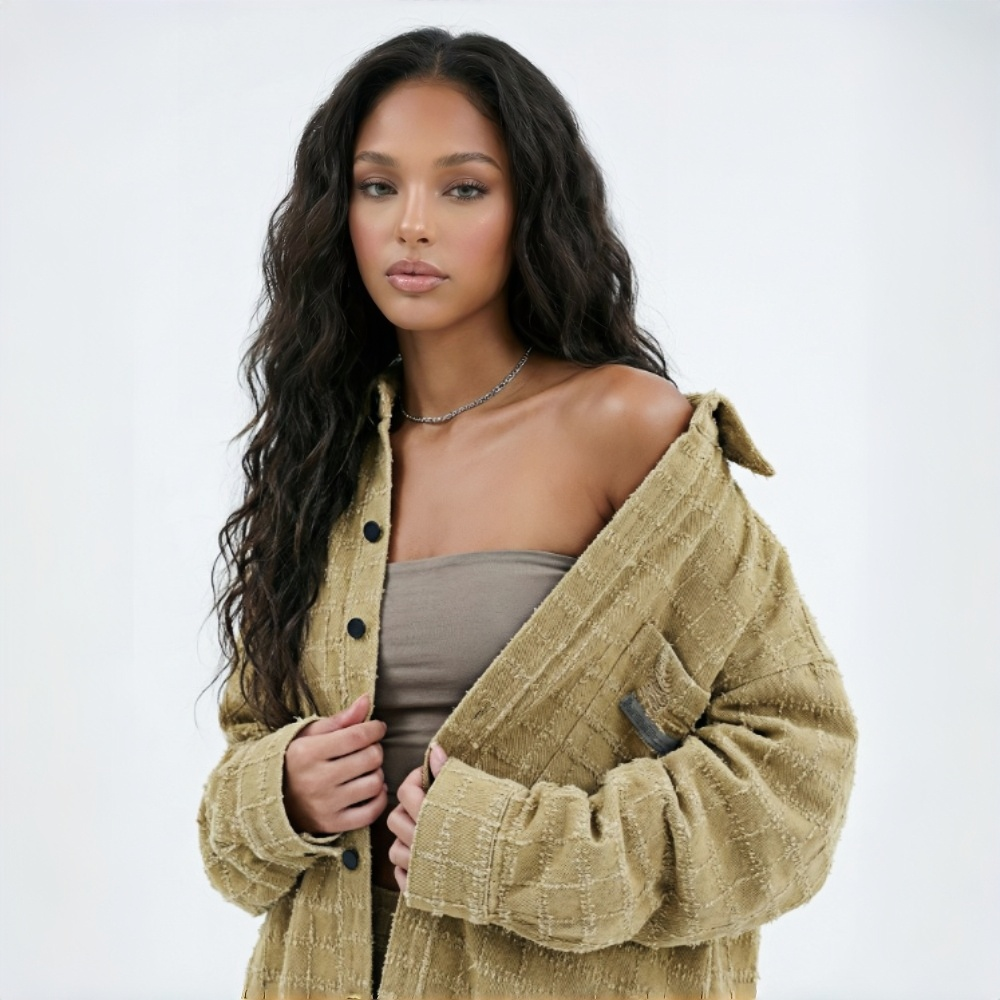
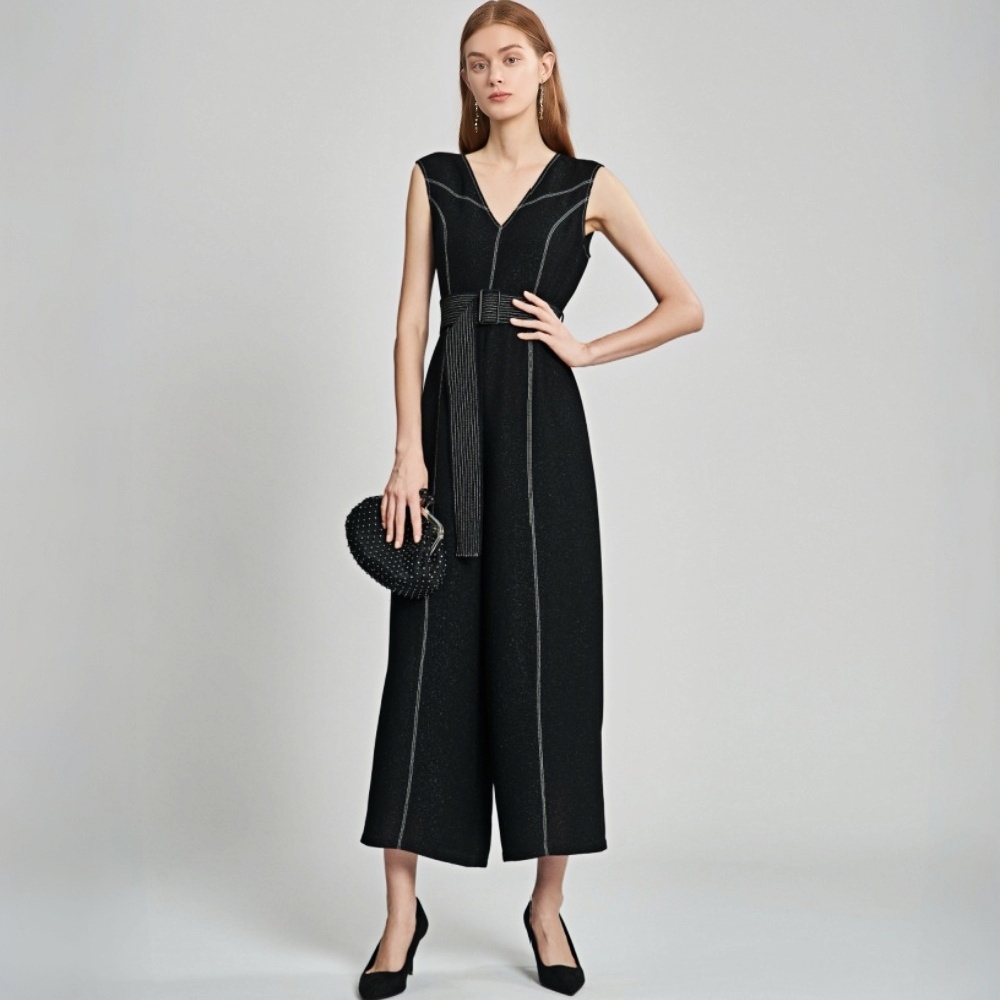
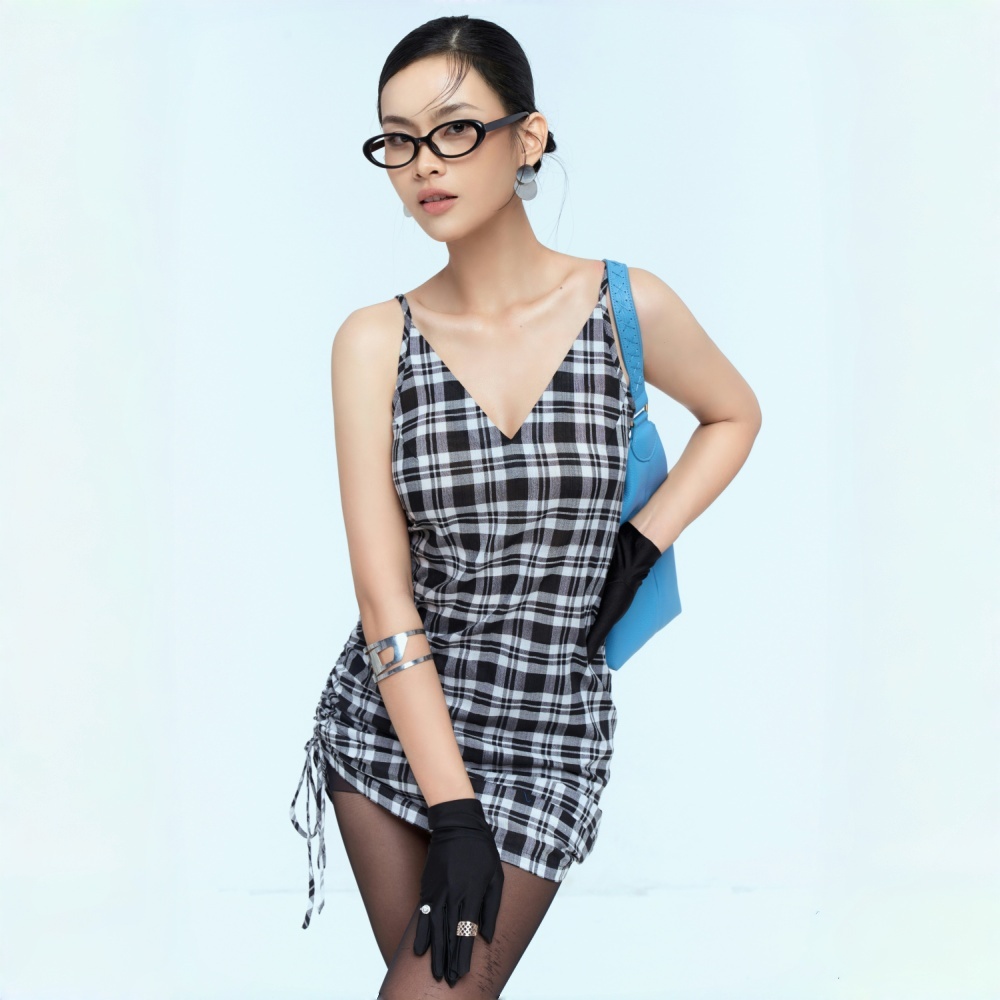
AI Image to Video Generator for Every Fashion Business
Create Fashion Videos Your Way
Random AI video tools don't give you control over framing, lighting, or camera movement — and that mismatch shows. Your key styles deserve better than a generic output. Set the first and last frame to lock in the model's position. Use a prompt to control composition, lighting, and tone. Every video comes out matching your creative direction. Ready for your store and social feeds.
More Than Image to Video AI — Control Every Frame
F & L Frame — Set Where the Video Starts and Ends
Upload two clothing images — one for the start, one for the end. The AI builds a smooth transition between them. Outfit before-and-after, full-body to fabric close-up, indoor to outdoor — any fashion video with a clear start and end point works with this. The camera follows your setup. No need to generate the same clip repeatedly hoping it lands right.
Prompt Control — Tell the AI Exactly What to Shoot
Describe the camera movement, composition, lighting, and mood in simple language. Our AI image to video generator understands your prompts and follows them with precision. Go beyond basic AI video creation with detailed control over framing, lighting, and visual style. Get a real director-level workflow that normal image to video AI tools cannot offer. Easily create fashion videos with a premium and branded look.
AI Voiceover — The Model Talks
Generate fashion videos where the model talks through the product. Write your own script or let the AI create one from the clothing image. The AI matches a voice to the model, syncs the lip movement, and supports multiple languages and accents. No casting. No studio. No recording. Your detail page and social selling content goes from showing the product to explaining why it's worth buying.
5, 7, 10, 13, or 15 Seconds — Pick What Fits the Platform
Choose the duration that fits where the video is going. Longer cuts for detail pages — enough time to show fabric, fit, and styling. Shorter cuts for social and ads — tighter pacing, stronger hook. One generation, ready for the platform you need. No trimming required.
Why Kling V3.0 Makes Better Fashion Videos?
Most image to video AI tools create videos randomly. Kling V3.0 gives you full two-layer control. Upload first and last frames to lock the video direction, then use prompts to control composition, lighting, and camera movement. From the overall style to every visual detail, you stay in control instead of leaving everything to AI luck.

Powered by Kling V3.0’s multi-scene consistency system, fabric texture, print details, and clothing structure stay stable during motion and scene transitions. This helps the final video look closer to the real product and keeps fashion details accurate from start to finish.

Fashion talking videos are usually expensive and time-consuming to make. Kling V3.0’s AI image to video generator makes the process much easier. Upload your script or let AI write one for you. The model can automatically speak with accurate lip sync and multilingual support. No recording setup needed. Just convert image to video and create ready-to-use fashion content in minutes.
Frequently Asked Questions
Can I use regular product photos? What should I keep in mind?
Will the garment details stay accurate in the generated video?
Kling V3.0 keeps fabric texture, print detail, and garment structure consistent through the transition. The cleaner and higher-resolution your input images are, the more accurate the garment detail stays in the output.
What's the difference between F&L and standard image to video AI?
Most AI image to video generators only use one image, so the camera movement and transitions are mostly decided by AI automatically. With first and last frame control, you upload both the starting frame and ending frame, then add prompts to guide the transition process, camera movement, and final visual direction.
How do I write a prompt? Do I need any video production knowledge?
No background needed. Write what you want to see in plain language — "slow push toward the fabric detail," "model turns from front to side." The more specific the description, the closer the output will be to what you planned. No video production knowledge required.
Do I need to write the voiceover script? What languages are supported?
You can write the script or let the AI generate one from the clothing image. Multiple languages and accents are supported. If you're running paid ads, check the audio licensing requirements for the platform first.
Can I post the videos directly to TikTok, Amazon, or Shopify?
Yes. Videos export as MP4 files that work on all major platforms. Check each platform's video specs before uploading.
Fashion Videos, Fully Controlled
Every Video Follows a Clear Direction — No Luck, No Filming Needed
Real Results from KOOZEE AI Image to Video (F&L)
“Finally, We Control the AI Camera”
We used to shoot videos sometimes, but it always cost a lot — so most new styles never got any video at all. With Dynamic Lookbook, almost every new arrival gets a video now. The output has real energy and atmosphere. It works great for Instagram and our store.
“We Don’t Shoot Talking Videos Anymore”
Getting voiceover content used to mean coordinating models and booking shoots — one clip took forever. Now I upload the clothing image, the AI writes the script, and the model talks through it. The lip sync looks natural. We produce a lot more content now and finally keep up with our campaign schedule.
“The Fabric Details Finally Stay Clear”
Our fabric quality is our biggest selling point, but most AI image to video tools used to blur the fabric texture completely. With first and last frame control, we created smooth transitions from full-body shots to close-up fabric details. We also used prompts for depth of field blur and slow camera push-ins. The fabric texture stayed clear and consistent through the whole video. Customers now ask fewer questions about fabric quality, and our conversion rate has improved too.