AI Pose Changer for Fast Multi-Pose Fashion Photos
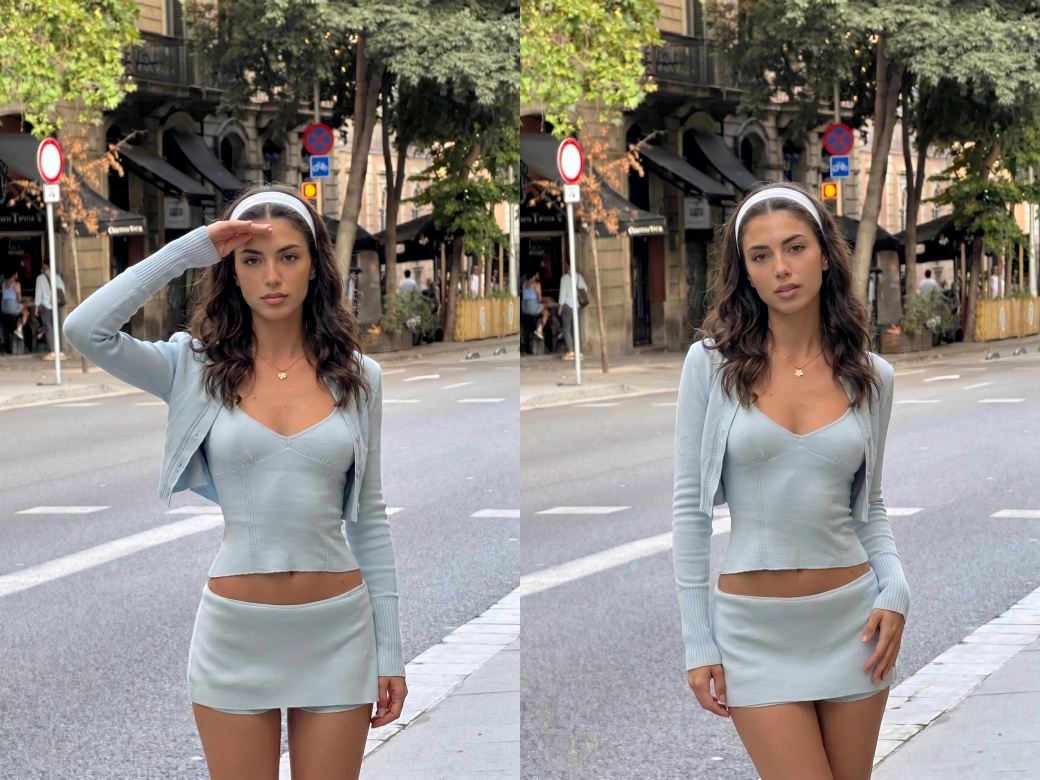
No image? Try one of these:
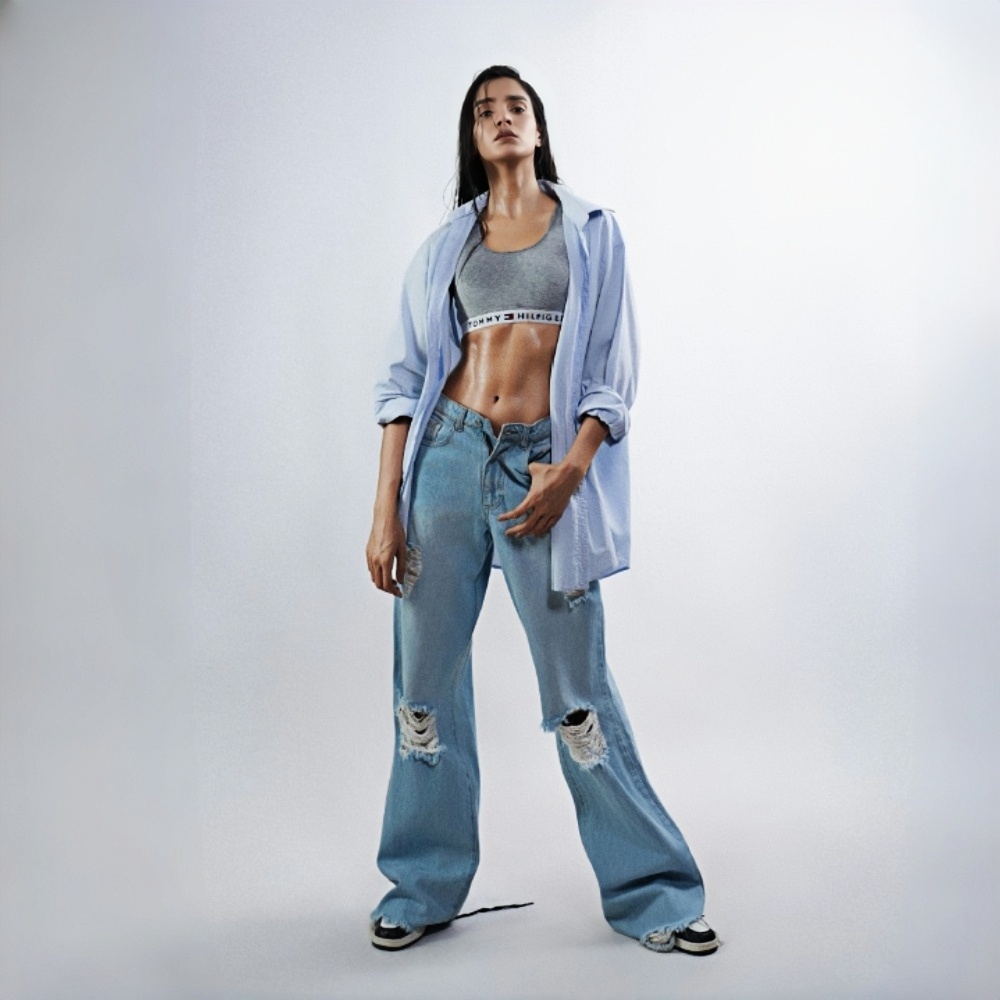
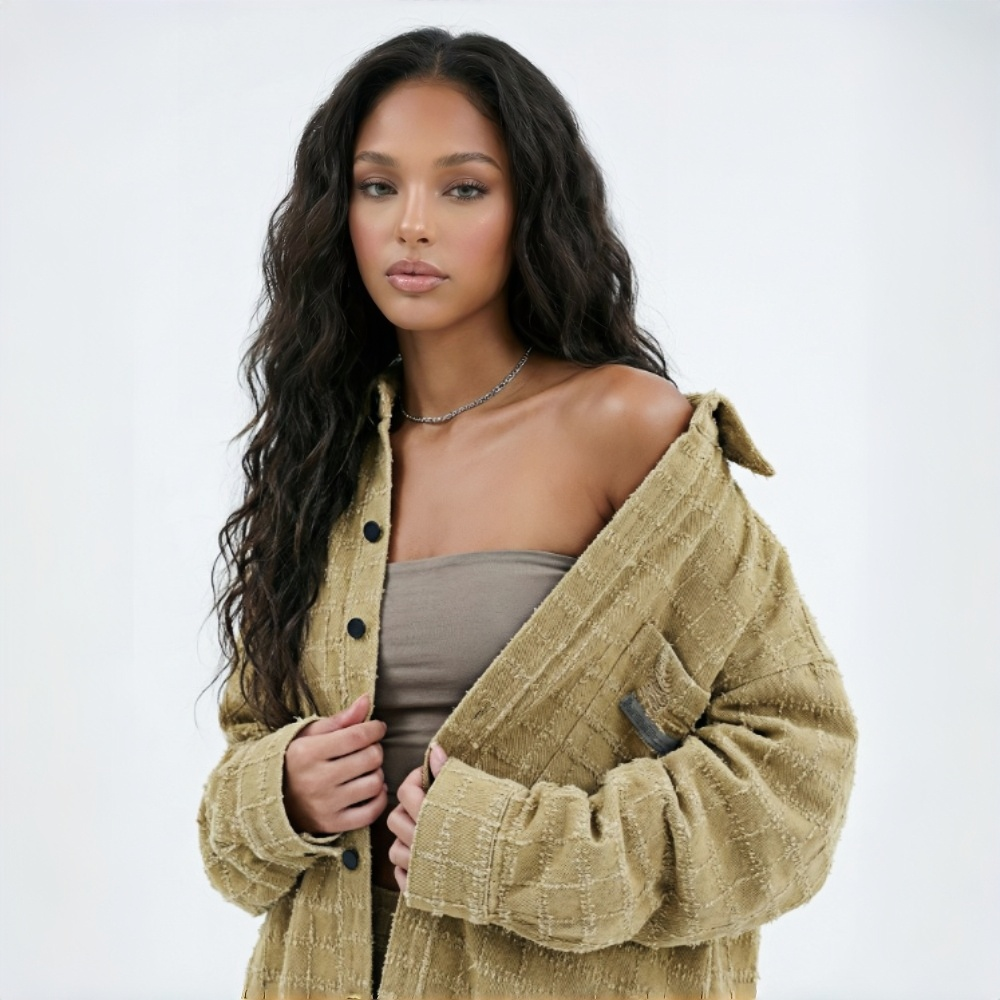
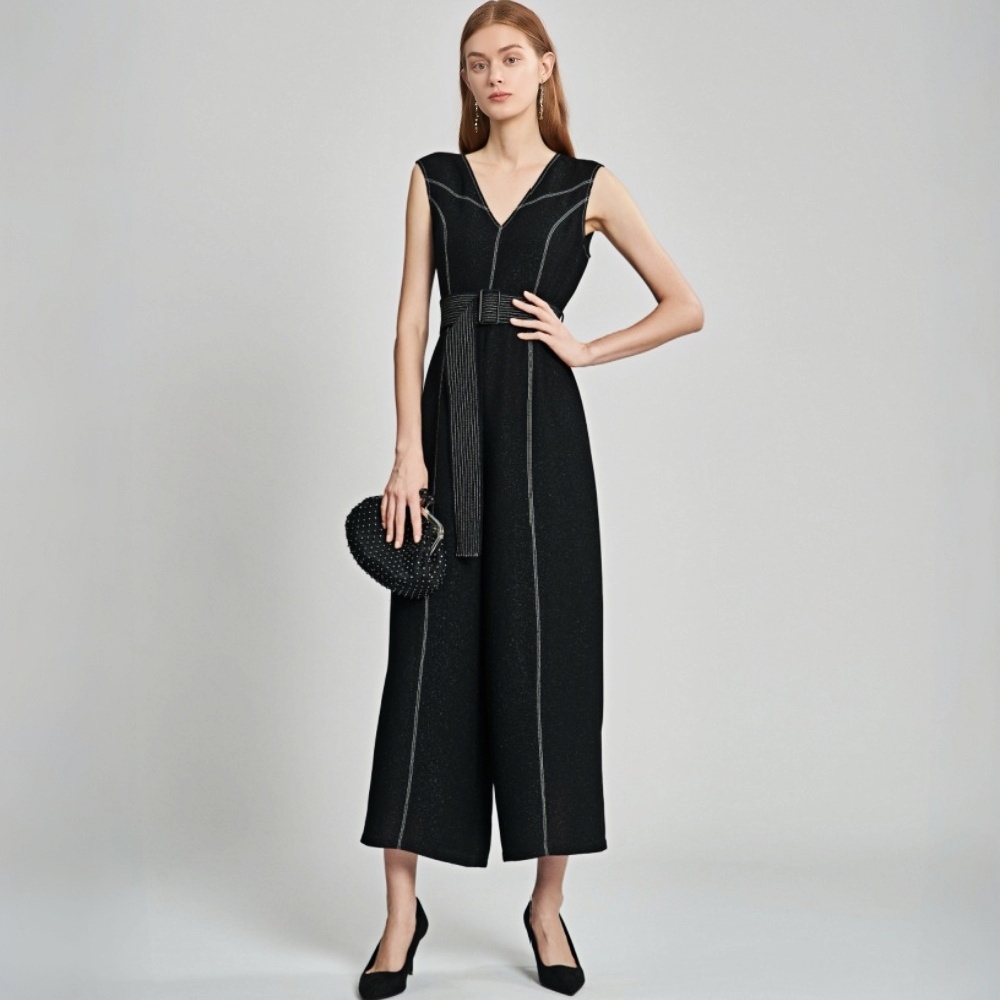
Built for Fashion Teams That Need More Model Poses
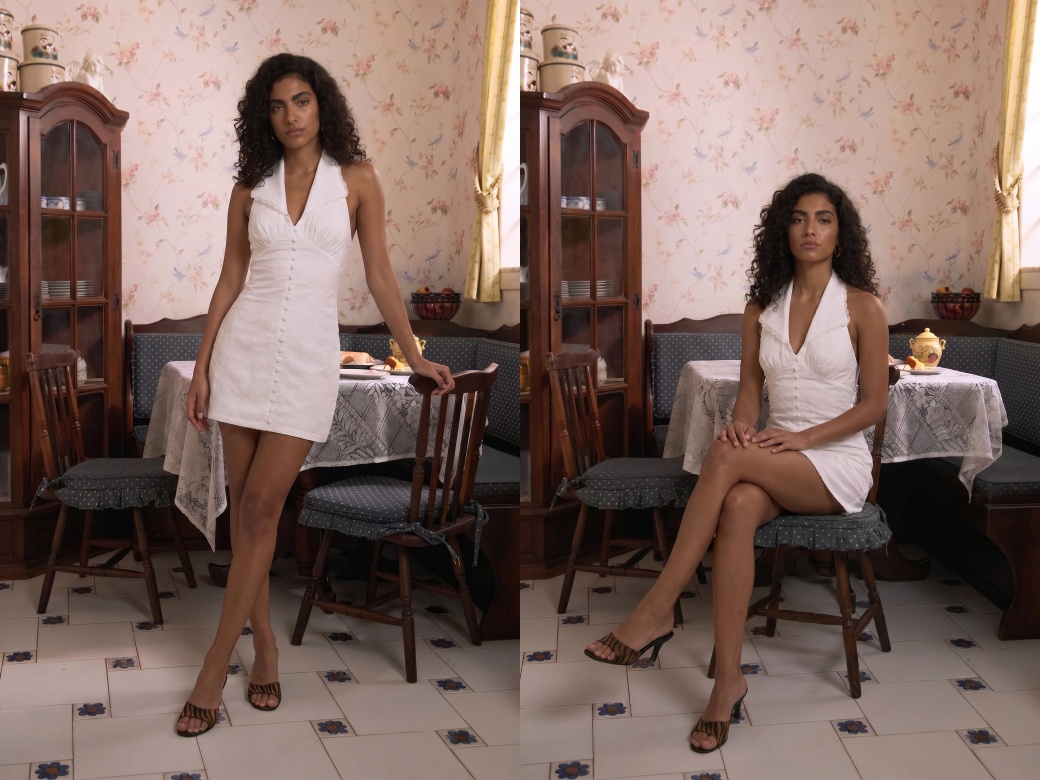
Show More Angles, Give Buyers More Confidence
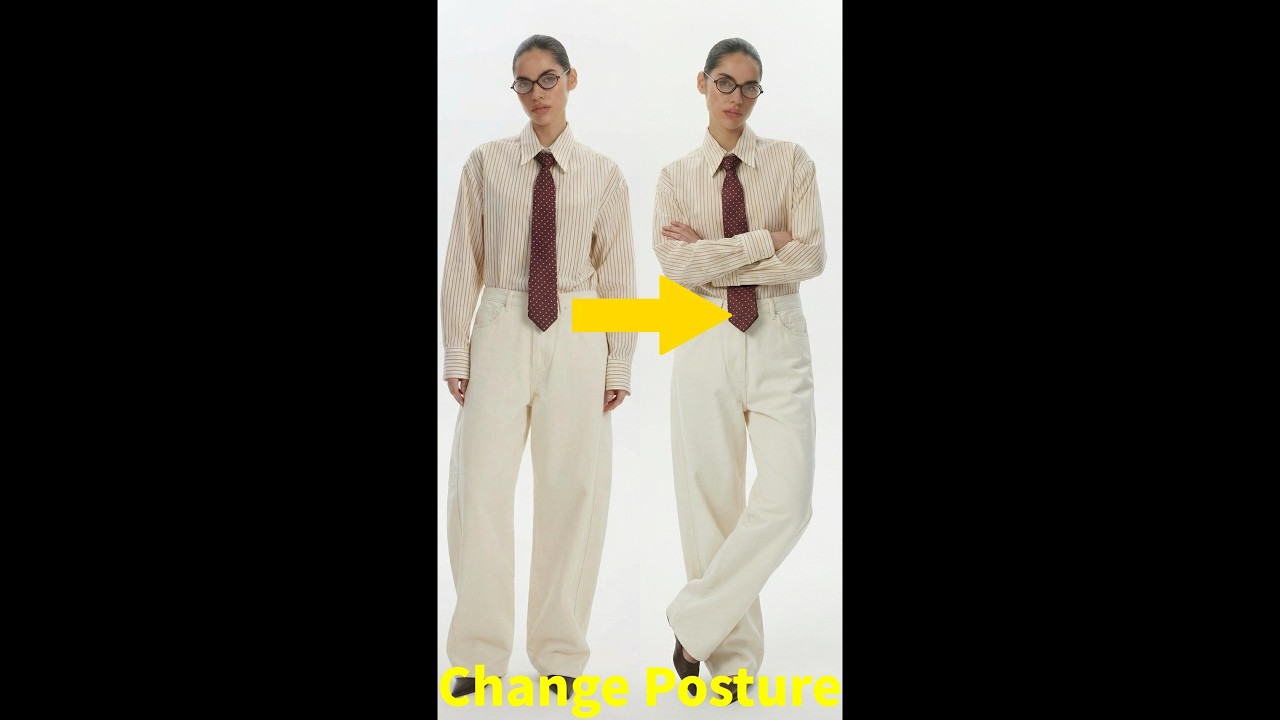
Most product pages only show one or two model poses, making it hard to show garment fit, fabric flow, and natural movement. With this AI pose generator from photo, you can create more realistic model poses that help buyers better understand the outfit, feel more confident ordering, and return items less often.
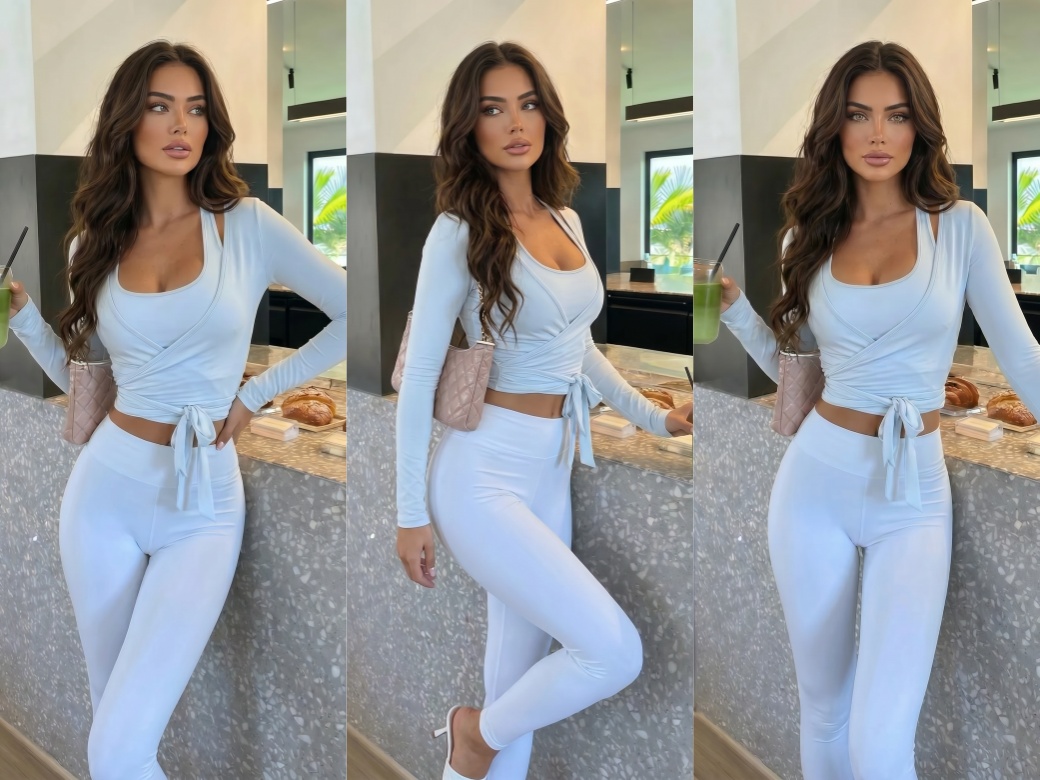
One Model Photo. More Angles, More Content.
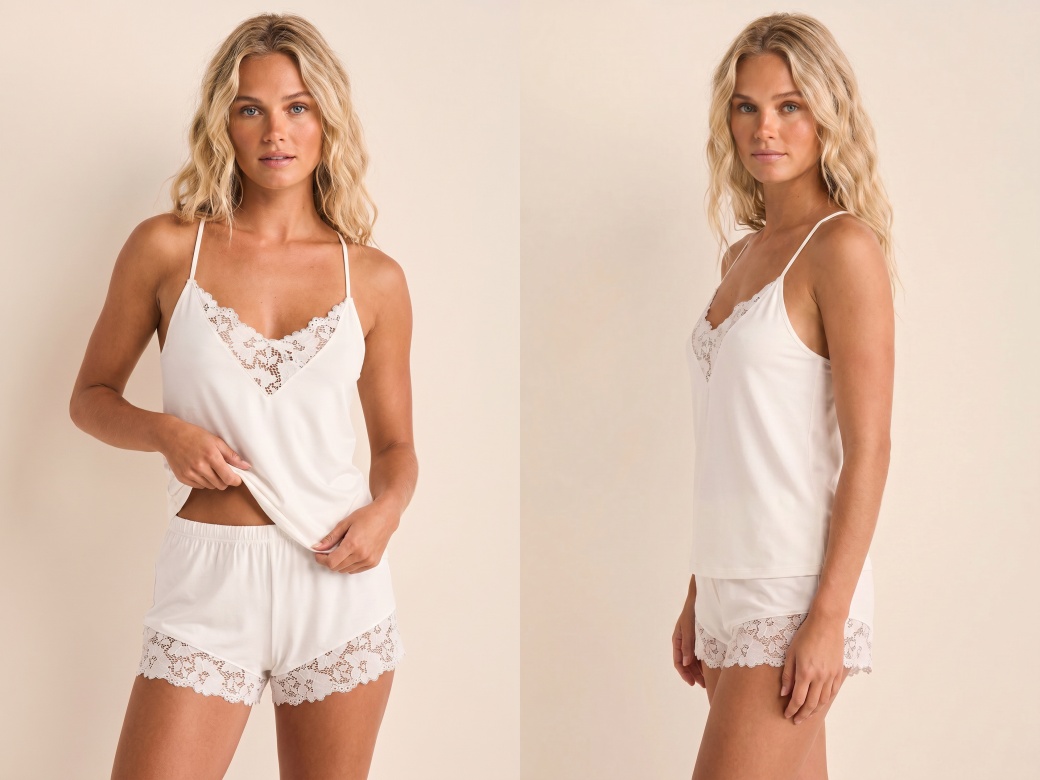
Real Fabric Details in Every Pose
KOOZEE AI pose generator keeps fabric texture, colors, and garment structure consistent across all generated poses. It also adjusts how clothing fits and falls on the body based on natural proportions. Buyers can see the real wearing effect, which helps reduce fit concerns and lower return rates.
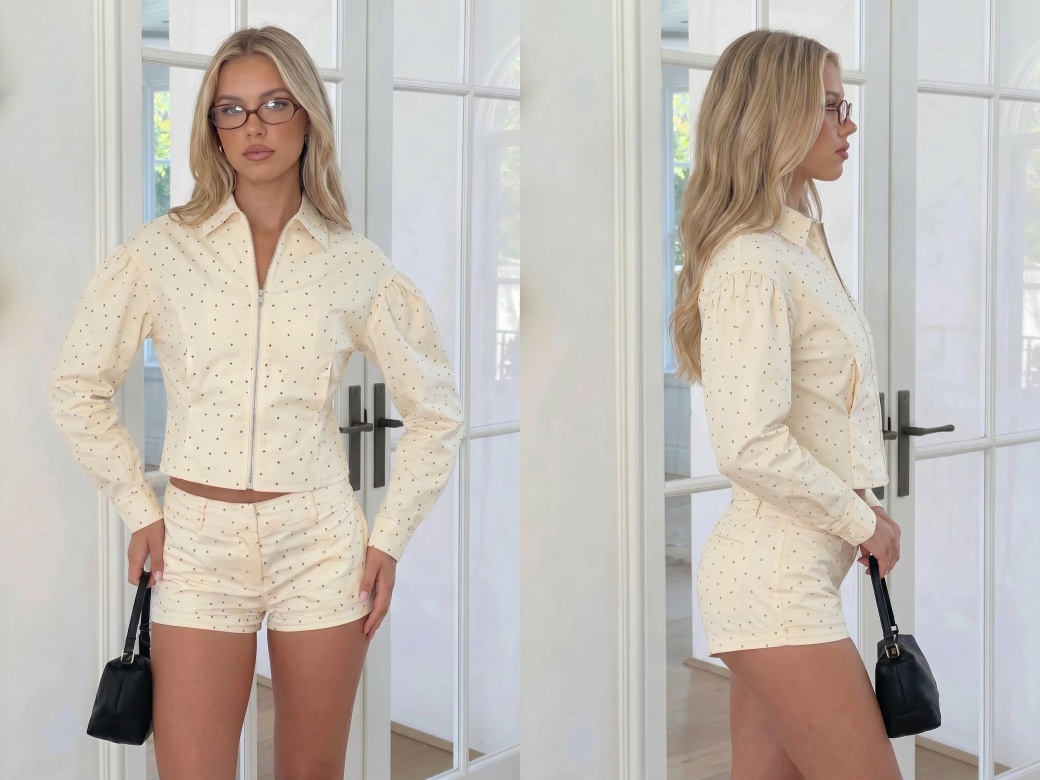
AI Pose Changer for Batch Model Poses
Upload one model photo and up to five pose reference images. The AI pose generator from photo creates five different model poses at once. Clothing details stay sharp and natural in every result—no blur, no distortion. Batch generation makes it easy to build content for product launches and ad testing.
Turn One Model Photo Into More Fashion Content
Shooting every pose separately means paying again for studios, models, styling, and editing. With an AI pose generator, fashion teams can create more model poses at a much lower cost and use the same budget for more products and campaigns.

Traditional reshoots slow down product launches because scheduling and editing take too long. KOOZEE's AI pose generator lets teams create new poses within minutes, helping brands keep up with new arrivals and ad campaigns faster.
Different photo shoots often produce inconsistent results because of lighting, photographers, and styling changes. KOOZEE keeps image quality and visual style stable across all generated poses, helping product pages look cleaner and more professional.
Change Poses in Photos in 3 Simple Steps
Open the AI Pose Changer
Go to KOOZEE and open the AI Pose Changer tool to start creating new model poses for your photos.
Upload Your Model Photo
Upload the model image you want to edit. The AI keeps the face, outfit, and clothing details consistent while changing the pose image.
Upload Pose Reference Images
Upload up to 5 reference images with different model poses or awesome photo poses. The pose transfer AI will automatically change the pose in the photo and generate new fashion model poses in seconds.
Frequently Asked Questions
How does the AI Pose Changer work?
Do the generated poses look realistic?
KOOZEE uses advanced AI models optimized for fashion photos. It keeps fabric texture, colors, and garment shape consistent while reducing blur and distortion after pose changes.
Does my pose reference image need to be a professional photo?
No. Any clear full-body or half-body photo works. Just make sure the pose is visible and not heavily blocked. The AI pose generator from photo only reads the body position—it ignores the clothing and body type in the reference image.
How many poses can I generate at once?
You can upload up to five pose images and generate five different model poses at the same time.
Can I use the generated photos commercially?
Yes. You can use the generated images for e-commerce stores, social media posts, ads, and other commercial projects. We recommend checking the latest AI content rules on each platform before publishing.
Skip Reshoots. Use This AI Pose Generator to Create More Poses Today.
New users can claim free credits now. Upload your fashion photo and start creating awesome photo poses instantly.
Real Seller Results: How This AI Pose Generator Boosts Launch Speed and Conversions
More fashion sellers and ad teams are using KOOZEE to cut reshoots and produce ready-to-use content faster
"More angles on the product page—far fewer questions about fit"
We used to run product pages with one or two model photos and constantly got questions about fit. Now I upload pose references and generate several different angles fast. Buyers say it's much easier to picture the garment, and conversions have improved noticeably.
"When a product starts trending, our creatives are ready the same day"
We used to miss traffic spikes because we did not have enough ad creatives ready. Now we use AI pose transfer to create multiple versions from one shoot and launch ads while the trend is still hot.
"Same piece, multiple posts—engagement is way better than before"
We now create different model poses from the same outfit and post much more often. Engagement is much better than before, and the best part is we do not need another shoot.