AI School Uniform Try-On Image Generator
Turn a school uniform product photo into an on-model try-on image for listings and catalogs. Choose the area to show.
Clothes
Select clothing area
Model
No sign up required, totally free
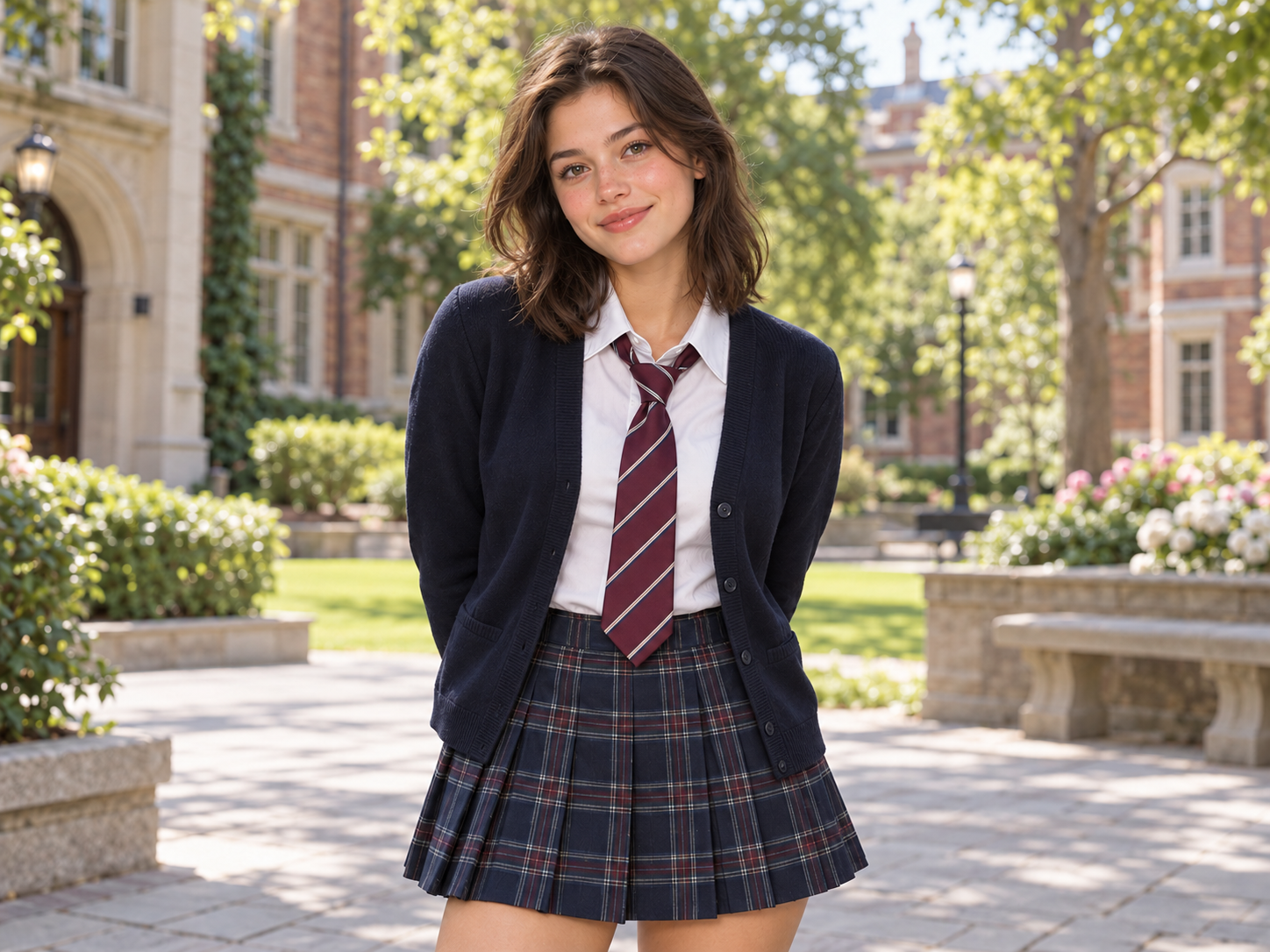
Show School Uniforms on a Model for Clearer Product Pages
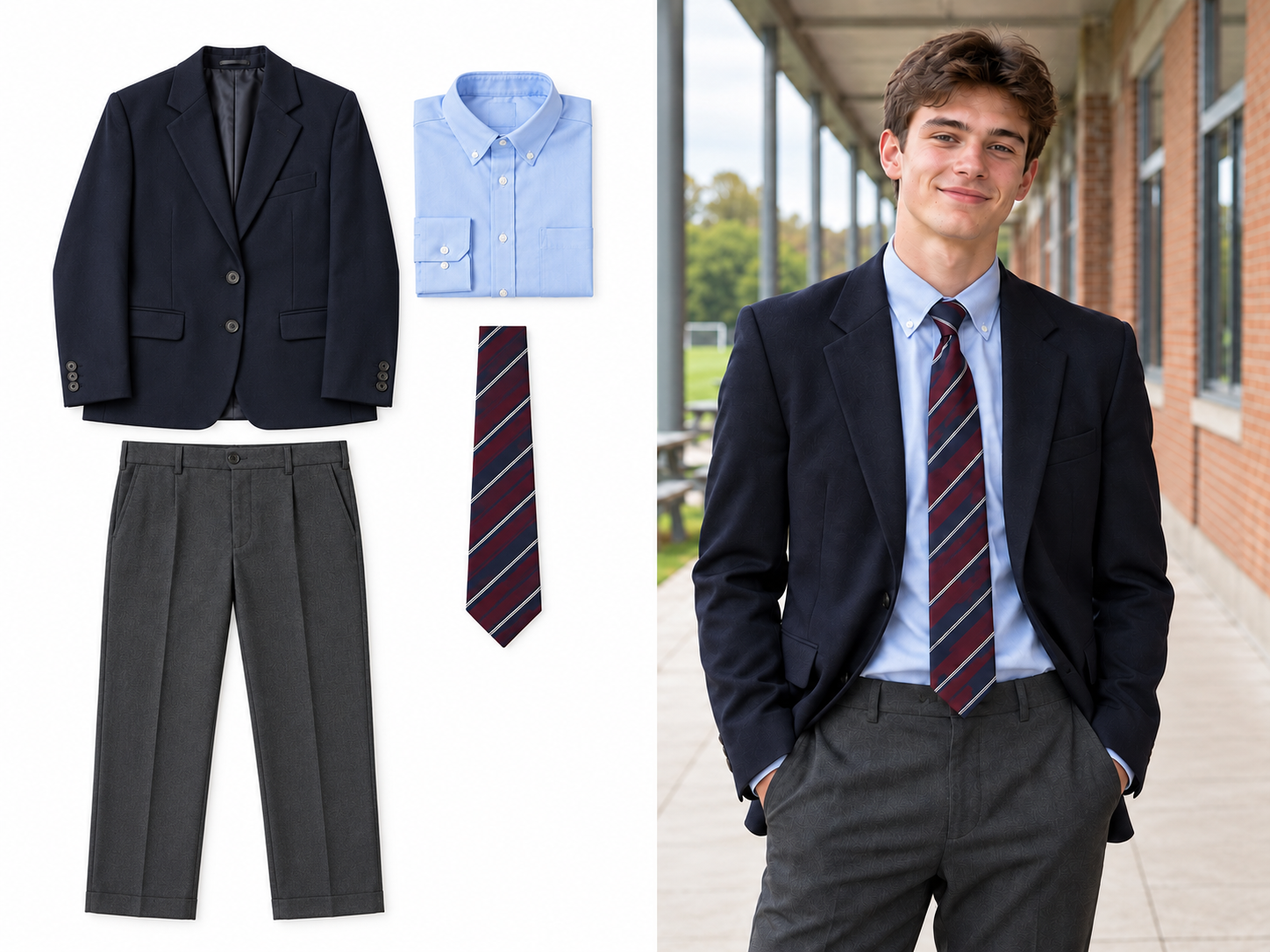
Add On-Model Images to New Uniform Listings
When a new listing only has a flat product photo, shoppers may find it hard to picture the uniform when worn. Create an on-model try-on image from the product photo and add another view to the listing.
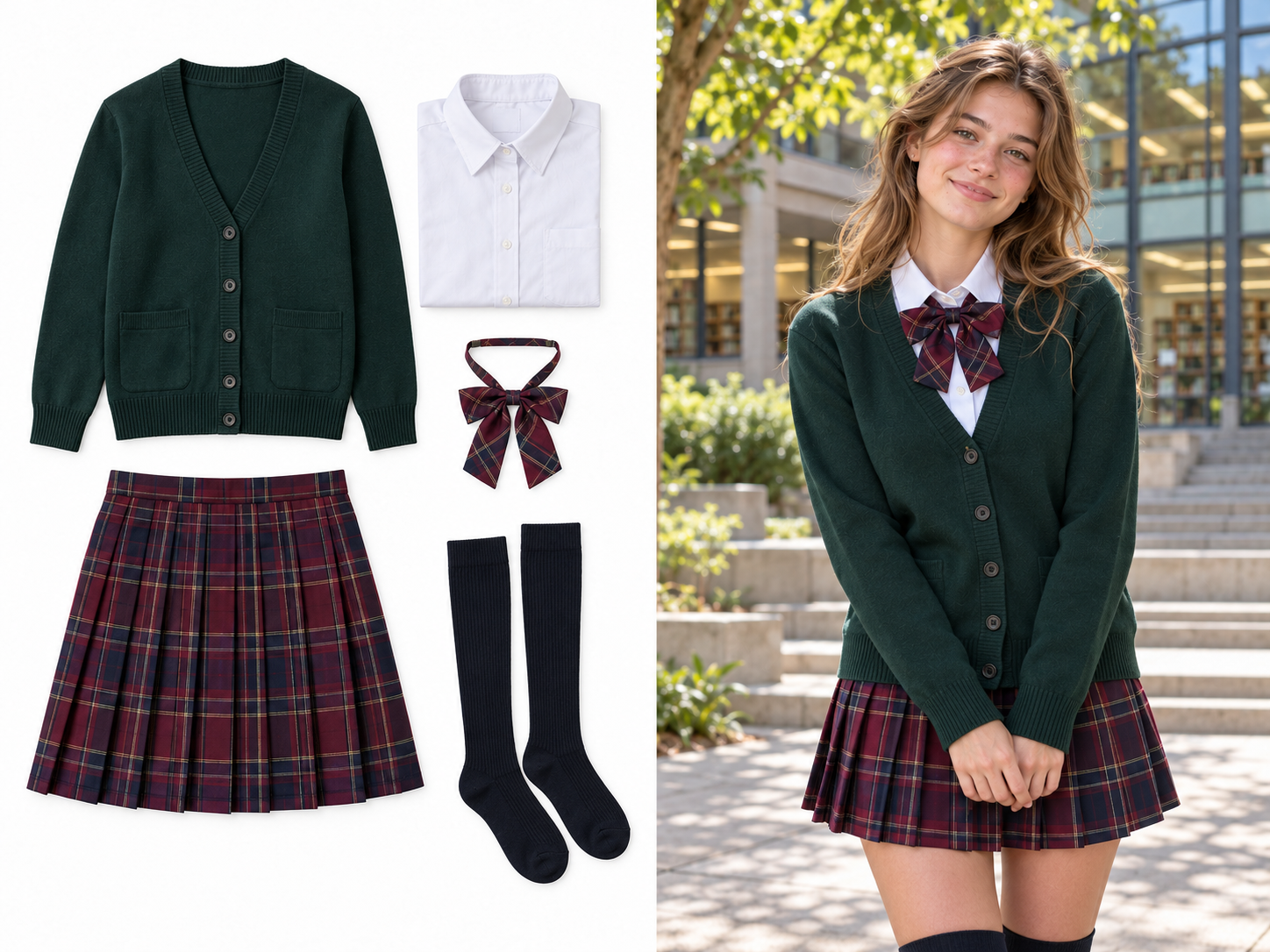
Create Uniform Try-Ons with Detail Focus and Area Selection
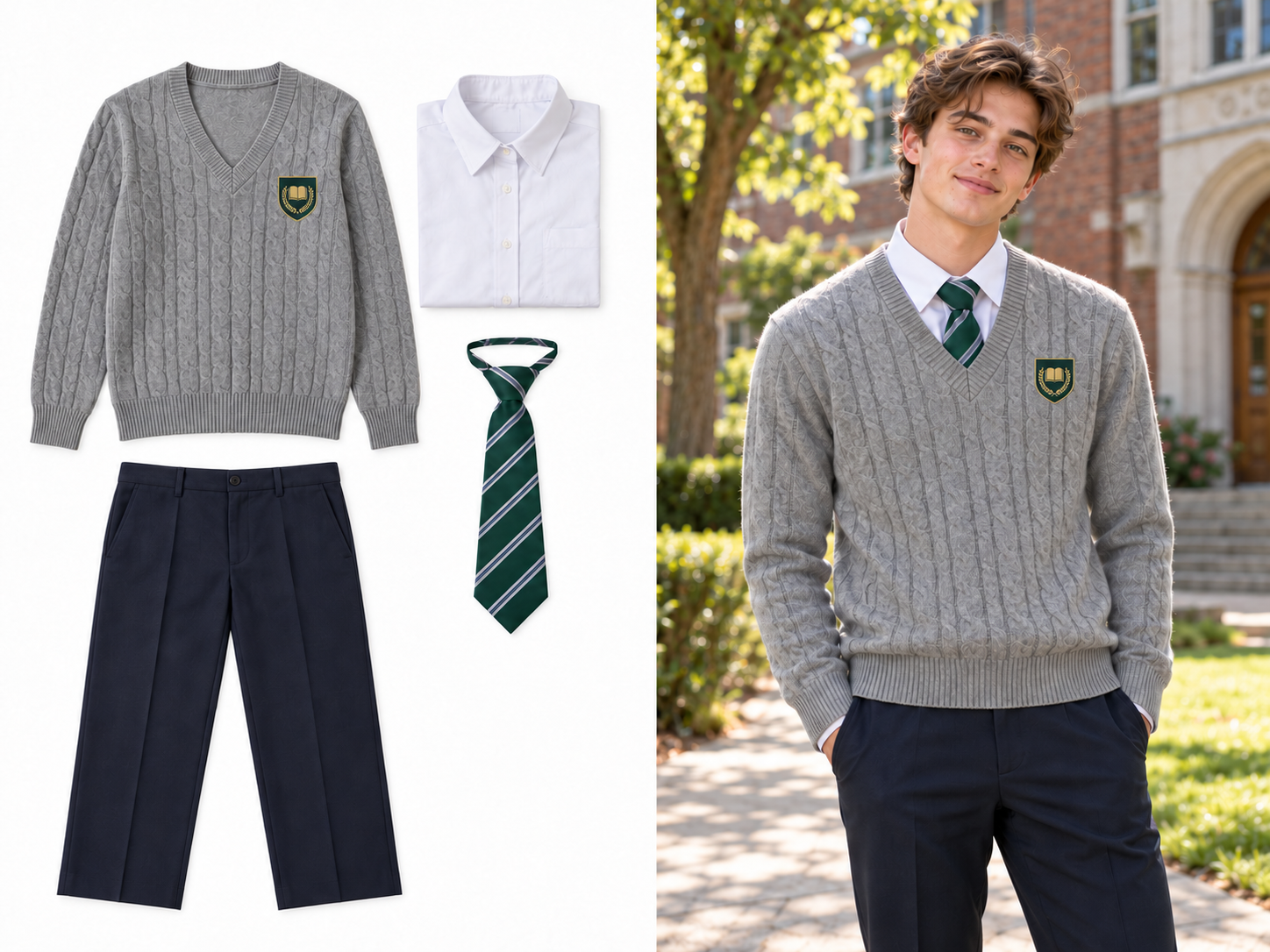
Create an On-Model Uniform Try-On
Need an on-model view for a uniform listing? Upload the uniform product image and generate a try-on preview. Give shoppers a clearer view of the style when worn and prepare another product-page image sooner.
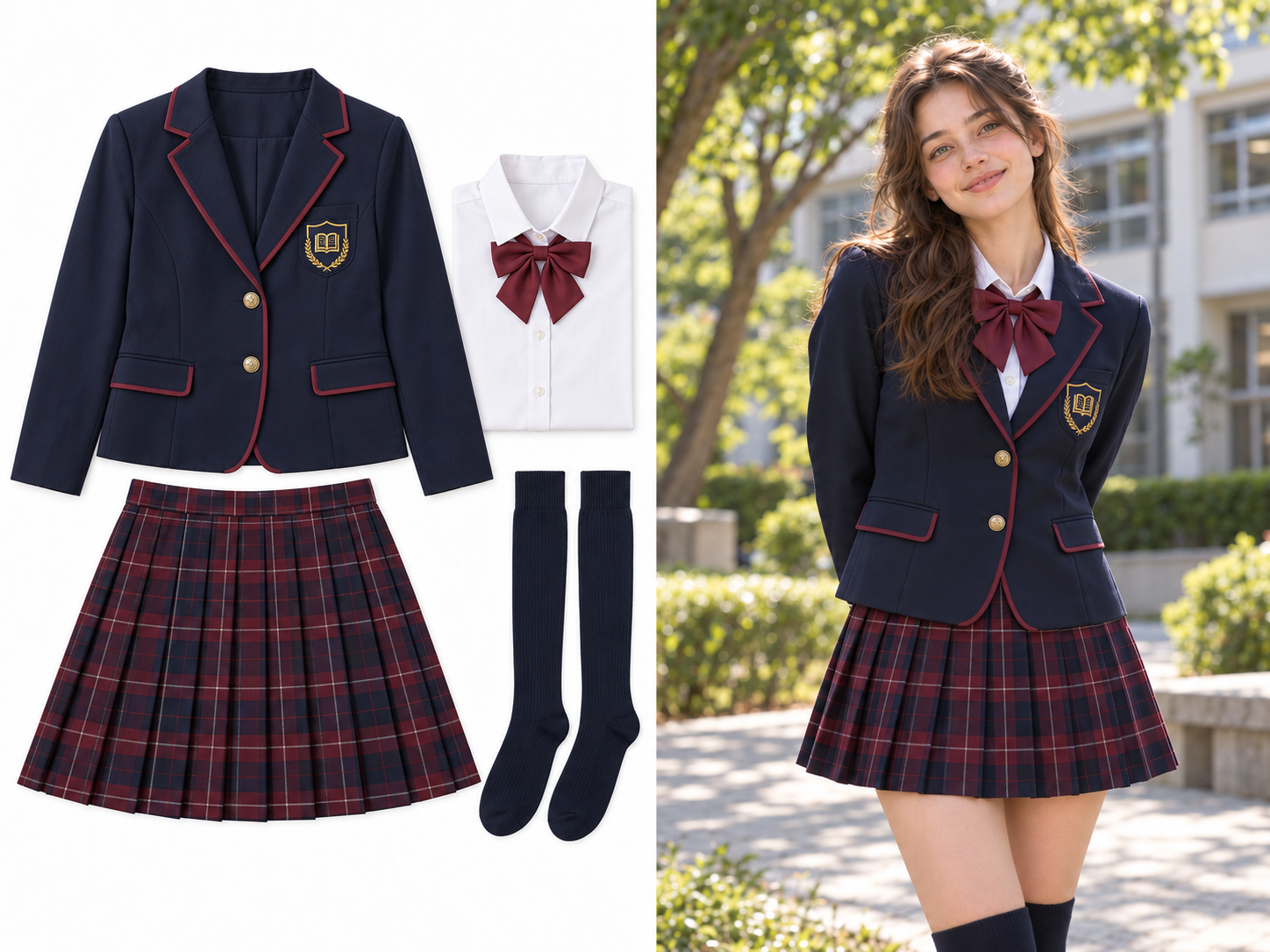
Keep Important Uniform Details in View
The try-on image is designed to reflect visible details from the source photo, such as badges, colors, and patterns.
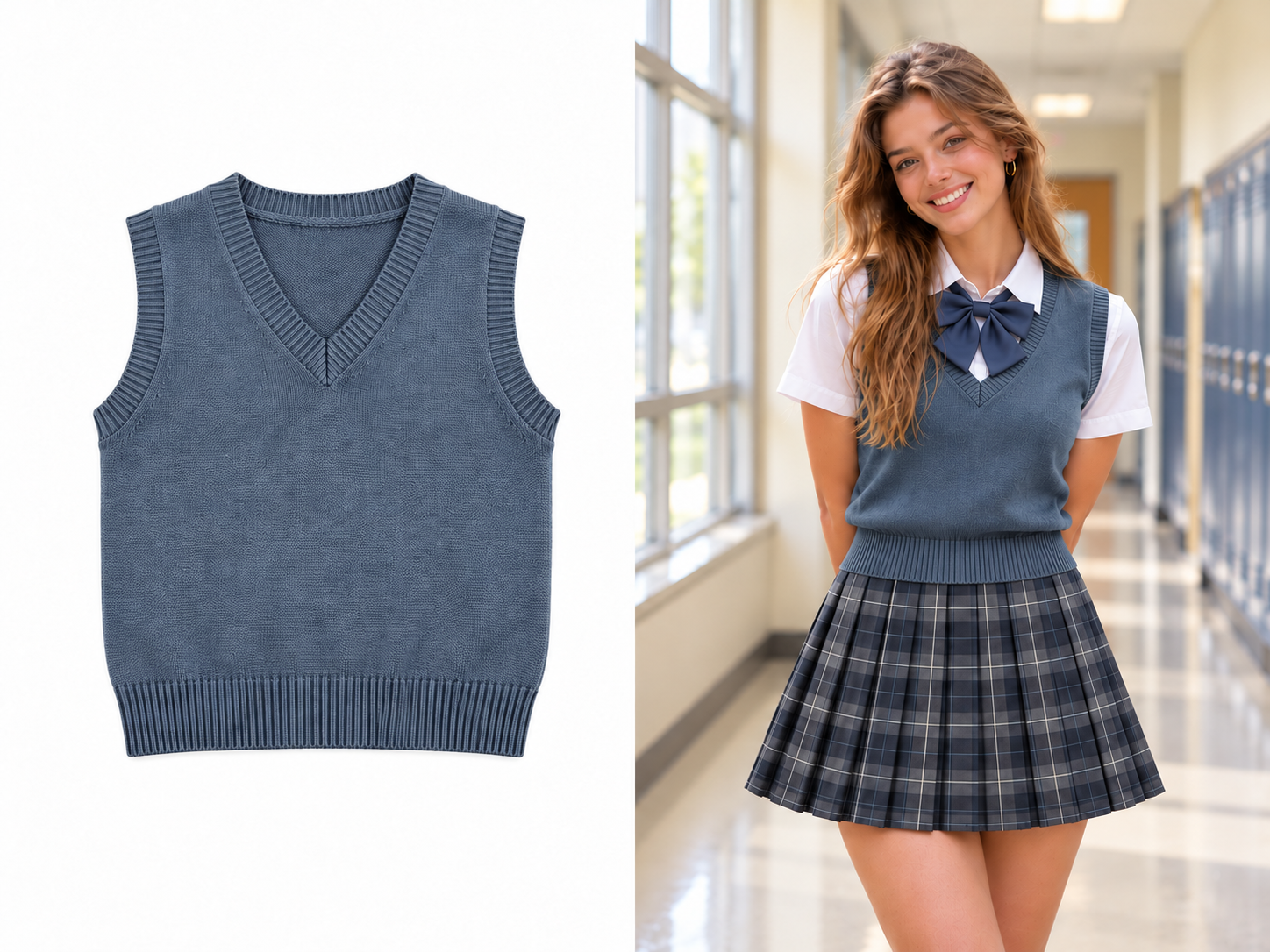
Choose Which Part of the Uniform
You do not have to focus on the full uniform every time. Select the garment area you want to show, then generate an on-model preview centered on that item or part.
Why Create Uniform Try-Ons with Koozee Virtual Try On?
Start with a uniform product image you already have instead of building a display image from scratch. Upload it, choose the area, and create another on-model option for your listing.
Select the garment area before generating so the preview focuses on the uniform item you want to present.

Badges, colors, patterns, and cut help shoppers recognize a uniform. The try-on is designed to carry visible details from the source photo into the preview, giving shoppers a clearer view of the style.
Create an On-Model Uniform Try-On in 3 Steps
Upload a Uniform Product Image
Upload a clear product image that shows the uniform’s style, colors, and details.
Upload a Model Image
Upload a clear photo of the model you want to use for the try-on preview.
Select an Area and Generate
Choose the uniform area you want to show, check your selection, and generate the on-model preview.
AI School Uniform Try-On FAQ
What is an AI school uniform try-on image?
What do I need to create a uniform try-on?
Prepare a school uniform product image, then follow the on-page prompts to select an area and provide any other requested input.
Can I choose a specific part of the uniform to try on?
Yes. Select the garment area you want to show before generating.
Will the generated image retain details such as the badge and colors?
The try-on is designed to carry visible details such as badges, colors, patterns, and cut into the image.
Can AI uniform try-on recommend a size or confirm fit?
No. The tool creates a static visual preview. It does not measure the wearer or garment, or assess comfort, tightness, or physical fit.
Have a Uniform Product Photo? Create Your First On-Model Preview
You do not need to plan a full shoot just to add an on-model view. Upload a uniform product photo, choose an area, and create a try-on preview.